
Wan AI Video Generator for Prompt, Image, and Model Comparison Workflows

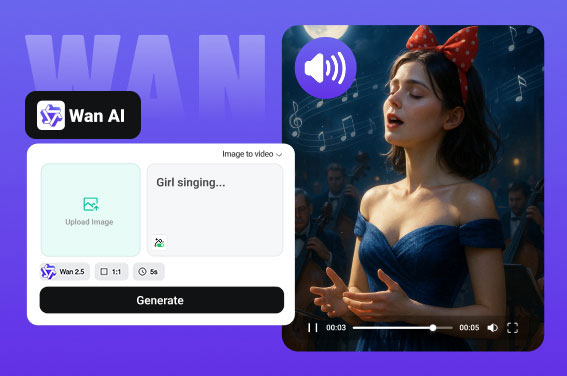
Choose the Right Wan AI Workflow
Use this page to match prompt-only generation, image animation, and frame-guided motion with the task instead of treating every AI model page the same.
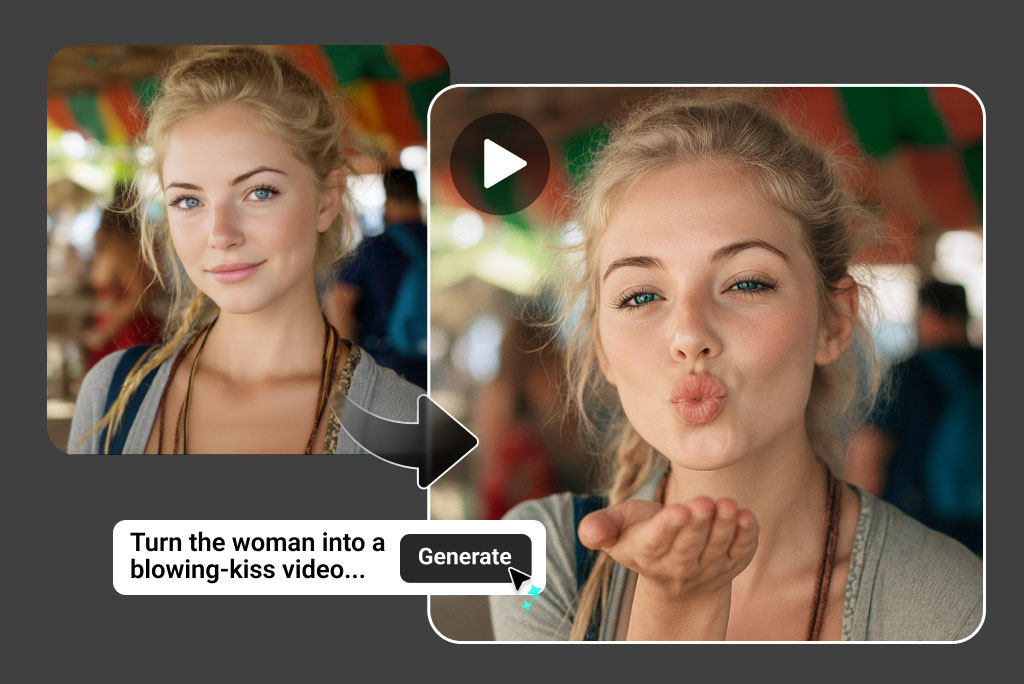
See Wan AI Inputs Before You Generate
The rebuilt output examples now show exact input shapes, prompts, and output videos so users can understand what the page supports before clicking create.
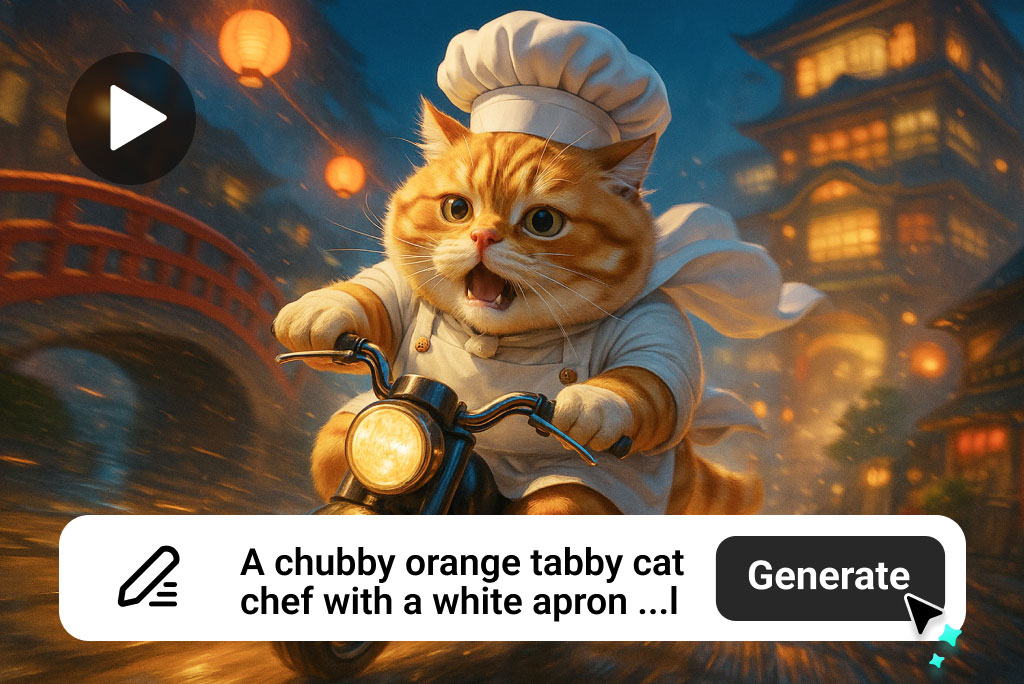
Compare Wan AI with Nearby Model Pages
This page now links naturally to the Wan AI video model hub and adjacent model pages so it supports model-selection intent instead of repeating generic AI video copy.
Best Use Cases for Wan AI Video Generation
Use Wan AI when you need fast visual tests, image animation, short creative clips, or model comparison before production.
Prompt-to-Video Concept Tests
Turn early story ideas into short scene drafts before committing to a full video production workflow.
Image Animation for Products and Art
Bring a clean product shot, character illustration, or concept image into motion with a focused movement prompt.
Multi-Shot Social Clips
Plan short sequences for TikTok, Reels, Shorts, and paid social when you need several scene beats quickly.
Product Reveals and Visual Ads
Create quick reveal shots, table-top motion, and lifestyle product moments for ecommerce and campaign testing.
Character and Concept Art Motion
Animate stylized characters, game assets, poster art, or moodboard images without rebuilding a full scene from scratch.
Creator and Explainer Drafts
Make rough visual drafts for tutorials, explainers, creator posts, and pitch decks before producing a final edit.
Model Comparison Workflows
Compare Wan output against Kling, Sora-style, Veo-style, or Seedance-style pages when motion quality or audio matters.
Fast Iteration for Teams
Give marketers, designers, and content teams a quick way to test several directions before choosing one for launch.
What Users Are Saying About insMind's WanX AI?
Why Create Wan AI Videos on insMind?

Real Model Differentiation
Wan AI now has a model-specific compare table and output examples instead of another reused generic video block.

Input Shapes Are Visible
Users can now see prompt-only, single-image, and two-image frame workflows directly in the table instead of guessing from reused assets.

Cleaner Module Order
The page order has been normalized so tables, how-to steps, FAQs, and related model links appear in the intended reading flow.
FAQs About Wan AI Video Generation
What is the Wan AI video generator?


Can I use Wan AI for text-to-video?
Can I turn an image into a Wan AI video?
Which Wan model should I choose?
Is Wan AI different from Kling or Veo?
What inputs work best for image-to-video?
Can I use Wan AI videos on TikTok, Reels, or Shorts?
Why did my Wan AI video look unstable?










“Using Wan text to video, I make short lessons for my students. It keeps them engaged and makes learning more visual.”
@Daniel Green, Teacher