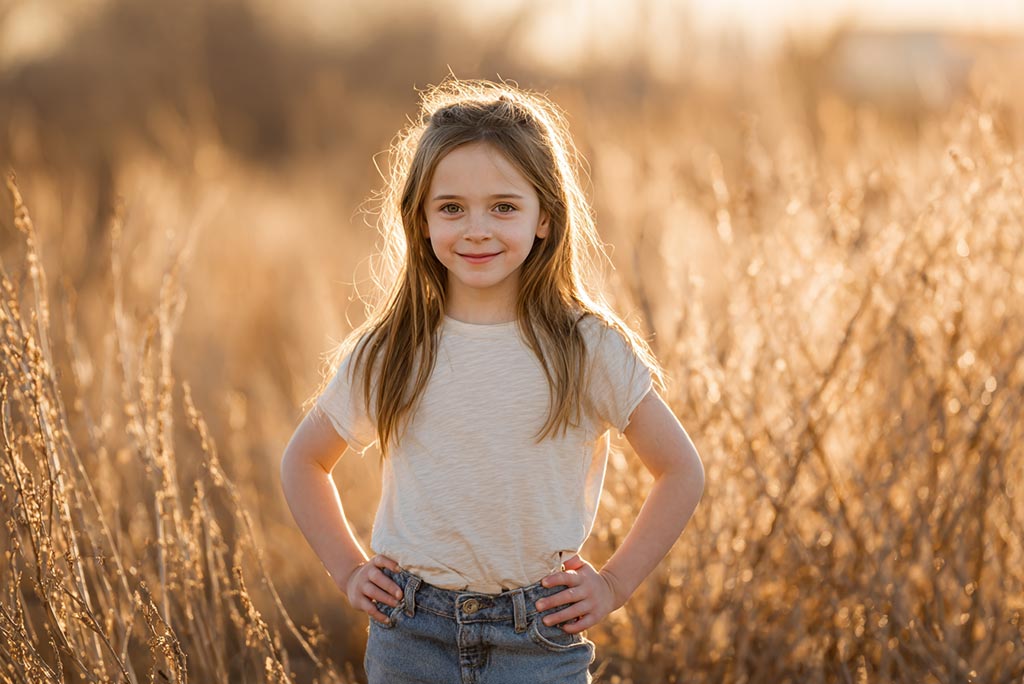
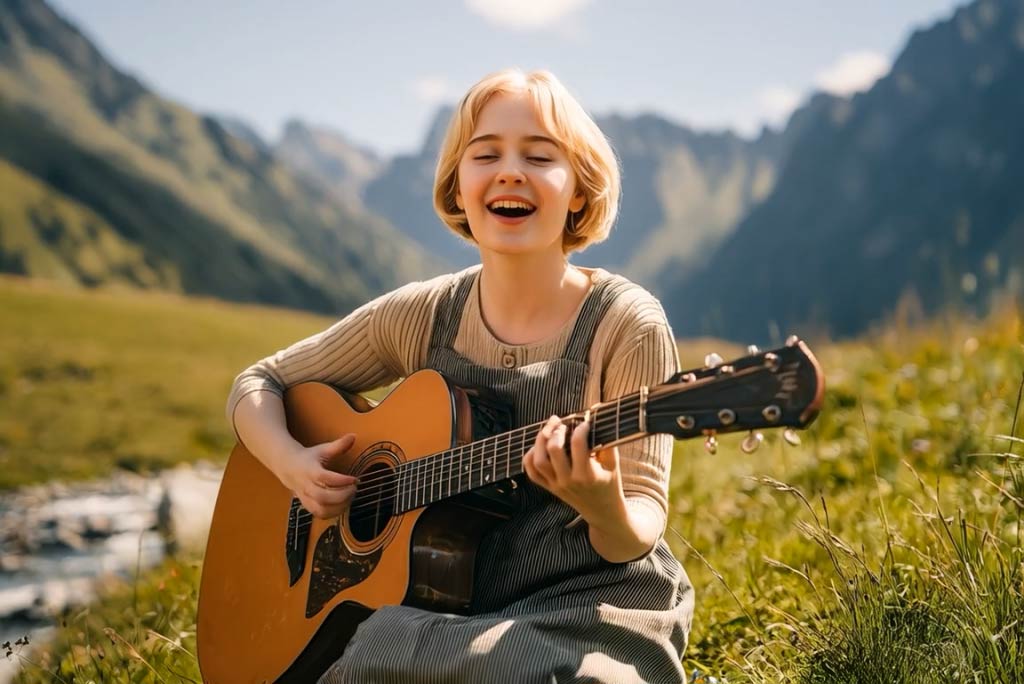
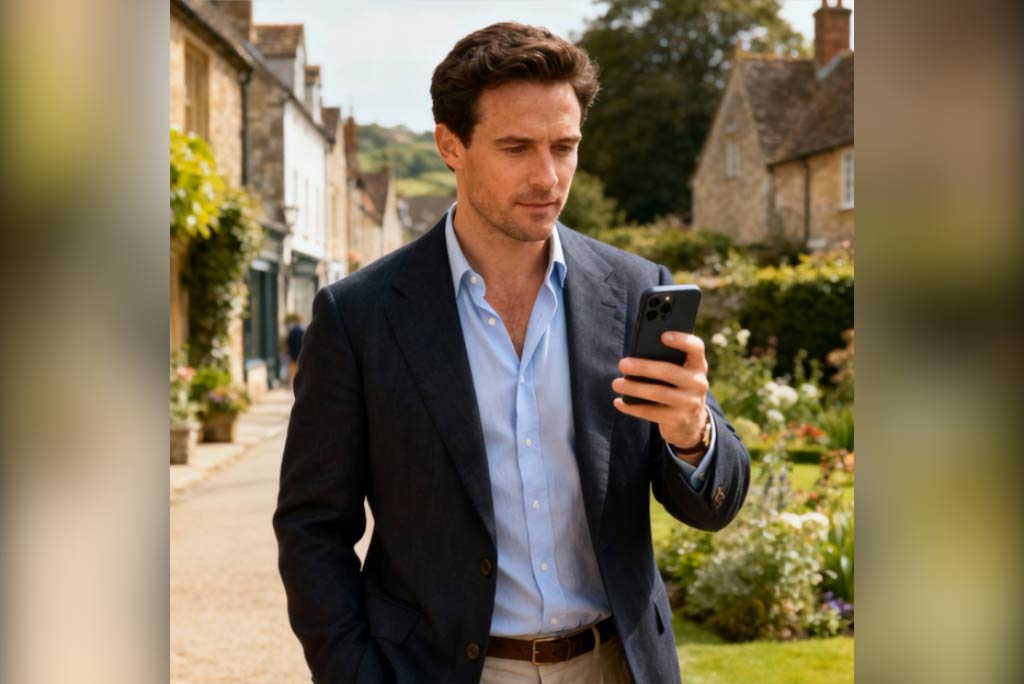
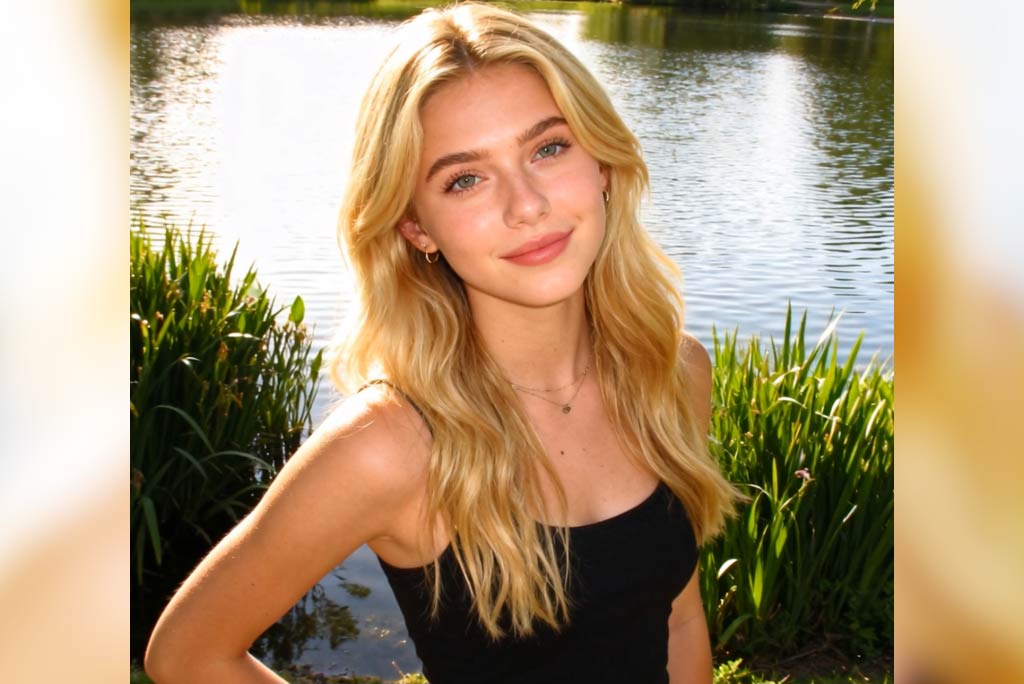
AI Camera Movement Effect – Bring Static Photos to Life with Realistic Motion
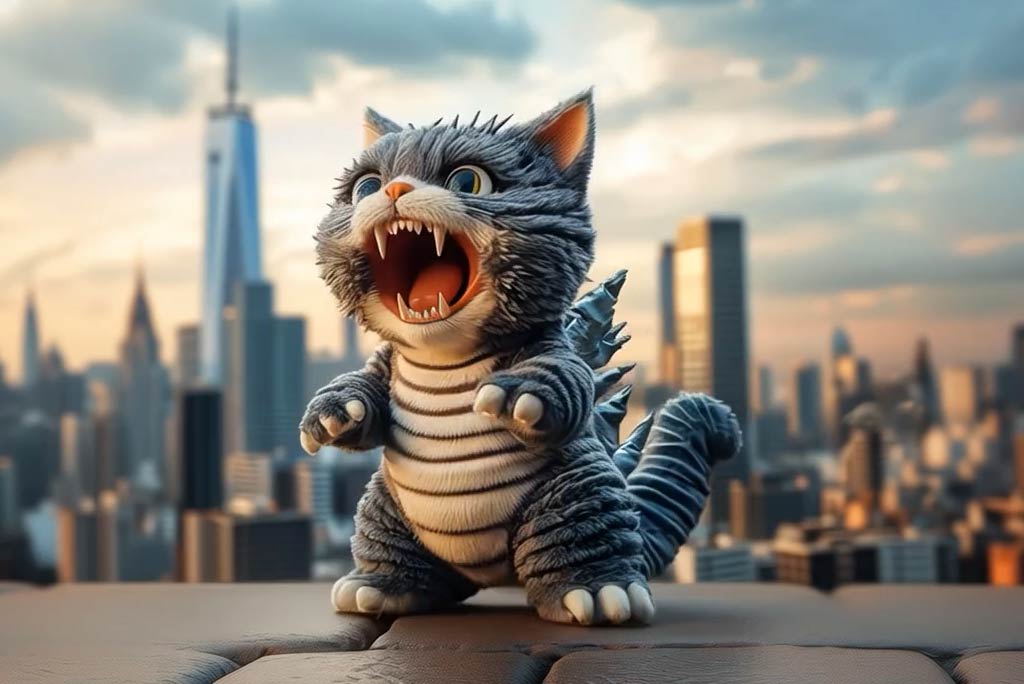
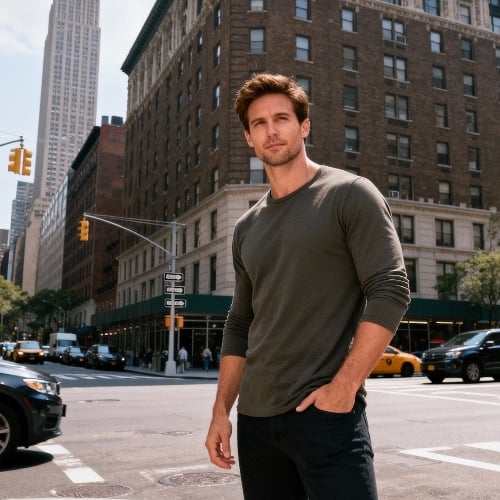
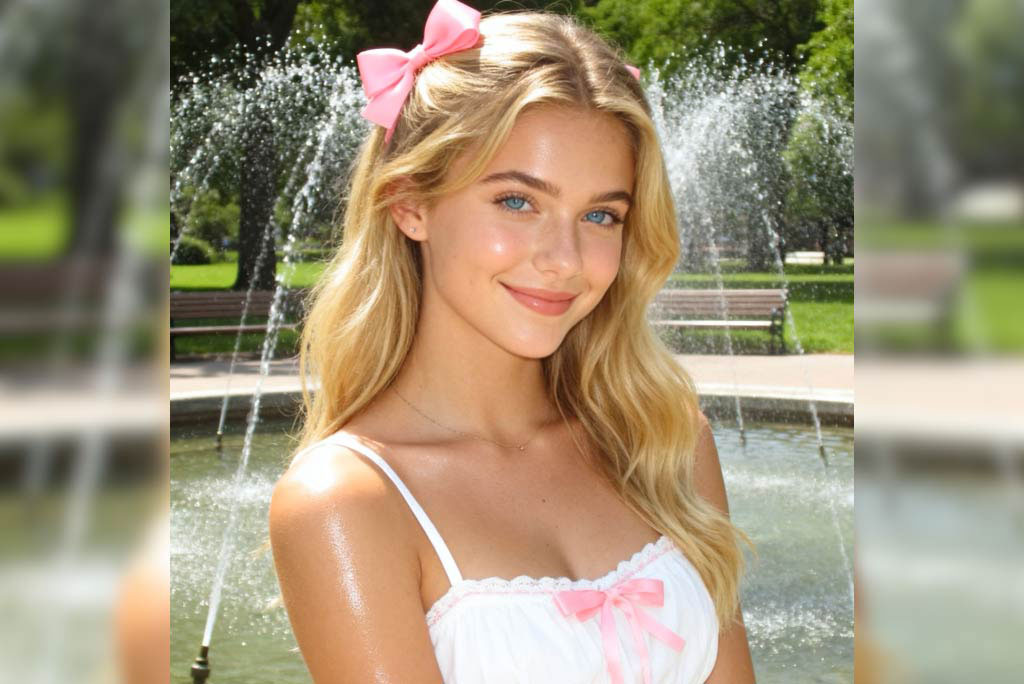
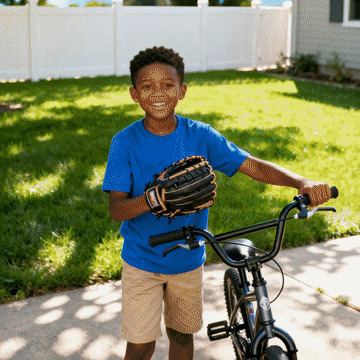
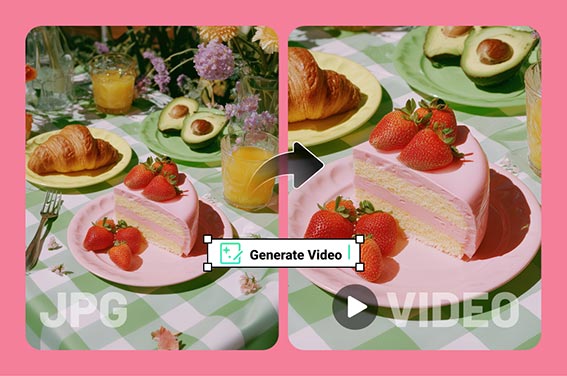
Use AI camera motion to animate still images. Add pan, zoom, or shake effects that make your photos feel like cinematic videos.

00:00
00:00
00:00
00:00
00:00
00:00

360° Spin Video Effect

Spin photos into smooth 360° videos with AI.
00:00
00:00

180° Turn AI

Turn any photo into a smooth, professional 180° spin video.
00:00
00:00

AI Out of Frame Effect

Turn flat photos into dramatic out-of-frame 3D animations.
00:00
00:00

3D Polaroid Video Effect

Transform photos into 3D Polaroid-style animated videos instantly.
00:00
00:00

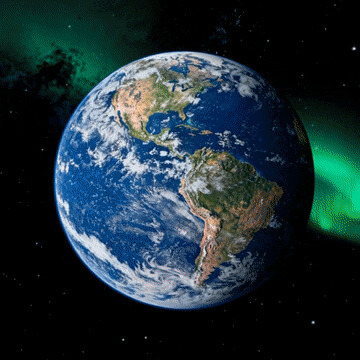
Earth Zoom Out AI

Turn one photo into an epic Earth-to-space zoom out video.
00:00
00:00

Earth Zoom In AI

Create cinematic space to Earth zoom in videos instantly.
00:00
00:00

AI Flying Video Generator

Make yourself or anyone fly with insMind's AI Flying Video Generator.
00:00
00:00

AI Walking Animation

Transform your photos into realistic walking animations with AI technology.
00:00
00:00

AI Walk on Fire Effect

Walk through fire in style with AI-powered flame video effects.
00:00
00:00

AI Angel Wings Effect

Transform your photos into fantasy videos with angel wings using AI.
00:00
00:00

Dragon Riding AI

Turn your portrait into a cinematic dragon riding fantasy video.
00:00
00:00

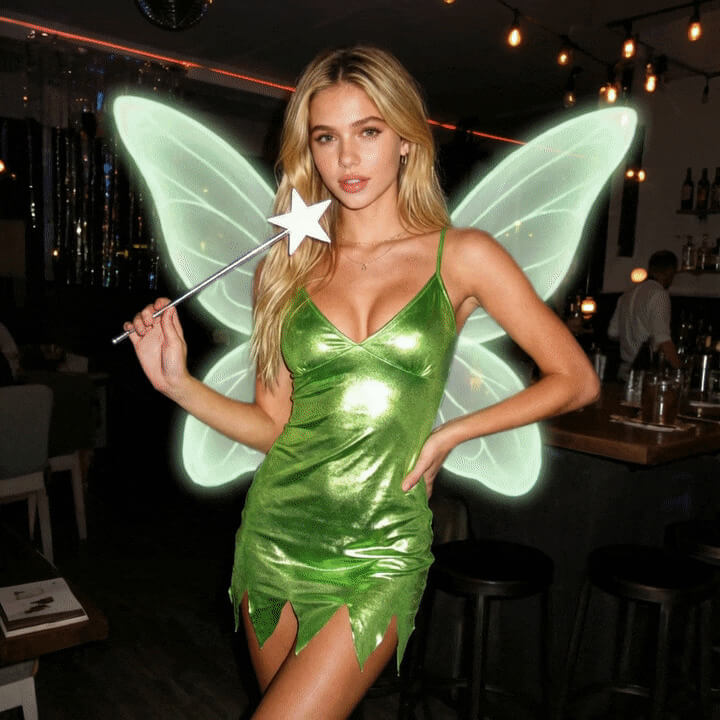
AI Fairy Video Effect

Turn a photo into a magical fairy transformation video.
00:00
00:00

AI Lego Blast Effect

Turn photos and into vibrant LEGO-style explosion animations instantly.
00:00
00:00

AI Kimono Video Generator

Turn selfies and portraits into elegant kimono videos.
00:00
00:00

AI Mermaid Filter

Turn your photo into a stunning mermaid video with our AI Mermaid Filter.
00:00
00:00

AI Santa Transformation

Instantly turn yourself or anyone into Santa Claus with AI.
00:00
00:00

Halloween Video Effects

Create spooky, cinematic Halloween videos with AI-powered effects!
Animate Photos with AI Camera Effects

Animate Photos with AI Camera Effects

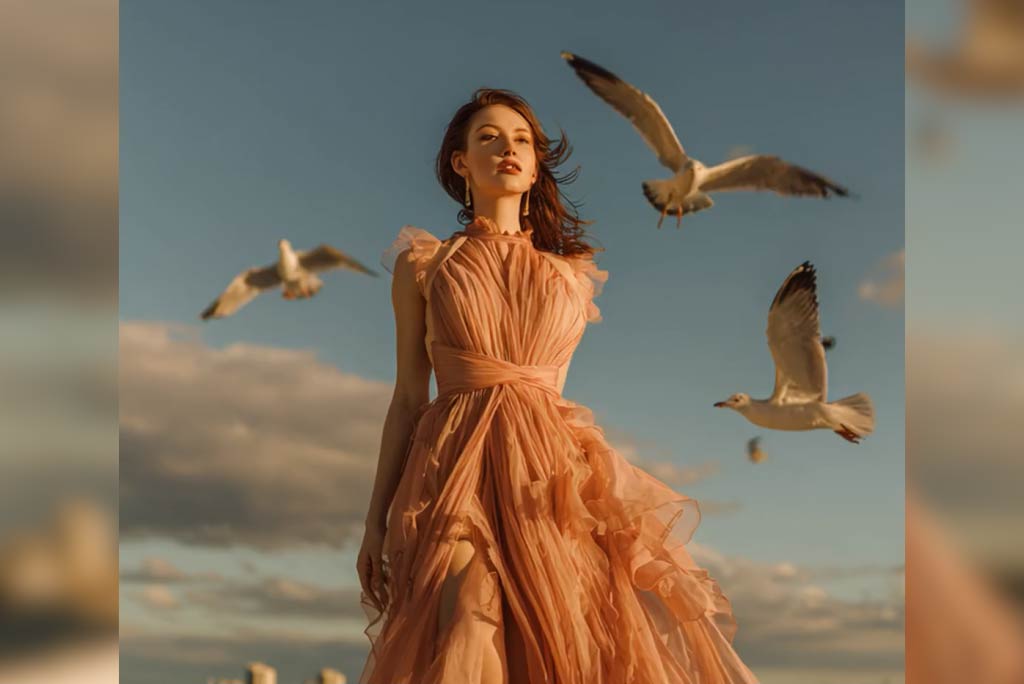
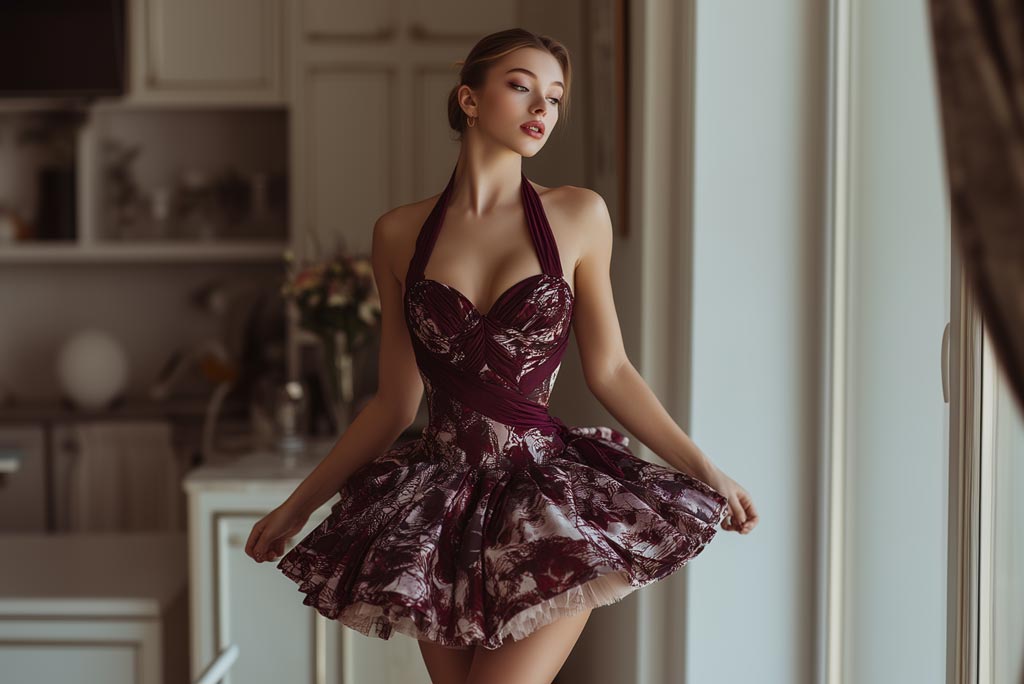
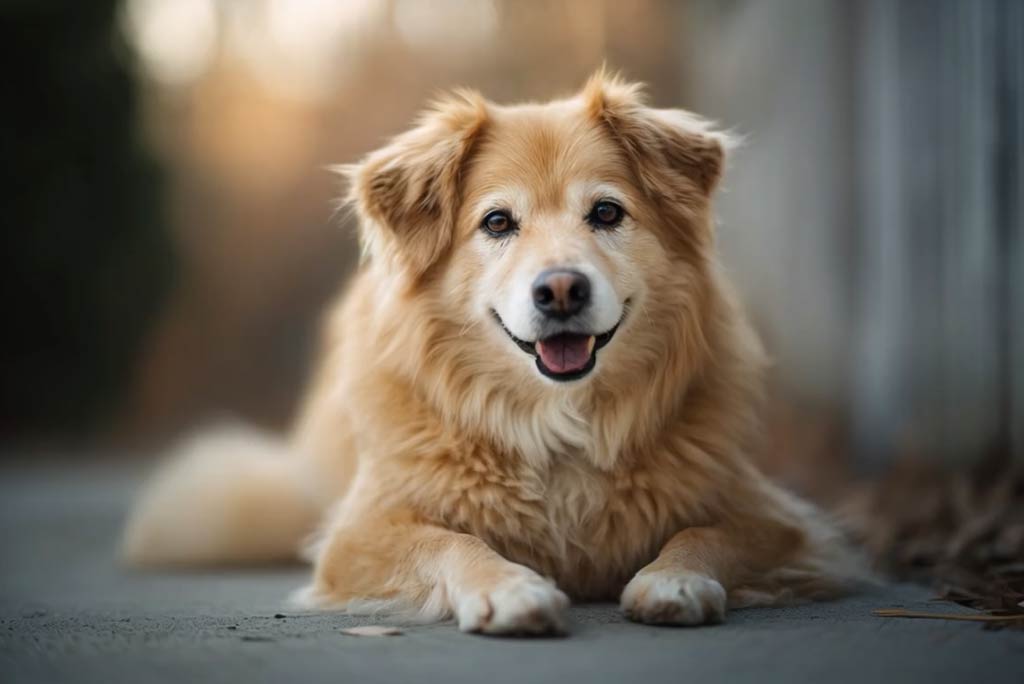
Turn still images into cinematic scenes using our AI video generator With smart depth detection, the AI adds natural-looking camera effects—panning, tilting, or zooming—to make your pictures feel alive. Whether it's portraits, landscapes, or creative edits, this tool creates smooth animations that look like real camera work.

How to Generate AI Camera Movement Videos with insMind

Step 1: Upload Your Photo

Upload a clear, high-quality photo that you want to enhance. It can be a portrait, landscape, or any other type of image.

Step 2: Choose Camera Movement Effect

Select the camera effect to apply. The AI will add dynamic movement to your photo, creating depth and fluidity for a more engaging visual.

Step 3: Generate

Let the AI camera motion generator create realistic video movement automatically.

Step 4: Download and Share

Once your photo is ready with the camera effect, download it and share it on your social media, use it for your creative projects, or simply enjoy your enhanced photo!

What Users Say About Our AI Camera Movement Effect

Why Choose insMind's AI Camera Movement Effect

Realistic AI Camera Motion

Realistic AI Camera Motion

Get smooth and natural pan, zoom, and tilt effects powered by AI.

High-Quality Image-to-Video Conversion

High-Quality Image-to-Video Conversion

Generate sharp and professional-looking animations every time.

Versatile for Any Media

Versatile for Any Media

Works for portraits, landscapes, product photos, or social media posts.

FAQs About insMind AI Camera Movement Effect

What is the AI Camera Movement Effect?

insmind expand icon
It's an AI-powered tool that adds dynamic pan, tilt, zoom, and shake to still images or videos, making them look like real camera footage.

How do I make a picture move with AI?

insmind expand icon
Simply upload a photo, choose camera movement effect, and the AI will convert your image to video with natural motion.

Do I need editing experience to use it?

insmind expand icon
Not at all. The AI automates everything. All you do is upload, choose the effect, and download your animated video.

Can I use any photo with the camera movement effect?

insmind expand icon
Yes, you can use any photo—whether it's a portrait, landscape, or object. The AI will apply the effect to the key elements of the image.

How can I use these effects for my business?

insmind expand icon
Add camera effects to your product images, promotional content, or e-commerce photos to make them more engaging and dynamic.