
AI 180° Turn Video Generator: Create Seamless 180° Turn Videos from Any Photo
00:00
00:00
00:00
00:00
How to Create a 180° Turn Video with AI?
Step 1: Upload Your Photo
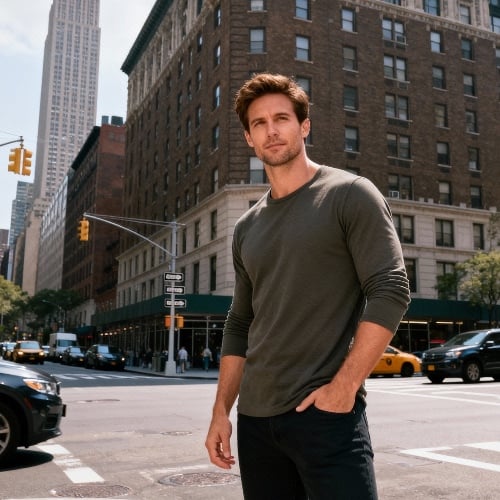
Upload a clear image with one main subject, such as a portrait, product, or object. The AI automatically detects and isolates the subject from the background.
Step 2: Select the 180° Turn Effect
Choose the AI 180° turn video effect. The system applies intelligent motion and depth modeling to simulate a natural half-rotation or subject spin.
Step 3: Generate the Spinning Video
Click Generate, and the AI creates a smooth, stable 180 degree turn video with realistic perspective and professional-quality rotation.
Step 4: Download and Share
Download your AI spinning video and use it for product presentations, social posts, ads, or marketing visuals—no editing required.
Why Choose insMind's 180° Turn Video Generator

Accurate Subject Rotation
The AI ensures the main subject rotates smoothly in place, maintaining shape, proportion, and visual balance throughout the entire 180° turn.

Professional Spin Without Filming
Create a polished spin video without turntables, cameras, or studio setups. One photo is enough to generate a realistic rotating video.

Stable, Jitter-Free Motion
Advanced motion modeling eliminates shaking or uneven movement, producing clean, professional-looking rotation videos suitable for commercial use.

Optimized for Product Showcases
Designed for product rotation videos, the effect highlights form, details, and angles—ideal for ecommerce listings and digital catalogs.

Works for Portraits and Objects
From model photos to collectibles and design objects, the AI adapts rotation logic to different subjects for natural results.

Fast Online Workflow
No downloads, no editing timelines. Generate your 180° turn video online and export it within seconds.
FAQs About insMind 180° Turn Video Generator
What is a 180° turn video?


A 180° turn video shows a subject rotating halfway around its axis, creating a smooth spin that reveals depth, shape, and perspective in a visually engaging way.
Can I create a 180° turn video from a single image?
Yes. insMind's AI generates a realistic 180° turn video from just one photo by simulating depth, perspective, and motion.
Is this tool suitable for product rotation videos?
Absolutely. The generator is optimized for product showcases, making it ideal for ecommerce, marketing, and digital presentations.
Does it work with portraits?
Absolutely. You can create subject spin videos from portraits, giving faces or people a stylish 180° turn effect.
Do I need video editing skills?
No. The entire AI rotate video process is automatic—just upload a photo and click Generate.
Will the background move too?
The AI isolates the main subject so only the object or person rotates, keeping the background clean and stable.
Find More Popular Video Effects on insMind

00:00
00:00
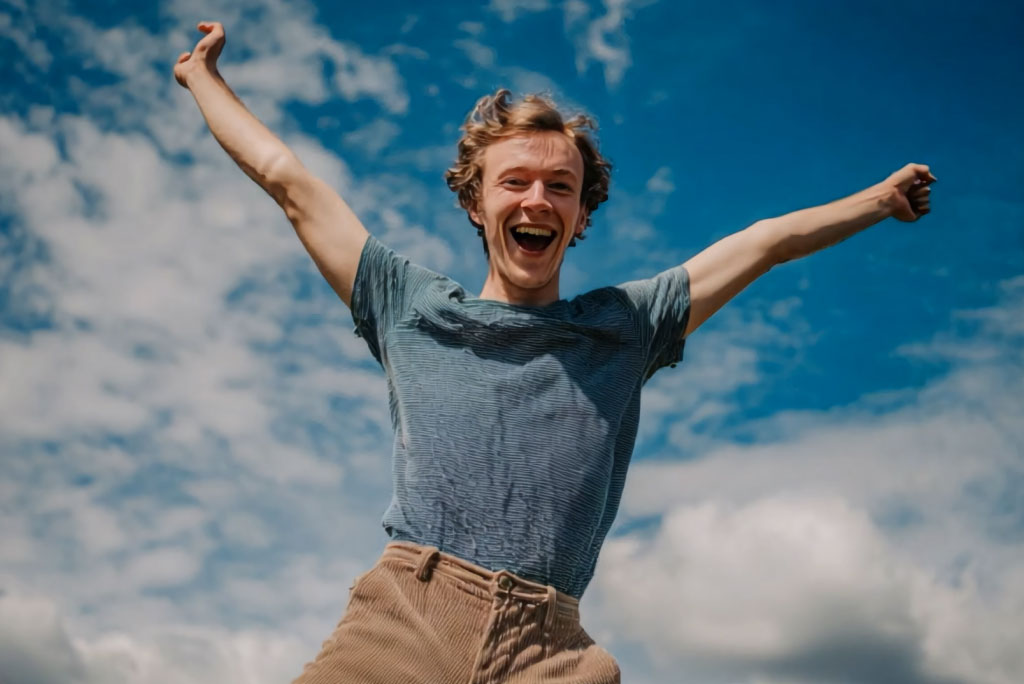
360° Spin Video Effect
Spin photos into smooth 360° videos with AI.
00:00
00:00
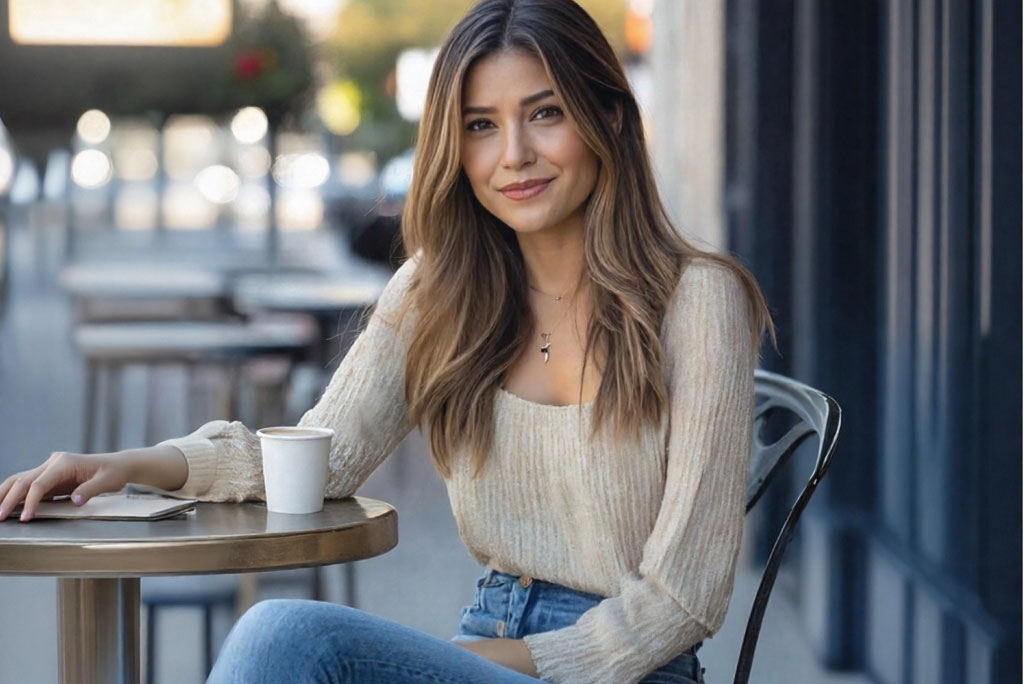
AI Fairy Video Effect
Turn a photo into a magical fairy transformation video.
00:00
00:00
AI Perm Filter
Create a natural-looking perm hairstyle video from your photo instantly.

00:00
00:00
Meet Older Me AI
See a realistic older version of yourself with AI.
00:00
00:00
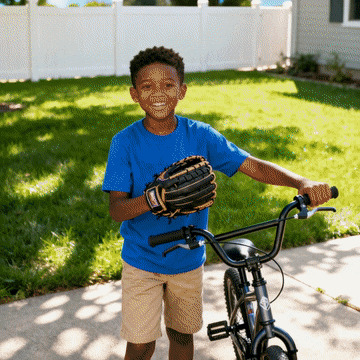
Cheek Pinch AI
Create playful, realistic cheek pinch videos from photos with AI.