
Try On Hairstyles Online Before Your Next Haircut
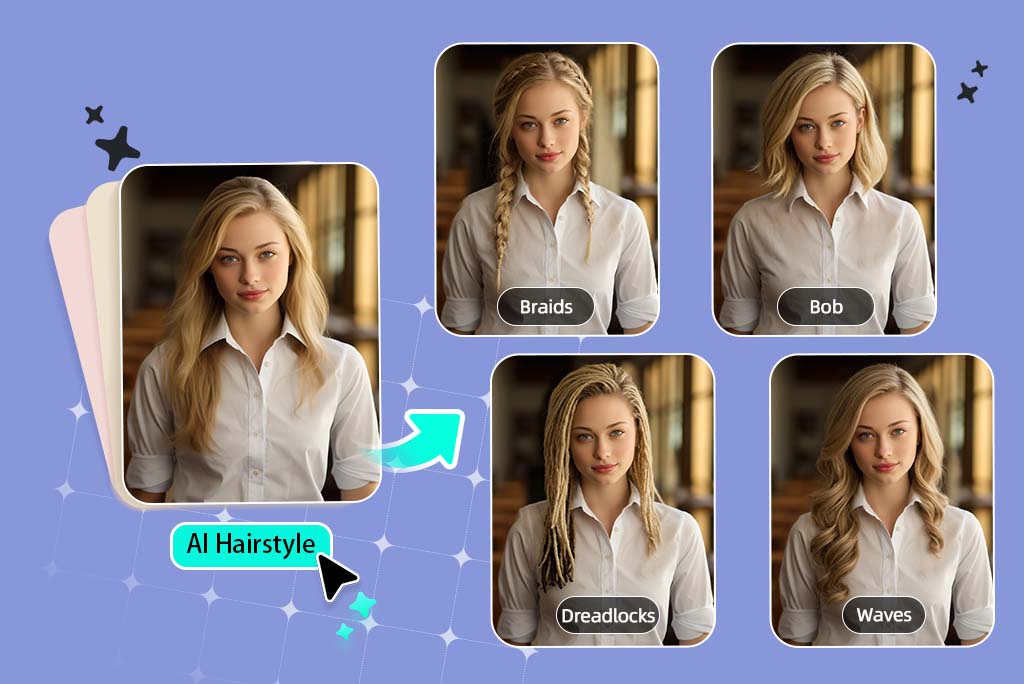

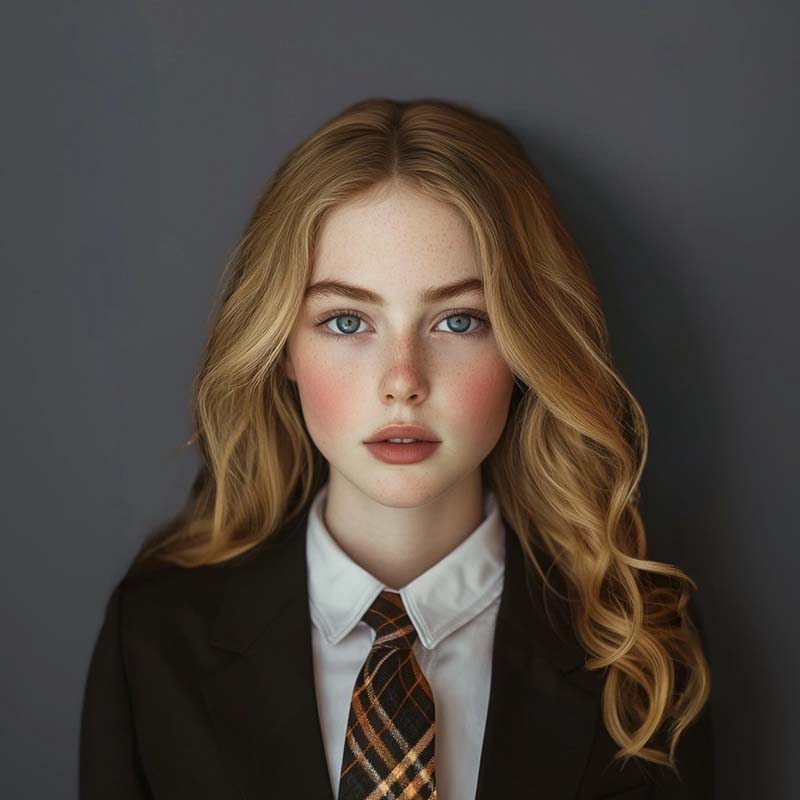
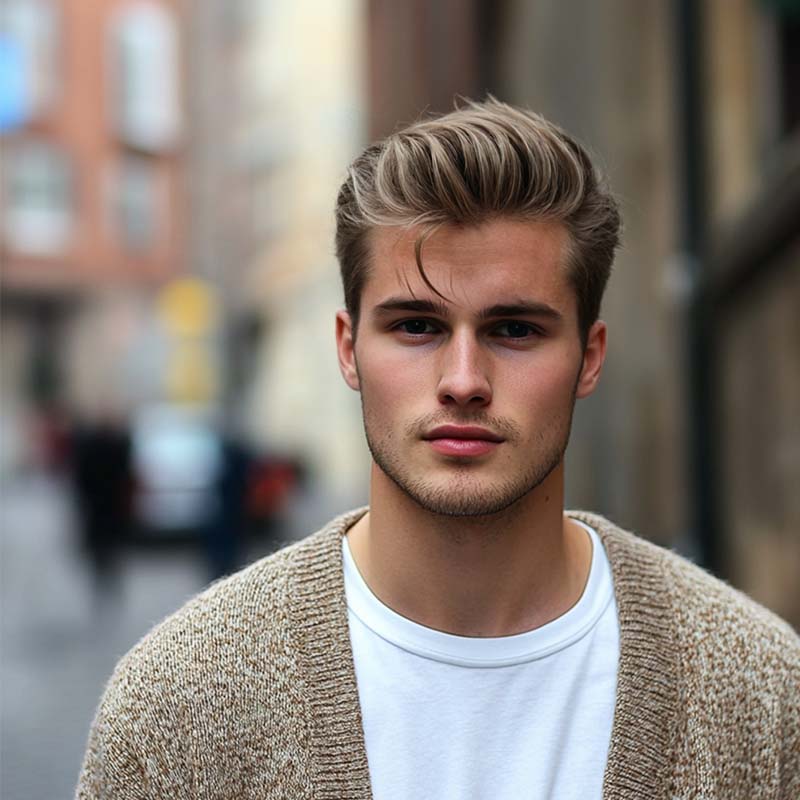
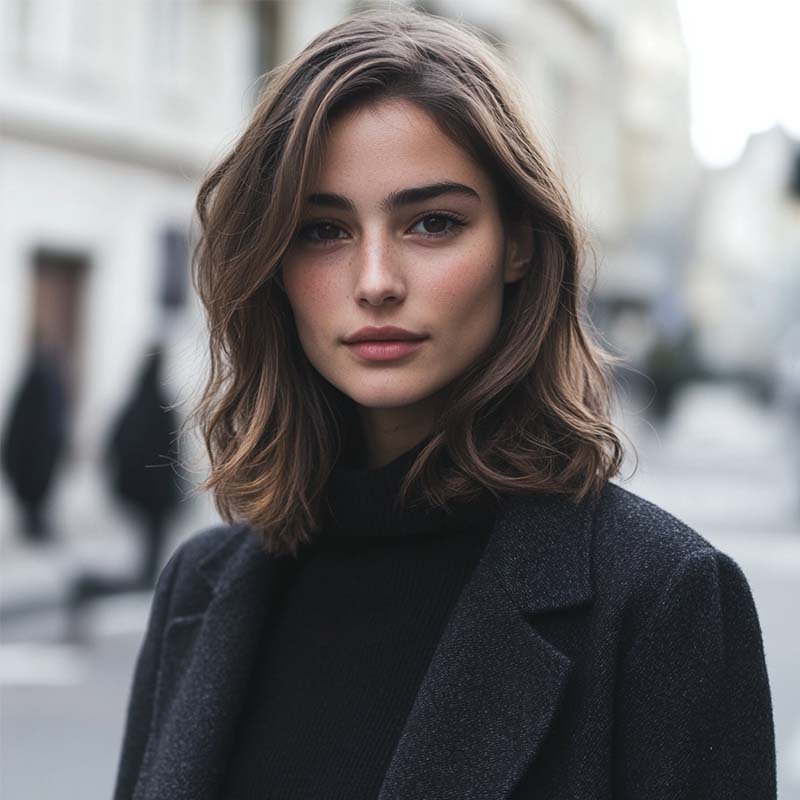

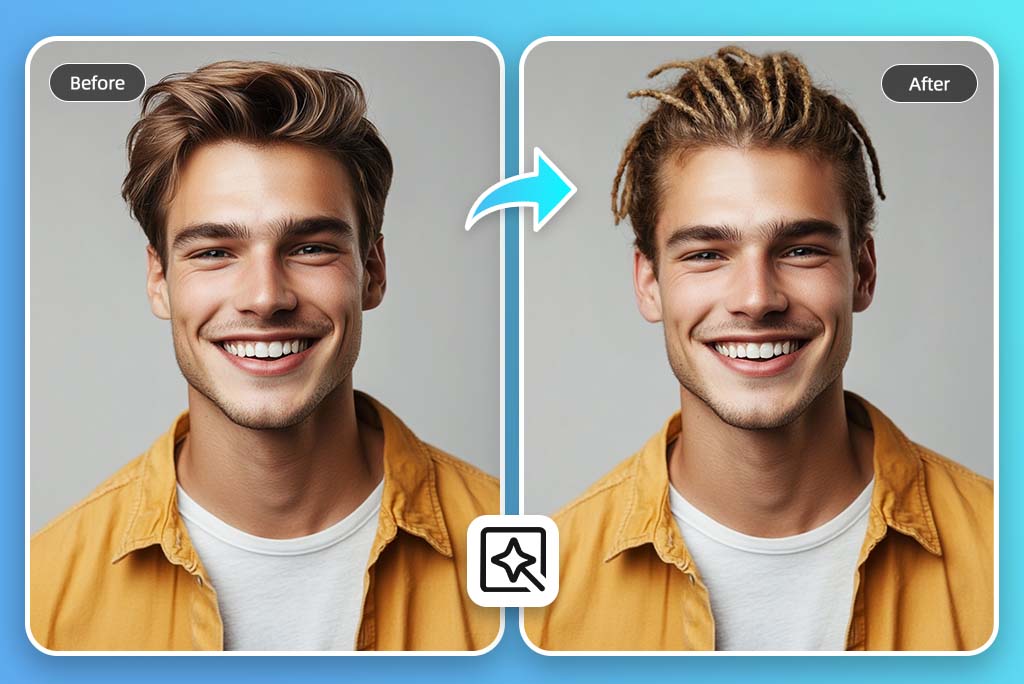
See the Hairstyle on Your Own Face
A reference photo only tells you how a cut looks on someone else. This virtual hairstyle try-on helps you check the parts that usually change the decision: where the bangs fall, how much forehead shows, whether the sides add width, and whether the overall shape still feels like you.
Keep the first preview as a rough read, not a final answer. If the hairline is partly hidden or your face is turned, upload a cleaner portrait before judging the style.
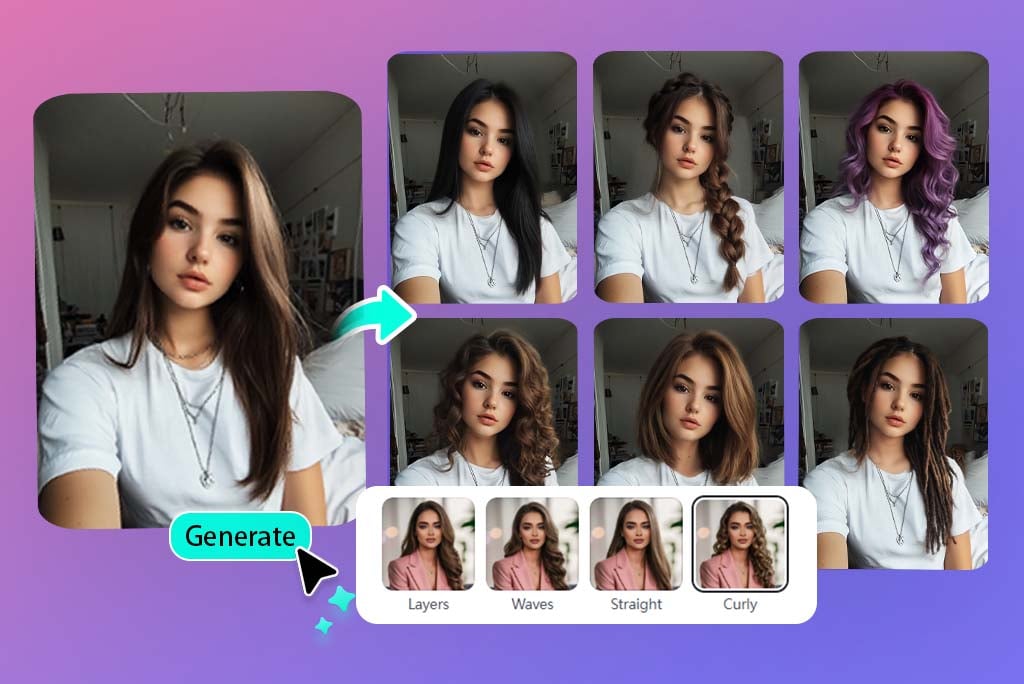
Test the Cuts People Usually Hesitate Over
Try the bigger changes first: curtain bangs, a bob, pixie cut, layers, curls, long waves, a fade, textured crop, or buzz cut. These are the styles where a quick preview can save you from guessing at the salon.
For broader edits, use the AI hairstyle changer. For male-focused barber cuts, use the hairstyle changer for men.
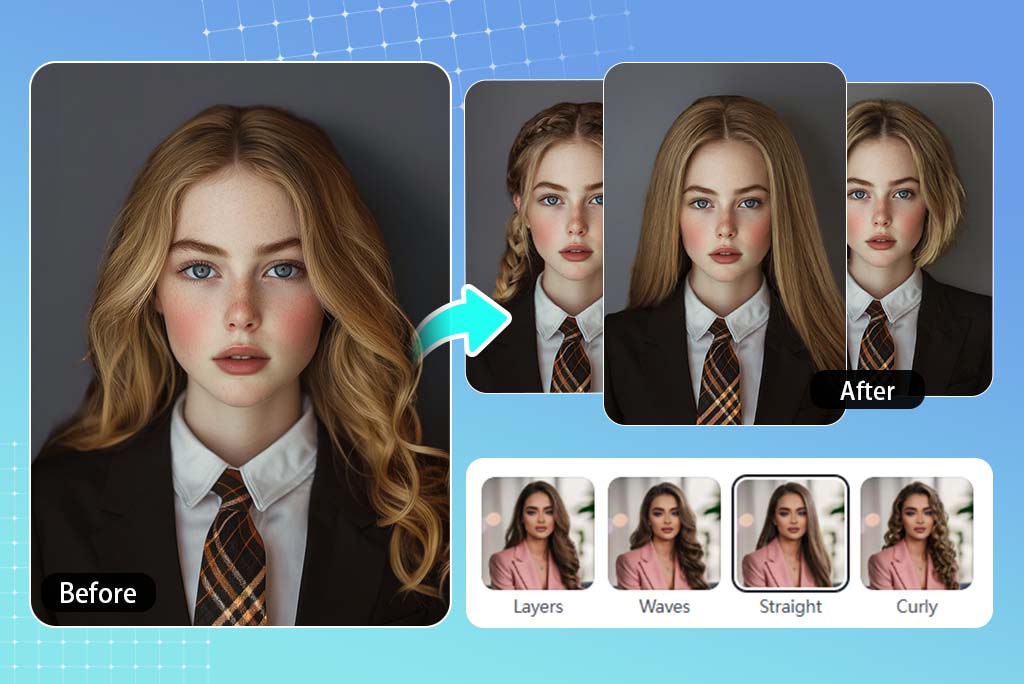
Use the Preview as a Salon or Barber Reference
Use the result as a decision check, not a salon guarantee. A practical way to judge it: face balance, hairline, and whether the volume matches the way you normally style your hair.
The best preview is not always the most dramatic one. Save two or three versions and bring the closest one to your stylist or barber with a note like "shorter here, less volume on the sides."
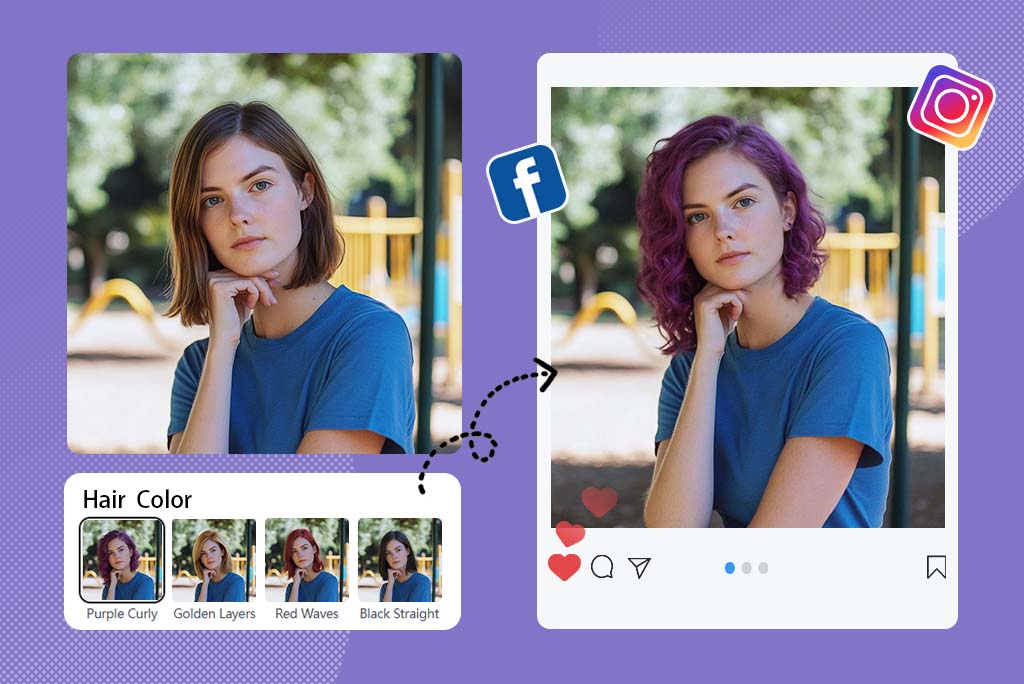
Check the Color Before It Becomes Permanent
Hair color is hard to judge from a swatch. A warm brown, ash blonde, red, black, pastel, or fantasy shade can look very different once it sits next to your skin tone and the shape of the cut.
Use the color preview for a quick yes-or-no check. If color is the main thing you want to test, the virtual hair color try-on page is the cleaner path.
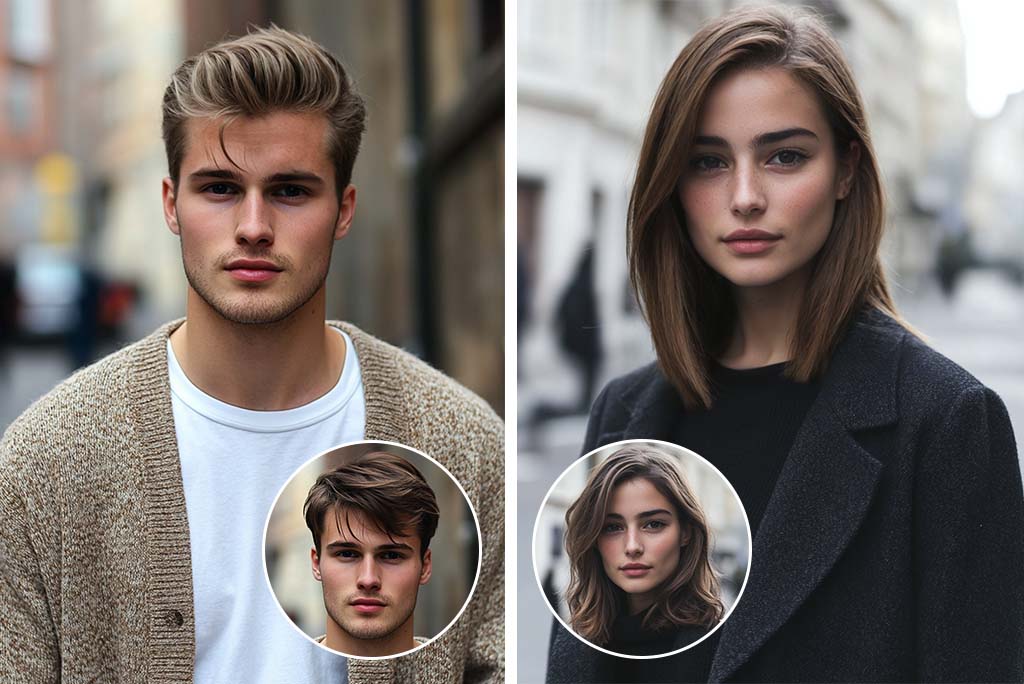
Keep the Photo Simple for a Better Result
This page can handle women's and men's hairstyle ideas, but the photo still does most of the work. Face forward, good light, visible hair edges. Skip hats, heavy shadows, and photos where your current hair covers the cheeks.
If a result looks strange, change the input photo before changing the haircut. A clearer hairline usually helps more than trying five more styles.
Explore More Virtual Try-On Tools
How to Try Hairstyles Online with AI
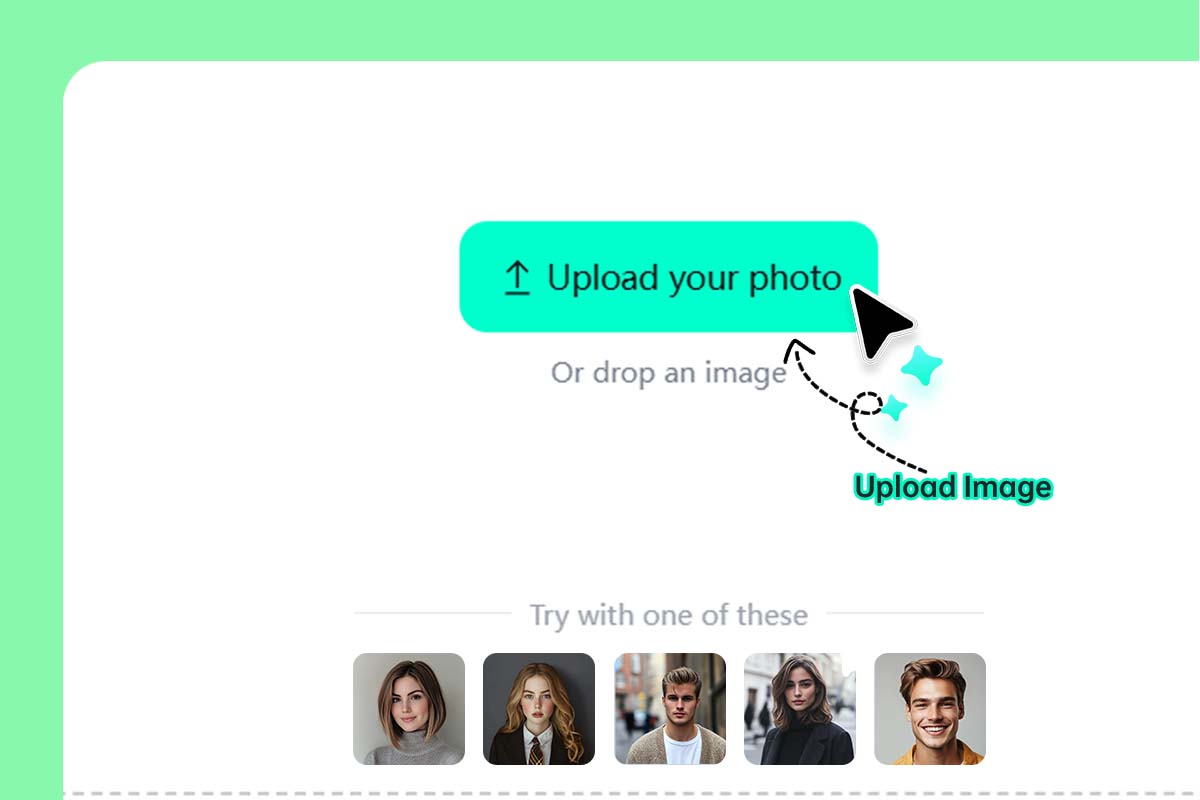
1 Upload a clear selfie
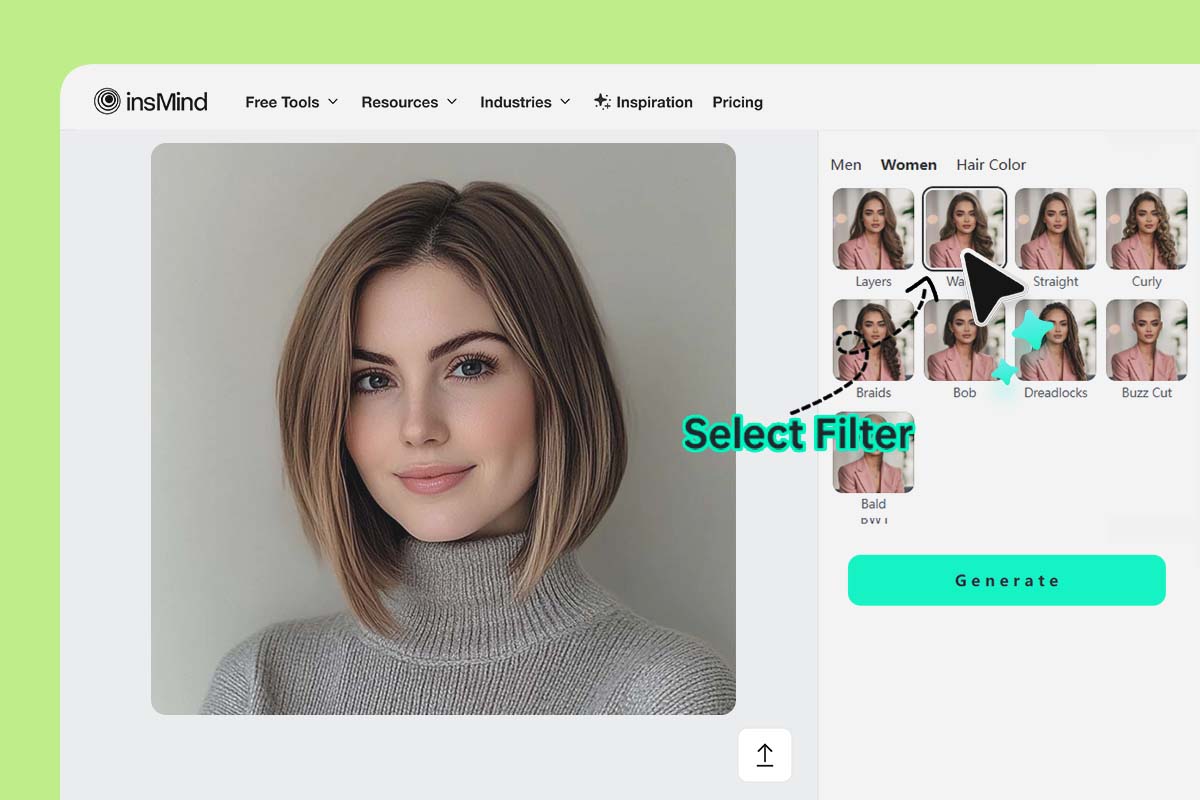
2 Choose a style direction
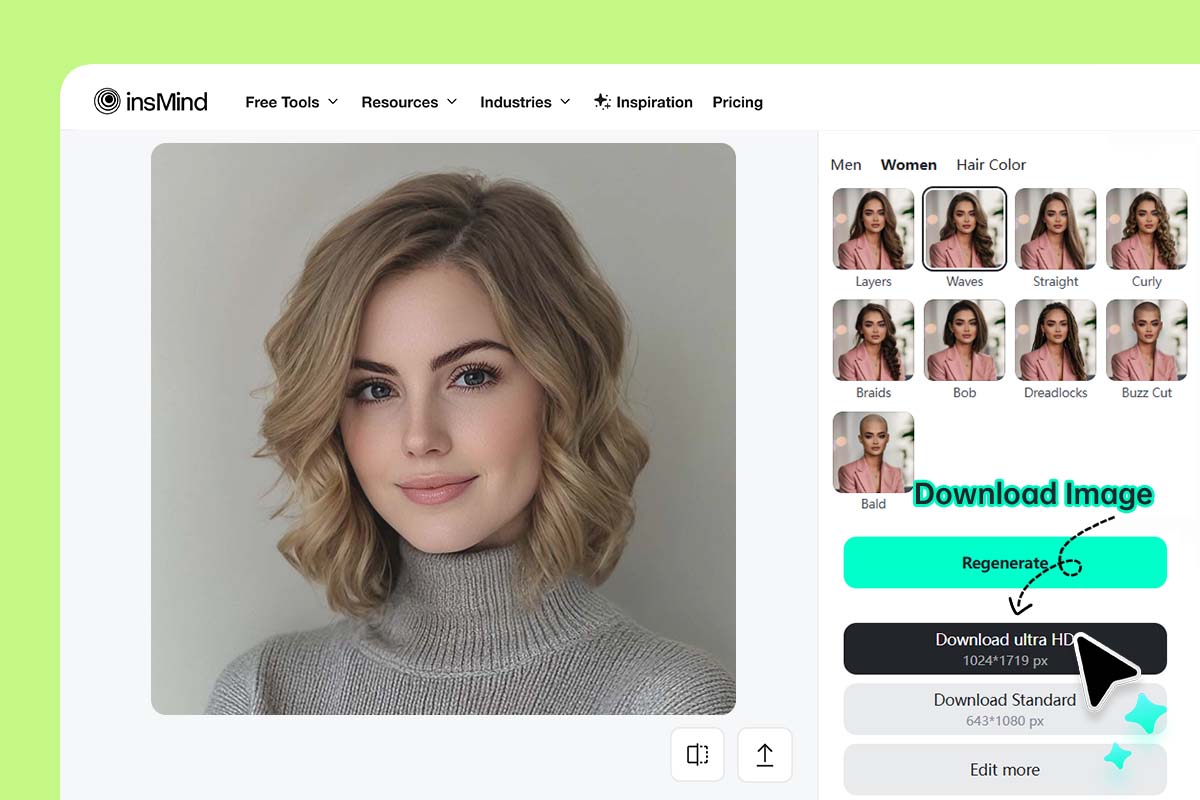
3 Generate, compare, and download
Hairstyle Try-On for Real Haircut Decisions
Compare cuts on your own face before you save a reference or book an appointment.
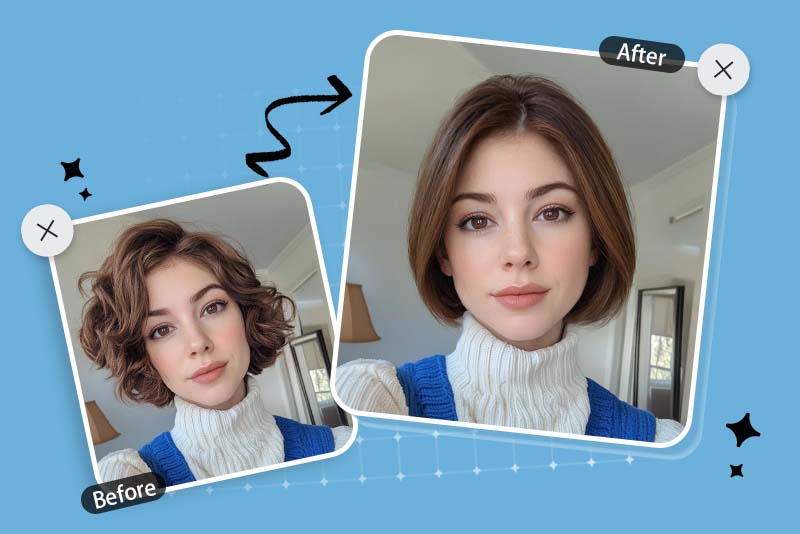
Bangs, Bobs, and Longer Styles
Useful when you know you want a change but not how far to go. Try bangs, bobs, soft layers, curls, or long waves and compare the versions that still feel wearable.
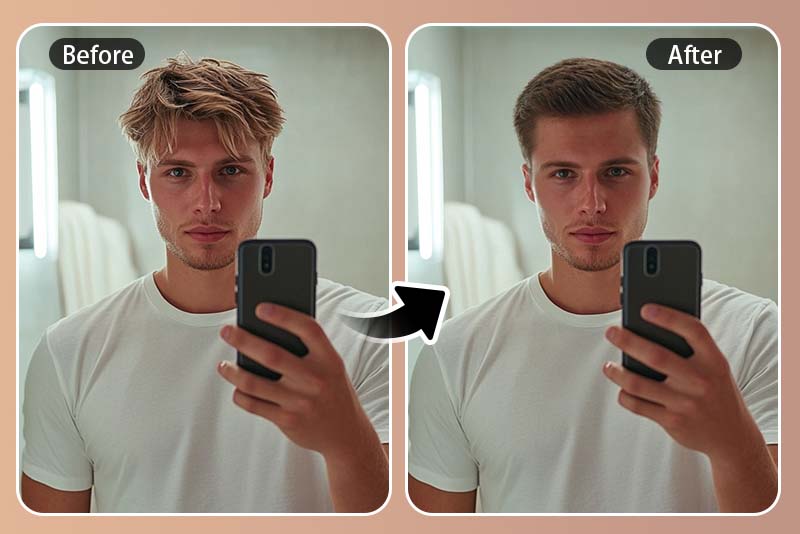
Men's Haircut Ideas
Preview fades, buzz cuts, textured crops, side parts, and longer barber styles before your appointment. If you only want male haircut options, use the hairstyle changer for men.
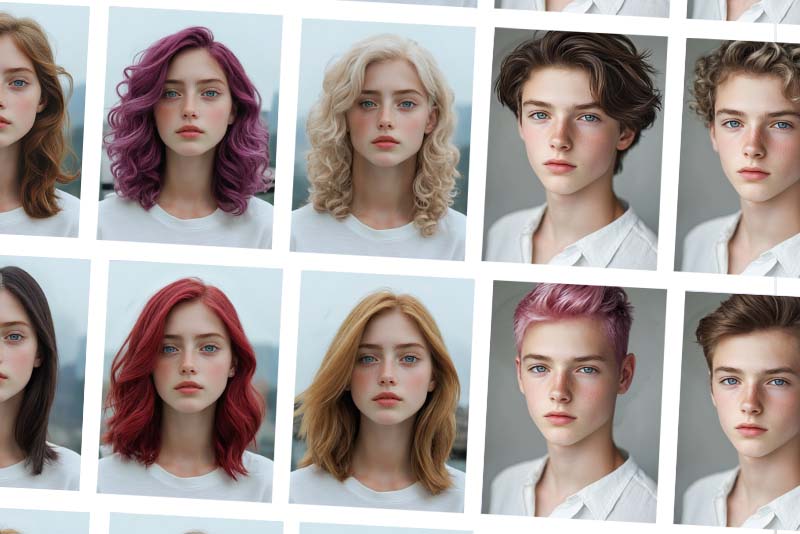
Color Ideas Before Dyeing
Check whether a warmer brown, lighter blonde, deep black, red, or pastel shade works with your face and haircut. For more color controls, use virtual hair color try-on.
Why Use insMind for Hairstyle Try-On?

Preview Before You Cut
See the style on your own face instead of judging from someone else's reference photo.

Compare Practical Options
Test a bold choice and a safer version side by side before deciding what to save.

Works in Your Browser
Upload, generate, compare, and download without installing an app.
FAQs About Virtual Hairstyle Try-On
How can I try on hairstyles with my picture for free?


What photo should I use for a virtual hairstyle try-on?
Can I try a haircut before going to a salon?
Can I preview men's haircuts too?
Can I test hair color on the same photo?
More Hairstyle and Style Try-On Tools
Change hair color, try men’s hairstyles, or explore outfit try-ons after choosing a hairstyle.
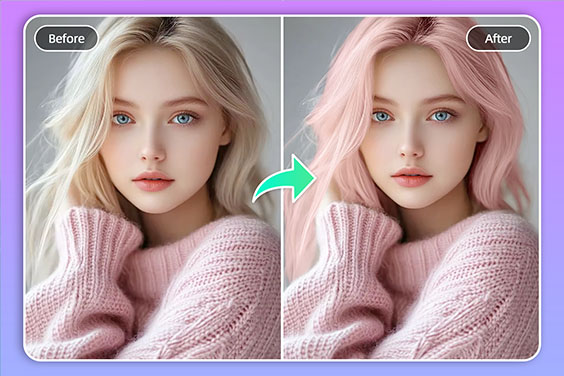
Virtual Hair Color Try On
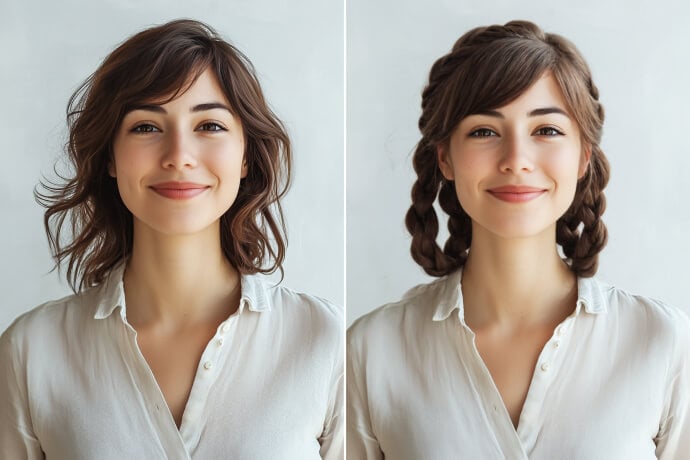
AI Hairstyle Changer
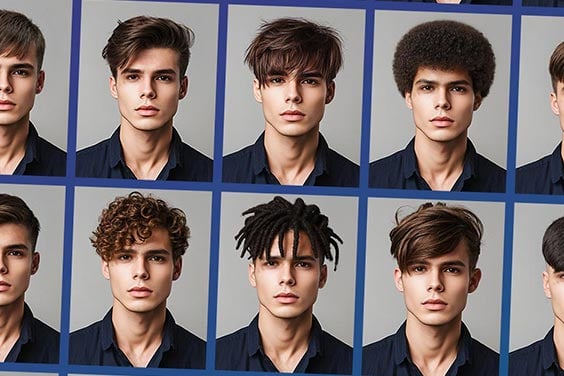
Hairstyle Changer For Men
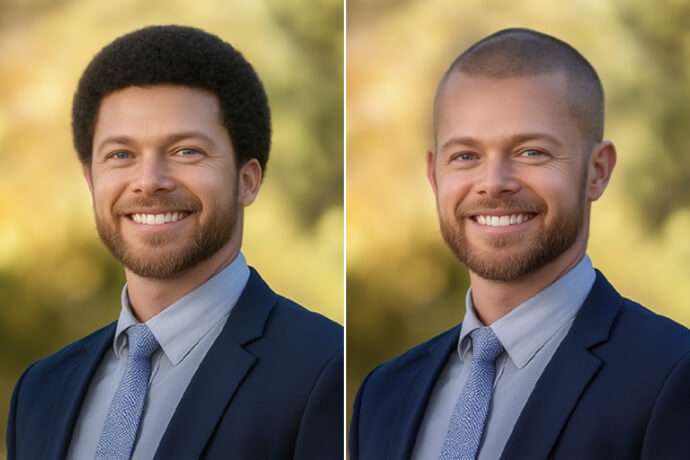
Buzz Cut Filter
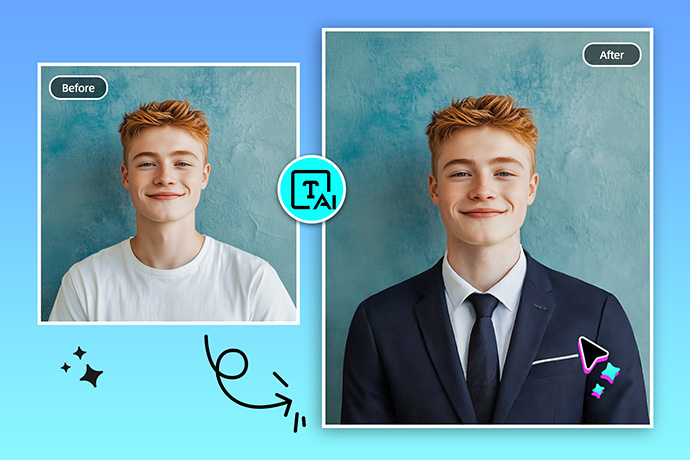
Virtual Try On Clothes
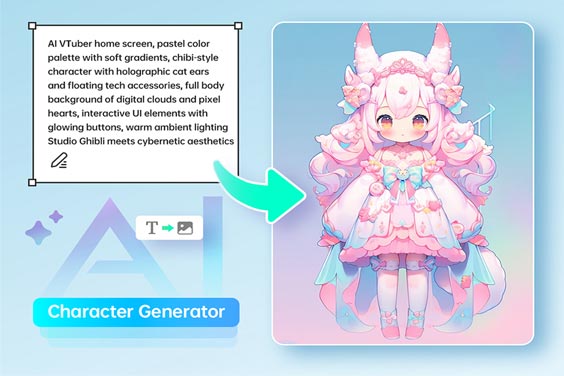
AI VTuber Maker
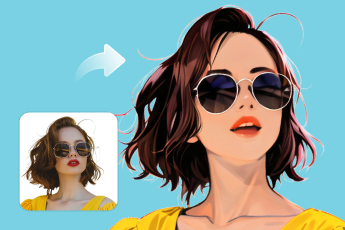
AI Photo Filter
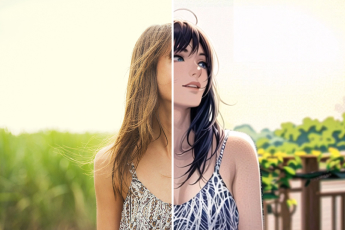
Anime Character Creator
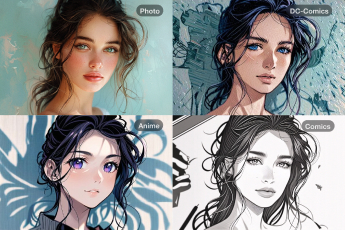
Cartoon Character Maker
"I used the preview as a barber reference. It was useful for comparing a fade, longer top, and a cleaner side part."
@Daniel