
AI Couple Video Generator for Photos, Prompts, and Memories
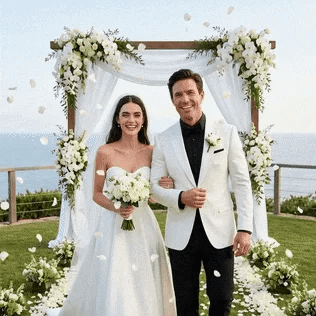
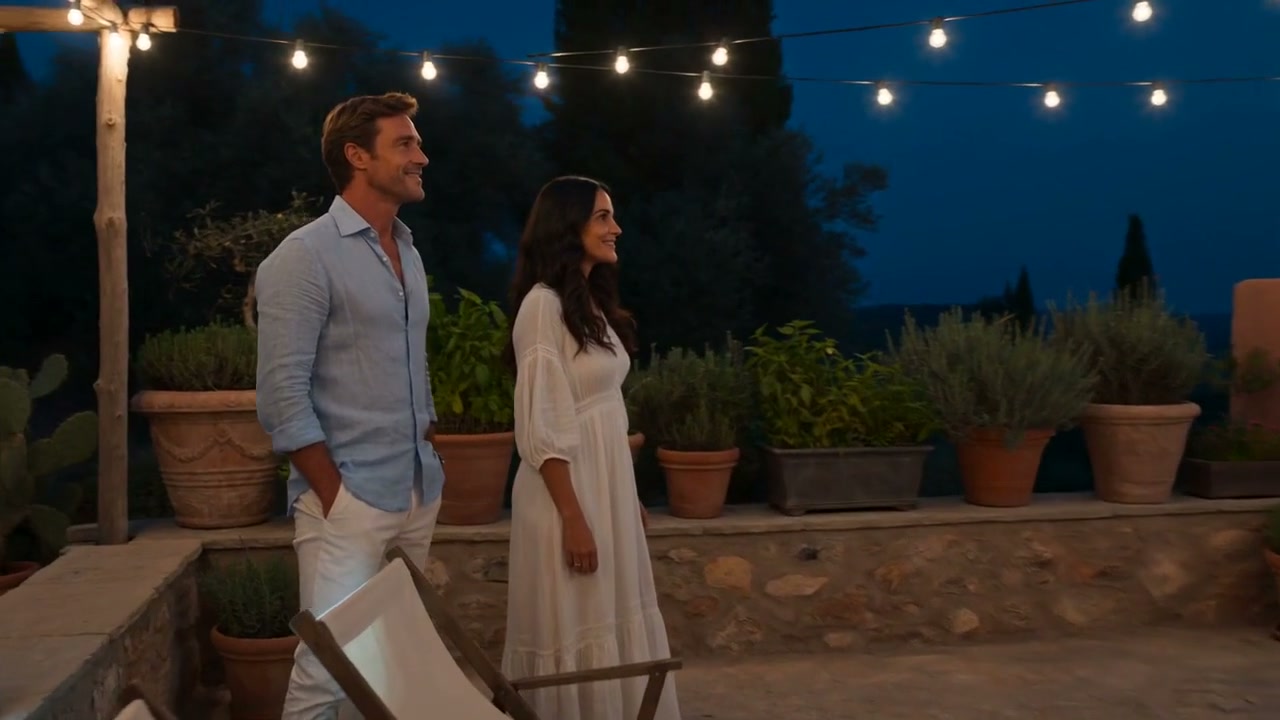
Create a Couple Story from a Text Prompt
Start with a scene, not a list of vague moods. Describe the couple, location, time of day, action, camera movement, and visual style. A prompt such as "two travelers walking through Kyoto at sunrise, wide cinematic shot" gives the romantic AI video maker clearer direction.
Use text to video when you do not have a source photo or want to draft a fictional love story. Generate one focused scene first, then refine the prompt if the setting, pacing, or framing needs work.
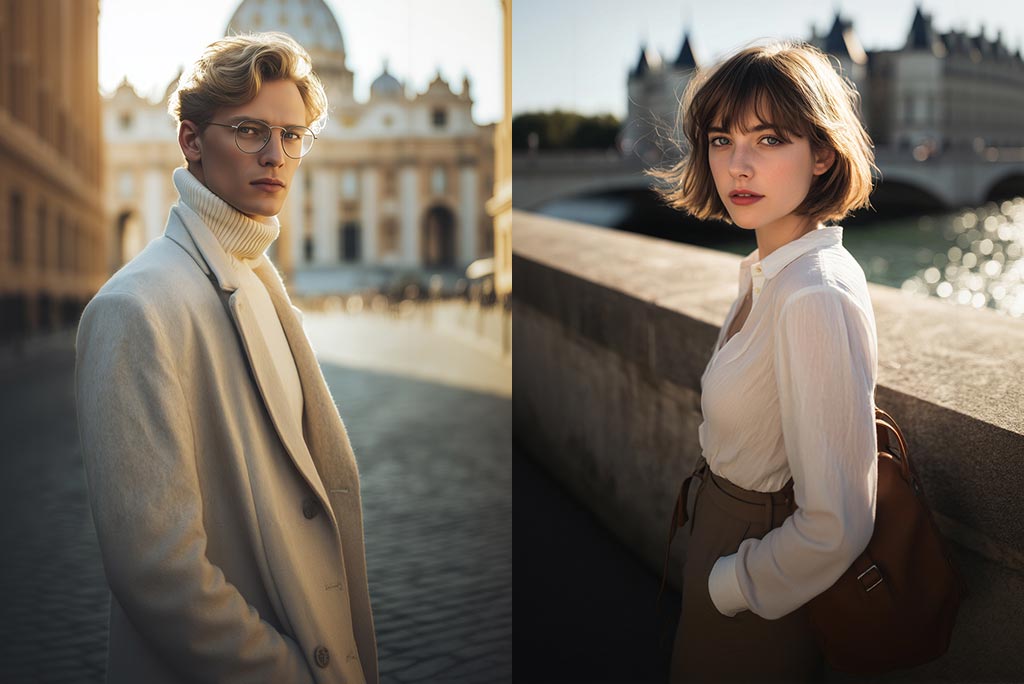
Turn a Couple Photo into a Moving Memory
Upload a clear photo where both people are easy to see, then describe a simple scene or camera move. The image-to-video tool uses the photo as the visual reference instead of asking you to rebuild the scene from scratch.
For a cleaner AI couple photo-to-video result, choose a well-lit image with an uncluttered background. Keep the prompt focused on one action, such as walking through city lights or turning toward the camera.
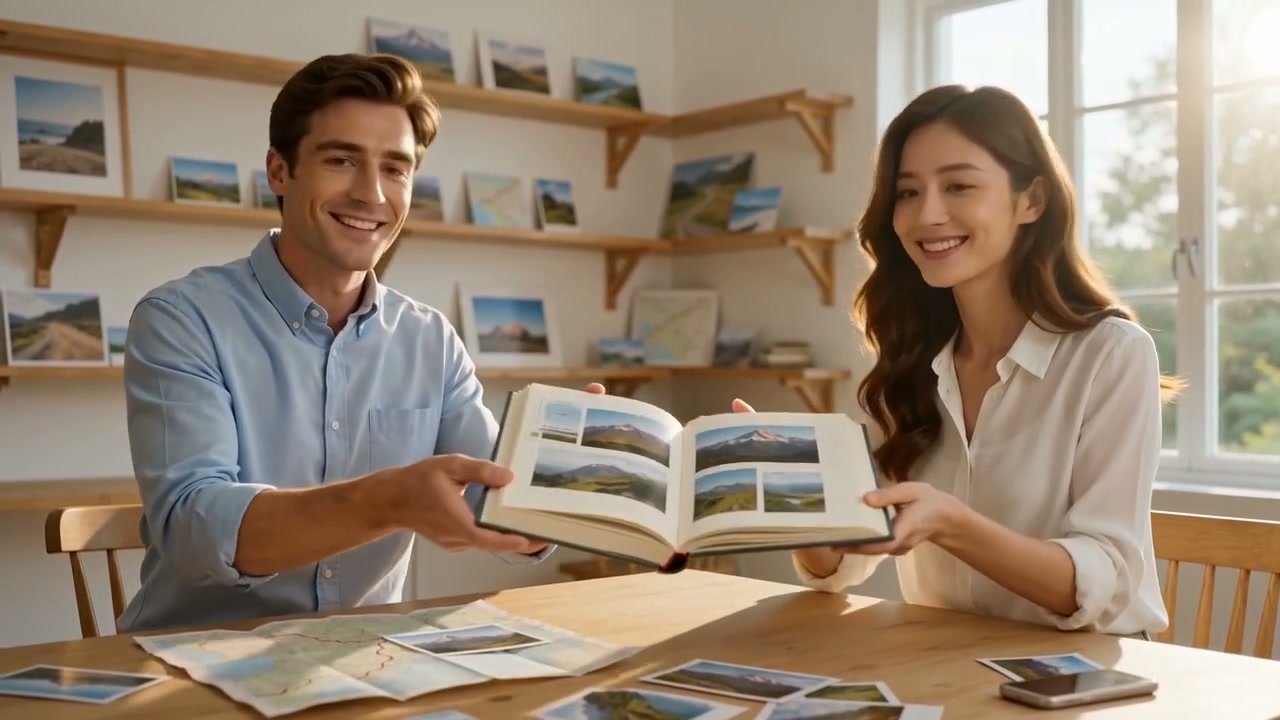
Build Videos for Anniversaries, Weddings, and Trips
Plan a short sequence around a real occasion instead of relying on one generic AI relationship video effect. Create an opening scene, a favorite memory, and a closing message for an anniversary, wedding, birthday, or travel recap.
Generate each scene separately, then arrange the clips in the AI video editor. This gives you more control over order and pacing than trying to fit an entire story into one generation.
More Tools for Couple Stories and Memory Videos
Choose a focused generator or continue editing the clips you create.
How to Make an AI Couple Video from a Photo or Prompt
Step 1: Choose a Photo or Prompt
Start with Text to Video for an original scene, or choose Image to Video when you already have a couple photo. Use only images you own or have permission to use.
Step 2: Describe the Story
Enter a specific prompt with the occasion, setting, action, shot, and mood. For example: "anniversary walk beside a quiet lake at sunset, gentle camera push-in."
Step 3: Generate and Review
Click Generate and review the result. Check faces, hands, background continuity, and motion. If a detail looks wrong, shorten the action or revise the prompt before generating again.
Step 4: Download or Continue Editing
Download the clip when it is ready, or open the video editor to trim the timing and combine several scenes into one story.
Couple Video Ideas for Real Moments
Start with one clear occasion so the story, prompt, and format stay focused.
Anniversary Story
Turn a favorite photo or written memory into a short anniversary scene. Add the place, year, weather, and camera direction so the result feels tied to your story.
Wedding and Save-the-Date Video
Create a simple wedding announcement, ceremony preview, or save-the-date scene. For a dedicated workflow, use the AI wedding video generator.
Travel Memory Reel
Animate a travel photo or describe a shared destination, then combine several short clips into a route-based recap with the travel video maker.
Social Media Couple Clip
Generate one easy-to-follow action for a vertical post, Reel, or Short. Keep the subject centered and avoid packing multiple locations or story beats into one clip.
What Users Are Saying About the AI Couple Video Generator?
Why Use insMind for AI Couple Videos?

Start from a Photo or a Prompt
Use a couple photo when identity and setting matter, or start from text when you want to draft a new scene. Both paths lead to a short generated video.

Give Each Scene Clear Direction
Control the location, occasion, action, mood, and camera movement through the prompt. Specific instructions make the output easier to review and refine.

Create for Real Occasions and Social Formats
Make anniversary stories, wedding previews, travel recaps, birthday messages, or short social posts without learning a complex animation timeline.
FAQs About the AI Couple Video Generator
What is an AI couple video generator?


How do I turn a couple photo into a video with AI?
Can I create a romantic AI video from text only?
What prompts work well for couple videos?
Can I try the AI love video generator for free?
How long does an AI couple video take to generate?
Can I edit the generated couple video?
Can I use someone else's photo?
“I surprised my boyfriend with a video of us dancing under the stars. He couldn't believe AI made it!”
@Rachel Kim, Student