
AI Character Animator: Make Your Character Move
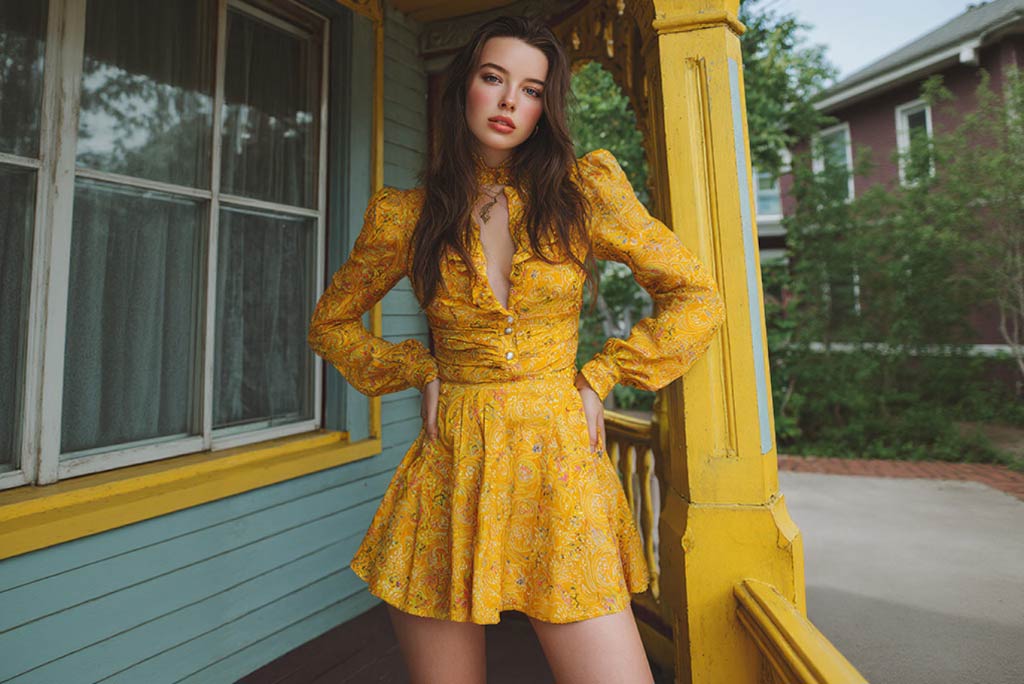
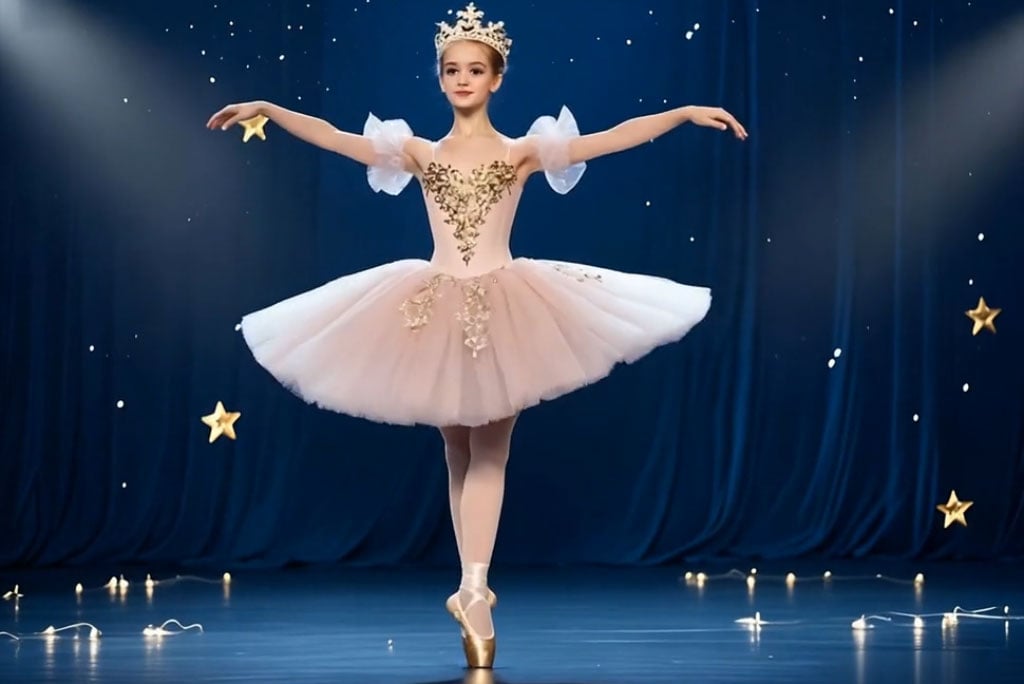
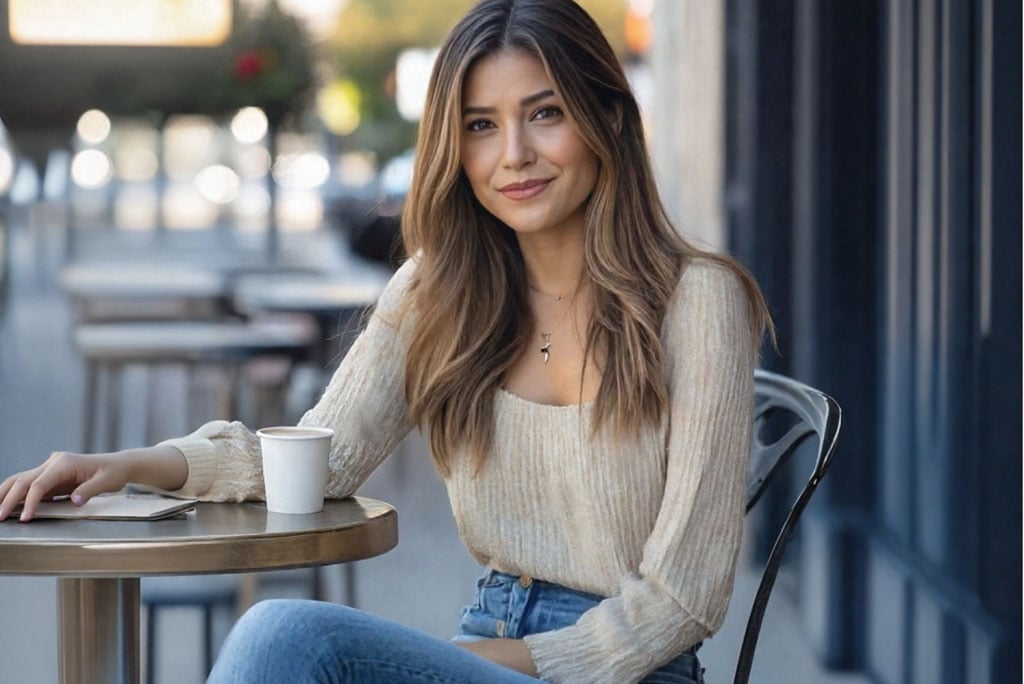
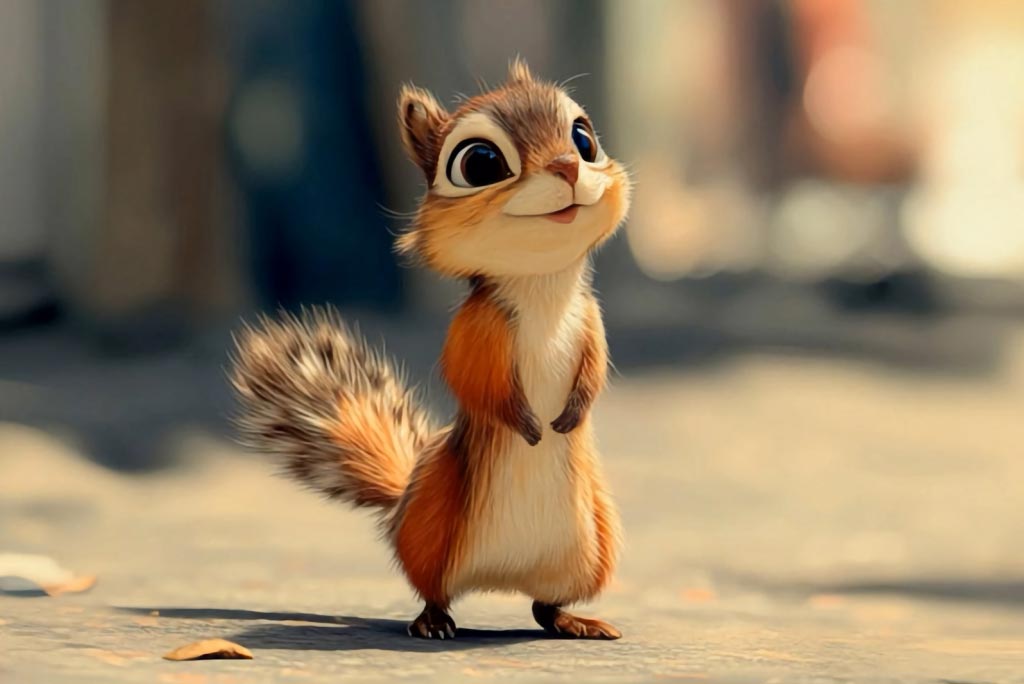

How to Animate Characters with AI in Minutes
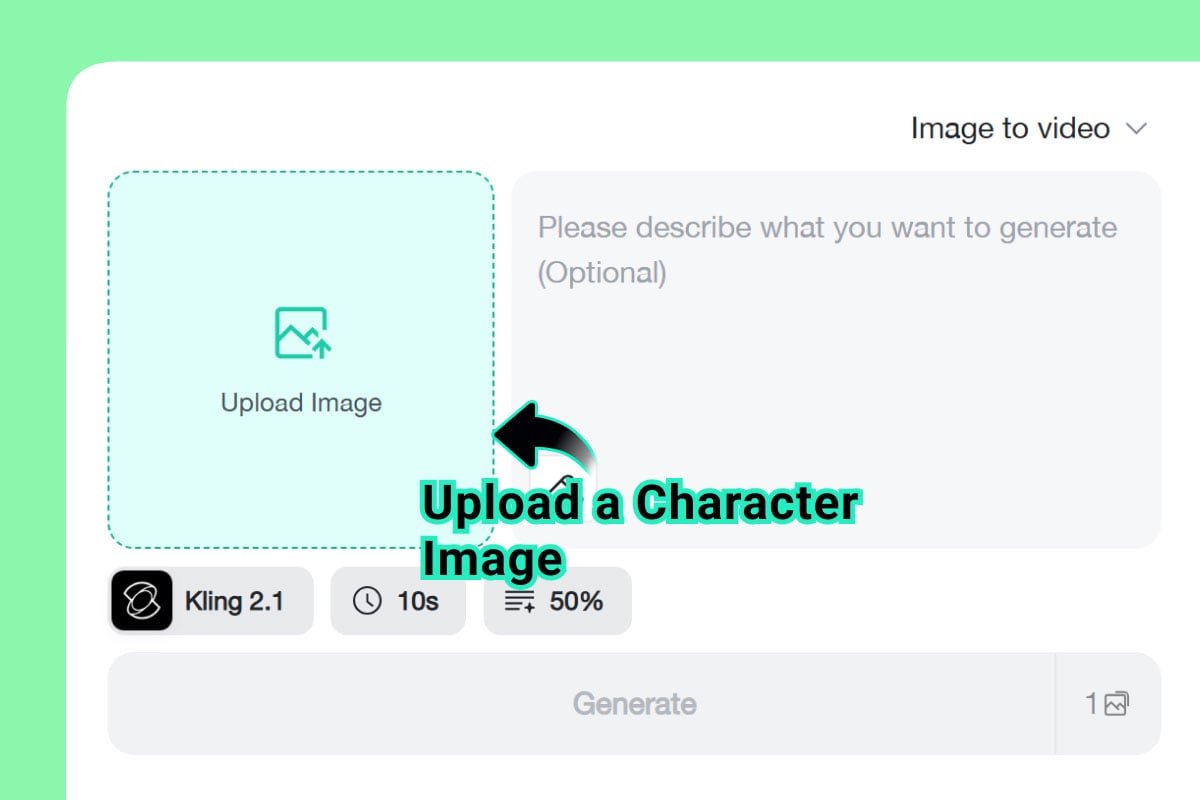
1 Step 1: Upload a Character Image
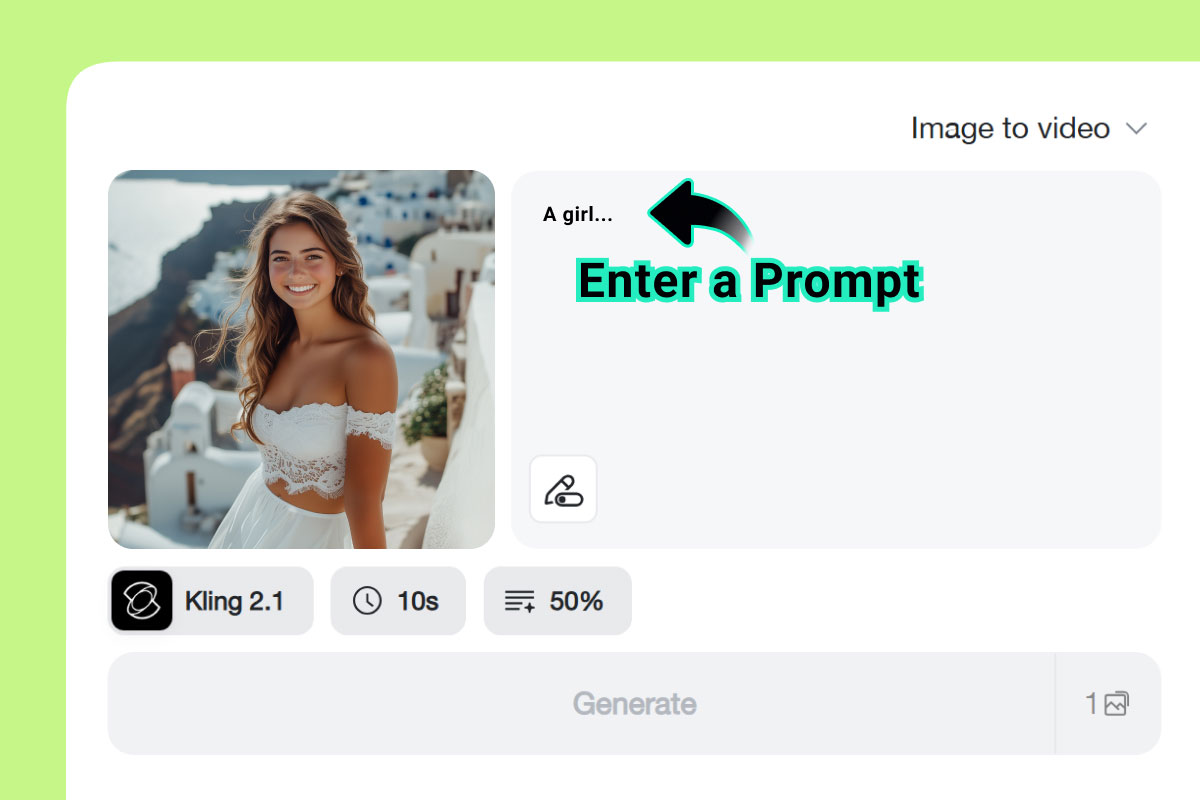
2 Step 2: Enter a Motion Prompt
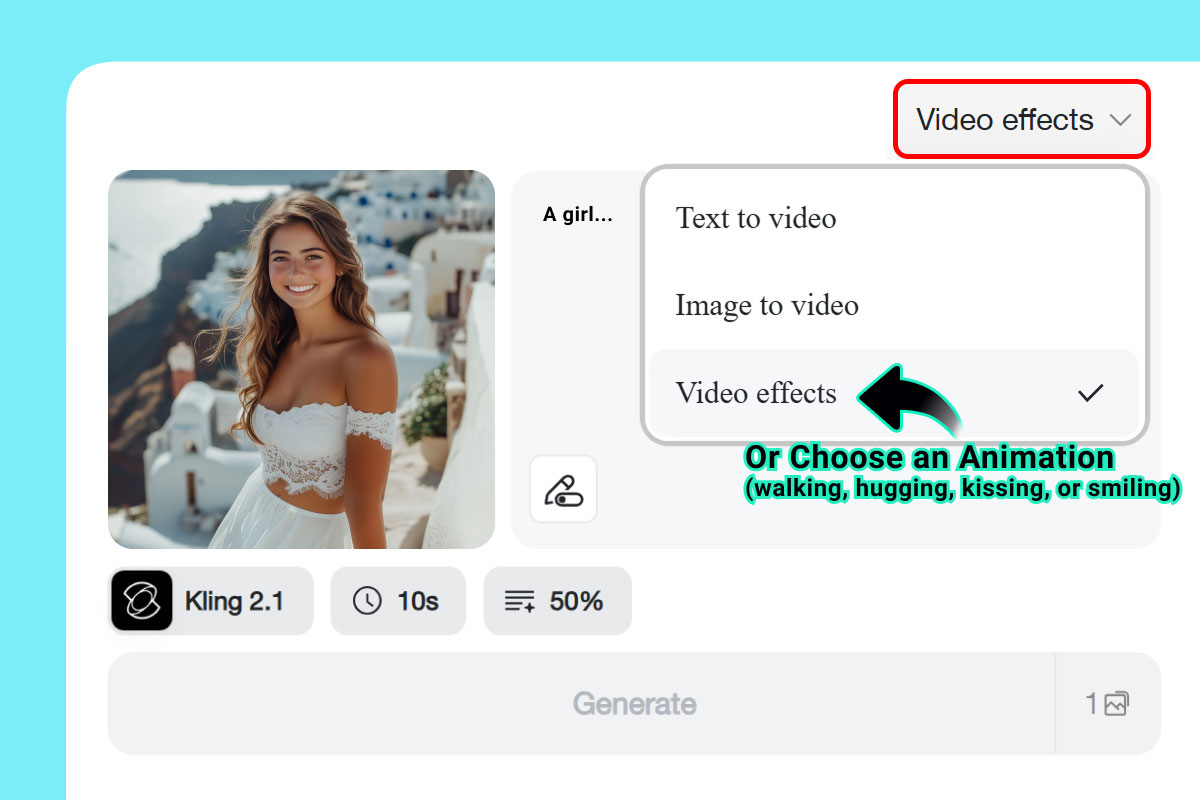
3 Step 3: Or Choose a Video Effect
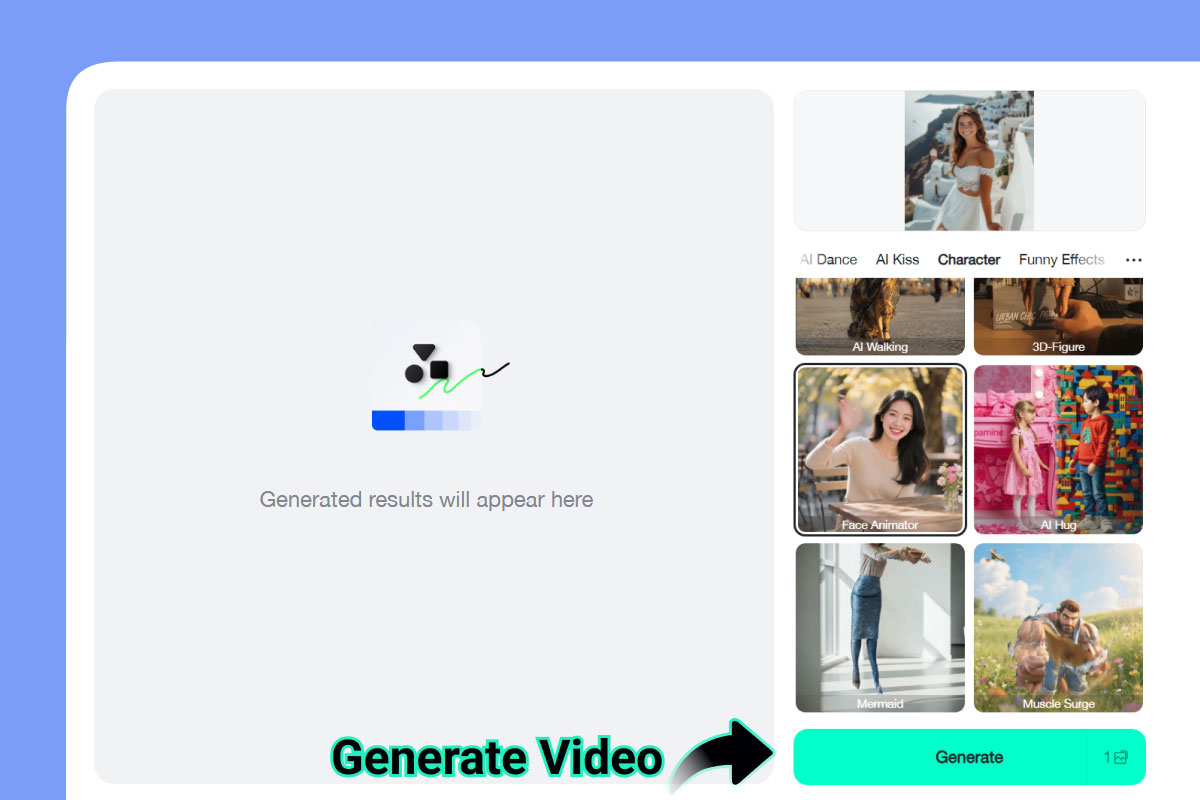
4 Step 4: Generate the Video
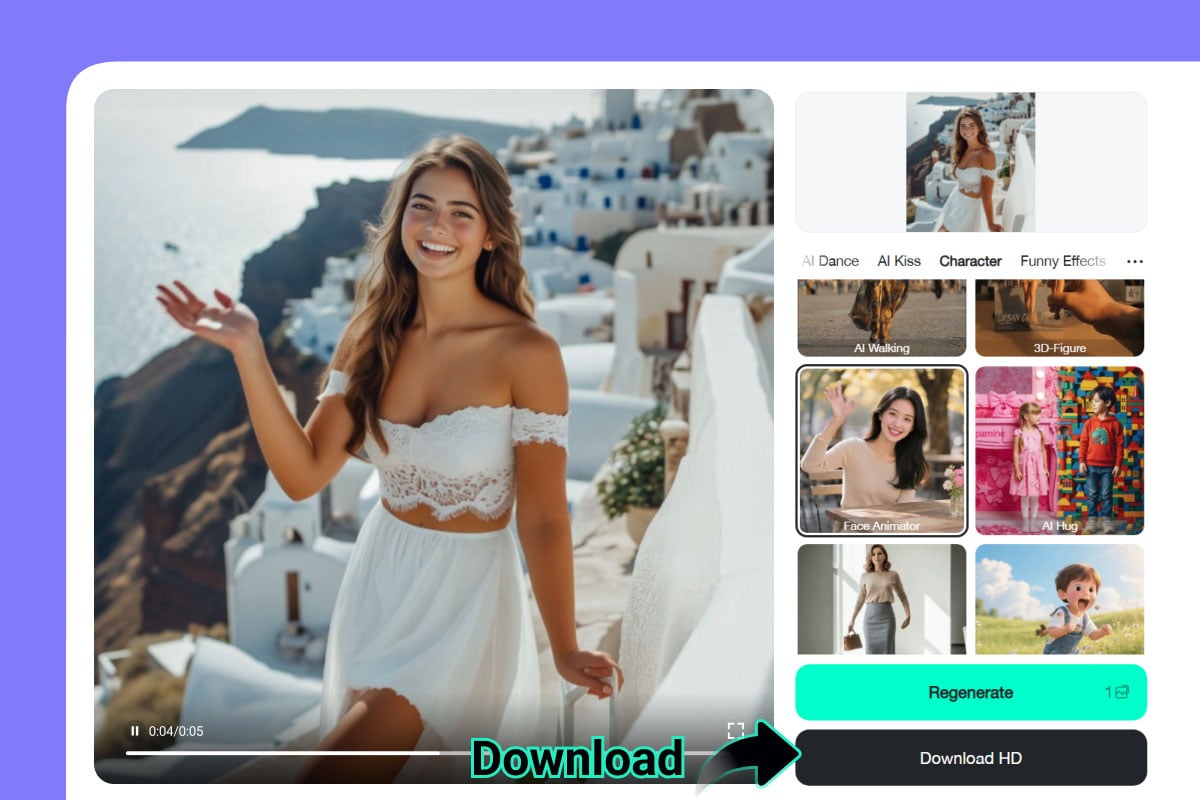
5 Step 5: Download and Share
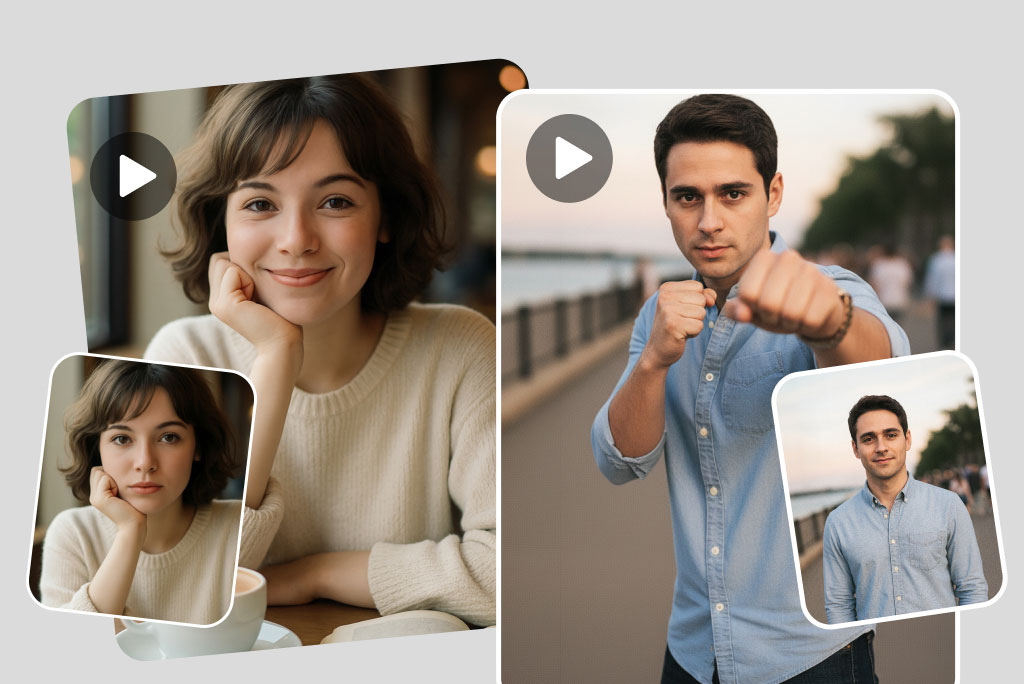
Create Moving Characters Animation from photo with Ease
You only need one photo to animate with AI character animation. Upload a picture of a person, pet, or character, and watch it come to life in seconds. The animations are smooth and natural, transforming still photos into lively short videos.
It's perfect for quick results with no design skills required. With just one click, your photo can smile, wave, or even dance. This makes your images far more engaging and fun than a simple static picture.
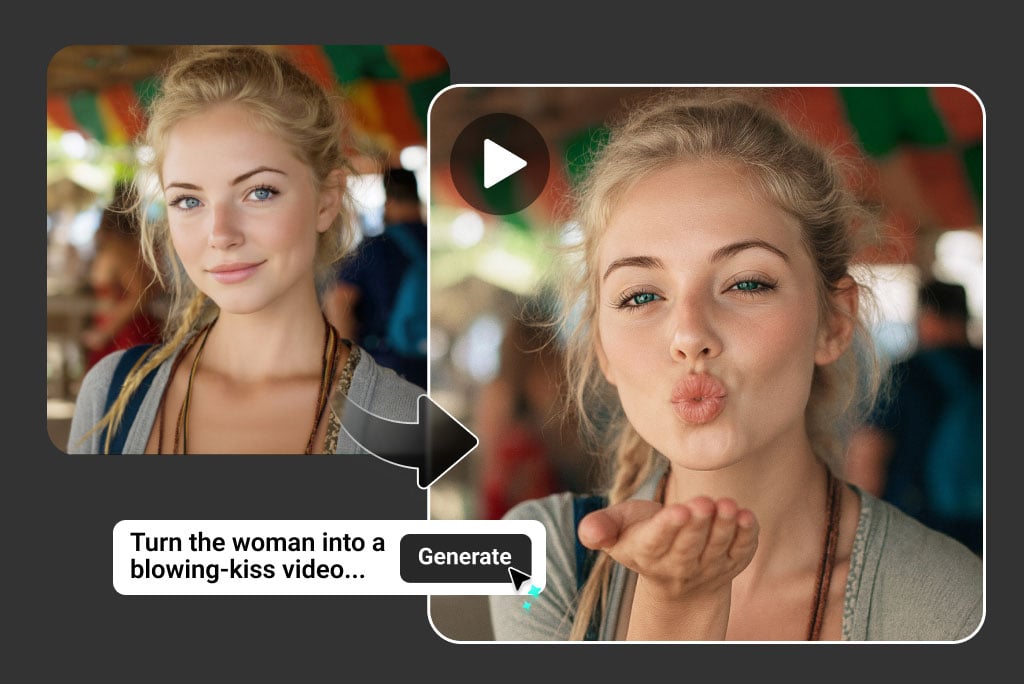
Generate Custom Actions with Character Motion AI
Sometimes, you want more than just ready-made moves. That is where custom prompts help. Upload a photo of a character, then type what you want, like “a dog wagging its tail” or “an anime hero striking a pose.” The AI will bring your character to life just the way you asked.
This gives you full control to be creative. Whether you want to try funny ideas, make unique videos, or play with different styles, custom animations let you explore endless fun possibilities.
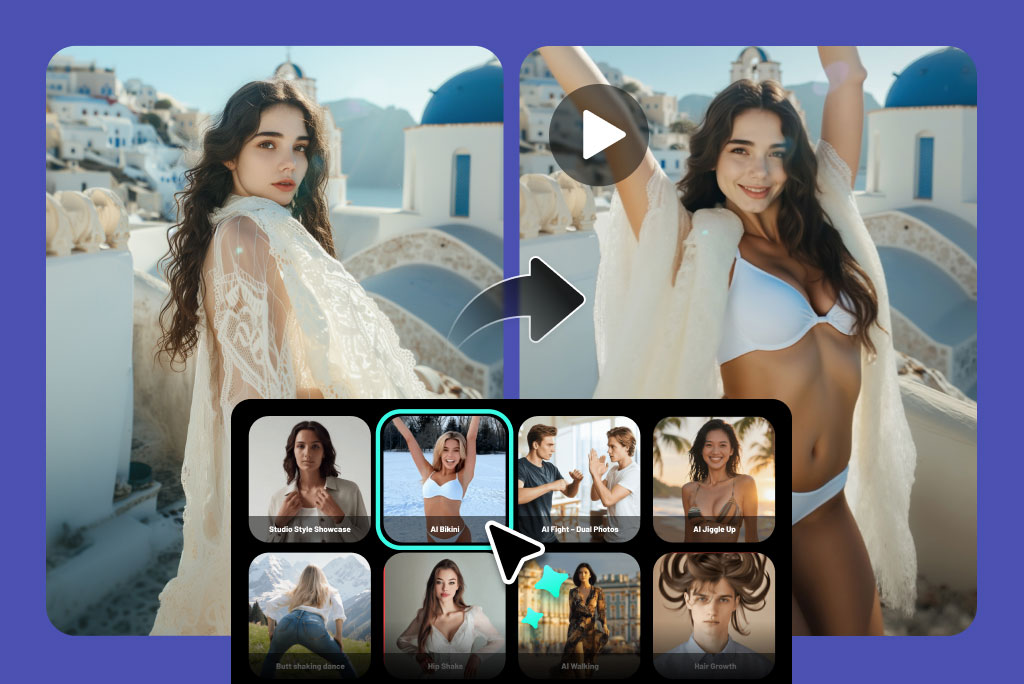
Choose Ready-Made Animations in One Click
Not sure what to create? The character animation creator also includes simple, ready-to-use actions. Choose from movements like dancing, smiling, expressive motions or walking, and your image will be animated instantly.
These pre-made actions are perfect for beginners or for anyone who wants fast results. Just upload your picture, pick an effect, and watch it come alive in a few seconds. You can even mix different actions to create a short, expressive video in just a few clicks.
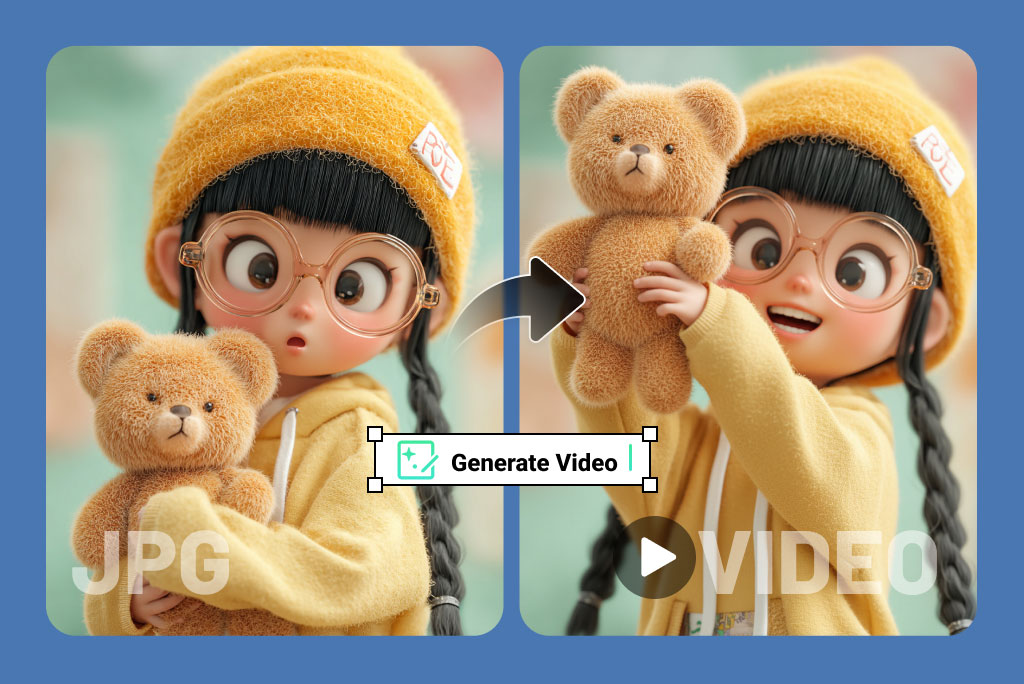
Turn Game and Anime Avatars into Moving Characters
Fans of gaming and anime will love this feature. With character motion AI, you can upload avatars, fan art, or cosplay photos and turn them into animated clips. Imagine your favorite game character dancing or your custom anime avatar waving to the camera.
This AI moving character generator is a fun way to add personality to virtual characters and share them with communities online. It is also popular among fans who enjoy making edits and mashups.
Discover More Creative AI Video Tools
Creative Ways to Use AI Character Animation
Here are the best ways to use AI Animations for characters.
Social Media Animations
Stand out on TikTok, Instagram, or YouTube Shorts with unique character videos. A simple pet animation or avatar dance can go viral.
Pet Animations
Upload photos of your cat, dog, or other pets and animate them to walk, wag tails, or smile. It's a fun way to capture your pet's personality.
Virtual Avatars
Bring your gaming or anime avatars to life with simple movements. Perfect for fan edits, roleplay content, or community sharing.
Marketing Videos
Brands can use animated characters to make ads more engaging. Instead of static images, moving characters grab more attention online.
Storytelling & Fan Edits
Turn characters into actors in short animated stories. Great for fan communities who want to create unique edits.
Greeting Videos
Make a birthday card more fun by animating a character to wave or celebrate with confetti. These clips are great for sharing with friends.
Creative Experiments
Test out unusual ideas like “a cat playing guitar” or “a robot breakdancing.” AI makes it easy to try fun concepts.
Educational Clips
Teachers and students can use animated characters for short lessons or project presentations. This helps in making content more engaging.
What Users Are Saying About the AI Character Animation Tool?
Why Choose insMind's AI Character Animator?

Simple Animation Process
Anyone can use this tool. No training or design skills required. Upload, select, and generate within minutes.

High-Quality Animations
The movements look fluid and realistic, making the characters feel natural rather than stiff.

Works with Anyone or Anything
Animate people, pets, avatars, or even sketches. If you have a photo, AI can make it move.
FAQs About insMind's AI Character Animation
What is AI character animation?


How does the AI character animation generator work?
Can I animate characters from photos?
Is the AI character animator free to use?
Can I animate pets with AI?
Does it work with avatars or anime characters?
Can I use text prompts for custom animations?
Can I animate multiple characters together?
Which is the best AI animation video generator?
“I use it for class projects. Students love seeing their drawings move in short videos.”
@Olivia Brooks, Teacher