
Long Hair AI Filter: See Yourself with Long Hair Online
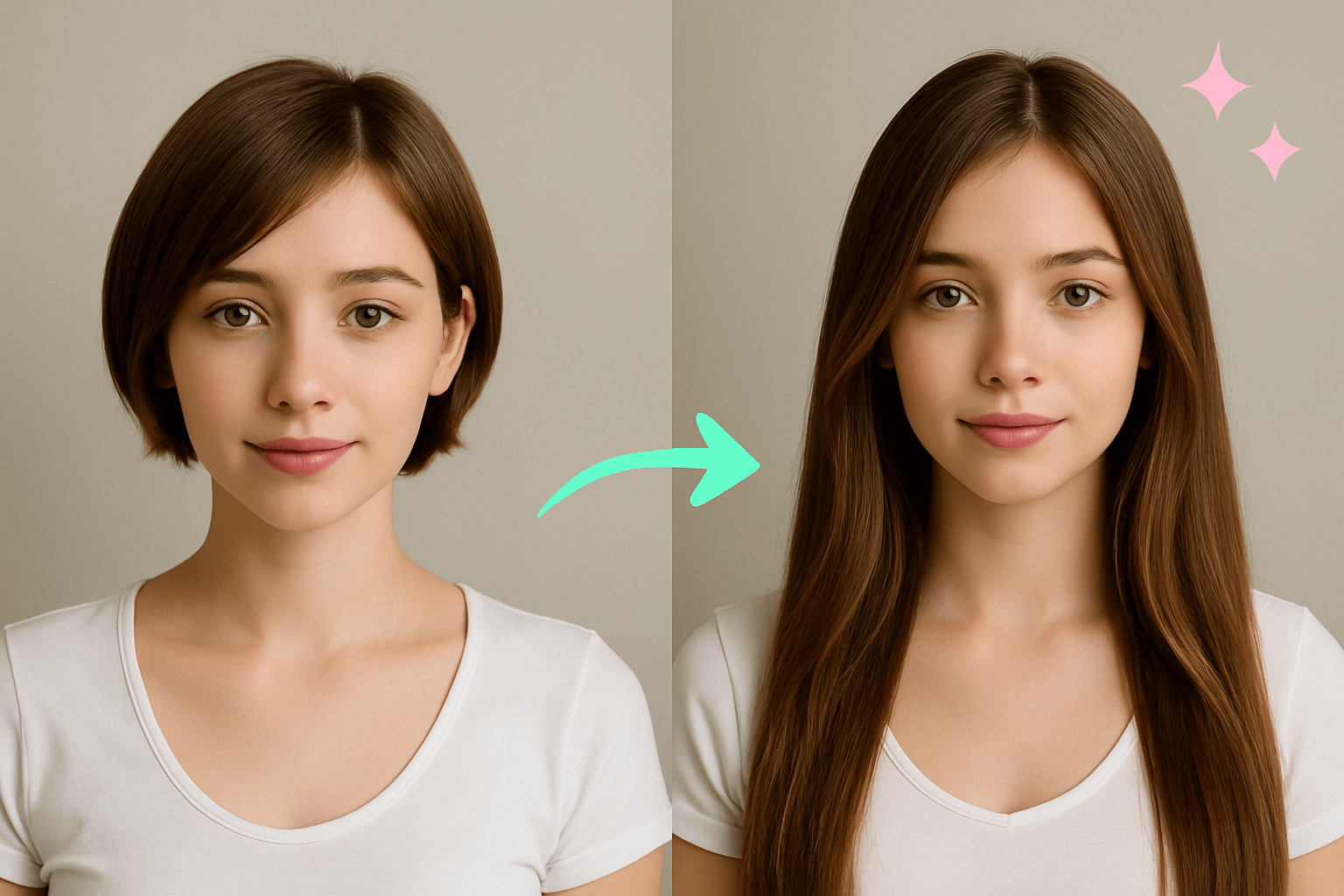

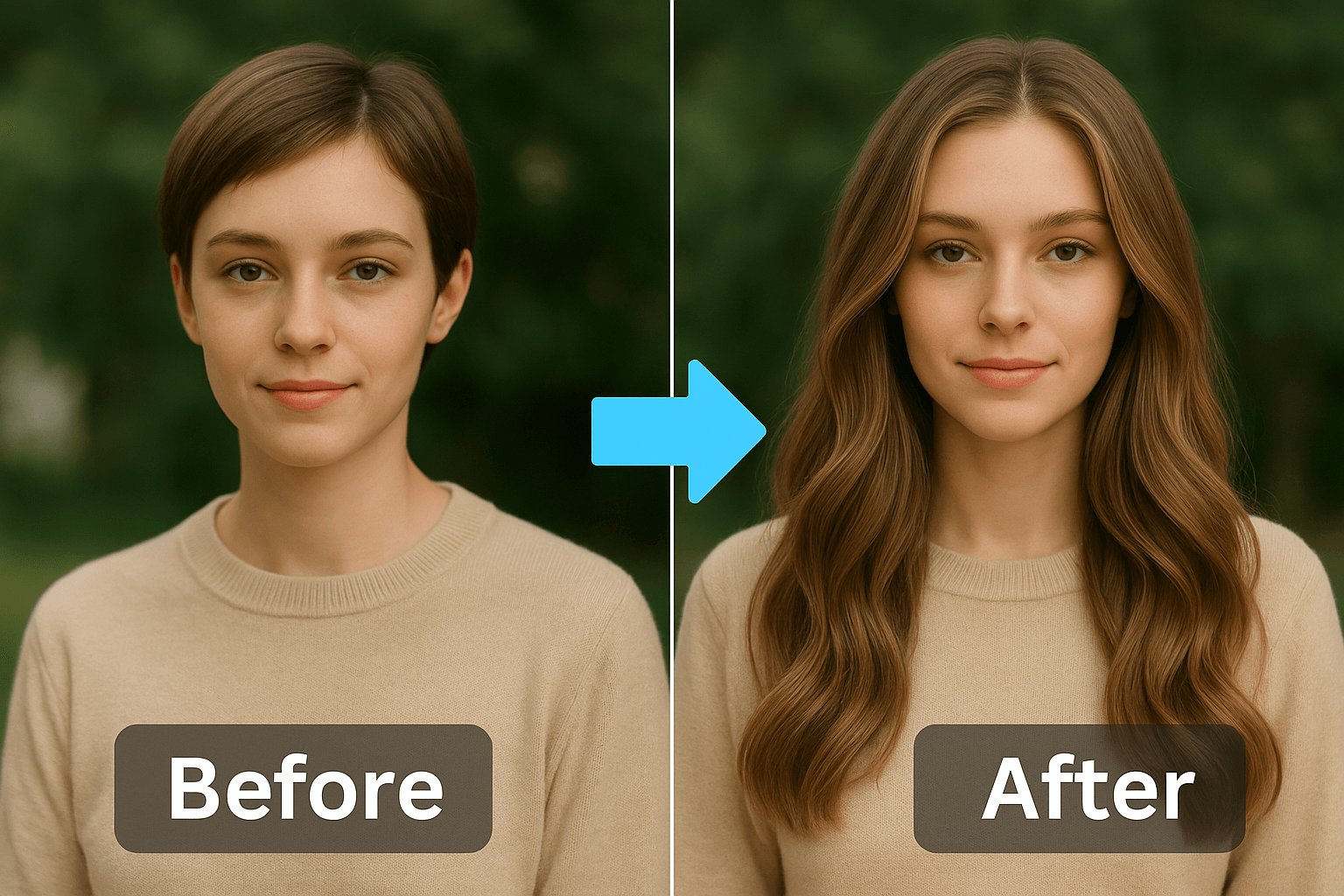
See What You Would Look Like with Long Hair
Use the long hair AI filter to add long hair to a photo and compare the result before changing your real haircut. Start with a clear portrait, then check whether the length, hairline, and face framing still look believable.
If you want to test a broader haircut direction first, use the virtual hairstyle try-on tool, then return here when long hair is the look you want to judge.
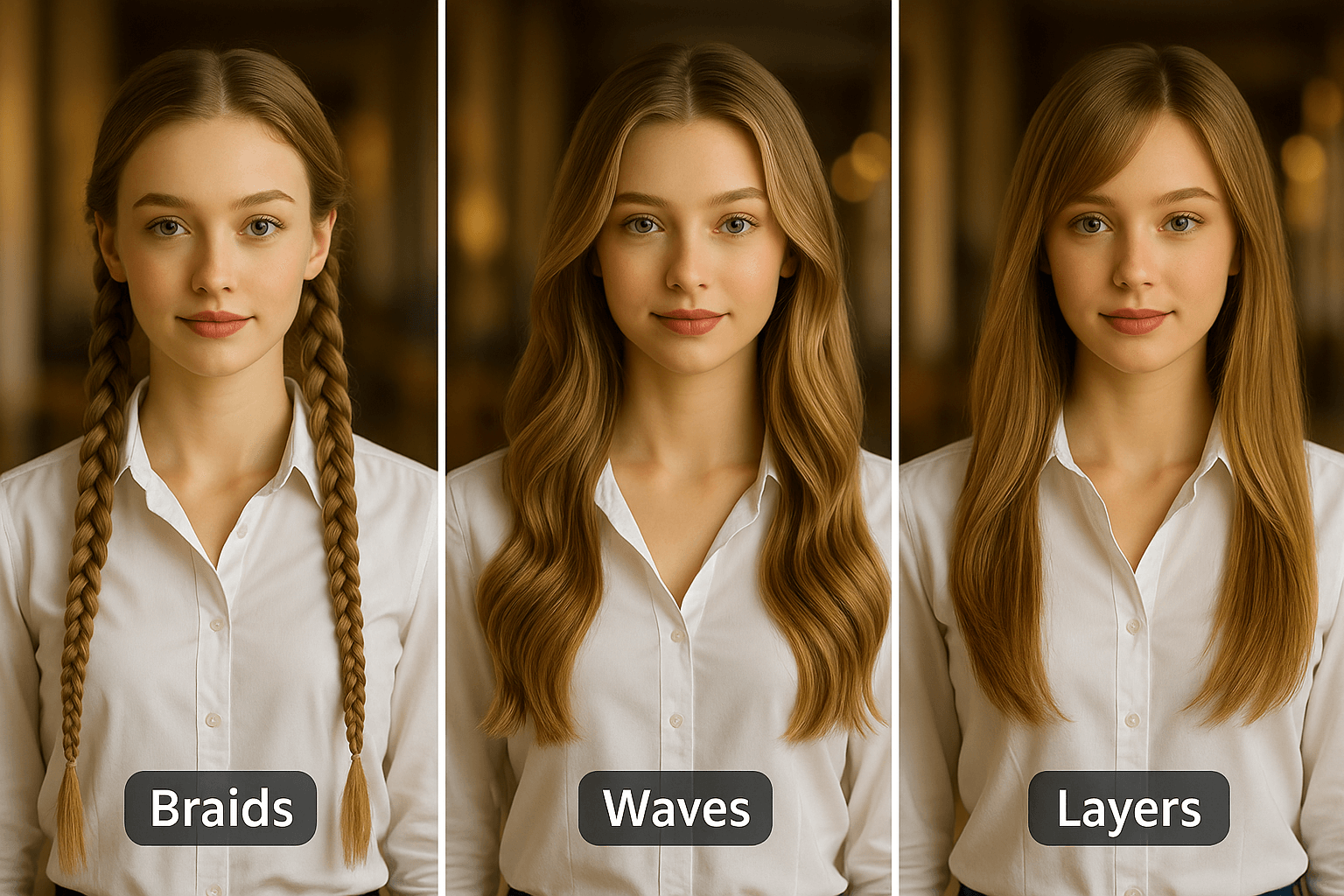
Try Straight, Wavy, Curly, Layered, or Braided Long Hair
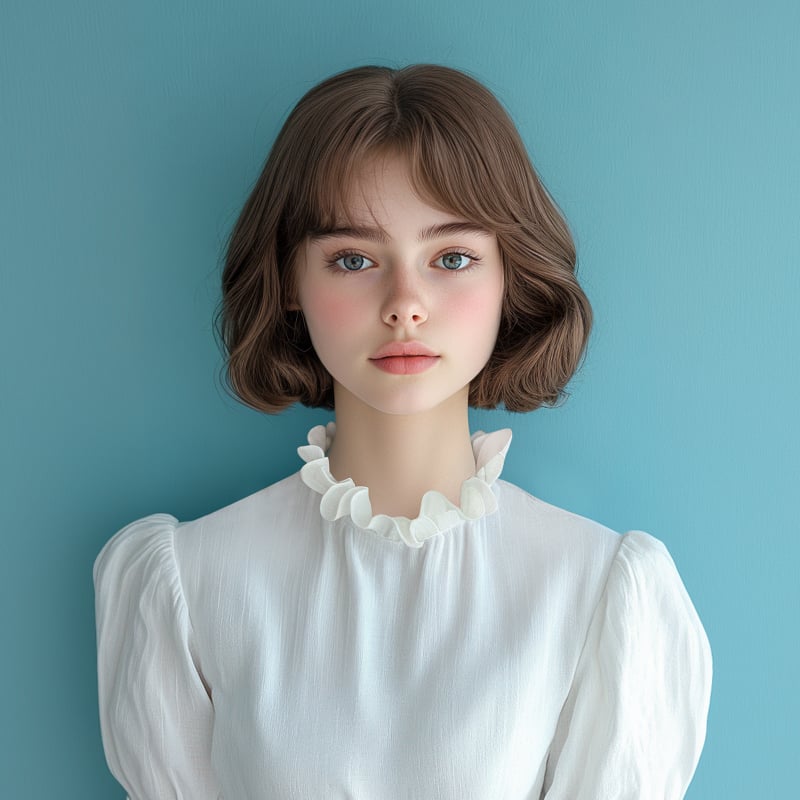
Long hair does not mean one look. Try sleek straight hair, soft waves, curls, layers, bangs, or braided ideas and compare how each style changes your face shape.
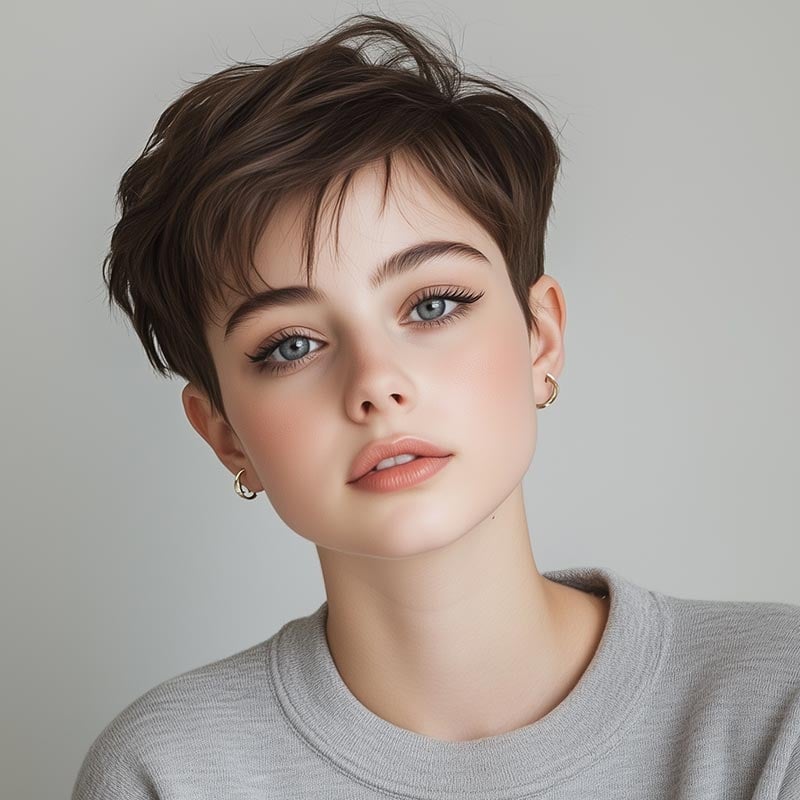
For very short styles, the safer next step is the short hair filter. Keep this page focused on long-hair previews so the result matches the search task.
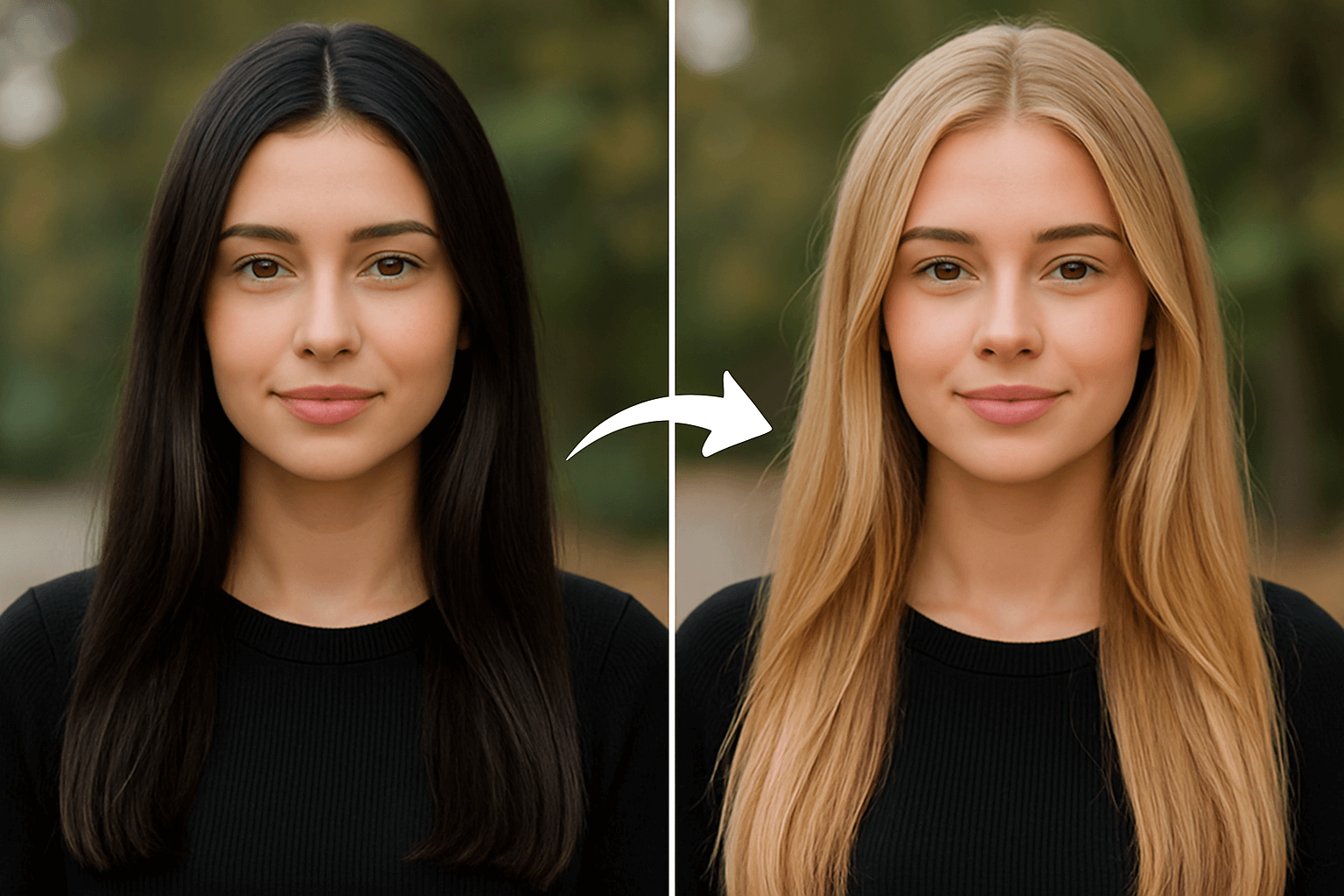
Preview Long Hair Colors Without Dyeing Your Hair
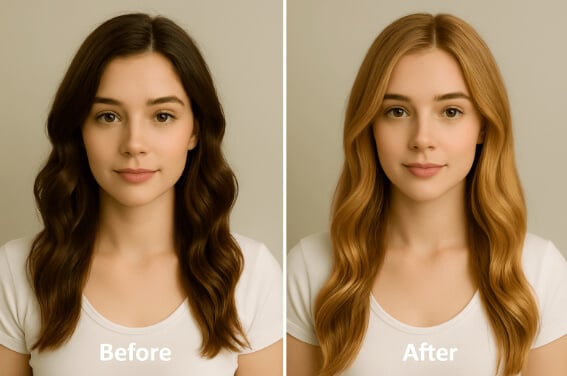
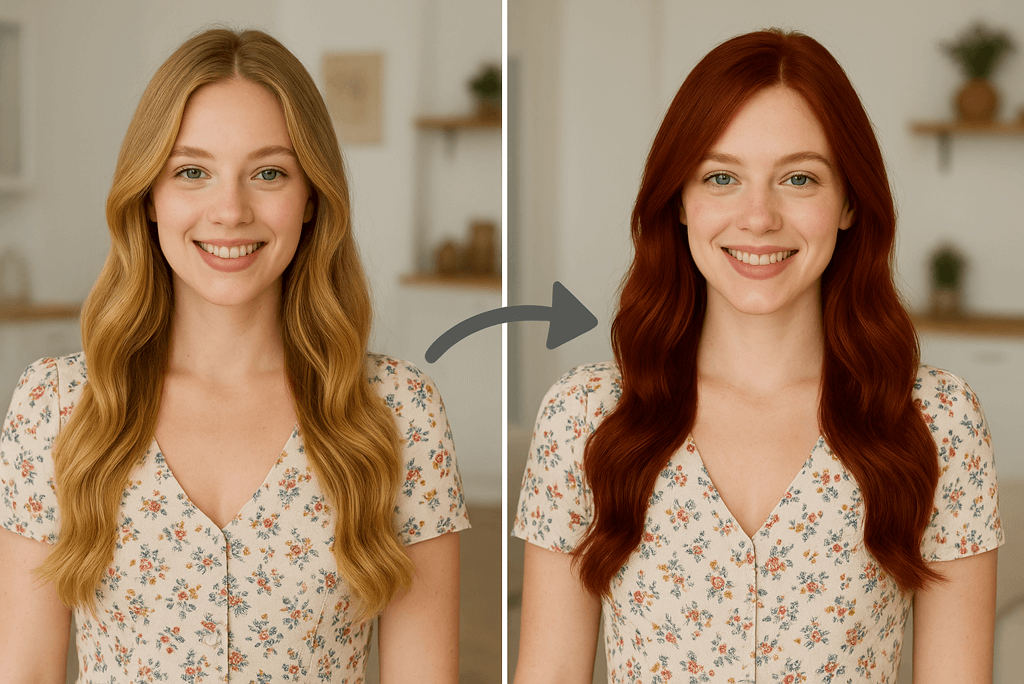
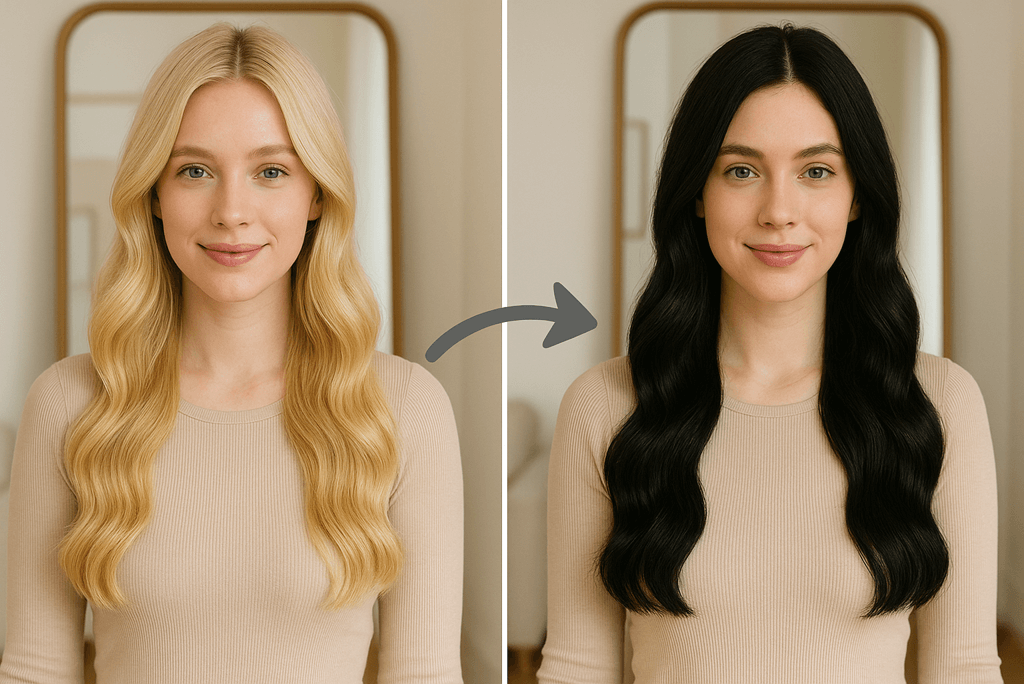
Length and color work together. A long blonde style can feel soft, long black hair can sharpen the outline, and red or fantasy colors can make the change more dramatic.
Use virtual hair color try-on when color is the main decision. Use this long hair simulator when length and overall hairstyle matter more.
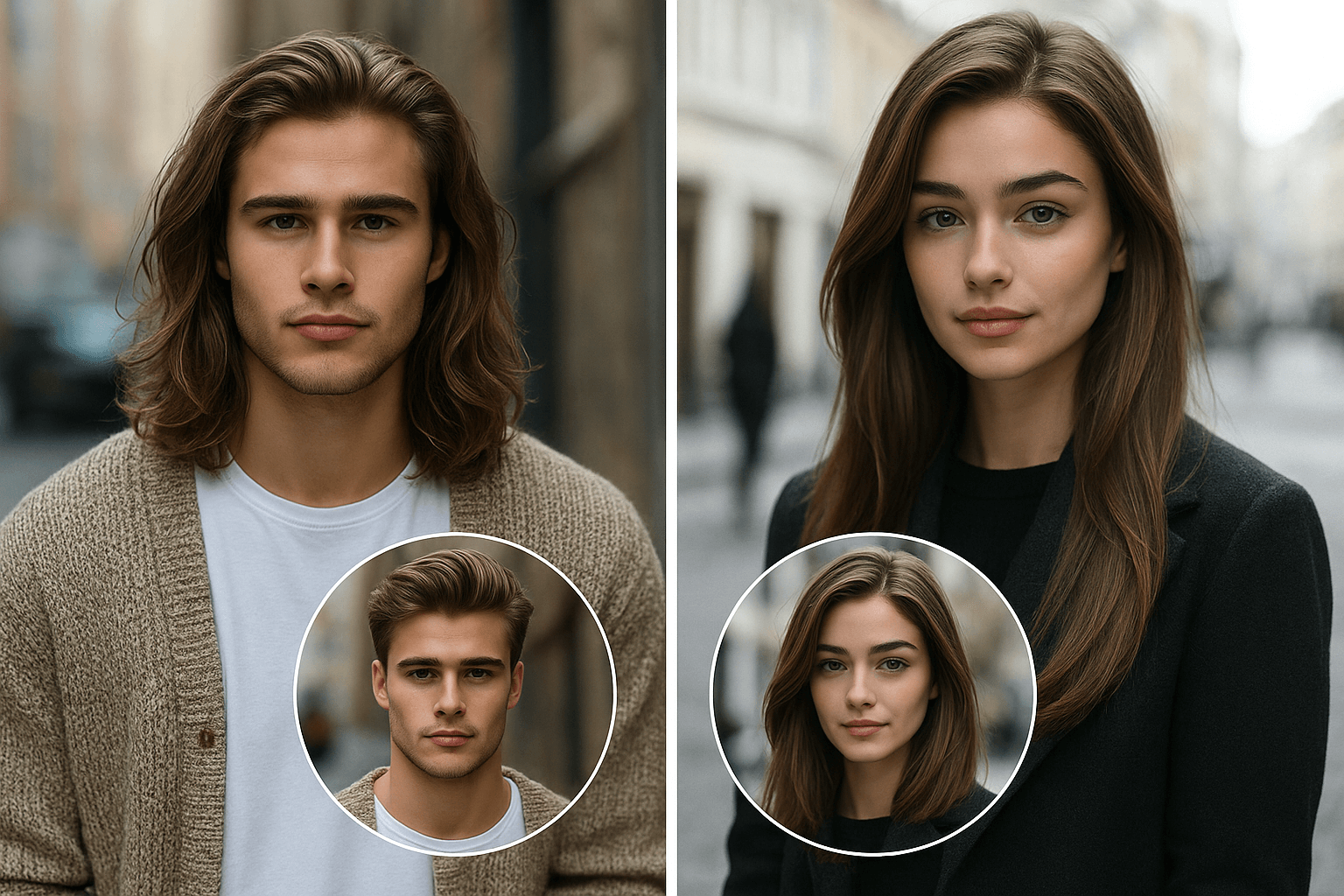
Long Hair AI Looks for Men, Women, Boys, and Girls
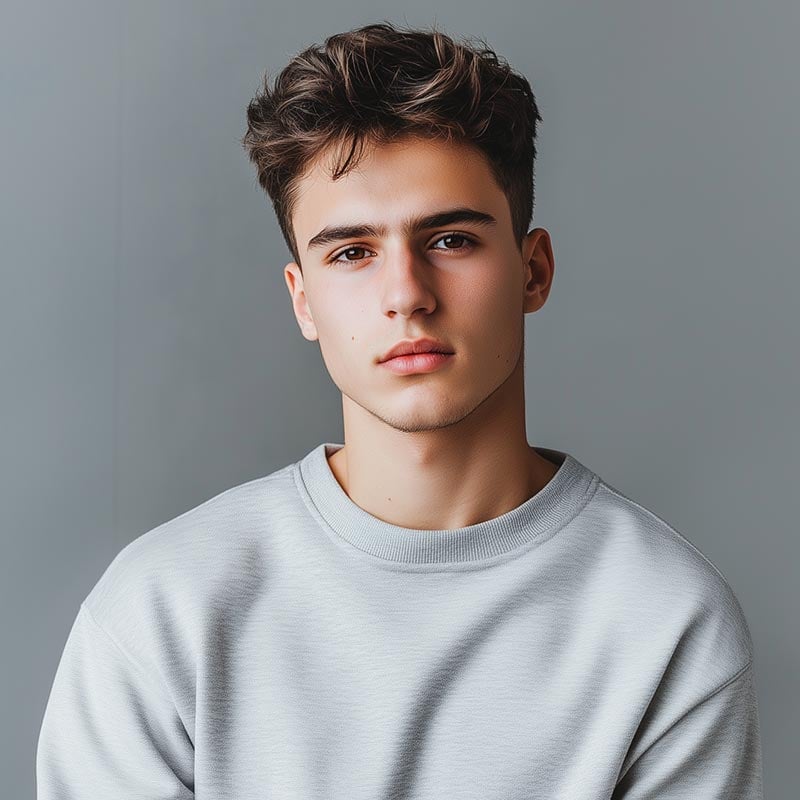
The page can help with long hair AI men queries, long hair boy ideas, softer feminine styles, or a simple before-you-grow-it preview. Choose a clear face photo and avoid hats or heavy shadows around the hairline.
For male-specific short-to-long experiments, you can also compare with the hairstyle changer for men.
More AI Hair Tools for Your Next Look
Compare length, color, curl, and gender-specific hairstyle ideas without leaving the hairstyle tool cluster.
How to Try Long Hair Online with AI

1 Upload a Clear Portrait

2 Enter Your Long Hair Prompt

3 Generate and Download


Why Use insMind as Your Long Hair AI Simulator?

Preview the Decision Before You Grow It Out
Long hair takes time. A quick AI preview helps you judge length, volume, bangs, and face framing before committing to months of growth or a salon change.

Compare Length, Texture, and Color Together
Test straight, wavy, curly, layered, braided, blonde, brunette, black, red, or fantasy-color long hair. The best result is usually the one that still looks believable around the hairline.

Useful for Men and Women
Use the same tool for long hair AI men looks, feminine long hairstyles, boy or girl style ideas, and simple photo edits when you want to add long hair to a portrait.
FAQs About the Long Hair AI Filter
What is a long hair AI filter?


Can I add long hair to a photo online?
Is this long hair filter free to use?
Can men use the long hair AI filter?
How do I make the long hair result look more realistic?
Can I try long hair colors too?
More AI Hairstyle Tools to Try Next
Compare long hair with short styles, curls, color changes, and gender-specific hairstyle previews.
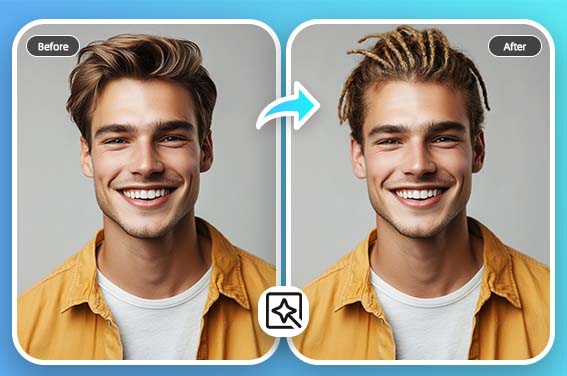
Virtual Hairstyle Try On
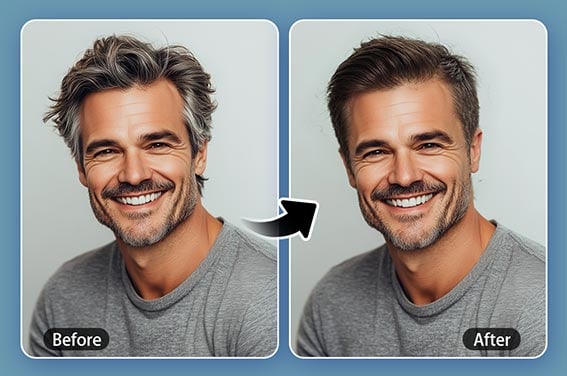
Crew Cut Filter
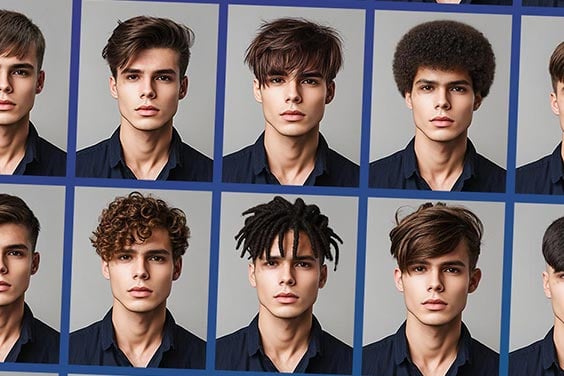
Hairstyle Changer for Men
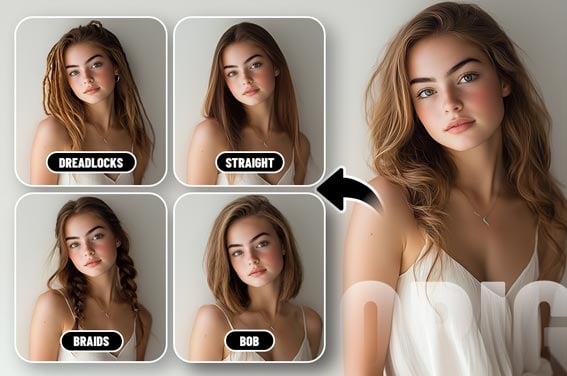
Female Hairstyle Changer
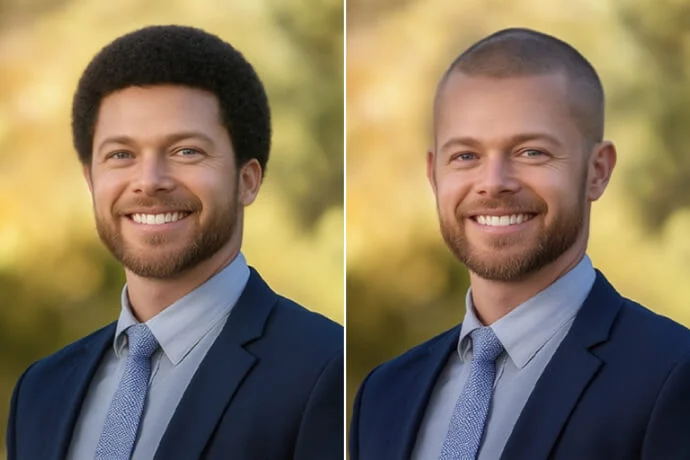
Buzz Cut Filter
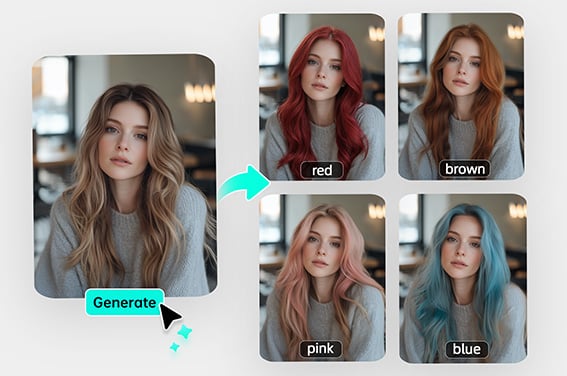
Virtual Hair Color Try On
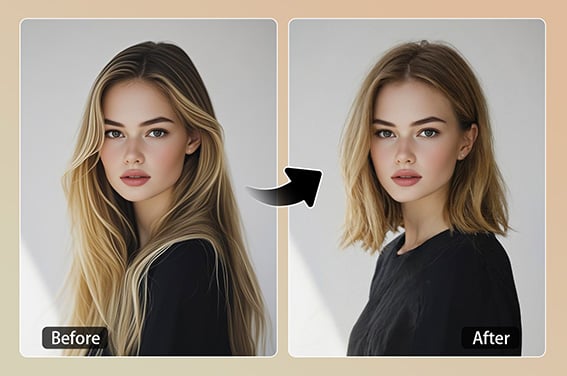
Short Hair Filter
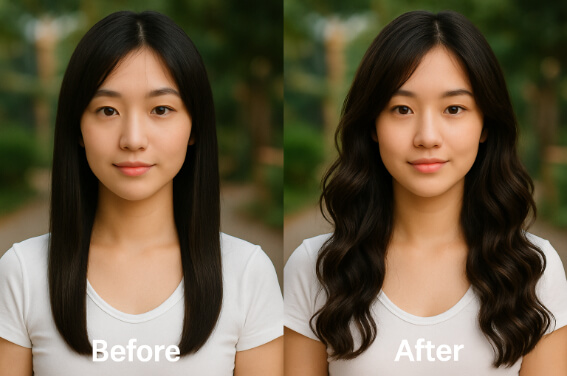
Curly Hair Filter
Blonde Hair Filter
Red Hair Filter
"I used it for long hair ideas before a salon visit. It did not replace a stylist, but it gave me a clear visual direction to discuss."
@Alyssa