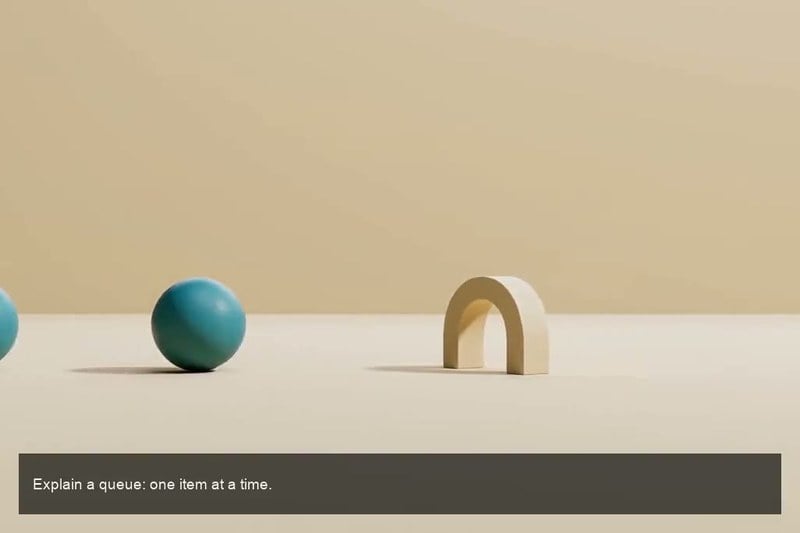
Start with a topic, an outline, or a complete script. Tell the Agent who your audience is and what they should learn, then develop a clear sequence of scenes with narration. Create a quick overview or a longer explanation with script-to-video creation, and ask the Agent to combine the scenes into one finished video.

AI Explainer Video Generator
Turn topics, scripts, and images into narrated explainer videos, from quick overviews to in-depth lessons of 30 minutes or more.
00:00
00:00
Turn an Idea into a Visual Explanation
00:00
00:00
Show What a Product Does
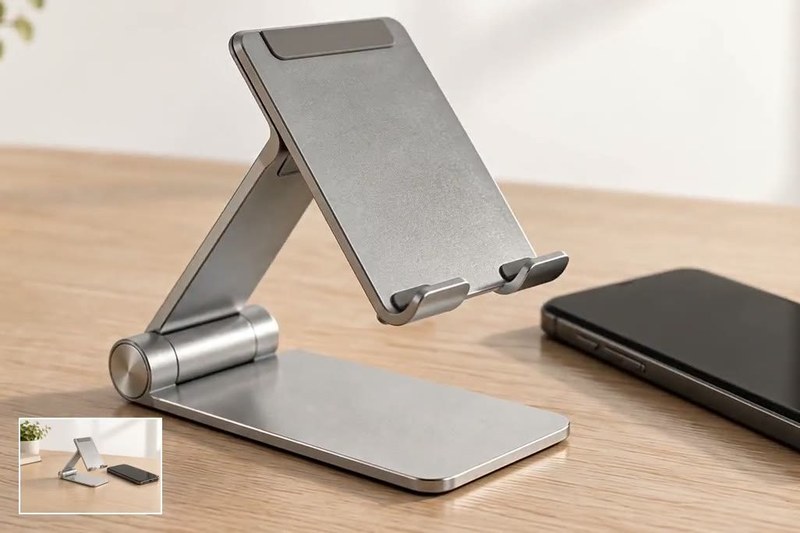
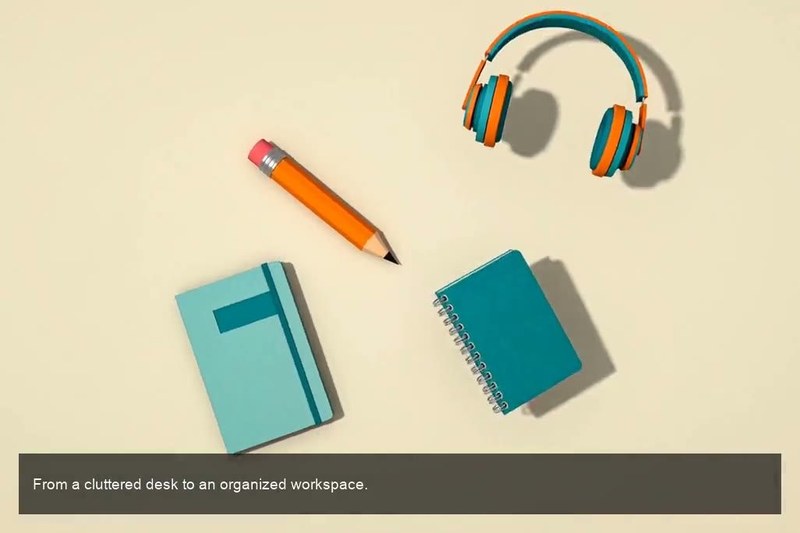
Use a product image as a visual reference and describe one benefit you can demonstrate. A clear action can explain more than a list of features, whether you are showing a foldable stand opening or an organizer making space on a desk. Explore product demo videos when the product itself is the main focus.
00:00
00:00
Give Your Explanation a Clear Visual Style
Choose animation, realistic scenes, or visual metaphors that fit your subject. Guide the framing, movement, and narration with your prompt, and carry a consistent visual direction across the explanation. For an illustrative approach, explore AI cartoon videos.
How to Make an AI Explainer Video
Step 1: Share Your Topic or Script
Enter a topic, paste your script, or upload reference images. Tell the Agent who the audience is, what they should learn, and how long you want the finished video to be.
Step 2: Set the Style and Narration
Describe the visual style, language, and tone. Ask the Agent to develop the explanation into clear sections with supporting scenes and AI narration.
Step 3: Generate and Refine the Scenes
Generate the scenes, review the explanation and narration, and request changes where needed. Keep the key ideas and visual direction consistent throughout the video.
Step 4: Combine and Download
Ask the Agent to combine all scenes or selected sections into one video. For longer projects, confirm the assembly plan when prompted, then review and download the finished explainer.
Make Ideas, Products, and Processes Easier to Understand
Introduce a Concept to a New Audience
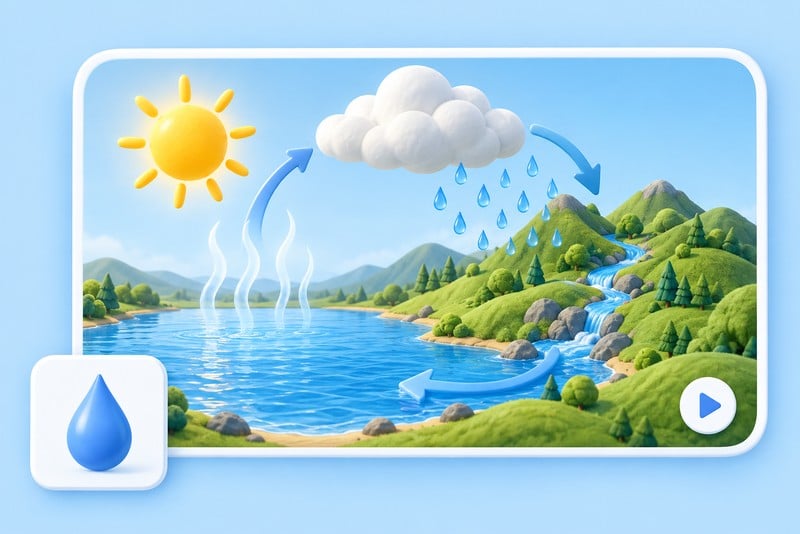
Introduce an unfamiliar subject with visual examples and clear narration. Build a quick overview or a complete lesson with an introduction, supporting ideas, and a recap. Ask the Agent to combine the scenes into one video for your audience.
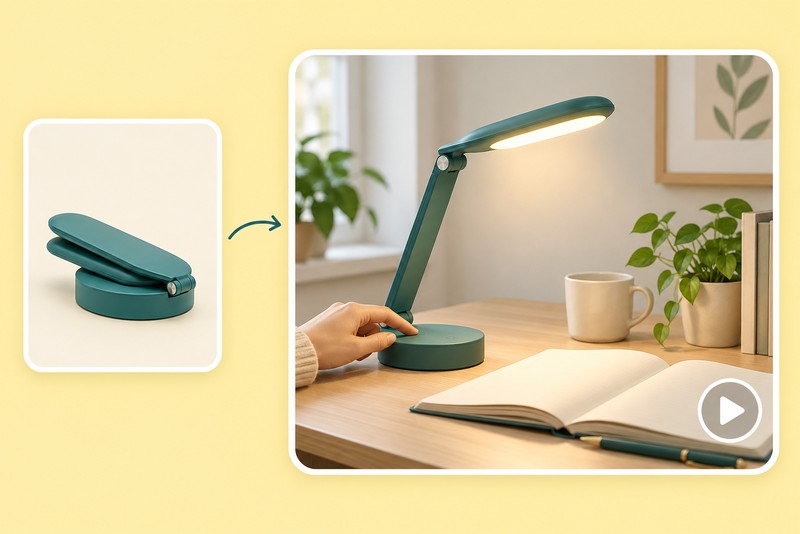
Explain a Product Benefit on a Landing Page
Show a product solving a recognizable problem with one visible action. Use the clip alongside your product copy and real photography to help visitors understand the benefit before they explore the details.

Explain a Process Step by Step
Guide viewers through a process with a logical sequence of actions and narration. Create a focused tutorial or a longer training video, then ask the Agent to combine the scenes. Use real screen recordings for exact software menus and clicks. Explore the AI tutorial video generator for more instructional ideas.
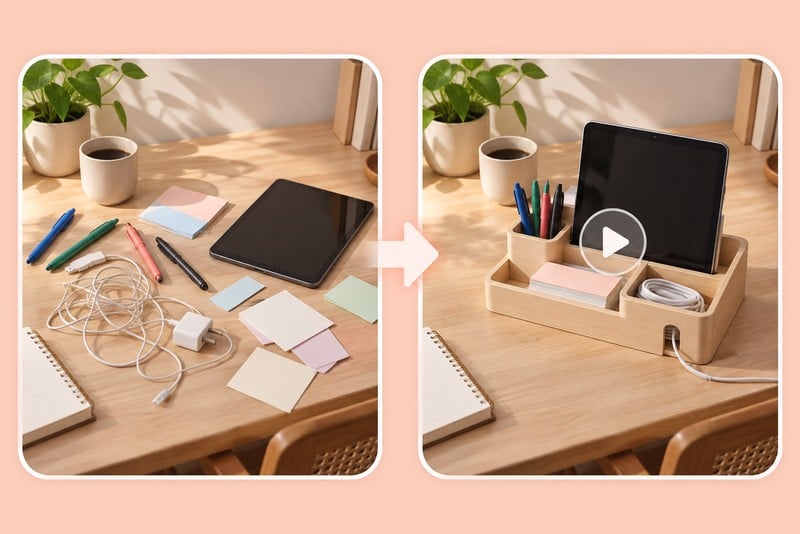
Visualize a Problem and Solution for a Pitch
Explain the problem, show your solution, and bring the key points together in a clear pitch. Use visual comparisons and AI narration to guide the story, and provide your own verified facts and product details.
Why Choose insMind for Explainer Videos?

Flexible Starting Points
Start with a topic, a script, or product images, then shape the explanation around what your audience needs to understand.

Explainers of 30 Minutes and Beyond
Create in-depth lessons, training videos, and detailed explainers of 30 minutes or longer. Ask the Agent to generate the scenes and combine them into one video.

Creative Direction in Your Words
Use your prompt to guide the scene, camera framing, and visual style.

More Uses for Existing Content
Turn an existing lesson, product brief, or pitch into a structured video with supporting scenes and narration.

AI Narration in Different Languages
Generate narration in your preferred language and tone to explain ideas clearly to different audiences.

Ready for Lessons, Pages, and Presentations
Ask the Agent to combine all scenes or only the sections you need, then download the finished video for your course, page, or presentation.
AI Explainer Video Generator FAQs
What is an AI explainer video generator?


It turns topics, scripts, and reference images into videos that explain an idea, product, or process. With insMind, the Agent helps create scenes and AI narration, then combines them into a short overview or a longer, structured explainer.
Can I make an explainer video from a script?
Yes. Give the Agent your script or outline, describe the audience, and specify the target length and visual style. It can create supporting scenes and narration, then combine the scenes into a complete explainer. Longer scripts can become detailed lessons, training videos, or product explainers.
Can I use a product image as the starting point?
Yes. Use an image-based task and upload a clear product reference. Describe one action or benefit to show, then check the generated clip for changes to shape, labels, or other details.
Can I create animated explainer videos?
Yes. Describe the animation style you want, such as a simple illustrated lesson or a visual metaphor. Use a consistent direction across scenes to make the explanation easy to follow. Check factual details and any precise labels or diagrams before publishing.
Can the video include narration or sound?
Yes. insMind can automatically generate narration for your explainer video in different languages. Provide a script or describe the message, language, and tone you want.
How long can an explainer video be?
You can create explainer videos of 30 minutes or longer through the Agent by generating and combining multiple scenes. Specify the total length and ask it to combine all scenes or selected sections. For longer projects or many clips, the Agent may confirm what to combine before producing the finished video.
Can I create an exact software walkthrough or training video?
Yes. Create structured training videos with explanations, examples, and AI narration, including videos of 30 minutes or longer. For exact software menus, clicks, and interface behavior, use real screen recordings as the demonstration footage rather than relying on generated visuals.
Can I try AI explainer videos for free and use them commercially?
You can try this tool online for free. Available features and usage limits may vary by account and permissions.
More Tools for Product Demos, Tutorials, and Explainers

00:00
00:00
AI Training Video Generator
Explore visual ideas for a learning or training project.

00:00
00:00
AI Video Editor
Explore tools for working with existing video footage.

00:00
00:00
AI Marketing Video Generator
Develop visual concepts for a marketing message.

00:00
00:00
Image to Video
Start your next scene from a reference image.
00:00
00:00
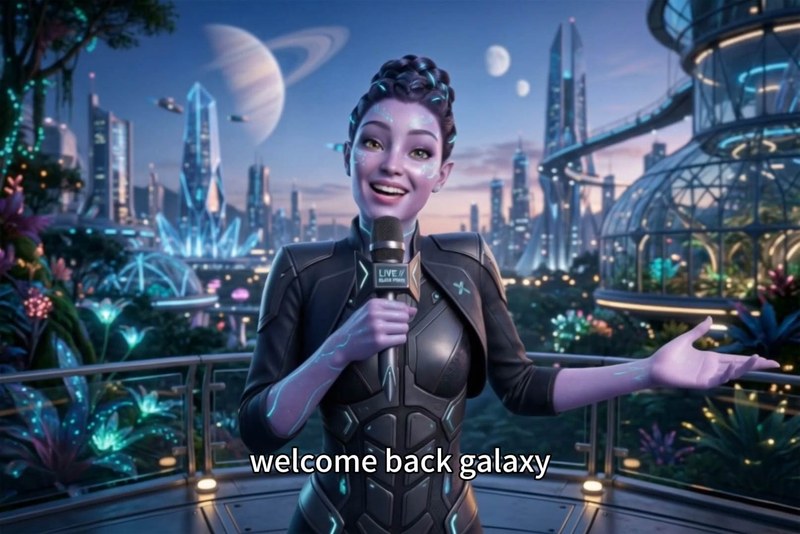
AI Faceless Video Generator
Explore video ideas without an on-screen presenter.
00:00
00:00
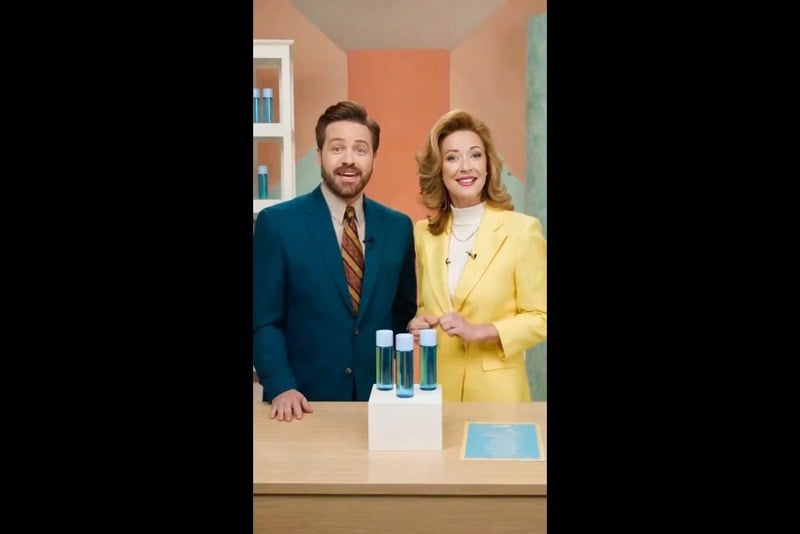
AI Spokesperson Video Generator
Explore a presenter-led direction for your message.
00:00
00:00
Text to Video
Describe a new scene using a written prompt.
AI Promo Video Generator
Create a short concept for an announcement or promotion.