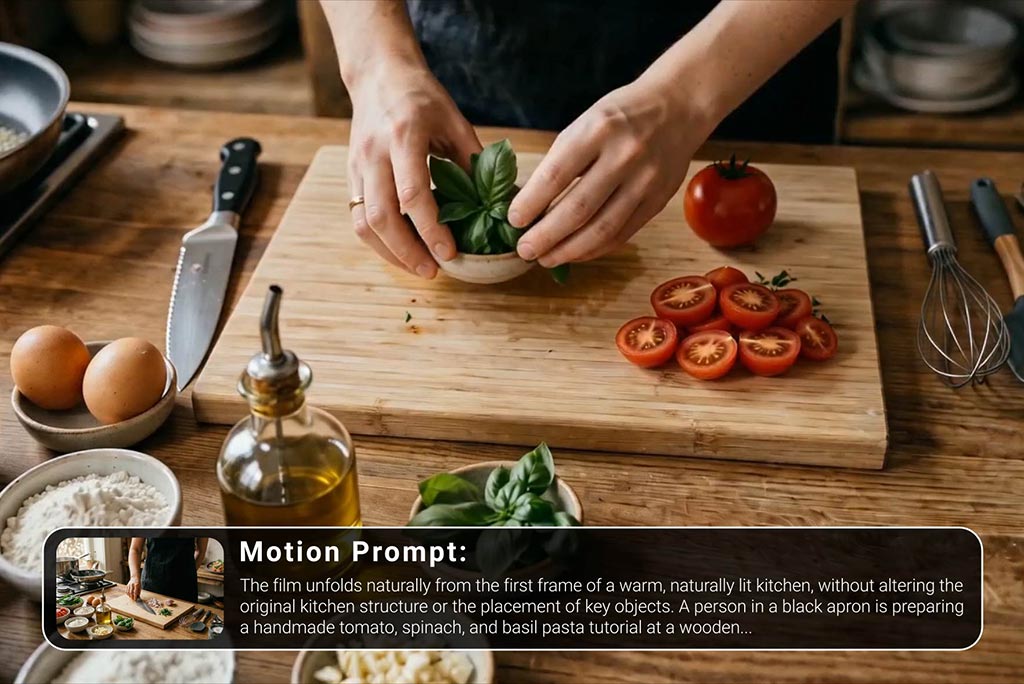
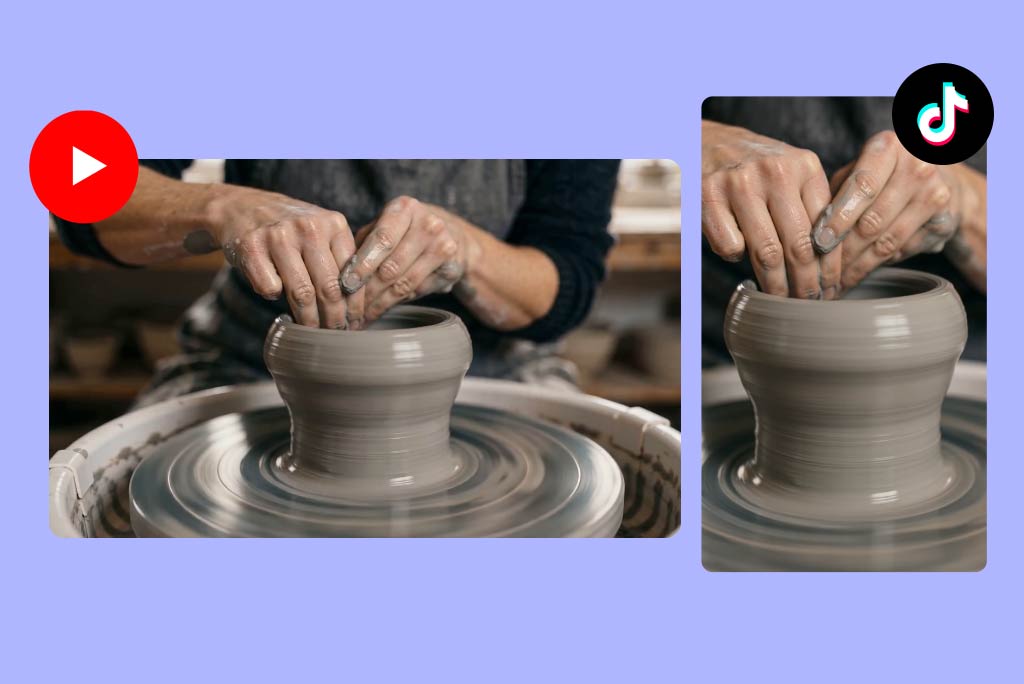
With our AI tutorial video generator, you can turn simple text into complete tutorial videos. Just describe your topic—such as how to make a tutorial video, a product walkthrough, or a step-by-step guide—and our AI will generate a structured video with scenes, instructions, and visual flow already applied.
This makes it easy to build a tutorial video maker workflow without filming or editing. Whether you are creating a how to guide video output or a quick tutorial video for social media, you can go from idea to publish-ready content in minutes.

AI Tutorial Video Maker: Turn Ideas into Step-by-Step Videos
00:00
00:00
00:00
00:00
00:00
00:00
Create AI Video Tutorials from Prompts

Get Started with DIY Video Templates Easily
Our AI tutorial video maker includes a wide range of ready-to-use templates, prompts, and inspirations based on trending formats. You can choose from popular styles like how-to guide videos, DIY tutorials, unboxing videos, and short-form social content, then generate similar videos instantly.
This approach removes the need to start from scratch. As a how to guide video generator, it helps you replicate proven formats and create consistent tutorial videos faster, even if you have no experience writing prompts or editing videos.

Create How-To Guide Videos with Various Avatars
You can generate tutorial videos with AI avatars and characters that present your content naturally. Upload a reference image, and our AI tutorial video creator will use it to build a consistent on-screen avatar or spokesperson for your videos.
This is especially useful for creating personalized tutorial content at scale. Whether you want to make makeup tutorial videos, product guides, or educational content, avatars help you deliver instructions clearly without needing to appear on camera.

Edit and Enhance Instructional Videos with AI
Beyond generation, our platform allows you to refine and update your videos using simple prompts. You can replace objects, change backgrounds, adjust scenes, or update instructions without re-creating the entire video.
This makes it a flexible AI tutorial video maker for ongoing content updates. If you are improving a how to make tutorial videos workflow or adapting content for new audiences, you can quickly modify your videos while keeping production efficient.
How to Make Tutorial Videos with AI
Step 1. Select an AI Video Model
Choose the AI video model that fits your tutorial style. insMind provides all leading AI video models, including Kling 3.0. veo 3.1, seedance, and more.
Step 2. Enter a Prompt or Upload Images
Describe your tutorial, such as how to make a tutorial video or a step-by-step guide, or upload a reference image to guide the visuals and structure.
Step 3. Generate Your Tutorial Video
Click generate, and our AI tutorial video maker will create a complete instructional video with scenes, text, and flow automatically applied.
Step 4. Download Your Video
Preview the result and export your tutorial video. It's ready to share on social media, use in training, or publish as educational content.
What Kinds of Tutorial Videos Can You Create?

Cooking and Recipe Tutorials
Create step-by-step food and cooking guides with clear instructions and visual sequences.

Makeup and Beauty Tutorials
Make makeup tutorial videos for skincare, cosmetics, and styling with engaging visuals and easy-to-follow steps.

Product and App Tutorials
Show how to use tools, apps, or software with structured explainer-style tutorial videos.

DIY and Craft Tutorials
Build how-to videos for crafts, home projects, and creative ideas using a how to guide video maker.

Fitness and Workout Tutorials
Create instructional videos for exercises, routines, and training guides with clear step-by-step flow.

Music and Creative Tutorials
Learn how to make a music video tutorial or creative guides for editing, production, and artistic workflows.
Who Can Benefit from an AI Tutorial Video Maker?
Content Creators
Quickly produce tutorial videos for YouTube, TikTok, and other platforms using an AI tutorial video creator.
Educators and Coaches
Turn lessons and knowledge into structured video tutorials that are easy to follow and share.
Brands and Businesses
Create product tutorials, onboarding videos, and customer education content at scale.
Freelancers and Agencies
Deliver tutorial video projects faster using an AI tutorial video generator that reduces production time.
Why Choose insMind AI Tutorial Video Maker
Easy to Use
Create tutorial videos from prompts, templates, or images without complex editing tools.
Fast Content Creation
Generate complete tutorial videos in minutes, making it easier to scale content production.
Flexible Creation Methods
Use text-to-video, templates, or avatar-based workflows depending on your needs.
High-Quality Results
Produce clear, structured, and visually engaging tutorial videos ready for real use cases.
FAQs about AI How-to Guide Video Generator
What is an AI tutorial video maker?


An AI tutorial video maker is a tool that turns text prompts or images into structured tutorial videos with scenes, instructions, and motion.
How do I make a tutorial video with AI?
You can enter a prompt describing your topic or select a video template. Our AI tutorial video generator will create a complete video automatically.
Can I create how-to guide videos without filming?
Yes, you can generate how-to guide videos entirely from text or templates without recording or editing manually.
Can I use avatars in my tutorial videos?
Yes, you can upload a reference image and generate an avatar to present your tutorial content on screen.
What types of tutorial videos can I create?
You can create cooking tutorials, makeup tutorials, product guides, DIY videos, fitness tutorials, and more.
Can I edit my tutorial videos after generating them?
Yes, you can modify scenes, replace objects, or update backgrounds using simple prompts.
Is this suitable for beginners?
Yes, the AI tutorial video maker is designed for users without video editing experience.
Explore More AI Video Tools on insMind
00:00
00:00
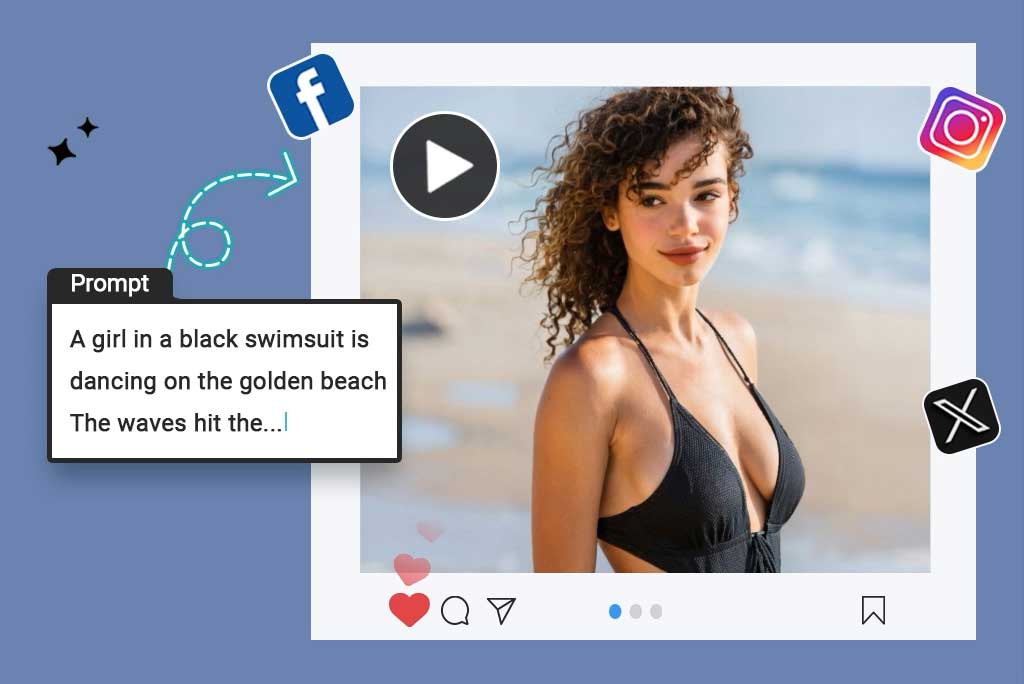
Script to Video AI
Turn written scripts into videos with AI instantly.
00:00
00:00
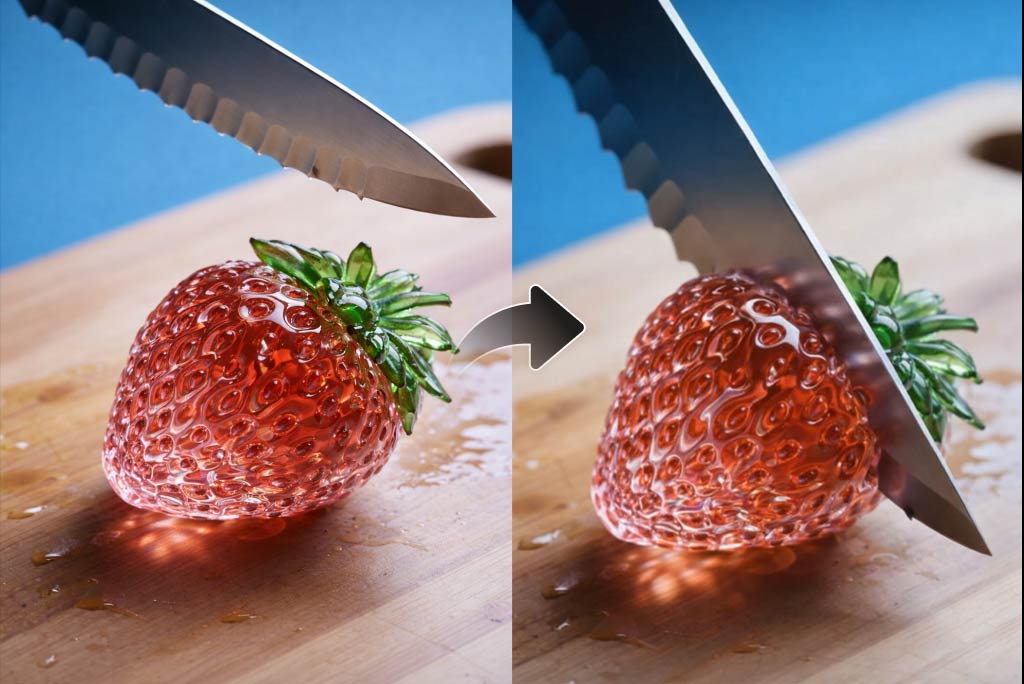
AI YouTube Shorts Generator
Create viral YouTube Shorts instantly with smart, easy-to-use AI tools.
00:00
00:00
AI ASMR Generator
Create calming AI ASMR videos with perfectly synced sound.

00:00
00:00
AI Video Editor
Edit videos naturally using AI—no timeline or manual tools.
00:00
00:00
AI Video Enhancer
Easily improve your video quality with AI video enhancer.

AI Cartoon Video Generator
Generate high-quality cartoon videos from text or images.
00:00
00:00
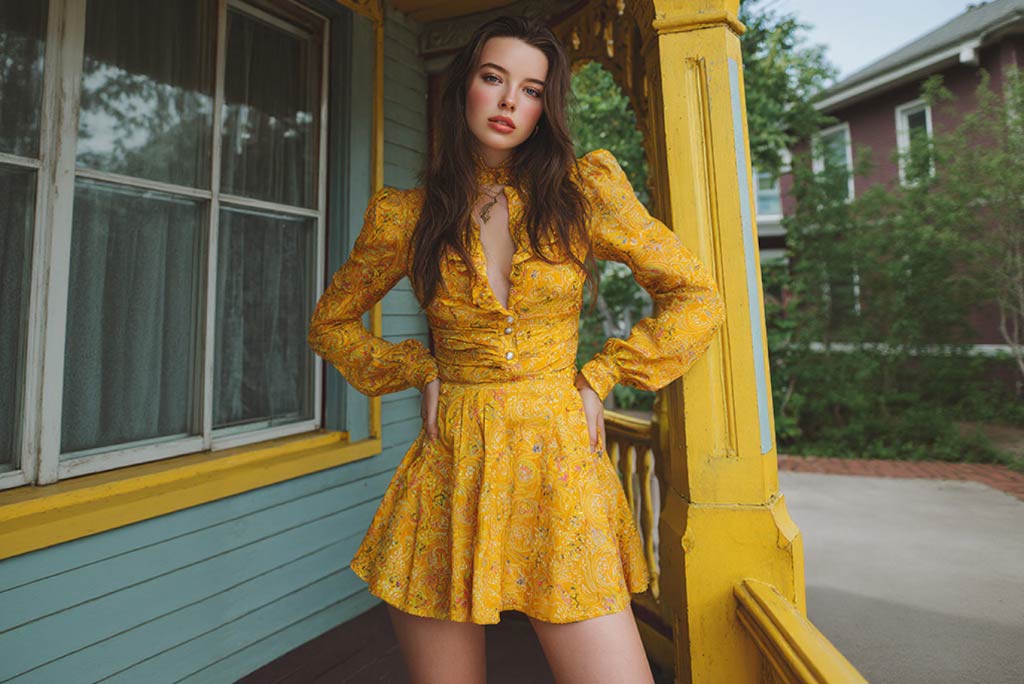
AI Character Animation
Transform any photo into a moving AI character video.

00:00
00:00
Image to Video
Create custom videos from your photos with AI.

Text to Video
Turn any text prompt into high-quality videos in minutes.