
AI Marketing Video Generator

00:00
00:00
Turn Product Images into Promo Videos
00:00
00:00
Create Campaign Videos from Scripts
How to Create AI Marketing Videos
Step 1: Upload Your Product Image or Enter a Script
Add a product photo, campaign idea, product URL copy, or short script that explains what you want to promote.
Step 2: Describe Your Campaign Goal
Choose whether you need a product ad, launch teaser, SaaS promo, sale campaign, or social media video.
Step 4: Generate and Share
Preview the AI marketing video, refine the prompt if needed, then export it for ads, landing pages, or social channels.
Step 3: Pick the Best Ratio
Use 9:16 for TikTok, Reels, and Shorts; 16:9 for websites, YouTube, and SaaS demos; 1:1 for feed ads.
Create Marketing Videos for Every Campaign
Use AI video generation across product ads, launches, agencies, and social channels.

Ecommerce Product Ads
Create product videos from photos for paid social, store pages, and flash sale campaigns. Pair it with the AI Ad Video Generator when you need more ad-specific creative variations.

SaaS Feature Launches
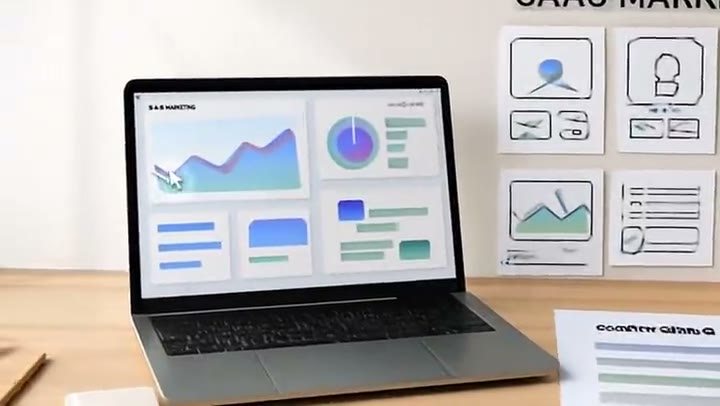
Turn screenshots or product copy into launch videos for landing pages, LinkedIn, and YouTube.

Agency Campaign Variations
Generate multiple ad angles for the same product so teams can test hooks, audiences, and platforms faster.

Social Media Promos
Make quick videos for TikTok, Reels, Shorts, and feed ads without opening a timeline editor.
Why Choose insMind AI Marketing Video Generator

Fast Creative Production
Generate campaign-ready videos from simple inputs, so your team can move from idea to publishable creative much faster.

Product-Focused Output
Keep the product, offer, or feature at the center of every scene instead of creating generic AI visuals.

Flexible Campaign Styles
Produce product demos, promos, launch teasers, UGC-style ads, seasonal offers, and brand videos in one workflow.

High-Quality Motion
Use smooth camera movement, clean transitions, and polished commercial pacing for stronger first impressions.

Easy for Any Marketer
No editing timeline or production setup is required. Add your asset, describe the goal, and generate.

Built for Social Ads
Create vertical, square, or landscape videos that fit TikTok, Reels, Shorts, YouTube, websites, and paid placements.
FAQs About insMind AI Marketing Video Generator
What is an AI marketing video generator?


An AI marketing video generator helps you create promotional videos from images, scripts, product ideas, or campaign messages. insMind can turn simple inputs into videos for ads, launches, product pages, and social media without traditional filming or complex editing.
How do I create a marketing video with AI?
Upload a product image or enter a short campaign prompt, then describe the message, audience, and platform. insMind generates a video with motion and pacing. For social ads, choose 9:16; for website or SaaS demos, choose a wider layout.
Can I make videos from product images?
Yes. You can upload a product image and use insMind to animate it into a promo video, product highlight, or social ad. Clear images with visible product details, clean lighting, and enough background space usually produce stronger results.
Can I turn a script into a marketing video?
Yes. Paste a short script or campaign idea and describe the visual style you want. insMind can help turn that message into a video concept with motion, scene direction, and a format suited for your marketing channel.
Is this tool useful for ecommerce ads?
Yes. Ecommerce teams can use it to create product ads, sale videos, launch teasers, and seasonal promotions. It is especially useful when you need fresh creative variations from existing product photos instead of arranging new shoots.
Can I create videos for TikTok, Instagram, and YouTube?
Yes. Use 9:16 for TikTok, Reels, and Shorts, 1:1 for feed-style ads, and 16:9 or 3:2 for YouTube, websites, or product demo placements. Choose the ratio based on where the video will be published.
Can I try insMind's AI marketing tools for free?
You can try this tool online for free. Available features and usage limits may vary by account and permissions.
Do I need editing experience?
No. The workflow is prompt-based, so you do not need timeline editing experience. You provide the product asset or script, describe the campaign goal, and let AI create the first version for review and refinement.
More Marketing and Ad Video Tools from insMind
00:00
00:00
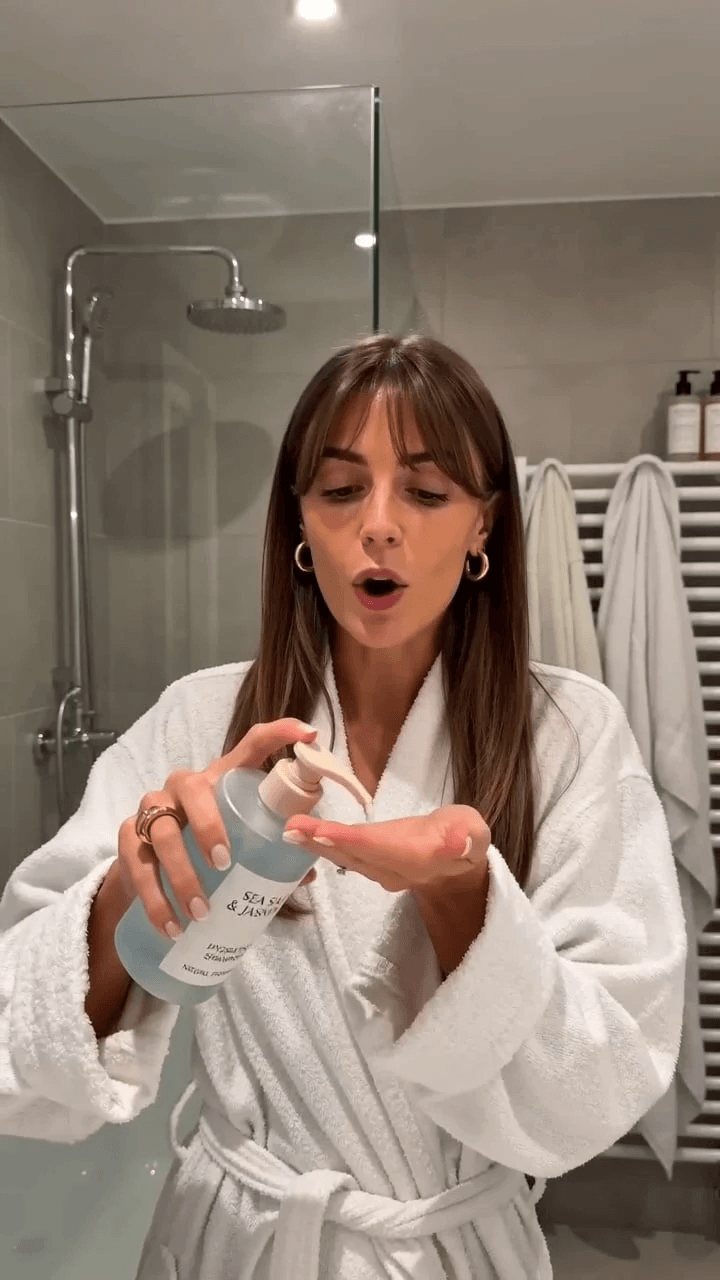
AI UGC Video Generator
Create authentic UGC-style video ads with AI in minutes.
00:00
00:00
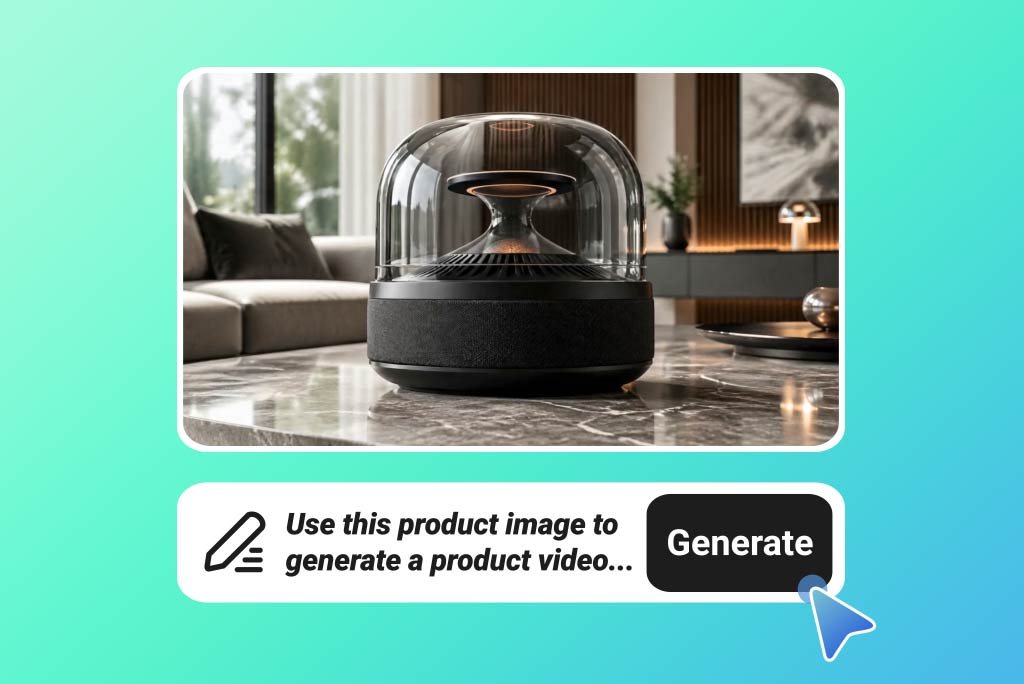
AI Product Video Generator
Turn static product visuals into high-converting video ads in seconds.

AI Promo Video Maker
Generate high-converting marketing video ads instantly from static brand assets.

00:00
00:00
AI Ad Video Generator
Turn static product images into high-converting video ads automatically.

00:00
00:00
AI Product Demo Generator
Create clear product demo videos from photos and prompts.

00:00
00:00
AI Tiktok Video Generator
Create vertical TikTok-ready videos from prompts or images with AI.
00:00
00:00
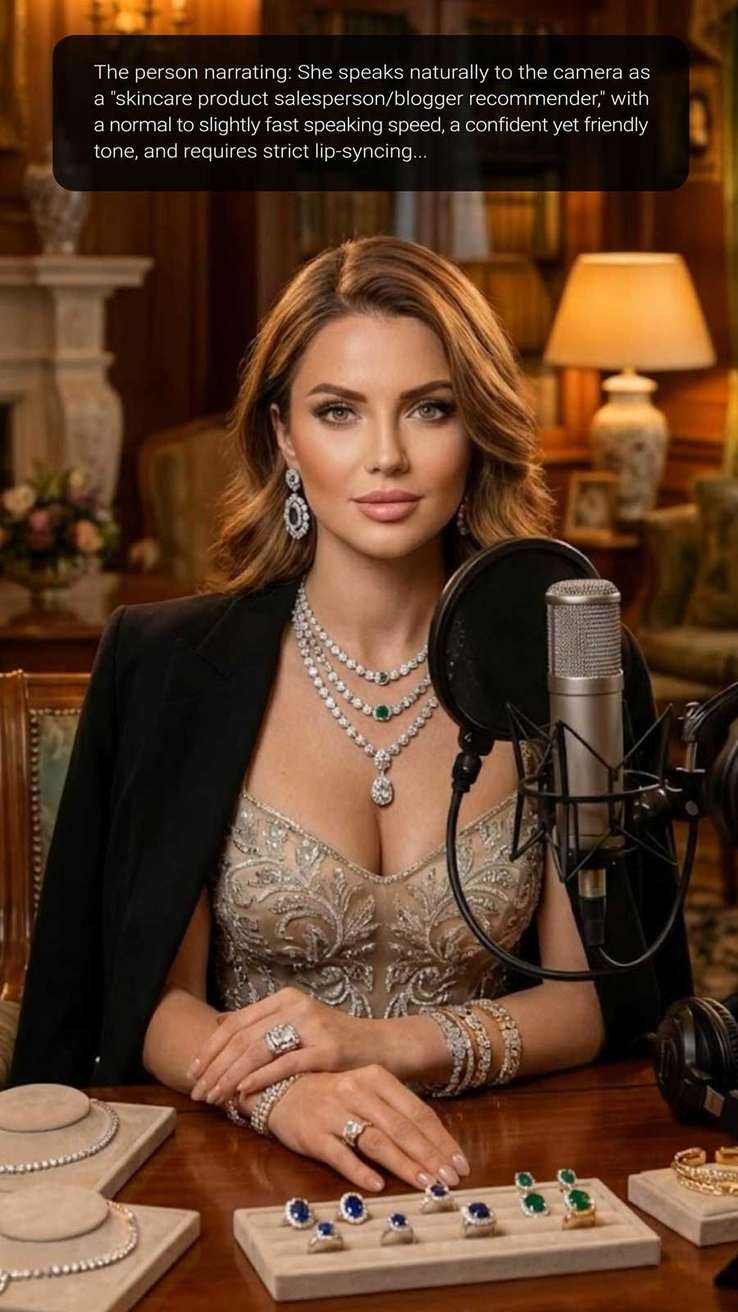
AI Influencer Video Generator
Create virtual influencer videos without filming or real creators.