AI Product Video Generator: Turn Static Photos into Cinematic Ads

Upload your product photos, type a prompt, and let AI generate professional video ads in seconds. Skip the studio and instantly render high-converting videos tailored for TikTok, Shopify, and Amazon.

00:00
00:00
00:00
00:00

Convert Flat Images into Dynamic Showcase Videos

Bring your product shots to life. Simply upload a static photo, type out your creative direction, and watch the AI instantly generate a professional, camera-ready video.

Original
Prompt
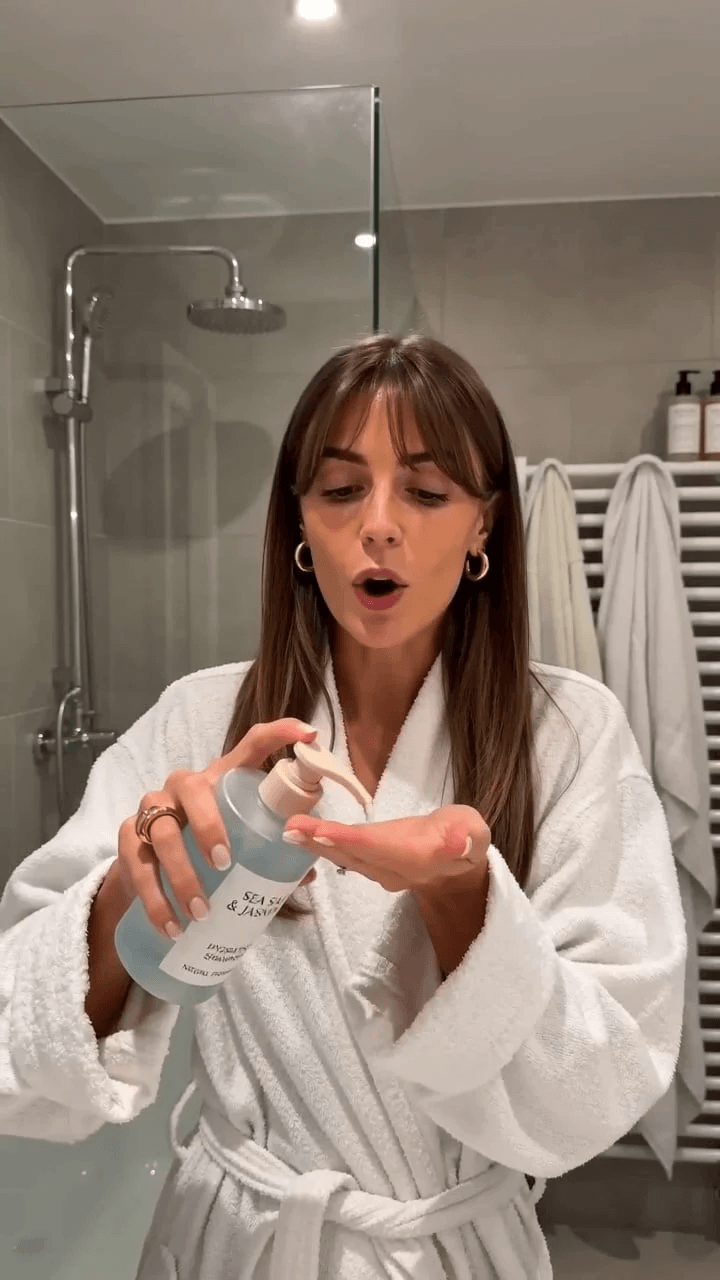
Generate a high-end beauty and skincare product TV commercial based on the reference image. Include a model demonstrating the product and showcasing its ingredients and cellular components. The animation and transitions should be smooth. Do not include any text.
Generated Video

Command Video Styles with Simple Text Prompts

Ditch the complex editing timelines and take total creative control just by typing. Whether you need a high-energy social clip or a sleek homepage showcase, simply tell the AI how you want your product presented—like "cinematic lighting with smooth rotation"—and let it do the heavy lifting to generate your perfect ad instantly.

Original
Prompt
Use the reference outfit exactly: cream-white short blazer, beige knit top, warm gray/camel high-waisted wide-leg trousers, dark brown thin belt, light pointed ankle boots. Create a 15s high-end fashion commercial. Style: Quiet luxury, minimal, modern. Bright, clean, clear subject. No dark tone. Model: Tall Western female, calm, confident, natural (no exaggeration). Location: Clean upscale urban street (glass buildings, stone facades, boutique windows). Camera: Smooth only (forward, arc, side, low-angle). No shake, no sudden change. 0–1s: Ghost mannequin on white → fast zoom → seamless transition into model wearing outfit (same direction, clean, no effects). 1–4s: Full look. Walk forward. Medium → full → side follow. Natural movement. 4–7s: Upper body. Show shoulders, lapel, knit texture. Soft arc camera. 7–10s: Lower body. Low angle. Show trousers drape, belt, boots. Walk-turn-step. 10–13s: Pose near building. Minimal fashion pose. Clean background. 13–15s: Hero shot. Full body. Slight zoom, hold. Rules: Consistent camera logic. Details integrated (no static cuts). No distortion, no outfit change. No text/UI/effects. Clean, premium fashion ad quality.
Generated Video
Format Ratios for Every Social Channel

Format Ratios for Every Social Channel

Stop wasting hours manually cropping the same video for different platforms. Export perfectly sized creatives that fit exactly where your audience scrolls.


Automatically render 9:16 vertical videos for TikTok and Reels, 1:1 for Instagram feeds, or 16:9 for YouTube. Launch campaigns faster with native formats that maximize ad performance.

Scale E-Commerce Content Production

Scale E-Commerce Content Production

Keep your Shopify stores and Amazon listings fresh without the burden of expensive monthly photo shoots. Rapidly spin up dozens of product video variations to A/B test different marketing angles.


React to seasonal trends and market demands instantly. Swap your text prompts, regenerate new ad creatives, and launch campaigns in minutes.

How to Create Product Videos with insMind AI

Step 1. Upload Your Product Images or Videos

Start by uploading your product photos or brand visuals. Our AI instantly analyzes your assets, automatically identifying the product's physical structure, intricate details, and ideal usage scenarios to ensure a flawless rendering.

Step 2. Enter a Script or Prompt

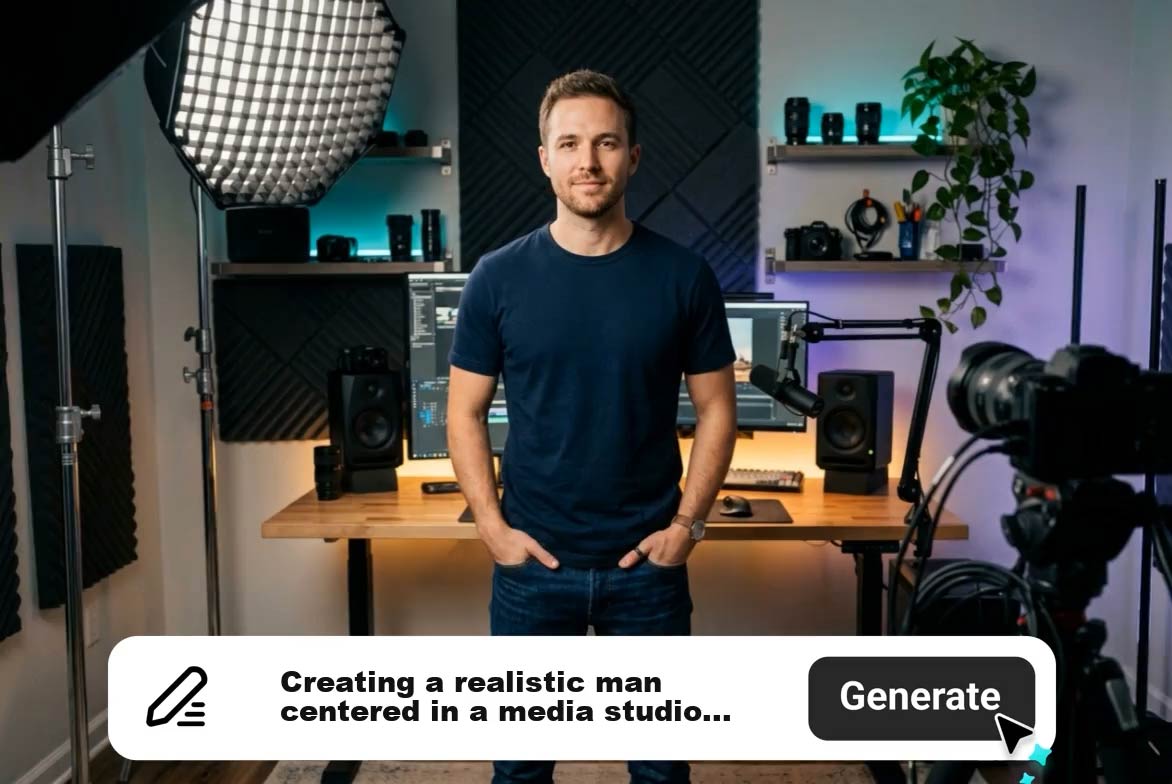
Describe exactly how to present your item (e.g., “A modern product showcase video for a smartwatch, clean background, smooth rotation, highlight features, cinematic lighting”). Your text directly controls the video style (showcase, demo, lifestyle, or ad), the pacing, and the core visual focus. You also define the format here: choose 9:16 for high-converting TikToks and Reels (Recommended), 1:1 for Instagram, or 16:9 for YouTube and website banners.

Step 3. Generate the Product Video

Click "Generate" and let the engine do the heavy lifting. insMind will automatically create logical scenes, animate your static product visuals, apply professional marketing-style motion, and render a high-quality video sequence—no manual editing required.

Step 4. Download and Use for Marketing

Export your broadcast-ready video and deploy it immediately. Use your new asset to launch highly profitable product ads, boost conversion rates on your Shopify or Amazon listings, and power your social media campaigns to drive instant sales.

Real Use Cases for an AI Product Video Generator

insMind helps brands, ecommerce teams, and creators turn product visuals into videos that are easier to publish across ads, listings, launches, and short-form campaigns.

Product Showcase Videos for New Arrivals

Product Showcase Videos for New Arrivals

Upload new product visuals and generate a short showcase video that makes the item easier to feature on-site and across social channels.

Product Demo Videos for Feature-Led Selling

Product Demo Videos for Feature-Led Selling

Create a demo when customers need to understand materials, controls, packaging, or visible features before making a purchase decision.

Product Ad Videos for Paid Social

Product Ad Videos for Paid Social

Turn product images into short vertical ad videos that fit TikTok, Reels, and other mobile-first campaign placements.

Shopify Product Videos for PDP Conversion

Shopify Product Videos for PDP Conversion

Add concise product videos to product pages so shoppers can understand the item faster without relying only on still images.

Why Choose insMind's AI Product Video Generator

Turn Existing Product Images into Video Content

Turn Existing Product Images into Video Content

Many brands already have strong product photography but limited video assets. insMind helps convert those visuals into video, which is more efficient than starting a new shoot every time.

Control Style and Focus Through Prompts

Control Style and Focus Through Prompts

Instead of manually editing every scene, you can guide the video with a clear prompt. That makes it easier to create showcase videos, demos, ads, and lifestyle content from the same product.

Build Product Demos and Ads in One Workflow

Build Product Demos and Ads in One Workflow

insMind supports multiple product-video goals in the same process. You can create a feature-led demo, a product showcase, or a short ad from the same base assets.

Multi-Platform Resizing

Multi-Platform Resizing

Eliminate the tedious process of re-editing the same video for different platforms. Generate perfectly framed 9:16 vertical videos and 16:9 widescreen videos simultaneously from the same core assets and prompt.

Highlight Product Details More Clearly

Highlight Product Details More Clearly

The tool analyzes structure and visible features, which helps create videos that focus on what customers actually need to see before they buy.

Adapt Videos for Social and Ecommerce Faster

Adapt Videos for Social and Ecommerce Faster

Product videos often need to work across Shopify, Amazon, Instagram, TikTok, and brand pages. insMind helps you create channel-ready outputs without rebuilding each version from zero.

FAQs About insMind AI Product Video Generator

What is an AI product video generator?

insmind expand icon
An AI product video generator is a tool that turns product photos, clips, or brand visuals into product videos. It helps create showcase videos, demos, ad clips, and launch content without requiring a fully manual video-editing workflow.

Can I create product videos from photos?

insmind expand icon
Yes. This is one of the main use cases. You can upload product photos and use them as the starting point for animated product videos, demos, and social-ready content.

Can AI make product demo videos?

insmind expand icon
Yes. insMind can generate product demo videos by using your visuals and prompt to highlight product features, appearance, and presentation flow in a clearer way.

Can I create product ad videos with AI?

insmind expand icon
Yes. The tool can generate short product ad videos designed for marketing use, including mobile-first formats that work well across social campaigns and ecommerce promotions.

What can I upload to create a product video?

insmind expand icon
You can start with product photos, short product clips, and brand visuals. These assets give the AI enough information to understand how the product should appear in the video.

Can I control the video style with a prompt?

insmind expand icon
Yes. You can describe the style, pace, focus, and visual direction in your prompt, which helps shape whether the result feels more like a product showcase, demo, ad, or lifestyle video.

Can I use this for Shopify product pages?

insmind expand icon
Yes. Product videos are often used on Shopify product detail pages to give shoppers more visual context before purchase.

Can I use AI-generated product videos for Amazon listings?

insmind expand icon
Yes. Listing videos can help add motion and product clarity in marketplace environments where static photos may not communicate enough.

Which aspect ratio should I choose?

insmind expand icon
Use 9:16 for TikTok and Reels, 1:1 for Instagram, and 16:9 for YouTube or websites. The right format depends on where the video will be published.

Can I create lifestyle product videos?

insmind expand icon
Yes. If your prompt includes a use context, visual environment, or mood direction, insMind can generate a more lifestyle-oriented product presentation.

Can I make product videos for TikTok and Reels?

insmind expand icon
Yes. Vertical short-form videos are a common use case, especially for product ads, showcase clips, and quick social campaigns.

What should I include in my prompt?

insmind expand icon
Include the product type, desired video style, pace, focus, background direction, and any feature emphasis. The clearer the prompt, the easier it is to guide the output.

Discover More AI Video Creation Tools