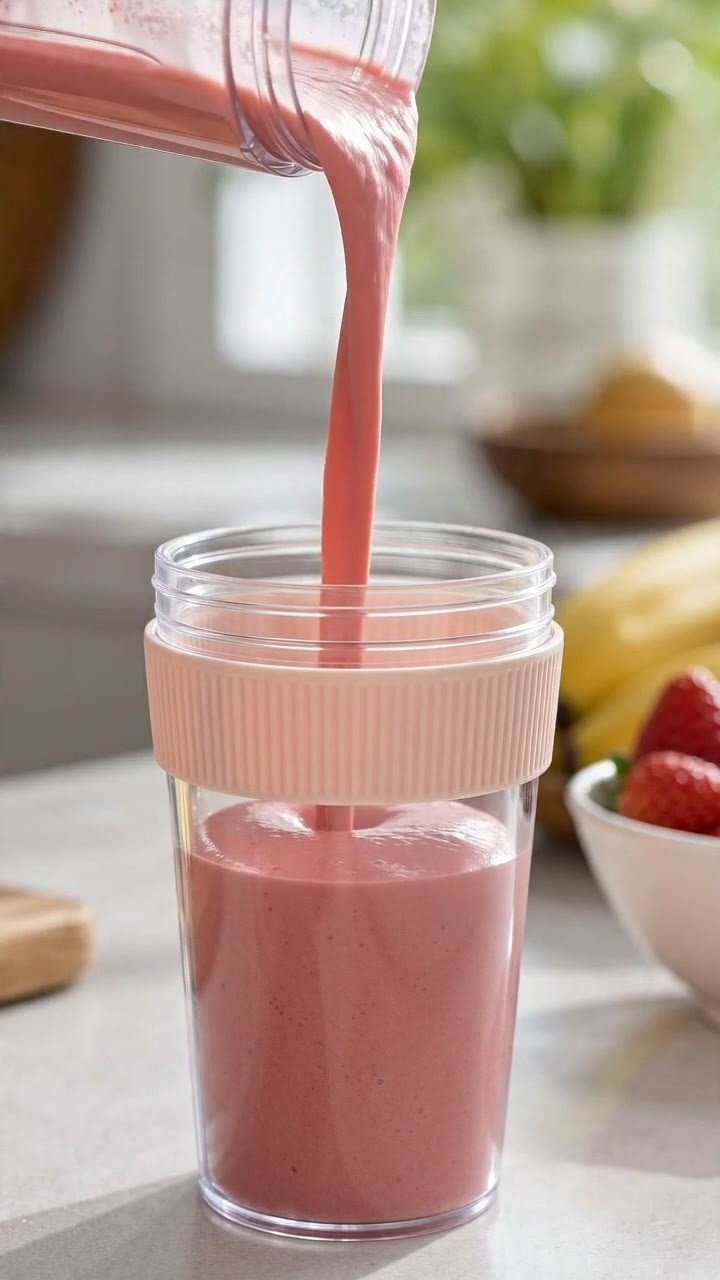
Build quick ad concepts around a product benefit, seasonal offer, or new arrival. Generate a short vertical clip with a clear first-second hook and a product-focused ending, then adapt the creative for your store campaign. Explore more brand-ready formats with Business Video Maker.

AI TikTok Video Generator
00:00
00:00
Create TikTok Ads for Ecommerce Campaigns
00:00
00:00
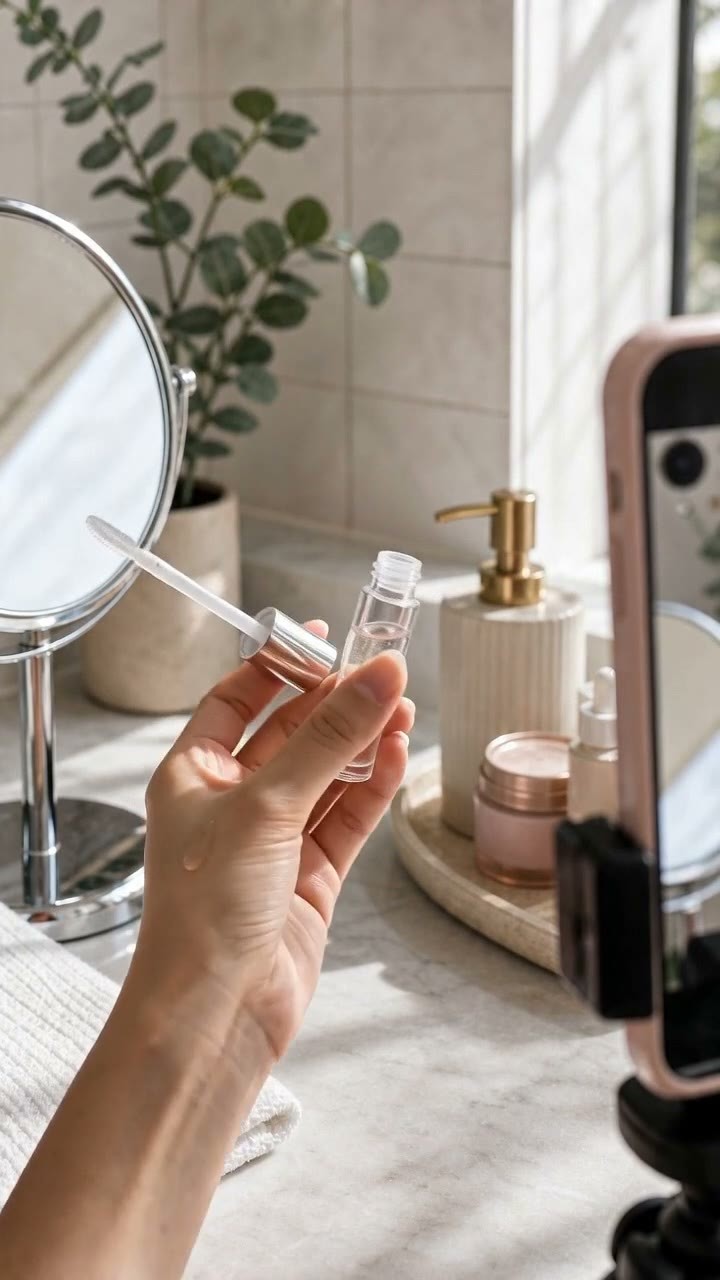
Produce UGC-Style Product Videos with AI
Create creator-style product clips without organizing a shoot. Add a product idea or image, guide the opening hook and demonstration moment, and turn it into an authentic vertical video for reviews, launches, or affiliate posts. For virtual presenter content, explore the AI Influencer Video Generator.
How to Create TikTok Videos with insMind
Step 1: Enter Your Idea or Upload an Image
Describe your TikTok concept or upload a clean source image, such as a product shot, outfit photo, or travel scene.
Step 2: Choose Your Video Settings
Select the 9:16 ratio, choose a video model, set output quality and duration, and enable audio when your concept needs sound.
Step 3: Generate Your TikTok Video
Let AI build a vertical clip from your prompt or image, then review movement, framing, and the opening hook.
Step 4: Download and Share Your TikTok Video
Download the finished video and publish it to TikTok or reuse it in your social campaign workflow.
Create TikTok Videos for Every Content Goal
See how brands, sellers, and creators turn ideas and images into vertical social content.

Beauty Brands Producing Serum Reveal Ads
Beauty teams can turn a clean bottle image into an elegant vertical reveal for launch announcements or paid social tests. Show the texture, packaging, and benefit in a few seconds, then explore additional motion formats with Image to Video.

Ecommerce Sellers Launching Product Hook Videos
Online sellers can create short product-hook variations for new arrivals, flash promotions, or listing traffic. Start from a product photo and test different opening moments before choosing the creative that communicates the offer fastest.

Creators Making Outfit-Transition Reels
Fashion creators can turn outfit ideas into dynamic transition clips without reshooting every version. Build a vertical concept around color changes, styling swaps, or seasonal looks, then publish a consistent stream of short videos.

Travel Accounts Publishing Faceless Destination Stories
Travel accounts can transform destination visuals into calm, faceless story videos for guides, itinerary inspiration, or destination highlights. Combine atmosphere and smooth motion, then build more voiceover-driven ideas with AI Faceless Video Generator.
Why Choose insMind AI TikTok Video Generator

Vertical Video from the Start
Generate in a 9:16 format built for short-form viewing, so your framing fits TikTok without awkward recropping.

Prompt or Image Input
Begin with a written concept or a visual reference, making it easy to develop both new ideas and product-led clips.

Hooks for Product Content
Create opening moments around benefits, reveals, and launches so product videos communicate value quickly.

Creator-Style Output
Produce natural social-ready concepts for UGC-style posts, reviews, and promotional variations without planning a full shoot.

Audio-Ready Creation
Choose sound when a concept depends on rhythm or atmosphere, and generate a more complete short-video direction.

More Creative Variations
Explore several vertical concepts faster, then continue refining through insMind's AI Video Generator.
FAQs About insMind AI TikTok Video Generator
What is an AI TikTok video generator?


An AI TikTok video generator helps you create short vertical videos from prompts or images. With insMind, you can shape scenes for creator posts, product reveals, faceless stories, and promotional clips, then generate TikTok-ready videos without building every shot manually.
How do I create a TikTok video with AI?
Enter a video idea or upload an image, choose a vertical 9:16 format and suitable video settings, then generate the clip. Review the result for framing and hook strength before downloading it for your TikTok publishing workflow.
Can I generate TikTok videos from text prompts?
Yes. Describe the scene, subject, motion, mood, and intended result in a prompt. Text prompts work well for trend concepts, faceless stories, promotional intros, and creative variations where you do not already have a source image.
Can I animate an image into a TikTok video?
Yes. Upload a clear product or scene image and describe the motion you want, such as a product reveal, camera push-in, outfit transition, or destination montage. AI uses the image as a visual starting point for the generated clip.
Can I create faceless TikTok content?
Yes. You can create videos focused on products, hands-on demonstrations, scenic footage, text-led concepts, or narrative visuals without appearing on camera. This is useful for theme accounts, travel content, tutorials, and brand channels.
Can I make product ads for TikTok?
Yes. Use a product image or an ad concept to create short vertical videos with a clear opening hook, product-focused movement, and a campaign-ready ending. These clips can support ecommerce launches, offer testing, and social promotion.
Can I create UGC-style videos without filming?
You can generate creator-style concepts without scheduling a new shoot. Describe an authentic demo, review angle, or lifestyle setting, or upload a product image to guide the scene. Always review generated content before using it in a campaign.
Can I generate TikTok videos for business promotions?
Yes. Businesses can create short clips for product launches, seasonal offers, feature announcements, and brand storytelling. Choose a clear benefit and audience action so the generated video has a focused promotional goal.
What types of TikTok videos can I create?
You can create product reveals, UGC-style clips, trend promos, faceless stories, outfit-transition concepts, tutorials, destination highlights, and short promotional videos. Results depend on the prompt, source image, selected model, and settings.
Can I customize the video idea or scene?
Yes. Adjust your prompt, source image, video model, duration, aspect ratio, quality, and available audio options to guide the result. Creating multiple variations helps you compare hooks, motion, and visual tone.
Can I use generated videos for social media campaigns?
Generated videos can support social campaign content, subject to your rights to uploaded assets and your review of the final result. Check brand, platform, and advertising requirements before publishing promotional material.
Recommended AI TikTok Video Generator Tools You’ll Love
00:00
00:00
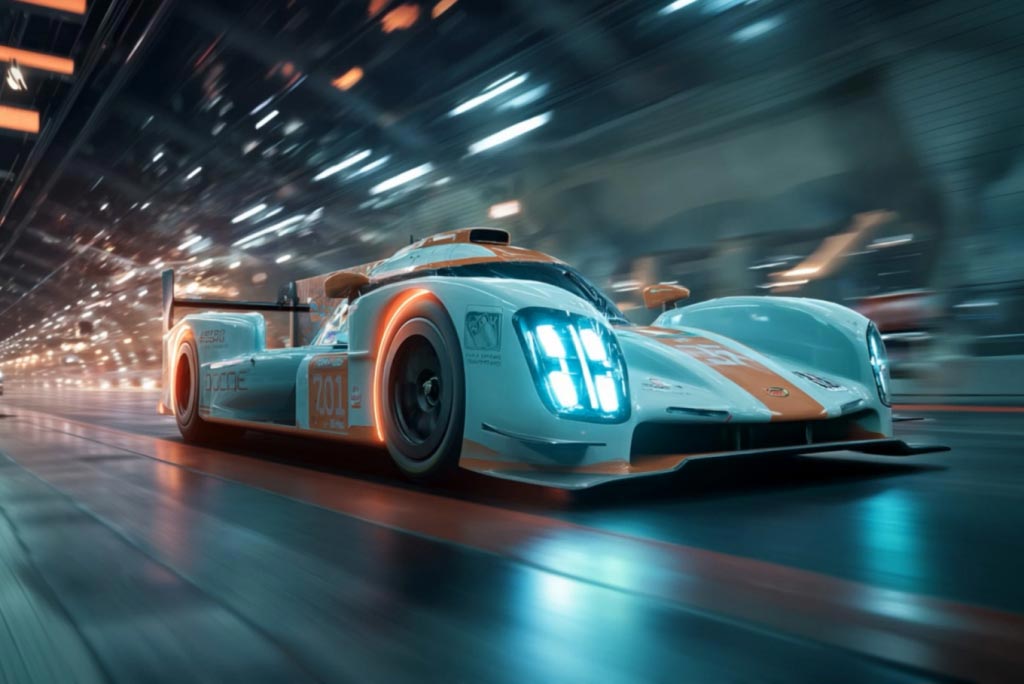
AI Video Generator
Create high-quality videos from text and images with AI tools.
00:00
00:00
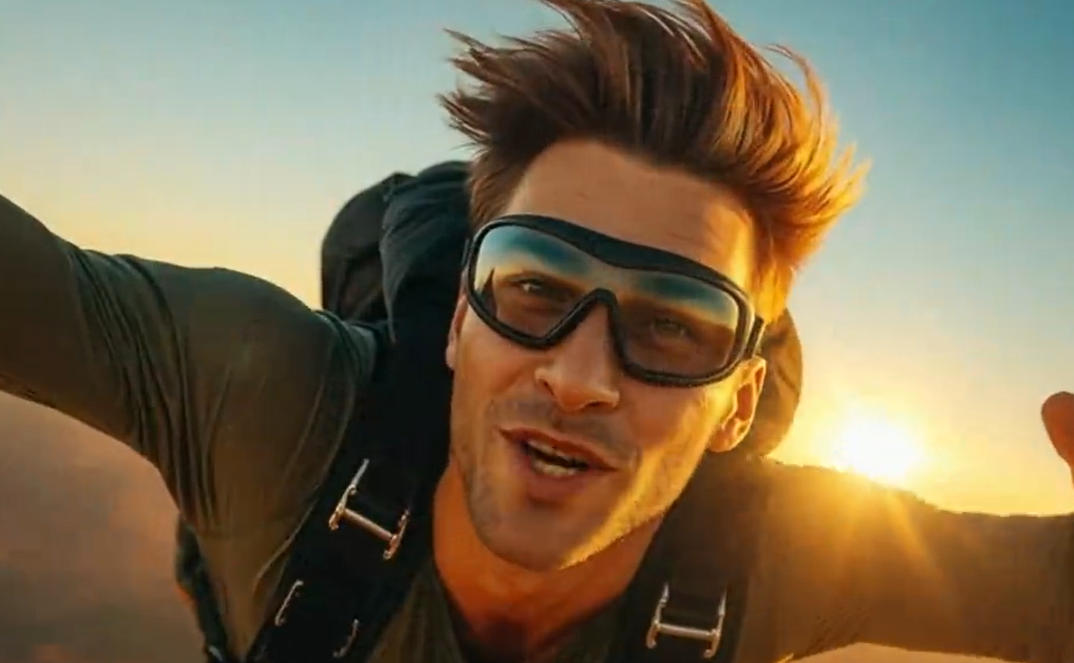
AI YouTube Shorts Generator
Create viral YouTube Shorts instantly with smart, easy-to-use AI tools.
00:00
00:00
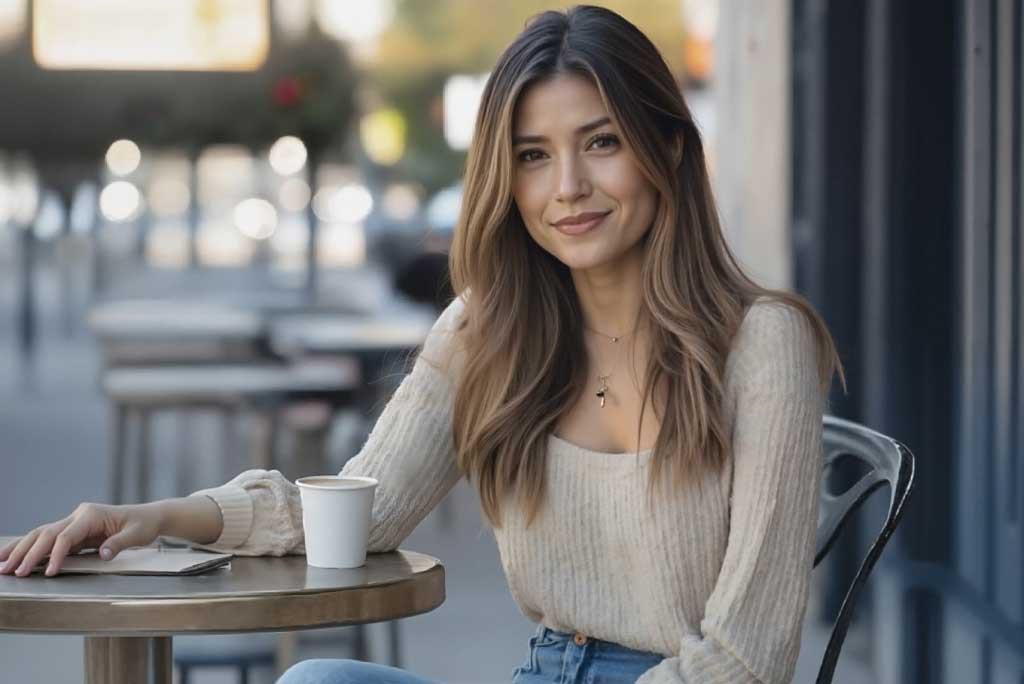
AI Faceless Video Generator
Create engaging videos without appearing on camera using AI.
00:00
00:00
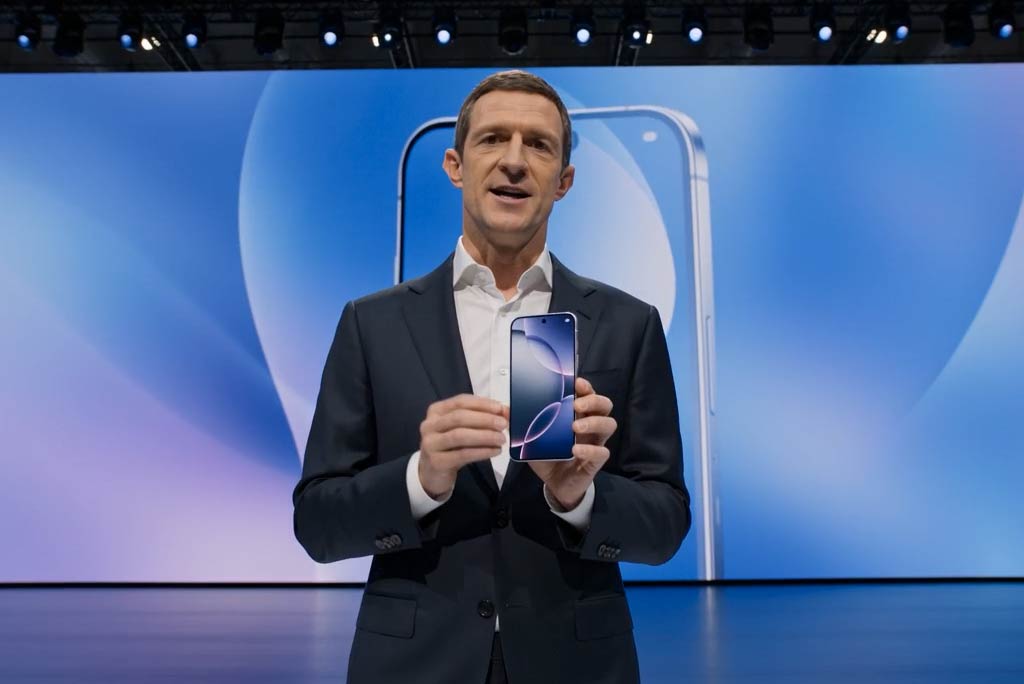
Business Video Maker
Generate business videos, promo videos, and brand videos with AI.
00:00
00:00
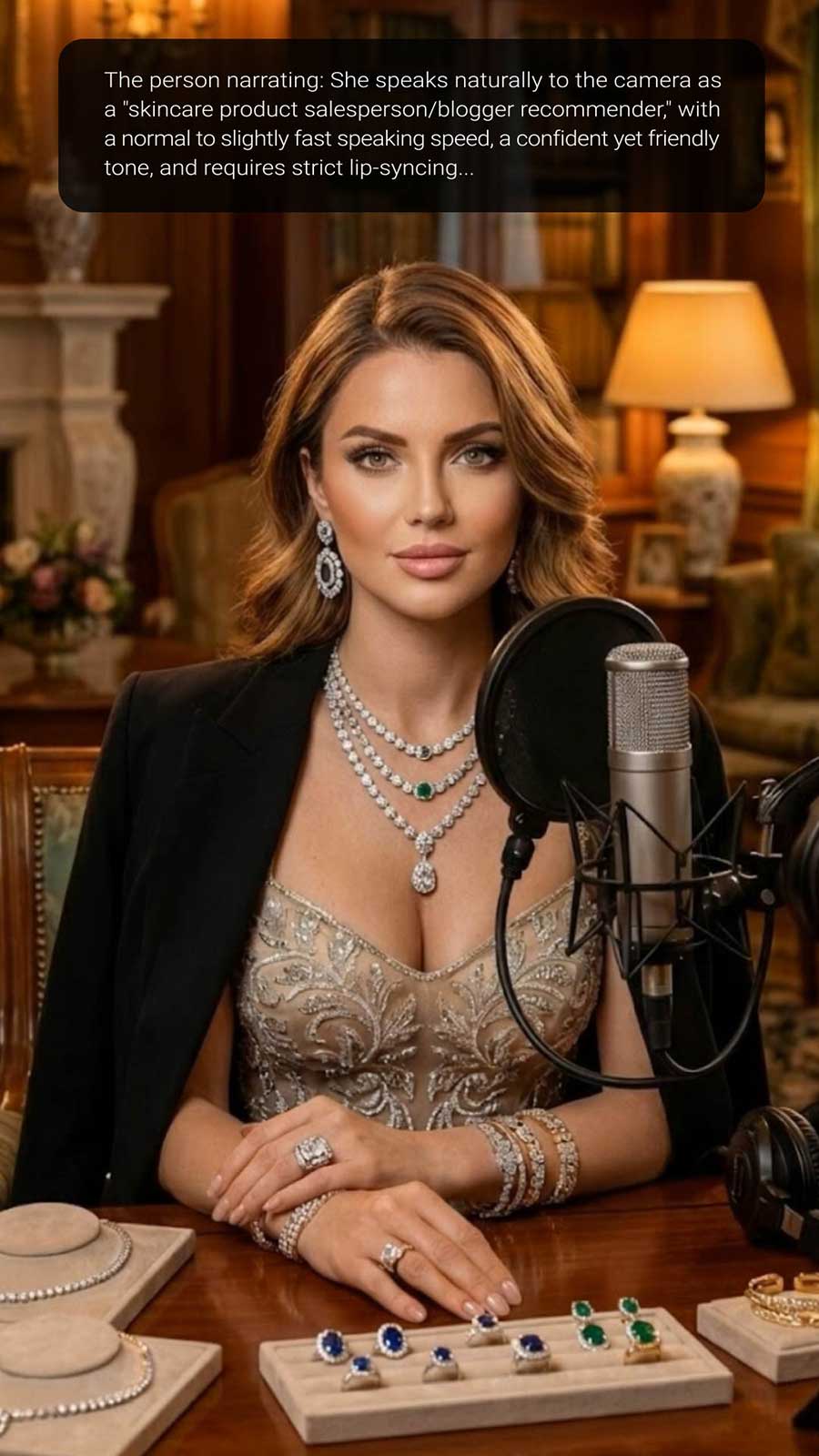
Image to Video
Create custom videos from your photos with AI.
00:00
00:00
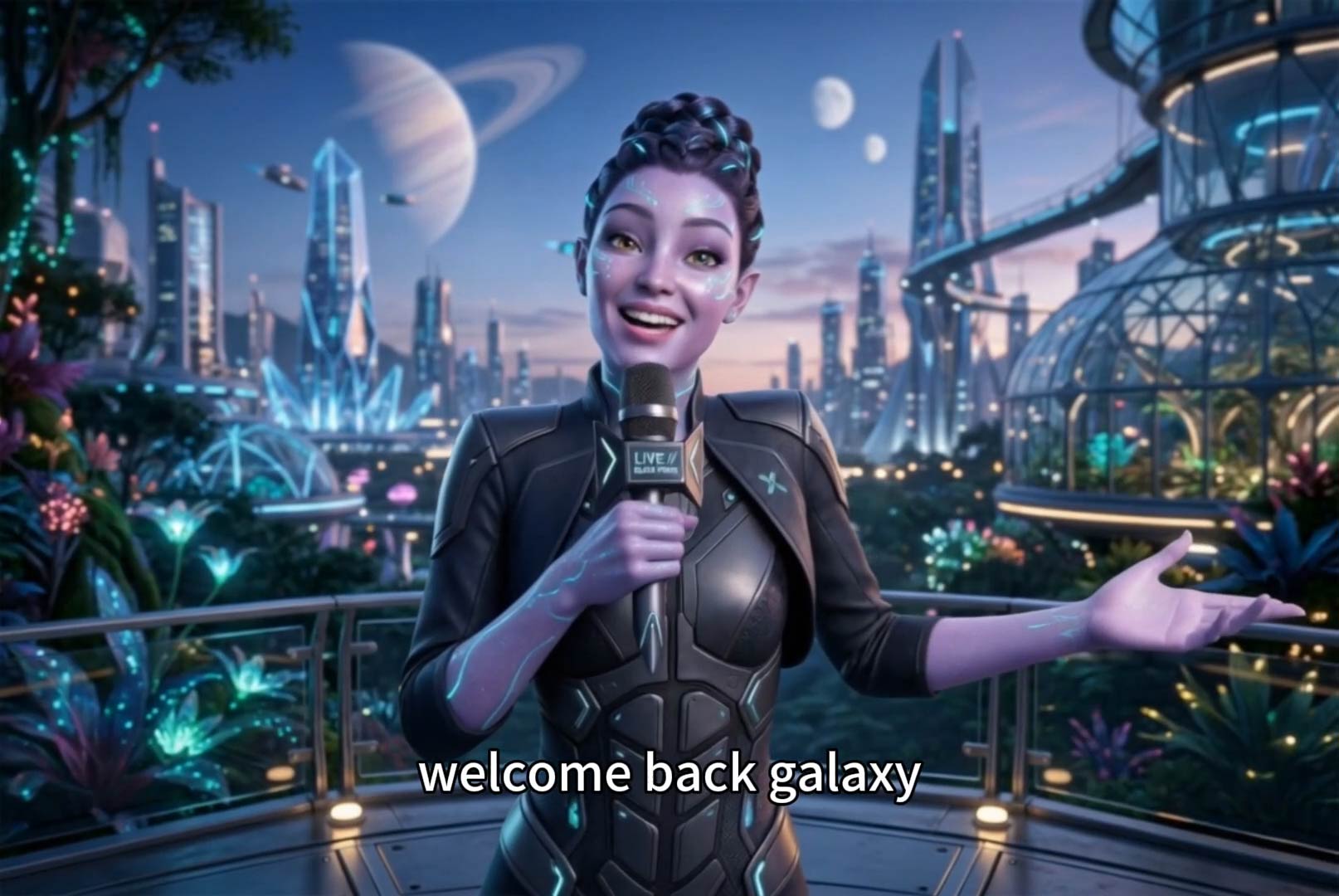
AI Influencer Video Generator
Create virtual influencer videos without filming or real creators.
00:00
00:00
Text To Video Generator
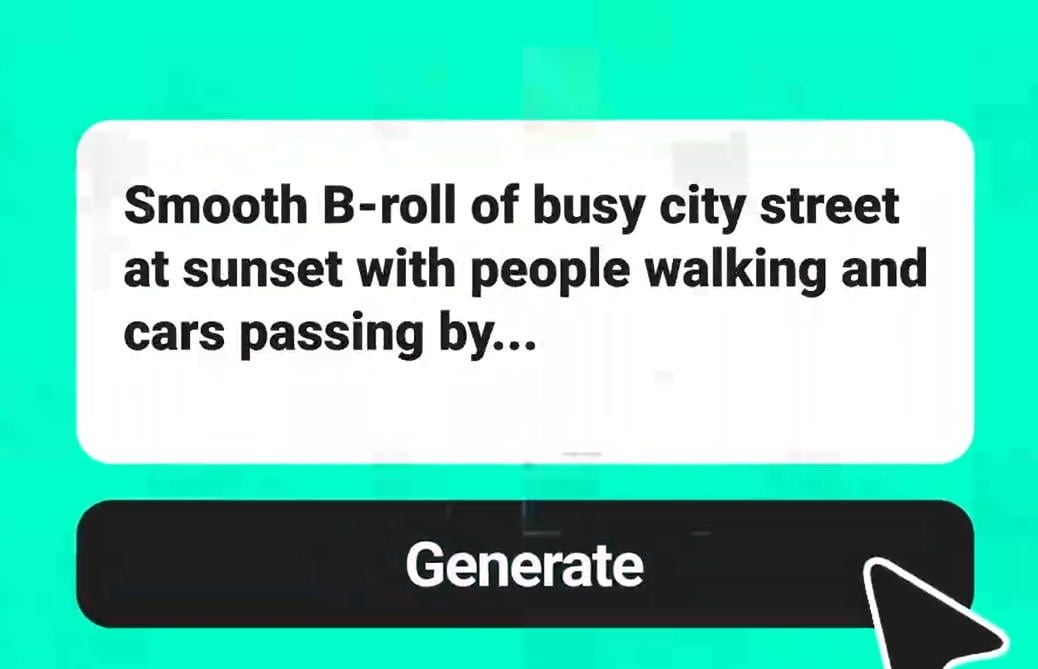
Turn any text prompt into high-quality videos in minutes.
Script to Video AI
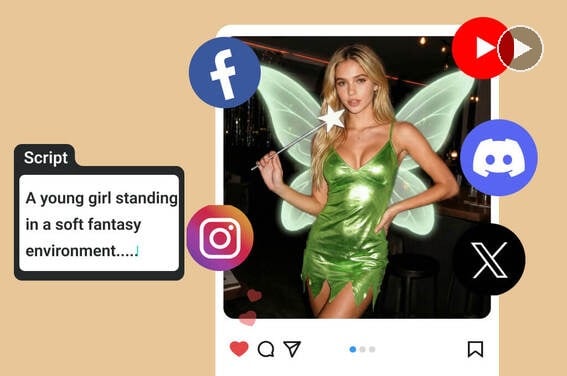
Turn written scripts into videos with AI instantly.