AI Spokesperson Video Generator for Brands

Choose a brand-fit avatar and voice, add your spokesperson script, and generate polished videos for product launches, ads, sales, and brand communication—without a camera crew.

00:00
00:00

Choose a Spokesperson Who Fits Your Brand

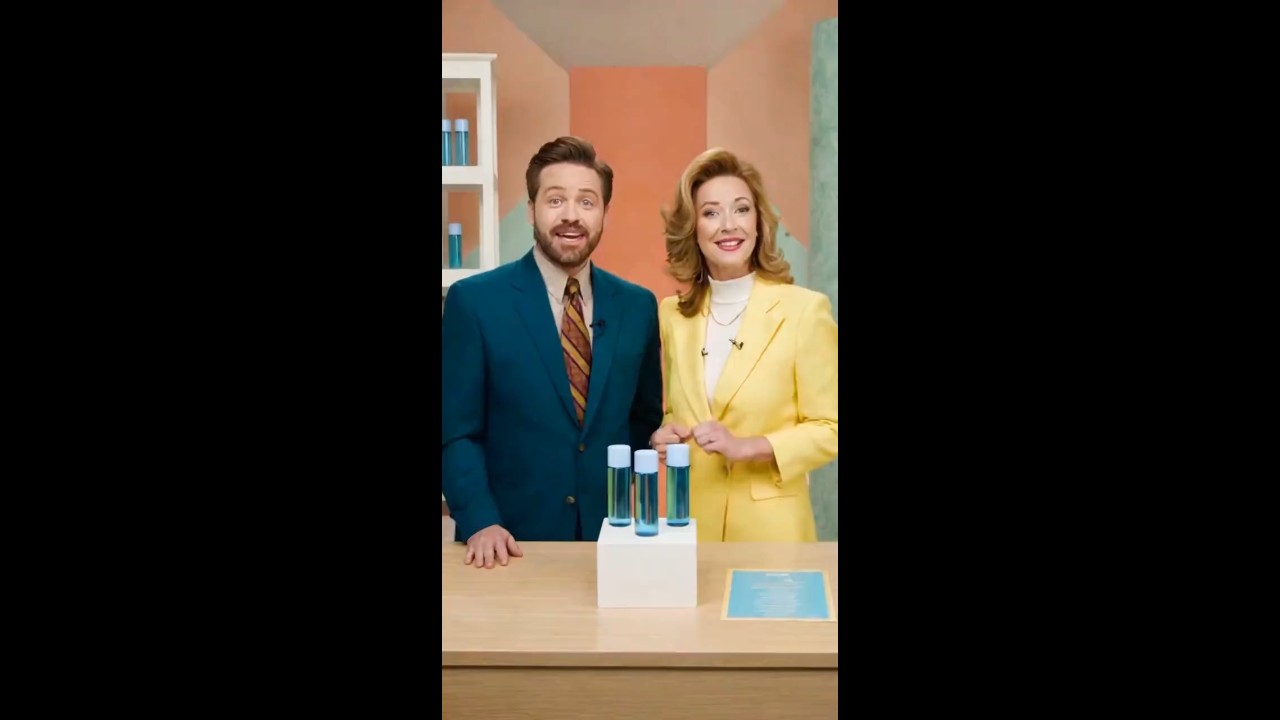
Browse the AI avatar video generator and select a presenter whose appearance, role, and setting support your brand and campaign. The right spokesperson helps a product launch, sales message, or company update feel more intentional from the first frame.
Generate Spokesperson Video
00:00
00:00

Match the Voice to Your Message

Preview voices, choose a language, and select a delivery style that fits the spokesperson and the purpose of the video. Explore the AI voice generator when you need additional voice directions for different audiences or campaign versions.
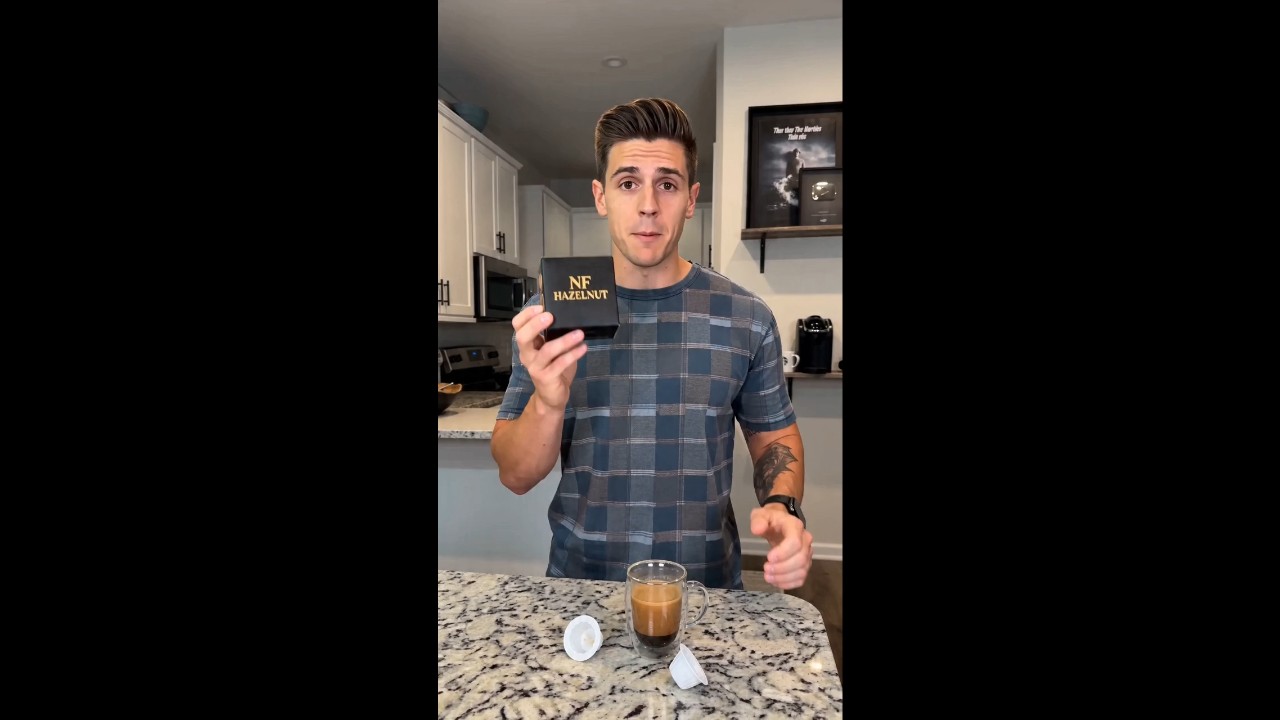
Make Spokesperson Video
00:00
00:00

Create Campaign-Ready Videos Without Filming

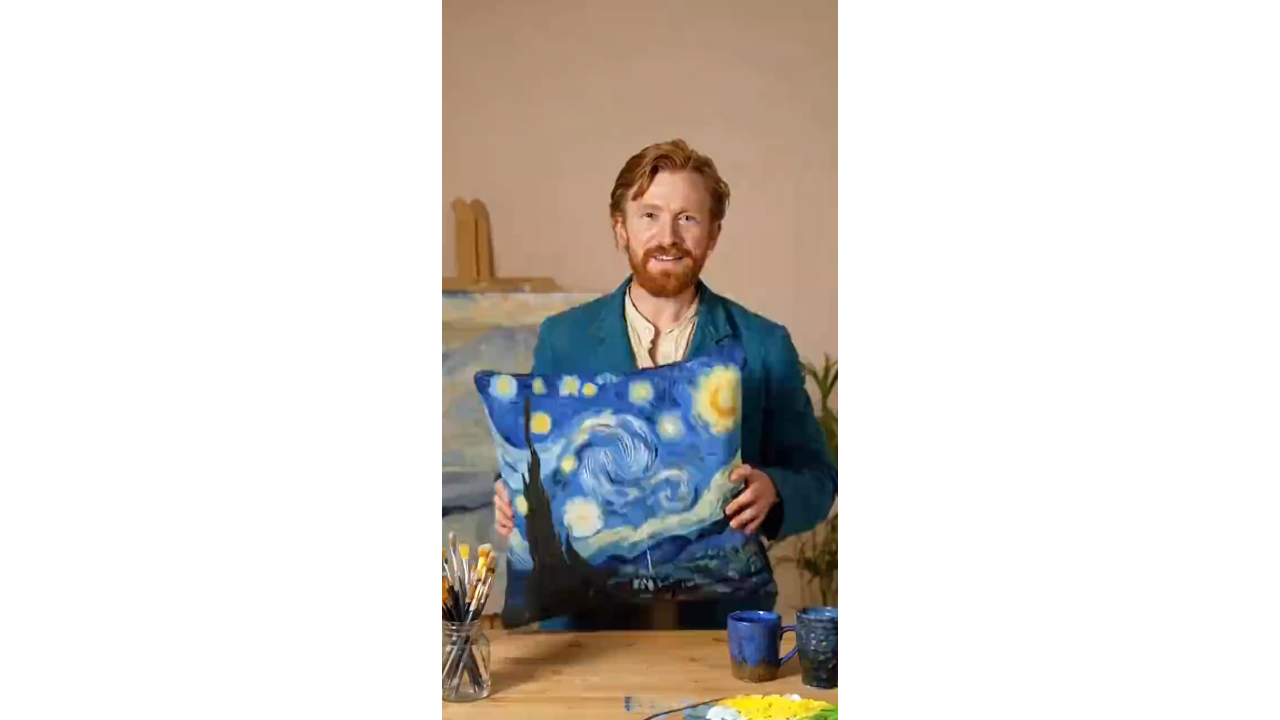
Add an approved brand script and generate a presenter-led result without booking actors, cameras, or studio time. Use the same workflow to create AI presenter videos for product launches, sales outreach, campaign updates, and brand communication.

Create Spokesperson Video

How to Create an AI Spokesperson Video

Step 1. Choose a Brand-Fit Avatar

Browse the avatar library and select a spokesperson whose appearance, role, and scene fit your brand, audience, and campaign goal.

Step 2. Choose and Preview a Voice

Select a voice and language, preview the delivery, and choose a tone that matches the spokesperson and your brand message.

Step 3. Add Your Spokesperson Script

Paste the product, sales, or brand script you want the spokesperson to deliver. Keep the message clear, specific, and consistent with your approved campaign claims.

Step 4. Generate, Review, and Share

Generate the spokesperson video, review the wording and delivery, then download the approved result for product pages, ads, sales outreach, or social channels.

Why Choose This AI Spokesperson Video Creator?

Brand-Fit Avatar Selection

Brand-Fit Avatar Selection

Choose a spokesperson whose role, appearance, and setting support your product and audience. A deliberate match makes the message feel more coherent than using the same generic presenter for every campaign.
Voice and Language Choice

Voice and Language Choice

Preview voice options before generating, then choose a language, tone, and delivery style that fit both the spokesperson and the message you want the audience to remember.
Controlled Brand Messaging

Controlled Brand Messaging

Work from an approved script so product names, claims, positioning, and calls to action stay aligned with your campaign instead of being improvised during production.
Fast Campaign Variations

Fast Campaign Variations

Create versions for different products, audiences, channels, and campaign stages by updating the script, voice, or scene without arranging a new shoot for every variation.
Camera-Free Production

Camera-Free Production

Create presenter-led product and brand videos without hiring actors, booking a studio, or coordinating filming schedules, making recurring communication easier for small and distributed teams.
Ready for Marketing and Sales

Ready for Marketing and Sales

Use spokesperson videos across landing pages, product launches, paid ads, ecommerce campaigns, sales outreach, onboarding messages, and social media.

Who Is This AI Spokesperson Video Generator For?

Product Launch and Marketing Teams

Create presenter-led launch messages, campaign explainers, and landing-page videos from approved scripts. Update the angle or call to action quickly as the campaign moves from awareness to conversion.

Sales Teams

Use a consistent spokesperson for demo introductions, outreach, follow-ups, and product summaries. A clear face-to-camera format can make complex sales messages easier to understand and reuse.

Ecommerce Sellers

Present product benefits, launches, and promotional offers with a brand-fit spokesperson. Pair the message with AI product videos to combine presenter-led explanation with visual product proof.

Small Businesses and Global Teams

Create polished brand updates without a production crew, then adapt the script, voice, and language for different audiences while keeping the core message consistent.

Frequently Asked Questions

What is an AI spokesperson?

insmind expand icon
An AI spokesperson is a digital presenter that delivers your approved brand, product, or sales script in a video. It can support product launches, ads, sales outreach, company updates, and social content without filming a real presenter.

How do I create an AI spokesperson video with insMind?

insmind expand icon
Choose a brand-fit avatar, select and preview a voice, paste your approved spokesperson script, and generate the video. Review the final wording and delivery before downloading or publishing it.

Can I choose the avatar and voice separately?

insmind expand icon
Yes. First choose an avatar whose role and setting fit your brand, then preview voice and language options to find a delivery that matches the spokesperson and the message.

What should I include in a spokesperson script?

insmind expand icon
Include the audience, product or topic, key benefit, approved claim, desired tone, and call to action. Keep the sentences concise and conversational so the spoken delivery is easy to follow.

Can I create spokesperson videos in different languages?

insmind expand icon
You can choose from the languages and voice options currently available in the voice selector. Preview the selected voice and have a fluent reviewer check localized scripts before publishing.

Can I make an AI spokesperson video without filming?

insmind expand icon
Yes. The avatar, voice, and script workflow creates a presenter-led video without requiring a camera, actor, studio, or live recording session.

Where can I use AI spokesperson videos?

insmind expand icon
Use them on landing pages, product pages, ads, sales messages, campaign updates, ecommerce promotions, onboarding flows, and social media. Review platform and disclosure requirements before publishing.

Explore Other Hot Video Tools from insMind