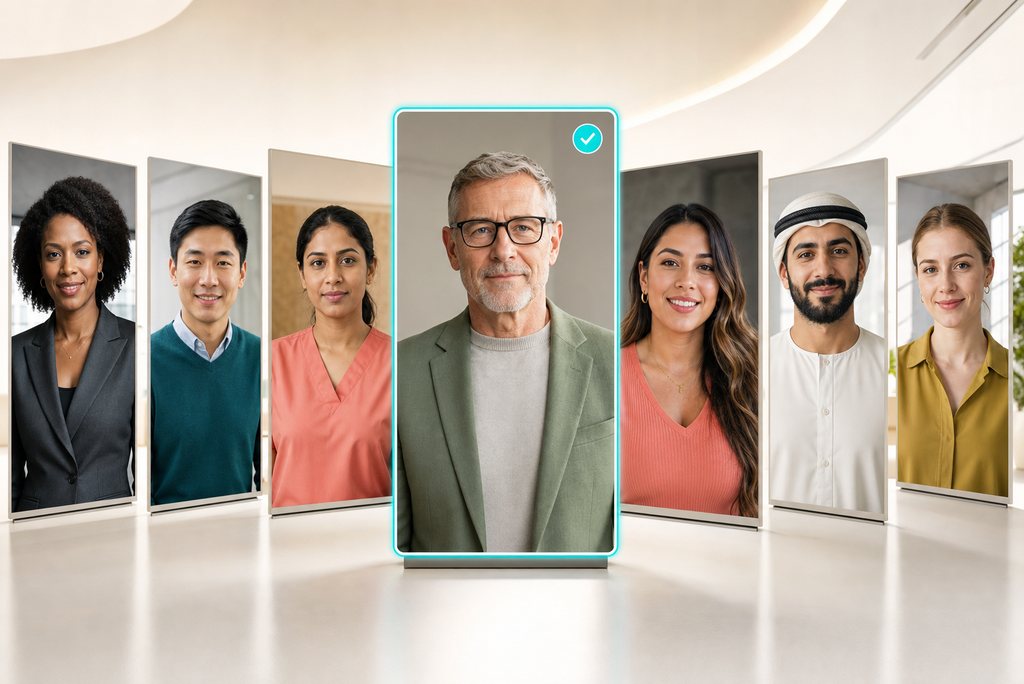
Browse 1,000+ ready-made presenters and choose the person who fits your message, audience, and setting. Whether your video needs a polished business host, a friendly instructor, or a casual social creator, you can begin with an on-screen presence suited to the scene.

00:00
00:00
Match Every Presenter With the Right Voice
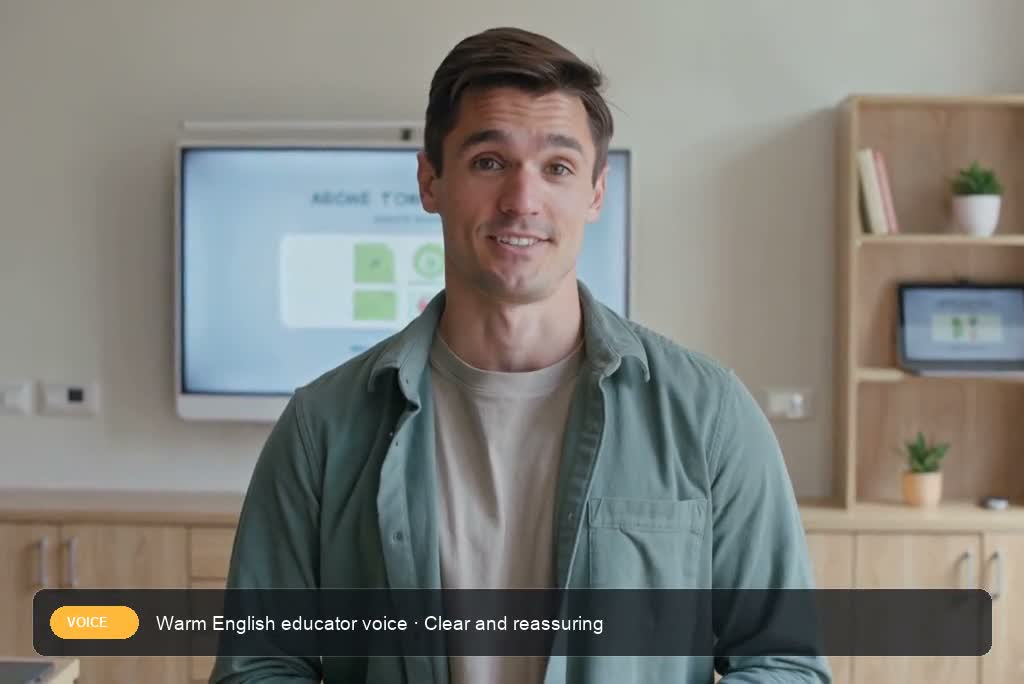
Pair your chosen presenter with one of 189 voices across 10+ languages. Match the script with a professional explanation, friendly welcome, confident pitch, or energetic update. For voice-first projects, insMind's AI voice generator offers another way to shape the narration.
Find a Presenter for Every Scenario
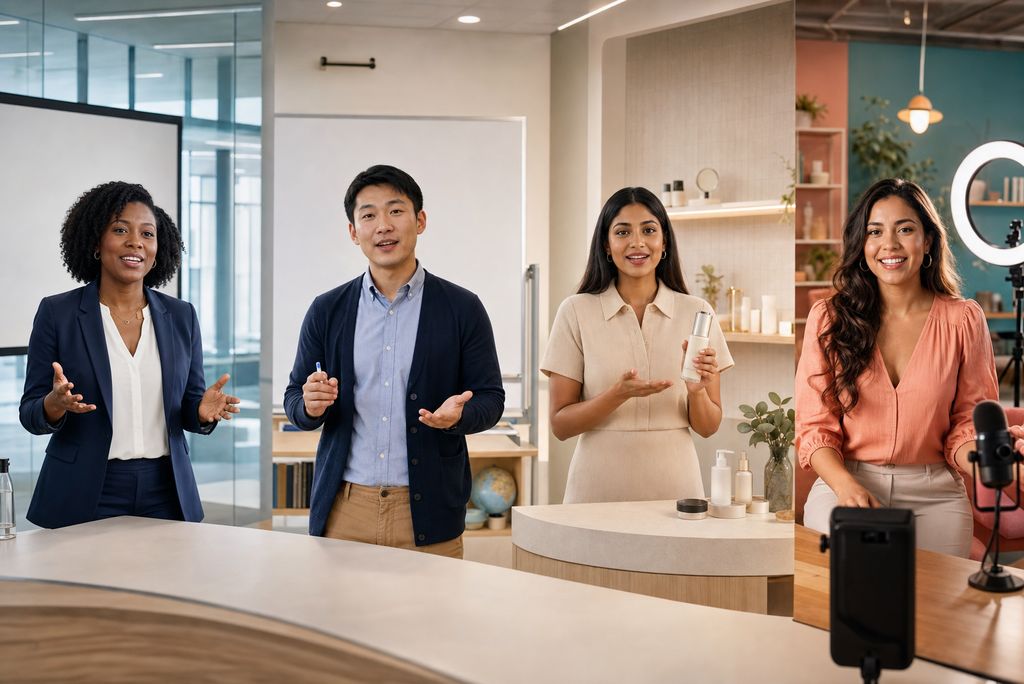
Explore 9,000+ presenter-and-scene combinations across offices, studios, classrooms, and everyday spaces. This range makes it easier to align the speaker with training, product education, sales, marketing, and social content without rebuilding the production setup for every new message.
00:00
00:00
Create Presenter Videos Without Filming
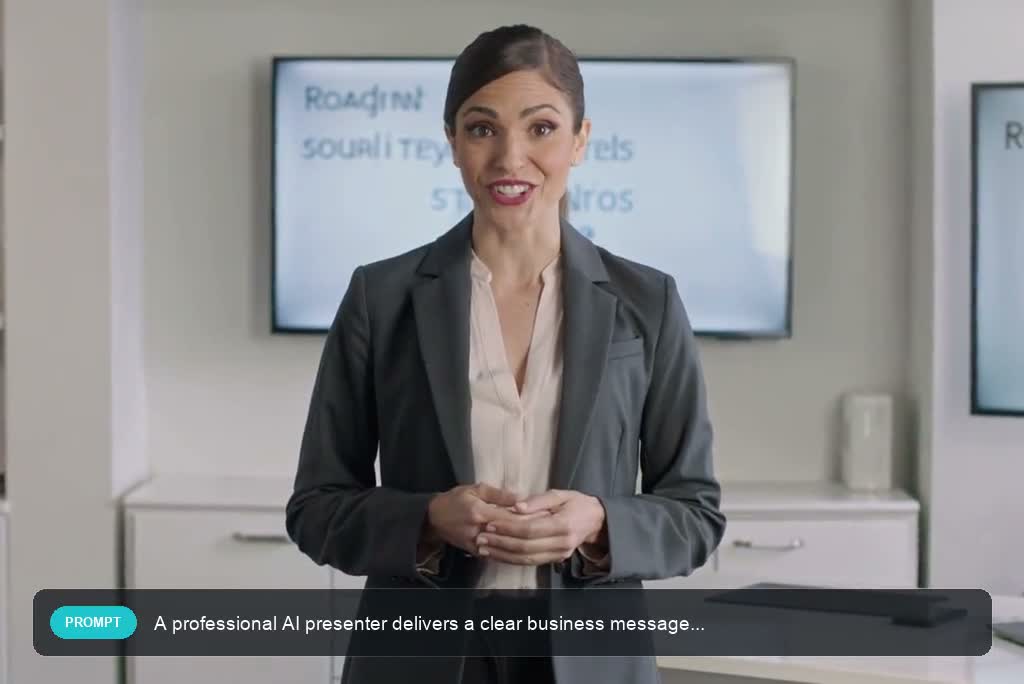
Turn a prepared script into a presenter-led video without arranging cameras, actors, lighting, or repeated takes. Choose the presenter and voice, enter what should be said, and let insMind generate a clean video you can review, share, or adapt for another channel.
How to Create an AI Presenter Video With insMind
Step 1: Choose a Ready-Made Presenter
Open the presenter gallery and select a person whose appearance, setting, and tone suit your audience and message.
Step 2: Add Your Script
Type or paste the exact message you want the presenter to deliver. Keep the wording clear and conversational for a more natural result.
Step 3: Select the Right Voice
Review the available voice and language options, then choose a delivery that matches the presenter's role and the purpose of your video.
Step 4: Generate and Share
Generate the presenter video, review the spoken delivery and overall scene, then download or share the finished result wherever your audience watches.
Create AI Presenter Videos for Every Message
See how presenter-led videos support training, product education, courses, and social content.
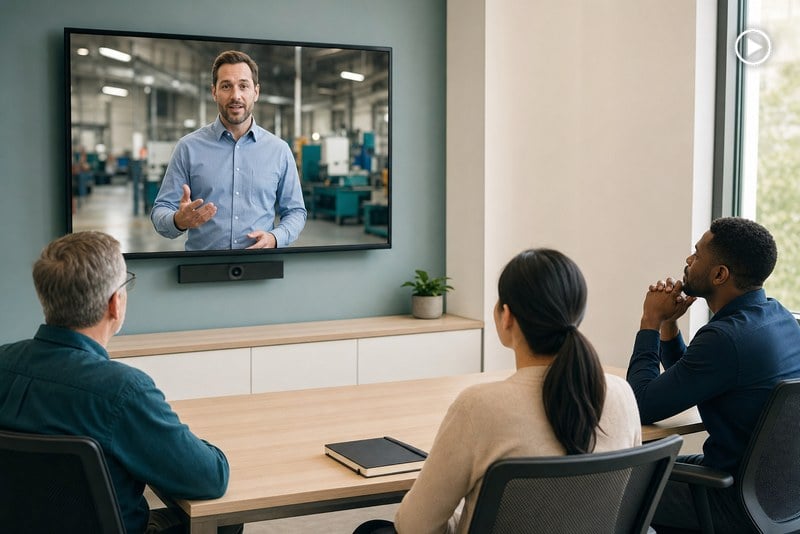
Employee Training Videos
Turn onboarding notes, process updates, and workplace guidance into presenter-led lessons employees can watch on demand. Teams can produce consistent modules more quickly and refresh the script as policies or procedures change. Explore insMind's AI training video generator for broader training workflows.
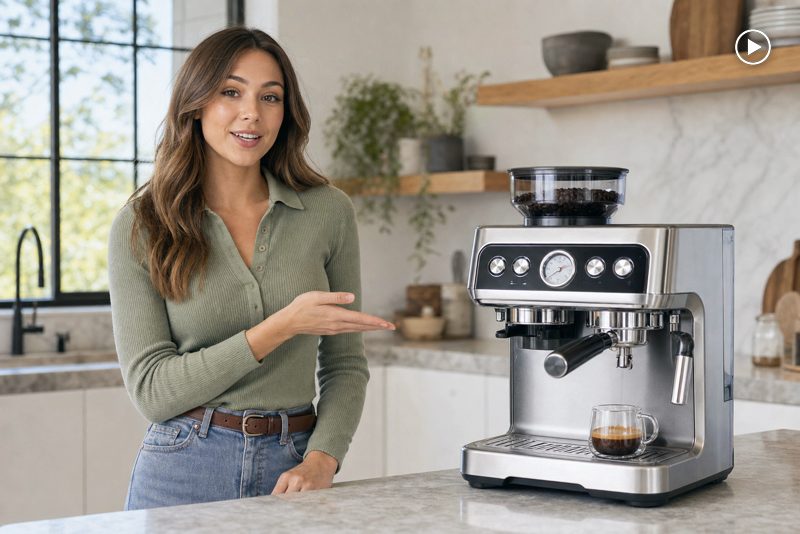
Product Demo Videos
Introduce a product, explain its key benefits, and guide viewers through the next step with a clear on-screen presenter. Use these videos on product pages, launch campaigns, sales follow-ups, or help centers. Pair the message with an AI product demo video generator when the product itself needs more visual demonstration.
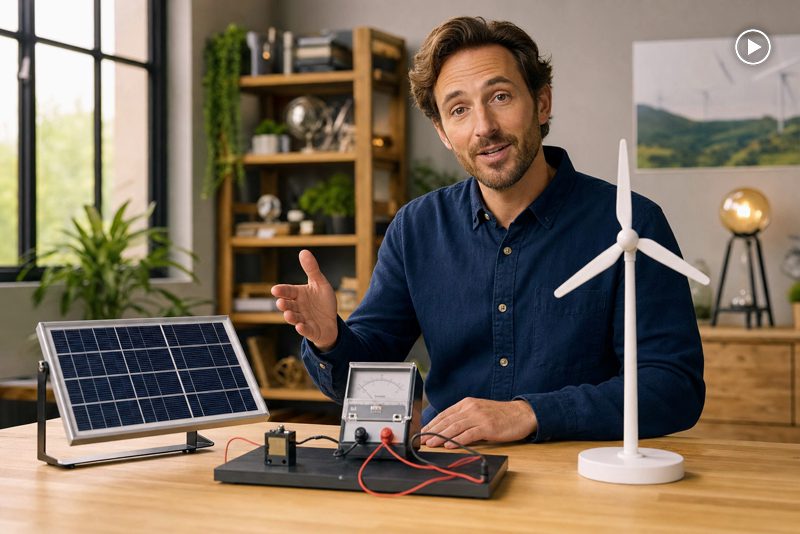
Educational and Course Videos
Transform lesson scripts, course introductions, and topic summaries into clear presenter-led videos. Educators and course creators can give each module a visible instructor, maintain a consistent teaching format, and revise individual lessons without setting up another recording session.
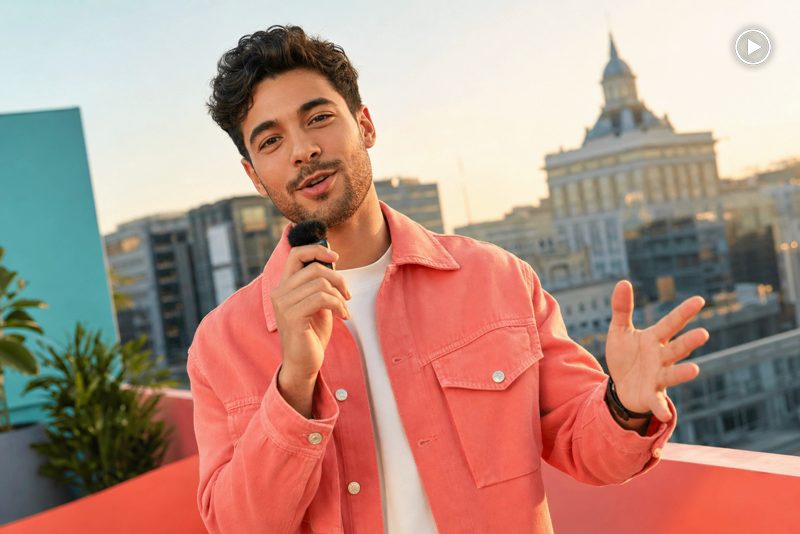
Social Media Presenter Videos
Create presenter-led updates, tips, campaign hooks, and recurring series for TikTok, Instagram Reels, YouTube Shorts, or LinkedIn. Change the script and select a suitable voice for each post while keeping production simple enough for a frequent publishing schedule.
Why Create AI Presenter Videos With insMind

Presenter Options for Different Messages
Choose from ready-made presenters suited to professional, educational, promotional, and social settings instead of relying on one generic on-screen style.

Flexible Voice Selection
Match the presenter's role with an appropriate voice, language, and delivery so each script sounds aligned with its intended audience.

Simple Script-to-Video Workflow
Move from written copy to a presenter-led video through one focused workflow without managing cameras, lighting, actors, or editing software.

Faster Content Updates
Revise the script and generate a new version when products, lessons, offers, or internal information change, without scheduling another shoot.

Useful Across Teams and Channels
Create content for training, education, product communication, sales, marketing, and social publishing from the same easy-to-repeat production process.

Accessible for New Video Creators
Select a presenter, add a script and voice, then generate the result without needing previous filming or professional video editing experience.
FAQs About insMind AI Presenter
What is an AI presenter?


An AI presenter is a digitally generated on-screen speaker that delivers a written script in a selected voice. It provides a visible host for training, product demonstrations, lessons, announcements, marketing, sales, and social content without requiring the creator or a hired actor to record every message on camera.
How does the AI Presenter Video Generator work?
Choose a ready-made presenter, enter the script, and select an appropriate voice or language option. insMind processes these choices together and generates a presenter-led video with spoken delivery. You can then review the result and use the finished video in the channel or workflow it was created for.
How do I create an AI presenter video from a script?
Start by choosing a presenter whose appearance and setting fit the message. Paste or type your script, select a voice, and generate the video. For a natural result, write short, conversational sentences, use clear punctuation, and read the script aloud once before submitting it.
What types of presenters can I choose?
The gallery includes ready-made presenters with different appearances, clothing, framing, and settings for a range of professional and creative contexts. Use the available filters to narrow the selection, then choose someone who feels credible for your topic, audience, platform, and preferred style of delivery.
How do I choose the right voice for my presenter?
Consider the audience, subject, and emotional tone of the script. A calm, measured voice can suit training or formal updates, while a warmer or more energetic delivery may work better for product launches and social content. Preview available options when possible and choose the voice that supports the message clearly.
Can I create presenter videos in different languages?
insMind provides multiple language and voice options for presenter videos. Available choices can vary, so check the current voice panel for supported languages and speakers. When localizing a script, adapt phrasing for the target audience instead of translating word for word, then review names, numbers, and technical terms carefully.
Can I create an AI presenter video without filming?
Yes. The workflow is designed to create presenter-led videos from a ready-made presenter, your written script, and a selected voice. You do not need to arrange a camera, lighting, studio, or on-camera performance, which makes the format useful when messages need to be produced or updated regularly.
Can I upload a photo to create a presenter video?
The current page focuses on choosing from the ready-made presenter gallery. Support for creating a custom presenter from an uploaded photo is planned for a later stage. Until that option is available in the tool, select one of the existing presenters and match it with the voice and scene that best fit your script.
What kinds of videos can I make with an AI presenter?
You can create employee training, product explanations, course lessons, onboarding messages, sales introductions, company announcements, customer support answers, marketing videos, and social updates. The most effective format depends on the audience and goal, so give each video one clear message and one specific next step.
Can I use AI presenter videos for employee training?
Yes. Presenter-led videos work well for onboarding, policy summaries, software guidance, process explanations, and recurring training updates. Keep each module focused on one learning objective, use simple spoken sentences, and have the relevant subject-matter owner review the script and generated video before employees rely on it.
Can I create product demos with an AI presenter?
Yes. An AI presenter can introduce the product, frame the problem, explain key benefits, and guide viewers toward the next action. For detailed demonstrations, combine the presenter-led message with clear product images, interface footage, or supporting scenes so viewers can see the feature being discussed rather than only hear about it.
Are AI presenter videos suitable for social media?
Yes. They can be used for short tips, campaign hooks, recurring updates, product introductions, and educational series on TikTok, Instagram Reels, YouTube Shorts, or LinkedIn. Keep the opening direct, write for spoken delivery, and adapt the length and composition to the platform where the video will appear.
Can I use AI presenter videos for marketing and sales?
Yes. Marketing and sales teams can create product introductions, campaign messages, lead-nurture videos, event invitations, sales follow-ups, and concise explainers. Use accurate claims, match the presenter's tone to the brand, and end with one clear call to action that tells viewers what to do next.
More Presenter and Communication Video Tools From insMind
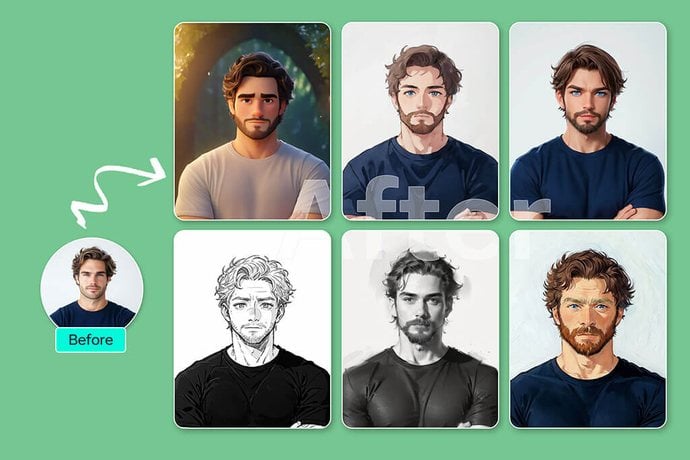
AI Avatar Video Generator
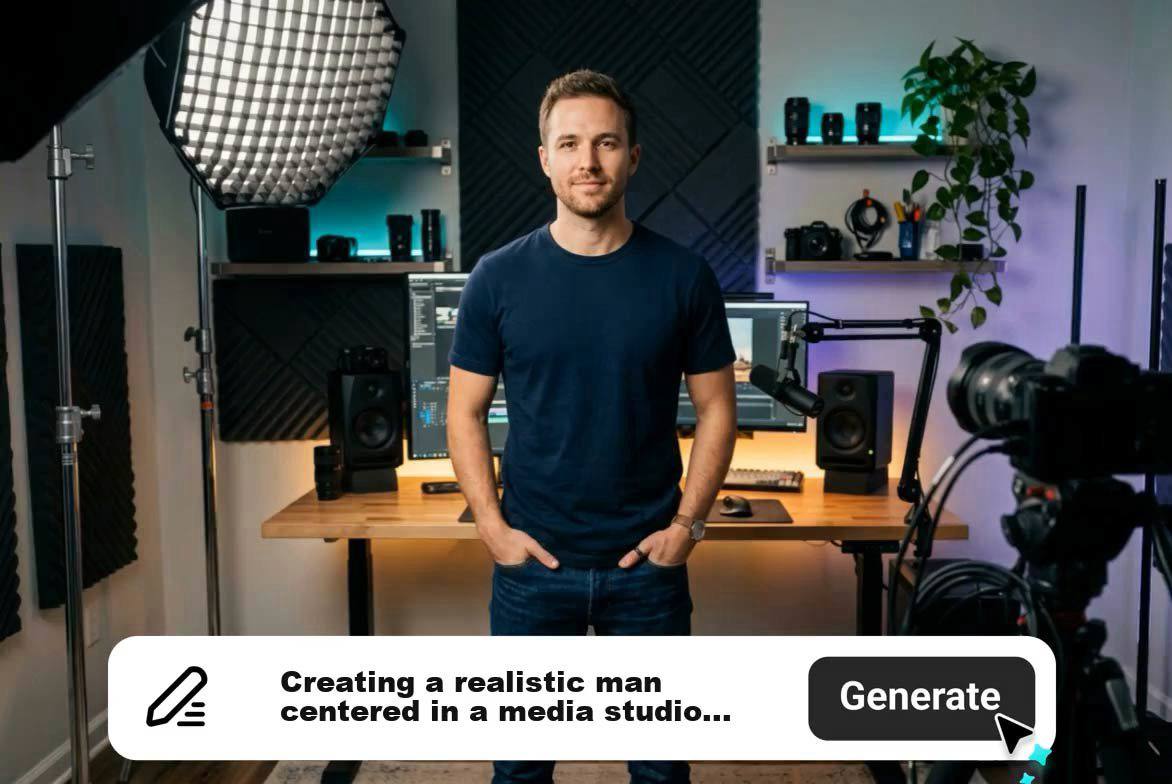
Create talking avatar videos from a portrait or a ready-made character, then add a script and voice for polished video content.
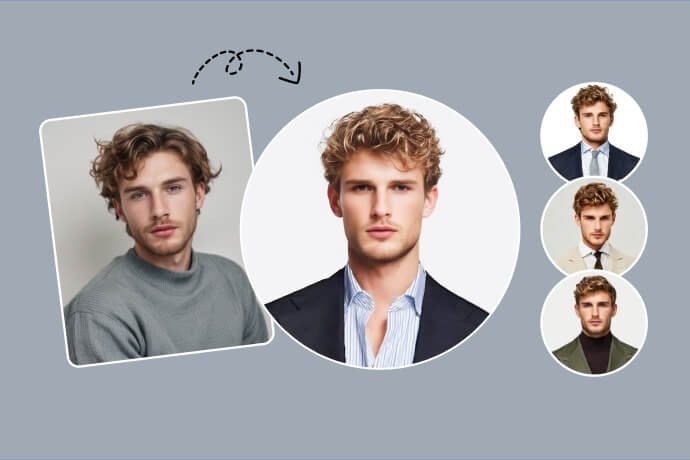
AI Spokesperson Video Generator
Create spokesperson videos with a realistic on-screen speaker and naturally synchronized voice delivery.
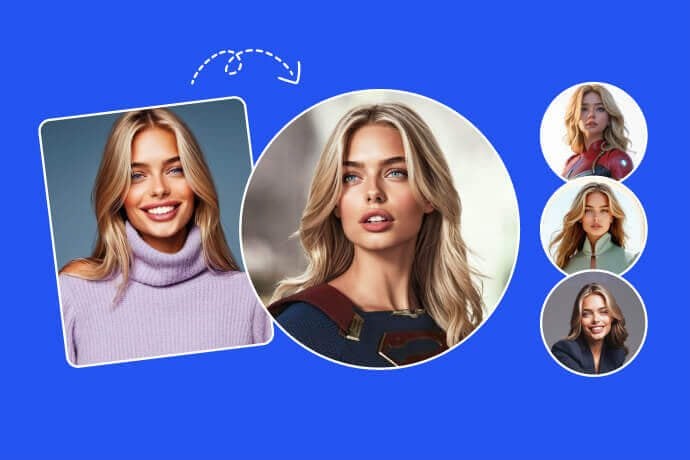
AI Talking Photo Generator
Turn a still photo into a talking video with expressive facial movement and synchronized speech.
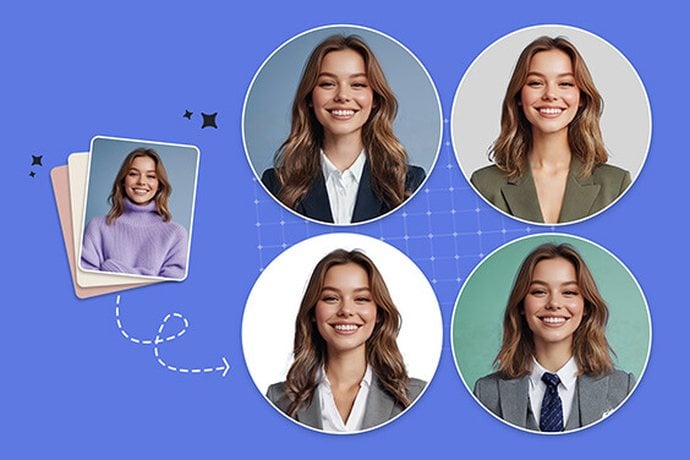
AI Training Video Generator
Turn training topics and instructions into clear videos for onboarding, learning, and workplace communication.
00:00
00:00
AI Explainer Video Generator
Explain products, processes, and ideas with structured AI-generated video content that is easy to follow.

00:00
00:00
Product Demo Video Generator
Show product features, workflows, and benefits through focused demonstration videos created for customers and prospects.
Script to Video Generator
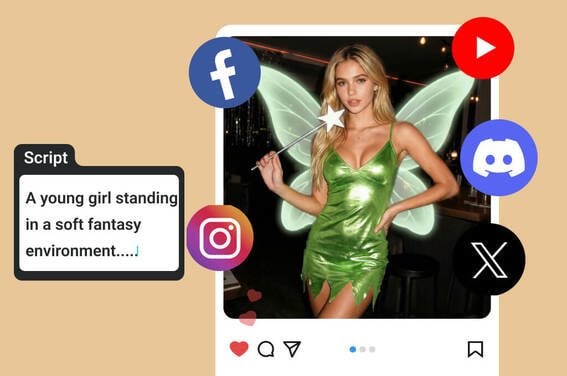
Transform a written script into a complete video while keeping the story, pacing, and message organized.
00:00
00:00
AI Voice Generator
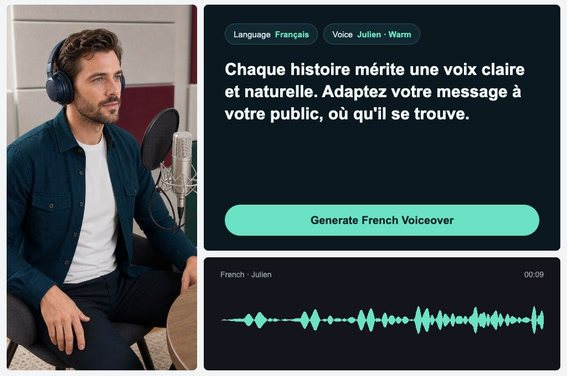
Generate natural AI voices for narration, explainers, training, marketing, and other spoken-content workflows.