
Choose an instructor from the AI presenter video generator, add a structured training script, and create a lesson without filming a trainer. This gives onboarding, compliance, and customer-education content a clear face and consistent delivery.

00:00
00:00
Turn Training Scripts Into Instructor-Led Videos

00:00
00:00
Update and Localize Training at Scale
When a policy, product step, or process changes, update the script and generate a revised lesson instead of scheduling another shoot. Preview language and delivery options with the AI voice generator to support training for different teams and markets.
How to Make Training Videos
Step 1: Choose an Instructor Avatar
Browse the avatar library and choose an instructor whose appearance, role, and setting fit the learning topic and the audience you need to train.
Step 2: Choose and Preview a Voice
Select a voice and language, preview the delivery, and choose a tone that is clear and appropriate for onboarding, compliance, product education, or staff learning.
Step 3: Add Your Training Script
Paste your lesson, SOP, policy, or onboarding script. Break the content into concise sections and use direct language so each learning point is easy to follow.
Step 4: Generate, Review, and Deliver
Generate the training video, review the script and delivery with the subject owner, then download and share the approved lesson through your LMS, onboarding flow, knowledge base, or team channel.
Use AI Training Videos Across Everyday Learning Scenarios
From HR onboarding to customer education, teams use training videos to standardize instruction and reduce repeated live explanations.

Employee Onboarding Videos
HR and enablement teams create repeatable welcome, culture, policy, and role-specific lessons so each new hire receives the same core information without relying on repeated live presentations.

Compliance and Safety Training
Turn approved policies and safety procedures into concise presenter-led lessons. When rules change, update the script and replace the affected module instead of re-recording an entire course.

Product and Customer Education
Create guided product lessons that explain features, workflows, and best practices. Combine presenter-led instruction with an AI explainer video generator when a process also needs visual product context.

Retail and Frontline Staff Training
Build short mobile-friendly lessons for service standards, product knowledge, and daily procedures. A reusable tutorial video maker helps managers reinforce practical steps across shifts and locations.
Why Choose insMind for AI Training Video Creation

Instructor-Led Lessons Without Filming
Choose an instructor avatar, voice, and language without booking a trainer, camera crew, or studio. This makes presenter-led learning practical for recurring onboarding and policy updates.

Faster Updates When Procedures Change
Edit the affected script and generate a revised lesson when a policy, product workflow, or service standard changes, reducing the delay between operational updates and current training.

Consistent Delivery Across Teams
Use the same approved script and delivery direction for every learner, location, and shift, helping distributed teams receive a more consistent version of the training message.

Voice and Language Flexibility
Preview voice and language options before generating, then have a fluent reviewer check localized scripts so the lesson remains clear and accurate for each audience.

Mobile-Friendly Microlearning
Turn long procedures into focused presenter-led modules that employees can watch on demand. Short lessons are easier to revisit during onboarding, shift changes, and just-in-time learning.

Reusable Script-Based Production
Keep the approved script as the editable source of truth. Teams can revise individual sections, maintain version notes, and generate new delivery formats without rebuilding the whole lesson from scratch.
FAQs About insMind AI Training Video Generator
What is an AI training video generator?


An AI training video generator turns an approved lesson, SOP, policy, or onboarding script into a presenter-led video. You choose an instructor avatar and voice, add the script, then generate and review the lesson without filming a trainer.
How do I create a training video with insMind?
Choose an instructor avatar, select and preview a voice, paste your training script, and generate the video. Have the relevant subject owner review the lesson before downloading or sharing it with learners.
Can I turn a training script into a video?
Yes. You can paste a completed lesson, onboarding guide, SOP, compliance script, or customer-education outline and turn it into a presenter-led training video.
Can I create presenter-led training videos without filming?
Yes. Choose an instructor avatar and voice instead of booking a presenter, camera, or studio, then generate the video from your approved training script.
Can I make employee onboarding videos with AI?
Yes. Create repeatable welcome, policy, role, and process lessons so new hires receive the same approved core information across teams and locations.
Can I generate compliance and safety training videos?
Yes, provided the script has been reviewed by the appropriate legal, compliance, safety, or subject owner. AI can support production, but it should not replace expert approval of regulated or safety-critical content.
Can I create product training modules for customers?
Yes. Turn feature explanations, workflows, setup steps, and best practices into presenter-led lessons for customer onboarding, education hubs, and product adoption programs.
Can I make staff training videos for retail teams?
Yes. Create short lessons for service standards, product knowledge, safety reminders, and daily procedures that frontline teams can watch across locations and shifts.
Can AI training videos support multiple languages?
You can choose from the languages and voices currently available in the selector. Use a fluent reviewer to check terminology, pronunciation, and policy wording before publishing localized training.
Can I update training videos when procedures change?
Yes. Update the source script, regenerate the affected lesson, and replace the old version in your learning system. Keep version notes so learners and administrators know which procedure is current.
More Training Video Tools from insMind
00:00
00:00
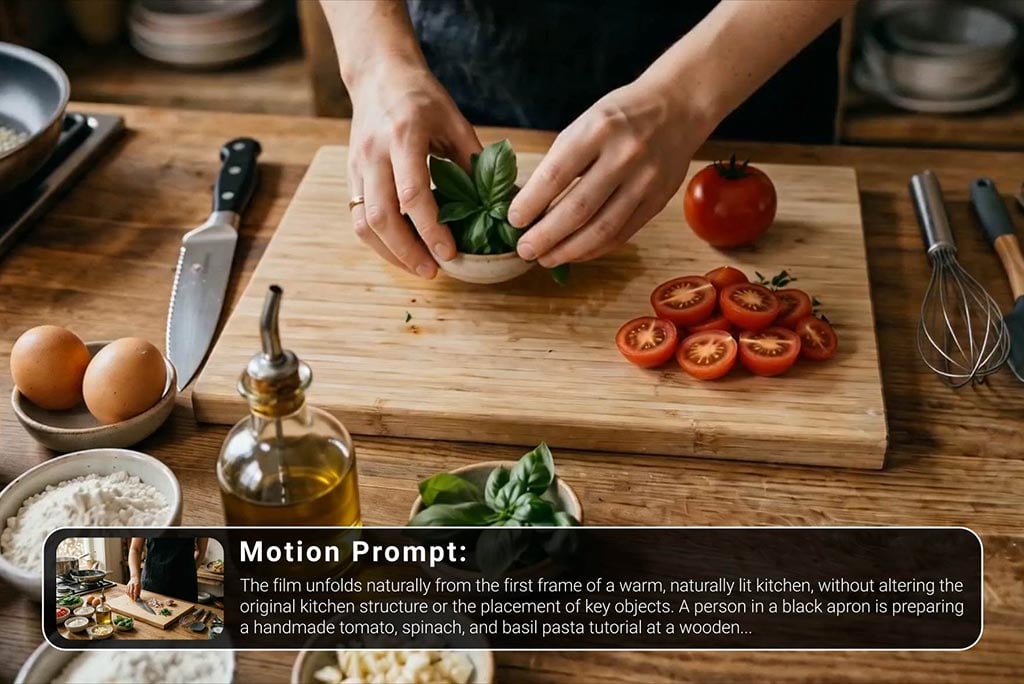
Tutorial Video Maker
Create how-to guides, DIY tutorials, and instructional videos in minutes.
00:00
00:00
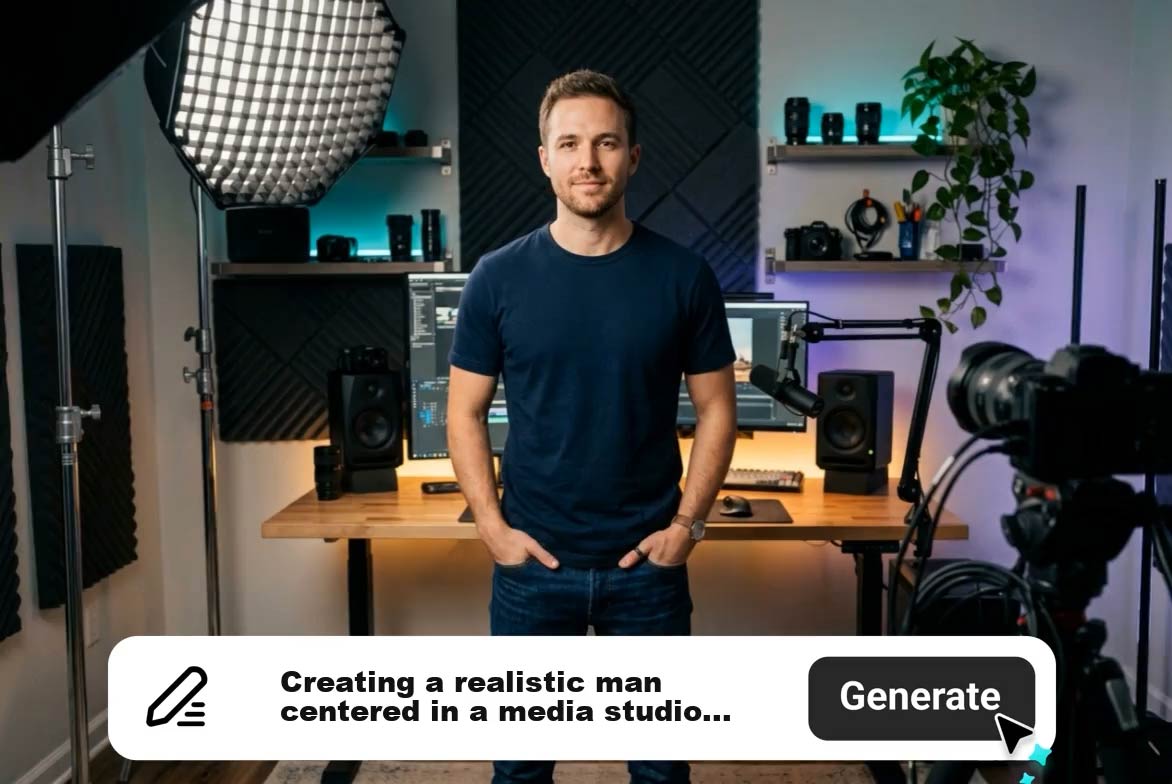
AI Explainer Video Generator
Create AI explainer videos from text or scripts instantly.
00:00
00:00
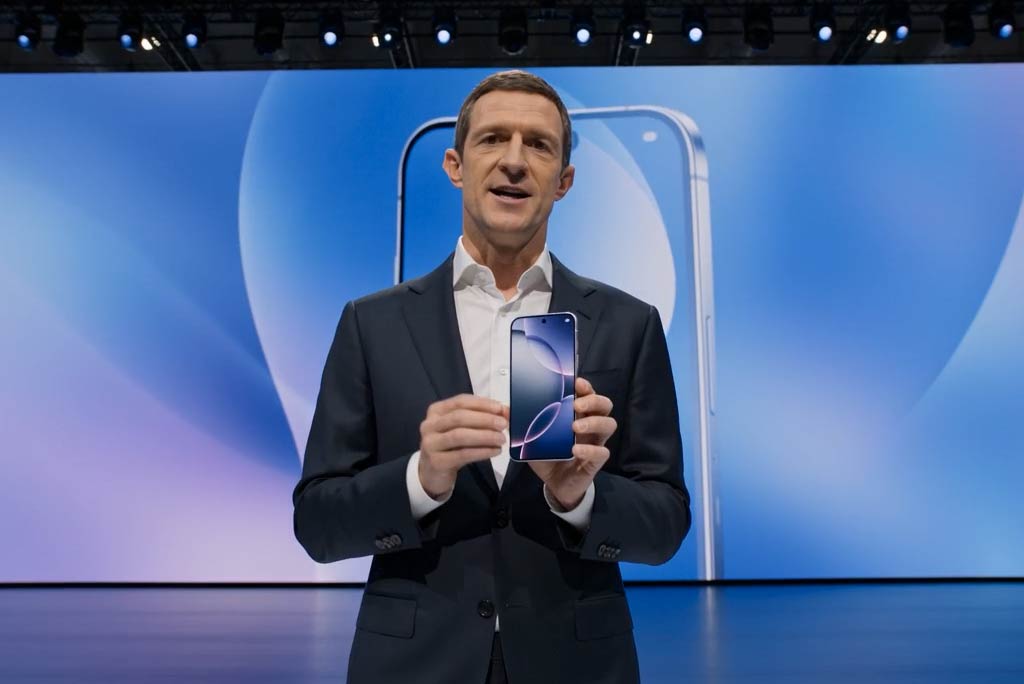
Business Video Maker
Generate business videos, promo videos, and brand videos with AI.
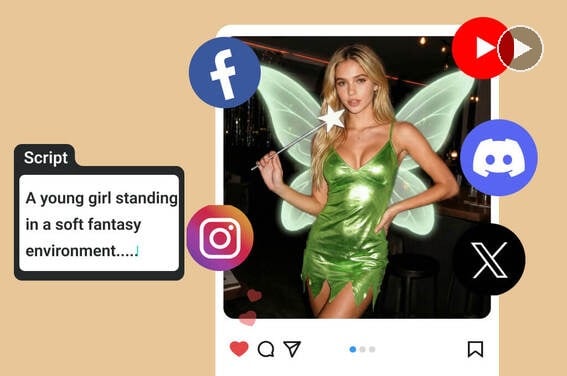
Script to Video AI
Turn written scripts into videos with AI instantly.
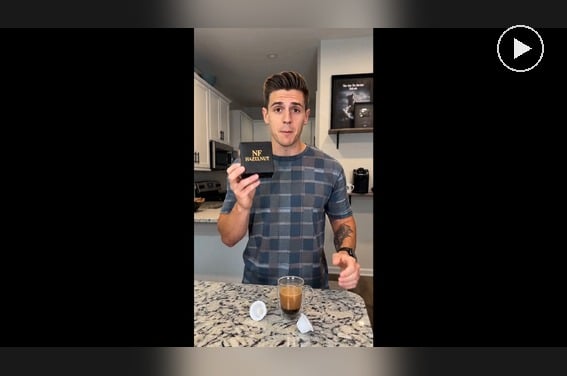
AI Spokesperson Video Generator
Create spokesperson videos with realistic avatars and natural voice sync.
00:00
00:00
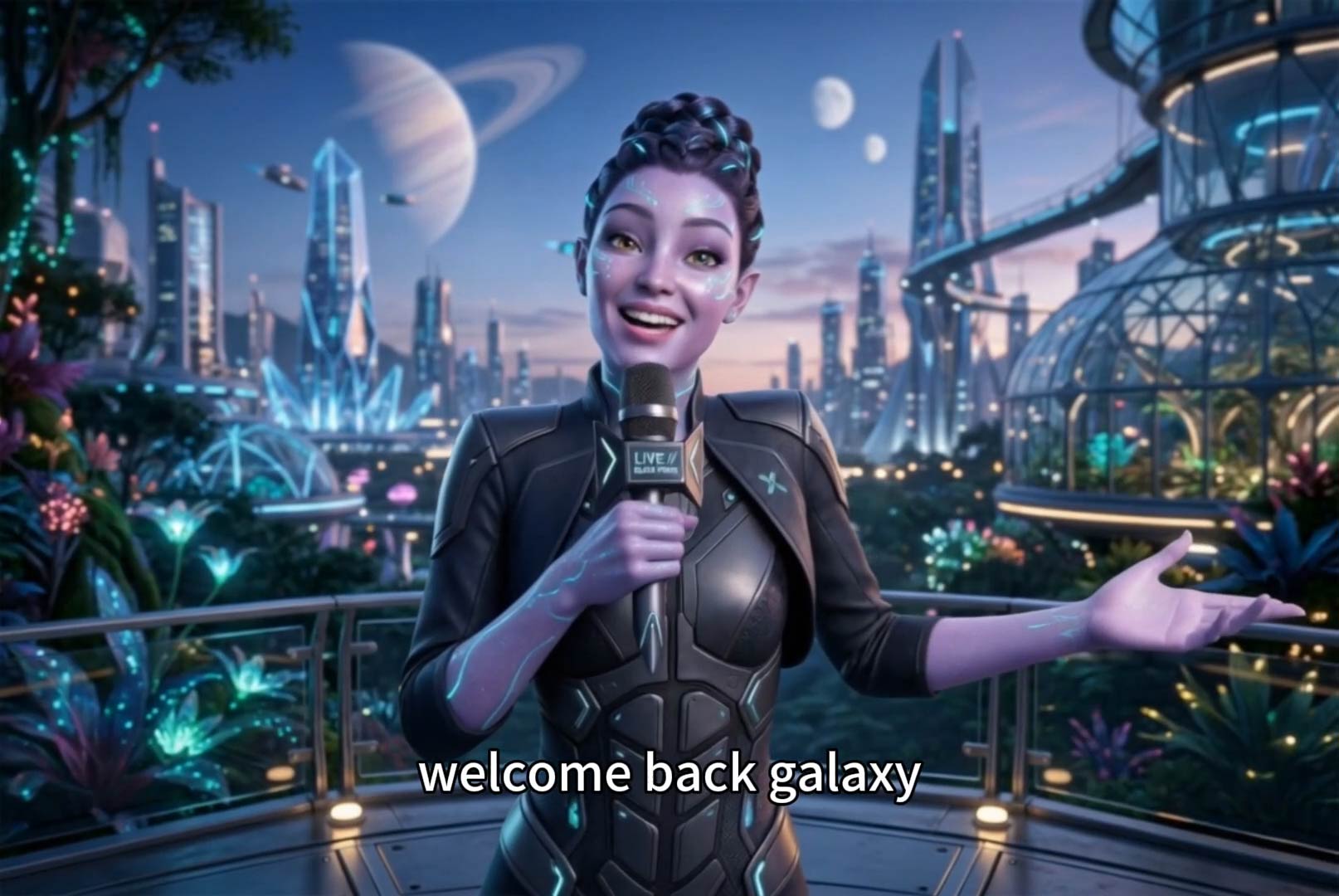
AI Faceless Video Generator
Create engaging videos without appearing on camera using AI.
00:00
00:00
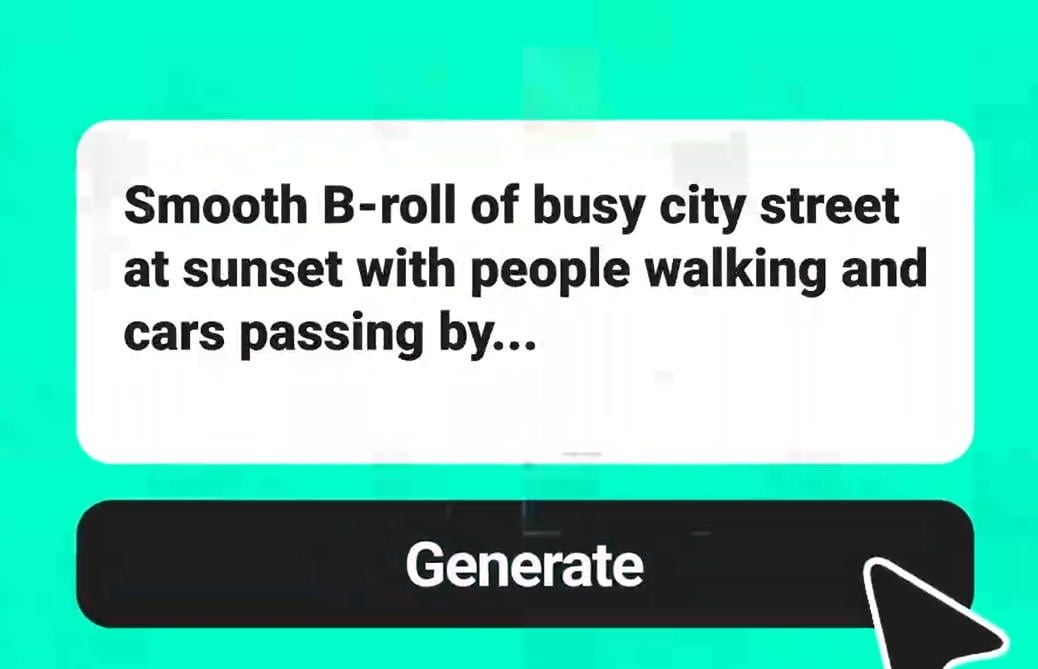
Text To Video Generator
Turn any text prompt into high-quality videos in minutes.

00:00
00:00
AI Video Generator
Create high-quality videos from text and images with AI tools.