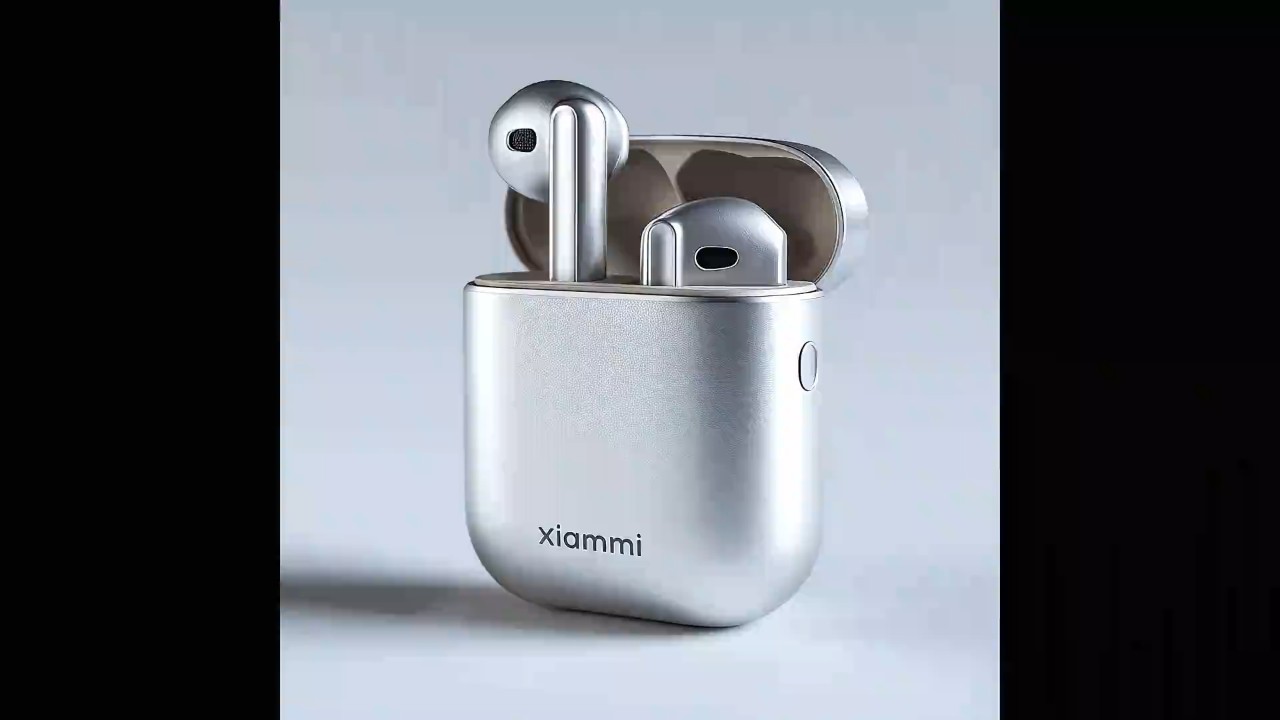

Start with a prompt, product angle, or rough script, and turn it into a commercial video with clear visuals and a strong message.
You can describe your brand, audience, and offer in simple text. It’s an easy way to bring early concepts to life before filming or launching a campaign.

Commercial Video Maker for Fast, Polished Ads
00:00
00:00
00:00
00:00
00:00
00:00
Turn Ideas and Scripts into Video Ads
00:00
00:00
Create Commercials in Just a Few Clicks
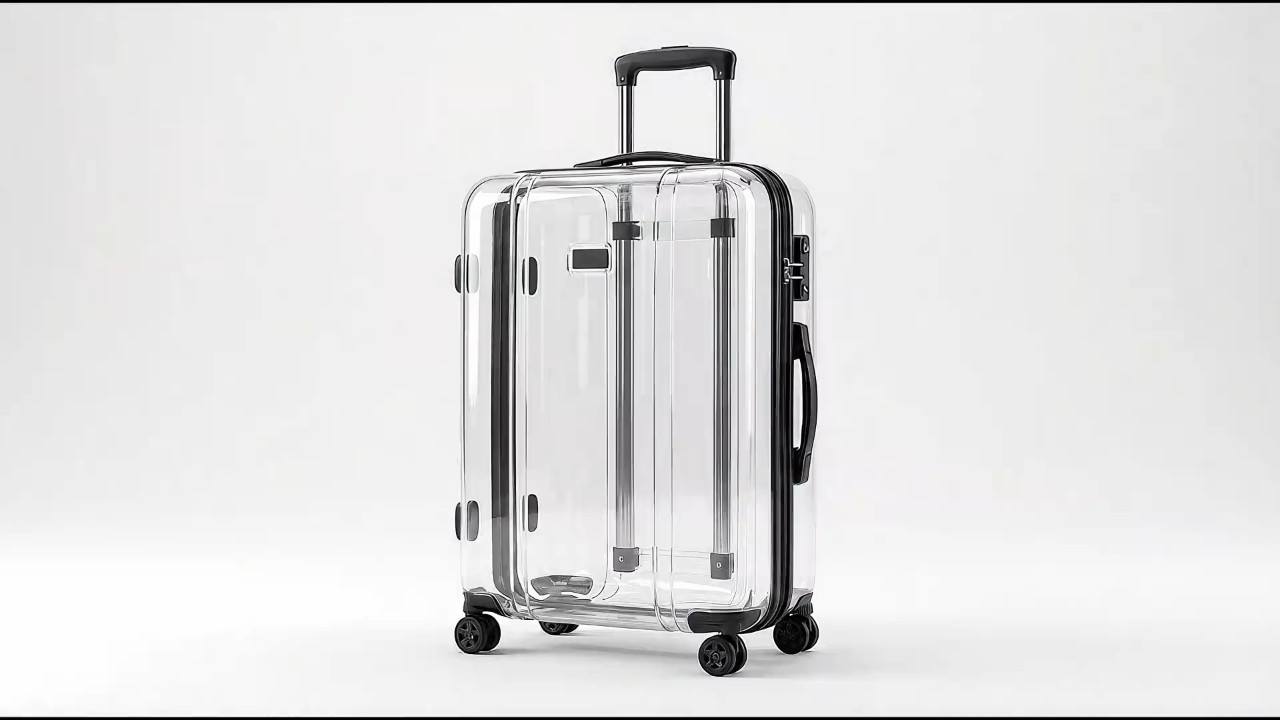
Build a polished promo video without juggling editors, cameras, or a production crew. Choose your settings, generate your video, and refine the result in minutes. When you need marketing content quickly, the process stays simple from prompt to final export.
00:00
00:00
Make Videos that Drive Clicks and Sales
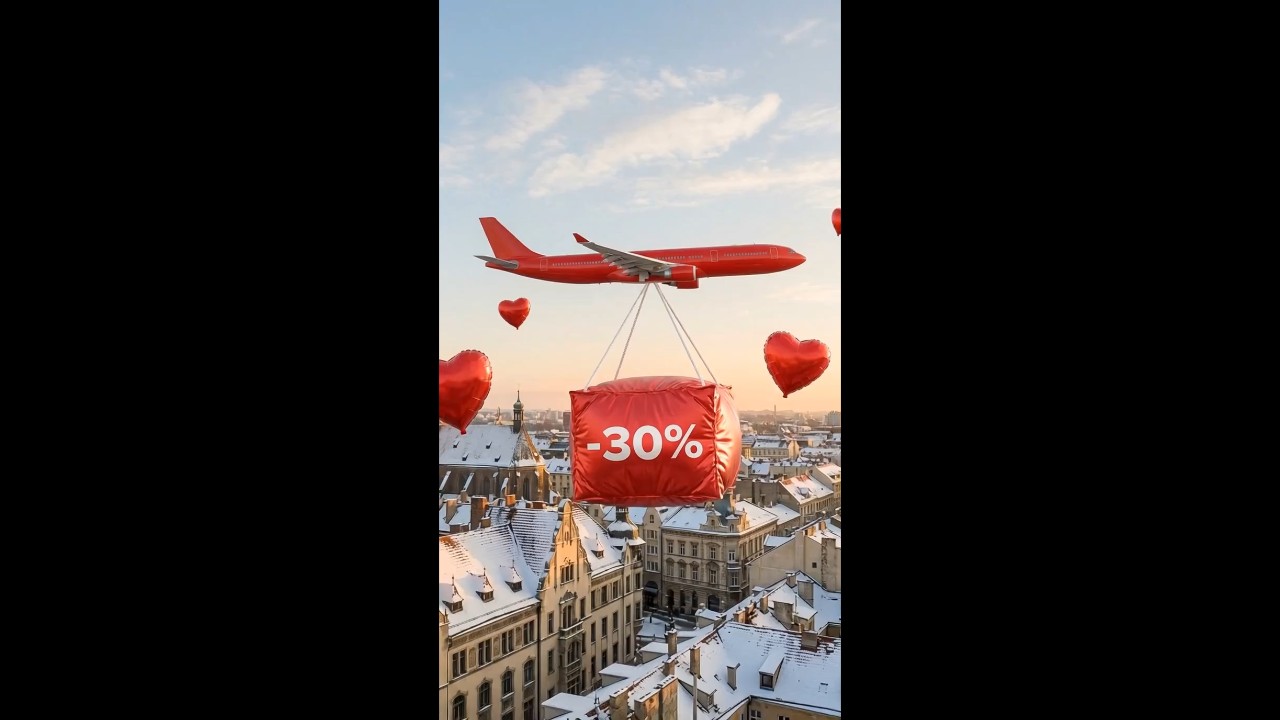
Commercial videos help explain your product faster than static images alone. Use them to highlight features, showcase benefits, and give shoppers a stronger reason to act.
With insMind, you can generate a clear, engaging video that improves attention, increases interest, and supports better campaign performance.
00:00
00:00
Commercial Video Templates to Jumpstart Your Ideas
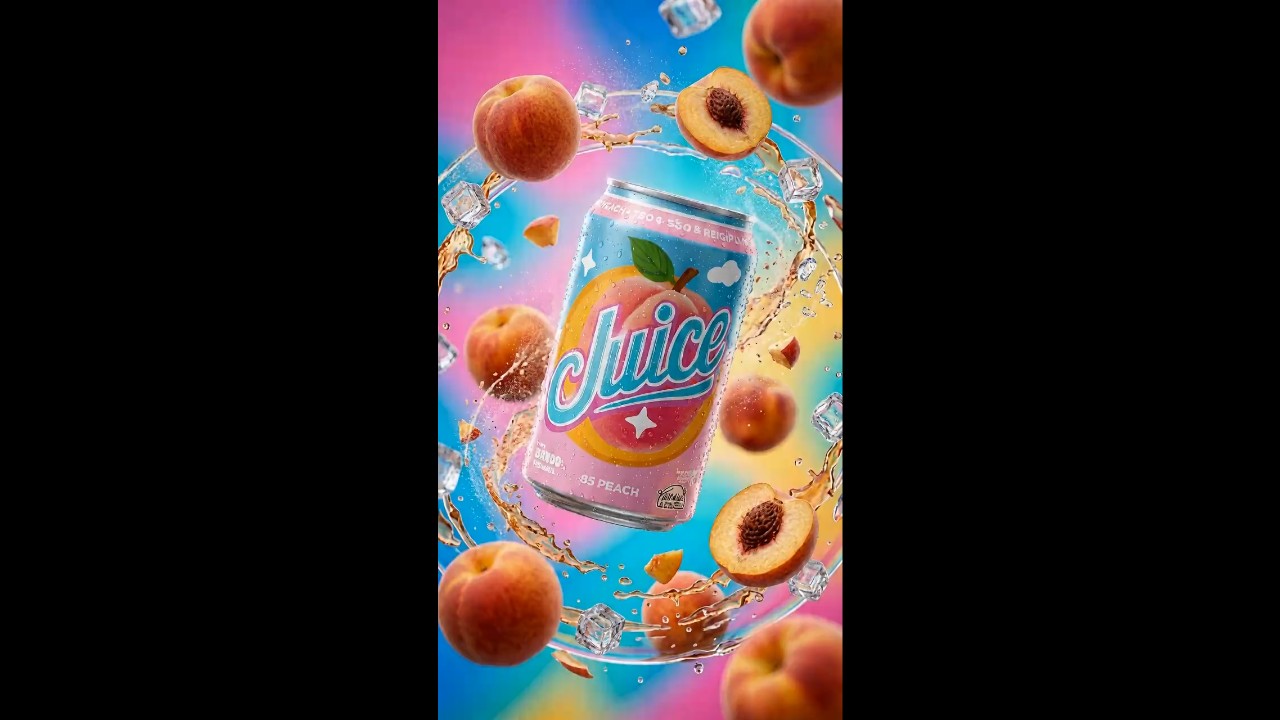
insMind not only lets you generate commercial videos with AI, but also provides a wide range of ready-to-use templates for different use cases. From campaign ads and sales videos to creative promos, you can quickly get started with proven formats.
These templates are designed based on high-performing commercial styles, helping you recreate trending video ideas with ease. Simply choose a template, customize it with your content, and generate a polished video faster without starting from scratch.
How to Create a Commercial Video with AI
Step 1. Enter your prompt
Enter a text prompt or upload a photo to begin. Describe the kind of commercial you want, including the product, style, audience, tone, and any key message you want the video to show.
Step 2. Choose model settings
Pick an AI video model such as Seedance 2.0, Kling O1, or Google Veo 3.1. Then choose settings like aspect ratio, video length, resolution, and other output options.
Step 3. Generate the video
Click the generate button to create your commercial video. The tool will process your prompt and selected settings, then produce a video based on your input.
Step 4. Download your video
Preview the result and download your video when it’s ready. You can save it for ads, product pages, social media posts, or future edits.
What Our Users Are Saying
Why Brands Use Our Commercial Video Creator?

Built for creative ideas
Turn rough concepts into visuals you can actually review, share, and improve. Whether you start with a campaign idea, product angle, or short script, the tool helps you explore creative directions without a long production cycle.

Fast generation
Generate commercial-ready videos in minutes instead of waiting on traditional editing timelines. It’s useful for product launches, ad tests, and quick campaign turnarounds when speed matters.

Multiple model options
Choose from multiple AI video models to match different styles, motion quality, and output needs. This gives you more control when creating videos for ads, social media, product demos, or brand campaigns.

Easy to use
The workflow is simple enough for solo creators and busy teams. Enter your prompt, choose a model, adjust settings, and generate your video without needing advanced editing skills.

Consistent results
Keep your subject looking consistent across scenes while maintaining clear visuals in the final output. That matters when you need product shots, brand elements, or characters to stay recognizable throughout the video.

HD resolutions
Make your product, logo, and key visuals sharp from frame to frame. The generator maintains crisp detail, so your commercial looks polished rather than patchy or distracting.
Who Can Benefit from the Commercial Video Maker?
Small businesses
Small business owners can turn product shots, brand text, and simple ideas into promotional videos without hiring a full production team. It is a practical way to launch ads faster and stay active across social channels.
Marketing teams
Marketing teams can test different hooks, styles, and campaign angles in less time. With multiple AI models and quick edits, it becomes easier to create fresh commercial concepts for different audiences.
Content creators
Content creators can make branded videos that match their voice and visual style. It works well for sponsored posts, product highlights, and short-form video ads that need to look clean and engaging.
Agencies & freelancers
Agencies and freelancers can speed up client work with a simple workflow. Generate drafts quickly, refine the message, and deliver clearer commercial videos without spending hours on every first cut.
Frequently Asked Questions
What is a commercial video maker?


A commercial video maker is a tool that helps you create promotional videos for products, services, or brands. It usually combines visuals, text, motion, and editing features in one workflow.
Can I create a commercial video with AI?
Yes. AI can help generate scenes, style, motion, and ad-ready visuals from your prompt, images, or product details, and then you can adjust the result to fit your brand.
How long does it take to make a commercial video?
With insMind, it only takes a few seconds to minutes ro create the video. It also depends on the length and style of your video.
Do I need editing experience?
No. The tool is designed to be easy to use, so beginners can start with a prompt or upload and make a commercial video without advanced editing skills.
Can I use my own product images?
Yes, you can upload your own product photos or brand assets to guide the output. This helps the final video feel more accurate and on-brand.
Will the subject stay consistent in the video?
Yes, the generator is built to keep your main subject more consistent across scenes. That means fewer distracting changes in product shape, color, or overall look.
What kinds of commercial videos can I make?
You can create product promos, social ads, brand teasers, launch videos, and short campaign creatives. The best format depends on your goal, audience, and platform.
Explore More AI Video Tools
00:00
00:00
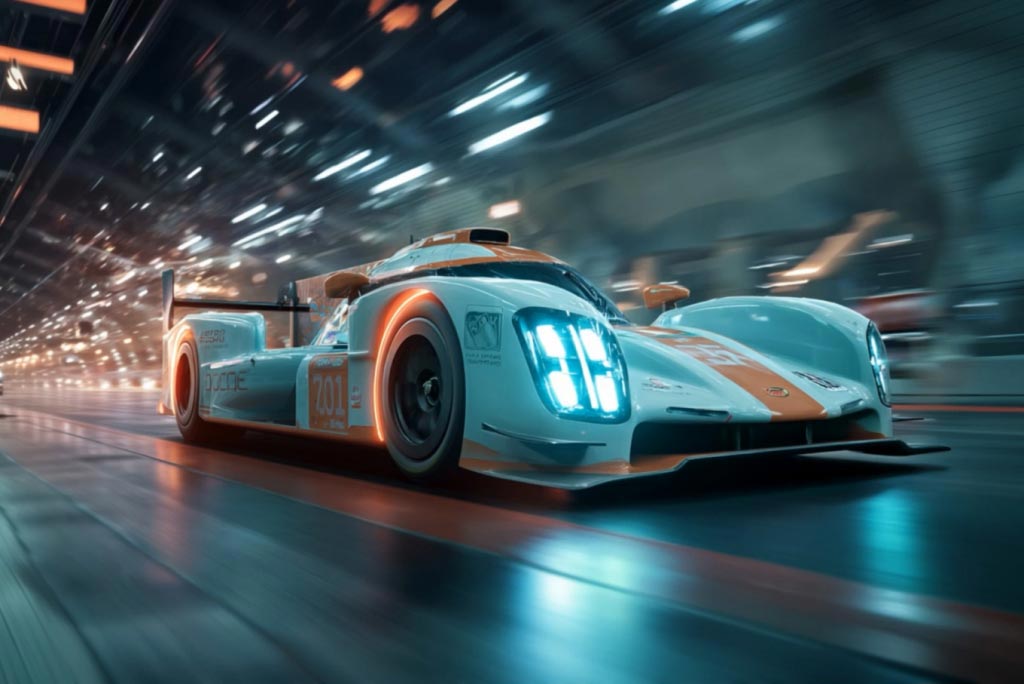
AI Video Generator
Create high-quality videos from text and images with AI tools.
00:00
00:00
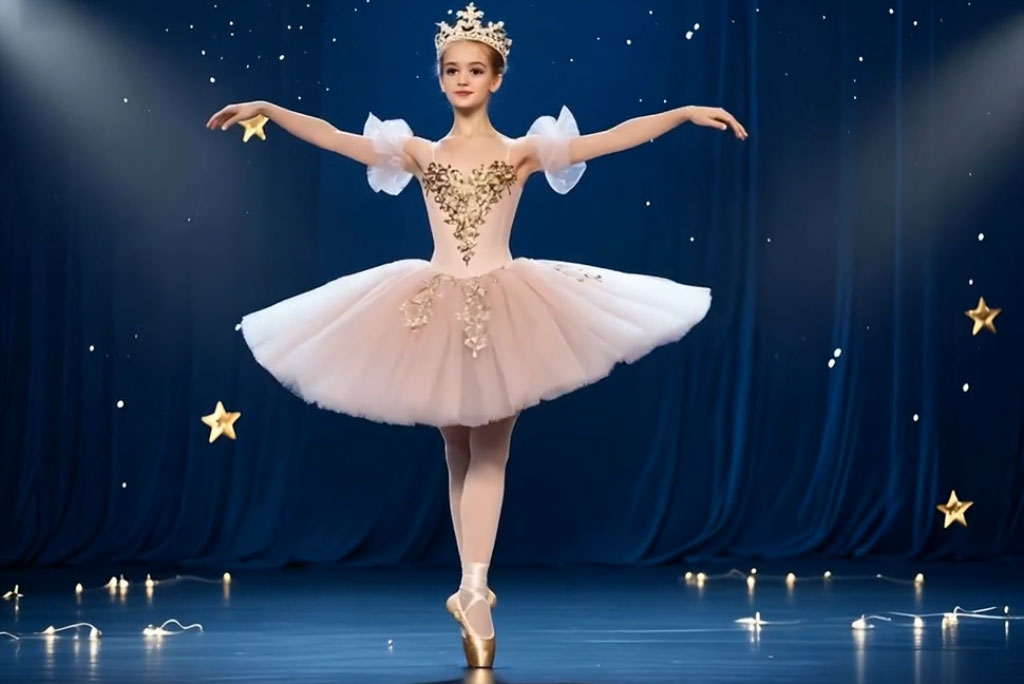
AI Dance Generator
Turn your still photo into a dancing video with AI.

00:00
00:00
Image to Video
Create custom videos from your photos with AI.
00:00
00:00
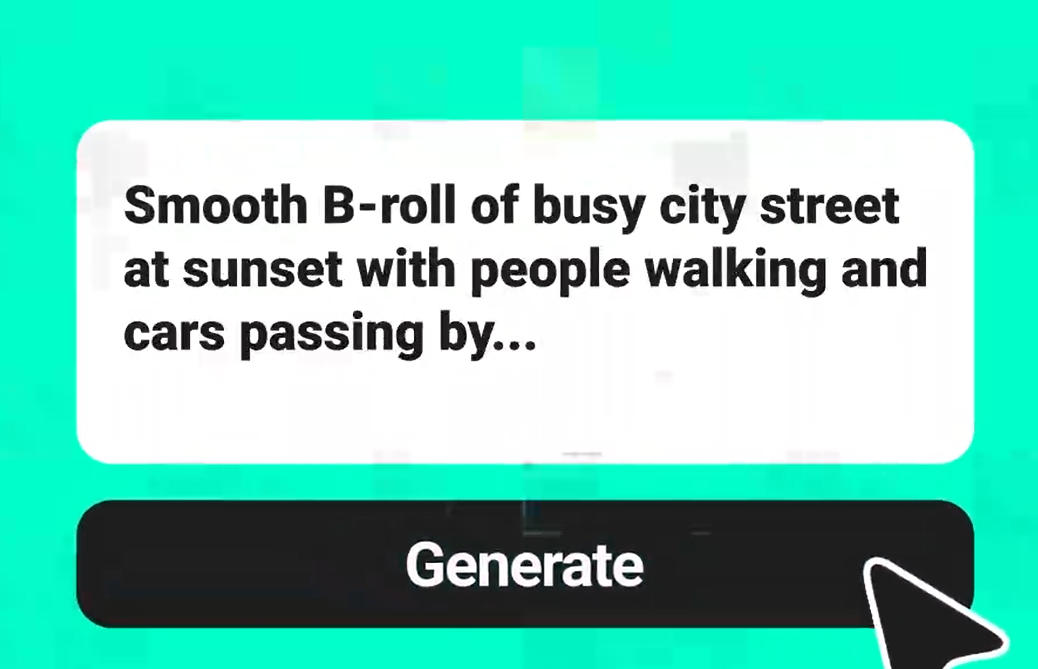
Text To Video Generator
Turn any text prompt into high-quality videos in minutes.
00:00
00:00
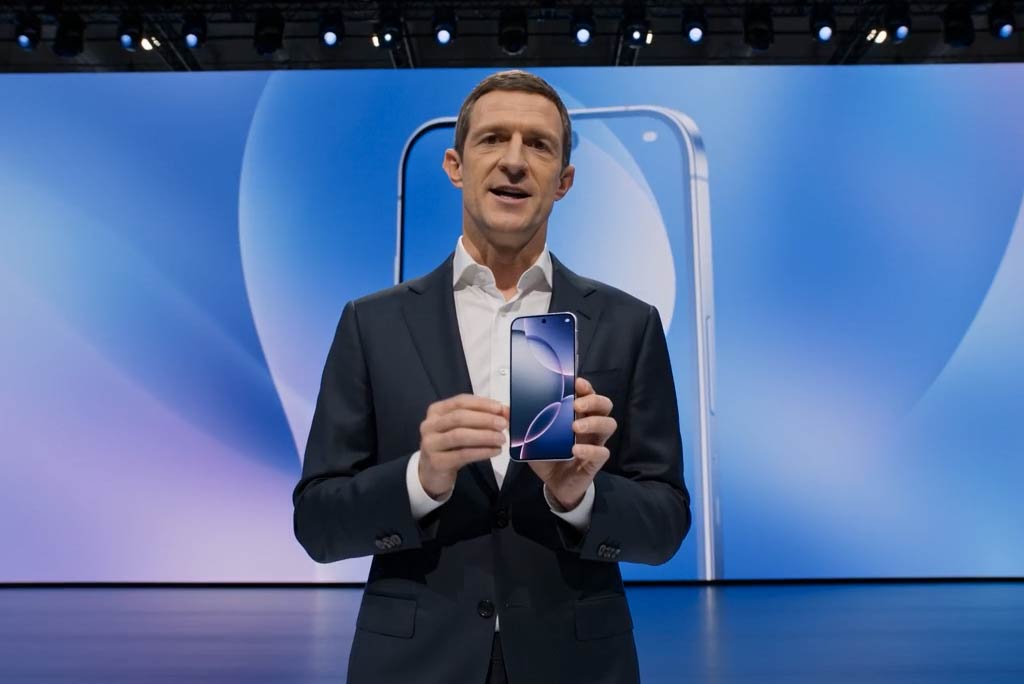
Business Video Maker
Generate business videos, promo videos, and brand videos with AI.
00:00
00:00
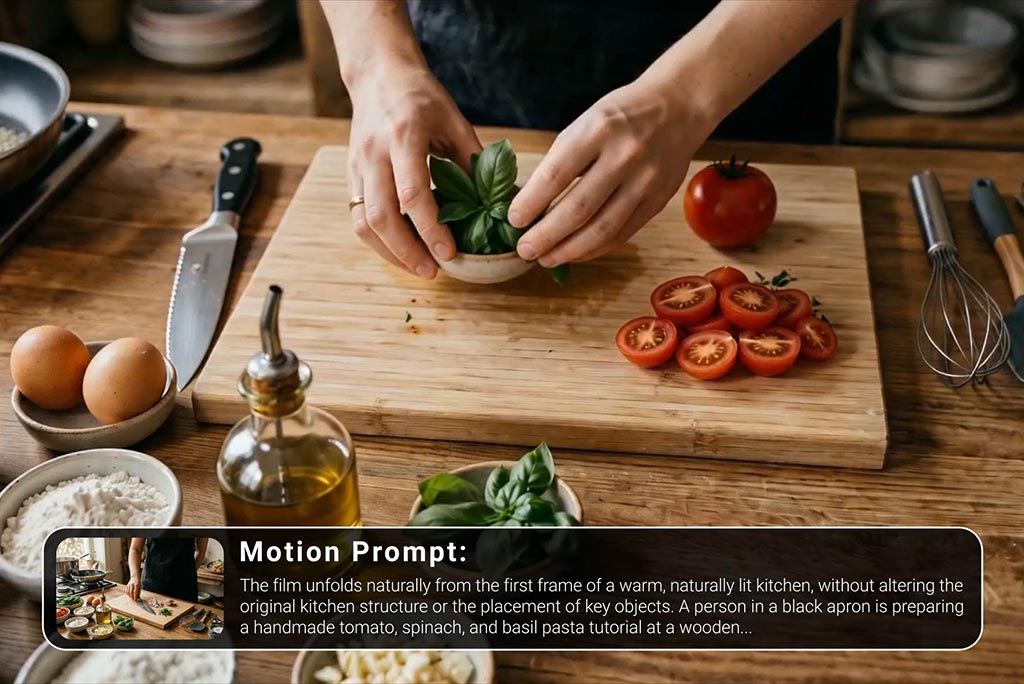
Tutorial Video Maker
Create how-to guides, DIY tutorials, and instructional videos in minutes.
@Ava Chen, Brand Strategist