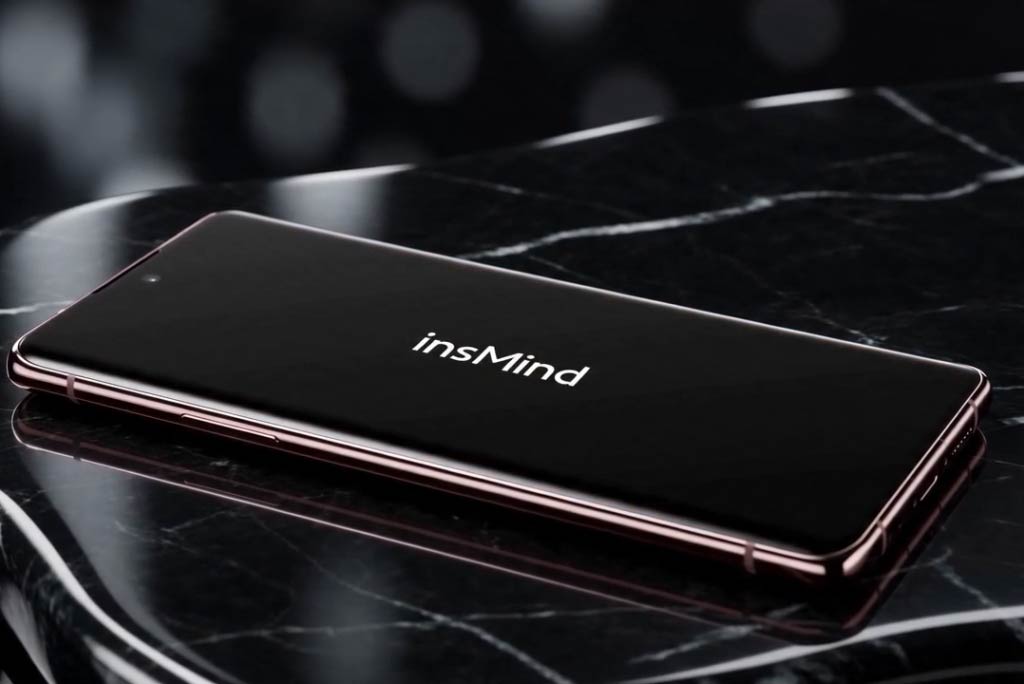
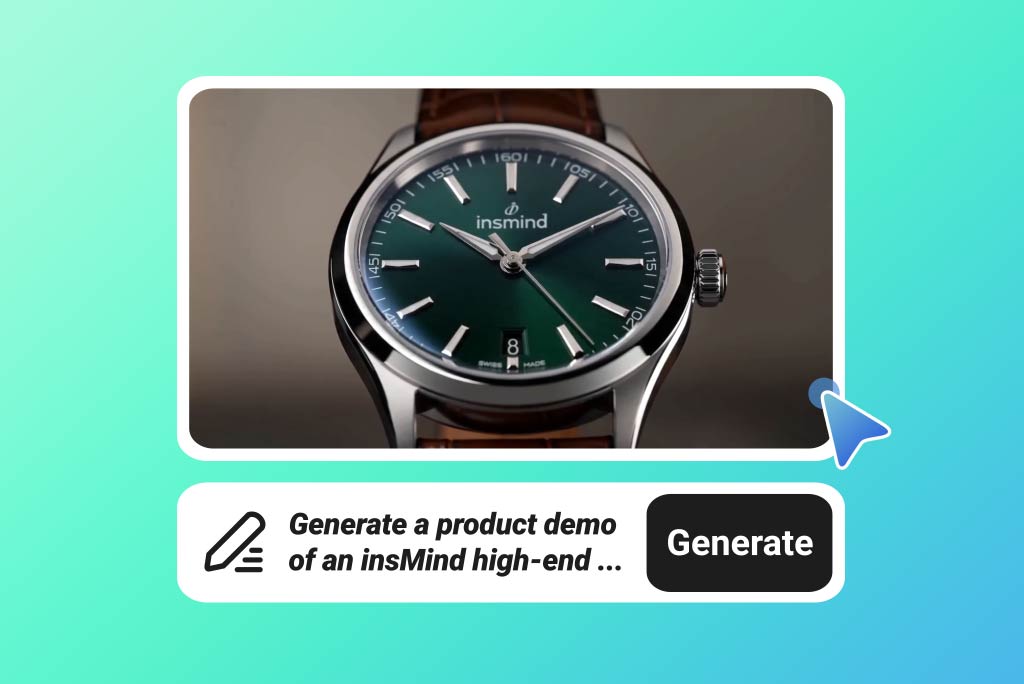
Skip the usual back-and-forth of scripting, editing, and rebuilding scenes from scratch.
With AI, you can turn a product image, concept, or prompt into a demo video much faster, so it’s easier to explain what your product does and why it matters.
It’s a practical way to present features clearly without slowing down your launch schedule.

AI Demo Video Generator for Fast Product Showcases
00:00
00:00
00:00
00:00
00:00
00:00
Make Product Demos in Less Time
00:00
00:00
Build Demos for Almost Any Use Case
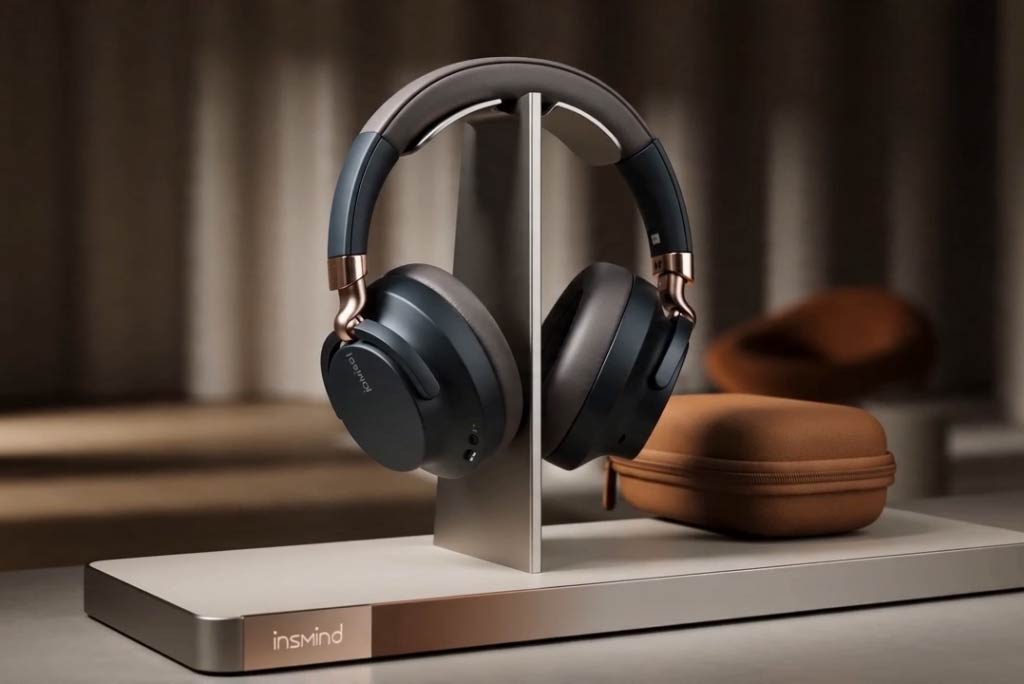
Create videos for physical products, packaging mockups, software interfaces, mobile apps, website flows, wearable devices, beauty items, home goods, and more.
Whether you need a clean product spotlight, a feature walkthrough, a lifestyle-style presentation, or a short ad-ready clip, the tool helps you generate different demo formats from one workflow.

Keep Every Video on-Brand
Shape each demo to match your brand style instead of settling for generic output.
You can guide the look with your own prompts, visual references, and settings so the final video feels aligned with your colors, tone, product positioning, and campaign goals. That means more consistent content across product pages, social posts, and ads.

Generate Demo Videos in Any Language
Simply enter a prompt and specify the language you want, and the AI will generate a demo video tailored to your request. This makes it easy to create content for different markets from the very beginning.
Whether you need a demo video in English, Spanish, Japanese, or other languages, you can describe your idea once and generate localized video content more efficiently. It is a faster way to create demos for a global audience.
How to Create a Demo Video with AI
Step 1. Upload your image
Upload a photo of the product, mockup, interface, or scene you want to show. Start with a clear image so the generated video has stronger visual detail.
Step 2. Write your prompt
Describe the kind of demo video you want to make, including style, motion, angle, and scene details. You can also start from a template and regenerate a similar effect with your own content.
Step 3. Set options and generate
Choose an AI video model and adjust settings like aspect ratio, duration, and resolution. Then click Generate to create your demo video in the format that fits your channel.
Step 4. Download your video
Preview the result, then download the finished video when it’s ready. Use it on product pages, social media, ads, presentations, or app store listings.
What Users Say About Us
Why Teams Use Our AI Demo Video Creator?

Clean, polished video quality
Generate demo videos with clear motion, polished visuals, and presentation-ready output. It helps you create content that looks strong enough for product pages, launch campaigns, social ads, and internal previews without a complicated editing setup.

More consistent subjects
Keep the main subject looking stable from shot to shot, which matters when you’re presenting a product, interface, or branded character. Better consistency makes the final demo easier to trust and easier to use in real campaigns.

Flexible output settings
Adjust aspect ratio, video length, resolution, and other settings before you generate. That makes it easier to create the right version for widescreen demos, social posts, marketplace listings, or presentation decks.

Multiple AI model options
Pick from multiple AI video models based on the style and output you need. Different models can help with motion, realism, speed, or scene interpretation, giving you more flexibility for different demo goals.

Faster from idea to video
Start from your own image, prompt, or template instead of building everything from zero. This shortens production time and gives marketers, founders, and designers a faster way to test demo concepts.

Smooth motion
Create demo videos with fluid movement and more natural scene transitions. Our AI helps make your visuals feel polished, dynamic, and easier to watch from start to finish.
Who Is This Demo Video Creator For?
E-commerce Sellers
E-commerce sellers can turn product photos, highlights, and selling points into short demo videos for listings, ads, and social posts. It’s a faster way to show how an item looks and why it matters without filming from scratch.
Product Designers
Product designers can visualize concepts, explain features, and present new ideas before a full video shoot is ready. This helps teams share updates, pitch designs, and collect feedback with less production time.
Marketing Teams
Marketing teams can build quick demo videos for campaigns, landing pages, and product announcements. With flexible styles and AI-generated scenes, it’s easier to test different messages and formats across channels.
Content Creators
Content creators and small brands can make product-focused videos without a studio, actors, or editing-heavy workflows. Just start with your images or product details and generate a clean, ready-to-share demo in minutes.
Frequently Asked Questions
What is a demo video?


A demo video shows how a product, feature, or service works. It helps viewers quickly understand what it does and why it’s useful.
What is a demo video maker?
A demo video maker is a tool that helps you create product demos with templates, media, text, voice, or AI-generated scenes. It reduces the time and skill needed to produce a clear walkthrough.
What should a demo video include?
A good demo should include the product name, the problem it solves, key features, and a simple view of how it works. A short call to action at the end also helps guide the viewer.
What makes a good demo video?
A strong demo video is clear, short, and focused on real benefits. It should show the product in action and keep the message easy to follow from start to finish.
Can I turn my photo into a demo video?
Yes, you can start with a product photo or image and turn it into a short demo video. AI can add motion, scenes, and presentation elements to make the result more engaging.
How to make a product demo video?
Start by uploading your product images to insMind, then enter a prompt describing the demo video you want, and generate it instantly.
Do I need editing skills to use it?
No, most of the process is guided and beginner-friendly. You can generate a draft automatically and make simple edits without advanced video experience.
Explore More AI Video Tools
00:00
00:00
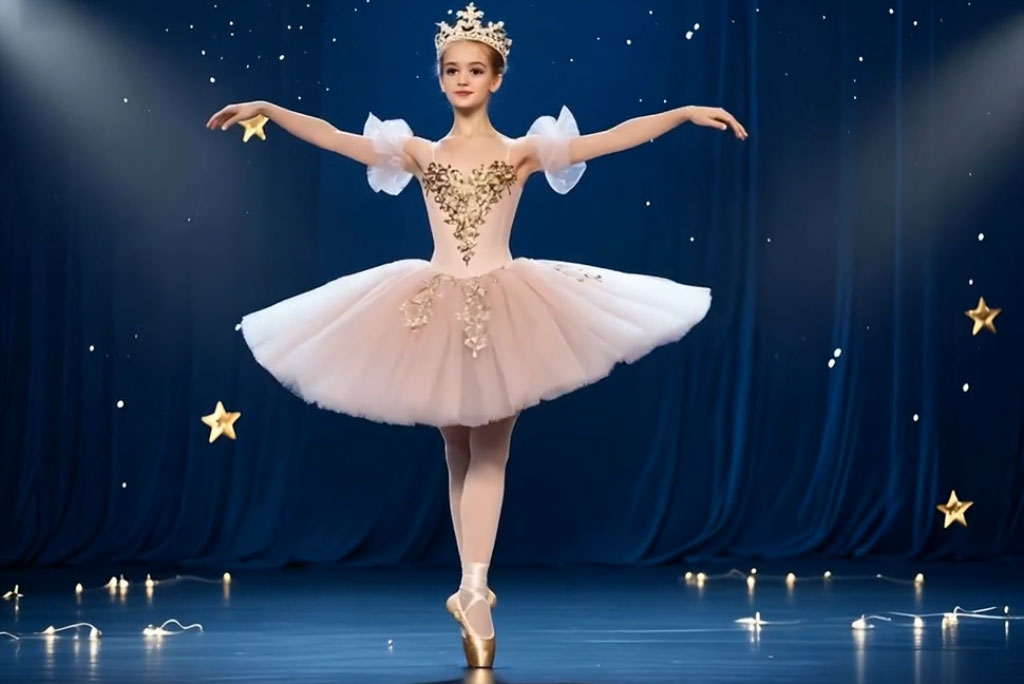
AI Video Generator
Create high-quality videos from text and images with AI tools.
00:00
00:00
AI Couple Video Generator
Turn your still photo into a dancing video with AI.

00:00
00:00
Image to Video
Create custom videos from your photos with AI.
00:00
00:00
Text To Video Generator
Turn any text prompt into high-quality videos in minutes.
00:00
00:00
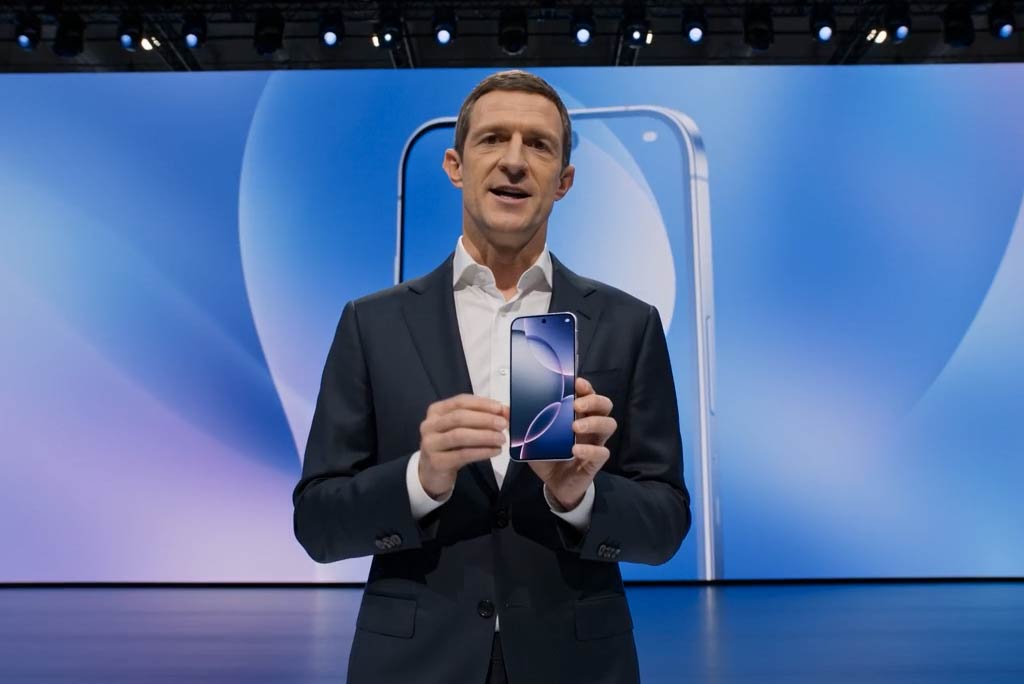
Business Video Maker
Generate business videos, promo videos, and brand videos with AI.
00:00
00:00
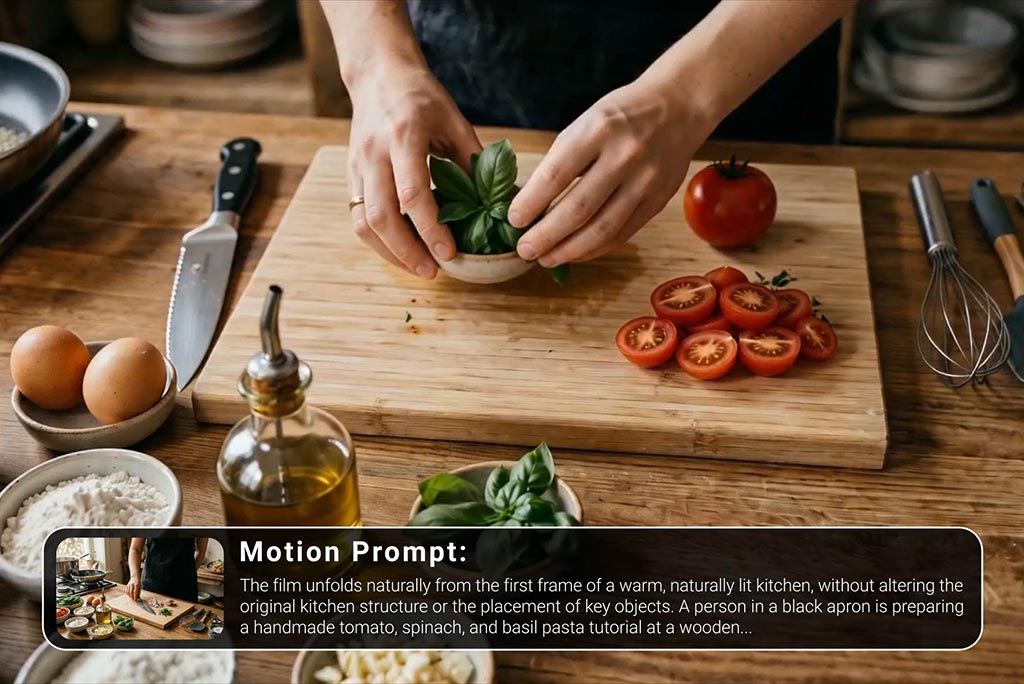
Tutorial Video Maker
Create how-to guides, DIY tutorials, and instructional videos in minutes.
00:00
00:00
AI Highlight Video Maker
Turn your best moments into a fast-paced, engaging highlight video with AI.
@Nina K., Creative Producer