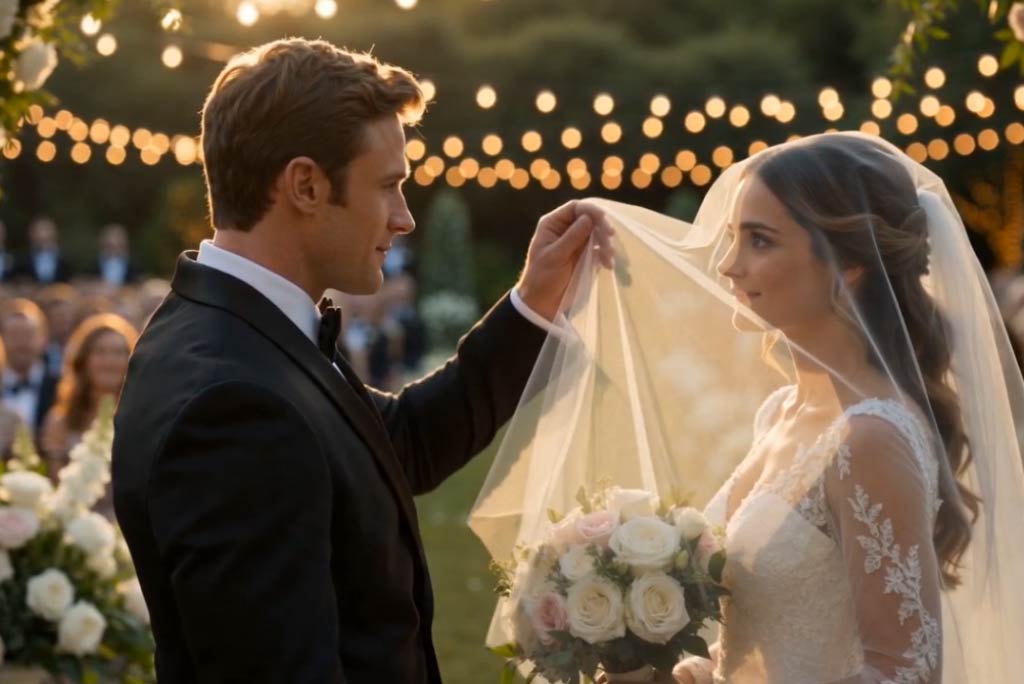
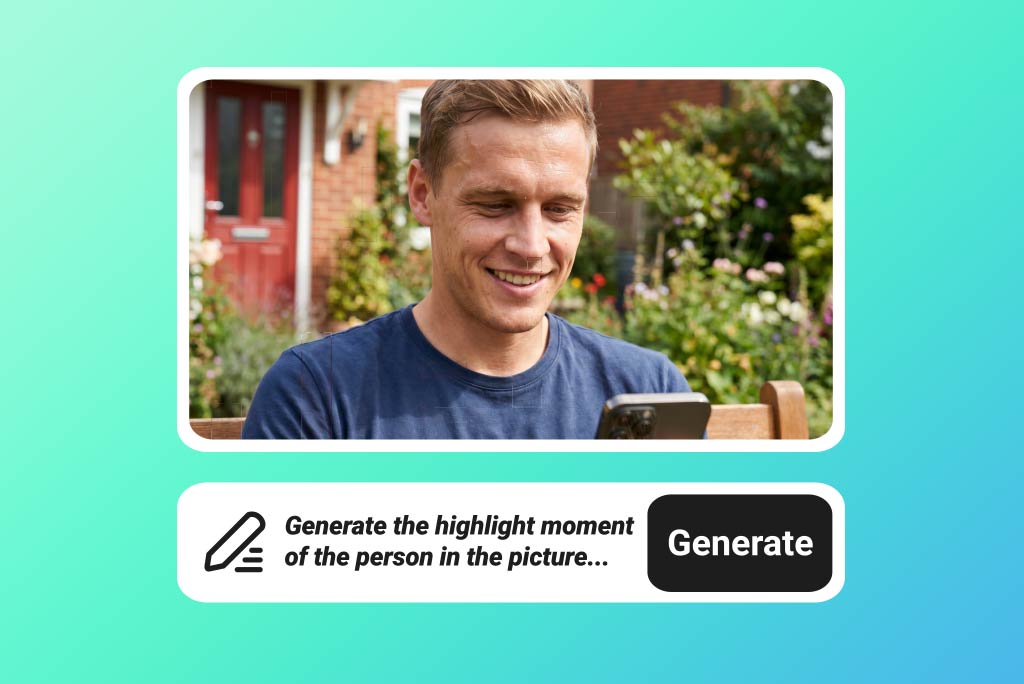
Upload your photos and turn them into a smooth highlight reel for weddings, graduations, championship wins, birthdays, or travel memories.
The tool helps you turn still images into a video that feels more dynamic and complete. It’s a simple way to showcase your best moments without editing each scene by hand.

AI Highlight Video Maker for Fast, Shareable Recaps
00:00
00:00
00:00
00:00
00:00
00:00
Turn Photos into Standout Highlight Videos

Generate a Highlight Video from Text
Describe the kind of highlight video you want, and the AI builds it from your prompt. You can set the mood, pacing, subject, and style in a few lines, then refine the result as needed.
Perfect for creating campaign ads, event recaps, and social media highlights. Just describe your idea, and the AI turns it into a polished video quickly.

Start Faster with Ready-Made Video Templates
Browse highlight video templates and creative examples to get started quickly. You can regenerate a similar look, copy the prompt behind a style you like, or edit it to match your own idea. This makes it easier to get high-quality results, even if you’re new to AI video creation.
How to Make a Highlight Video with AI
Step 1. Add prompt or photo
Enter a detailed prompt or upload your photo first. Be specific about the type of highlight video you want, such as a sports recap, wedding reel, graduation montage, or cinematic celebration clip.
Step 2. Choose model and settings
Choose an AI video model such as Seedance 2.0, Kling 3, or Google Veo 3.1. Then adjust settings like aspect ratio, video length, and optional start or end frames.
Step 3. Generate the video
Click the Generate button to start creating your video. The system will process your prompt or image and produce a highlight clip based on your selected model and settings.
Step 4. Download your clip
Preview the result, then download the finished video when it’s ready. You can also go back and adjust the prompt or settings if you want a different version.
What Our Users Say
Why Use a Highlight Video Generator?

Create social-ready clips
Turn everyday footage or photos into short clips that fit social platforms better. Instead of posting raw files, you can create a tighter, more watchable recap for Reels, Shorts, Stories, and other fast-scrolling formats.

Show key sports moments
Build sports highlight videos that focus on the biggest plays, wins, and standout moments. It’s useful for athletes, coaches, and fans who want a quick way to package game footage into something easy to share.

Save travel memories better
Bring travel photos and clips together into a more vivid memory reel. You can capture the mood of a trip, from scenic views to candid moments, without spending hours on timeline editing.

Recap important events
Wrap up weddings, graduations, parties, and school events in one concise video. A highlight format helps you keep the best scenes while avoiding a long, hard-to-watch full recording.

Package gaming highlights
Collect your best gaming plays into one video people can actually rewatch. Whether it’s a clutch win, a tournament recap, or a season summary, a highlight edit keeps the focus on what mattered most.

Team Highlights Made Easy
Build polished team highlight reels from match footage, training clips, and celebrations in minutes. It helps you combine key plays, player moments, and season highlights into one clean video that’s easy to share with fans, coaches, or recruiters.
Frequently Asked Questions
What is a highlight video?


A highlight video is a short video that brings together the most important, exciting, or memorable moments from longer footage or a collection of photos. It is often used for sports, events, travel, weddings, social media recaps, and promotional content.
What is a highlight video maker?
A highlight video maker is a tool that helps you create highlight videos quickly by turning photos, clips, or text prompts into a polished short video. It makes it easier to organize key moments, add visual flow, and produce a more engaging final result without editing everything manually.
Can I make sports highlight videos with it?
Yes. You can turn game footage into quick highlight reels for players, teams, or full-event recaps.
Is this good for social media clips?
Yes, you can create short, attention-grabbing videos for platforms like TikTok, Instagram, and YouTube. Keep them brief and focus on the strongest moments for better engagement.
Do I need editing experience?
No. The process is simple, so beginners can put together a clean highlight video without advanced editing skills.
Can I use it for travel or event recaps?
Absolutely. It works well for vacations, parties, concerts, and other events where you want to pull the best moments into one video.
Can I export and share my video easily?
Yes, once your video is ready, you can export it and post it on social platforms or send it directly to friends, teammates, or clients.
Explore More AI Video Tools

00:00
00:00
AI Video Generator
Create high-quality videos from text and images with AI tools.
00:00
00:00
AI Demo Video Generator
Generate clear, professional demo videos that showcase your product or features with AI.

00:00
00:00
Image to Video
Create custom videos from your photos with AI.
00:00
00:00
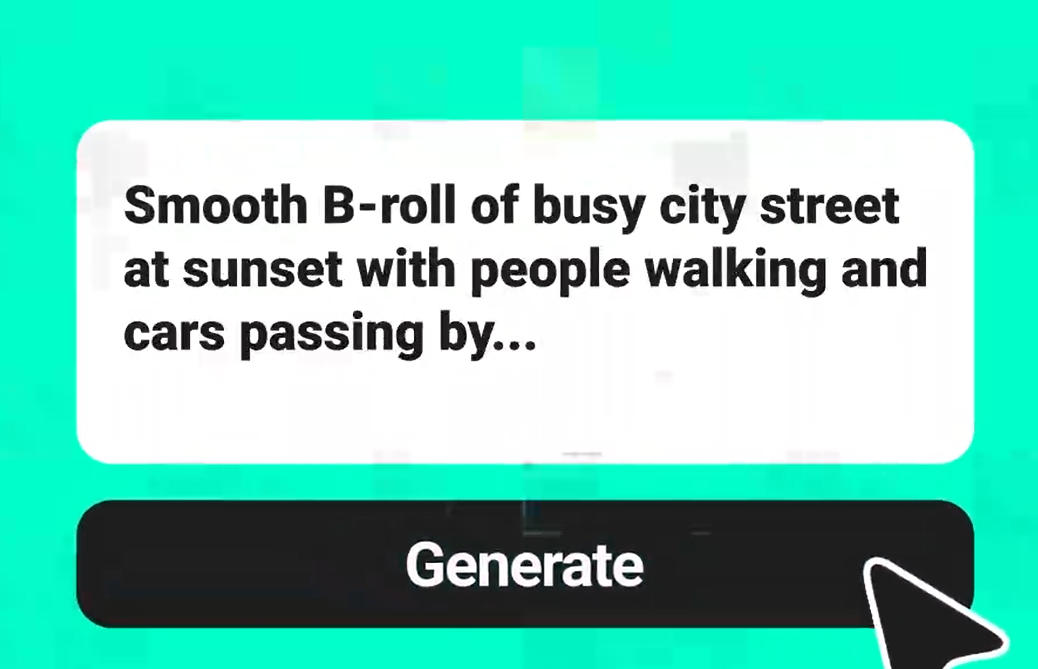
Text To Video Generator
Turn any text prompt into high-quality videos in minutes.
00:00
00:00
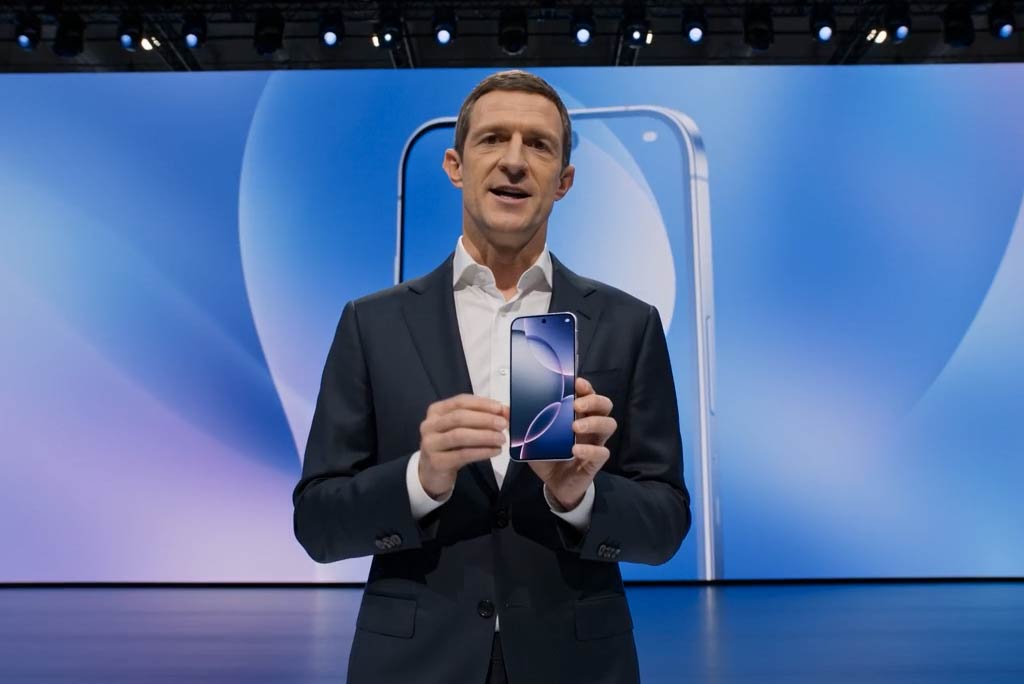
Business Video Maker
Generate business videos, promo videos, and brand videos with AI.
00:00
00:00
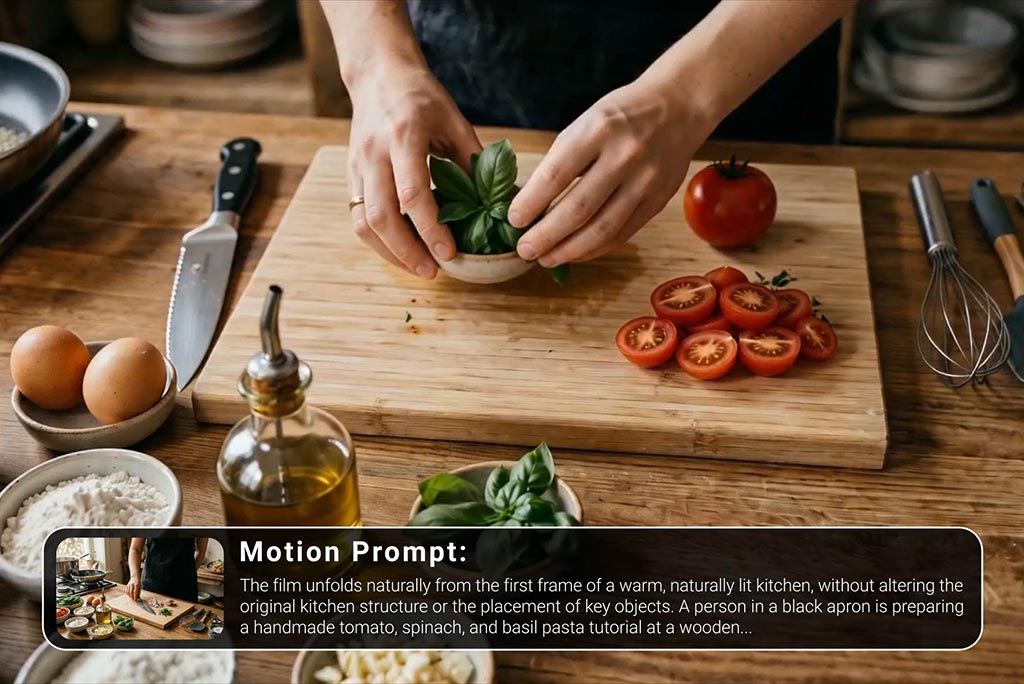
Tutorial Video Maker
Create how-to guides, DIY tutorials, and instructional videos in minutes.
@Elena, Travel Blogger