00:00
00:00

Animate Product or Packaging Photos

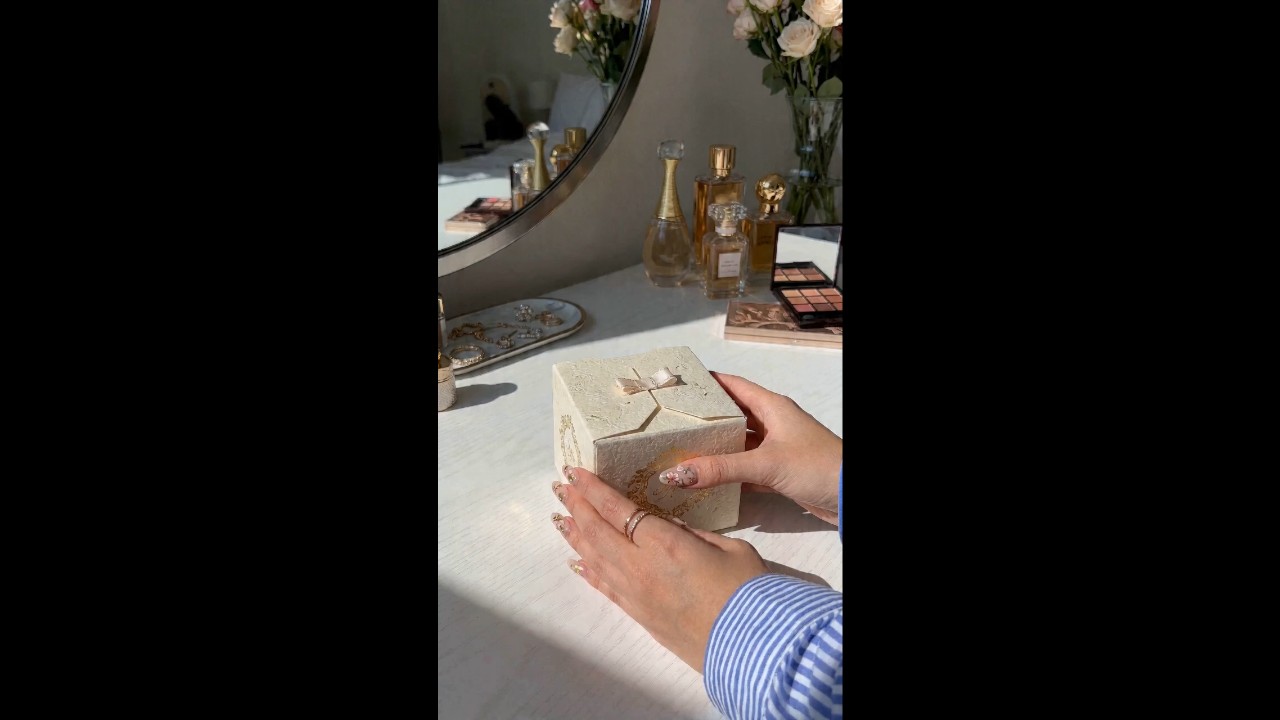
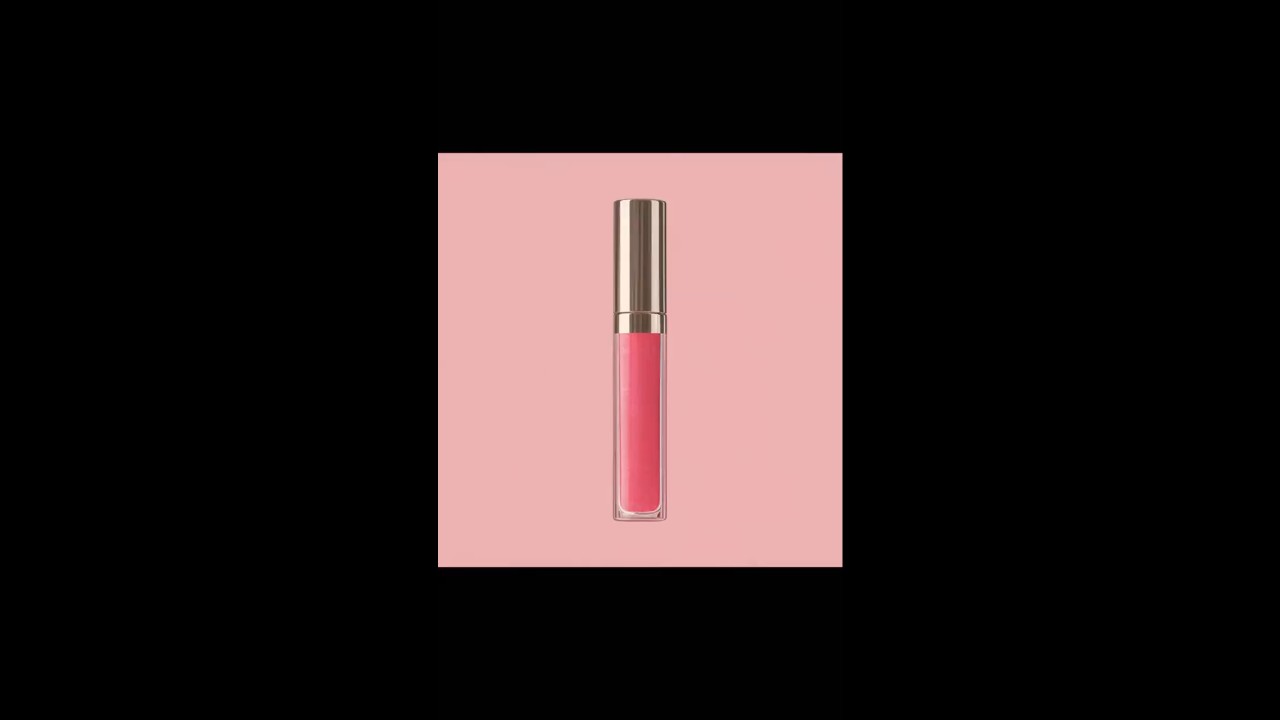
Flat product photos do not show the opening moment, texture, or scale. Upload a product shot, box image, or package photo and use image-to-video generation to add reveal-style motion. The result is a product clip staged around your existing item.
Create Unboxing Videos
00:00
00:00

Make Unboxing Videos from Text Prompts

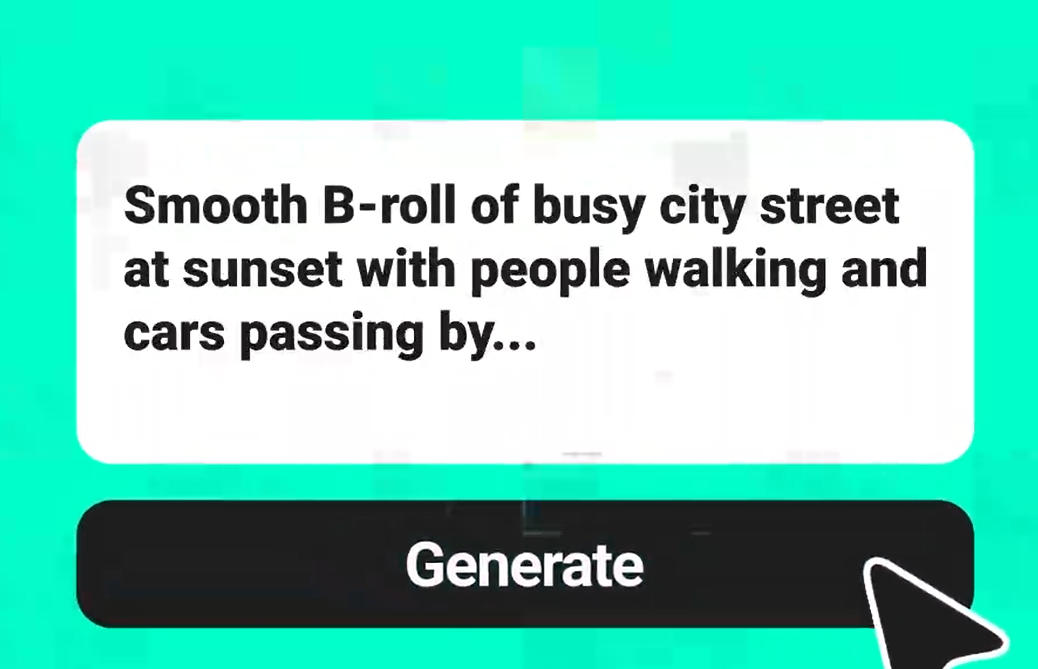
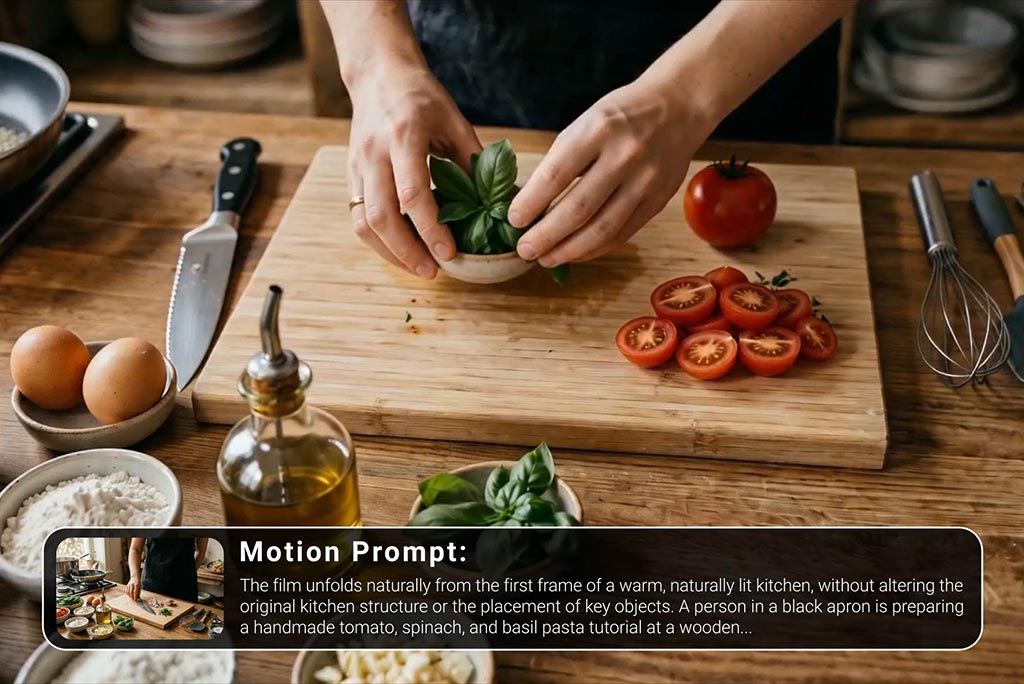
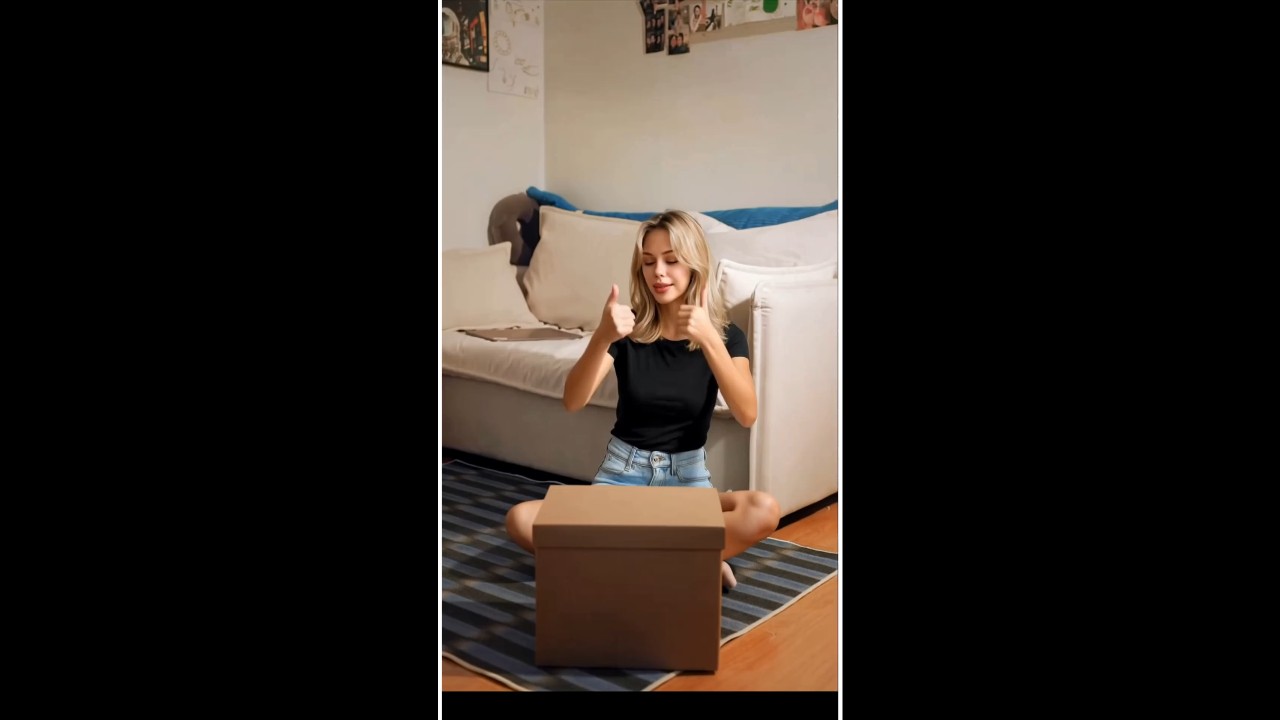
A prompt can replace a blank storyboard when you know the product story but have no footage. Describe the box opening, product lift, close-up angle, lighting, background, and reveal order. insMind turns those written details into an AI unboxing video creator workflow for testable scene drafts.
Make Unboxing Videos
00:00
00:00

Multiple Video Models for Unboxing Video Generation

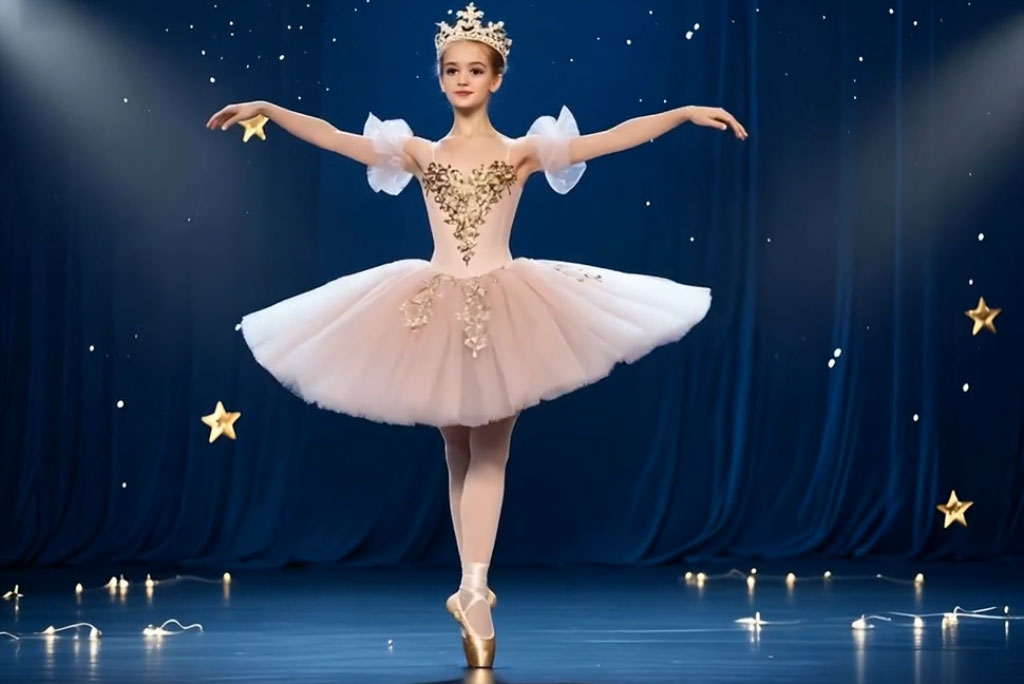
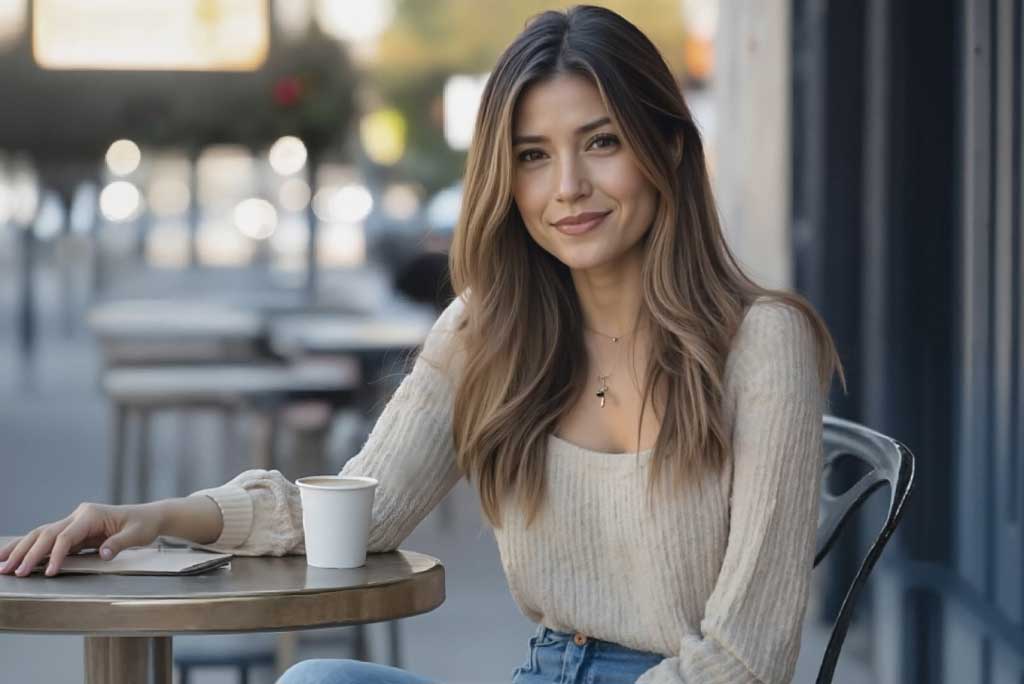
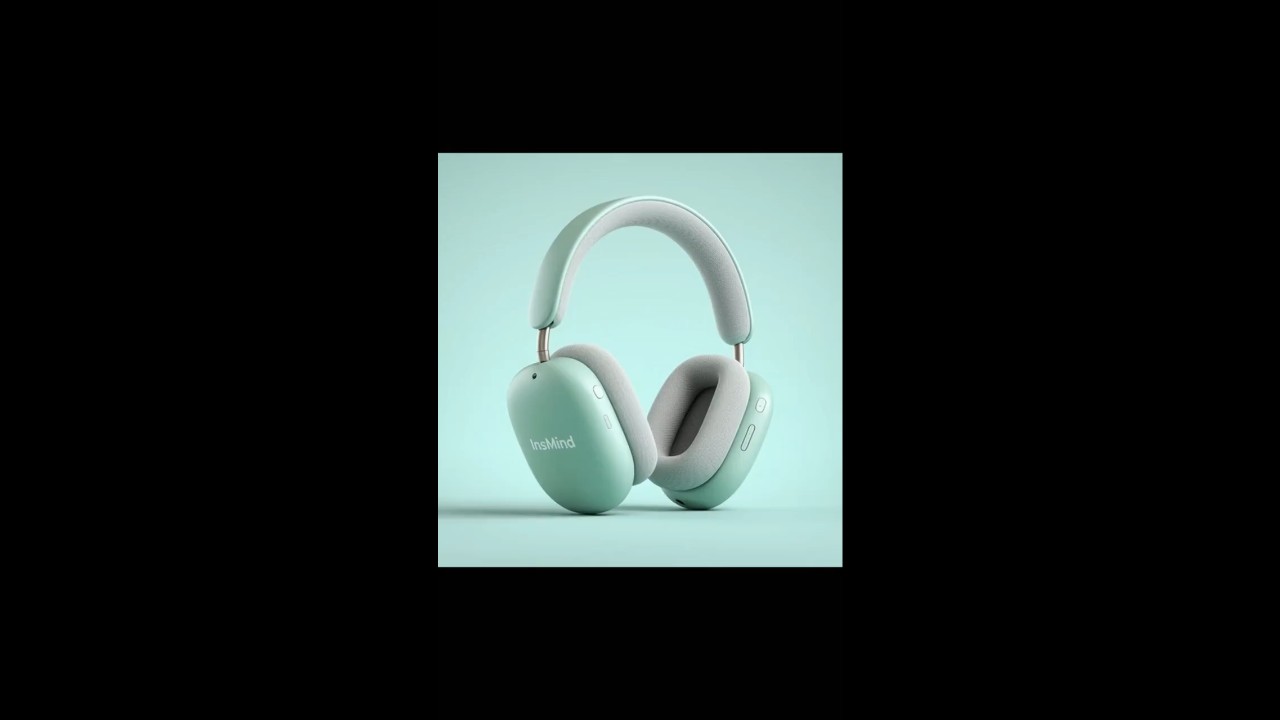
Different unboxing clips need different motion, pacing, and product detail. Choose a video model such as Seedance 2.0 or Google Veo 3.1 to match the reveal style you want, then adjust ratio, duration, quality, or audio when relevant. The result fits vertical teasers, square product cards, or wider demo concepts.
Create Unboxing Videos
00:00
00:00

Get Ideas from AI Unboxing Video Templates & Inspirations

Good unboxing concepts often start with a reference, not a blank prompt. Browse AI Inspiration in Explore to study reveal pacing, camera movement, and product staging before writing your own scene. Treat it as an idea source, then build the clip in the generator.

Explore Unboxing Ideas

How to Make an Unboxing Video with AI

Step 1. Add an Unboxing Prompt or Product Image

Add a prompt that describes the unboxing scene, or upload a product image, package shot, or label photo if you want the item to guide the result.

Step 2. Select a Video Model and Settings

Choose a video model such as Seedance 2.0, Kling 3, Google Veo 3.1, Happy Horse, or Wan 2.7, then set ratio, duration, quality, or audio when relevant.

Step 3. Generate the Unboxing Video

Click Generate to send your prompt or image input. insMind starts creating the unboxing video around your product reveal, packaging motion, and scene direction.

Step 4. Preview and Download the Result

Within 1-2 minutes, preview the generated clip and check whether it matches your intended product reveal. Use the video enhancer if needed, then download it for further use.

What Creators Say About This Unboxing Video Generator

Why Choose insMind for AI Unboxing Videos?

Fast Product Reveal Creation

Fast Product Reveal Creation

Move from a product idea to a short reveal clip quickly, without setting up lights, props, and repeated package-opening takes.

Accurate Product Detail Prompts

Accurate Product Detail Prompts

Describe packaging, label details, camera angle, lighting, and reveal order so the AI can focus on the product moment instead of a vague scene.

Multiple AI Video Models

Multiple AI Video Models

Pick from multiple AI video models to match the motion style, pacing, and visual feel your unboxing clip needs.

Easy Text or Image Input

Easy Text or Image Input

Start with a written unboxing prompt or upload a product image when you already have packaging, catalog photos, or reference visuals.

AI Inspiration for Ideas

AI Inspiration for Ideas

Browse AI Inspiration for pacing, camera movement, and staging ideas, then write your own product-specific prompt in the generator.

High-Quality Export and Enhancement

High-Quality Export and Enhancement

Preview the generated clip, improve clarity with enhancement when needed, and download a cleaner video for ads, listings, or social posts.

Unboxing Video Ideas You Can Create

Product Launch Reveals with Packaging Detail

A launch reveal needs more than a product sitting on a table. Build a clip around the box, branded wrap, product lift, and close-up detail. The result feels like a planned reveal sequence instead of a static product shot.

Ecommerce Unboxing Demos for Online Stores

Store shoppers need to understand what arrives and how the product looks in context. Create ecommerce unboxing clips that show the package opening, product scale, texture, and display setting. Use them as demo visuals for listings, campaigns, or product pages.

Creator Review Intro Clips

Review intros often need a strong first few seconds before the full opinion starts. Make creator-style openings with packaging shots, first-impression framing, and product hero moments. Your channel gets a cleaner visual hook for tech, beauty, home, or hobby reviews.

Mystery Packaging Marketing Teasers

Teaser clips work best when the reveal has timing and curiosity. Use prompts to stage mystery packaging, a slow opening beat, and a final product reveal. The finished clip gives your launch or campaign a short visual setup before the full product story.

Frequently Asked Questions

What is an unboxing video maker?

insmind expand icon
An unboxing video maker is a tool for creating product reveal clips that show packaging, opening, and product presentation. An AI unboxing video maker can generate those scenes from prompts or visual inputs, so you can plan reveal videos without filming every shot.

How does an AI unboxing video generator work?

insmind expand icon
An AI unboxing video generator uses your prompt or product image to guide video generation. After the first result, you can revise the clip with clearer direction, framing changes, or prompt-based edits.

Can I make an unboxing video from product photos?

insmind expand icon
Yes, you can use image-to-video workflows when you already have product photos, package shots, labels, or clean catalog images.

Can I create an unboxing video from a text prompt?

insmind expand icon
Yes. Enter a prompt that describes the product, package style, opening action, camera angle, lighting, and reveal order. A more specific prompt gives the AI clearer direction for the final unboxing clip.

What settings should I choose for an unboxing video?

insmind expand icon
Choose a model that fits your desired motion style, then set ratio, duration, quality, and audio based on where the clip will be used. Vertical ratios work well for short social reveals, while wider formats can suit demos or product pages.

Can AI Inspiration help me plan an unboxing idea?

insmind expand icon
Yes. AI Inspiration can help you study pacing, camera motion, staging, and visual hooks. Treat it as a reference source, then create your own product-specific unboxing prompt or image-to-video input.

Which AI video model should I choose for an unboxing clip?
insmind expand icon
Choose based on the look you want: cinematic motion, cleaner product focus, faster experiments, or a specific visual style. insMind offers multiple models, so you can test the one that best fits your product reveal.

Explore More AI Video Tools