
Create Passport Photo Online with insMind AI Passport Photo Maker
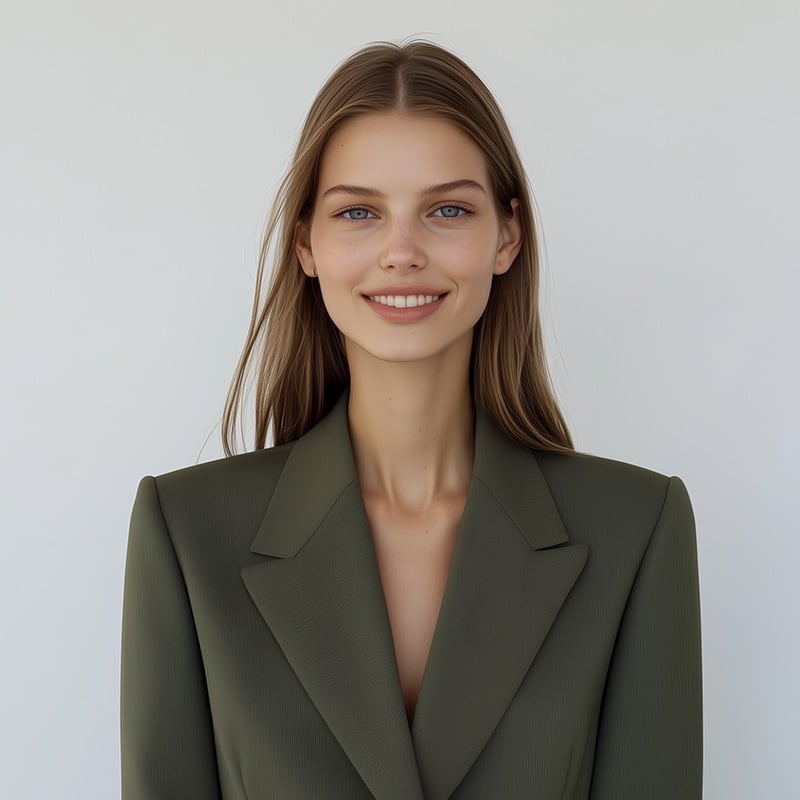
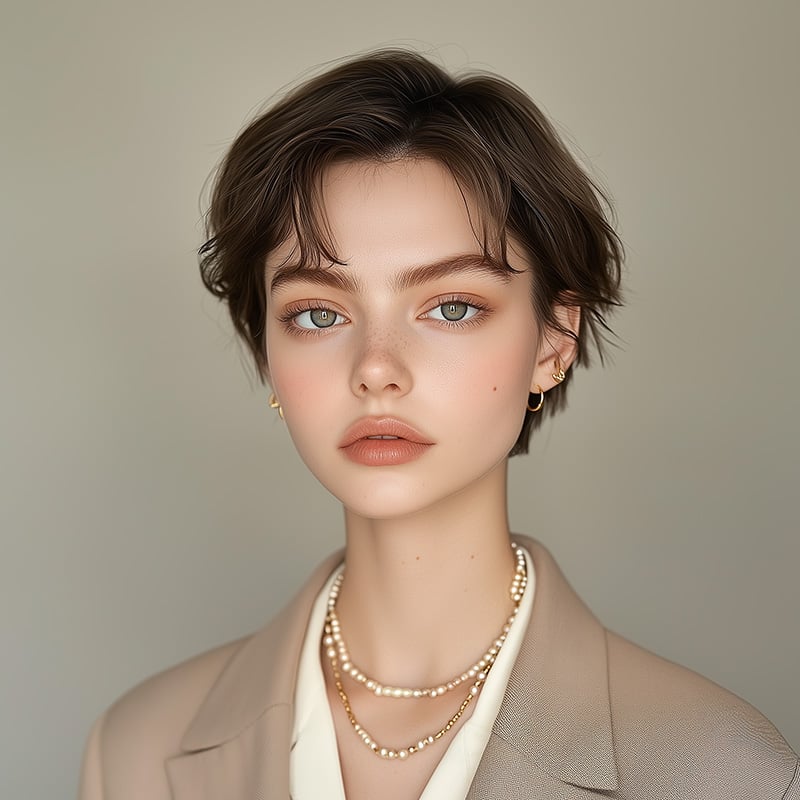
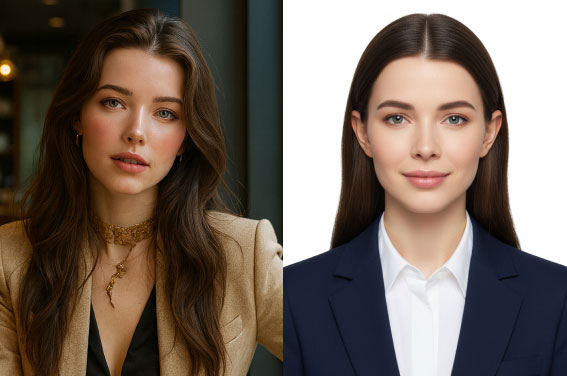
Create Similar Passport Photos with One Click


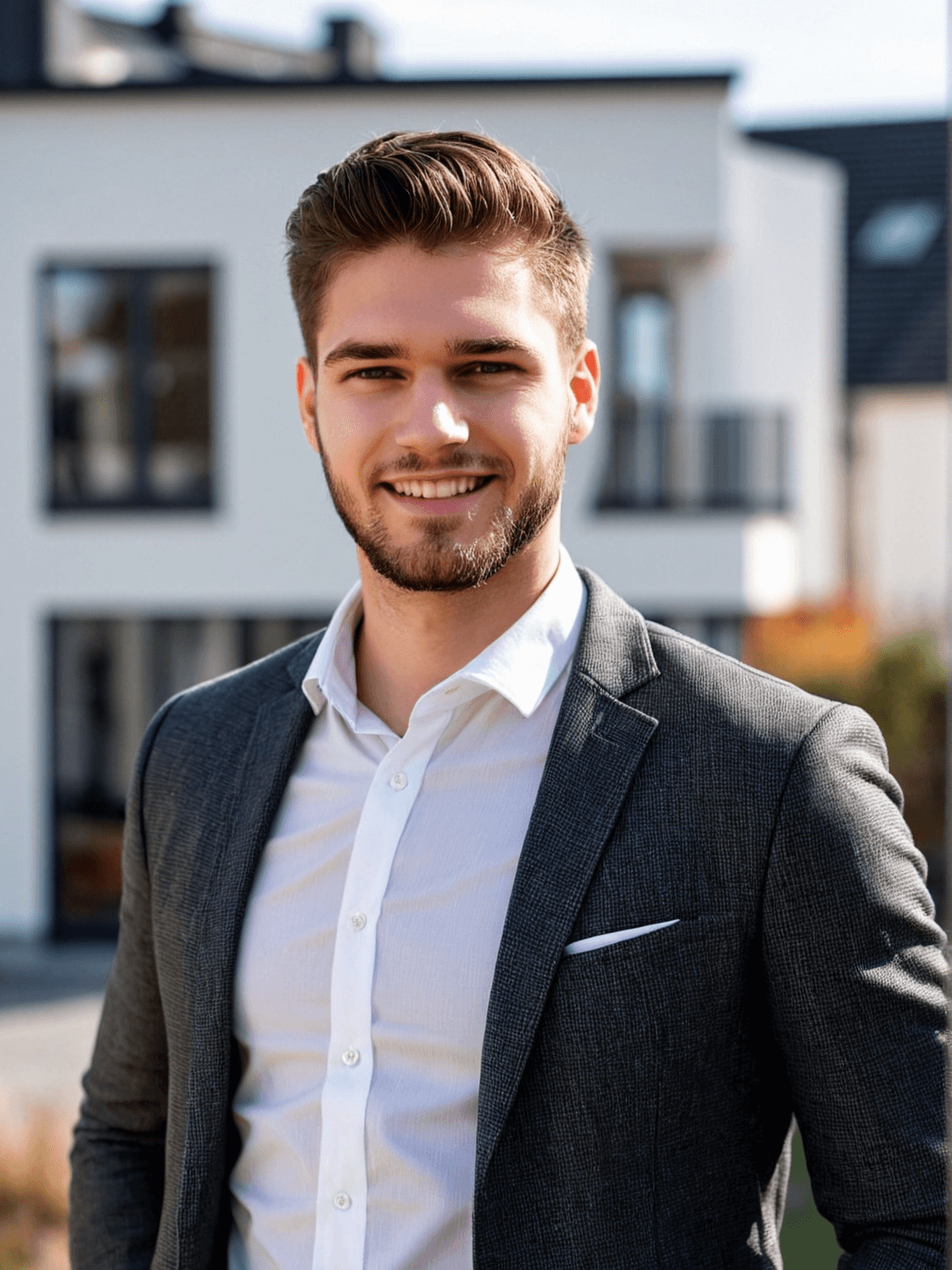
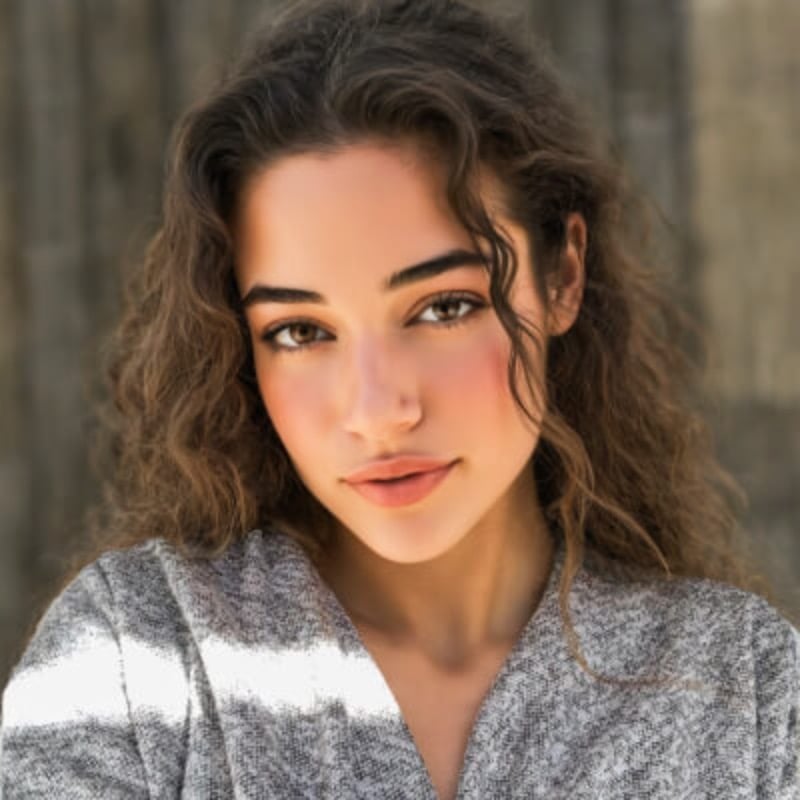
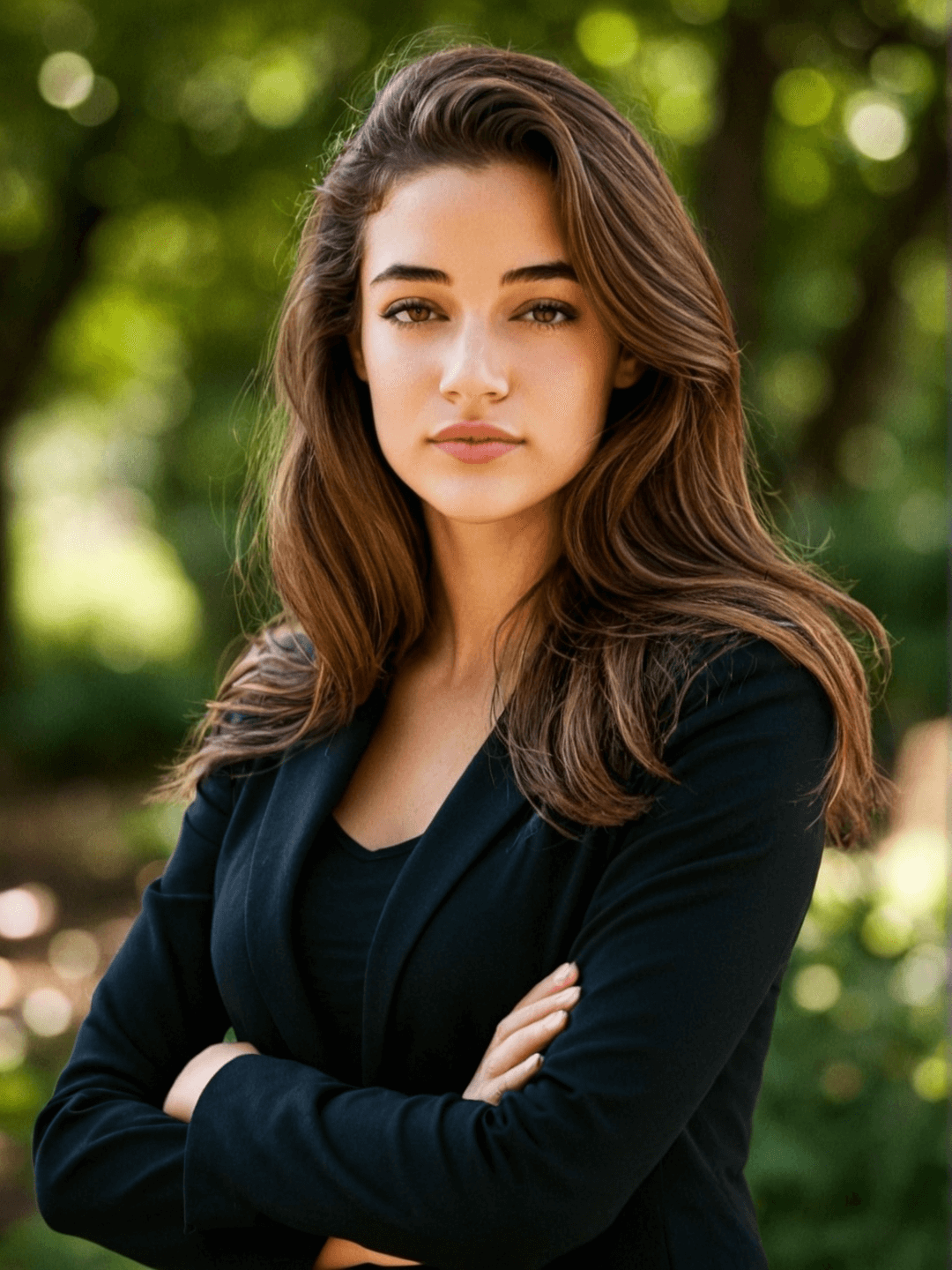
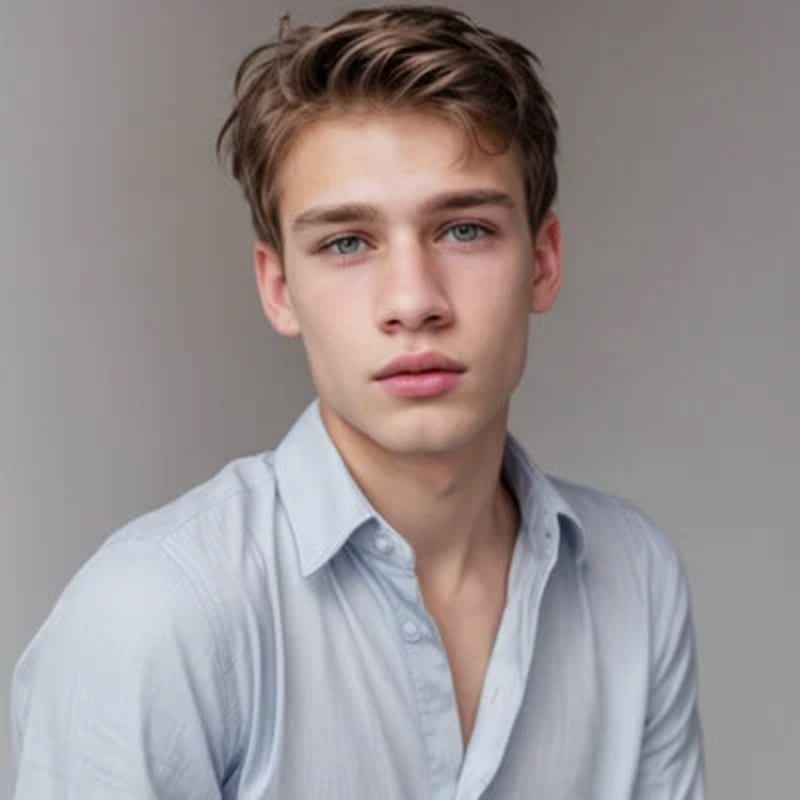
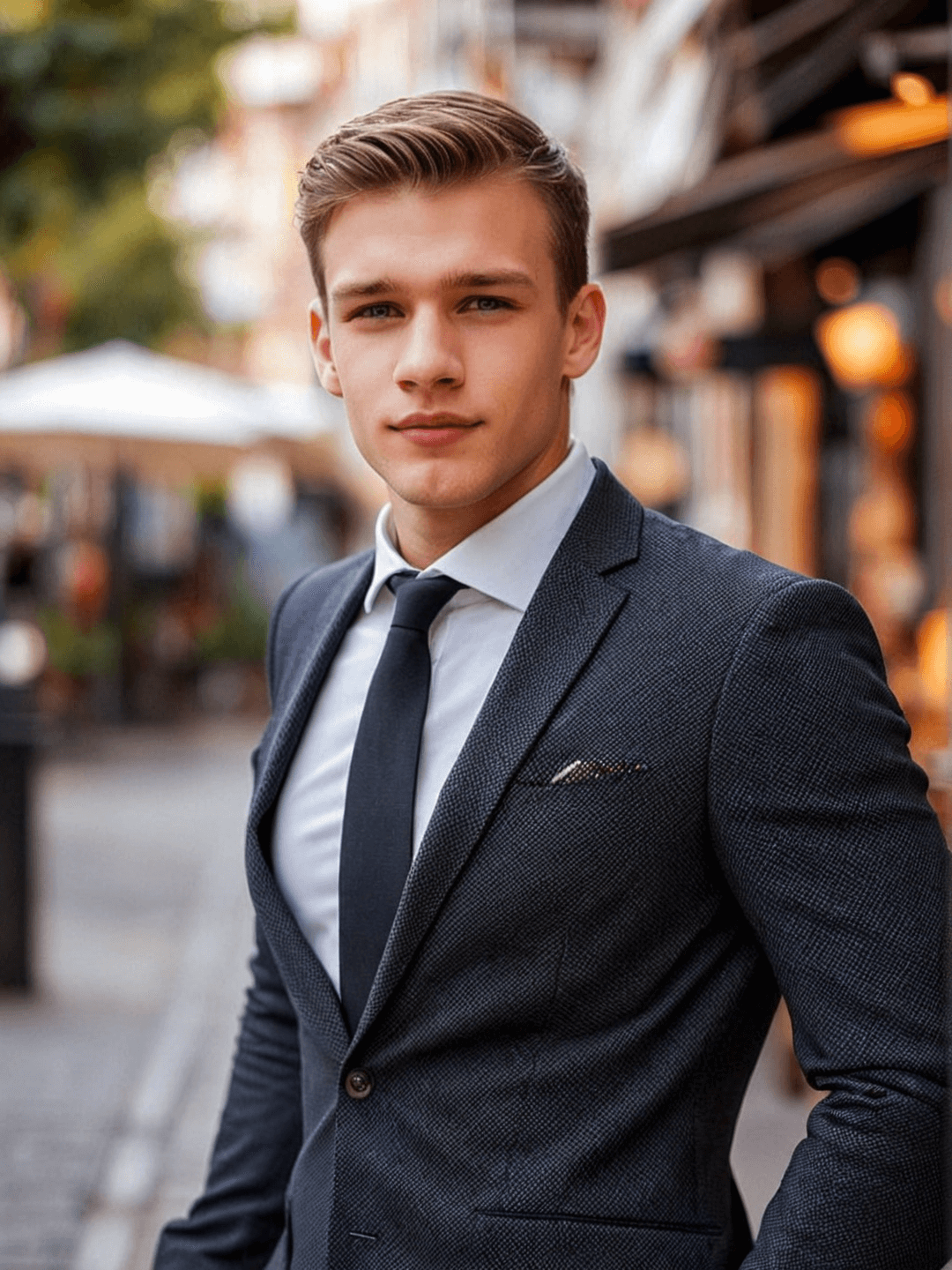
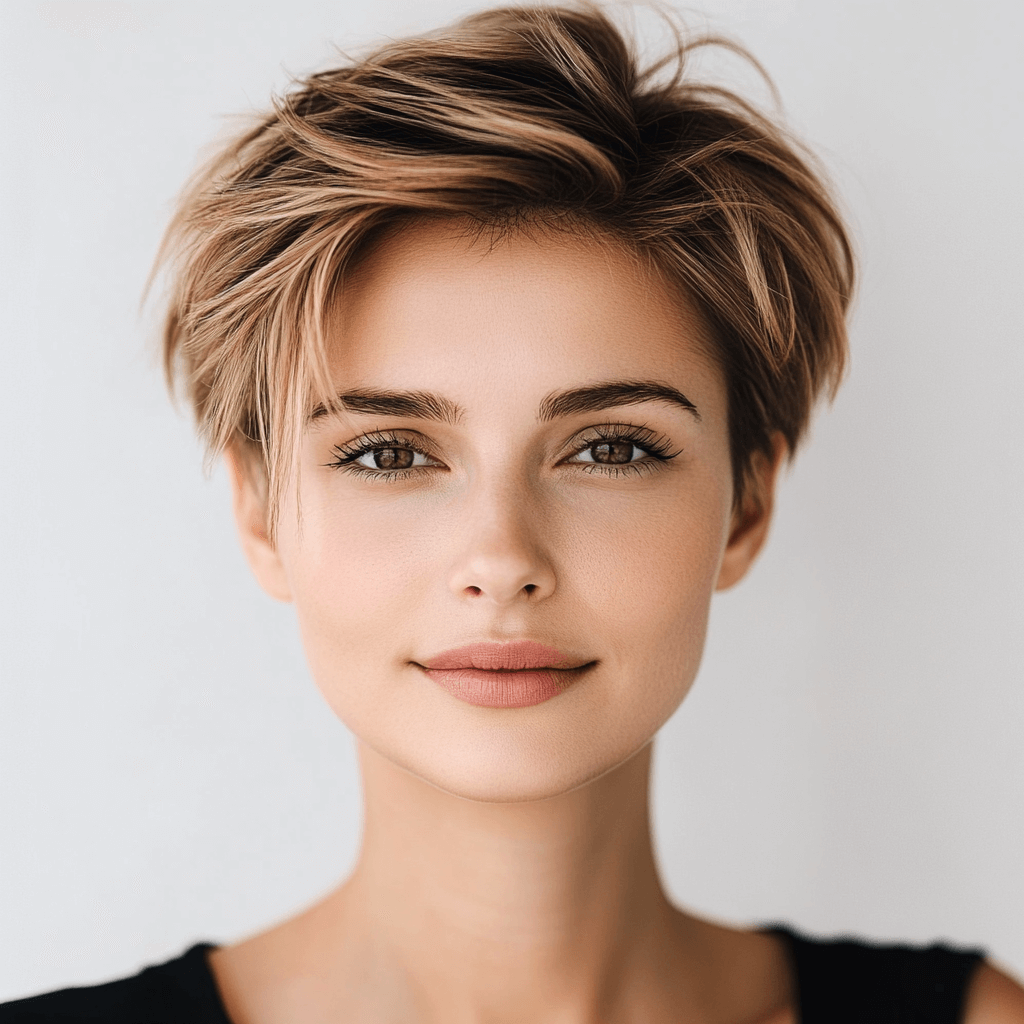
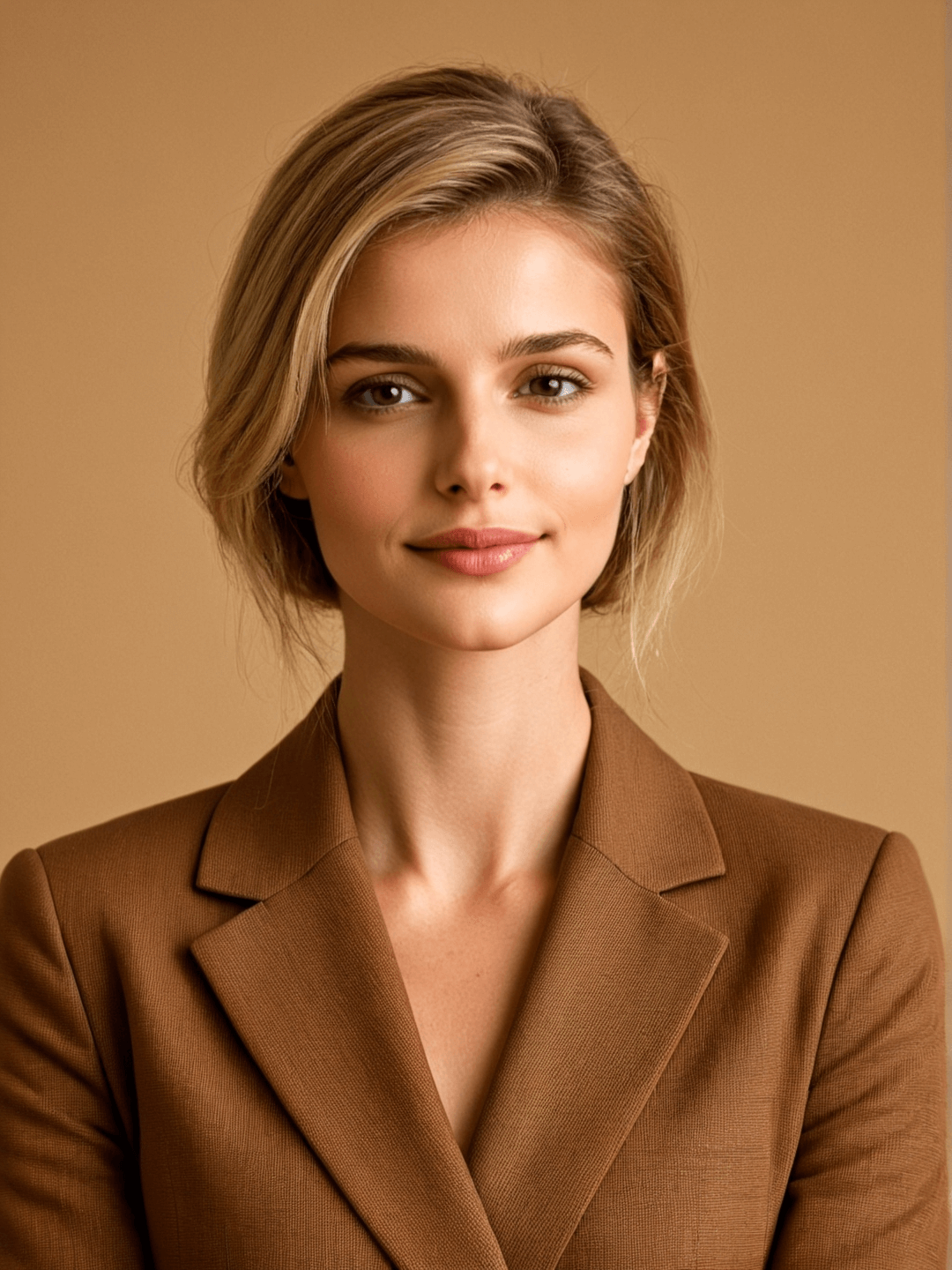
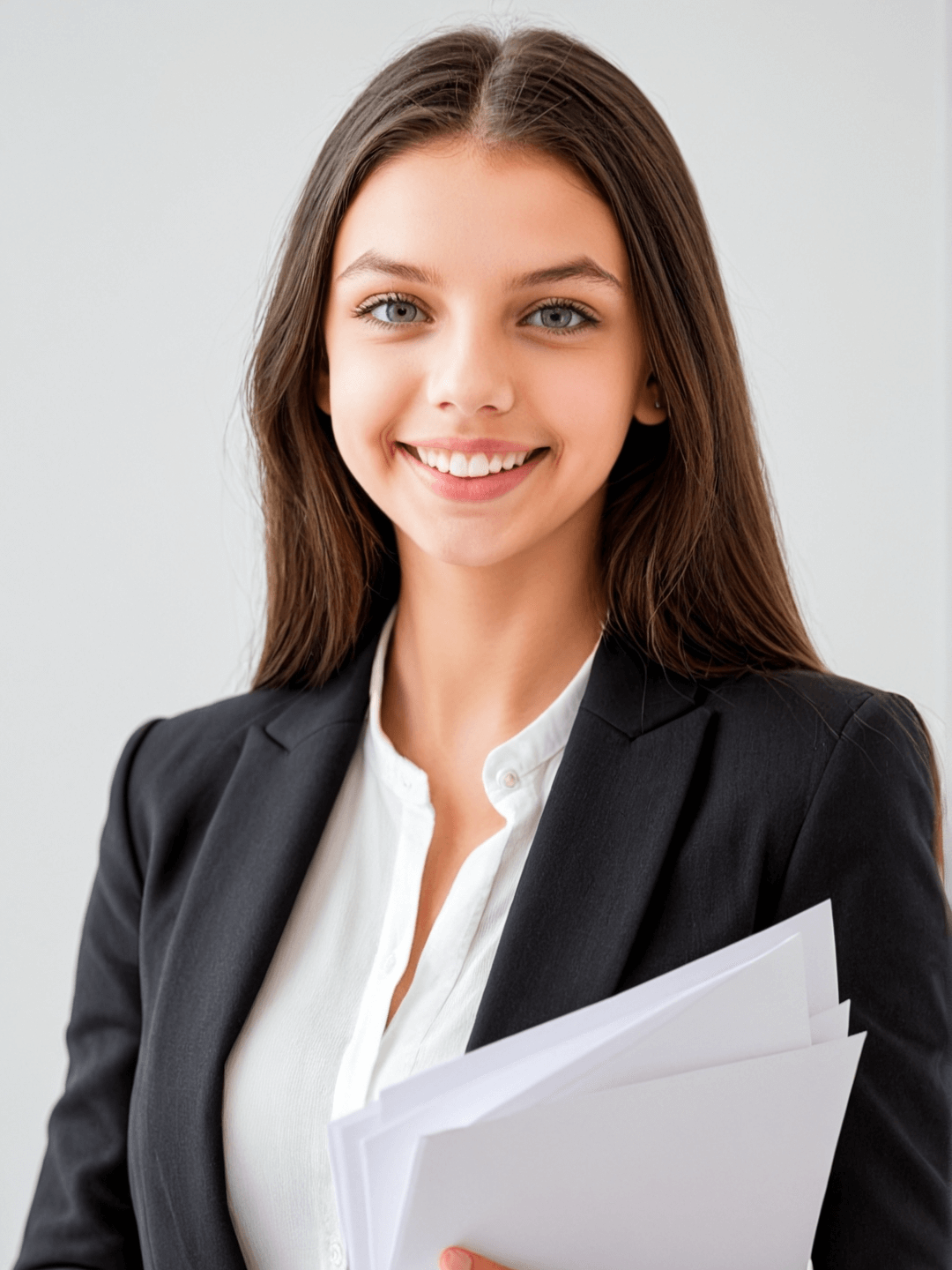
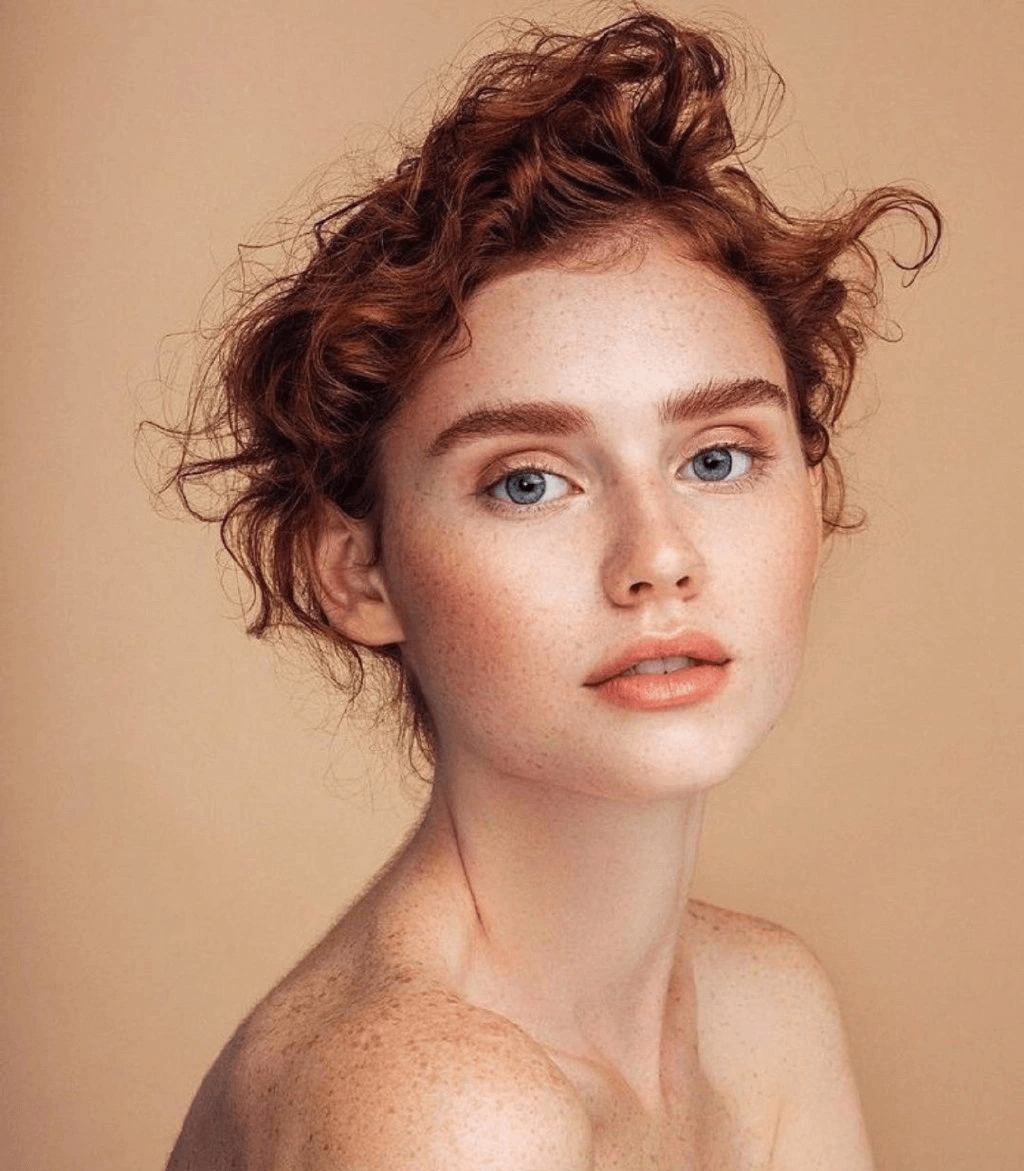
How to Make a Passport Photo Online?
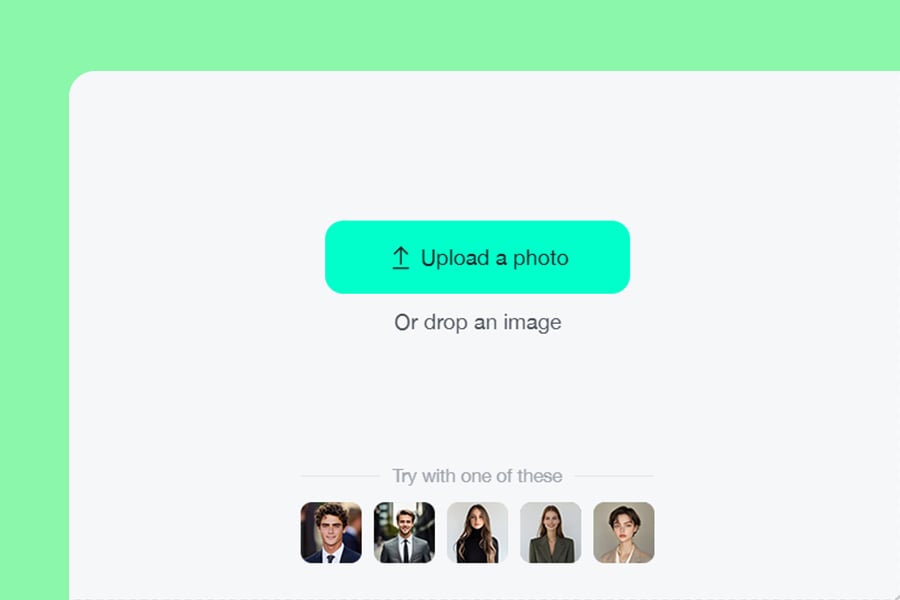
1 Upload Your Photo
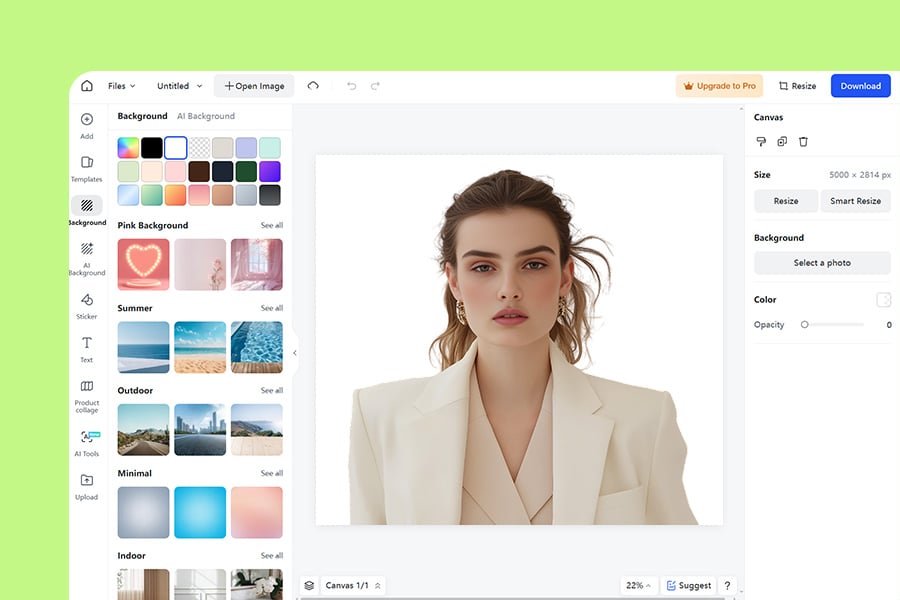
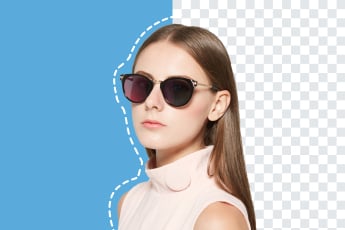
2 Remove the background
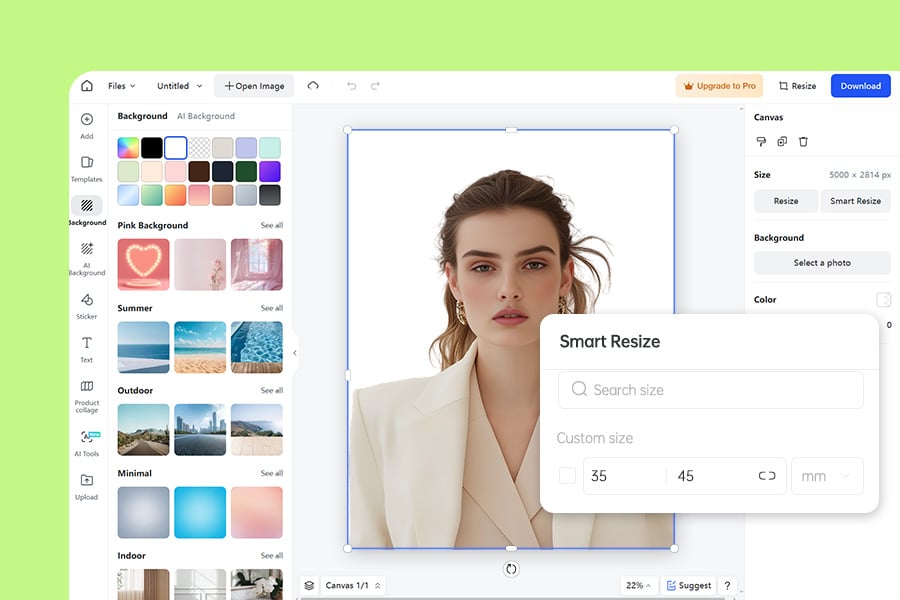
3 Resize: Select the photo size you need
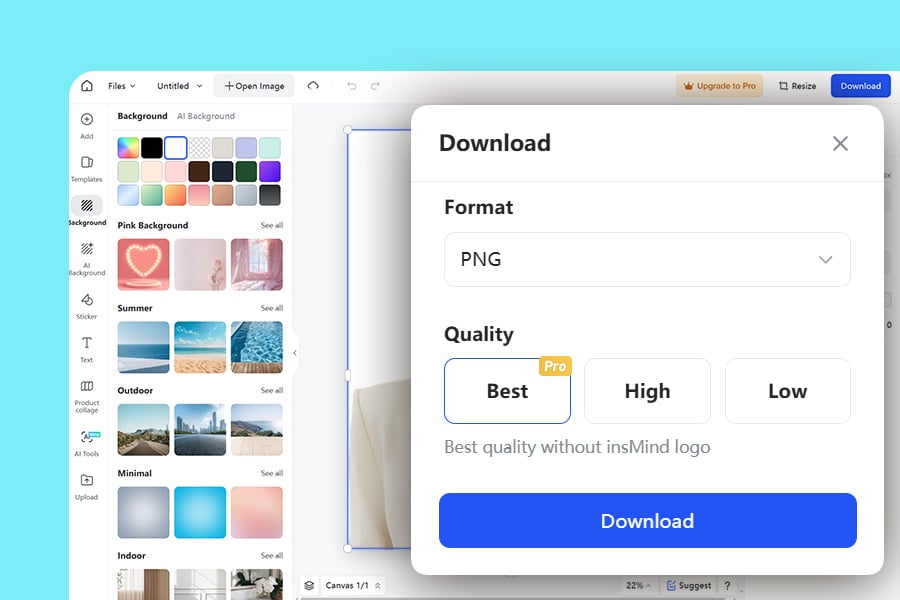
4 Download
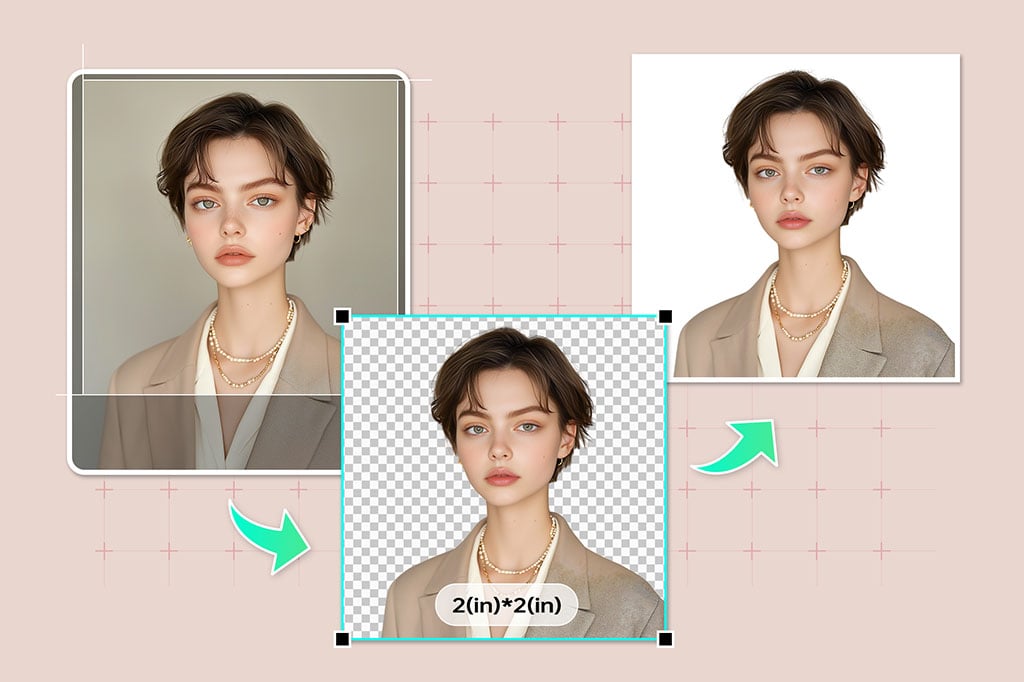
Create your Passport Photos in Just 3 Easy Steps
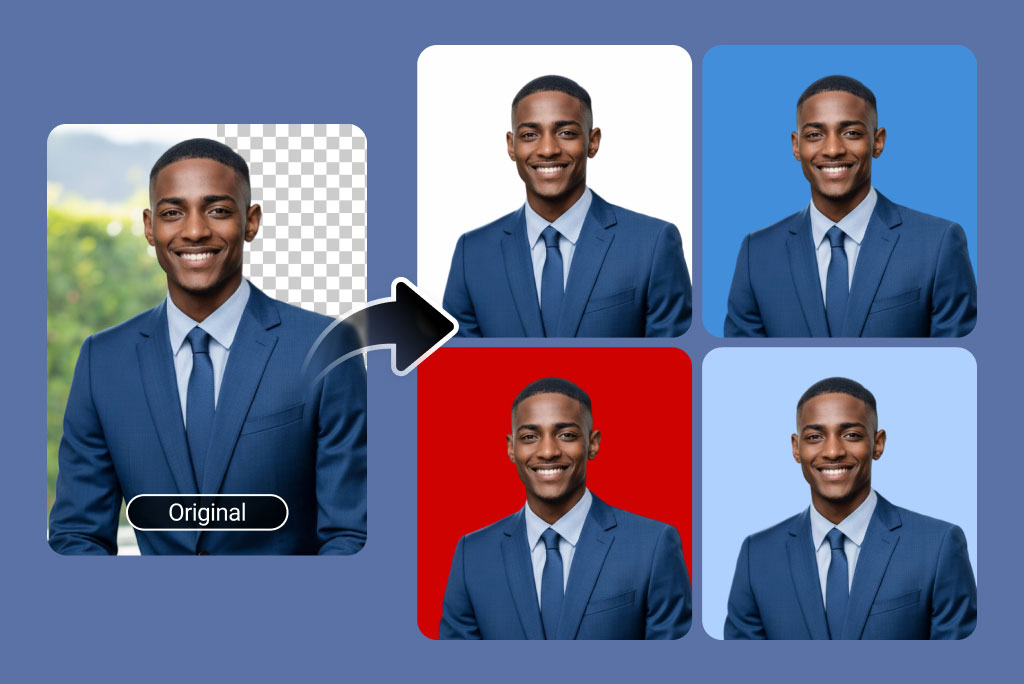
In just three steps you can transform your photos into passport-ready images! To get things rolling, simply upload your photo and our super AI will remove the background, leaving you with a transparent background, then use the insMind image resizer to convert photos to passport size requirements in your country. Finally, use our AI to finally change the background and replace it with a white background or other color you want to make it look flawless.
If creating identification or travel passport pictures, insMind gives professional-looking results. The process is quick, easy and accessible with its automated tools, regardless of where you're working.
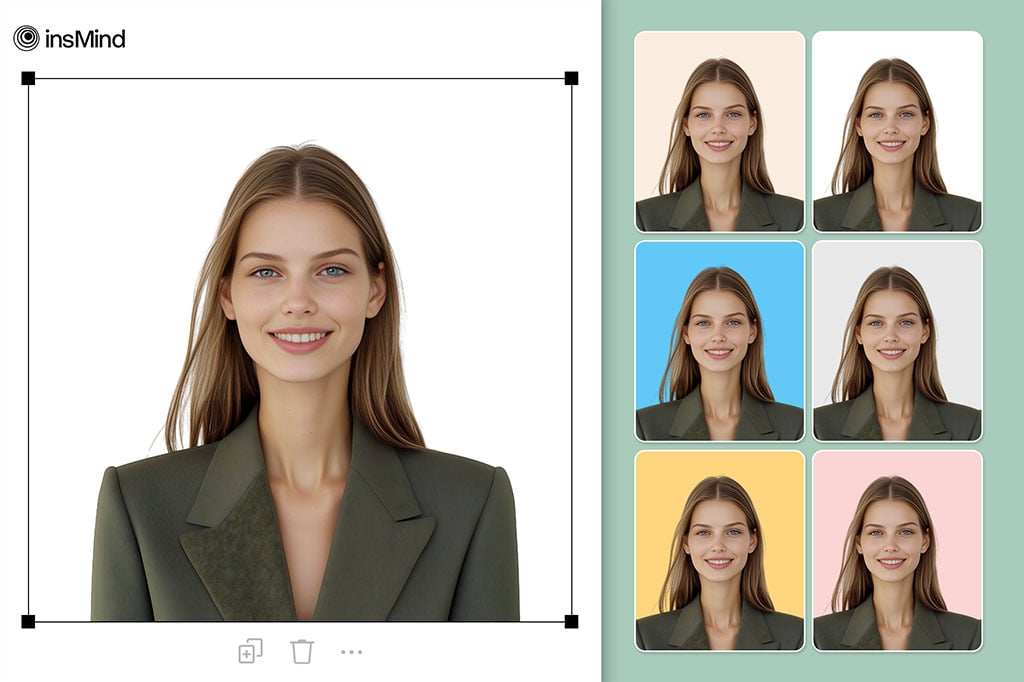
Create HD Passport Photos Online – Ready to Print Instantly
Skip expensive photo studios! Using insMind's passport image maker, create high-definition, professional-quality passport photos from home. Upload a photo taken with your phone and let AI do the work. Try it for free.background removal and size adjustments.
With our online photo editor, your images are properly formatted for printing and digital submission at great quality. Try insMind's passport photo maker for free and enjoy precision combined with convenience.
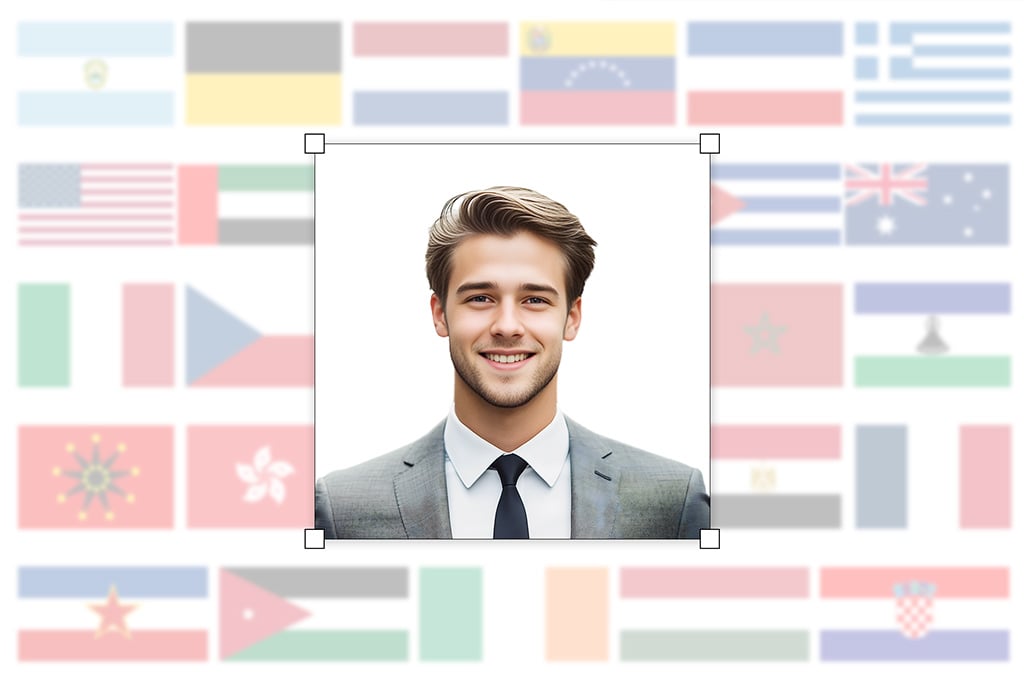
Resize Passport Photos Easily for Global Standards
Whatever criteria the country you'll be visiting will require of you, we'll help you set up all your passport photos with an appropriate size. Upload a standard half-body image to our platform and insMind's online photo editor will automatically remove the background so you can crop and resize the image to fit whatever specifications you need such as 2 x 2 inches (USA), 35 x 45mm (Europe) or custom width x height according to other countries' specifications.
Coming up with an intuitive design that lets us automatically produce passport, visa, and ID card images at a consistent quality is simple. Whoever you are, you don't have to worry about compliance anymore since insMind provides examples and templates for official photo sizes around the world.
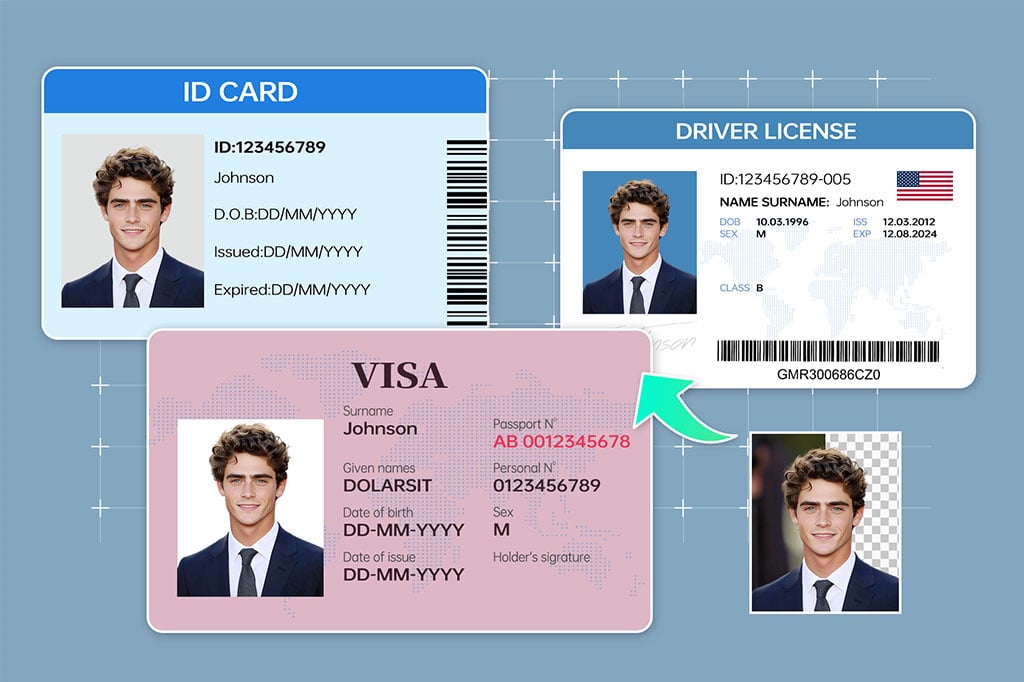
Take Professional Photos for IDs, Passports, and Everything in Between
The tool from insMind goes beyond passport photos; it supports creating visa pictures, driver's license photos, and other ID pictures. You can use the platform to resize your photos, change the background color, or get your photos to fit your criteria.
Do you need a welcome tone or a custom background? Through the capabilities of the AI Background Changer, your images are fully customizable and ready for use in professional and personal circumstances. Use them for completing job profiles or for digital applications including, complying with official standards as you can customize the color the way you want.
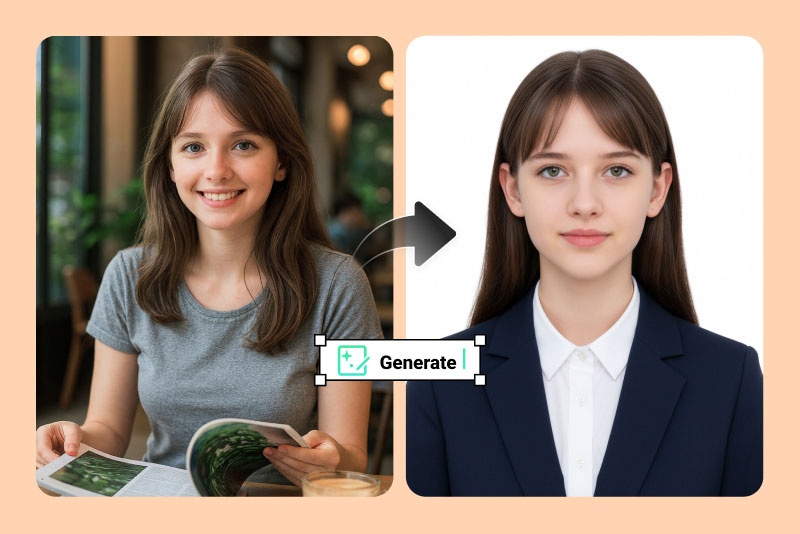
Generate Passport Photos Fast with the Help of AI
Don't want to manually edit your passport photo? Let AI do it for you. Simply upload your picture, and our AI will instantly generate a perfectly sized passport photo with a standardized background. It automatically fixes lighting issues, straightens tilted heads, and enhances every detail while keeping your natural facial features intact.
Even a casual photo taken at home can be transformed into a professional-quality ID photo in seconds. No design or Photoshop skills required — ideal for beginners, and a great way to save time and money compared to visiting a studio.
Explore More Passport Photo Generator Features
Online Passport Photo Maker for Travel and Official Use
Passport-size photos are not only needed for passports and other travel-related documents. These images are also required for multiple other professional things like for your business social media, resume, and other types of ID like driver's license. So, use insMind AI and effortlessly create your passport-size images for different requirements.
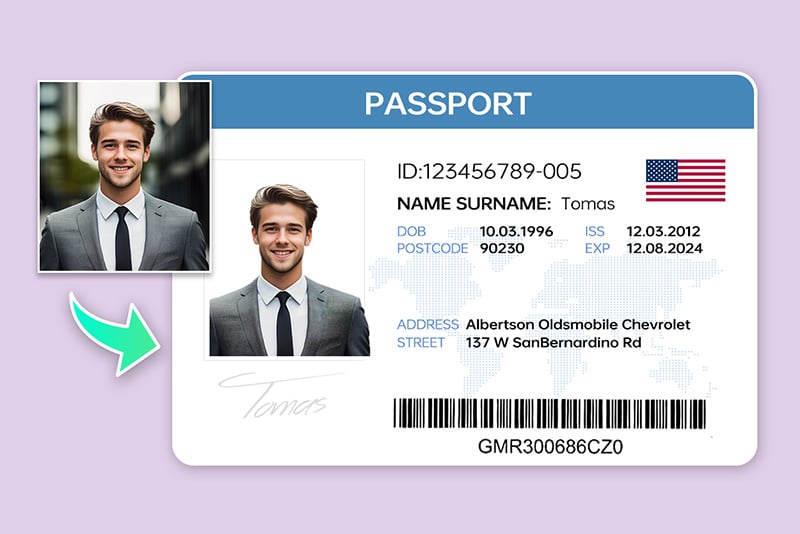
Passport Photos
Create high-quality passport images within minutes to pass quality standards globally. Great for those who travel a lot.
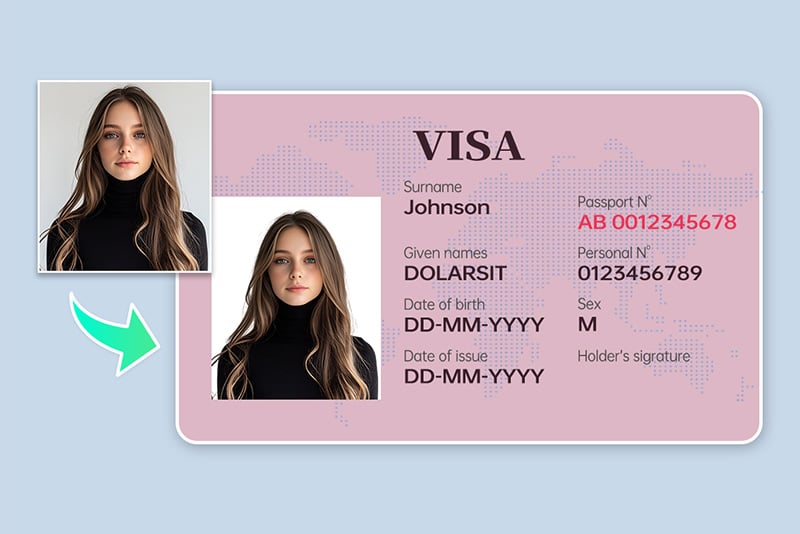
Visa Photos
With insMind, you get prepared compliant visa photos with the dimensions and background adjustments ready for you.
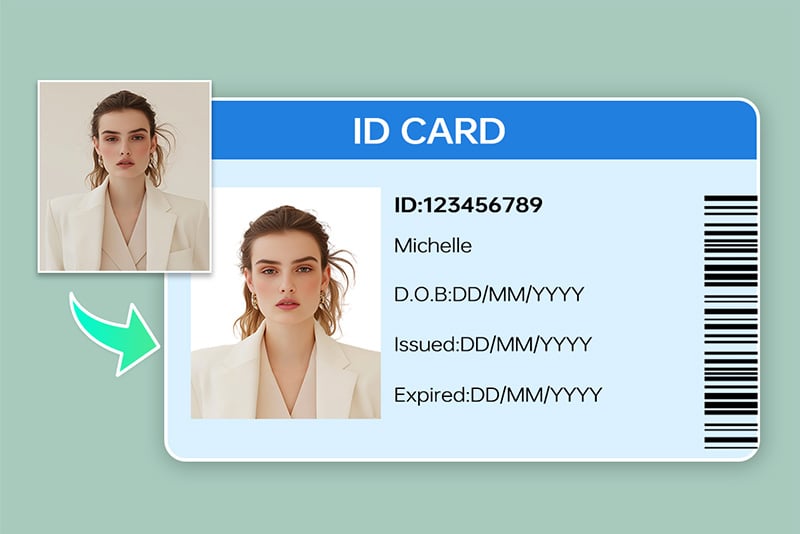
Job Applications and Professional ID Photos
insMind's user-friendly tool allows you to create polished, professional headshots for job profiles or corporate IDs.
Powerful Passport Photo Creator for All Your Needs
Our AI-powered passport photo creator provides everything you need to make perfectly standardized passport photos — for everyone, on any device. Whether you're creating a new passport photo, adjusting background color, or fine-tuning proportions, our smart tools ensure your photo meets official requirements effortlessly.
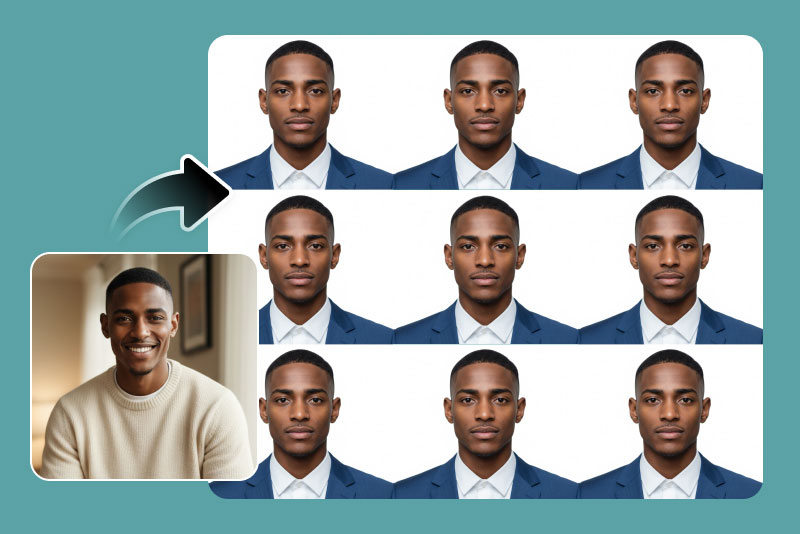
Edit and Change Passport Suit with AI
No suit? No problem. With our AI suit-changing feature, you can instantly add a realistic suit to your passport photo — no physical outfit required. Choose from professional styles for men, women, and children, all designed to look natural and blend seamlessly with your original photo.
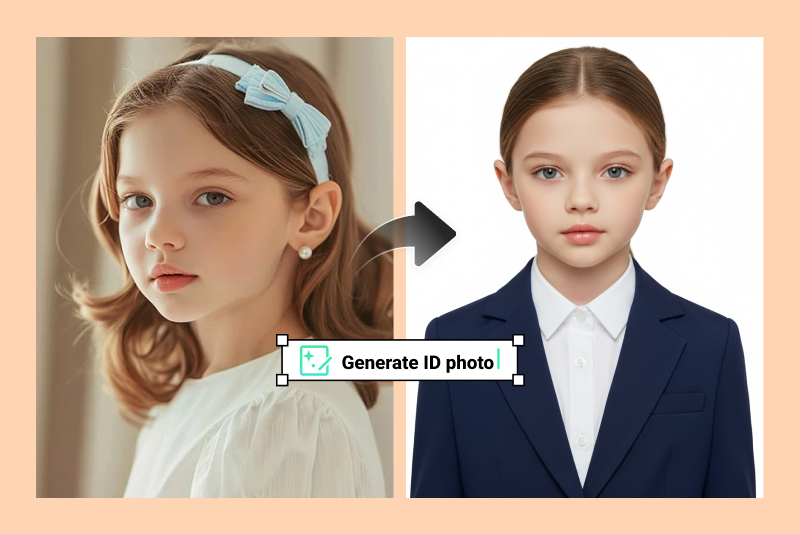
Create Baby Passport Photos Easily
Need a passport photo for your baby? We've got you covered. Simply take a clear picture of your baby at home and upload it to insMind. Our smart AI will automatically adjust size, background, and lighting to create a perfect baby passport photo. You can also fine-tune it manually using our classic editing tools.
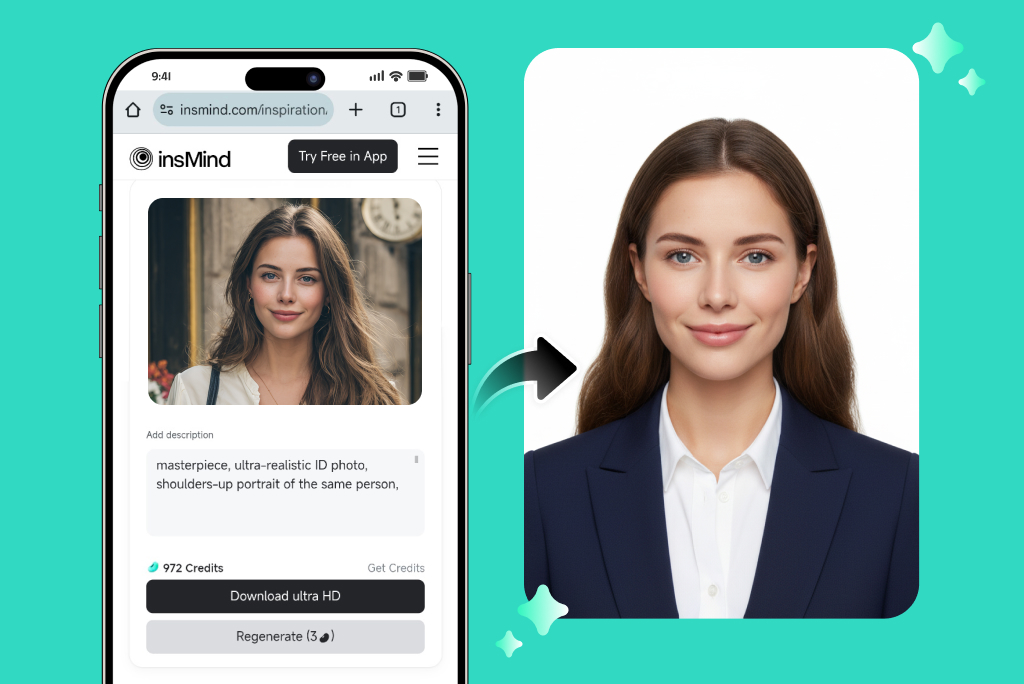
Make Passport Photos Anytime, Anywhere
Our tool works beautifully on any device — desktop, tablet, or smartphone. You can create, edit, and download your passport photos directly from your browser, or use our dedicated app available on the App Store and Google Play. Wherever you are, creating a professional passport photo has never been easier.
Why Choose insMind Passport Photo Generator?

Cost-Effective and Convenient
Get passport photos online during a free trial and save time and money.

AI Background Removal
Automatic background detection and removal comes with professional results.

Easy-to-Use
Anyone can make high-quality images with a user-friendly interface.
Create Passport Photos in Different Sizes & Backgrounds for Any Country
Each country has its own specific passport photo requirements. Before submitting your photo, please make sure to review the official government guidelines to ensure it meets all size, background, and composition standards.
Create 2x2-inch Passport Photos for the United States
If you're applying for a U.S. passport, your photo must follow the official 2x2 inch (51x51 mm) size requirement.
Passport picture size: Width: 2 inches, Height: 2 inches
Resolution (DPI): 600
Background color: White
Printable photo: Yes
Digital photo for online submission: Yes
Digital photo size: Width: 1000 pixels, Height: 1000 pixels
Photo Paper type: matte
Create 35x45 mm Global Passport Photos
Many regions — including the United Kingdom, Australia, the European Union, and several Asian countries — use the 35x45 mm passport photo size.
Passport picture size: Width: 35 mm, Height: 45 mm
Resolution (DPI): 600
Background color: White
Printable photo: Yes
Digital photo for online submission: Yes
Digital photo size: Width: 826 pixels, Height: 1062 pixels
Photo Paper type: matte
Create 50x70 mm Passport Photos for Canada
Make Passport Photos in Other Sizes
Freguently Asked Questions
How can I create a passport photo online?


What size is a passport photo?
Is there a free passport photo generator available online?
How do I convert a regular photo to a passport-sized picture?
Can I edit my passport photo online?
What are the general passport photo requirements?
How to take a passport photo at home?
Can I take a passport photo with my phone?
You might be interested in
Make your pictures pop with creative AI tools you can explore during a free trial.
Background Removal
ID Photo Maker

Smart Image Resize

AI Background
AI Magic Eraser

White Background

Transparent Background

Pink Background

“Create photos of excellent quality without you stepping out of the house! It worked like a dream for me.”
@James