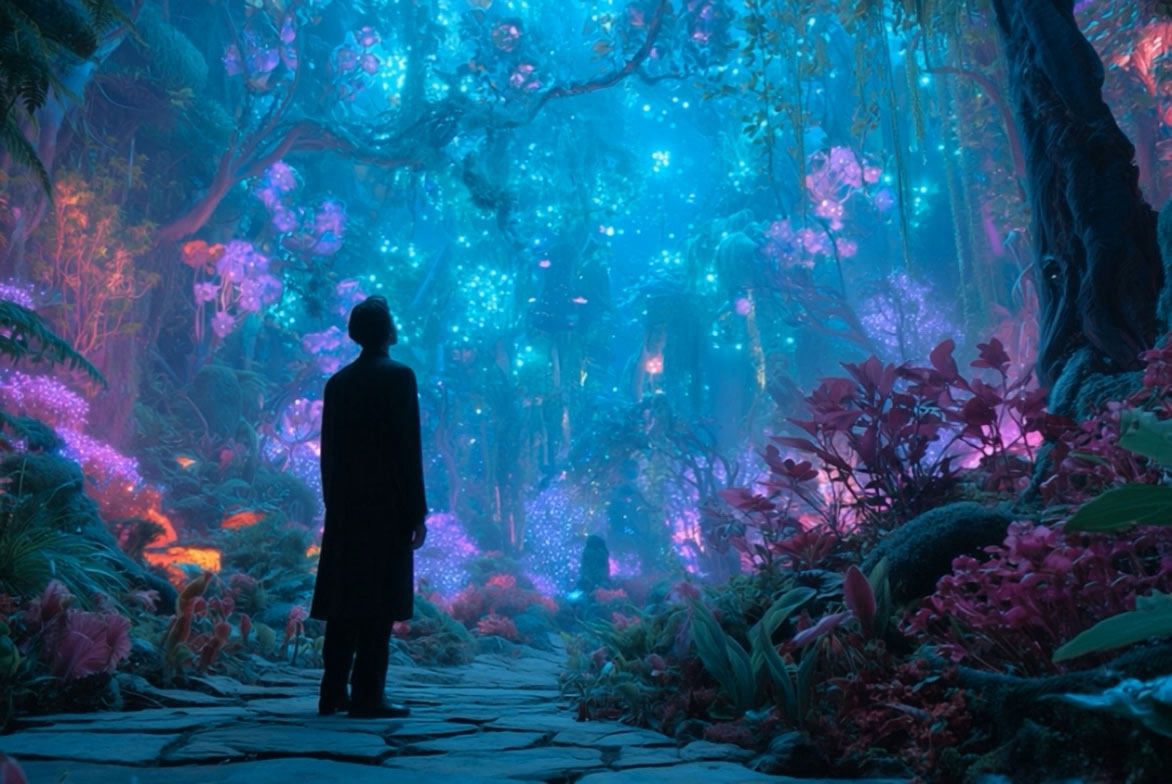
Create Cinematic AI Videos Online With Seedance 2.5

Explore the upcoming Seedance 2.5 workflow for native 4K, up to 30-second AI videos, reference-led scene control, and cinematic prompts on insMind.

00:00
00:00
00:00
00:00

How to Use Seedance 2.5 on insMind

Step 1: Enter a clear video idea

Enter a clear video idea for the clip you want to create.

Step 2: Describe the scene and references

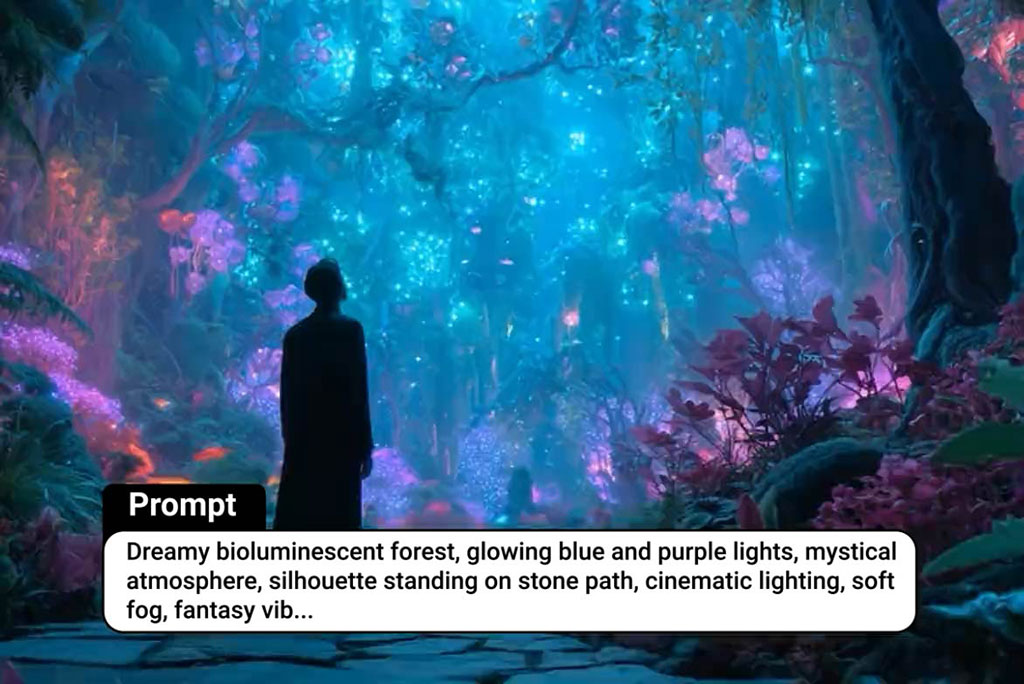
Write the subject, action, camera movement, mood, aspect ratio, and final use case in your prompt. Add a reference image when you want stronger control over a product, character, or visual style.

Step 3: Choose model, aspect ratio, duration, and settings

Select the model, aspect ratio, duration, and other generation settings. The current bound model uses Seedance 2.0 until a dedicated Seedance 2.5 option is available.

Step 4: Generate, and download

Generate the video, review the result, then download the final clip.

Why Choose insMind Seedance 2.5

Cinematic Motion Quality

Cinematic Motion Quality

Create smoother clips with natural camera movement, detailed subjects, and polished scene rhythm for product demos, social ads, and story moments.
Text and Image Starts

Text and Image Starts

Move from a written scene or a reference image to video without switching between separate creative tools.
More AI Video Tools

More AI Video Tools

Keep exploring the broader AI video generator ecosystem when your idea needs another model or route.
Reference-Friendly Creation

Reference-Friendly Creation

Use product images, mood frames, or storyboard ideas to guide style, composition, and motion more clearly.
Campaign-Ready Formats

Campaign-Ready Formats

Plan landscape product demos, vertical social hooks, and clean ad concepts for different publishing channels.
Model Comparison Context

Model Comparison Context

Compare Seedance with Kling AI, Veo, Wan, PixVerse, and other model pages before choosing a workflow.

FAQs About insMind Seedance 2.5

What is Seedance 2.5?

insmind expand icon
Seedance 2.5 is the next Seedance video workflow coming to insMind, with public release information pointing to native 4K output, up to 30-second video generation, more multimodal references, and stronger controllable editing. On insMind, the current generation experience uses Seedance 2.0 until Seedance 2.5 is separately supported.

Is Seedance 2.5 available on insMind?

insmind expand icon
Seedance 2.5 is coming soon to insMind. This page helps users prepare for the upcoming Seedance 2.5 workflow, while the bound tool temporarily uses Seedance 2.0 until the dedicated Seedance 2.5 model option is available.

How is Seedance 2.5 different from Seedance 2.0?

insmind expand icon
Compared with Seedance 2.0, public release information describes Seedance 2.5 as moving toward native 4K output, up to 30-second clips, up to 50 full-modal references, and more precise video editing control. The dedicated Seedance 2.5 option will be added on insMind when available.

Can Seedance 2.5 create text-to-video clips?

insmind expand icon
Yes. The page is built around text-to-video creation. Users can describe the subject, action, camera movement, mood, and target format, then generate through the current Seedance model route available in insMind.

Can I use images as references?

insmind expand icon
Yes. Reference images help when the video should follow a specific product, character, mood, layout, or scene style.

What kinds of videos can I make with Seedance 2.5?

insmind expand icon
You can plan product launch clips, social media hooks, cinematic story moments, e-commerce detail shots, explainer scenes, travel reels, and brand campaign variations.

Can I compare Seedance with Kling and Veo on insMind?

insmind expand icon
Yes. This page includes model comparison content and links to related insMind video model pages so users can explore Seedance, Kling, Google Veo, Wan, Sora-style alternatives, and PixVerse before choosing a workflow.

How do I write better Seedance 2.5 prompts?

insmind expand icon
Start with one clear objective. Add the subject, setting, action, camera movement, lighting, audio mood, duration, and aspect ratio. For up to 30-second scenes, plan a beginning, action beat, and ending so the clip has a complete rhythm.

Can I create product videos with Seedance 2.5?

insmind expand icon
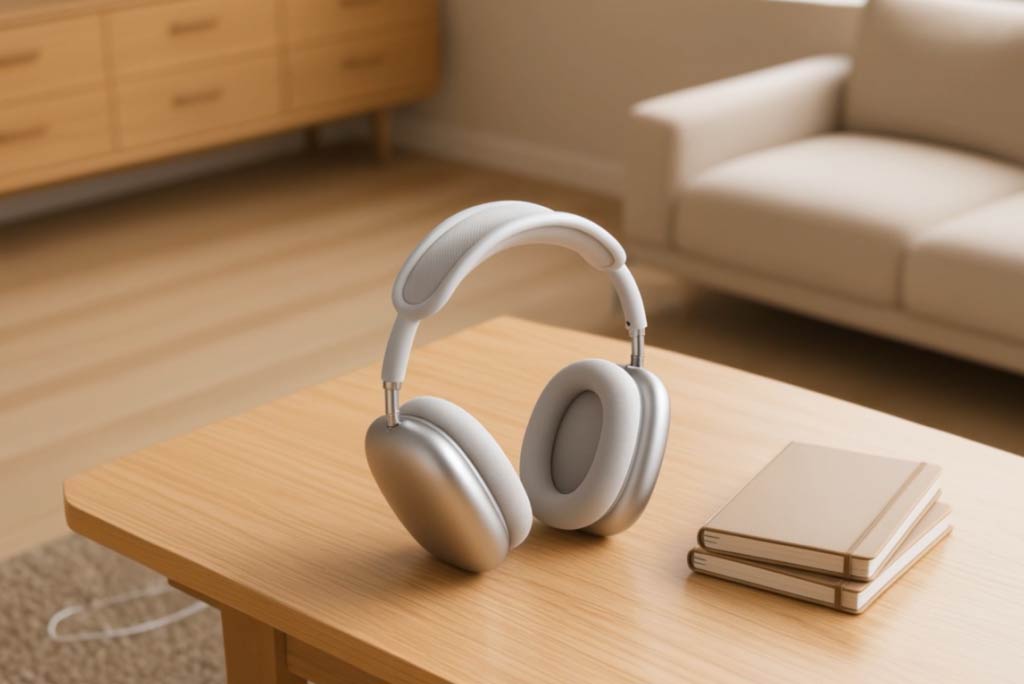
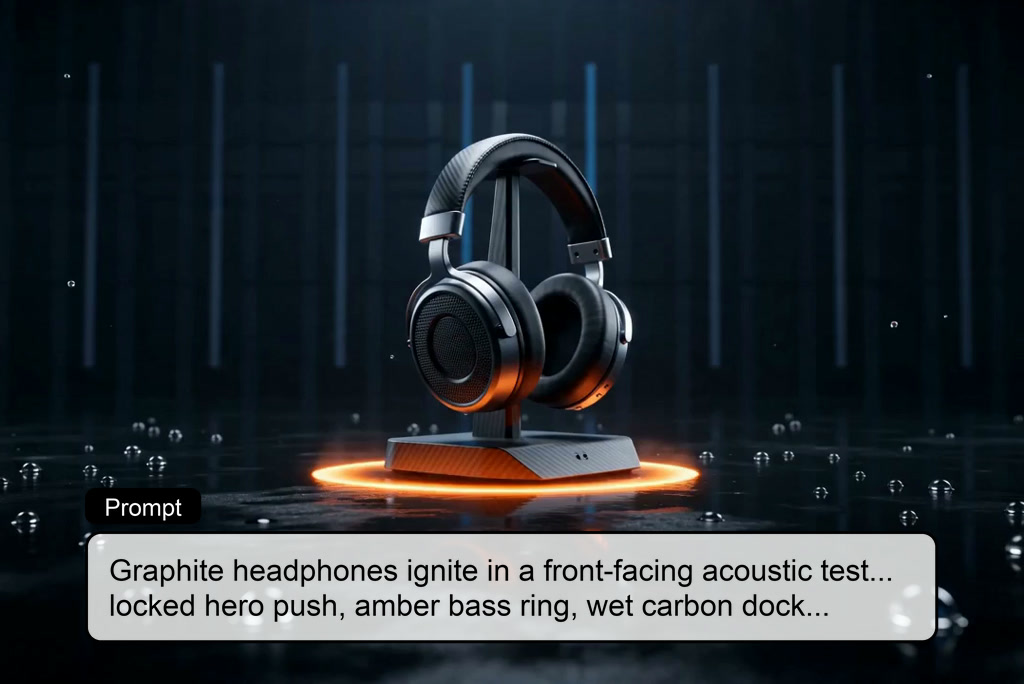
Yes. Seedance 2.5 is useful for native 4K product launches, close-up detail shots, e-commerce demos, and social ad variations. For up to 30-second clips, include the product type, material, lighting, camera movement, duration, aspect ratio, and final use case in your prompt.

Is Seedance 2.5 good for multi-shot stories?

insmind expand icon
Yes. Seedance 2.5 is positioned for longer, more controllable scenes, including up to 30-second native video generation and stronger reference-led continuity. Use clear shot planning, reference images, and concise motion directions to keep the story coherent.

More Seedance and AI Video Models from insMind