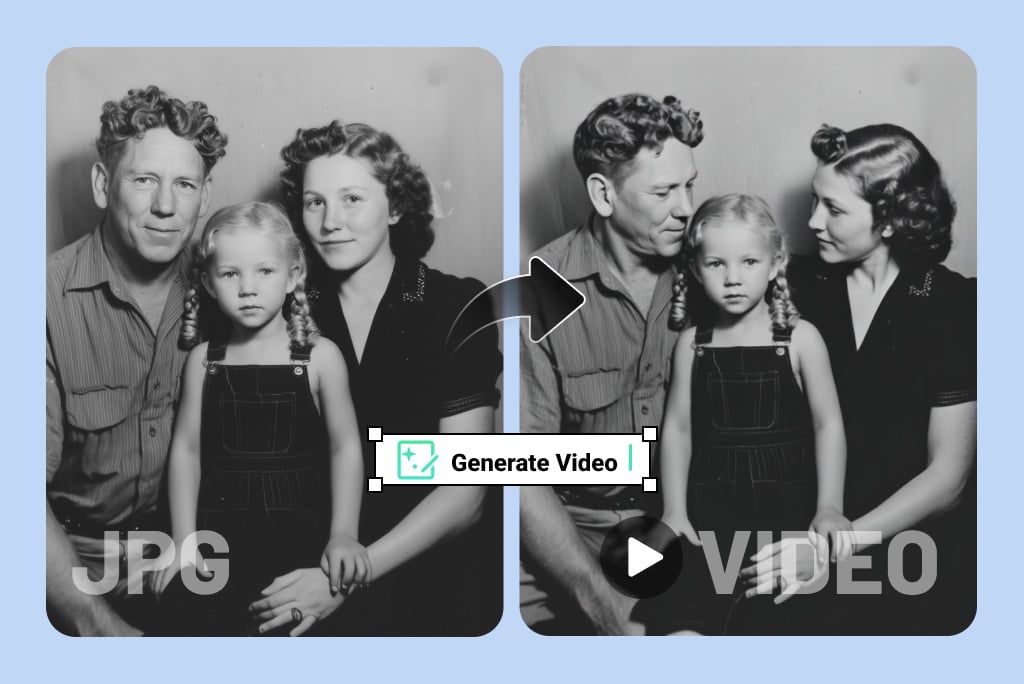
Bring Your Old Photos to Life with AI Animation

Upload an old family photo, portrait, or vintage image and turn it into a moving video with AI. Add natural facial motion, camera movement, or even speaking effects to bring old photos to life for memories, storytelling, and social sharing.

00:00
00:00
Animate Old Photos - Bring Your Memories to Life in Seconds

Animate Old Photos - Bring Your Memories to Life in Seconds

Old photos often capture meaningful moments, but they stay frozen in time. insMind helps you animate old photos by turning a single image into a short AI video with natural motion, subtle expressions, and realistic visual movement.


This gives users a simple way to revisit family memories, create tribute videos, or make vintage portraits feel more present. Instead of manually editing frames, you upload one image and let AI handle the motion generation.
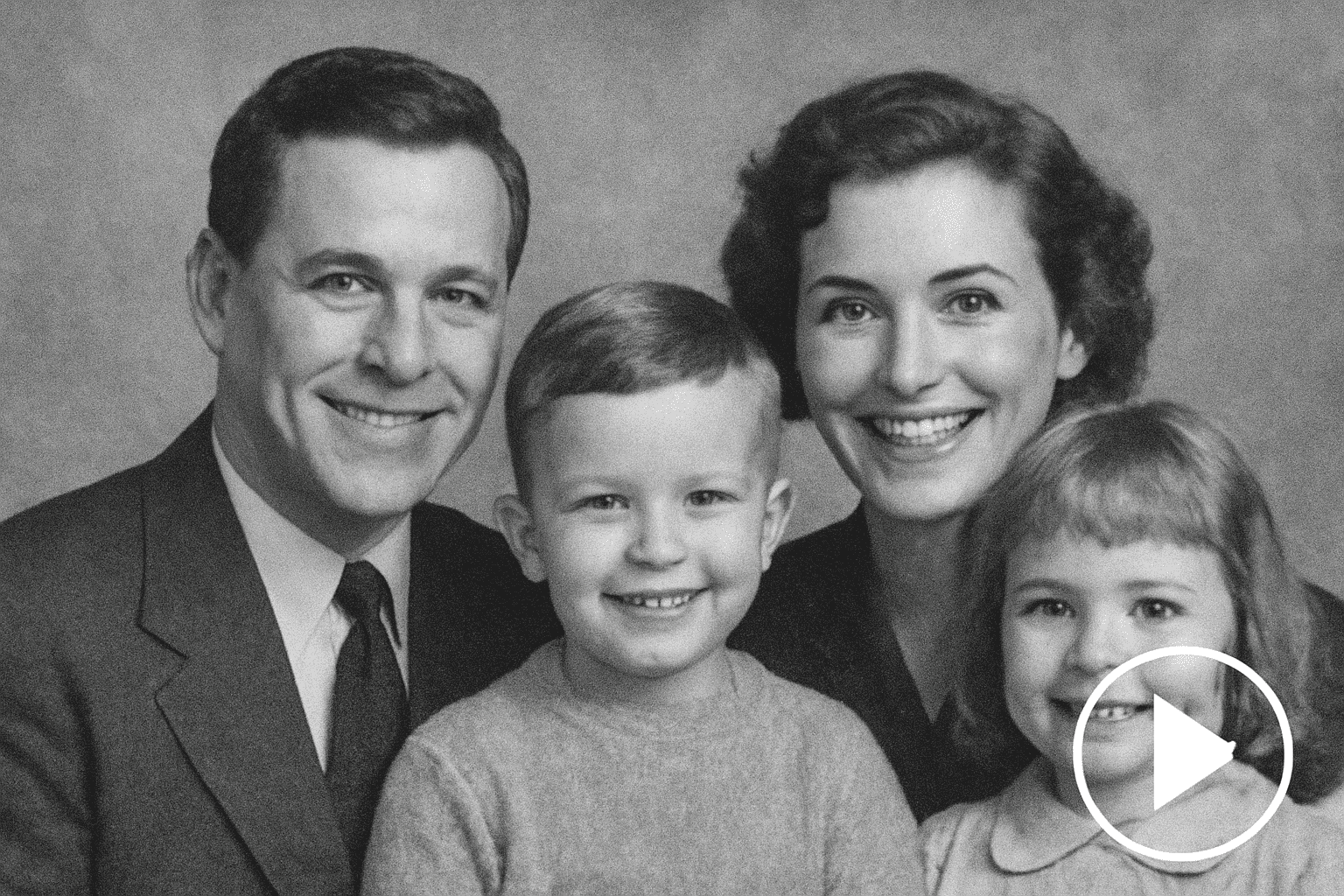
Turn Old Photos into Video for Family Memories

Turn Old Photos into Video for Family Memories

If you want to turn old photos into video, insMind gives you a practical image-to-video workflow. Upload a portrait, family picture, or black-and-white photo, then generate motion that feels soft, believable, and emotionally appropriate.


The result works well for family slideshows, remembrance projects, anniversary videos, and personal storytelling. It helps transform archived images into video content people can watch, share, and revisit more easily.

How to Animate Old Photos with AI

Step 1: Upload an Old Photo

Upload an old family photo, portrait, or vintage image you want to animate. Clear photos with visible faces usually work best for natural movement and better facial detail.

Step 2.: Enter a Prompt and Customize Motion

Describe how the person should move, such as blinking, smiling, turning slightly, or speaking. You can also choose advanced models like Kling 3.0 for richer motion or talking-style video effects.

Step 3: Generate the Video

Click generate and let insMind turn the still image into a short AI video. Review the output and adjust the prompt if you want a different expression, motion style, or pacing.

Step 4: Download and Share

Download the final video and use it in family slideshows, memory reels, social posts, tribute videos, or digital storytelling projects.

Fun and Meaningful Ways to Animate Old Photos

Animating old photos is useful in more than one context. It helps families preserve memories, creators tell stories, and educators present historical material in a more engaging format.

Family Memory Videos

Turn a grandparent’s portrait into a short moving clip for anniversaries, reunions, or remembrance videos.

Memorial Tribute Reels

Bring an old loved one’s photo to life for tribute content that feels more personal and emotionally present.

Talking Ancestor Stories

Make an old family photo appear to speak during a storytelling video or digital family history presentation.

Historical Classroom Content

Animate historical portraits to make lessons, presentations, and educational videos easier for students to follow.

Vintage Social Media Posts

Turn old photos into short AI videos for nostalgic Instagram, TikTok, or family archive content.

Wedding and Anniversary Keepsakes

Animate old wedding photos or early relationship portraits into emotional keepsake videos for special dates.

Museum or Heritage Displays

Use animated archival portraits in exhibits, local history pages, or heritage storytelling projects.

Creative Documentary Storytelling

Convert old images into motion clips for documentaries, short films, and personal narrative projects.

What Users Say About Our Old Photo Animation

Why Choose insMind to Animate Old Photos

Prompt-Based Motion Control

Prompt-Based Motion Control

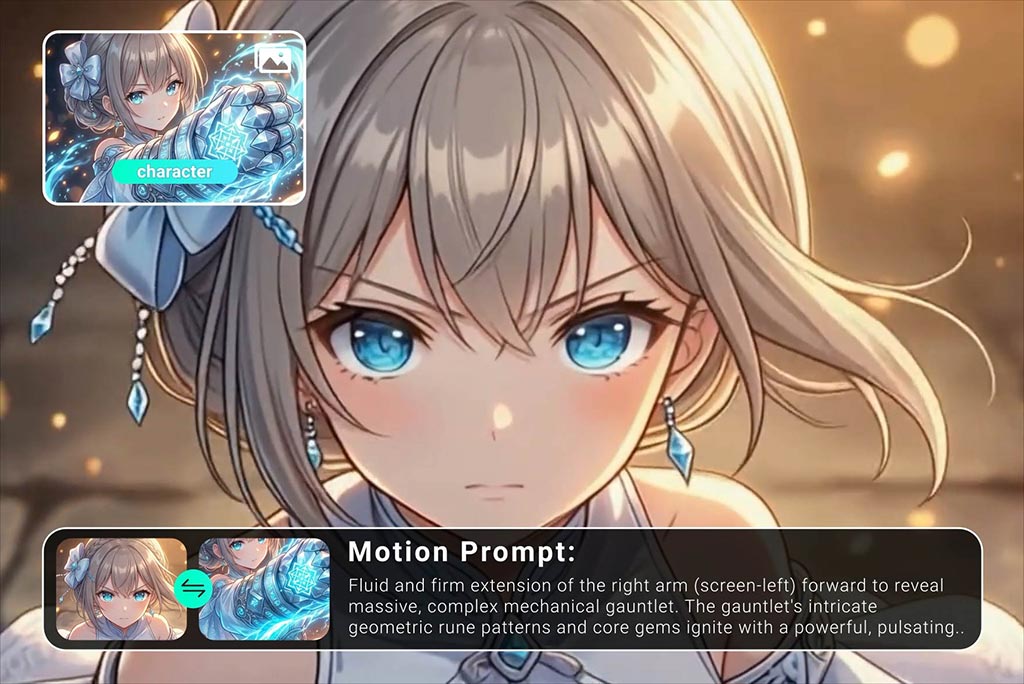
Instead of accepting random animation, users can describe the exact movement they want. This leads to more usable old photo videos for tribute, storytelling, and social sharing.

Works for Talking Portrait Results

Works for Talking Portrait Results

For users who want to make old photos move and speak, supported models and prompt guidance make it possible to create more engaging talking-photo videos.

Useful for Emotional and Historical Content

Useful for Emotional and Historical Content

Whether it’s a grandparent’s portrait or a historical image, insMind supports subtle motion styles that suit meaningful content better than exaggerated animation.

FAQs About insMind Animate Old Photos Tool

Can I animate black-and-white photos?

insmind expand icon
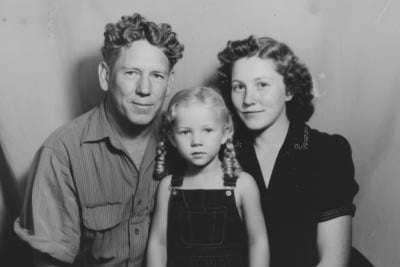
Yes. Black-and-white photos can be animated just like color photos. In fact, many users specifically want to animate black-and-white family portraits, old wedding pictures, and vintage studio shots because motion adds a stronger sense of presence to those images.

What kinds of old photos work best?

insmind expand icon
Photos with a clear face, decent lighting, and visible facial features usually work best. Family portraits, studio photos, wedding images, and vintage headshots often produce stronger results. Extremely blurry or damaged photos may still work, but the motion can be less precise.

What does it mean to animate old photos with AI?

insmind expand icon
Animating old photos with AI means taking a still image and turning it into a short video with natural-looking movement. This can include blinking, smiling, slight head turns, camera motion, or talking effects. It helps transform a static memory into something more engaging and easier to share.

Can I animate old photos online without editing skills?

insmind expand icon
Yes. insMind is designed for users who want to animate old photos online without needing manual video editing experience. You upload the photo, enter a prompt, choose a model if needed, and generate the result. The workflow is much simpler than editing motion by hand.

How do I turn old photos into video?

insmind expand icon
Start by uploading an old photo, then describe the motion you want in a prompt. For example, you can ask for gentle blinking, a slight smile, or a slow camera zoom. After generation, you’ll get a short AI video that can be downloaded and shared.

Can I make old photos move naturally?

insmind expand icon
Yes, that is one of the main goals of AI old photo animation. Natural results usually come from using a clear image, a realistic prompt, and subtle movement instructions. Small facial expressions and light camera motion often work better than exaggerated actions.

Can I turn an old photo into a talking video?

insmind expand icon
Yes, in many cases you can turn an old photo into a talking video by choosing a model that supports richer facial motion and audio-style speaking effects. This is useful for storytelling, memorial projects, educational content, and creative videos based on old portraits.