Old Age Filter Online: See Your Older Self with AI

Upload a portrait and apply an old person filter to preview a realistic older-look version of yourself. Use it for fun, social posts, birthday edits, or creative aging effects.

Old Age Filter Online: See Your Older Self with AI
Or drop image here, paste image or URL
Try with one of these
Old Filter 1
Old Filter 2
Old Filter 3
Old Filter 4
Old Filter 5
Old Age Filter Online: See Your Older Self with AI
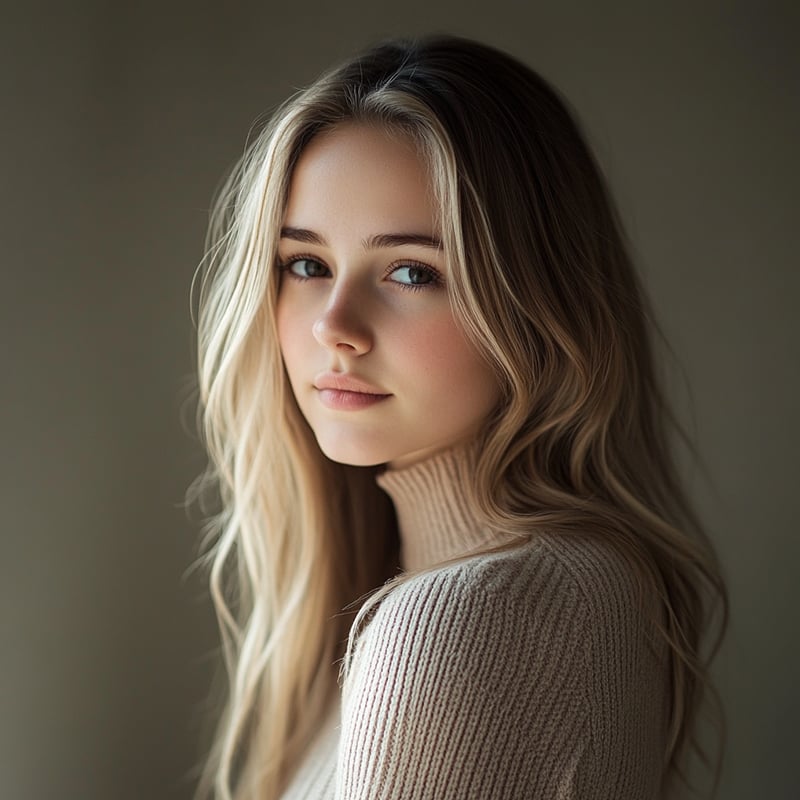
Apply an Old Filter to a Portrait in Seconds

Apply an Old Filter to a Portrait in Seconds

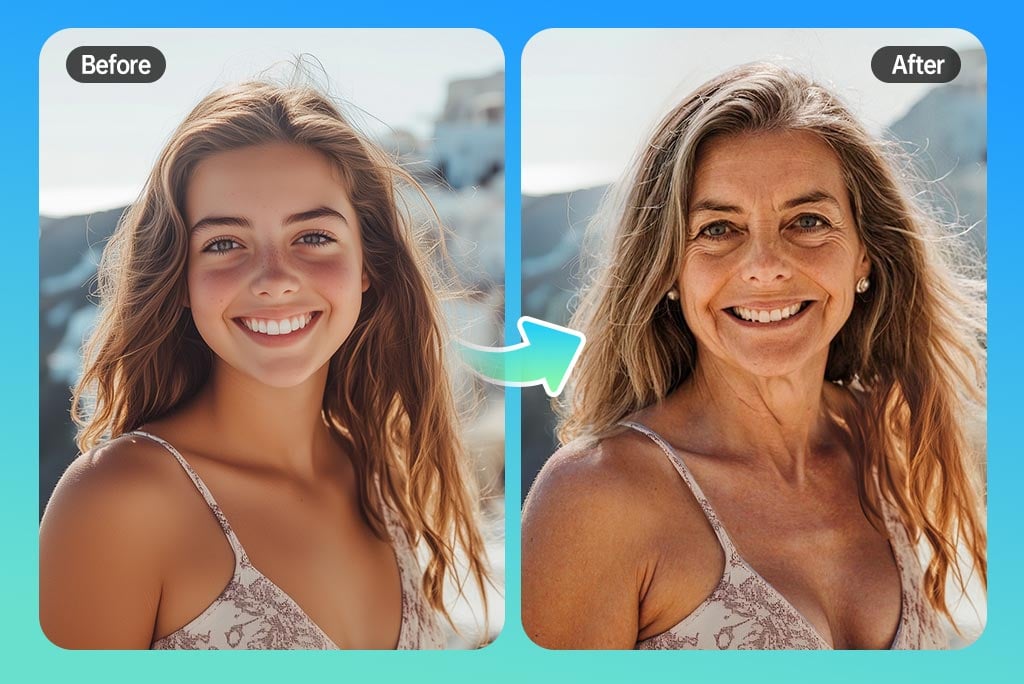
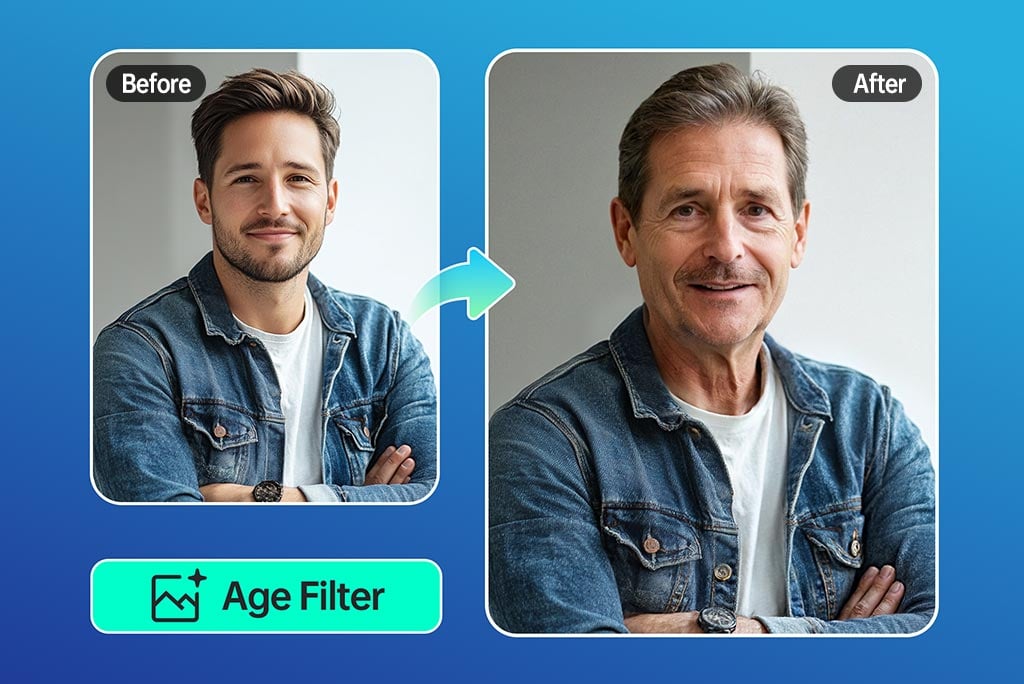
Curious what an older version of a photo might look like? Upload a clear portrait, apply the old age filter, and preview a future-self style edit with wrinkles, mature facial texture, and age-related details.
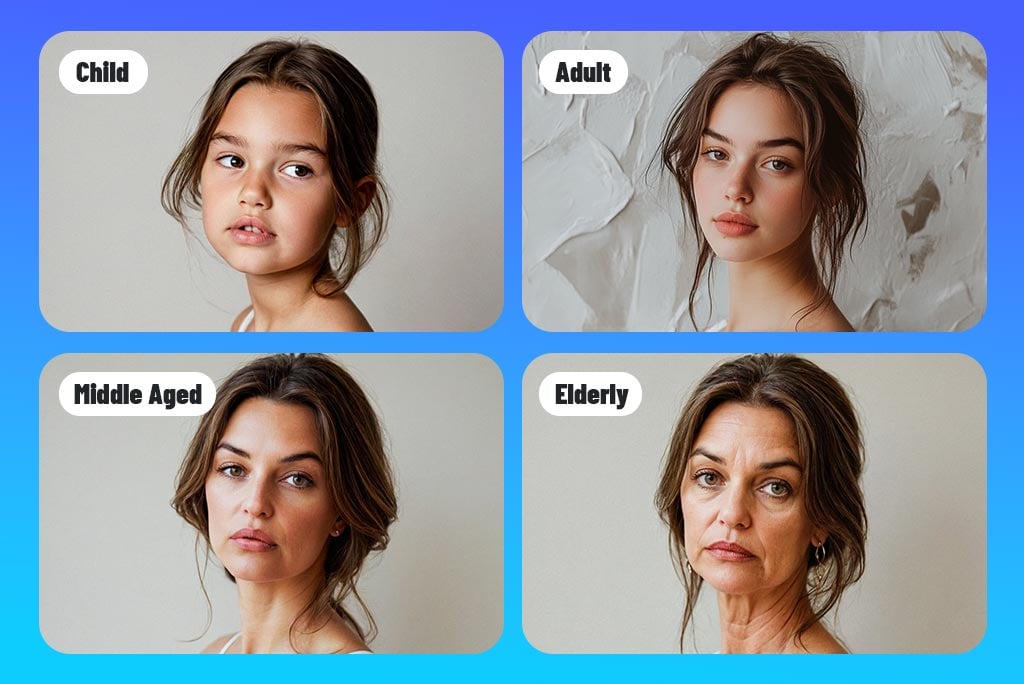
Try the Old Filter
Compare Different Age Looks

Compare Different Age Looks

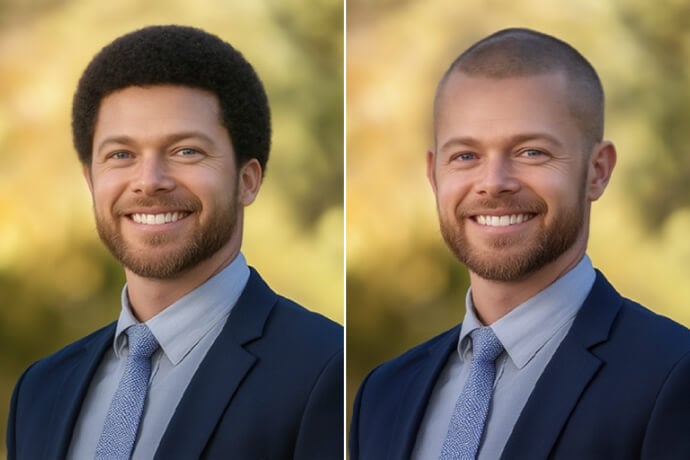
Aging effects are best treated as creative simulations, not exact predictions. Try different age styles and compare how hair, skin texture, and facial structure change across versions.
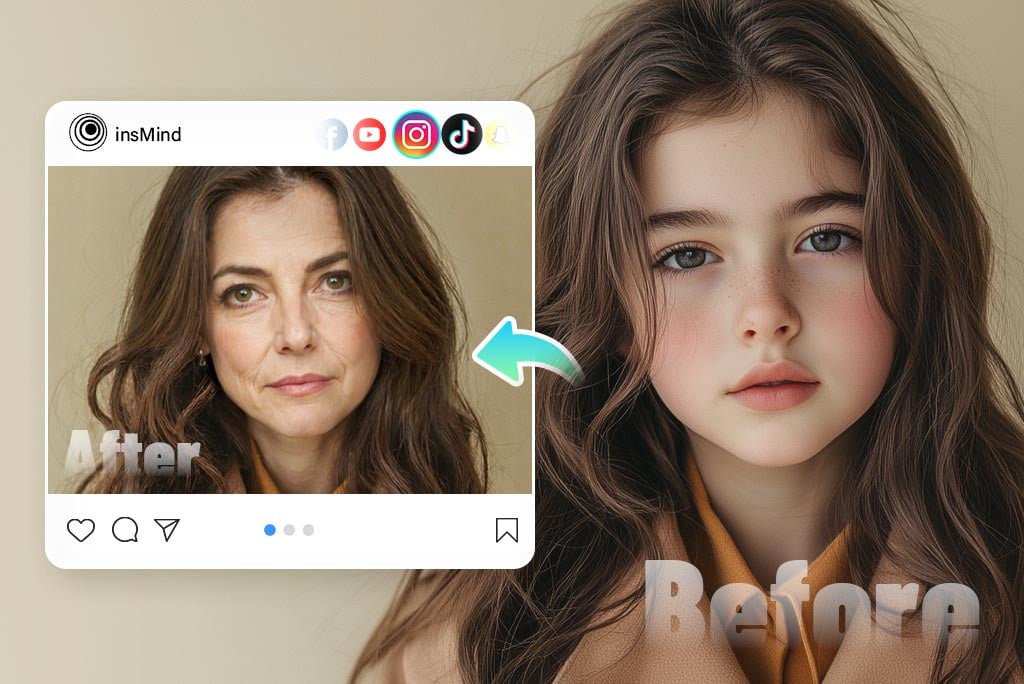
See Your Older Self
Create Fun Before-and-After Social Edits

Create Fun Before-and-After Social Edits

Use the old face filter for birthday posts, challenge images, family jokes, or future-self comparisons. Keep the photo lighthearted and avoid presenting the result as a real medical or identity prediction.
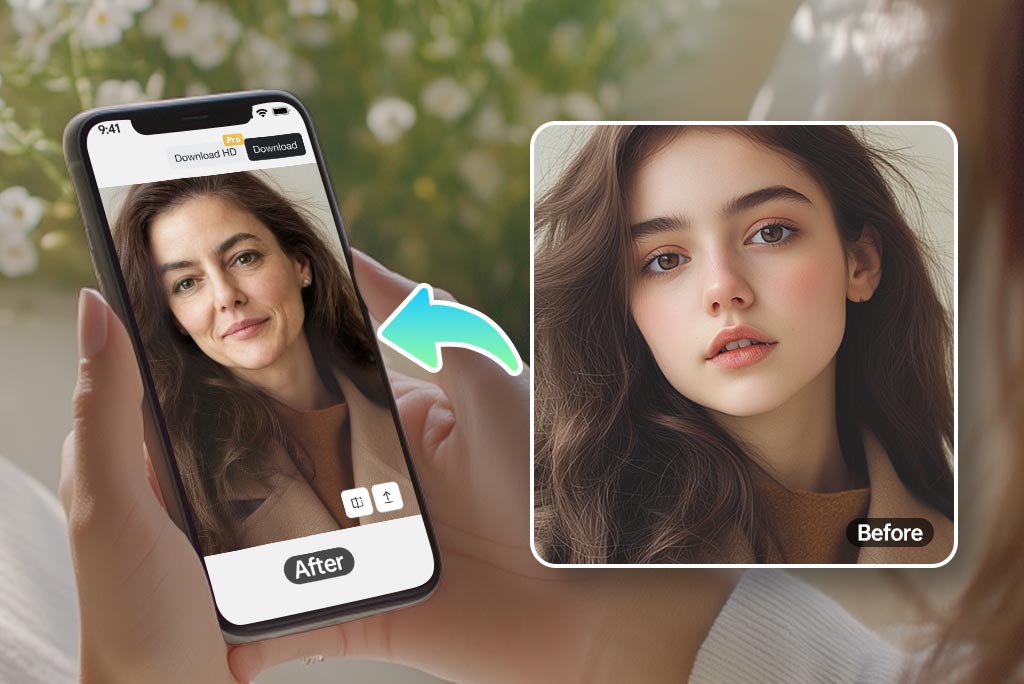
Age Yourself Now
Use the Old Person Filter on Mobile or Desktop

Use the Old Person Filter on Mobile or Desktop

Open the tool in your browser, upload a portrait, generate the aged look, and download the result. A front-facing, well-lit photo usually creates the most natural old filter effect.

Get Your Aged Look

Explore More Face, Age, and Portrait Tools

How to Add an Old Age Filter to a Photo
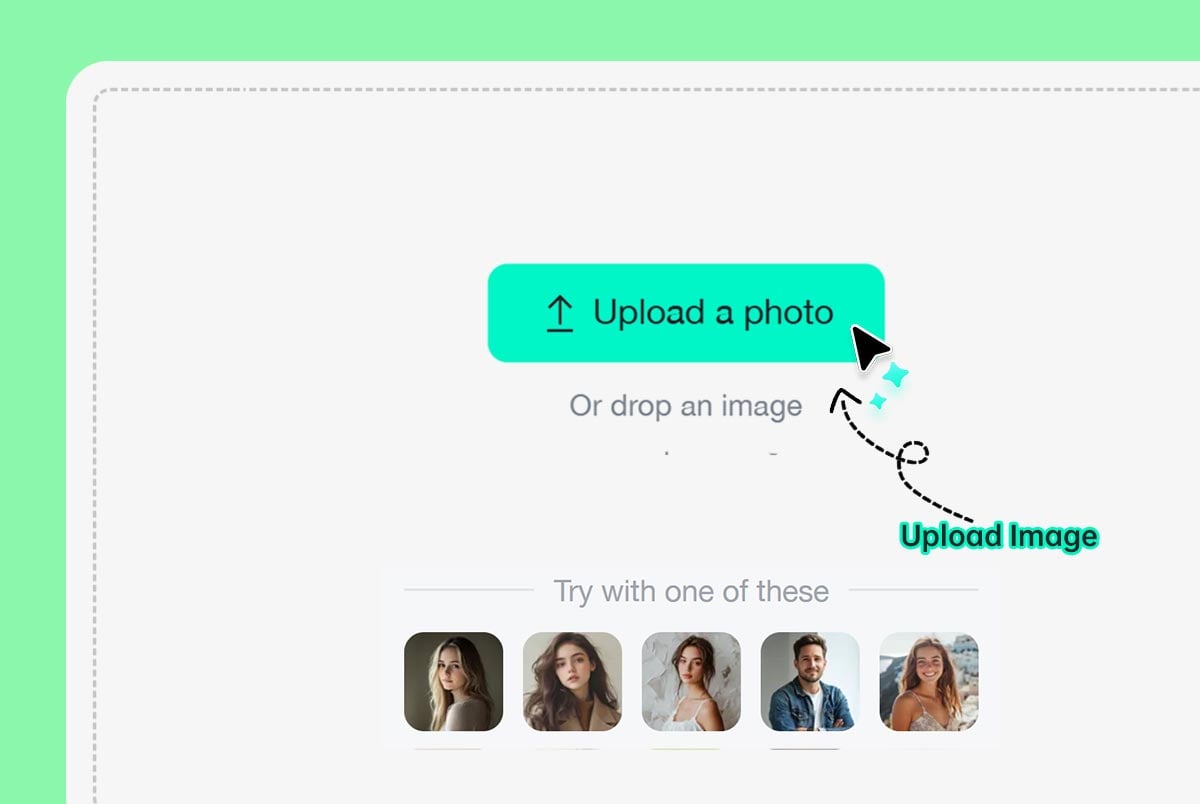
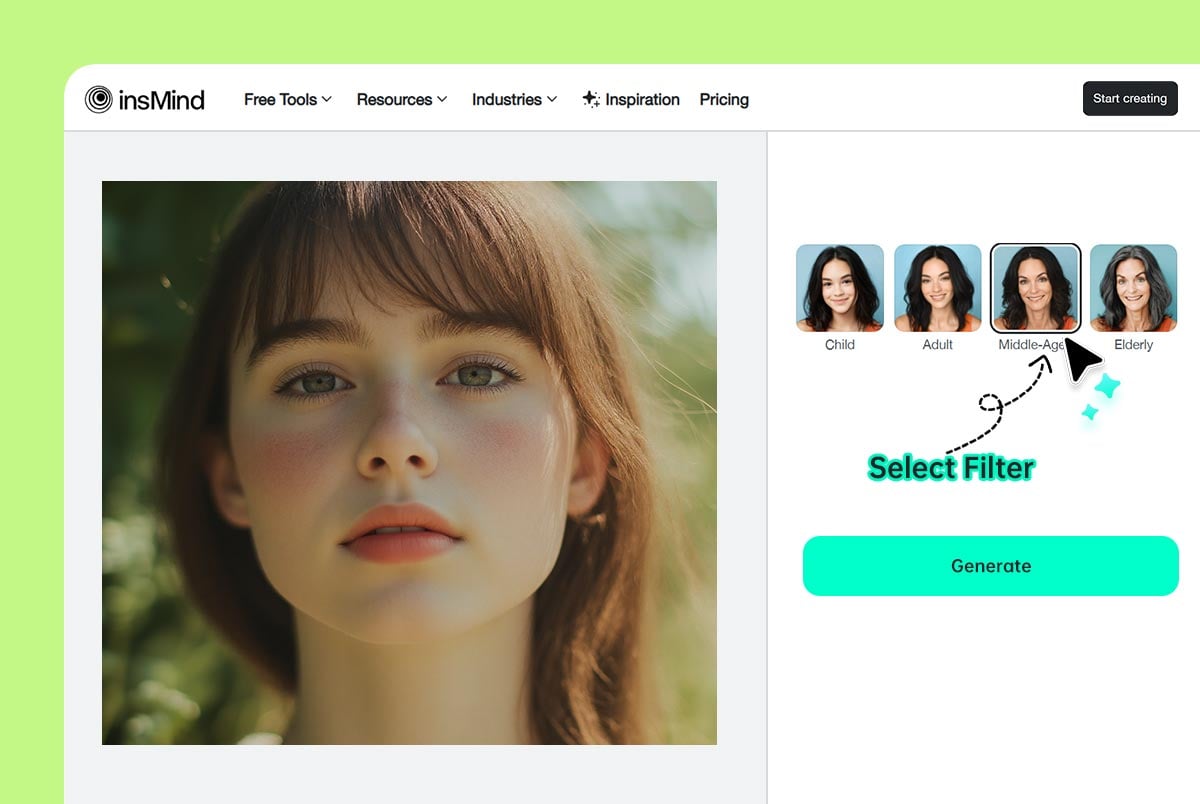
Upload a clear portrait
1

1 Upload a clear portrait

Choose a front-facing photo where the face is visible. Avoid heavy blur, sunglasses, or strong shadows when possible.
Apply the elderly filter
2

2 Apply the elderly filter

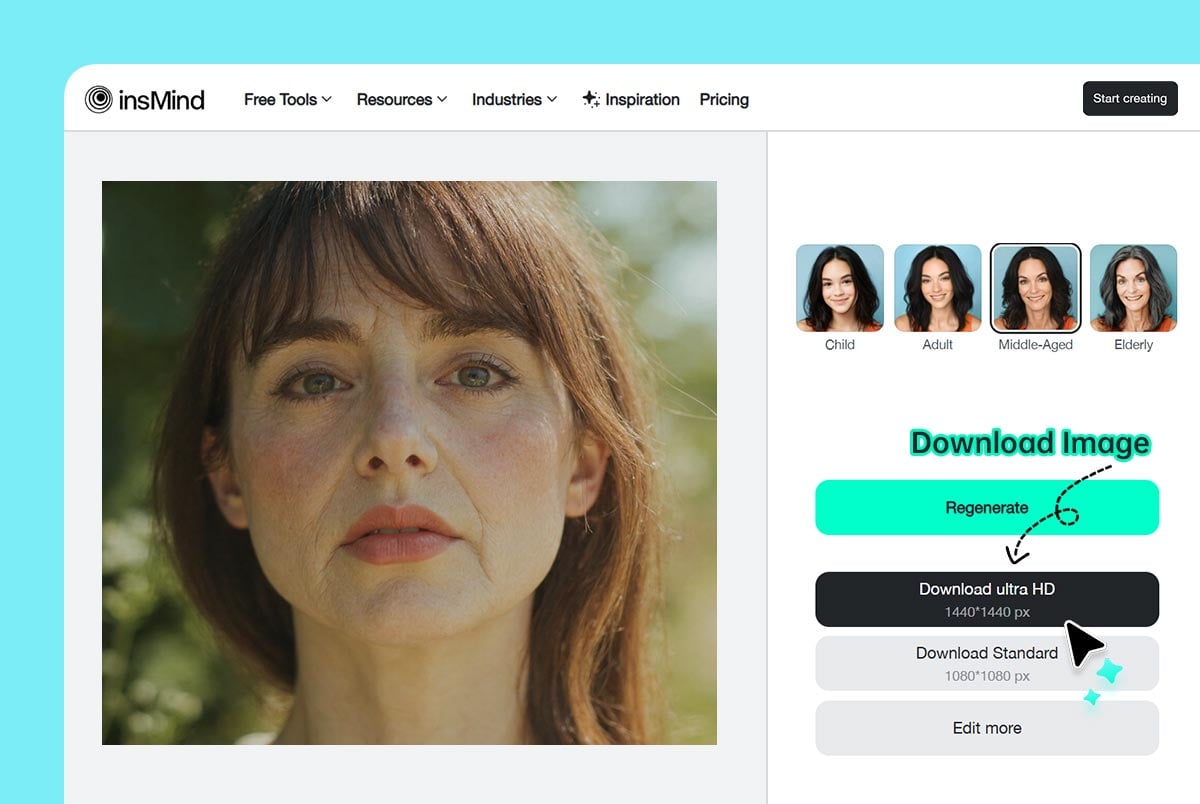
Select the old age filter and generate the result. Review wrinkles, hair, skin texture, and facial structure to make sure the edit still looks natural.
Download or try another version
3

3 Download or try another version

Save the aged photo, or generate another version if you want a softer, stronger, or more playful old person filter effect.

Creative Ways to Use an AI Old Filter

Use the aging effect for entertainment, storytelling, social posts, and visual experiments. Treat the output as a fun AI simulation rather than a prediction of real aging.
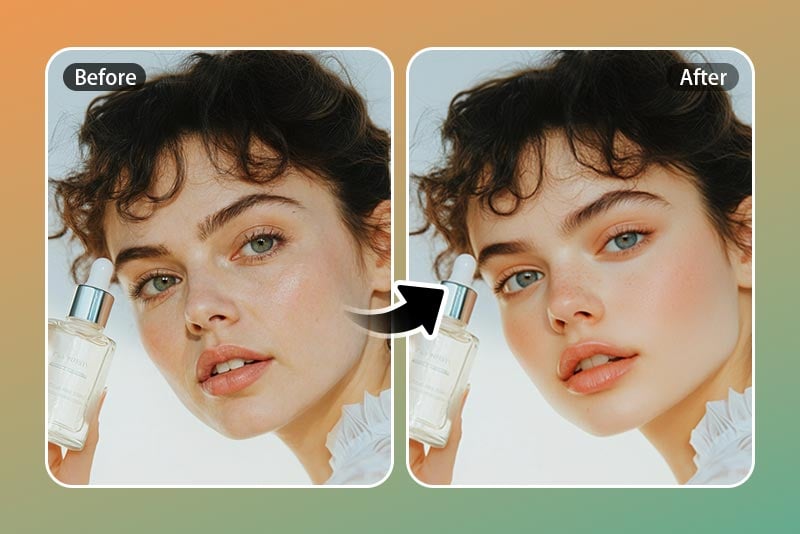
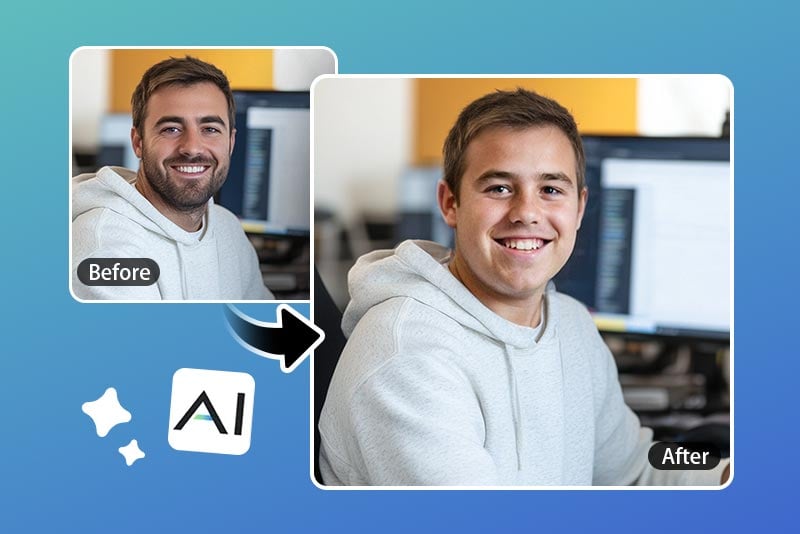
Future-Self Social Posts
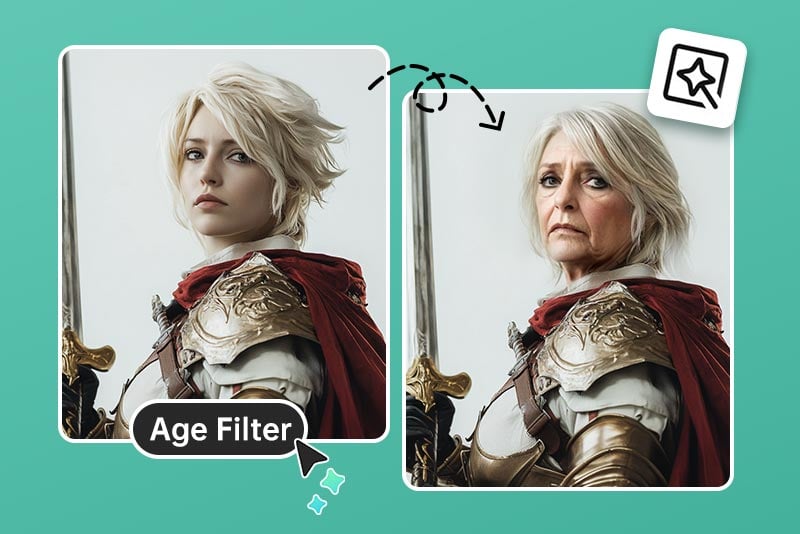
Future-Self Social Posts

Create a before-and-after image for social media, birthday posts, or group chat jokes. A clean portrait makes the comparison more convincing.
Character and Story Concepts

Character and Story Concepts

Age a portrait to explore a character design, family timeline idea, or creative storytelling concept.
Lighthearted Party and Gift Edits

Lighthearted Party and Gift Edits

Make funny cards, invitations, or reaction images by showing an older version of a friend or yourself. Use it respectfully and get consent when sharing other people’s faces.

Why Use insMind's AI Old Filter?

Quick Online Aging Effect
Quick Online Aging Effect

Upload a portrait and generate an older-look version without manual retouching.
Realistic but Still Fun

Realistic but Still Fun

The filter adds age-related details while keeping the original face recognizable, making it useful for playful edits.
Multiple Creative Uses

Multiple Creative Uses

Use the result for future-self comparisons, party visuals, birthday jokes, avatars, or character concepts.

FAQs About the AI Old Age Filter

What is an old age filter?

insmind expand icon
An old age filter is an AI photo effect that creates an older-looking version of a face by adding age-related details such as wrinkles, mature skin texture, and hair changes.

How do I use the old person filter online?

insmind expand icon
Upload a clear portrait, apply the old age filter, preview the result, and download the aged photo when it looks natural.

Is an AI age filter accurate?

insmind expand icon
No AI old filter can predict exactly how someone will age. Genetics, lifestyle, health, and environment all matter. Treat the result as a fun visual simulation.

Is the old filter safe to use?

insmind expand icon
Use the tool with photos you have the right to edit. Avoid uploading or sharing someone else’s face without permission, especially for jokes or public posts.

Can I use the AI old filter for free?

insmind expand icon
You can try the old filter online. Free usage, download quality, and premium options may depend on your account limits.

More Face Filters and Portrait Tools

Try hairstyle, hair color, avatar, portrait, and face-editing tools after creating an old age effect.