
Microwave AI Filter: Turn Photos into Viral 360° Spin Videos
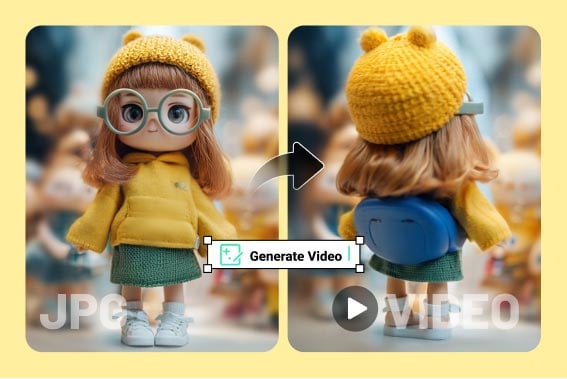
360° Spin Video Effect
AI Dance Generator
Nano Banana 3D Figure Generator

AI Camera Movement

AI Melt Video Effect

AI Explode Effect

AI Face Punch

AI Smile Video Generator

AI Laughing Face Effect
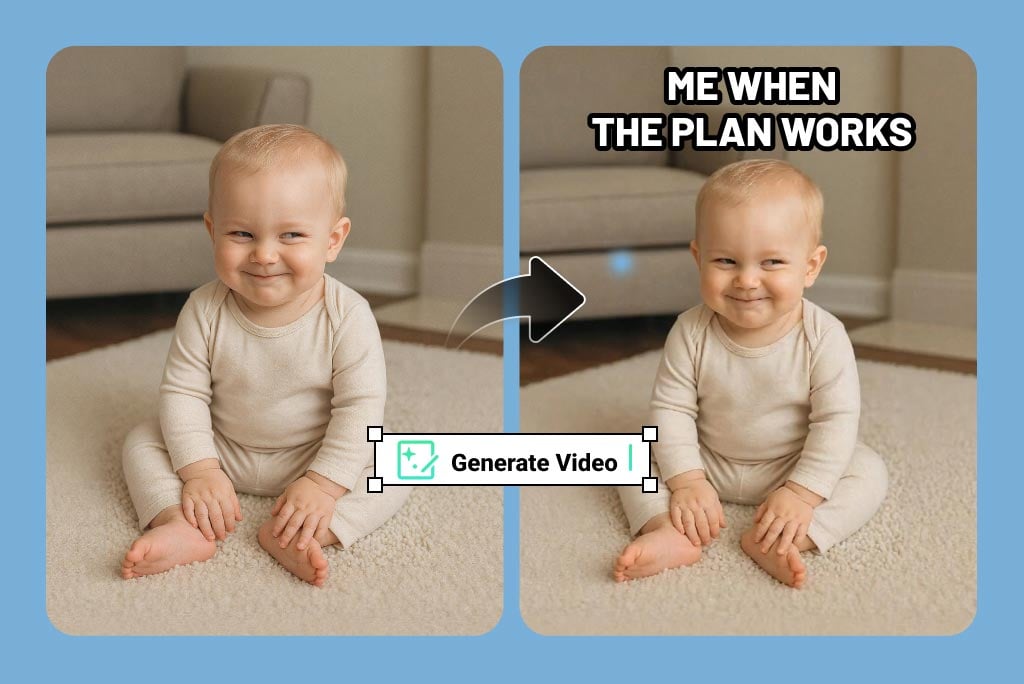
Create a Viral Microwave Spin from One Photo
The microwave AI filter turns a single image into a playful 360° spin that feels like a viral social trend. Upload a selfie, pet photo, object, or funny picture, and insMind creates a microwave-style rotating video with smooth motion and a clear visual joke.
If you want a cleaner product showcase instead of a joke clip, try the AI 360 rotation video generator for polished product spins. You can also make a fresh source joke first with the AI meme generator.
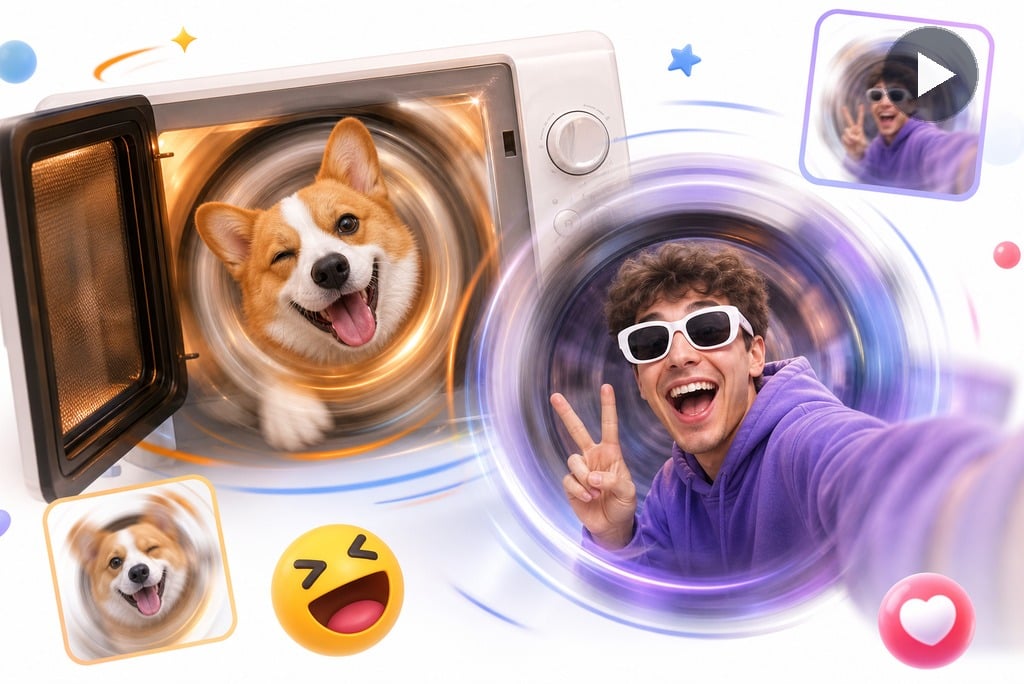
Make Funny Rotating Meme Videos
Use the AI microwave filter for short meme clips, TikTok posts, Reels, and group chat reactions. The effect works best when the subject is easy to recognize, the motion is fast to understand, and the joke lands in the first few seconds.
Spin pets, selfies, toys, food, products, or random images into funny microwave-style videos. For image-based punchlines that need more expressive animation, the AI meme video maker is a natural next step.
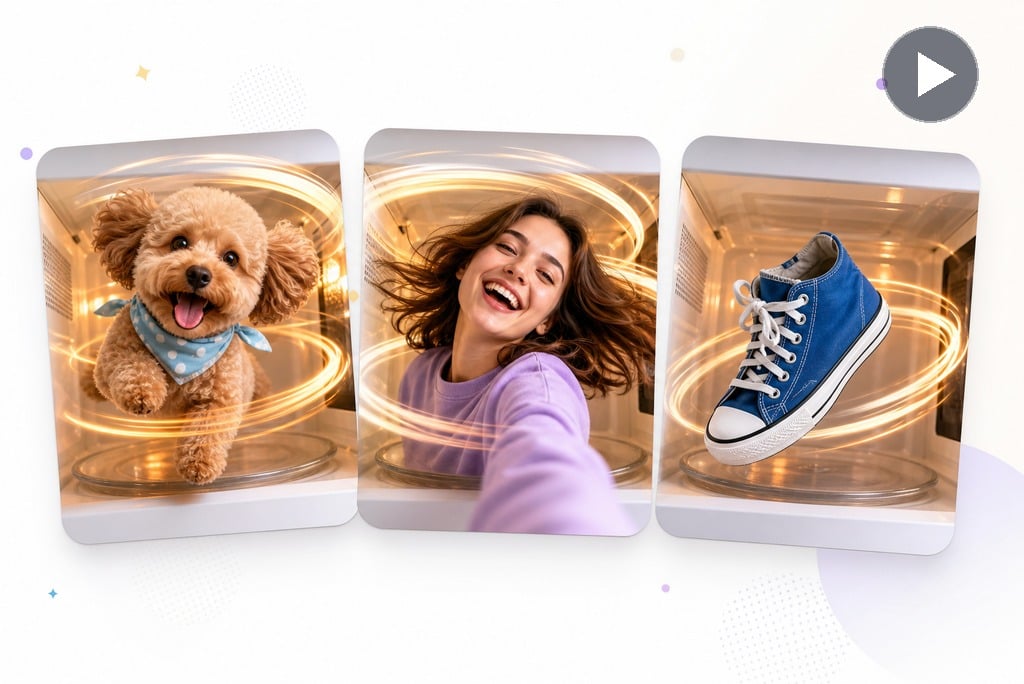
Perfect for Pets, Selfies, and Random Objects
Use clear photos of pets, selfies, toys, food, or everyday objects when you want the spin to feel instantly readable. A simple subject and clean outline help the microwave effect look funnier and easier to share.
Need a broader photo-to-video workflow for other creative ideas? Explore insMind's image to video tool to animate pictures beyond the microwave trend.
How to Make a Microwave AI Filter Video
Step 1: Upload a clear photo
Upload a clear photo of yourself, a pet, or any object you'd like to spin using the 360 microwave AI filter.
Step 2: Choose the Microwave AI Filter
Select the AI 360 microwave effect video option to apply the smooth spinning filter.
Step 3: Generate the spin video
Click “Generate” and the AI processes the photo and instantly creates a rotating animation, making your subject spin in a microwave-like loop.
Step 4: Download and share
Save your new video and share it on TikTok, Instagram, or anywhere you post memes.
Explore More AI Video Tools for Creative Motion
Microwave AI Filter Ideas for Viral Social Clips
Create funny microwave spin videos from pets, selfies, objects, and random pictures without editing.
TikTok Microwave Memes
Spin selfies or random images into hilarious microwave AI memes that are perfect for group chats.
Pet Spin Videos
Add a funny twist to your content by posting AI microwave effect videos that loop perfectly.
Selfie Reactions
Use the 360 microwave effect to highlight items with a rotating animation, like 360 product pictures.
Object Joke Clips
Brands can add humor to their ads by showcasing products or models in a spinning, microwave-style video.
What Users Say About Our Microwave AI Filter
Why Use insMind Microwave AI Filter?

Built for Viral Microwave Spins
Create the microwave-style rotation effect people recognize from short-form video trends.

Perfect for Memes and Social Sharing
Make funny rotating clips for TikTok, Reels, Shorts, group chats, and meme pages.

No Editing Skills Needed
Upload one photo, choose the effect, and generate a share-ready spin video in seconds. If you want to turn the result into more formats later, continue with insMind's AI video generator for additional video styles.
FAQs About the Microwave AI Filter
What is the microwave AI filter?


How do I make a microwave spin video?
Can I use it for TikTok or Reels?
What photos work best for the microwave AI effect?
Is this different from a 360 rotation video generator?
“My followers love the microwave AI effect videos. It's an easy way to make memes that go viral.”
@Rachel Adams, Meme Page Owner