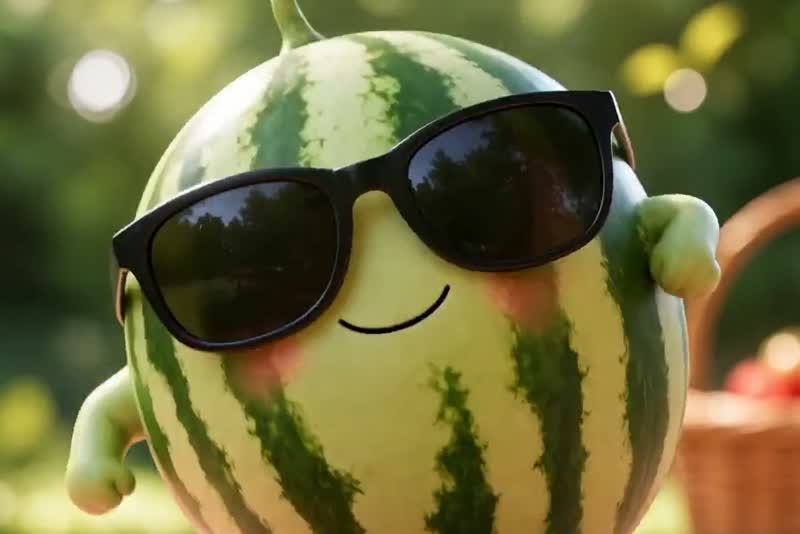
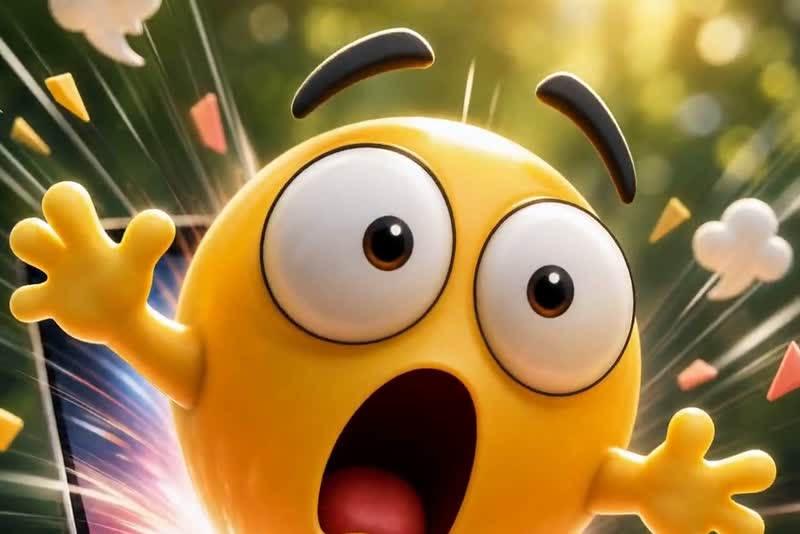
Upload a static meme, reaction image, or funny character picture and turn it into a short animated meme video. As part of insMind's AI video generator workflow, this image-to-video mode adds movement, timing, and visual punchlines so your meme feels ready for TikTok, Reels, Shorts, and group chats.

AI Meme Video Generator
00:00
00:00
00:00
00:00
00:00
00:00
Meme Image to Video
00:00
00:00
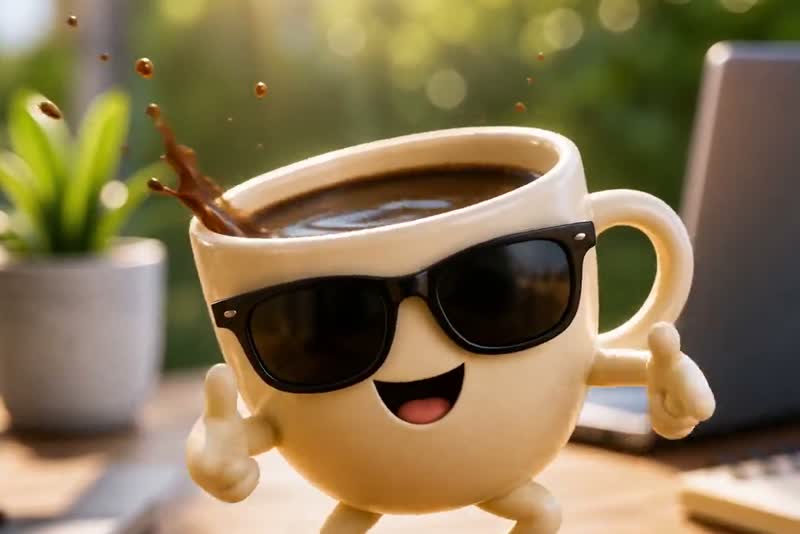
Funny Photo Motion Effects
Make funny photos move with exaggerated reactions, playful camera motion, and comic timing. For broader comedy clip ideas, pair this meme workflow with the AI funny video generator to create pet memes, reaction faces, silly product moments, or any image that needs a stronger visual joke.
How to Make a Meme Video
Step 1: Upload a meme or funny image
Start with a short meme idea, reaction line, or visual setup. You can also upload a photo of a person, pet, product, or game character to use as the source image for your animated meme clip.
Step 2: Enter a short animation prompt
Choose the funny action, audio style, and output settings that fit your platform. For social posting, select a 9:16 layout, 720p resolution, and a short runtime like 10 seconds to keep the joke tight.
Step 3: Generate
Let the AI video maker turn your prompt or image into a moving clip. The model applies motion, timing, and expression based on your setup so the final result feels like a real reaction instead of a static post.
Step 4: Download your meme video
Preview the final meme, save the version that works best, and post it to TikTok, Reels, Shorts, or group chats. This makes it easier to publish repeatable comedy content without spending time in a full editor.
Real-World Scenarios for AI Meme Video Generator Content
These use cases show how creators, brands, and niche accounts turn simple jokes into repeatable short-form video output.

Brand Meme Promo Clips
Consumer brands turn product moments into funny reaction videos that feel native to social feeds and increase watch time without filming new scenes.

Trending Meme Concept Videos
Social media managers animate current meme formats into fresh clips, helping accounts publish on-trend content faster while keeping a recognizable posting style.

Gaming Meme Reaction Videos
Gamers turn clutch wins and instant fails into short joke clips that capture stream highlights and make competitive moments more shareable.

Pet Character Meme Videos
Pet creators animate cat and dog photos into expressive character clips, giving each post a stronger personality and better repeat-view potential.
Why Choose insMind for AI Meme Video Generation

Short-form output without timeline editing
Instead of building every joke manually in a video editor, you can move from prompt or photo to a finished meme clip in a few guided settings. That reduces production time for creators who publish often.

Image-to-reaction conversion that feels more alive
A single uploaded image can become an expressive meme scene with motion and comedic timing. This beats posting static memes when you want stronger watch-through and more shareable reactions.

Vertical presets built for social distribution
Choosing 9:16, short duration, and lightweight output helps your content match how people watch on TikTok and Reels. You spend less time reformatting and more time testing joke variations.

Prompt-based humor creation for faster ideation
If you only have a joke concept, the AI video creator can turn text into a usable meme setup. That makes it easier to publish trend-based comedy before the format cools down.

Repeatable meme production across niche accounts
Brands, gamers, and pet creators can reuse the same workflow for different characters and scenarios. Compared with custom editing every post, this creates a more efficient content pipeline.

Share-ready clips that suit multiple content styles
The same tool can support reaction memes, product jokes, pet character bits, and gaming humor. That flexibility beats relying on one-off templates that only fit a single meme format.
FAQs About AI Meme Image to Video
Can I turn a meme image into a video?


Yes. Upload a meme image, describe how you want it to move, and insMind can animate it into a short AI meme video. Clear images with one main subject usually work best because the motion and punchline are easier to understand.
Can I animate a reaction image?
Yes. Reaction images are a strong fit for meme video generation. You can exaggerate the expression, add head or body movement, create a dramatic pause, or make the reaction loop for a funny social clip.
What image types work best for meme videos?
Use clear meme images, funny photos, pet pictures, character images, expressive reaction faces, or simple product shots with a humorous setup. Avoid blurry images, crowded backgrounds, tiny subjects, or pictures where the joke is hard to read.
Can I use the meme video on TikTok, Reels, or Shorts?
Yes. Meme videos are designed for short-form sharing. Choose a vertical 9:16 format when you want the result to fit TikTok, Instagram Reels, YouTube Shorts, or other mobile-first feeds.
How do I make a funny photo into a meme video?
Upload the funny photo, then write a short animation prompt that explains the reaction or punchline. For example, ask for a shocked expression, a smug dance, a sudden zoom, or a tiny chaotic movement.
Do I need video editing skills?
No. You only need an image and a short animation direction. insMind handles the image-to-video generation, so you can create a meme-style clip without building keyframes or editing every frame manually.
Can I add sound to my AI meme video?
When audio is available in the selected generation workflow, sound can make the meme feel more complete. Short beats, comic timing, and playful sound effects usually work better than long narration for meme videos.
Can brands use funny meme videos?
Yes. Brands can turn product photos or campaign images into lighthearted meme videos when the humor fits the audience. Keep the joke simple, avoid copyrighted meme characters, and make sure any source image is cleared for use.
How long should an AI meme video be?
Short usually works best. A 5-second clip is often enough for a quick reaction, expression change, or visual punchline. Longer clips can work when the joke needs a setup and payoff.
Is the AI meme video generator free?
You can try this tool online for free. Available features and usage limits may vary by account and permissions.
More Meme Video Tools from insMind
00:00
00:00
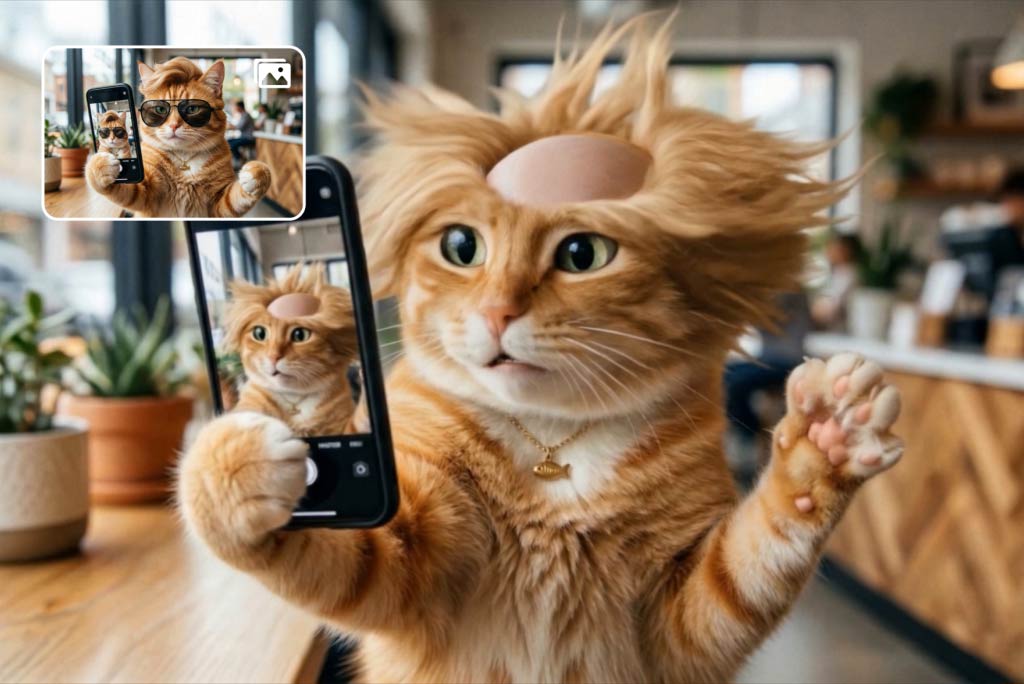
Funny Video Generator
Create hilarious AI funny videos from text and images instantly.
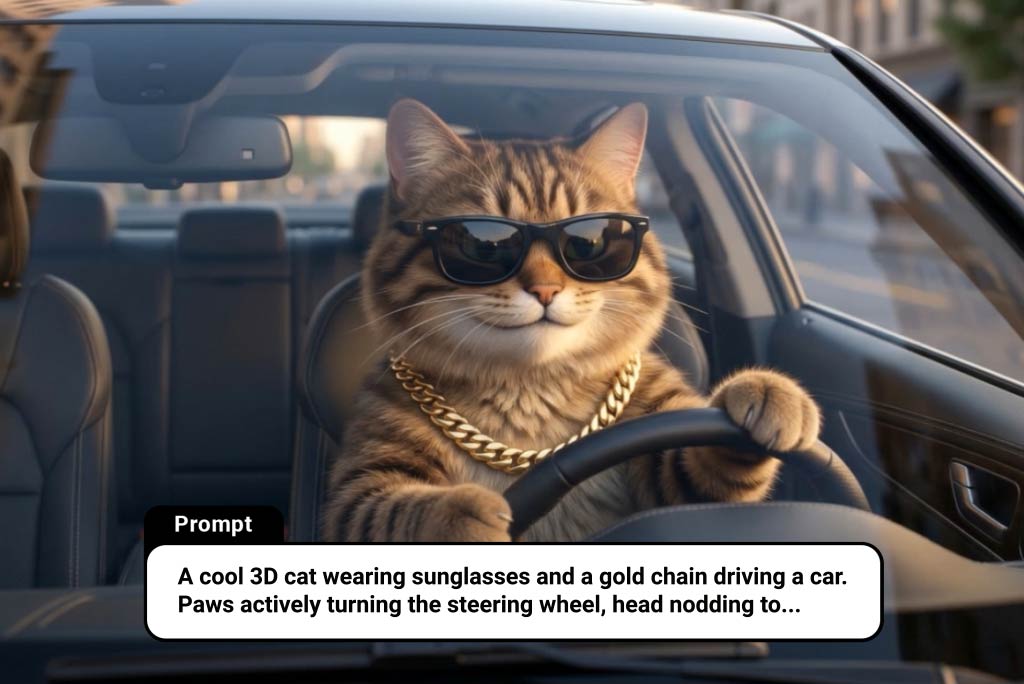
00:00
00:00
AI Cat Video Generator
Turn ideas or images into animated cat videos instantly.
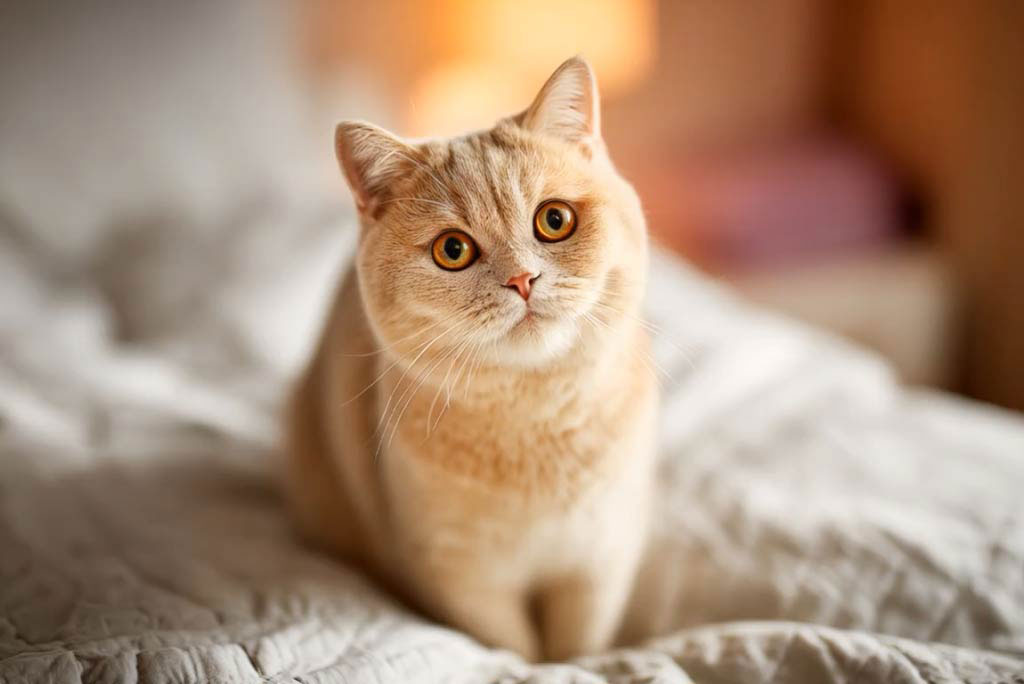
00:00
00:00
Cat Cooking AI
Turn your cat into a funny virtual chef video in seconds.
AI Animal Video Generator
Create cinematic animal videos from text or images in seconds with AI.
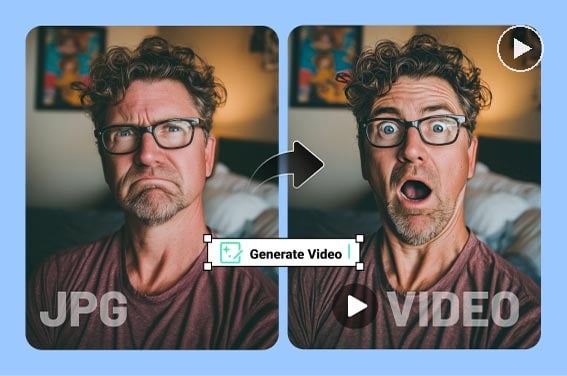
Surprised Video Generator
Turn any photo into a fun, shareable surprised reaction video with AI.
00:00
00:00
AI Face Punch
Generate funny AI punch videos from any face photo.

00:00
00:00
Image to Video
Create custom videos from your photos with AI.
00:00
00:00
AI Video Generator
Create high-quality videos from text and images with AI tools.