
AI Bald Filter – Preview Bald Looks Instantly

How to Use the AI Bald Filter Online
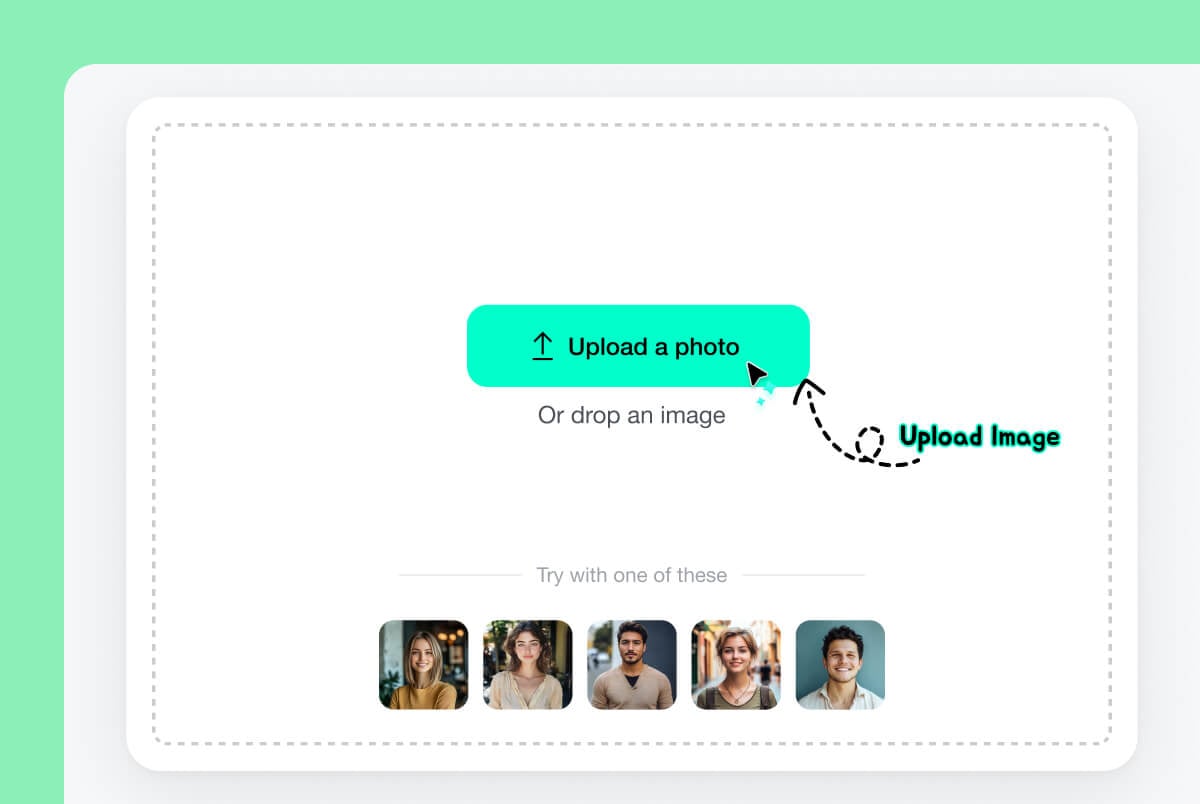
1 Upload a Clear Portrait
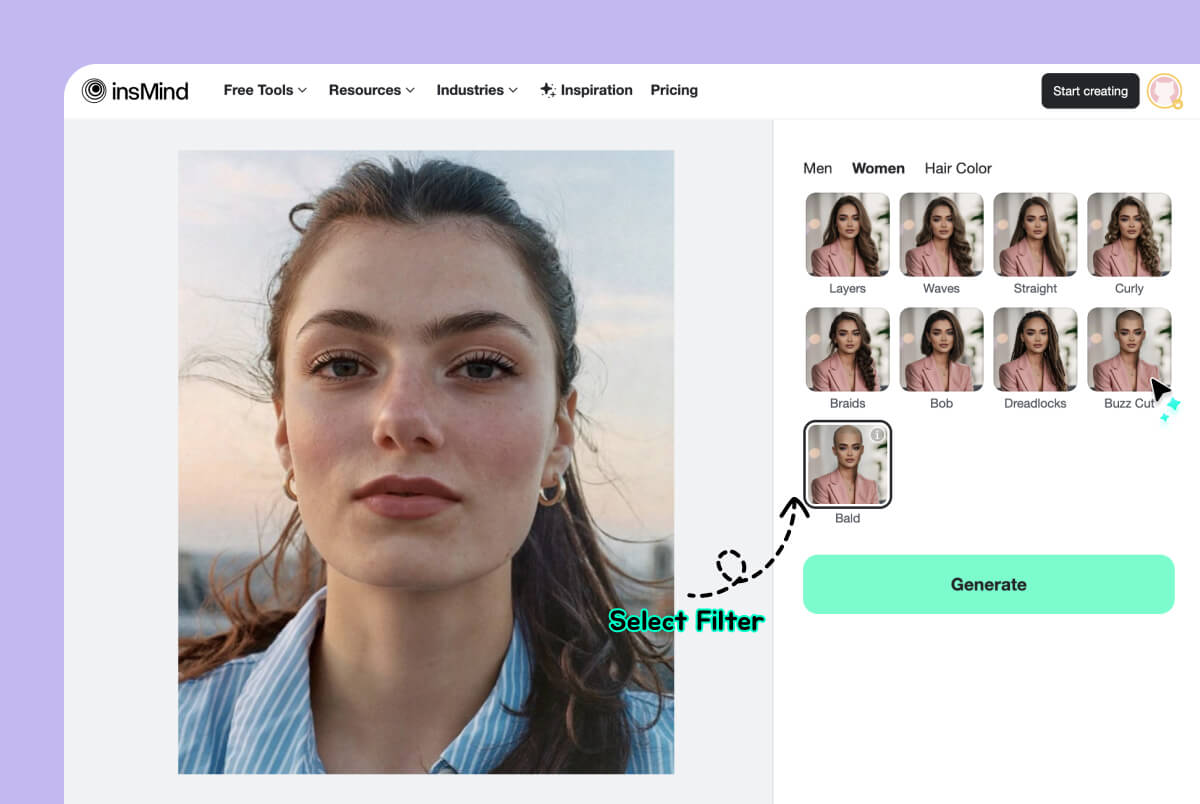
2 Choose the Bald Filter
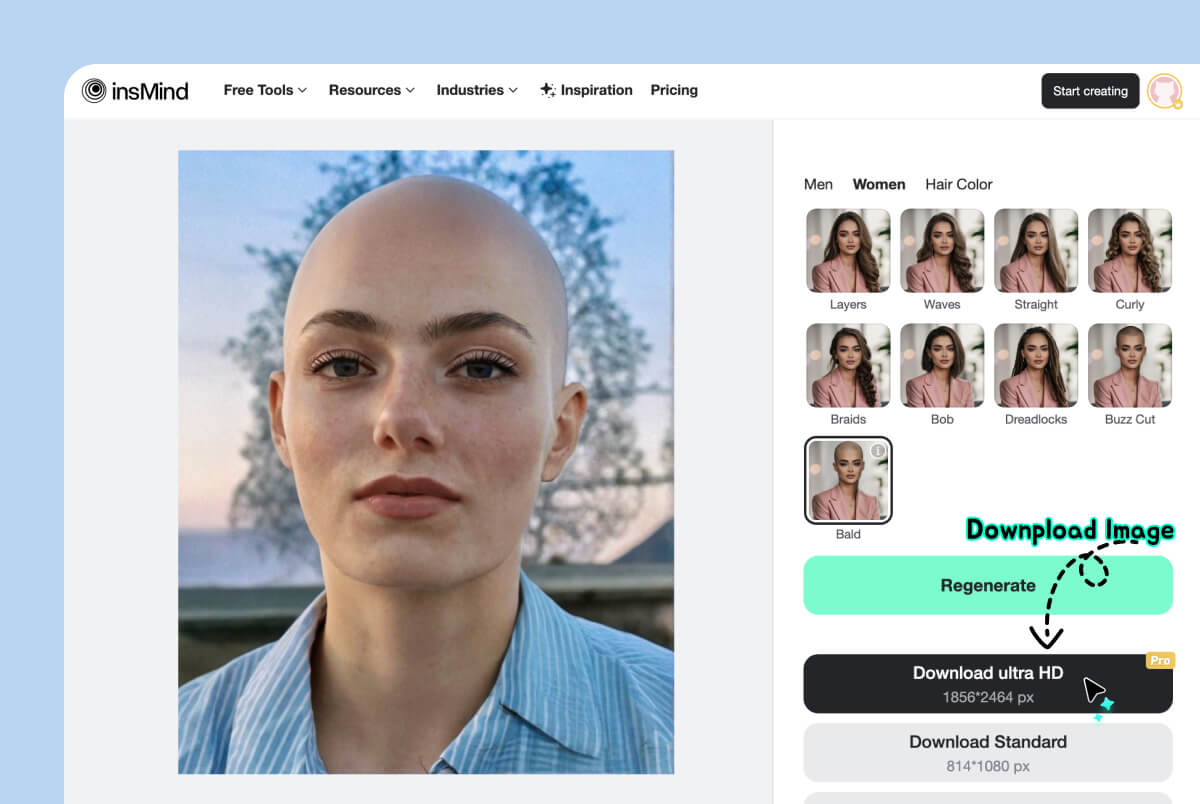
3 Generate and Check Your Bald Look
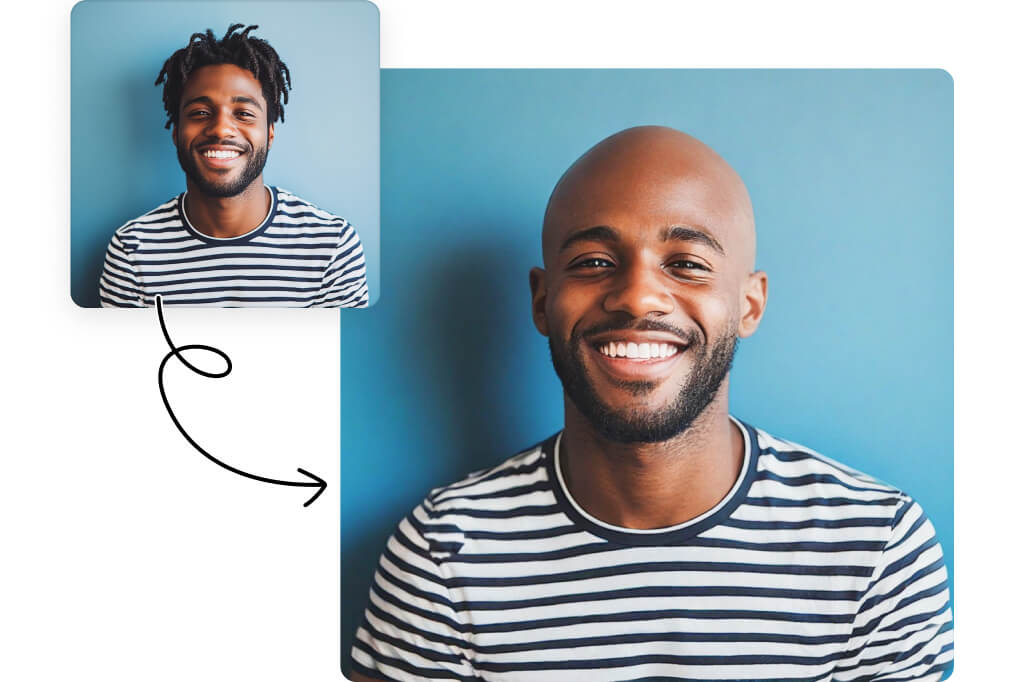
See What You Look Like Bald Before You Shave
If you have searched for a tool to "make me bald," this AI bald filter gives you a direct preview on your own portrait. It replaces the visible hairstyle with a shaved-head look while keeping the face and pose recognizable.
Use the result as a visual reference before a major haircut, not as a guarantee of how a real shave will look. Head shape, scalp texture, lighting, and remaining hair can make the real result different from an AI preview.
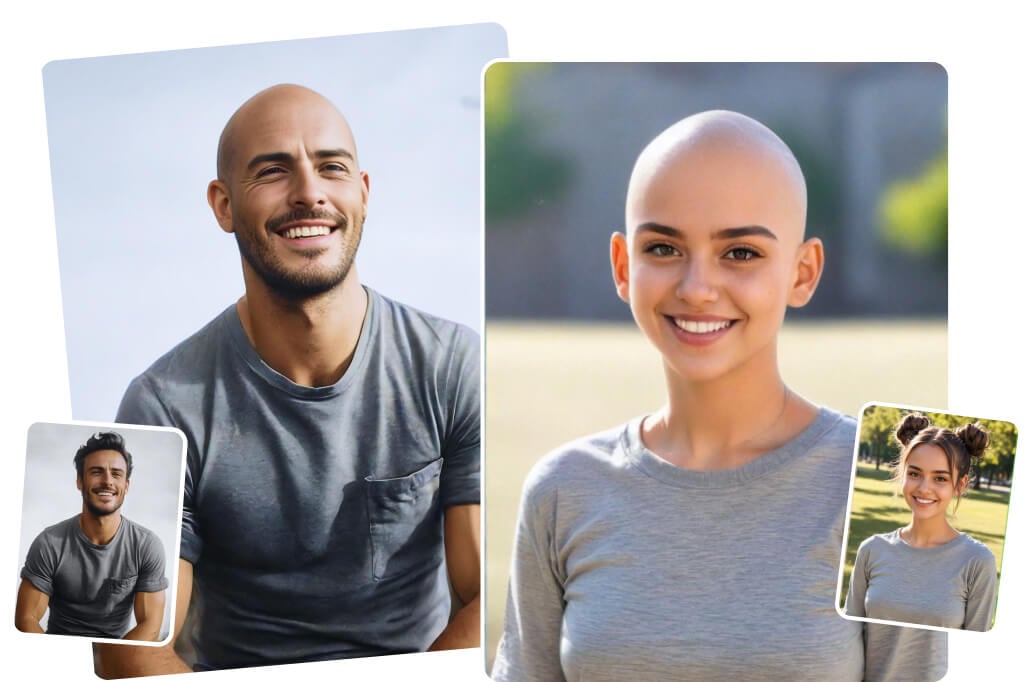
Try a Bald Head Simulator on Your Own Face
Use insMind as a bald head simulator to compare your face with and without visible hair. A consistent front-facing photo makes it easier to judge the forehead, jawline, ears, and overall head-to-face proportions.
To compare the bald result with other lengths, open the AI hairstyle changer on the same photo. Keeping the pose and lighting consistent gives you a more useful side-by-side reference.
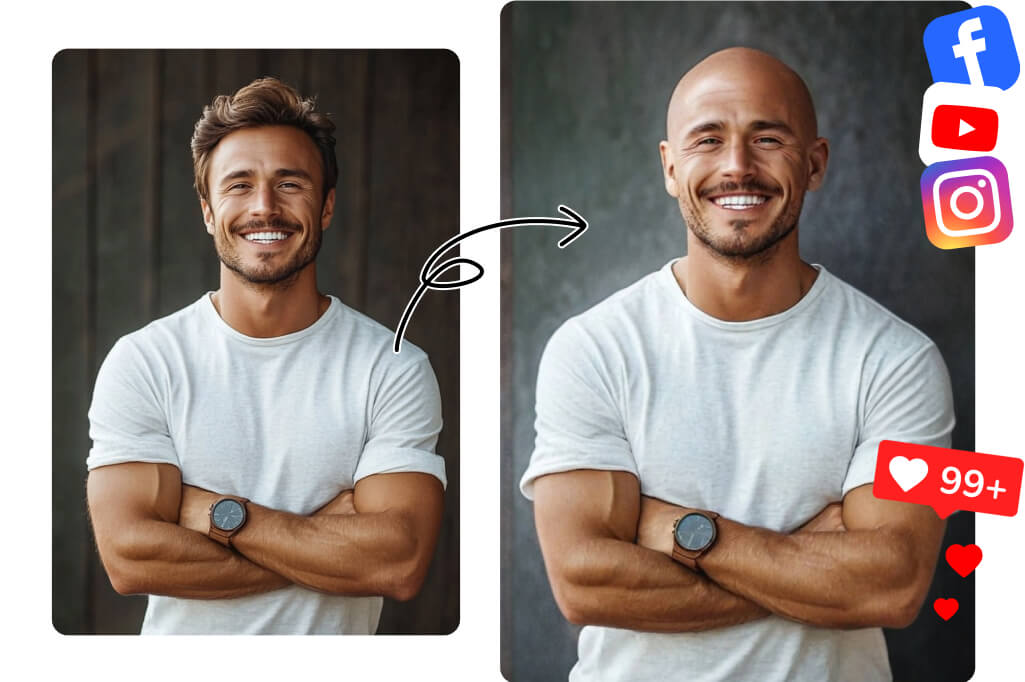
Use an AI Bald Generator for Photo Edits
The preset works as an AI bald generator for an existing portrait: upload a photo, select Bald, and generate a new version with a shaved-head effect. It is suited to profile-photo experiments, character references, before-and-after comparisons, and lighthearted edits.
For the cleanest bald image maker result, start with one clearly visible person and avoid hats, hands over the head, extreme side angles, or deep shadows across the hairline.
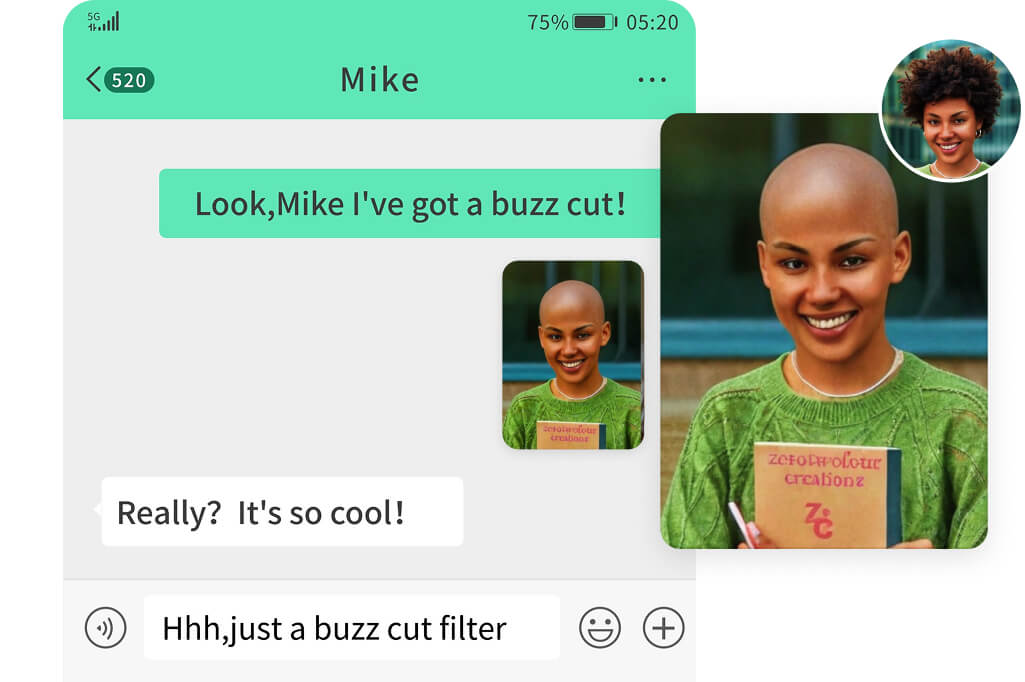
Compare a Bald Look with Shorter Haircuts
A balding filter search can mean either a fully shaved look or gradual hair thinning. This tool creates the full bald effect; it does not estimate future hair loss or diagnose a receding hairline. Use it to explore the visual change, not as a medical prediction.
For a less dramatic comparison, try the buzz cut filter or the short hair filter on a similar portrait.
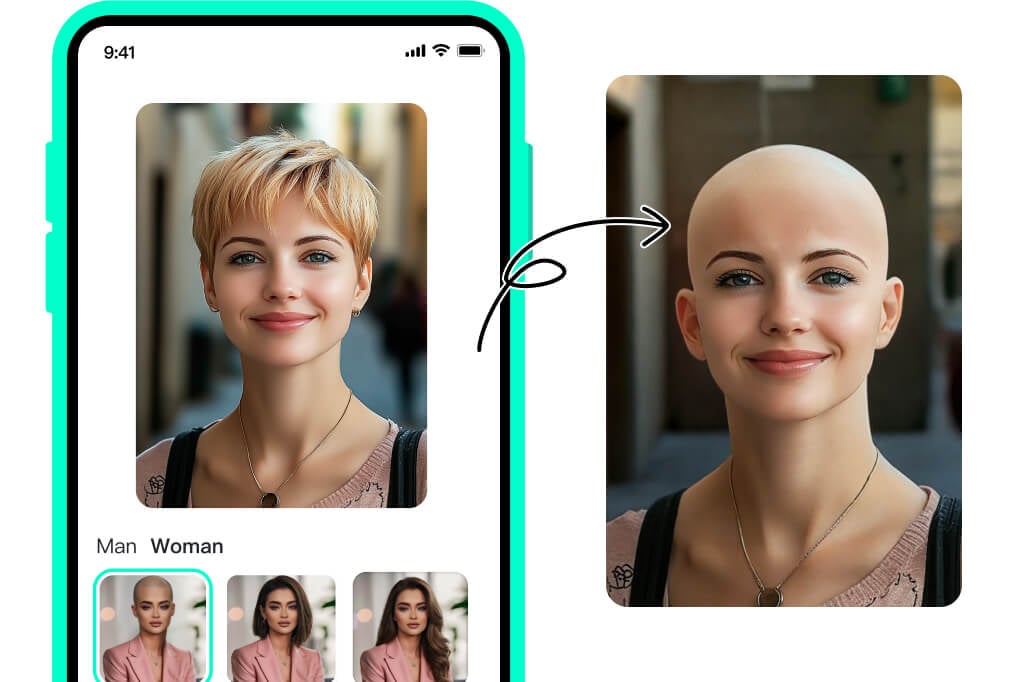
Use the Bald Filter Online on Mobile or Desktop
Open the bald filter online in a desktop or mobile browser, upload one portrait, choose the Bald preset, and generate the result. You can start the basic workflow online without installing a separate bald photo editor app.
Before downloading, enlarge the preview and inspect the scalp edge, forehead, ears, and skin tone. If long hair, a hat, or a busy background creates artifacts, retry with a clearer image rather than treating the first output as final.
Explore More Hair and Face Filters
Ways to Use a Bald Photo Filter Online
Make yourself look bald in a photo, compare a shaved head with shorter cuts, or create a before-and-after portrait using one focused AI bald filter workflow.
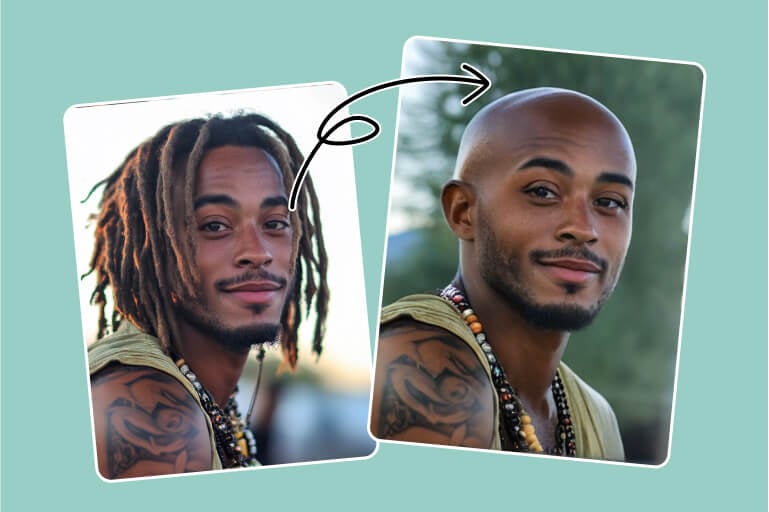
Make Yourself Look Bald in a Photo
Upload your own selfie to the bald photo filter and generate a version without visible hair. Compare the original and edited portraits to see how a shaved head changes the focus of your face.
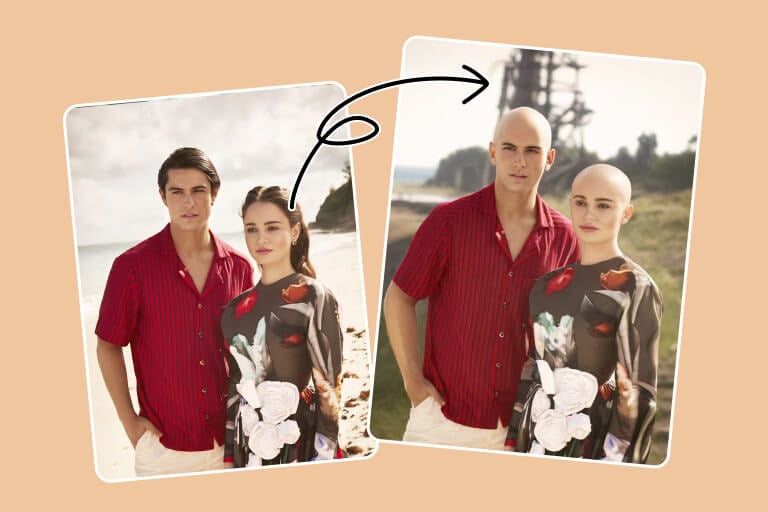
Preview a Shaved Head Before a Haircut
Use the bald head simulator as one reference before visiting a barber. Then compare the same photo with a buzz cut or short hairstyle so the differences in length and face framing are easier to judge.
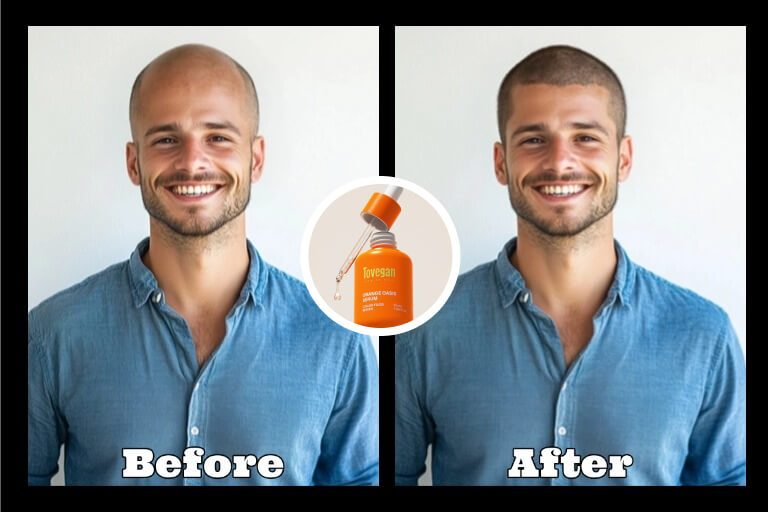
Create a Before-and-After Bald Photo
Generate a bald version for a profile experiment, character concept, or friendly social post. Edit only photos you own or have permission to use, and review the result before sharing it.
Why Use insMind as an AI Bald Filter?

One Focused Bald Filter Workflow
Upload a portrait, select the Bald preset, and generate the preview from one online workflow. There is no need to write a hair-removal prompt or move between a general generator and a separate photo editor.

Hairline-Aware Bald Photo Preview
The AI bald filter creates a shaved-head edit while attempting to keep the face, pose, lighting, and skin tone consistent. Because AI outputs can vary, inspect the hairline, scalp, and ears before saving.

Useful Haircut Comparisons
Compare the bald result with a buzz cut, short hair, or more looks in the AI hairstyle changer. Use similar photos so the hairstyle, rather than a new pose or light, drives the comparison.

Clear Limits for a Better Decision
A generated bald look is a creative preview, not a hair-loss forecast or a promise of the result after shaving. Use your own photo, check image edges carefully, and consult a barber or clinician for real-world style or hair-loss advice.
FAQs About the AI Bald Filter and Bald Head Simulator
What is an AI bald filter?


How can I make myself look bald in a photo online?
Is this a balding filter or bald head simulator?
What photo works best for a bald photo filter?
Can I use the bald filter on iPhone or Android?
Can I try the AI bald filter online for free?
More Hair and Portrait Editing Tools
Compare shaved, short, buzz cut, beard, color, and profile-photo edits after testing your bald look.
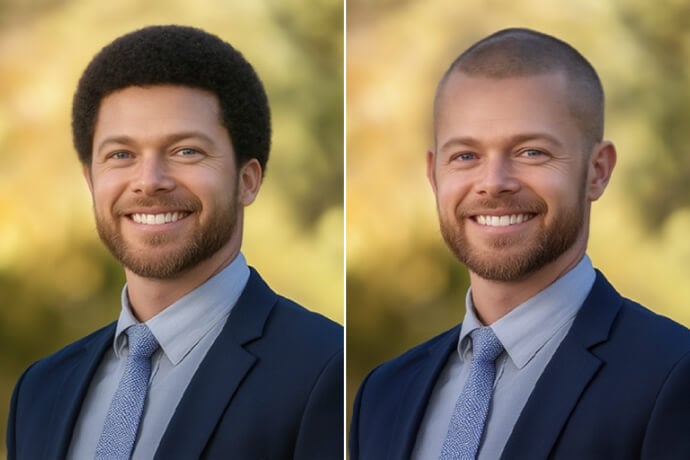
Buzz Cut Filter
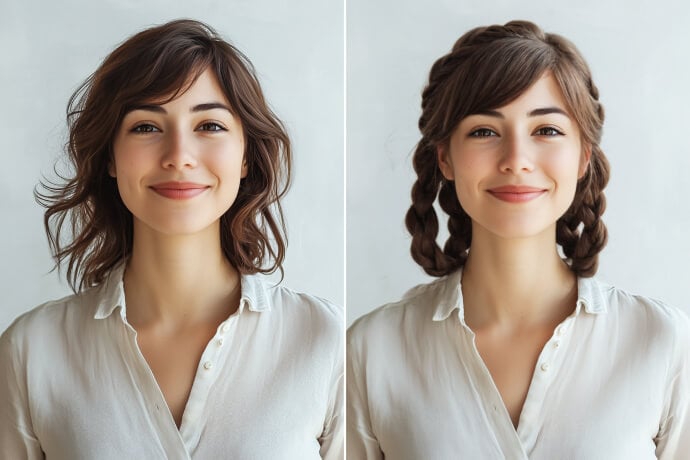
AI Hairstyle Changer
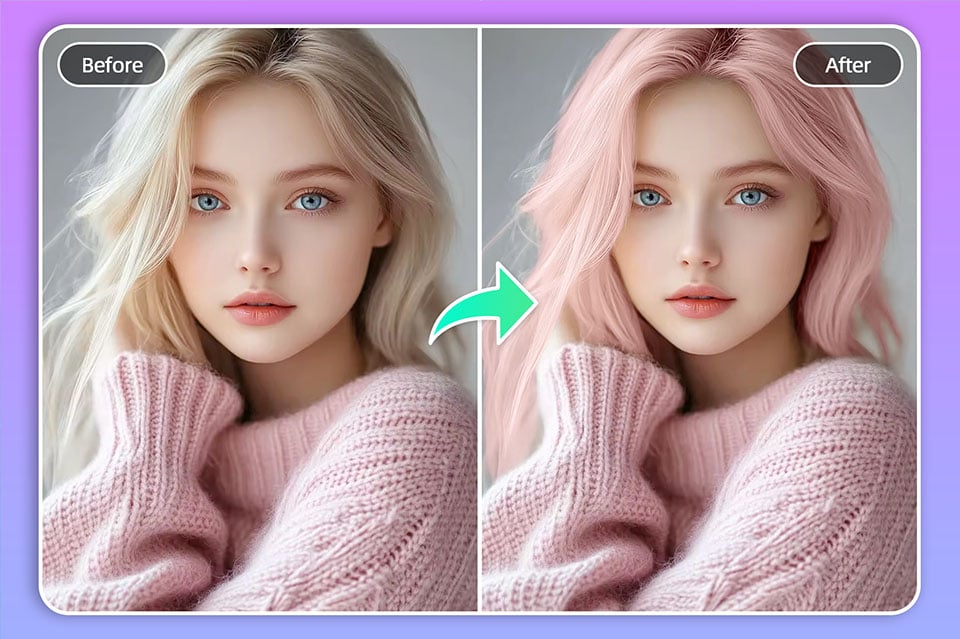
Hair Color Changer
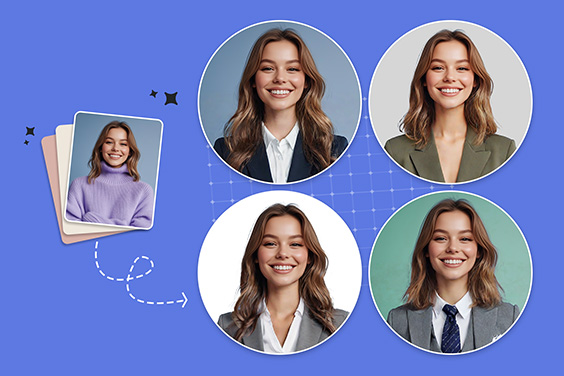
Profile Picture Maker
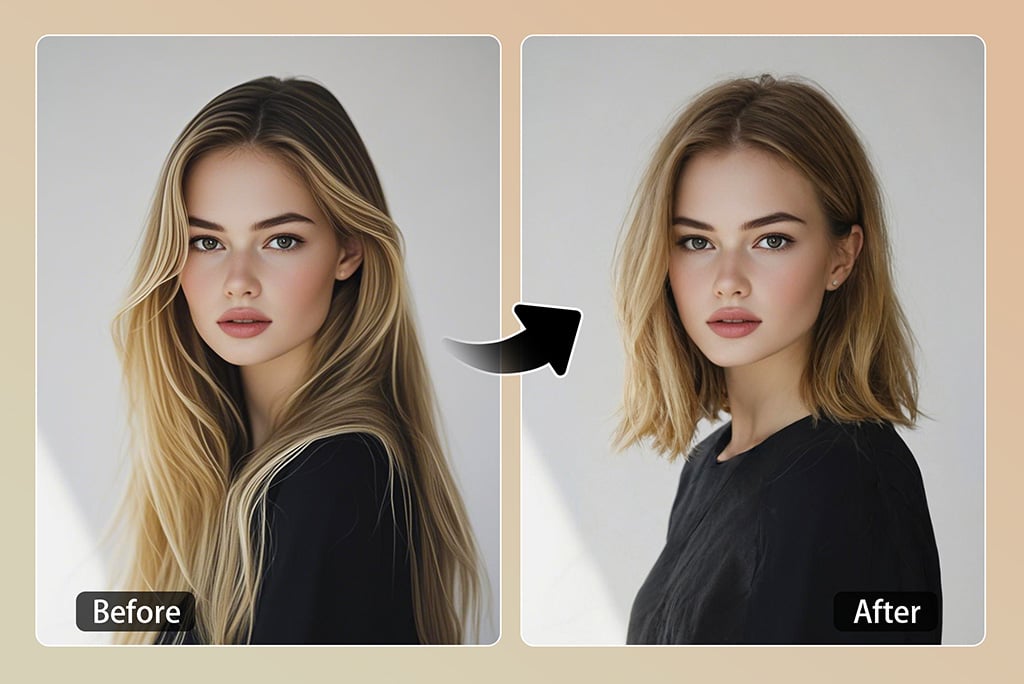
Short Hair Filter
Beard Filter

"I'm a fashion photographer for a magazine. For this summer season's theme, I experimented with a bald and clean style. This tool works perfectly and saves my time."
@Libbie Foley, Photographer