
Online AI Photo Combiner: Combine & Merge Images Seamlessly


Merge Two Images with AI Image Fusion
Upload two images and guide the result with a simple prompt. insMind can blend a subject into a new background, combine a product with a lifestyle scene, merge two portraits into one composition, or transfer the style of one image onto another.
The AI analyzes edges, lighting, perspective, and texture so the final photo feels more natural than a simple overlay. Use it for AI image fusion, AI photo merge, product mockups, creative composites, and seamless image blending.
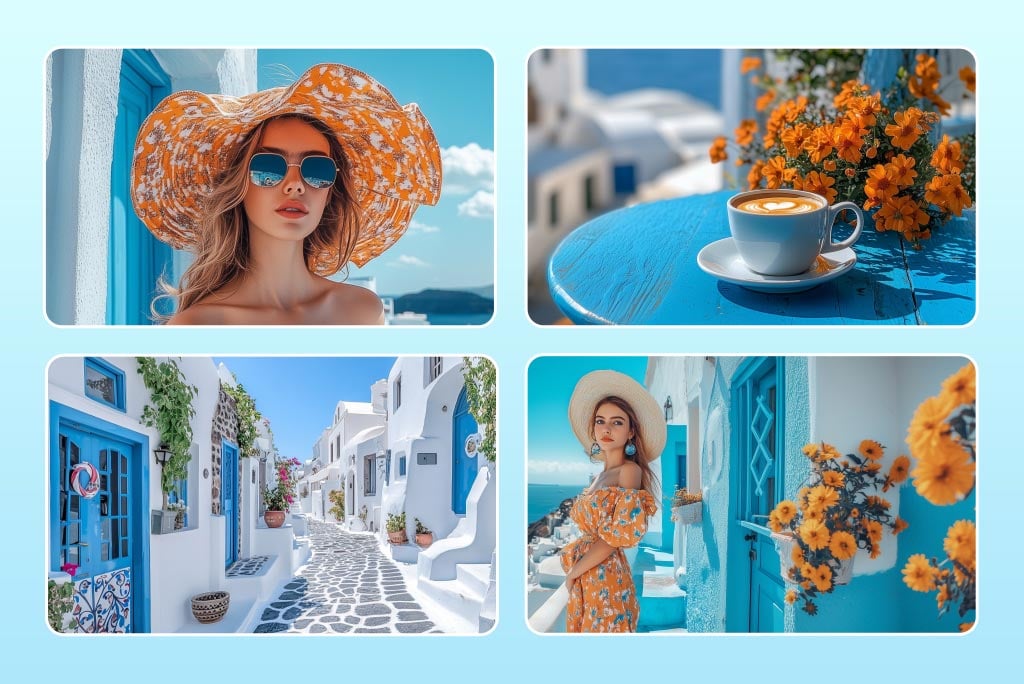
Create Collages and Side-by-Side Image Layouts
Combining pictures into one collage with insMind is simple when you need a classic photo combiner instead of a seamless AI-blended image. Upload your photos, choose a grid or side-by-side layout, and combine images into one frame for social posts, product displays, mood boards, or personal memories.
You can adjust spacing, corners, background, and layout before downloading, while keeping your collage workflow separate from AI image fusion.
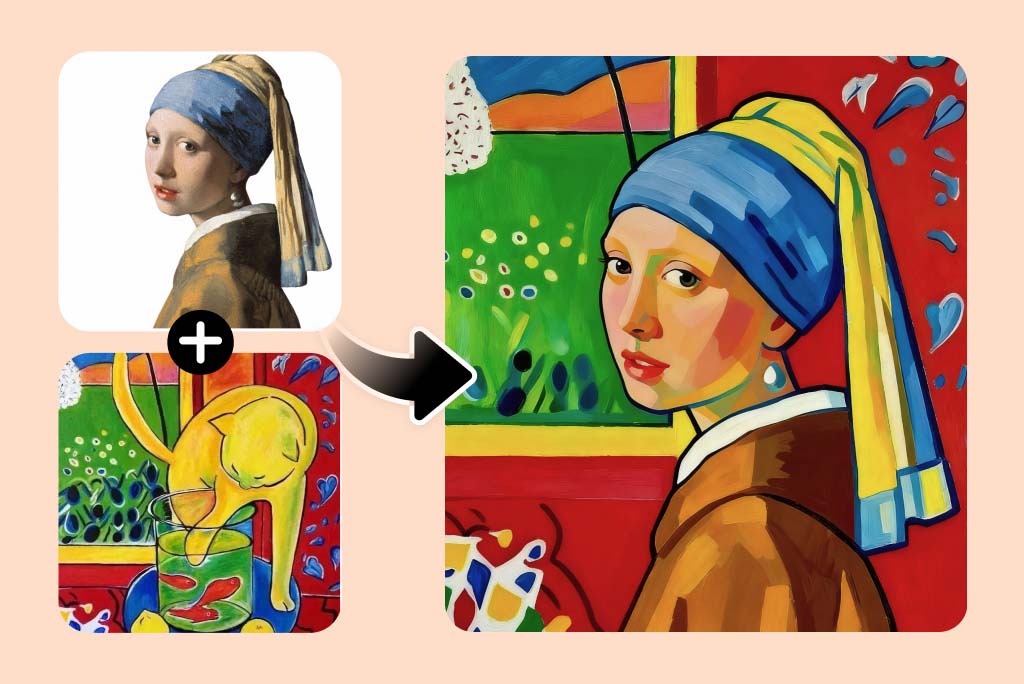
Blend Styles, Subjects, and Backgrounds
Use AI photo fusion to mix visual styles, combine a portrait with a reference aesthetic, or place a subject into a new environment. Describe the mood, background, lighting, and composition you want, then regenerate or refine your prompt until the merged image matches your idea.
This is useful for posters, product visuals, social media graphics, creative experiments, and polished composites that need more than a basic overlay.
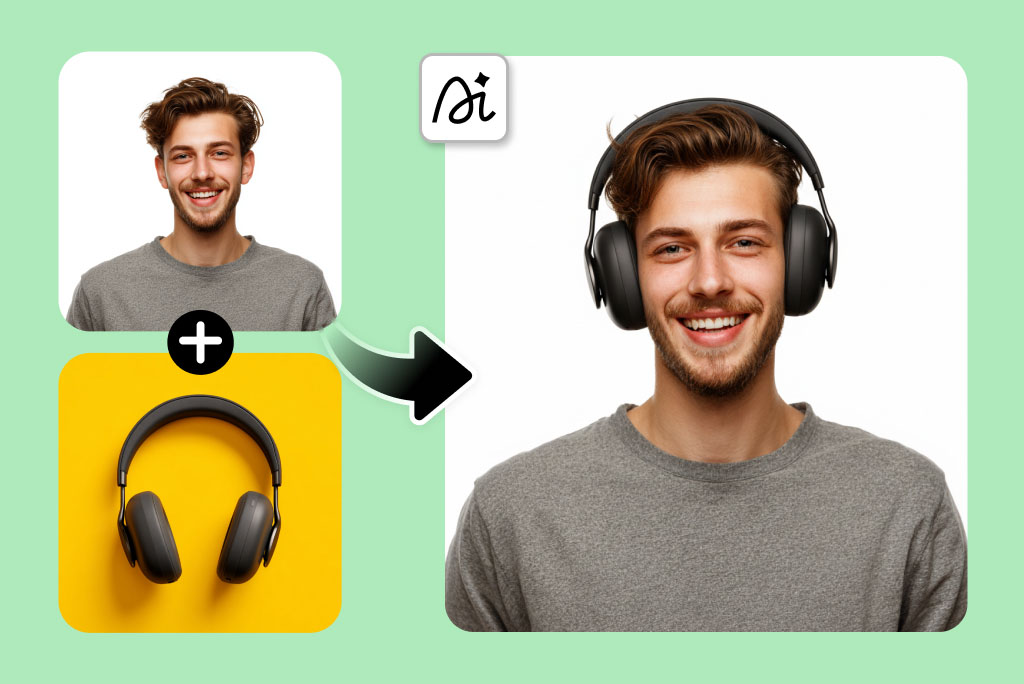
Virtual Try-On Made Easy: Combine Products onto AI Models
Want to see how a hat, headphones, or a pair of shoes looks on you before buying? Our AI photo merger gives you a virtual try-on feature that lets you combine product images with your photo.
Need to showcase your products on diverse AI models? Our AI photo merger simplifies the retail experience. You can make the AI realistically place clothing, jewellery, or gadgets as if you are actually wearing or using them. It is useful when showcasing products, posting on social media, or creating e-commerce previews.
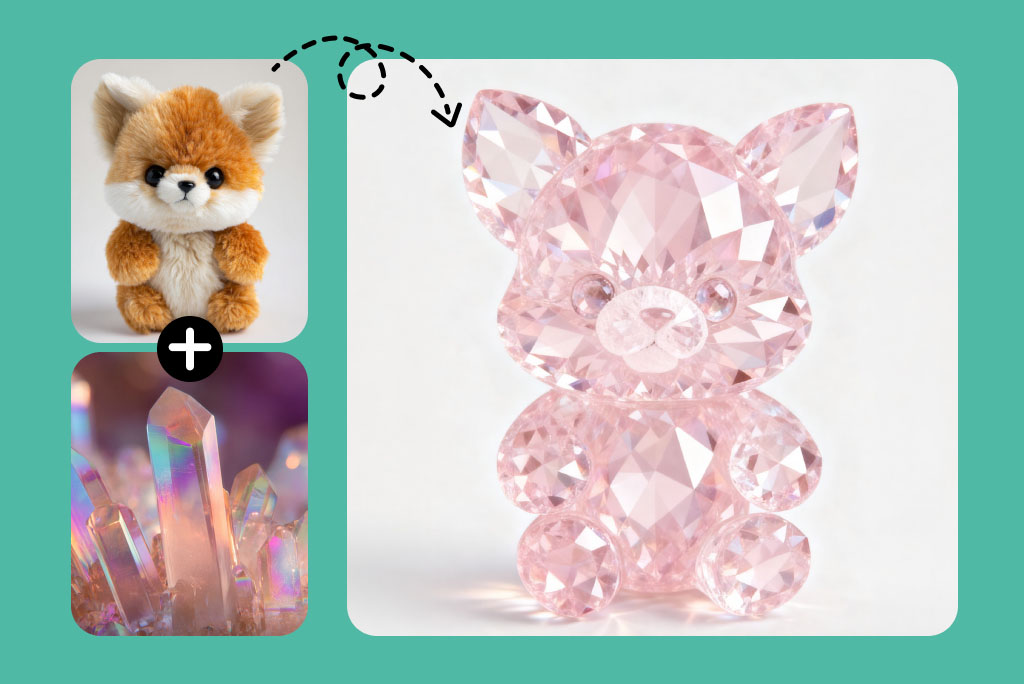
Customize Layouts & Styles for Every Combined Photo
Take control of how your images come together. You can customize the layout of merged images, such as placing subjects side by side or overlapping them.
You can combine only specific parts of photos, like merging two subjects or keeping one background. You can also customize photo positions, such as placing one image in the foreground and another in the background.
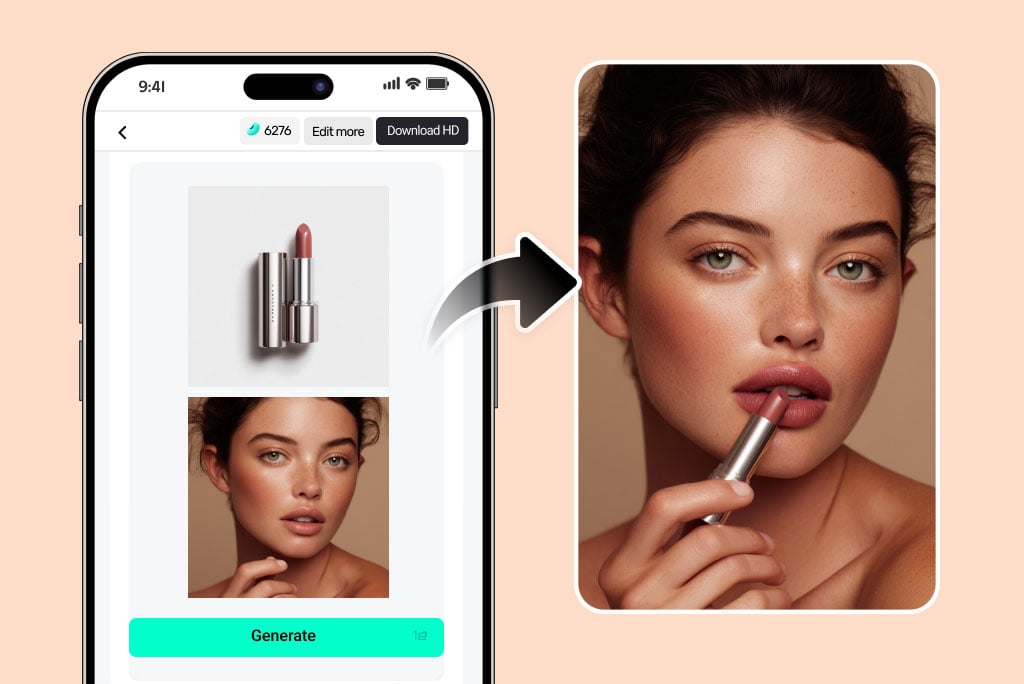
Combine Images Across Devices Anytime, Anywhere
Need an AI image combiner that works wherever you do? insMind keeps your creativity mobile. Being an online tool, you can combine and edit images on your phone, tablet, or laptop with ease.
Open it on your browser or use the Android or iOS app to upload, blend, and download professional images instantly. Let your creative flow never stop and create unique visuals anytime, anywhere.
Explore More Photo Editing Features
Method 1. How to Merge Two Images with AI
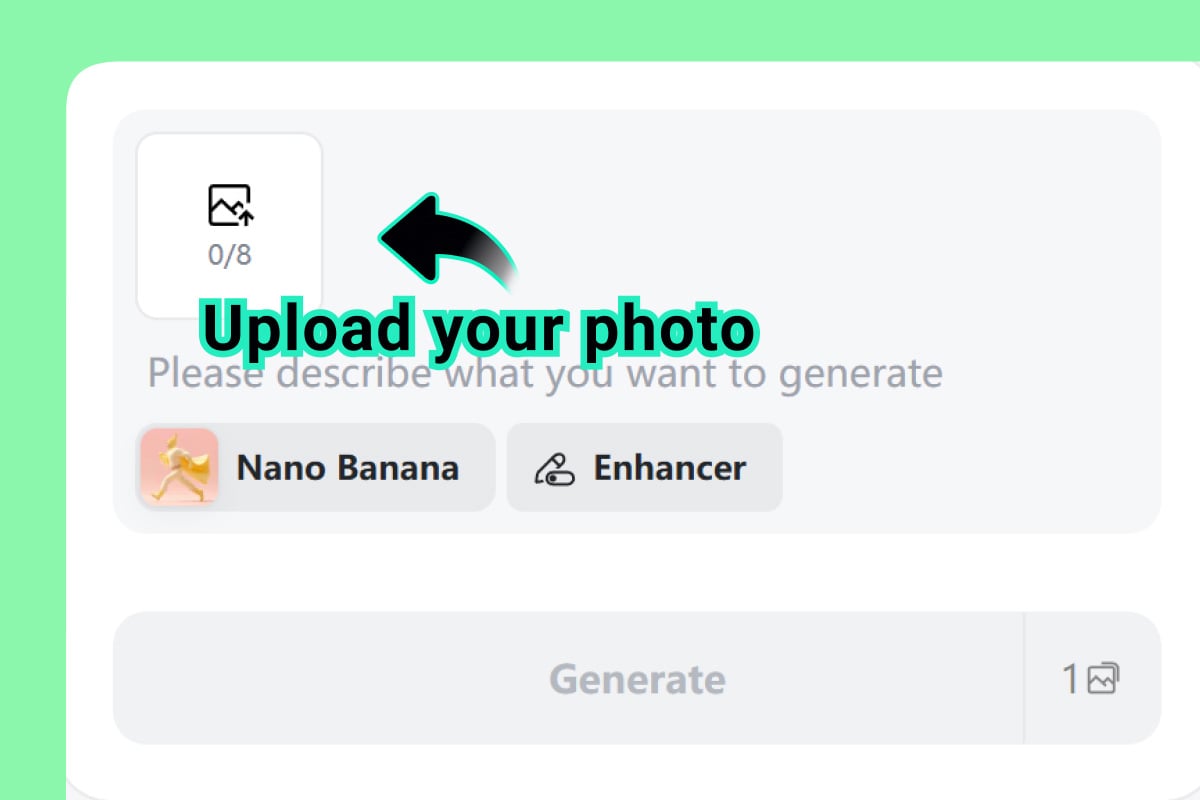
1 Upload Your Source Images
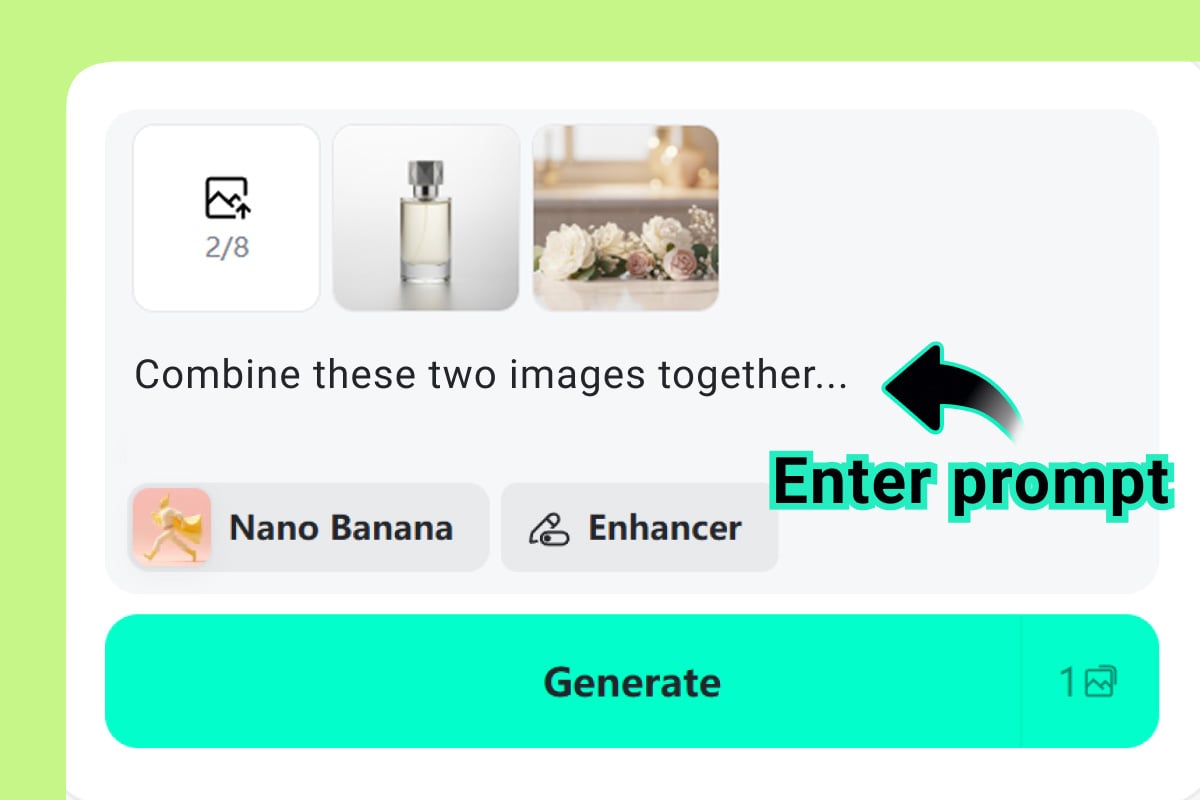
2 Describe the Image Fusion Result
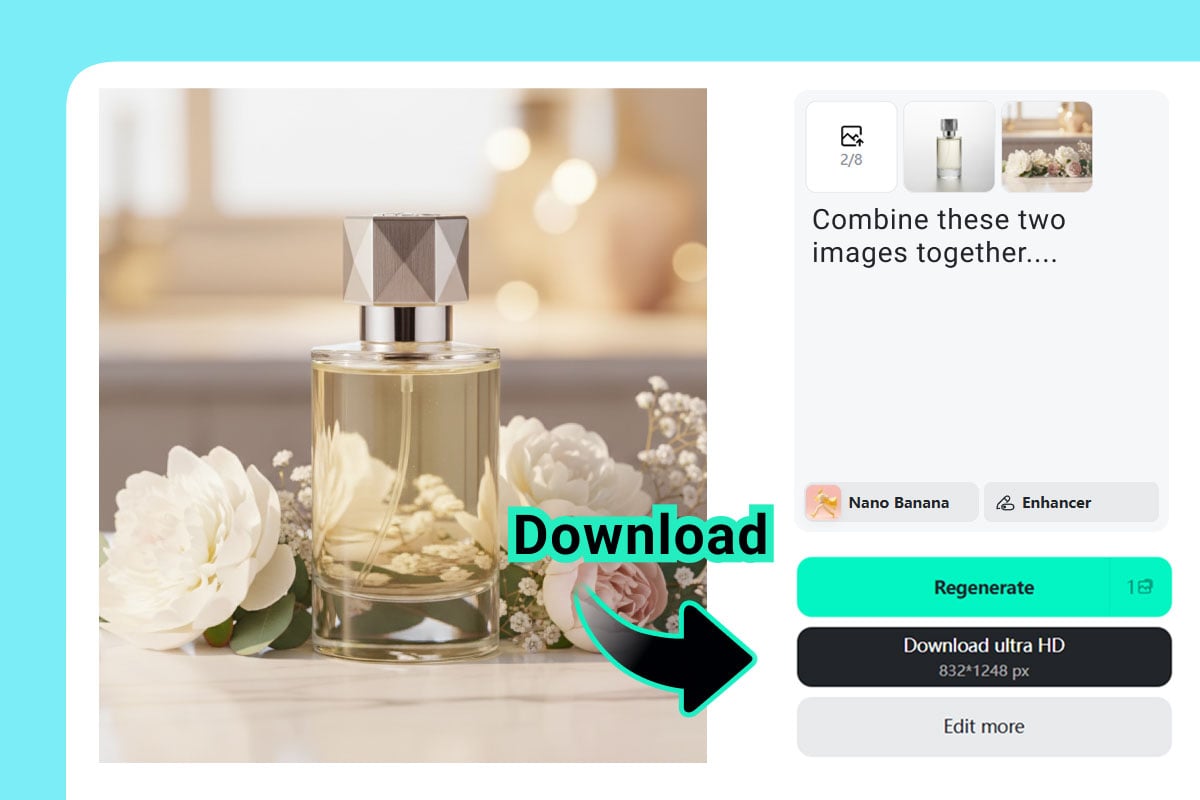
3 Generate, Preview, and Refine
Method 2. How to Combine Photos into a Collage
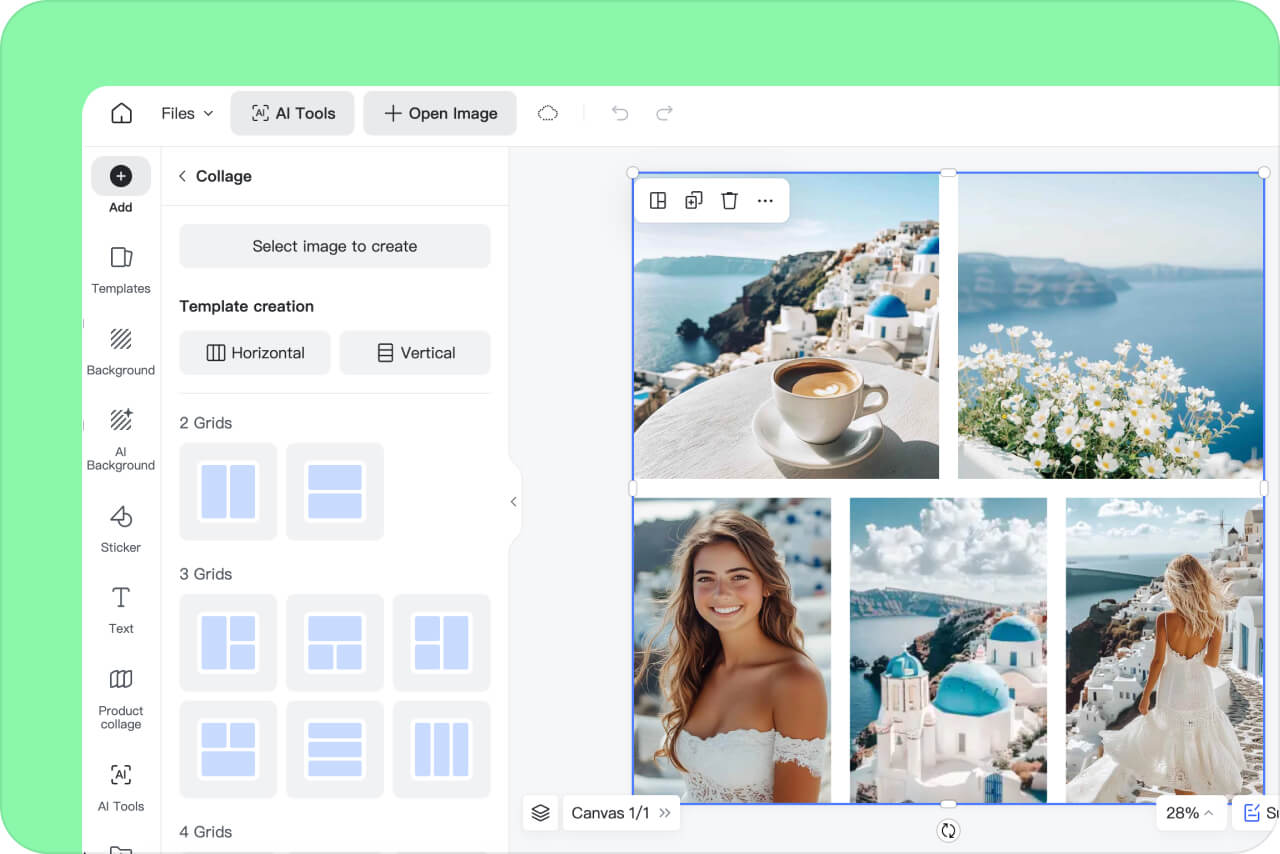
1 Upload Photos & Select a Layout
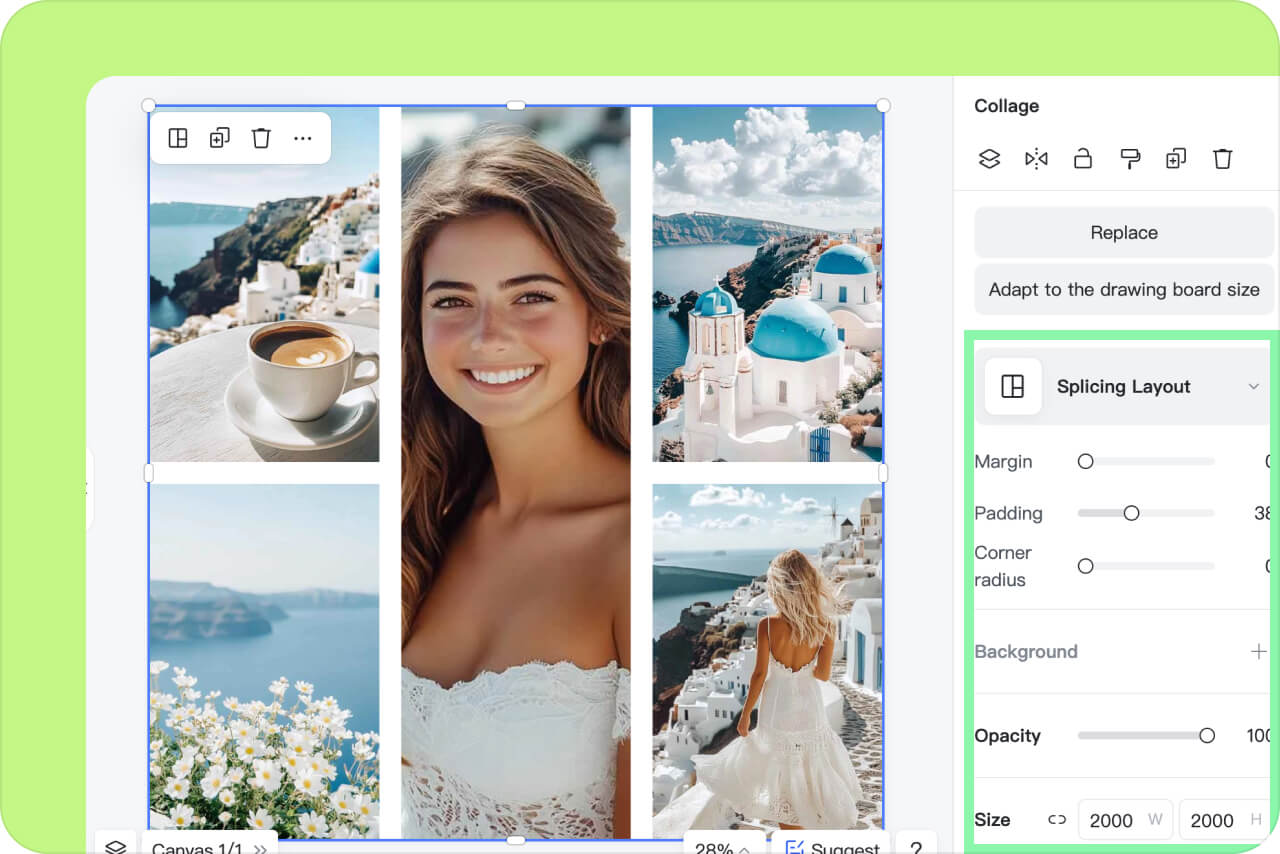
2 Customize Your Image
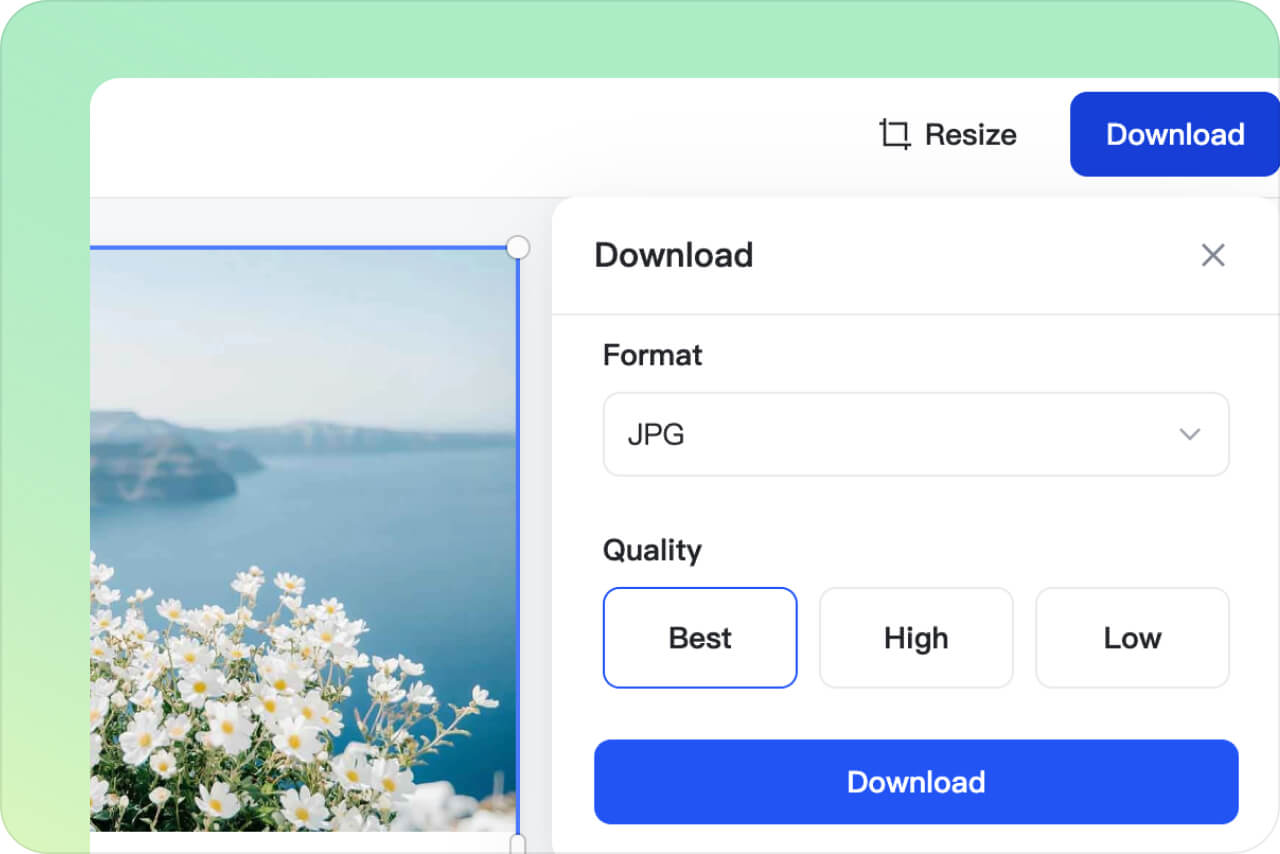
3 Download the Combined Collage
Diverse Use Scenarios for Combining Images
AI photo merger gives diverse creative possibilities. You can combine images for personal memories, styling, ads, fun experiments, and much more. Every design is possible with the words you type.
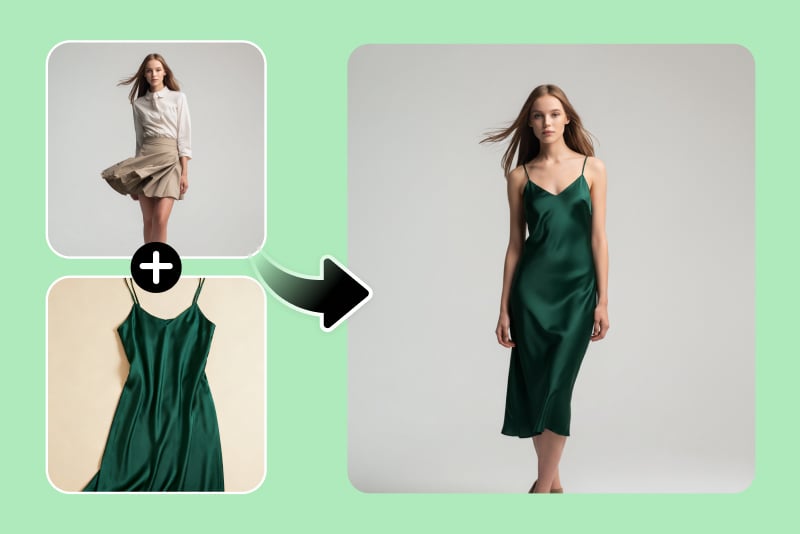
Combine Clothes and Models
Give your customers better visuals of the clothing products you sell. Combine a clothing image with a model photo to make the model wear the outfit. Best for virtual product showcases for e-commerce stores.
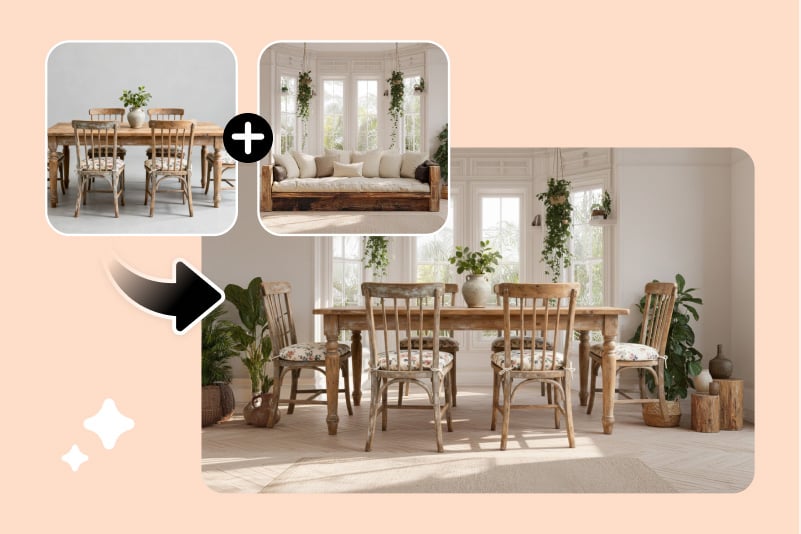
Combine Images for Interior Design
Visualize your design ideas in seconds. Merge furniture, decor, and other elements into a single image to preview room layouts and renovations before implementing them.
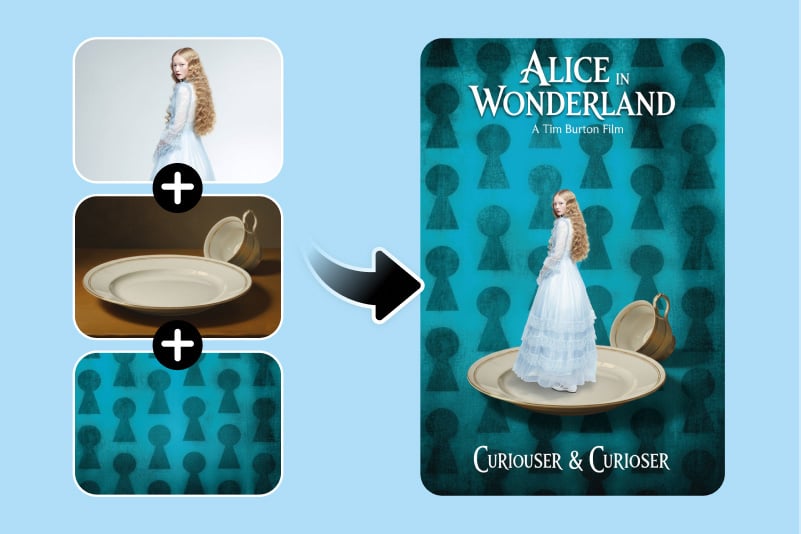
Combine Images into a Stunning Movie Poster
Create an appealing poster with a single click. Use our AI image merger to blend actors with customized backgrounds and add text overlays that make your posters look straight out of a film studio.
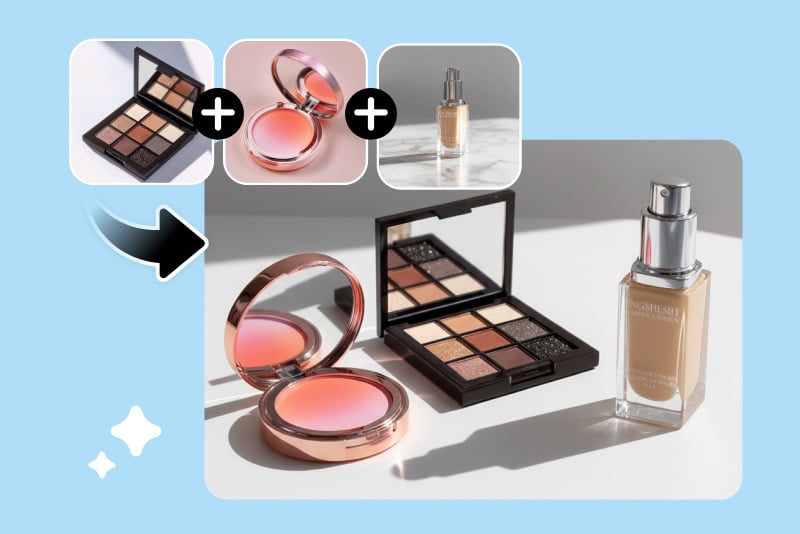
Combine Images for Product and Ads Creation
Build captivating marketing visuals in minutes. Combine your product image with aesthetic backgrounds to make attention-grabbing ad creatives for social media or banners.
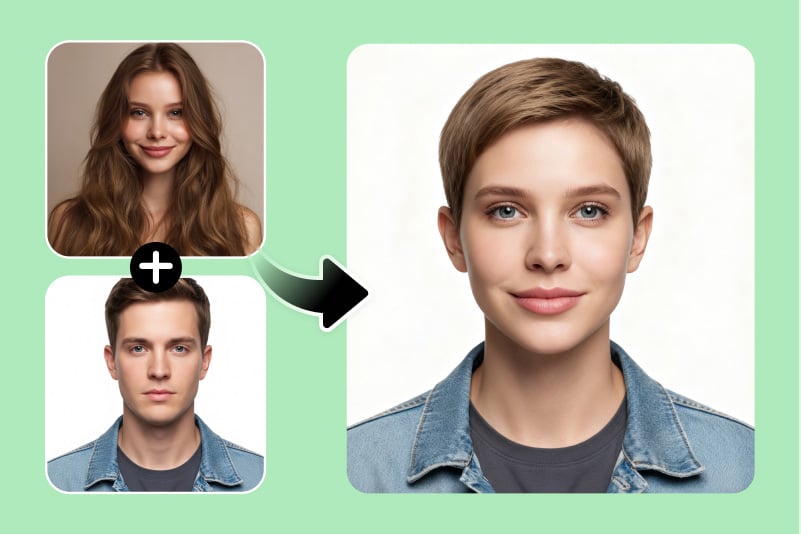
Face Blender / Face Morph
Want to see what two faces look like as one? Use our AI photo merge tool to blend faces and have fun experiments, or try genetic visualization concepts.
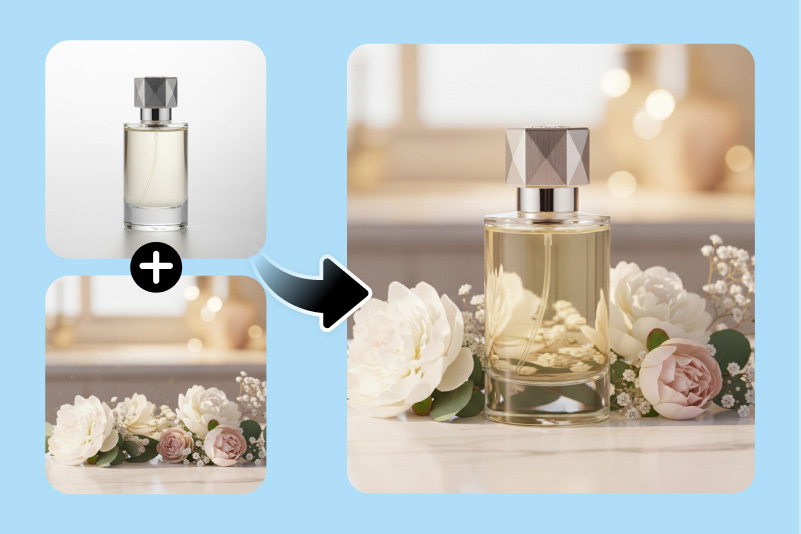
Combine Images to Change Background
Switch up your scenery in seconds. Let our AI combine two images by adding your subject to a new background and create professional portraits or thematic visuals without traditional photo editing.
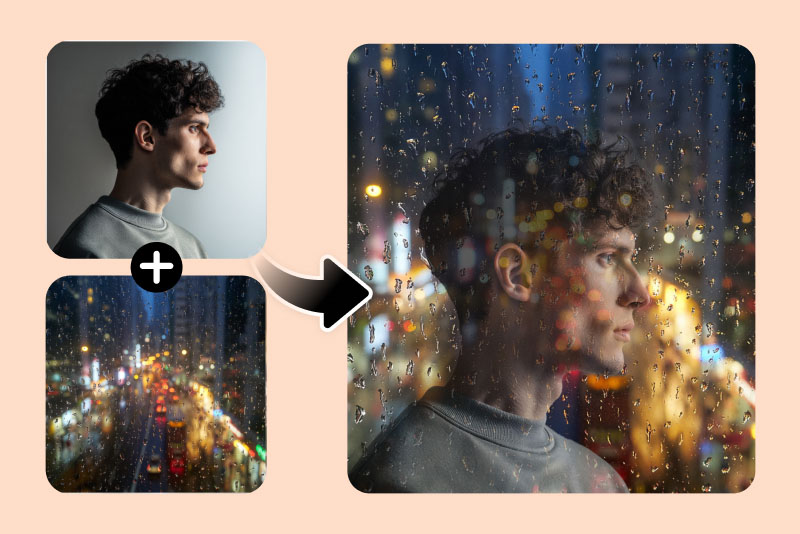
Double Exposure Effect
Say goodbye to simple overlays. Combine two images with AI for a mesmerizing double exposure effect that combines emotion and artistry. You get cinematic and layered compositions with depth and style.
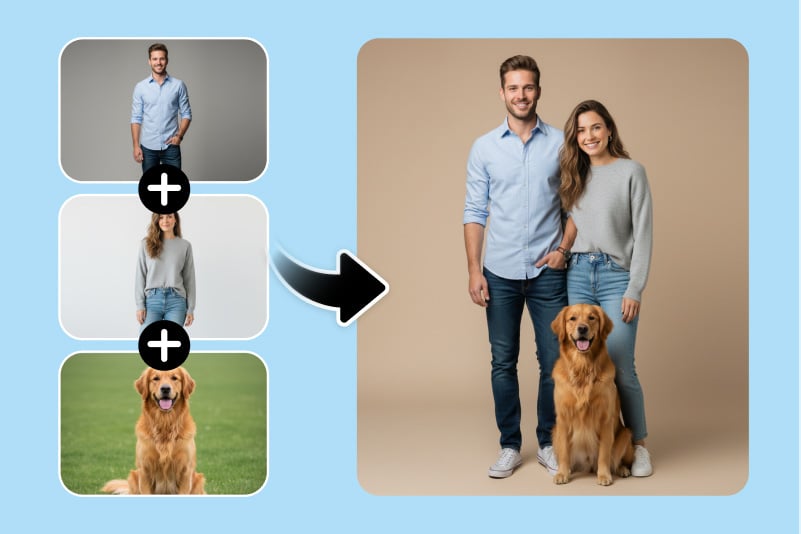
Combine Images for a Family Photo
Did someone miss the big family photo? No problem! Let our AI image merger combine individual pictures into one heartwarming group photo with natural alignment and lighting that looks completely real.
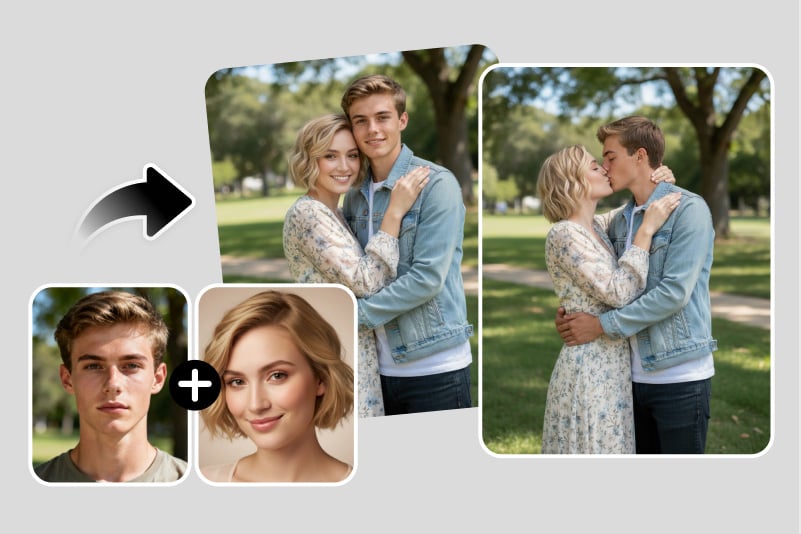
Combine Photos into Various Couple Photos
Turn solo photos into coordinated couple portraits. Upload pictures of two people and create matching poses, themed layouts, or anniversary cards with our AI photo combiner. Create a thoughtful gift for a special occasion.
AI Image Fusion and Photo Merging for Every Workflow
Use insMind to merge photos for ecommerce, social media, creative projects, ads, product mockups, and classic collages. Choose AI fusion when you want one seamless blended image, or collage layouts when you want multiple photos arranged in one frame.

Product Mockups and Ads
Merge product photos with lifestyle backgrounds to create simple ad creatives, store banners, and social posts without a studio shoot. For related background edits, you can also change background color before building your final image.

AI Image Fusion for Creative Projects
Blend subjects, styles, textures, or backgrounds to create concept art, posters, digital collages, and imaginative composites. This helps creators turn separate source images into one more cohesive visual.

Social Media and Marketing Photo Merges
Combine products, people, backgrounds, or campaign visuals into one shareable image for Instagram, Pinterest, ads, and brand posts. After merging, continue editing with the AI photo editor when you need broader refinements.
Why Choose Our AI Photo Merger Tool?

AI Fusion and Classic Collage in One Tool
Use AI fusion when you want one seamless blended image, or switch to collage-style layouts when you want multiple photos arranged in one frame. insMind supports both creative workflows online.

Prompt-Controlled Photo Merging
Instead of manually masking, cutting, and blending layers, describe the result you want. The AI follows your prompt to combine images by subject, background, style, layout, and composition.

Natural-Looking Composite Results
insMind helps match lighting, edges, perspective, and texture so merged images look more cohesive than a basic overlay. For source-image cleanup before merging, you can also use cut out image tools.
FAQs about Merging Photos Online
How can you put two photos together?


Can I use insMind to integrate many photographs into a single frame?
Is it free to combine images together?
What is AI image fusion?
How do I merge two images with AI?
Will the merged image look natural and realistic?
Can I combine two photos on my phone?
What is the difference between AI image fusion and a collage?
Can I use the AI photo combiner for product images?
How long does it take to merge two photos?
Will the merged image be low quality?
Can I control how the images are merged?
You might also be interested in
Make your pictures pop with creative AI tools you can explore during a free trial.
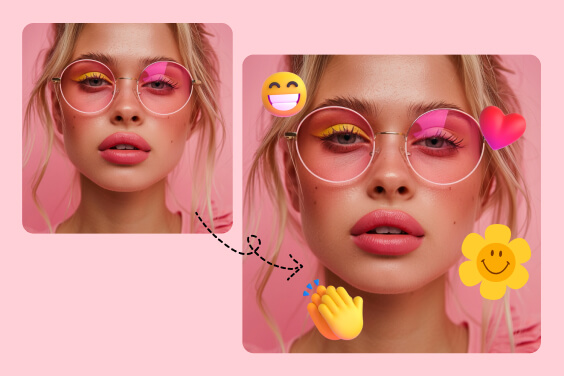
Add Emoji to Photo
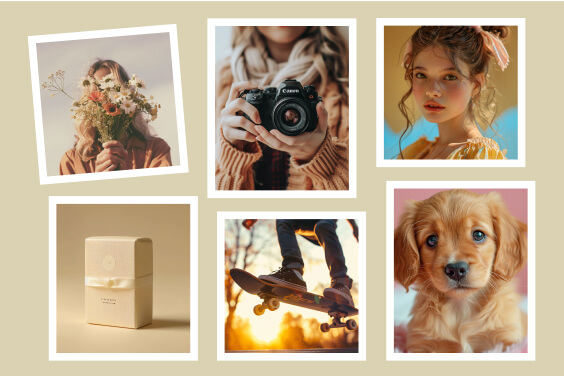
Add Border to Photo
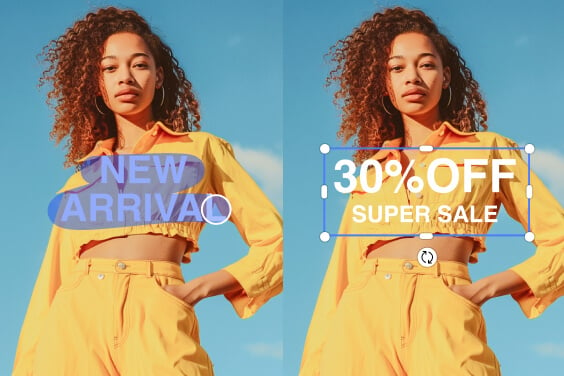
Edit Text in Image
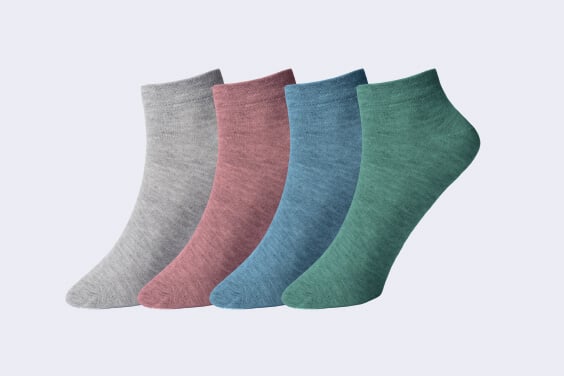
Product Image Collage
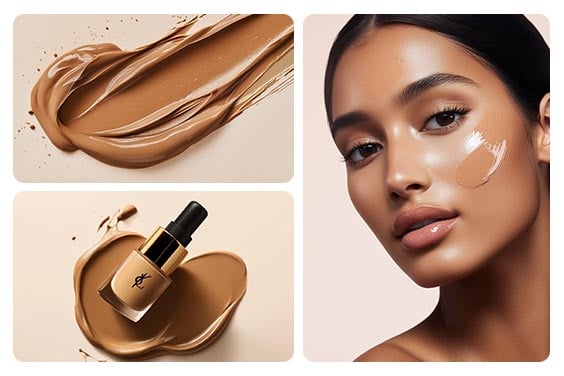
Photo Collage Maker
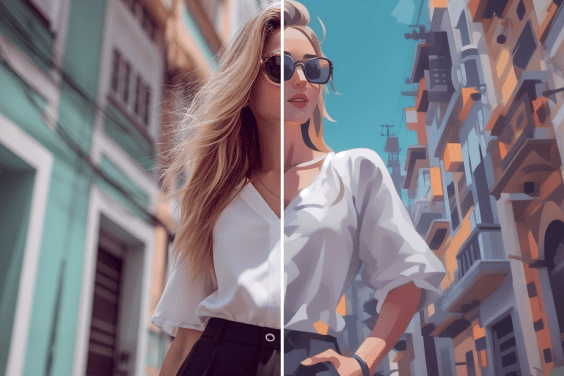
AI Cartoon Generator
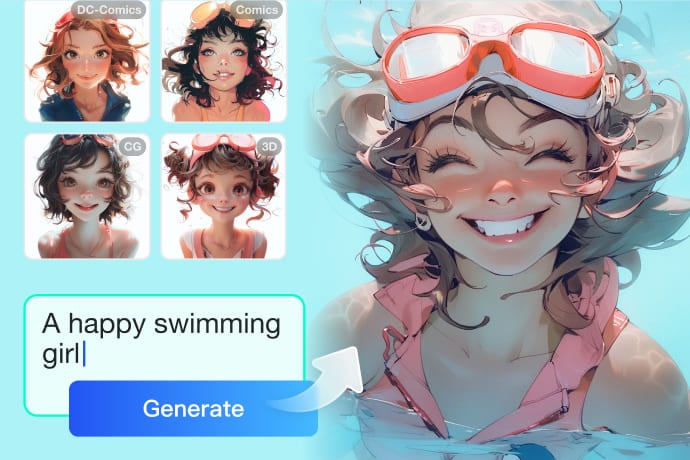
AI Image Generator

AI Background Generator

Smart Resize

AI Expand

AI Image Enhancer

AI Filter

AI Shadows

"A fast and convenient way to merge pictures. I use it every time I want to showcase small gifts with purchases. It's ideal for promoting my online store."
@Charlie W.