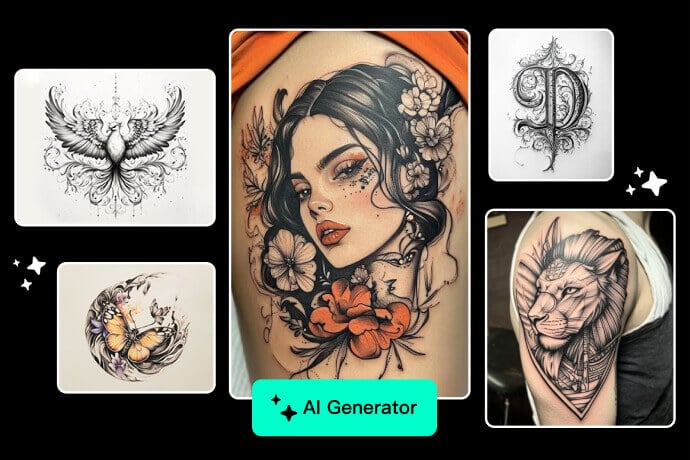
AI Couple Photo Maker: Combine Two Photos Online
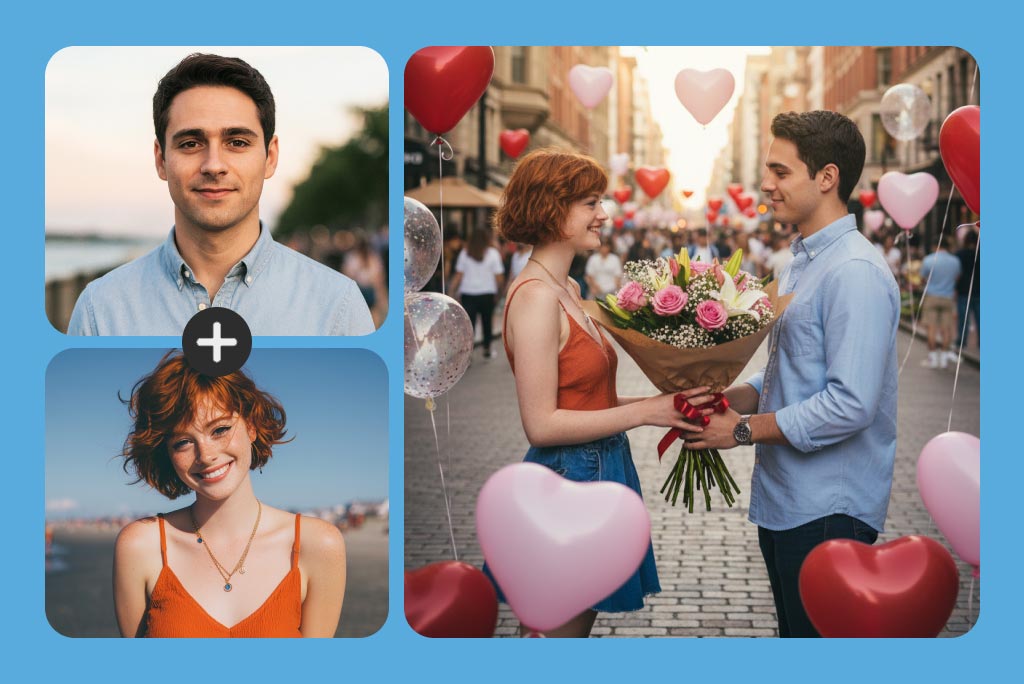
Combine Two Separate Photos into One Couple Portrait
Use one portrait of each person to make a shared couple photo, even when the original pictures were taken at different times. The AI uses both uploads as references and builds a new composition around them.
Start with photos where each face is large enough to inspect. Similar camera angles and lighting usually make the final pairing easier to evaluate, especially around hair, glasses, and facial contours.
Place Both People in the Same Scene
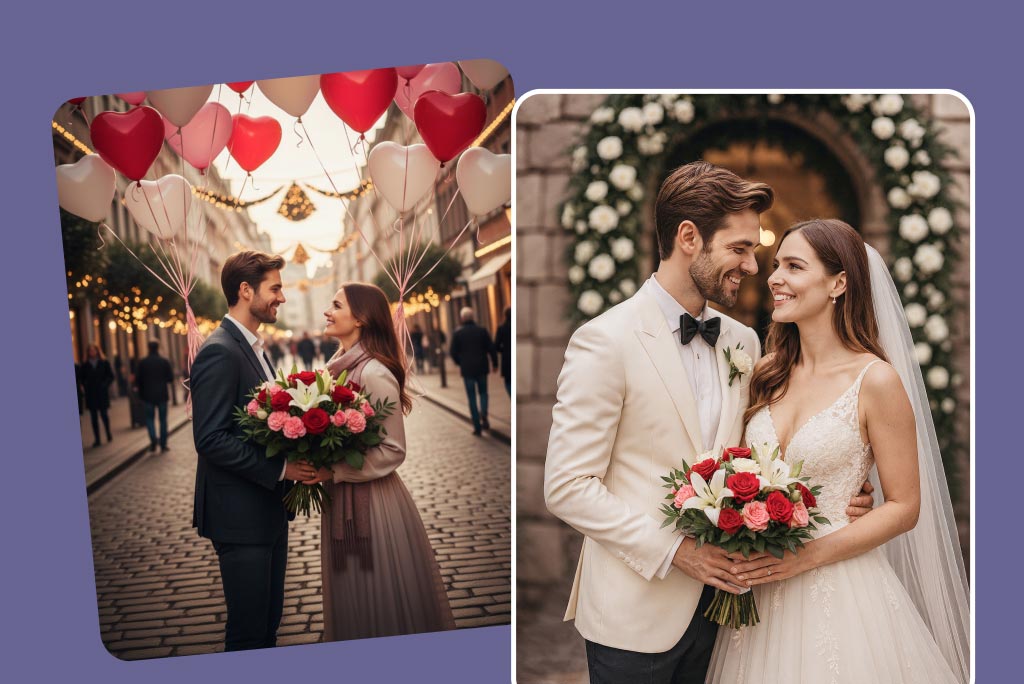
Describe where the couple should appear: a wedding venue, beach sunset, city street, coffee shop, holiday setting, or a simple studio background. You can also specify whether the result should feel posed, candid, close-up, or full-length.
Keep the first prompt focused on the scene and pose. Add clothing or lighting details in a second attempt if the initial composition already keeps both people recognizable.
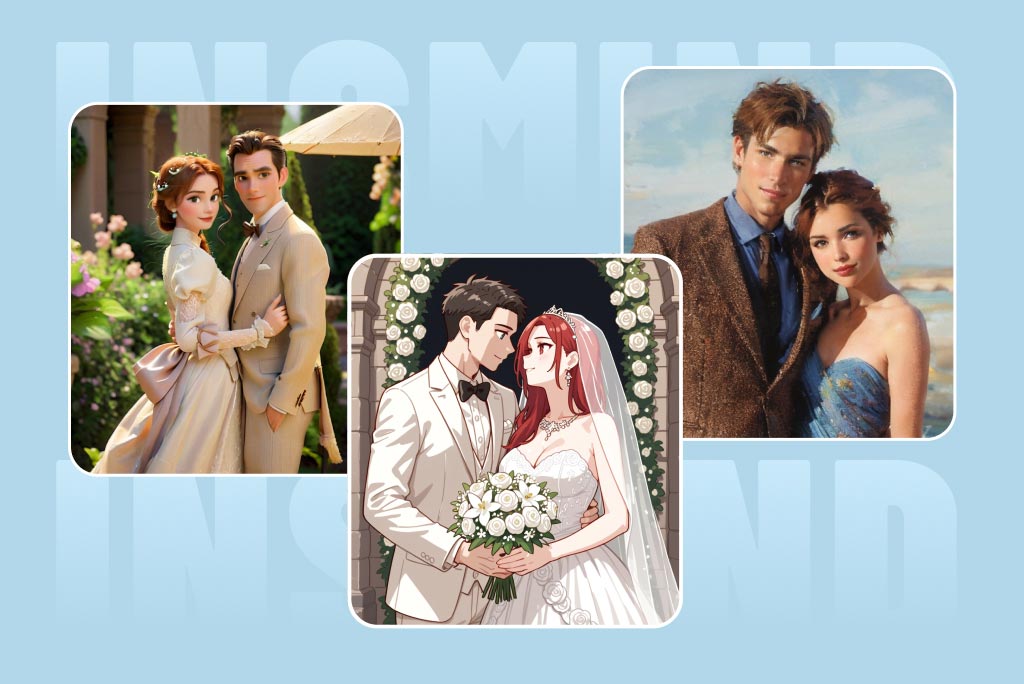
Create Realistic, Cartoon, or Illustrated Couple Photos
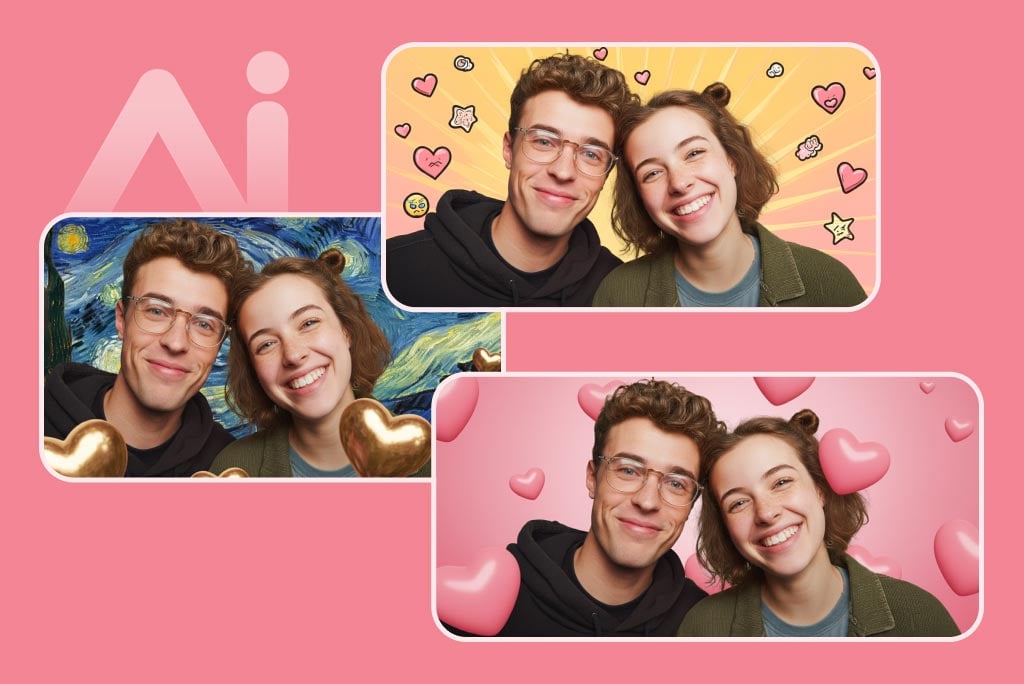
Choose a realistic portrait for a keepsake, or describe an anime, sketch, storybook, or digital-illustration style for a more playful result. The same two source portraits can be used to compare several visual directions.
For a dedicated single-photo effect after generation, try the photo to cartoon tool. Keep style instructions consistent when you want both people to look as if they belong in the same artwork.
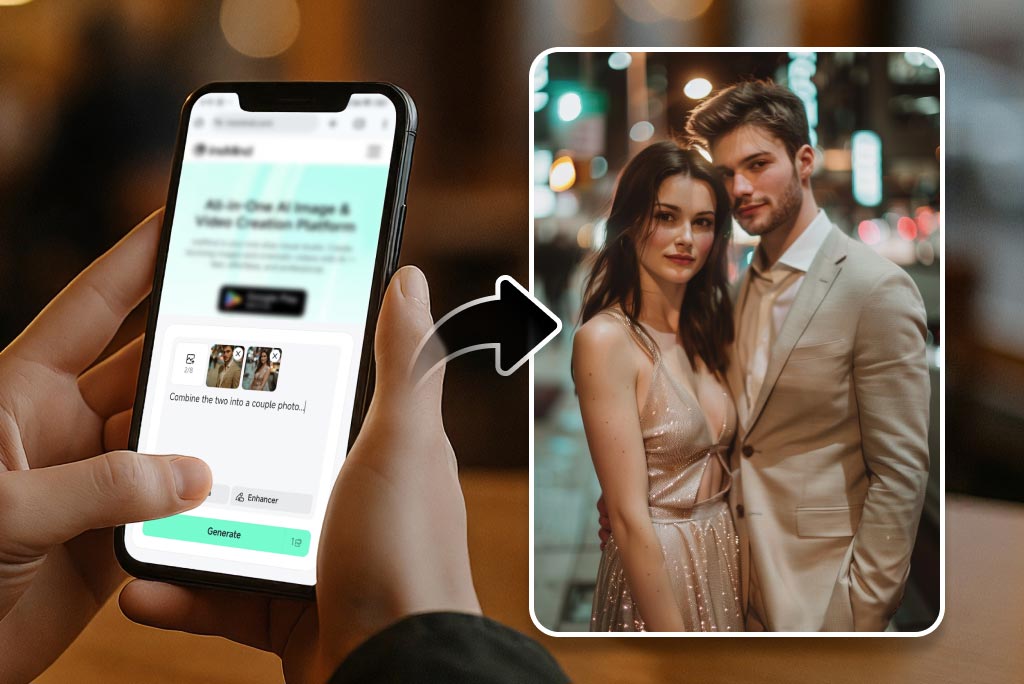
Prepare Couple Pictures for Sharing or Printing
Download a finished couple picture for an anniversary post, invitation draft, profile image, or personal gift. Before using it, zoom in and check facial identity, fingers, jewelry, text, and small clothing details.
If the composition looks right but the downloaded image is too small for your intended use, continue with the HD photo converter. For printing, confirm the final pixel dimensions and print requirements separately.
Create Couple Photos for Weddings, Profiles, and Gifts
Use two portraits to plan a shared photo for a milestone, social profile, or personal keepsake.
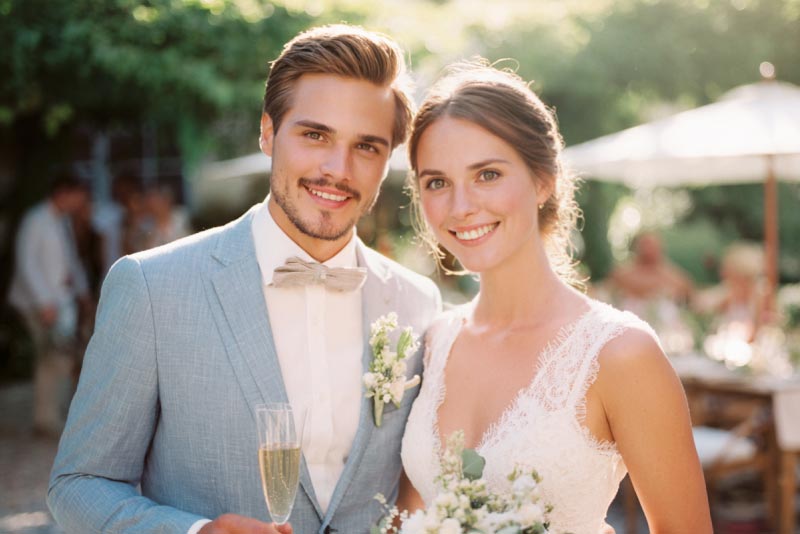
Wedding and Anniversary Couple Portraits
Bring two individual portraits into one wedding or anniversary scene. Describe the venue, clothing direction, pose, and lighting, then review faces and hands closely before using the image in an invitation draft, post, or keepsake.
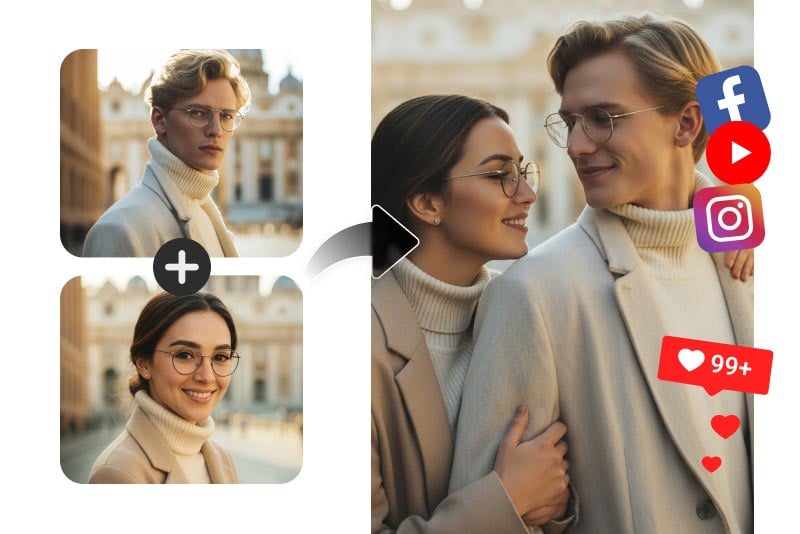
Matching Couple Avatars and Profile Pictures
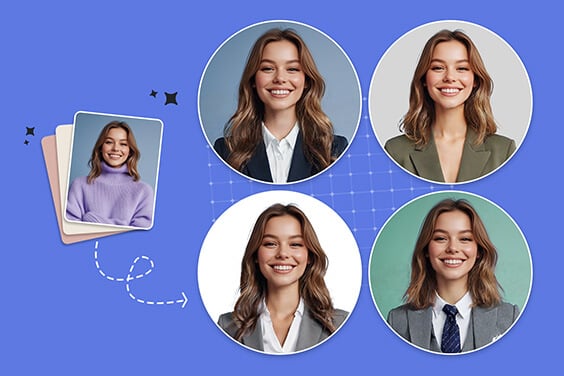
Create a coordinated couple avatar for social profiles, messaging apps, or shared accounts. Ask for a centered or square-friendly composition, then use the profile picture maker to crop the final image for a specific platform.
Personalized Couple Photo Gifts
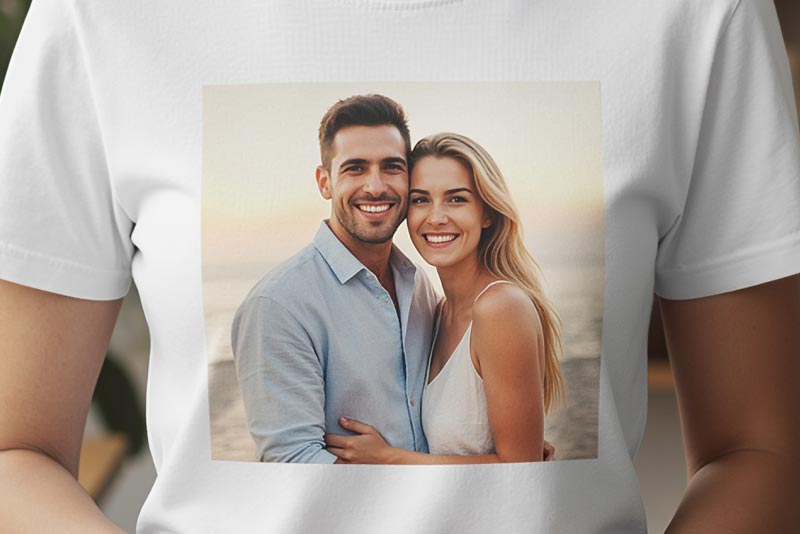
Turn two portraits into a scene that reflects a shared memory, favorite place, or upcoming celebration. Use the result as artwork for a card or gift concept, and check the output size and fine details before ordering a physical print.
Why Use insMind for AI Couple Photos?

Built for One or Two Source Photos
Upload a photo that already contains a couple or use two separate portraits. The two-photo route is useful for long-distance couples, missed events, or any situation where both people do not appear in the same original picture.

Prompt Control for Scene, Pose, and Style
Describe the shared setting instead of accepting a fixed template. You can change the location, mood, framing, clothing direction, or illustration style, then simplify the prompt when identity or composition needs more attention.

Online Workflow on Desktop and Mobile
Open the couple photo maker in a browser, upload the source photos, enter a prompt, and review the result in the same workflow. On a phone, use clear originals rather than compressed screenshots when facial detail matters.
AI Couple Photo Maker FAQs
Can AI make a couple photo from two single photos?


How can I make an AI couple photo look more realistic?
Can I create a couple avatar instead of a realistic photo?
Can I use the AI couple photo maker online for free?
Can I make a couple photo on mobile?
Keep Creating with Related AI Photo Tools
Generate a new image, refine the composition, prepare a profile crop, or improve the final resolution.
AI Image Generator
AI Image Blender
Profile Picture Maker
Nano Banana AI Model
HD Photo Converter
AI Girl Generator

Transparent Background