
HD Photo Converter to Convert Images to 1080p or 4K



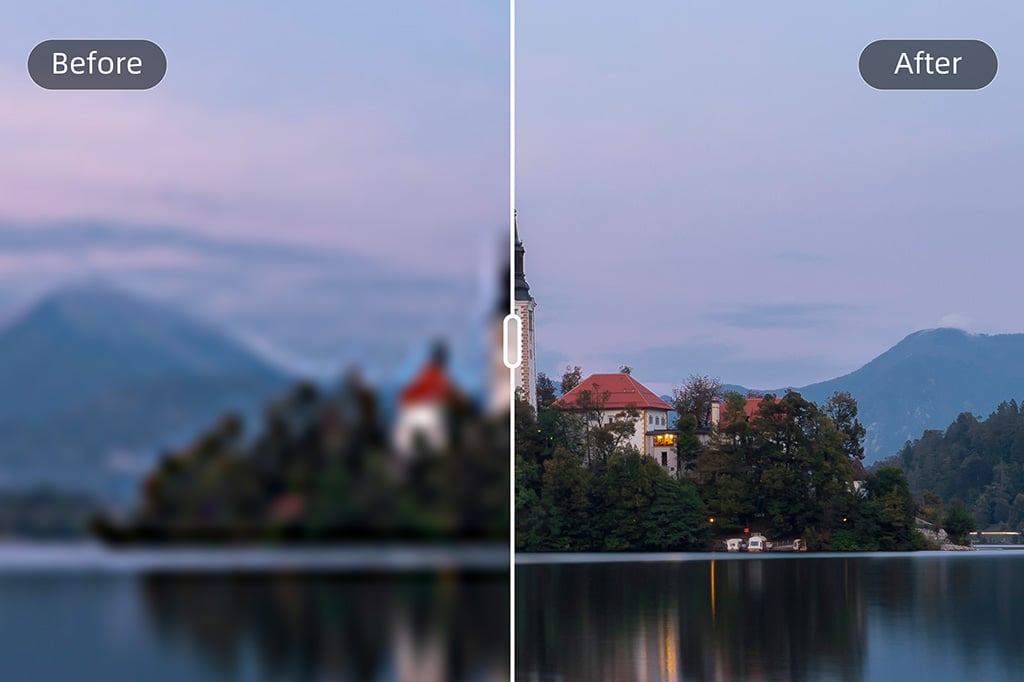
Convert a Low-Resolution Photo to HD in One Click
Upload a normal image, screenshot, product shot, or old photo and let insMind increase clarity, resolution, and detail. The workflow is built for people who want a simple HD photo converter, not a complicated editing panel.

Batch Convert Photos to HD, 1080p, or 4K
Need the same quality upgrade across a folder of images? Use batch mode to process up to 30 pictures at once. It is useful for product catalogs, campaign assets, social content, and client photo sets.
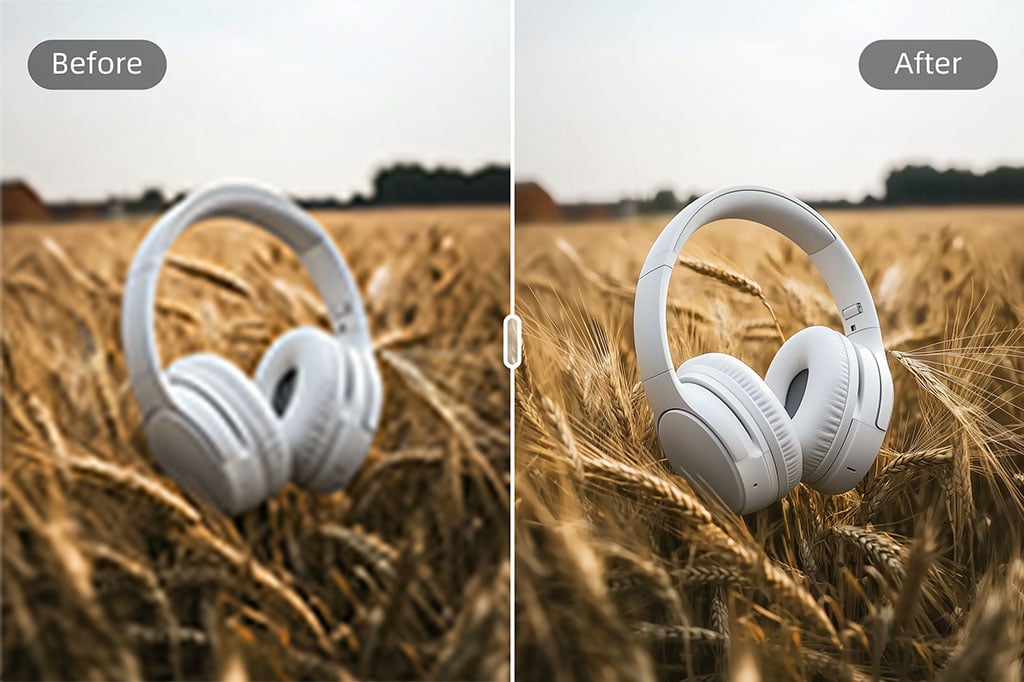
Prepare Product and Marketing Images for Clearer Display
Low-quality visuals can make a product page or ad look unfinished. Convert compressed product photos into sharper HD images so textures, edges, labels, and colors are easier to inspect.
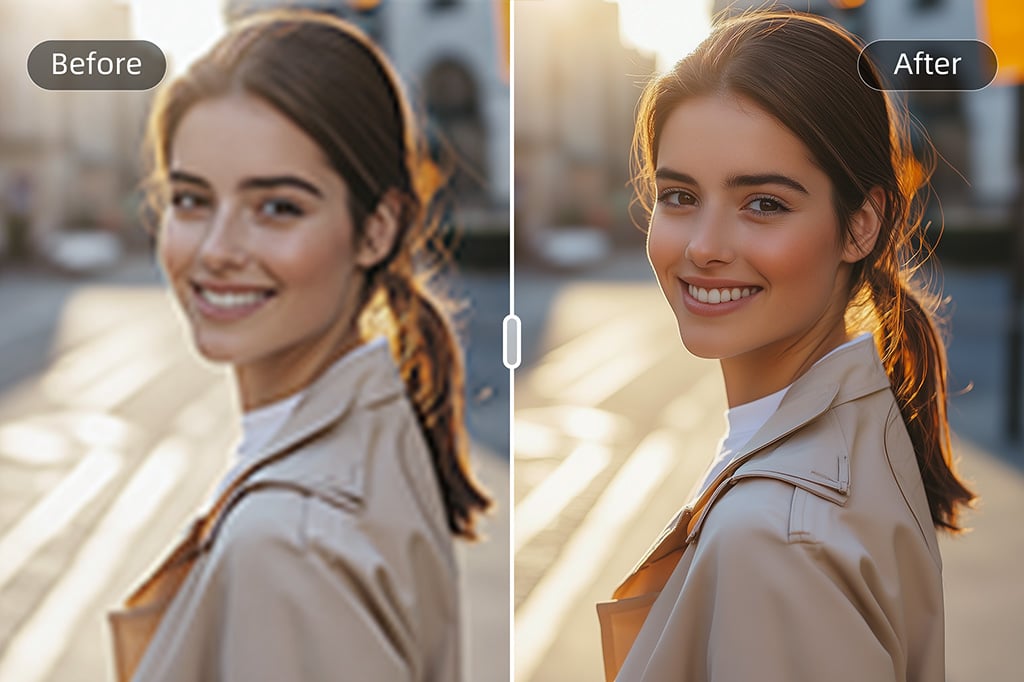
Make Old, Blurry, or Compressed Pictures Clearer
Use the HD image converter when a photo looks soft, pixelated, or too small for modern screens. It can improve clarity and detail before you share, print, archive, or add the image to a design.

Convert Photos to HD on Desktop or Mobile
Open the tool in your browser, upload a photo, choose the output quality, and download the result. The same workflow works when you need quick edits away from a desktop setup.
How to Convert a Photo to HD Online
Use three practical steps: upload, choose HD or Ultra HD, then preview and download.
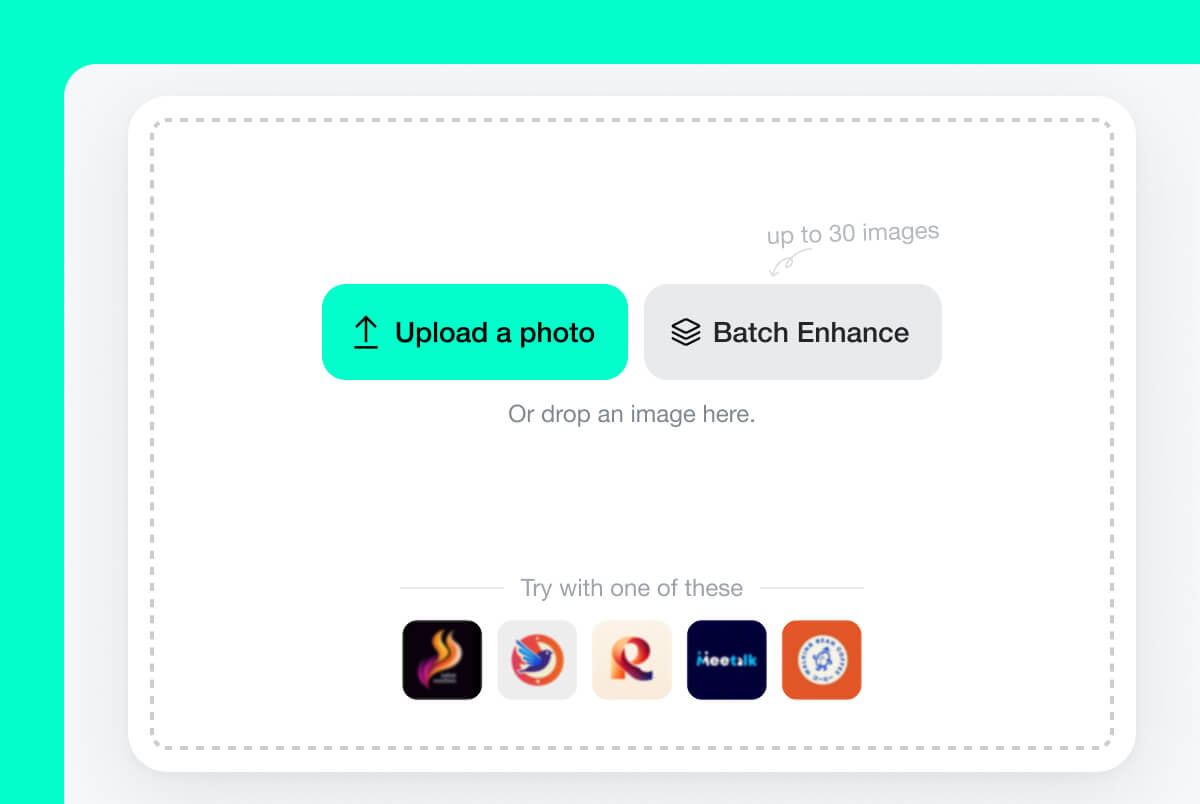
1 Step 1. Upload a low-resolution photo
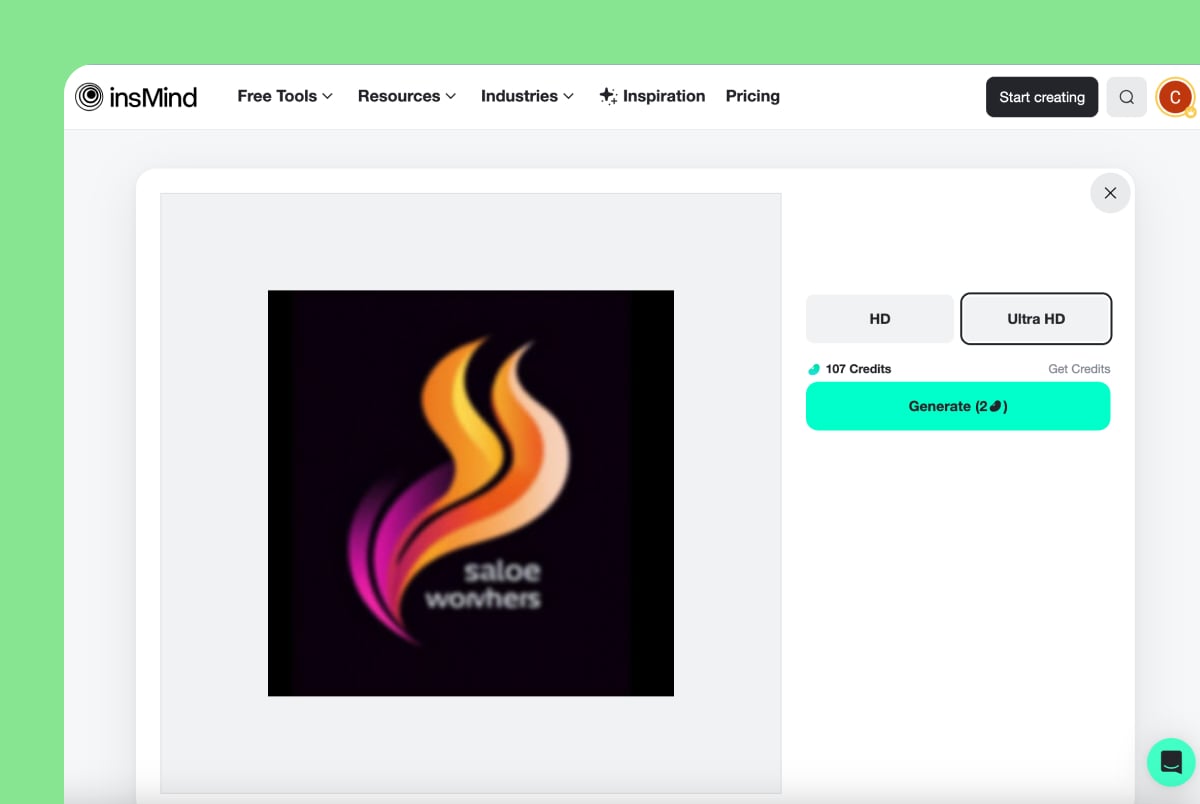
2 Step 2. Choose HD or Ultra HD
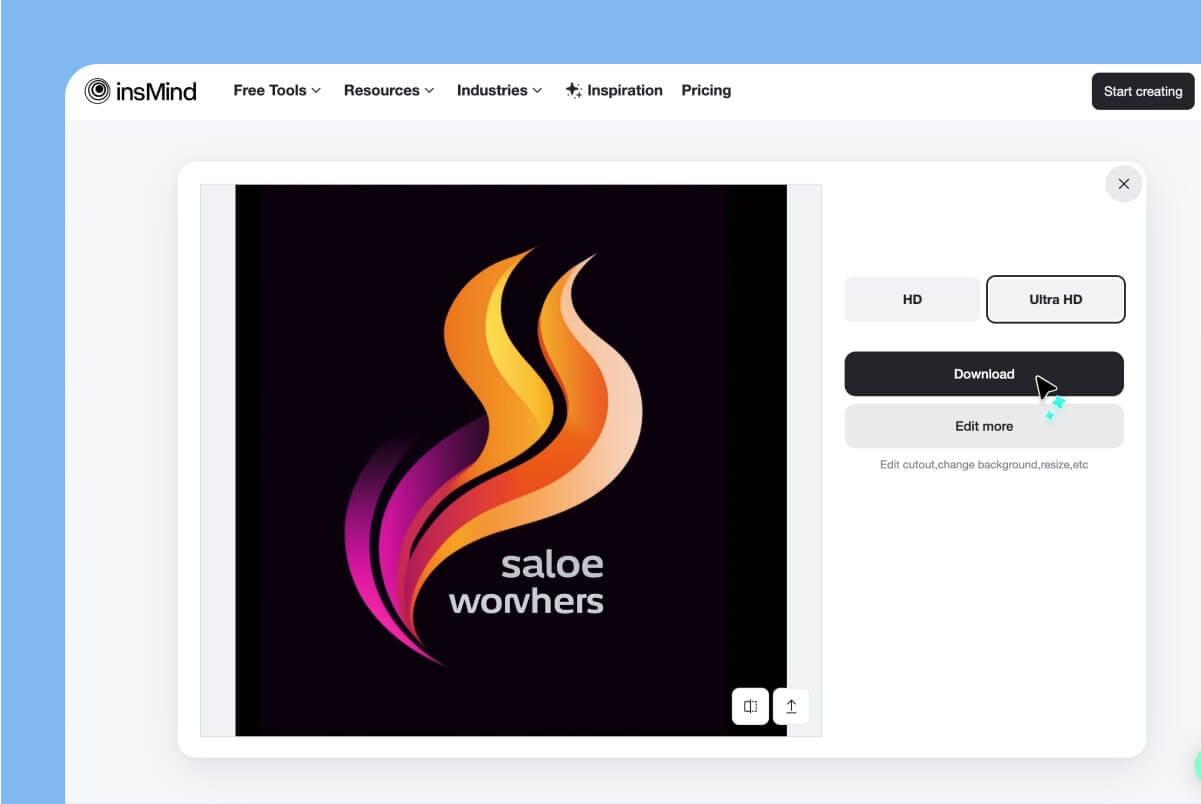
3 Step 3. Preview and download the HD image
When to Use an HD Photo Converter
Use this page when the main problem is image quality: low resolution, blur, pixelation, compression, or files that look weak on modern screens.
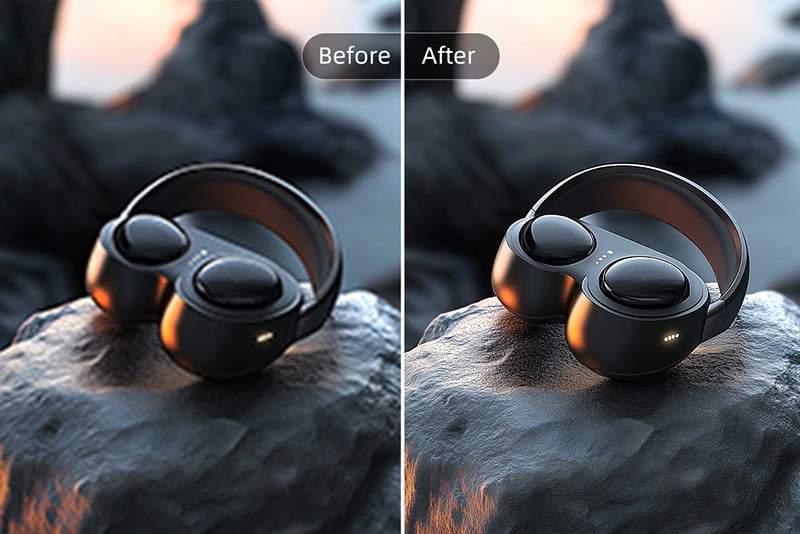
E-commerce product photos
Make product images clearer before uploading them to a store, marketplace, or ad campaign. HD conversion helps customers see texture, shape, labels, and details with more confidence.
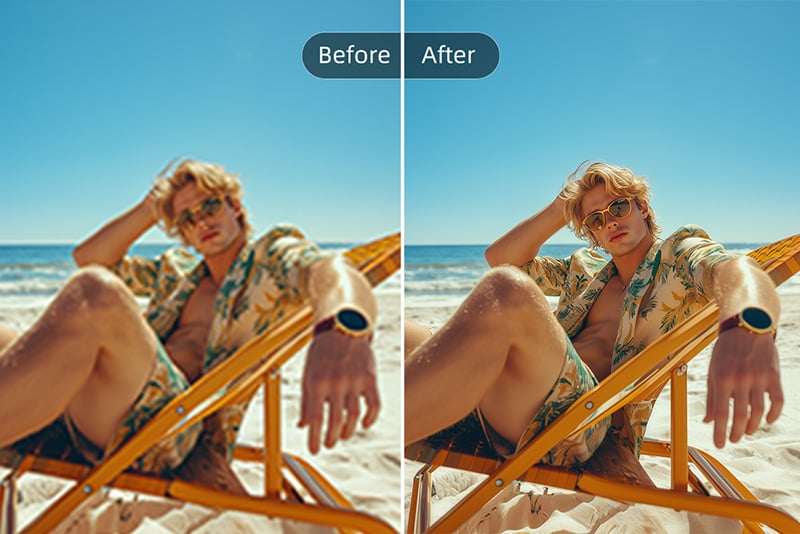
Social media and creator posts
Convert blurry phone shots, screenshots, thumbnails, and campaign visuals into sharper images before posting. Cleaner visuals help a feed look more consistent.
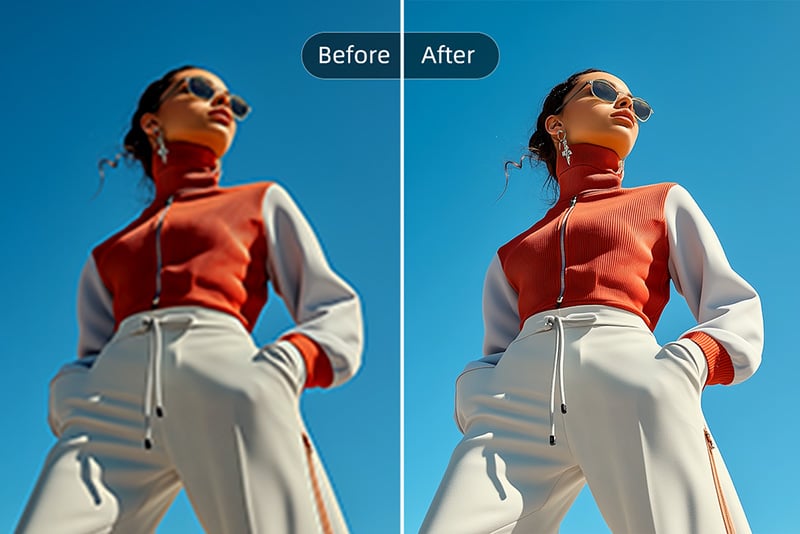
Marketing and presentations
Improve low-res assets for landing pages, pitch decks, banners, brochures, and ads. Use HD conversion before final resizing, cropping, or adding text.
What the HD Converter Improves
The tool focuses on practical quality signals: resolution, sharpness, noise, color balance, and clarity. It does not replace a professional retouch, but it gives low-quality images a cleaner starting point.
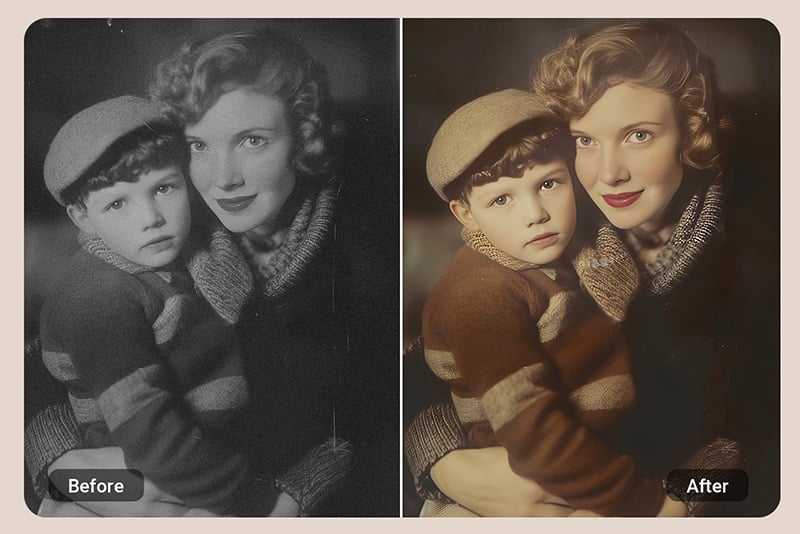
Restore old or blurry photos to HD quality
Use HD conversion for faded portraits, scanned family photos, compressed downloads, or images that look soft after being resized. It can recover visible detail and make the file easier to print or share.
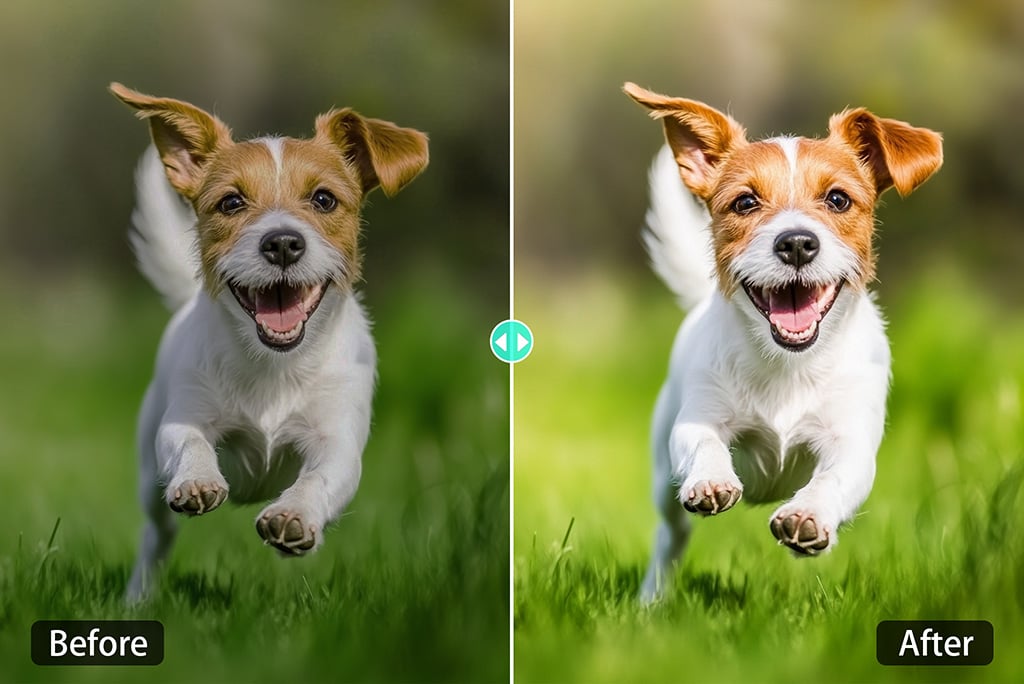
Improve color while converting to HD
A clearer image also needs balanced color. During conversion, insMind can make dull photos look more vivid by improving brightness, contrast, and overall tone without turning the image into a heavy filter.
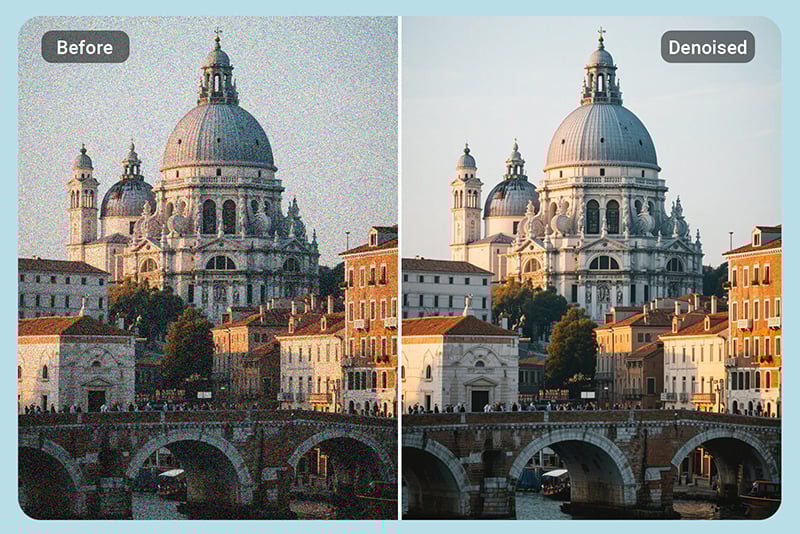
Reduce noise and grain
Low-light photos and compressed files often show grain. The HD converter helps reduce visual noise so faces, products, backgrounds, and textures appear cleaner.

Sharpen details for print and display
When an image looks too soft for a poster, slide, resume, or product page, convert it to HD before final export. This helps edges and small details hold up on larger screens or printed materials.
Why Choose insMind HD Photo Converter

Sharper HD output

Fast browser workflow

Convert photos to HD quality online

Common file formats supported
Use the HD converter for JPG, JPEG, PNG, and WebP photos, then continue editing or exporting in the format your project needs.

HD and Ultra HD options
Choose HD for a quick clarity upgrade or Ultra HD when you need a larger file for print, product pages, or detailed display.

Ready for HD screens
Make photos look cleaner on modern monitors, phones, TVs, presentations, portfolios, and online stores.
FAQs About HD Photo Converter
What is an HD photo converter?


Can I convert a blurry picture into HD?
What image size can I upload?
How do I convert an image to 1080p or 4K online?
Can I convert an image to HD on mobile?
How long does it take to make a photo HD?
What file formats does insMind support?
Why convert a photo to HD?
Is this different from an image enhancer?
Related Tools for Sharper, Higher-Quality Photos
After converting a photo to HD, these tools can help with noise, pixelation, sharpening, resolution, backgrounds, and batch workflows.
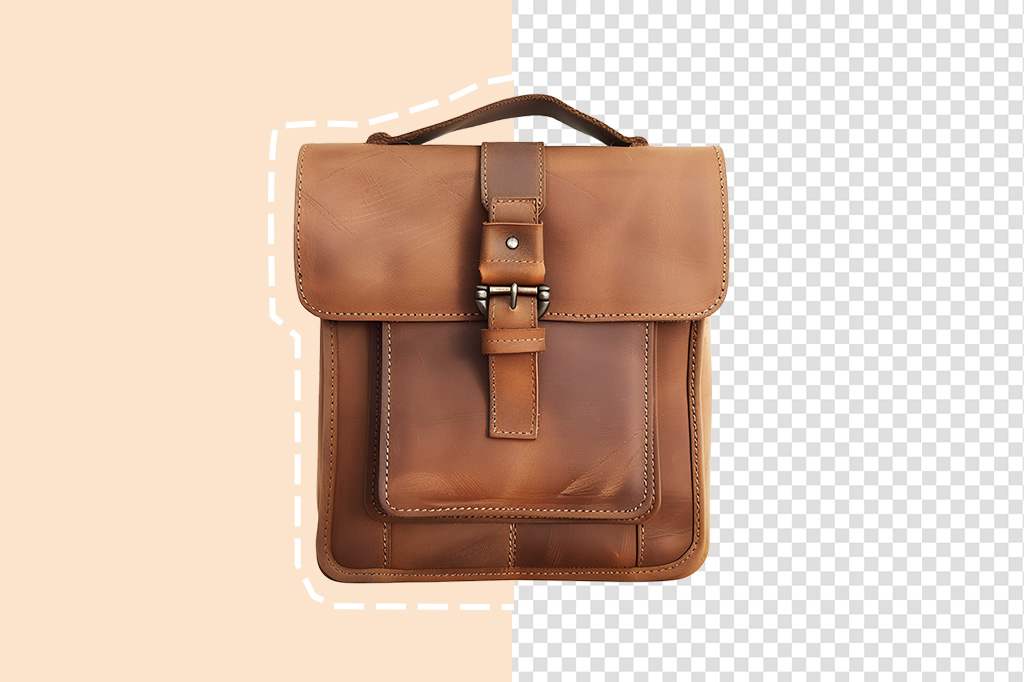
PNG Maker
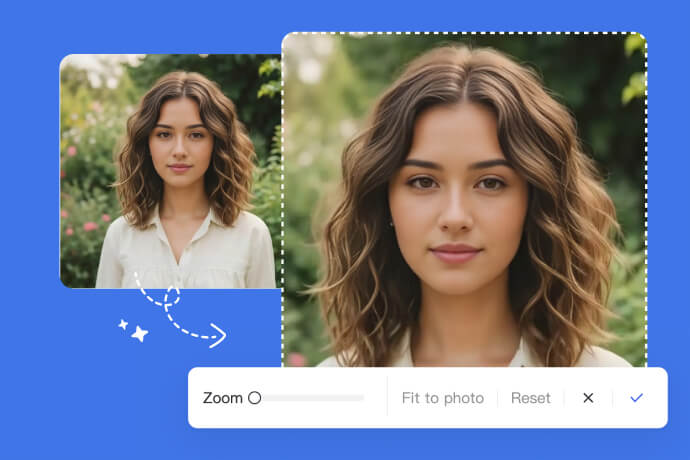
Image Zoomer
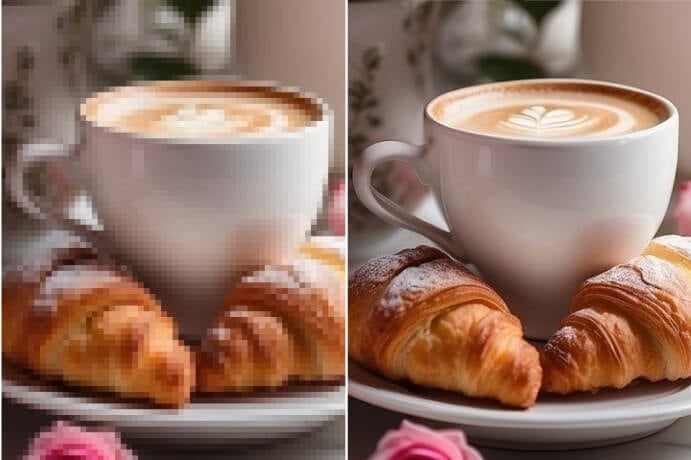
Unpixelate Image
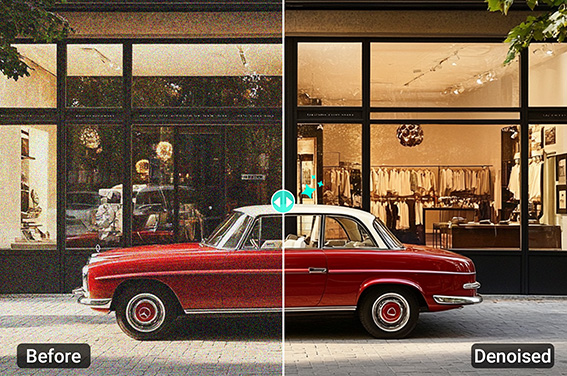
Denoise Image

Batch Photo Enhancer
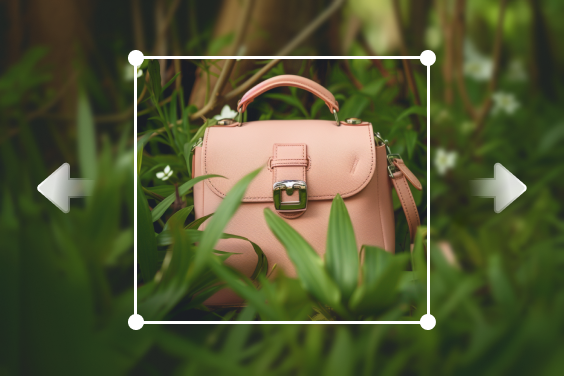
AI Image Expander
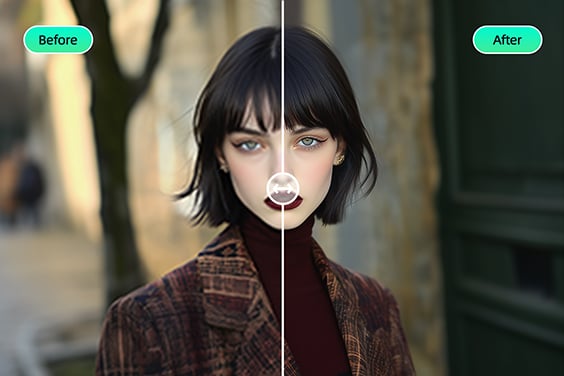
Sharpen Image

AI Headshot Generator

Increase Image Resolution

@Corey Dominguez