
Denoise Image Tool – Remove Grain from Photos with AI


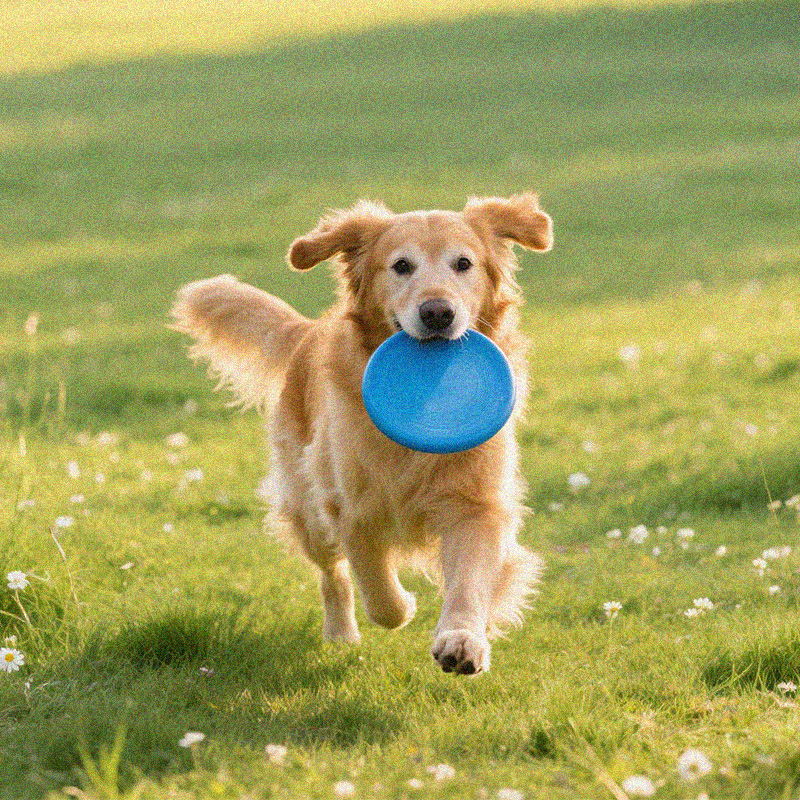


How to Remove Grain from a Photo
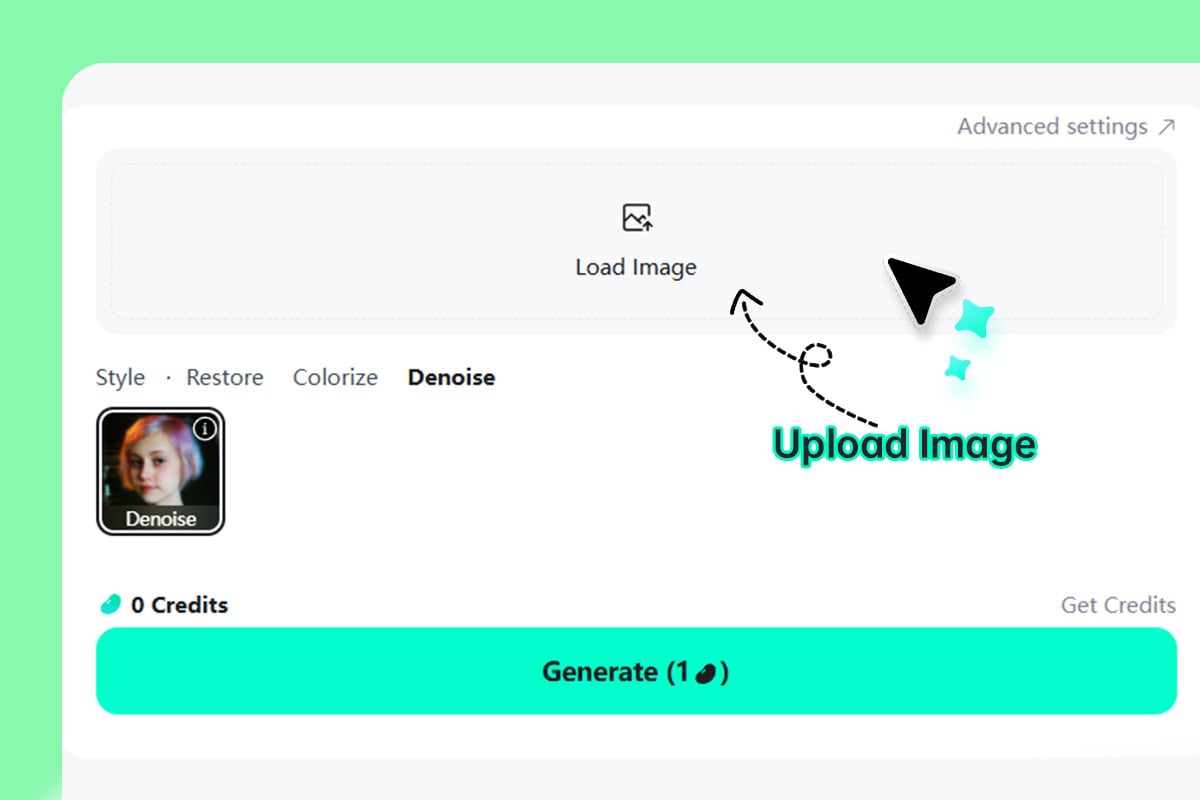
1 Step 1. Upload Your Photo
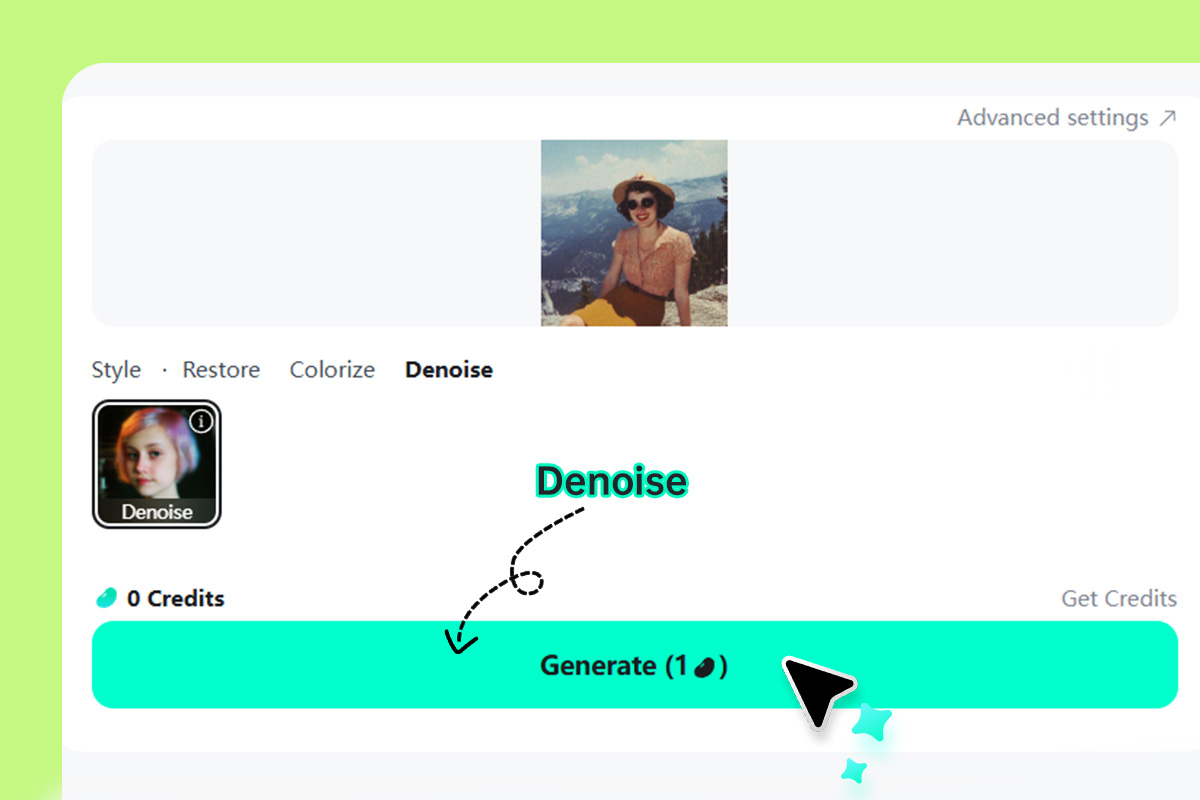
2 Step 2: Remove Noise from Your Photo
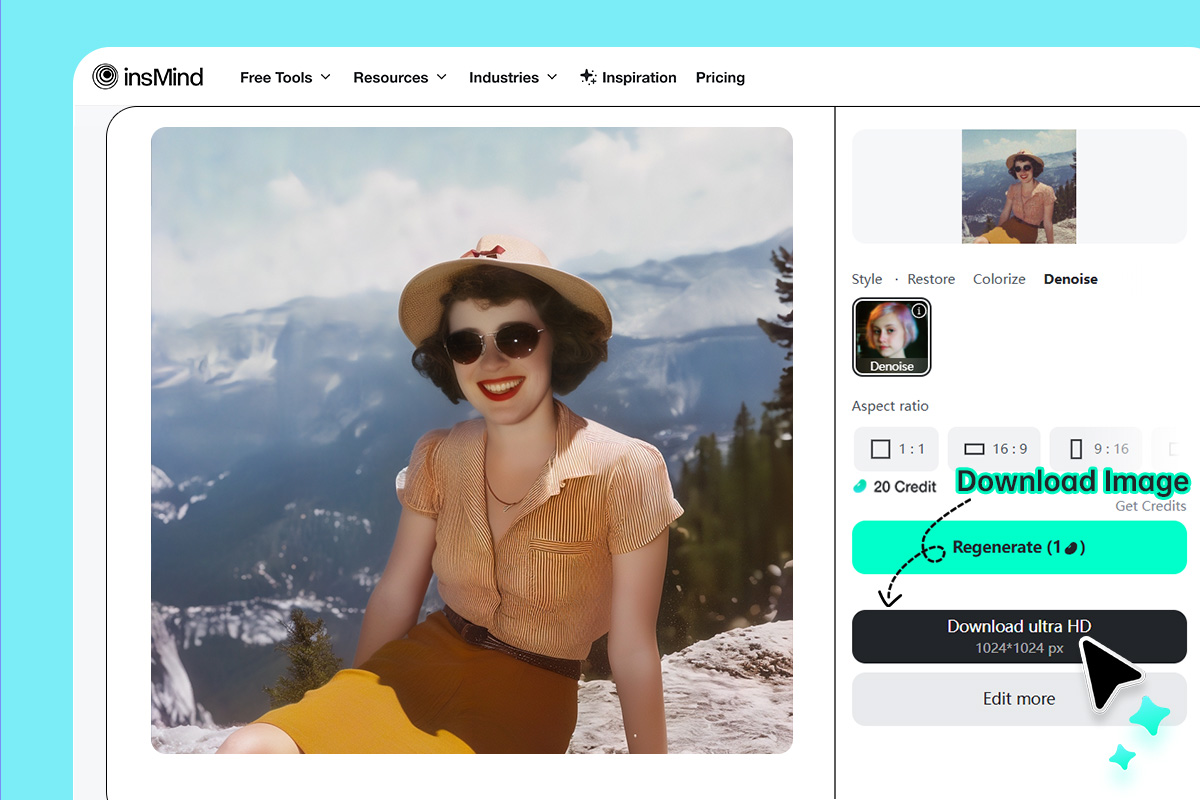
3 Step 3: Download Your Photo
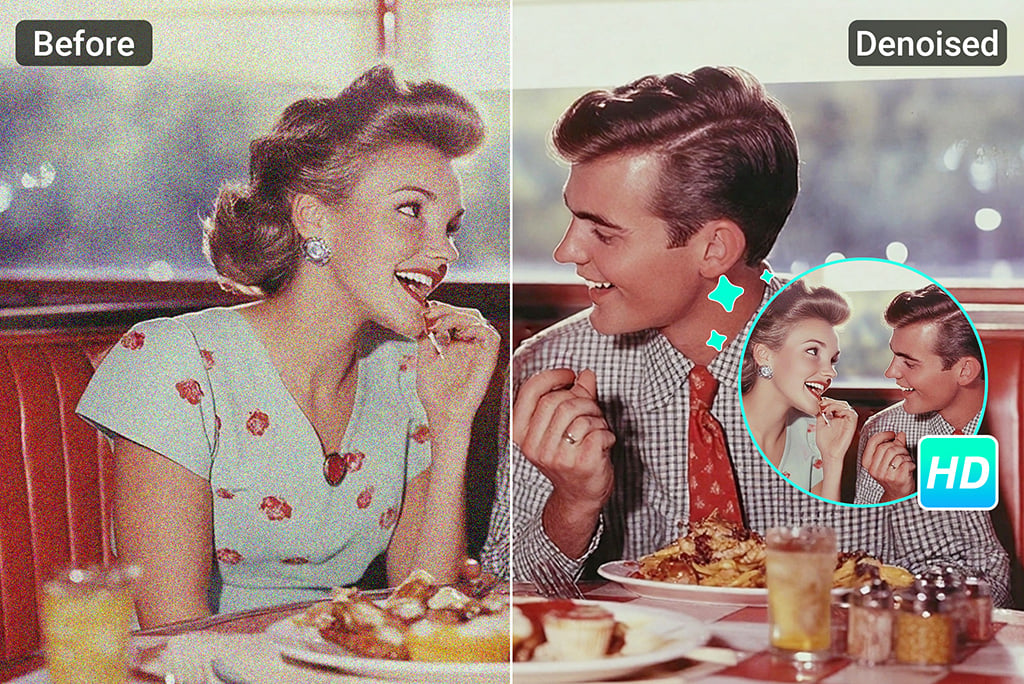
Automatically Remove Grain from Photo in Seconds
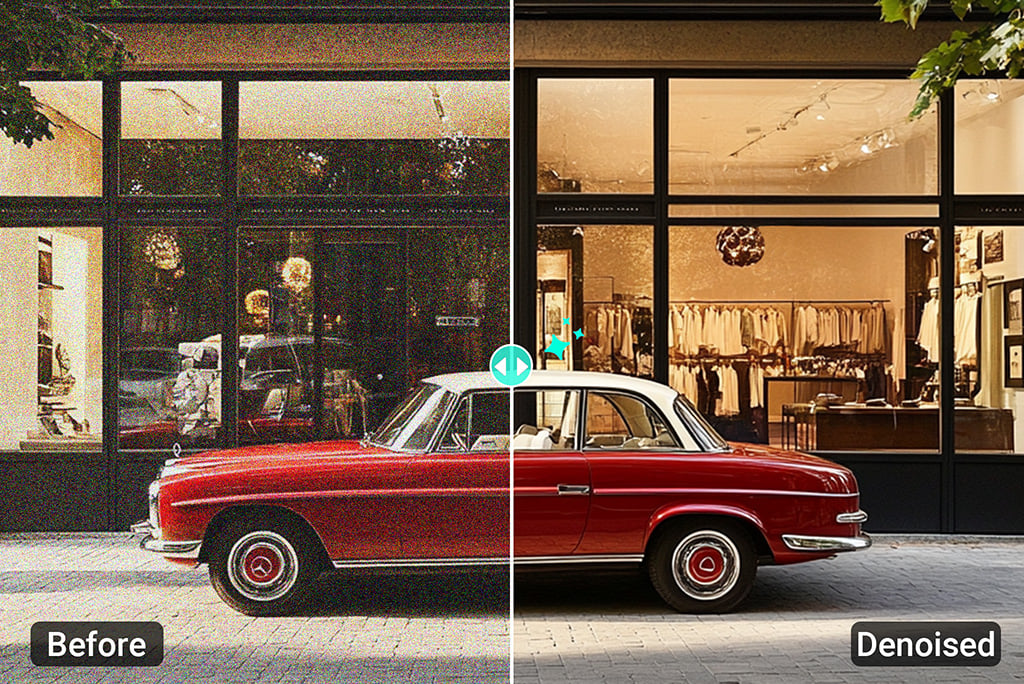
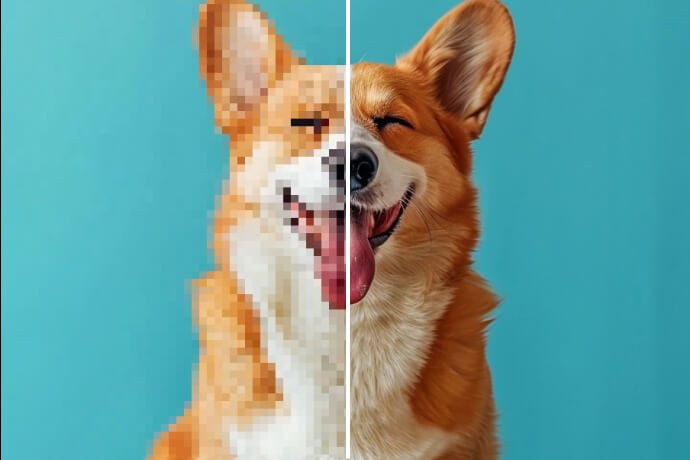
This image noise reduction tool clears up grainy photos in seconds - no editing skills needed. The AI technology speeds up the process and automatically removes noise from photos. All you need to do is just upload your fuzzy photo, hit a button, and let our image denoiser handle the rest.
It sharpens and smooths the image to bring out the actual detail. No matter if the grains occur due to low light, poor camera quality, or any other reason, the insMind image denoiser will fix it in seconds. You will get a fresh, polished, and clearer picture.
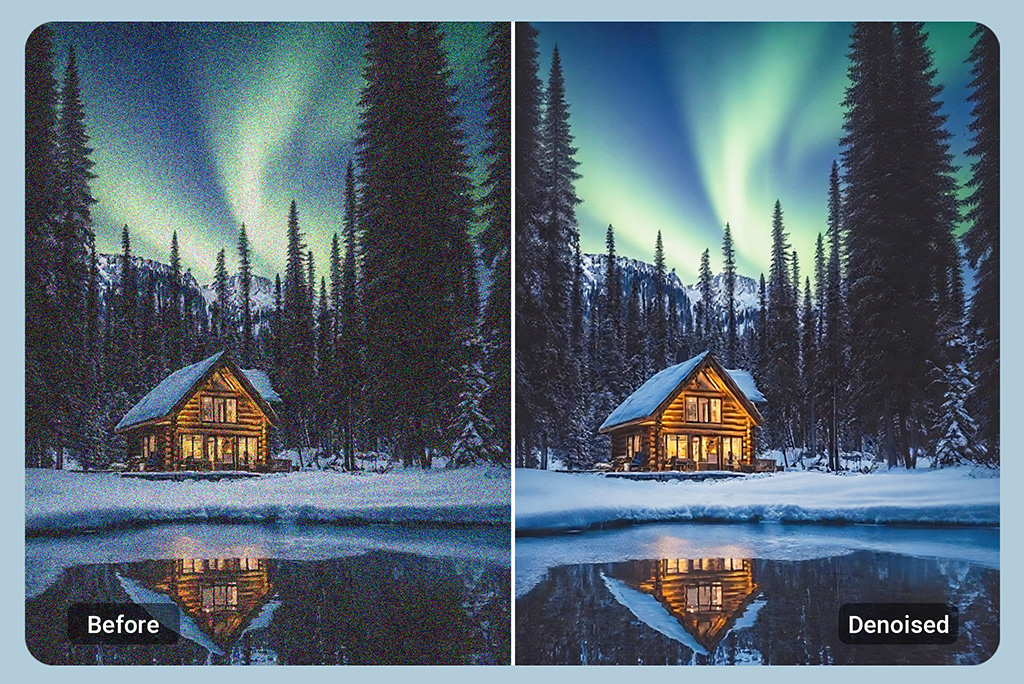
Remove Noise from Photos Taken During Night or Low Light
Night photos can look stunning, but all that grain? No worries. The insMind's AI image denoiser clears up the noise in seconds. Just upload your image, and it smooths out the rough parts while keeping the detail right where it should be. Your low-light photos come out crisp, clean, and natural, like they were taken in perfect lighting.
Shoot city lights, candlelit dinners, or night skies without worrying about image noise. It's all handled in one tap. Sharp results, zero effort. Now your night shots can actually shine the way they're meant to.
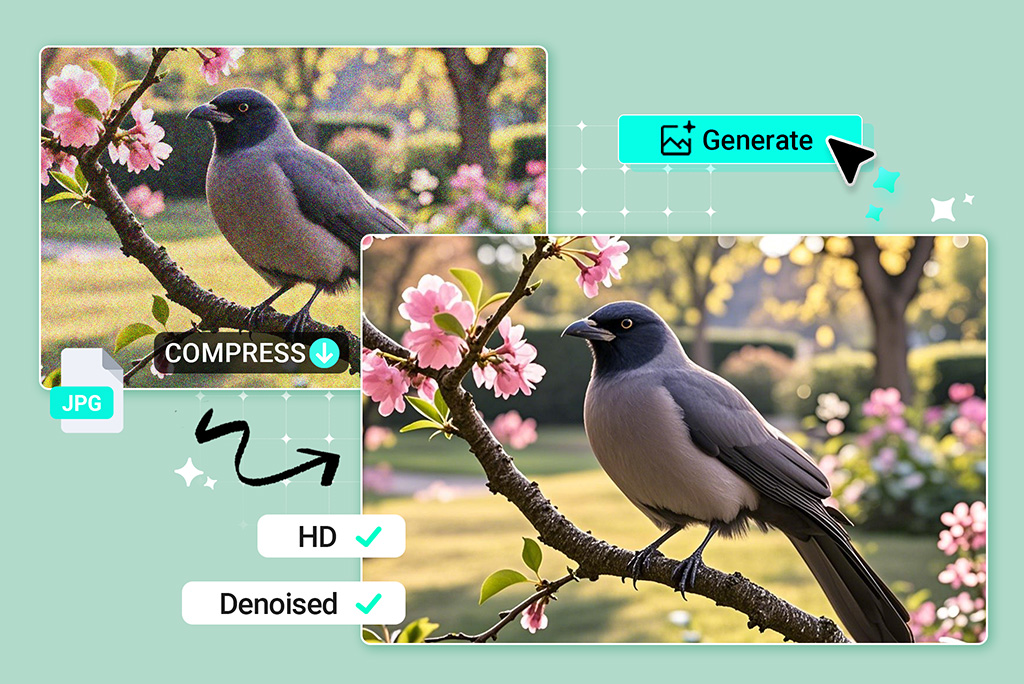
Enhance and Remove Noise from Compressed Images
Over-compressed photos often lose their sharpness and end up looking off. insMind's AI image denoiser helps clean things up by smoothing out grain and recovering lost detail. Edges get sharper, textures feel more natural, and the whole image looks clearer, like it was meant to from the start.
Even pictures that seem too damaged to save can be restored with just one click. It's great for images that have lost quality after being saved too many times, sent through chat apps, or downloaded online. Just upload, denoise, and bring your photo back to life, fast.
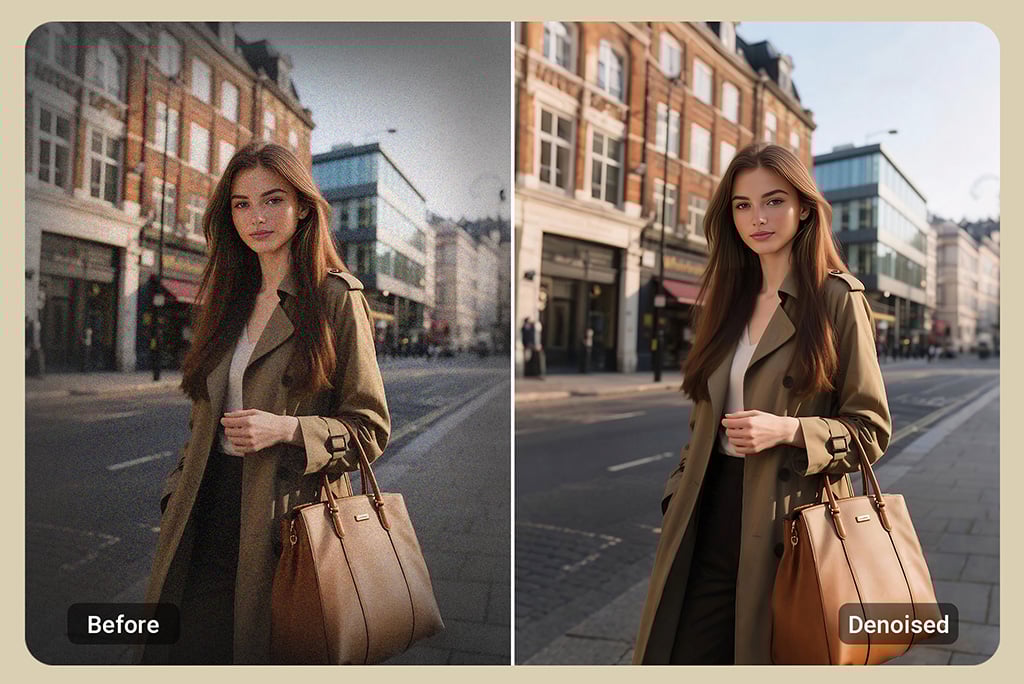
Fix Dark Corners in Photos Using AI Image Denoiser
Vignette, or dark corners in photos, is a very common issue many face. It often happens in everyday shots, especially with certain cameras or lighting. These dark edges can cause unwanted grain, noise, and blurry spots. That makes the whole photo look less clear and less vibrant. But don't worry! insMind's image noise reduction tool targets these vignette areas and removes the noise and dark effect in no time. It adds balance and sharpness to the edges, making the photo look cleaner and more natural.
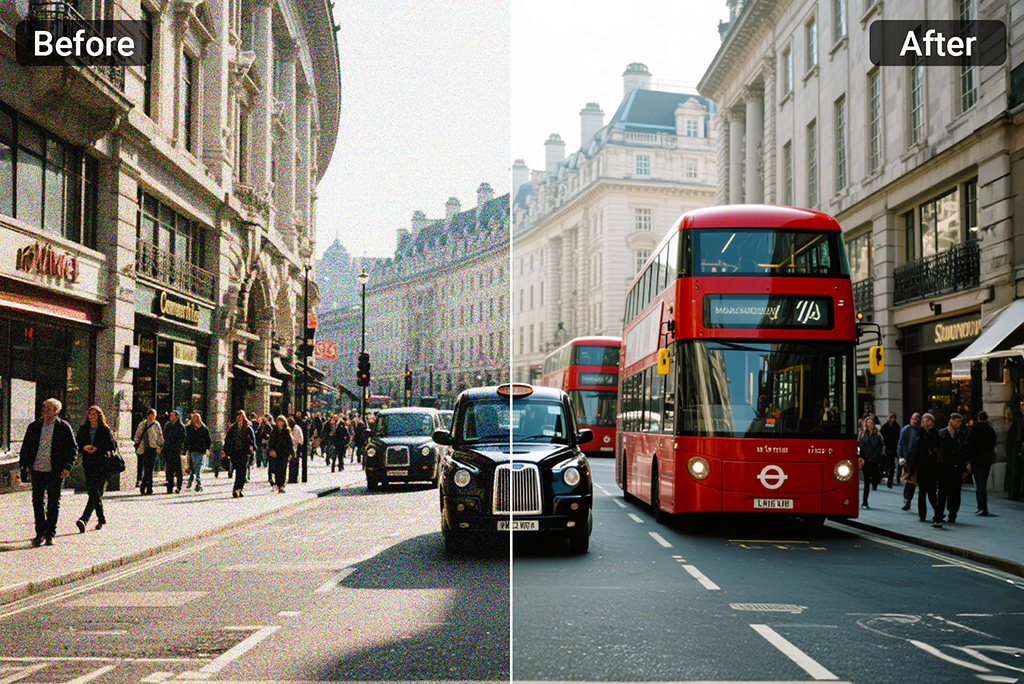
Remove Luminance, Color, and Background Noise from Photos
insMind's image denoiser tool is not just limited to clearing noise in the image. You can also fix luminance, which makes photos look grainy and sometimes dull. It corrects uneven brightness levels across the image, so shadows and highlights appear more balanced.
Moreover, you can use it to remove color noise, which usually causes strange color spots and blotches on your image. You can also remove background noise from a photo to restore clarity and highlight the main subject.
After using the tool, your photo will look clear and bright. You will see the actual and natural colors of the image. A picture that feels fresh, sharp, and ready to use.
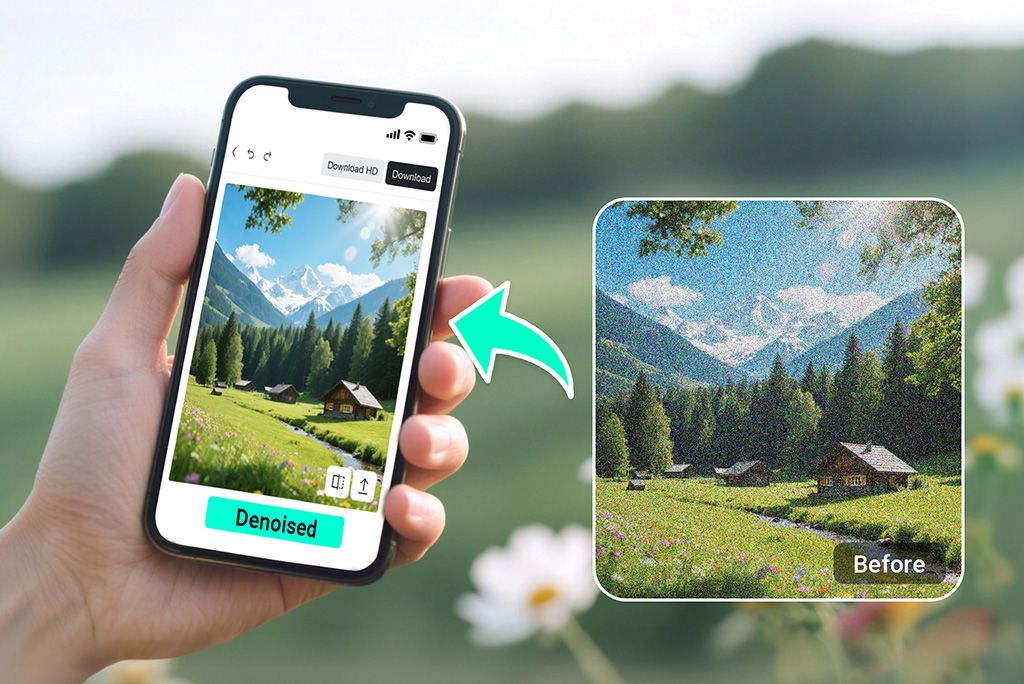
Image Noise Reduction Made Easy for All Your Devices
The grainy photos are mostly taken on smartphones, especially when the light is dim. But not to worry! This tool also works well on mobile devices. You can easily use insMind's image noise reduction features on your phone right away to remove grain and fuzz from photos. The best part? It won't affect the quality of the photo. No need to wait or transfer files - your phone becomes your photo fixer anytime you want.
Explore More AI Image Editing Features
AI Image Denoiser for All Image Types and Uses
Our AI image denoiser works on any photo type. It removes noise smoothly, helping you clean images for every need, from casual shots to professional use.
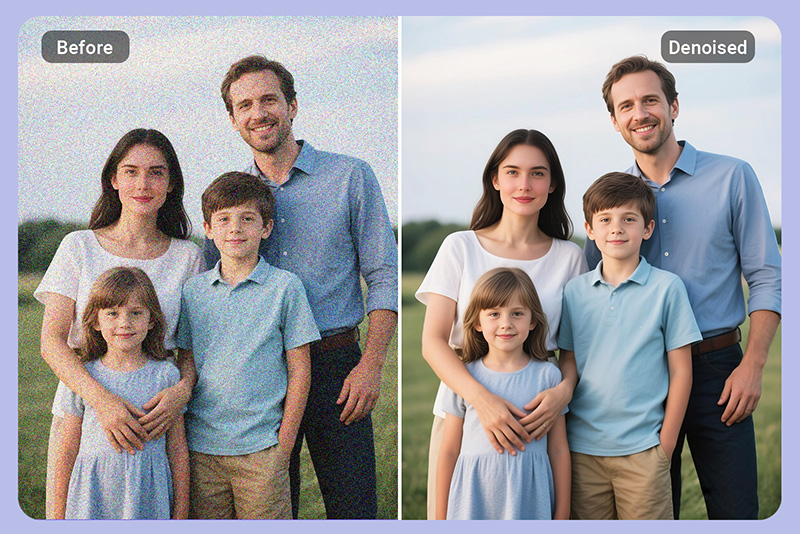
Denoise Image for Portrait Photo
Clear the grain and noise from your portraits. Keep skin flawless and details sharp for naturally beautiful images that really capture the moment. Perfect for selfies, family photos, or everyday memories you want to keep clear.
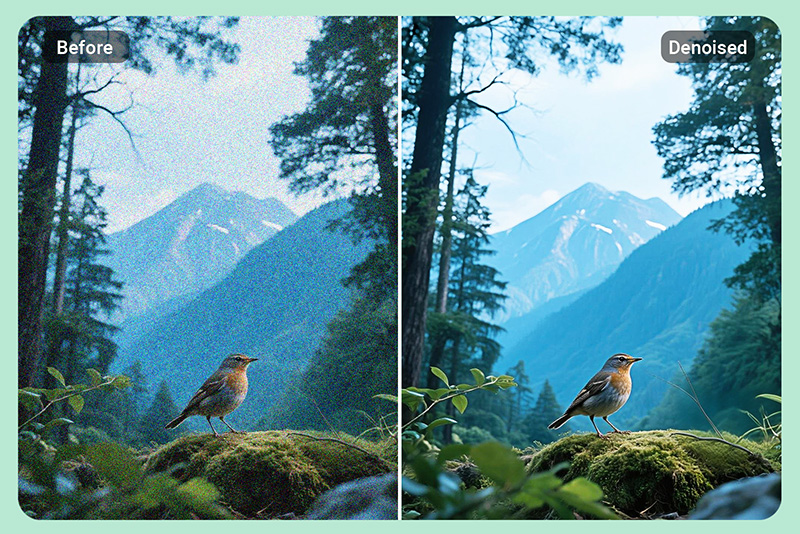
Remove Grain from Landscape and Nature Photos
Make your outdoor shots look crisp and clean. Eliminate noise from images that dulls the beauty of trees, skies, mountains, or even quiet fields. Let every part of nature shine through, just like you saw it in real life.
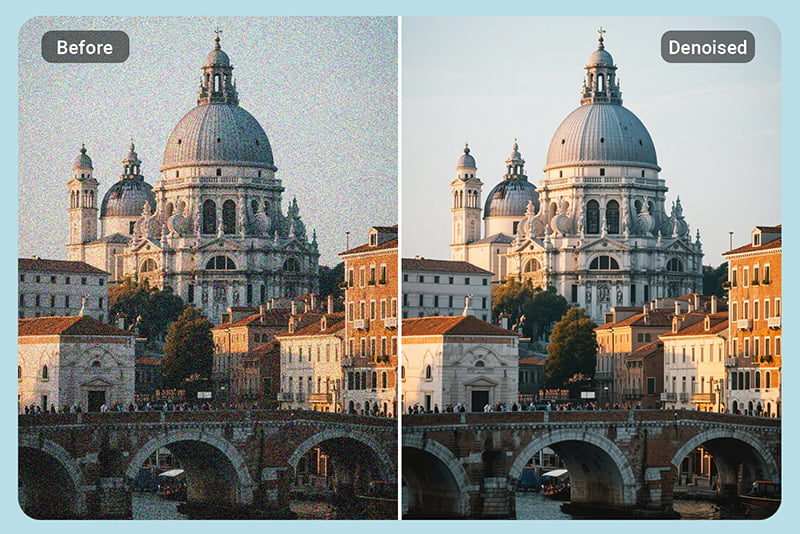
Make Your Architecture Shots Clearer Than Ever
Bring out the sharp lines and fine details in buildings, city views, and interior spaces. Our AI image denoiser tool clears away noise that softens textures, so your architectural shots stay clean, crisp, and full of clarity.
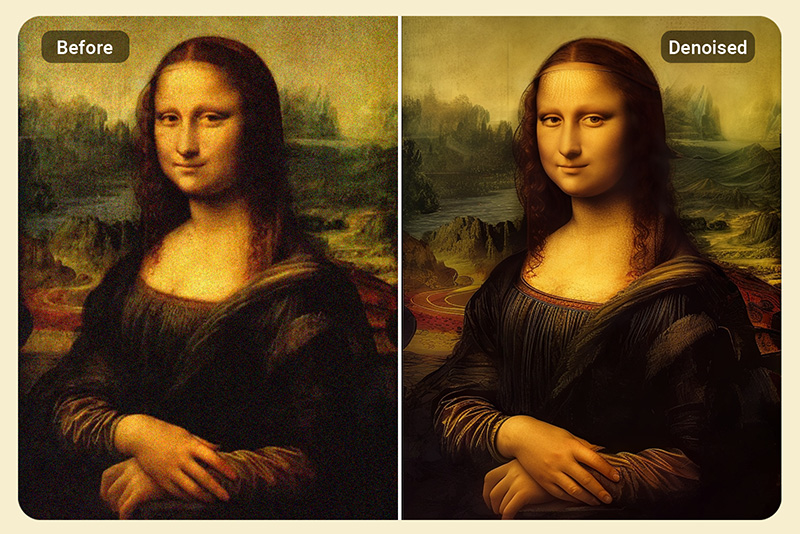
Remove Noise from Digital Art
Nobody wants their digital art to be affected by unwanted grains and noise. This image denoiser removes the grain and helps you maintain your digital art sharp and clean.
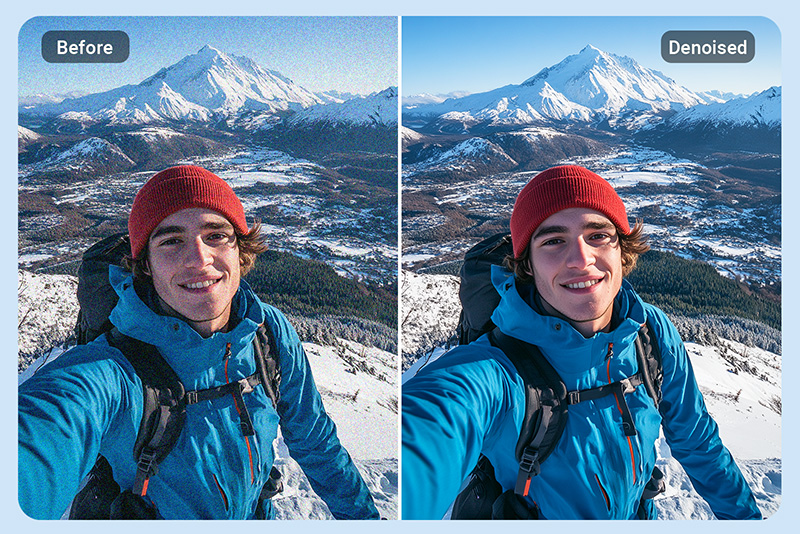
Denoise Travel Photography
Travel pictures often turn out grainy, especially in low light or tricky weather. insMind AI image denoiser helps clean up the noise while keeping the moment intact. Your travel memories stay bright, detailed, and worth sharing - just the way you remember them.
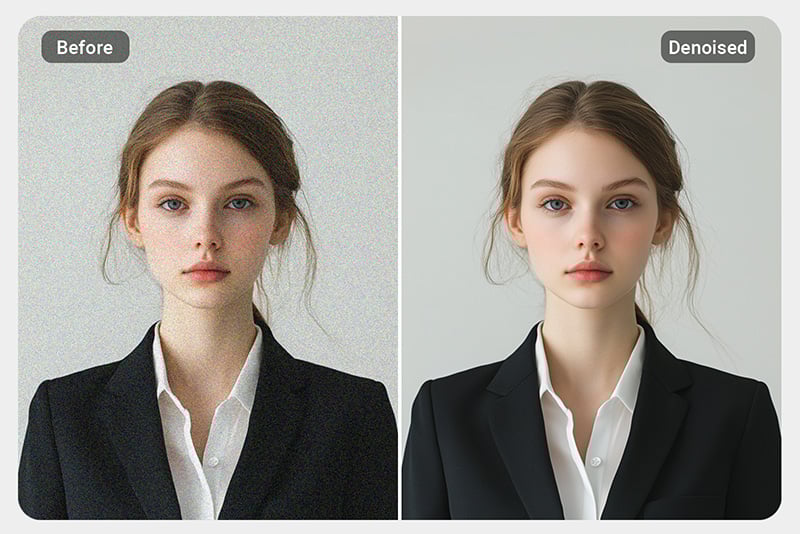
Remove Noise from ID Photos
ID photos need to look sharp, clean, and clear. Grainy or blurry images can be a problem, especially for official documents. Our tool gives you a clean, professional-looking result that's ready for passports, resumes, or any official use.
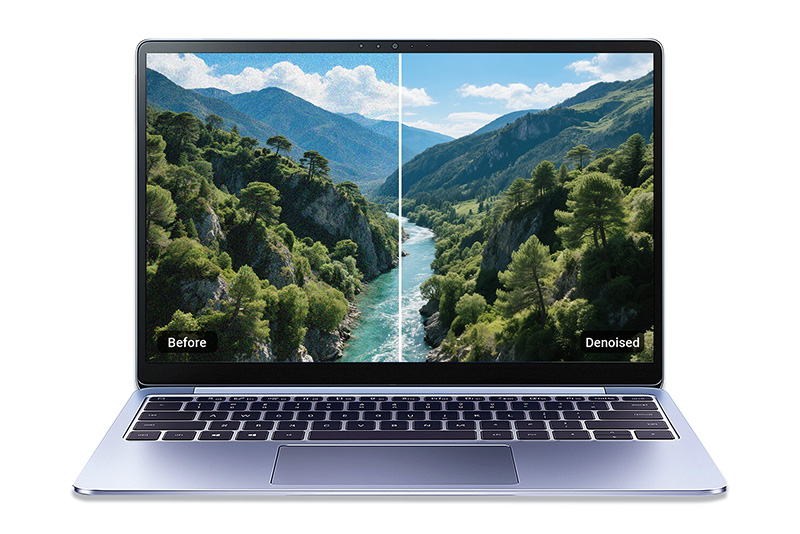
Fix Noisy Wallpapers
Noise and grains in wallpapers make them look rough. Denoising wallpapers removes the grains, making the picture smooth, so your device has a clean and sharp background.
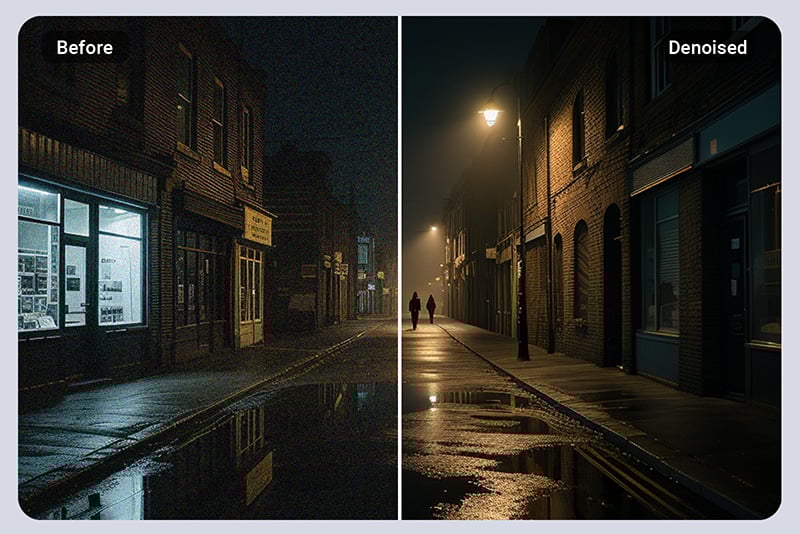
Remove Grain from Street Photography at Night
Nighttime photos often come out blurry and rough. Our AI image denoiser cleans up the grain and restores crisp, clear images. All without affecting the vibe or mood of your aesthetic street scenes.
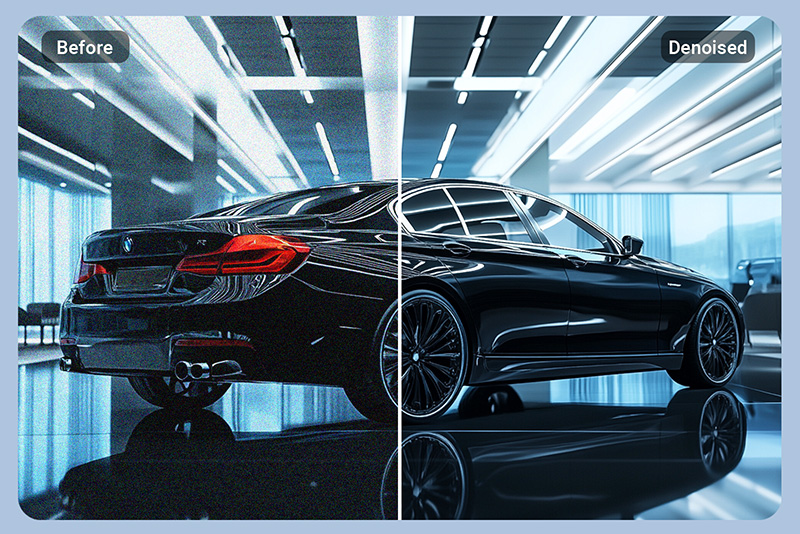
Denoise Product Photos to Have Better Conversion
Blurry or grainy product images can turn buyers away. Cleaning up those photos with our denoiser makes your products look sharp and polished. It helps build trust and encourages more people to buy with confidence.
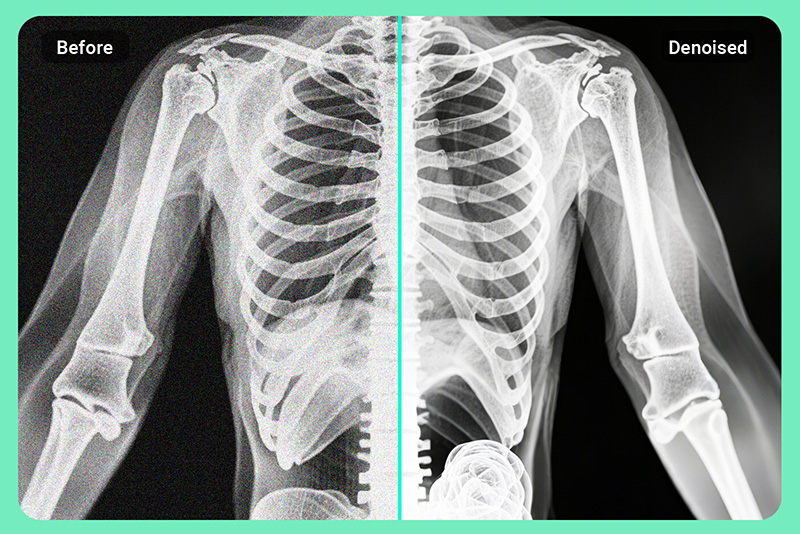
Fix Scanned Noisy Photos and Medical Records
Scanned documents and photos often carry unwanted noise or grain. insMind's image denoiser cleans up patient records and old prints. It makes the text, graphs, and X-rays clearer and easier to read.
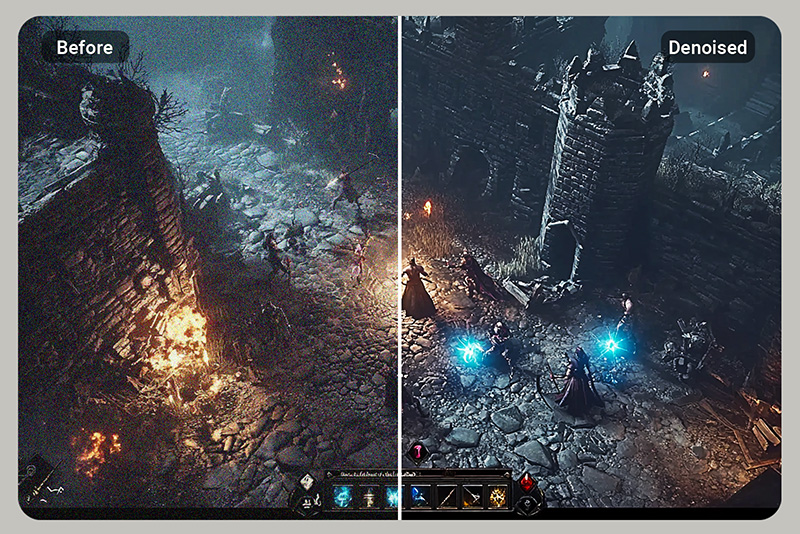
Fix Noisy Screenshots from Video Games
Screenshots from your favorite games don't always turn out as crisp as you'd like, especially in low light or fast scenes. Remove noise from images and keep every frame looking sharp, smooth, and ready to share.
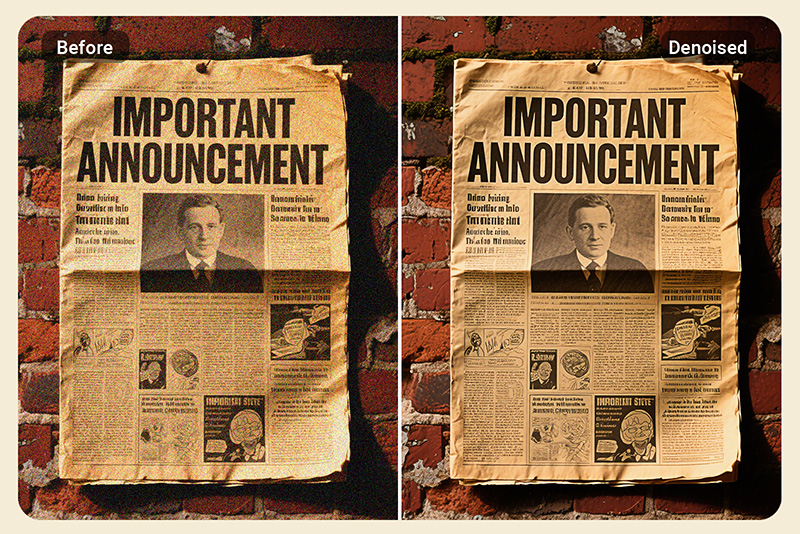
Remove Noise from Digitized Old Books or Newspapers
Old books and newspapers often turn grainy when scanned or digitized. You can clean up that noise while keeping the original text, layout, and fine details fully intact and easy to read.
Why Choose insMind to Remove Noise from Photos?

One-Click Noise Removal
No need to go through manual setup. Just one click and boom, the insMind image denoiser will remove grain and make your image look polished.

Automatic Grain Removal
insMind handles everything on its own. You just need to lift your finger to click generate. Our image denoiser will handle the rest, just like magic, working in the background.

AI-Powered
The tool uses an advanced AI model. It automatically scans every single detail of your image and knows what to fix. The best part? Everything is done without losing quality.

Accurate Results
No over-smoothing and no blurry image. Just clean, natural results that keep all the details you care about. insMind image denoiser makes sure you get the results you anticipated.

Safe
Like other online tools, insMind doesn't store or share your images. It is completely safe to use. Everything stays private, and your data is deleted once you're done.

Denoise images with AI online
insMind image denoiser offers a free trial. You can easily remove grain and improve your photos with no surprise charges during the trial period.

Fast
Advanced AI models speed up the denoising image process. You don't need to wait for minutes. Simply upload your noisy photo, let it work, and you will get the result within seconds.

Easy-to-Use
No need to be good at handling editing software. Even if it's your first time editing, you'll get it right away. insMind has a very simple and easy-to-use interface, accessible to everyone.
FAQs about Image Noise Reduction
What is the noise of a photo?


What is an image denoiser?
Why is it important to denoise images?
How long does it take to denoise a picture?
Can I denoise an image on my phone?
Is there a free ai image denoiser?
What is the best image denoiser?
What types of images can I denoise with insMind?
Explore More AI-Powered Photo Tools on insMind
Make your pictures pop with creative AI tools you can explore during a free trial.
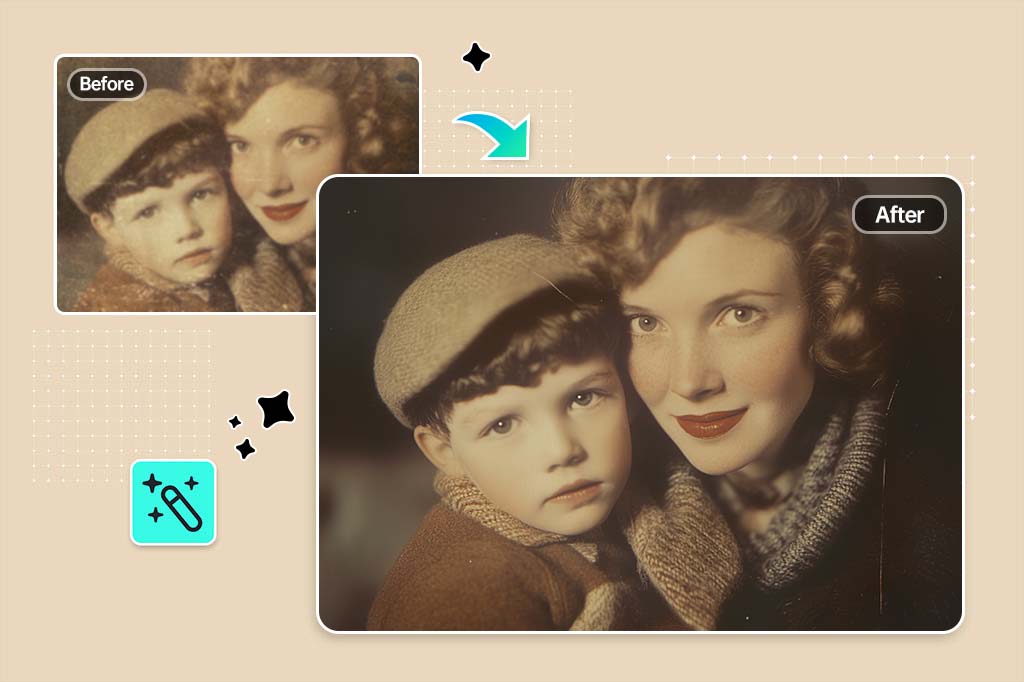
Photo Restoration
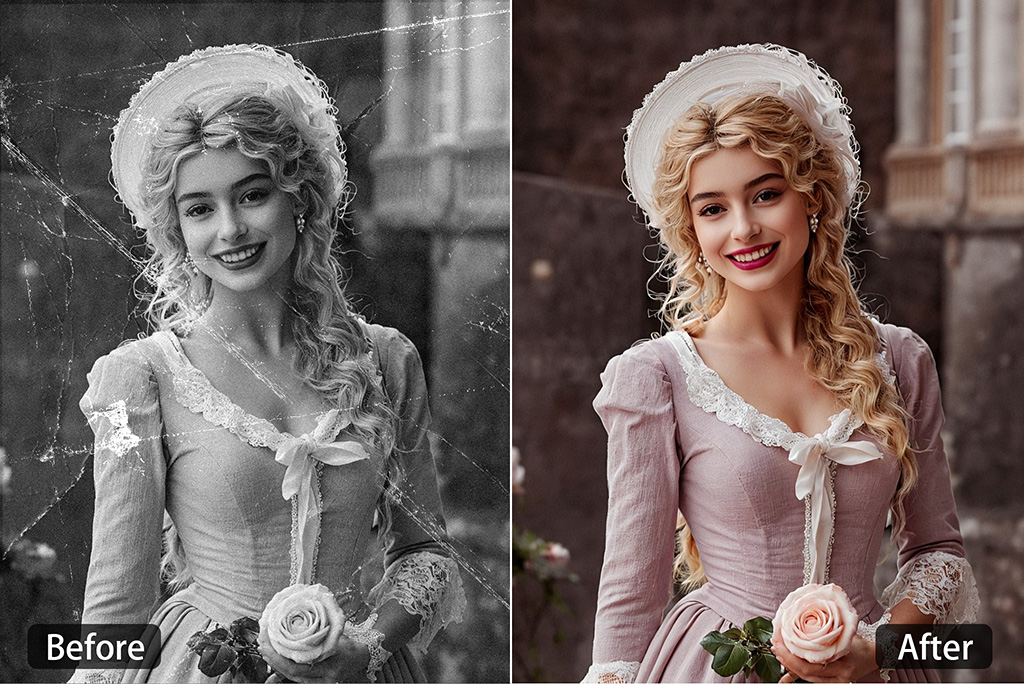
Colorize Photo
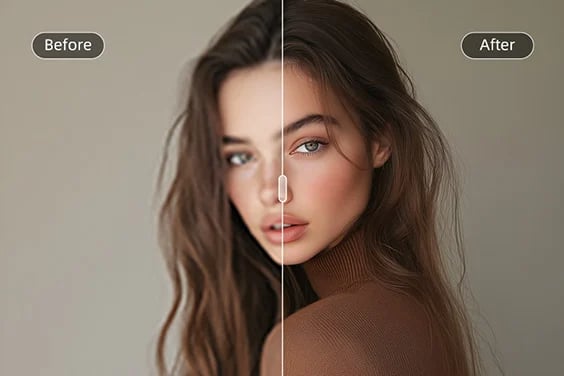
HD Photo Converter
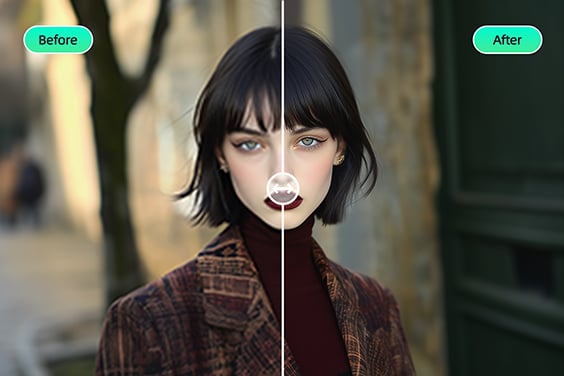
Sharpen Image
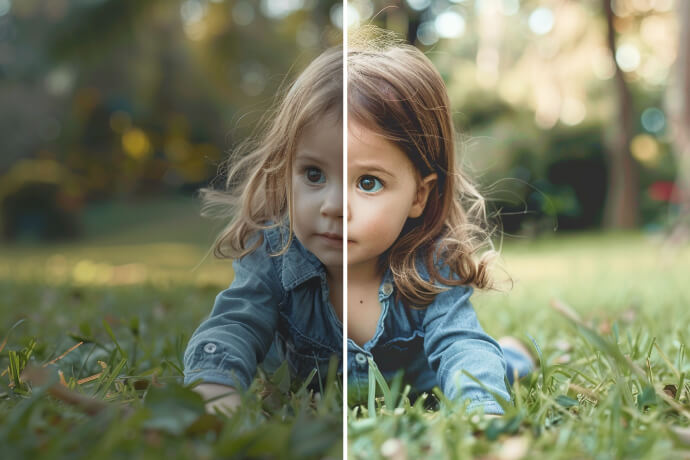
Brighten Your Image
"Some of my art exports get noisy, especially with effects. This smooths everything out without messing up details. Been using it every day since I found it. It's a keeper!"
@Ava Chen, Digital Artist