
Blur Image Online – One Click Blur Effects
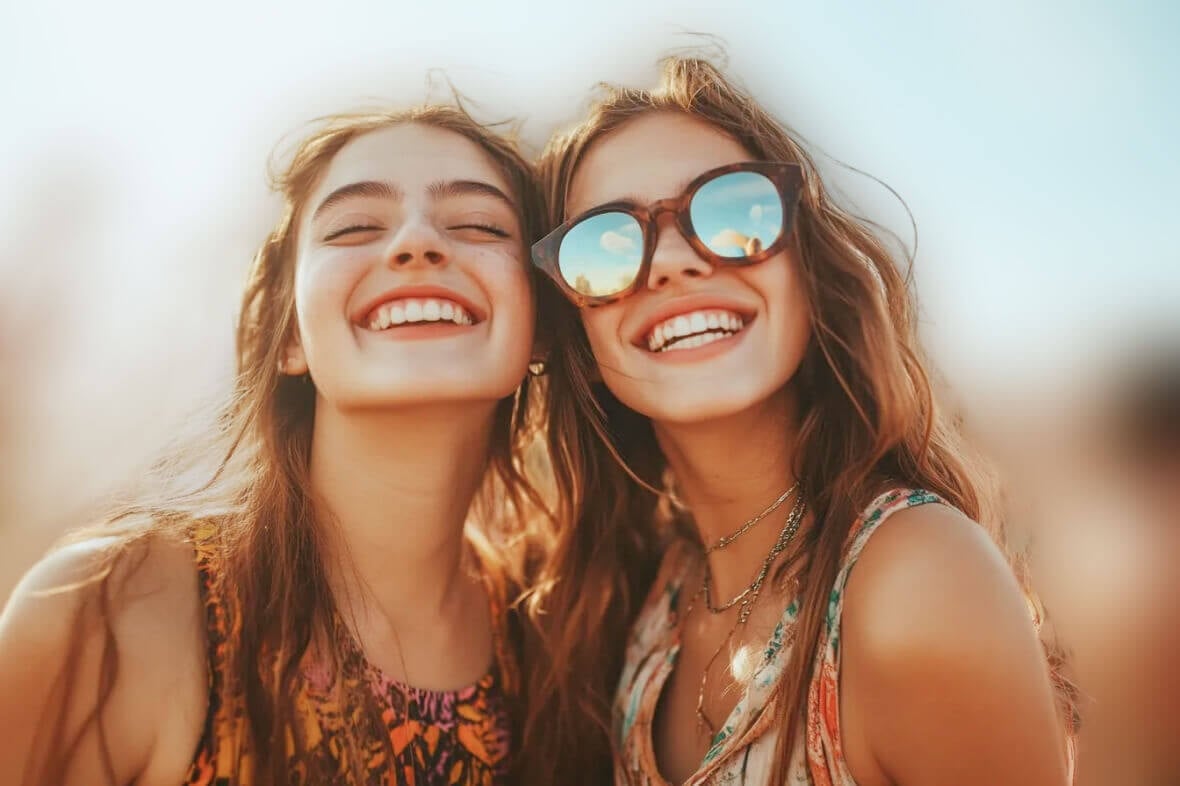
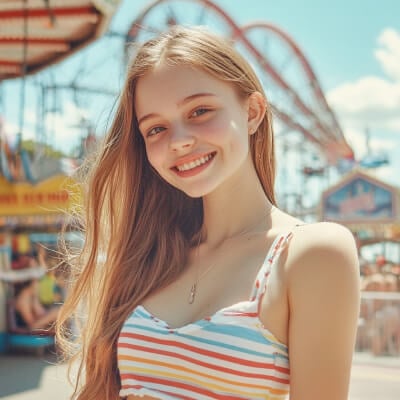
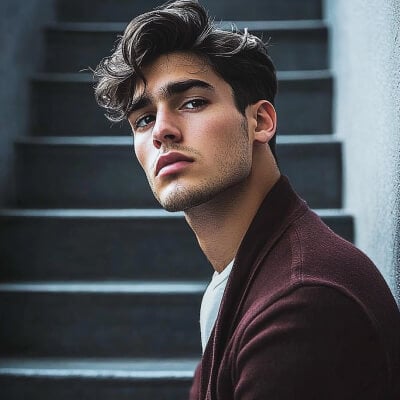
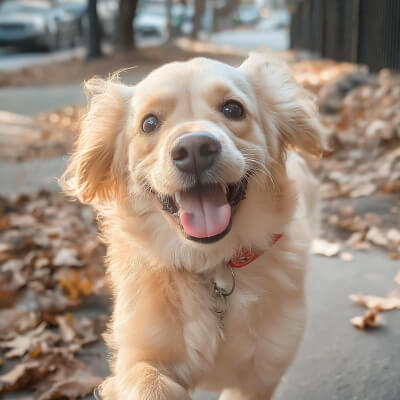

How to Blur an Image?
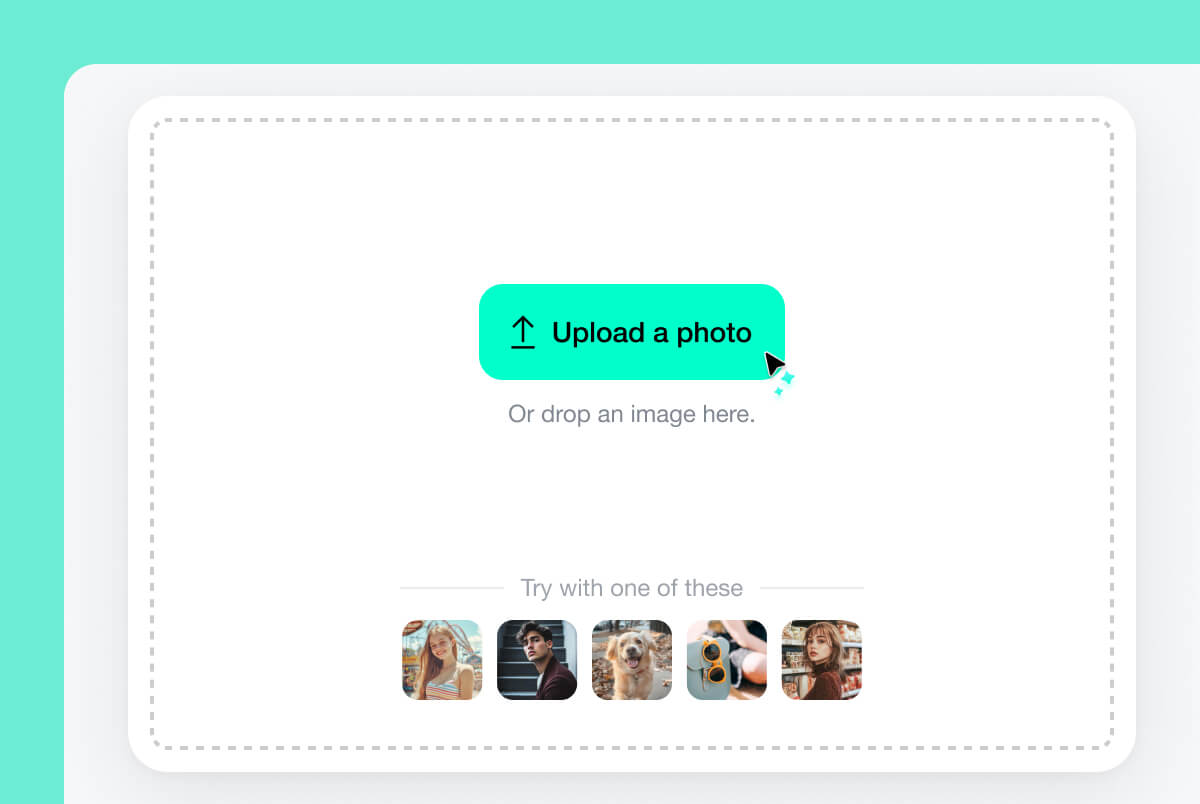
1 Upload Your Photo
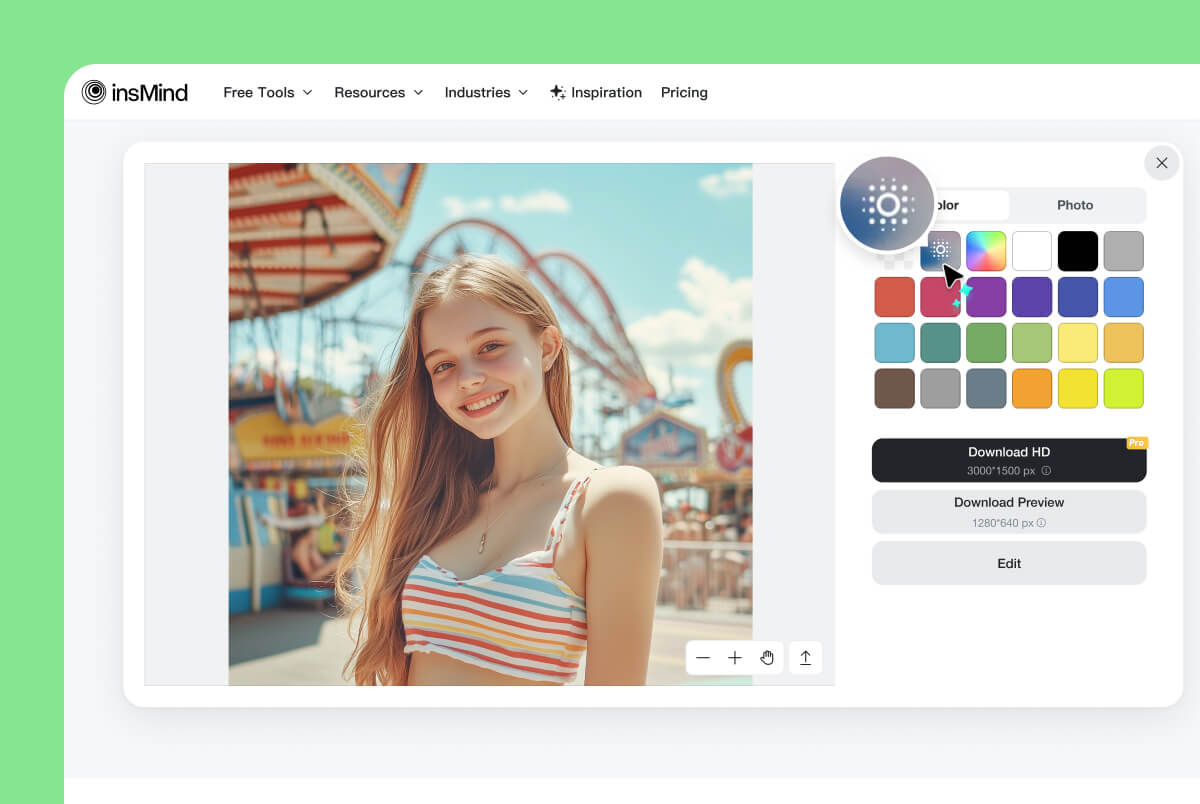
2 Blur the Image
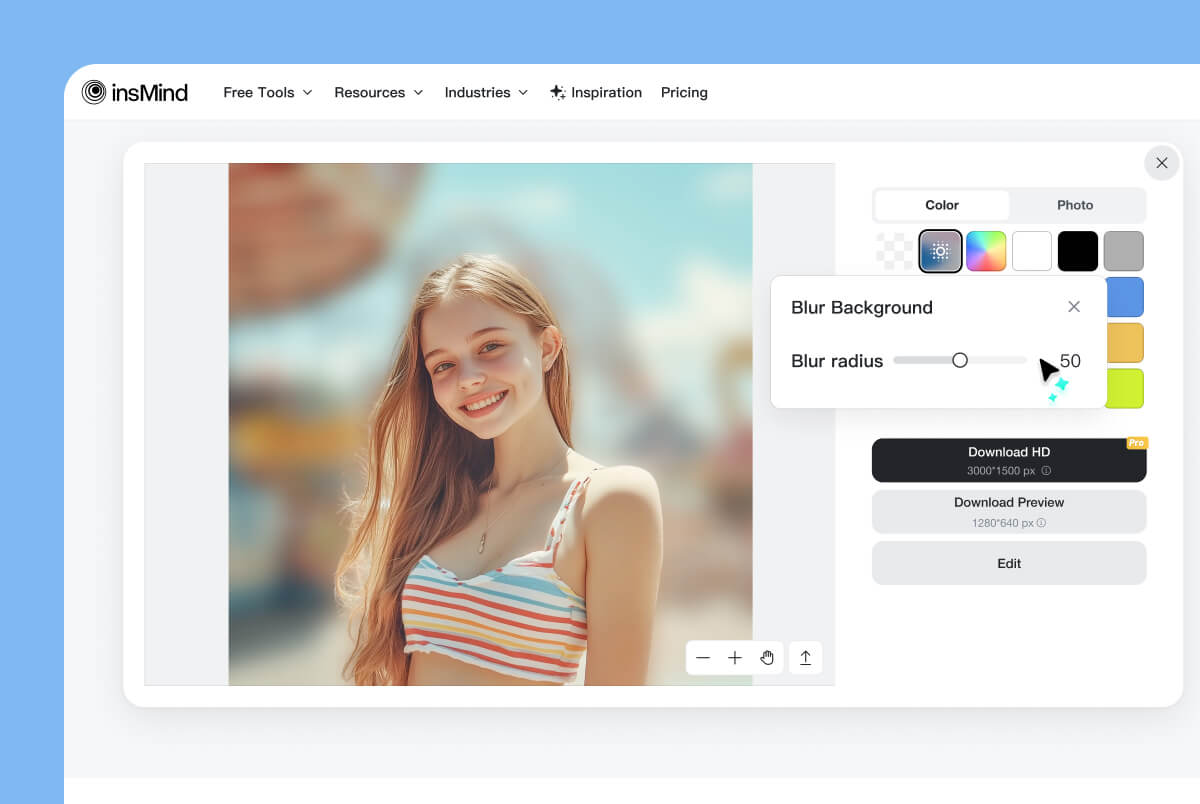
3 Customize Blur Radius
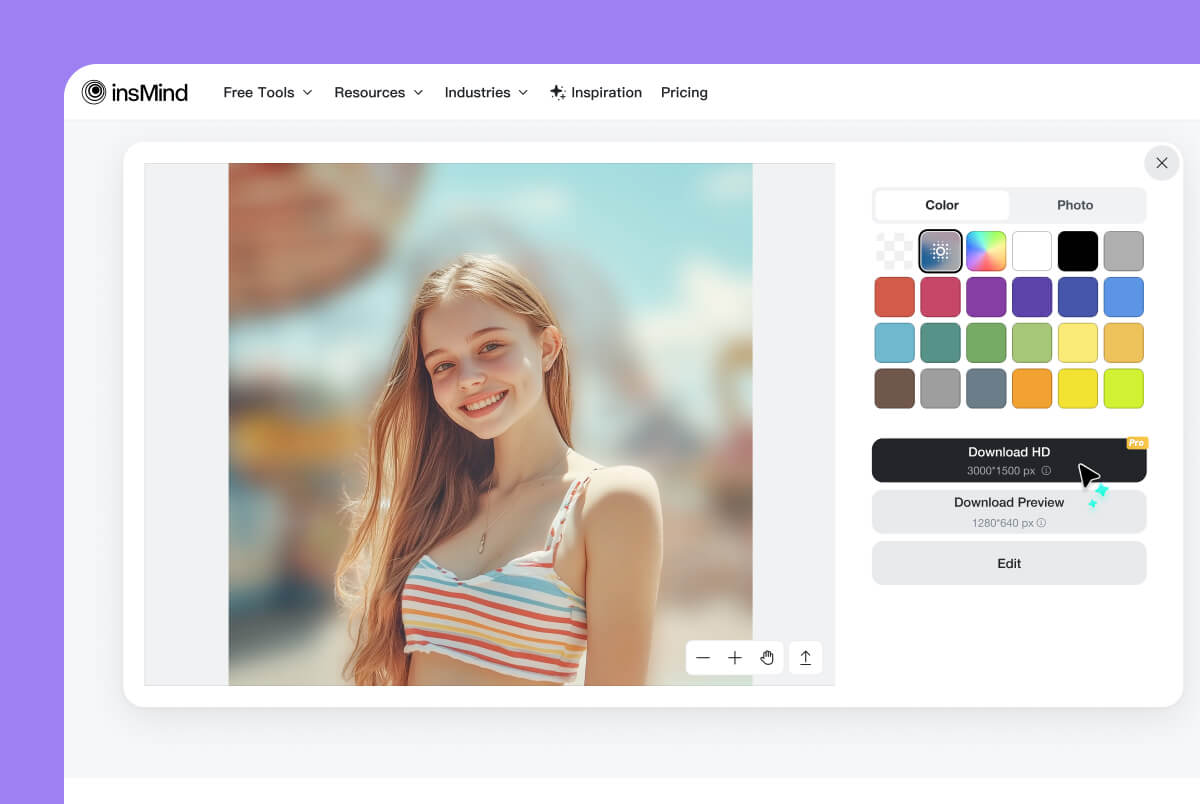
4 Download Your Photo
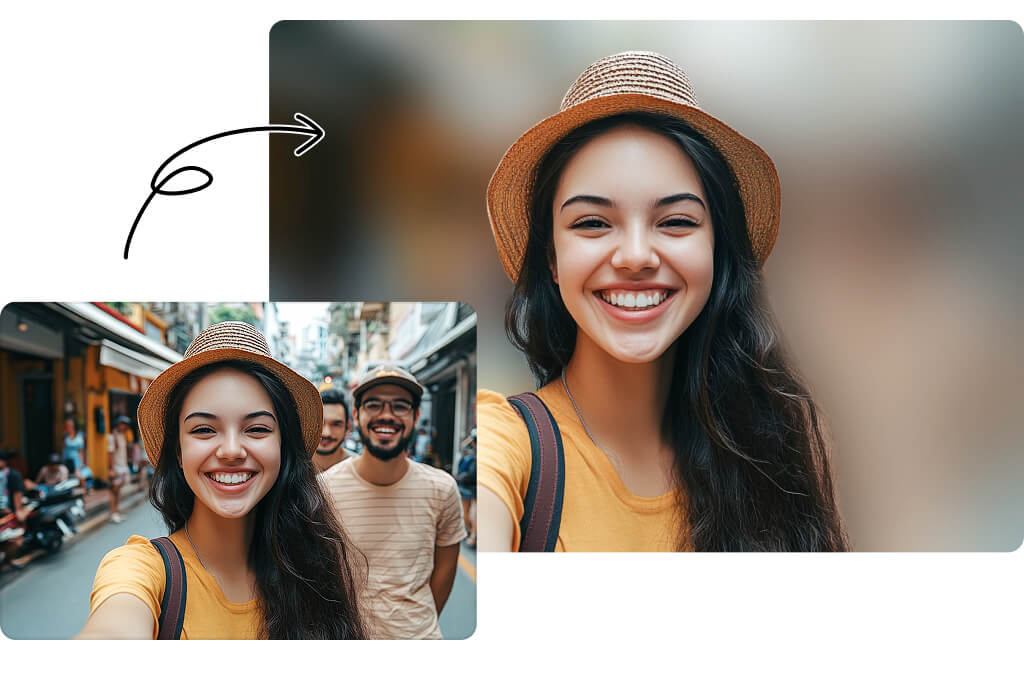
Blur Image to Focus More on Your Main Subject
Want to make your main image subject stand out? insMind AI can smartly detect an image's foreground and instantly blur the background while keeping the main subject sharp and clear.
Blurring backgrounds enhances depth, removes distractions, and creates a focused photo that is perfect for portraits, product photography, and creative designs. It directs your audience's attention to the targeted image area that matters most. Just upload your photo, let AI do the work, and get high-quality results in seconds. Try it now!
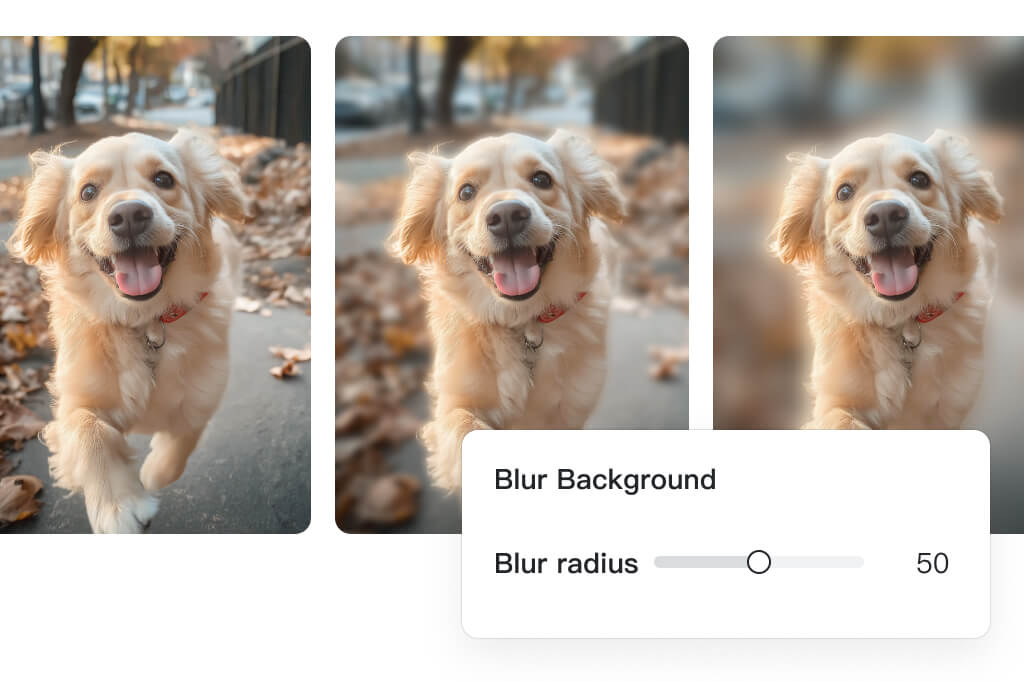
Blur Image with Full Control – Customize Intensity as You Like
With insMind's Adjust Image Blur Radius tool, you have complete control over how much blur you apply. Increase or decrease the intensity to achieve the exact look you need with targeted blur.
Fine-tuning the blur level helps create a more natural, realistic, and professional effect while ensuring your main subject remains sharp and in focus. You can use our image blurrer for photography, design, or artistic edits and get the flexibility to blur photos just the way you want!
Blur Photo with AI Automatically in One Click
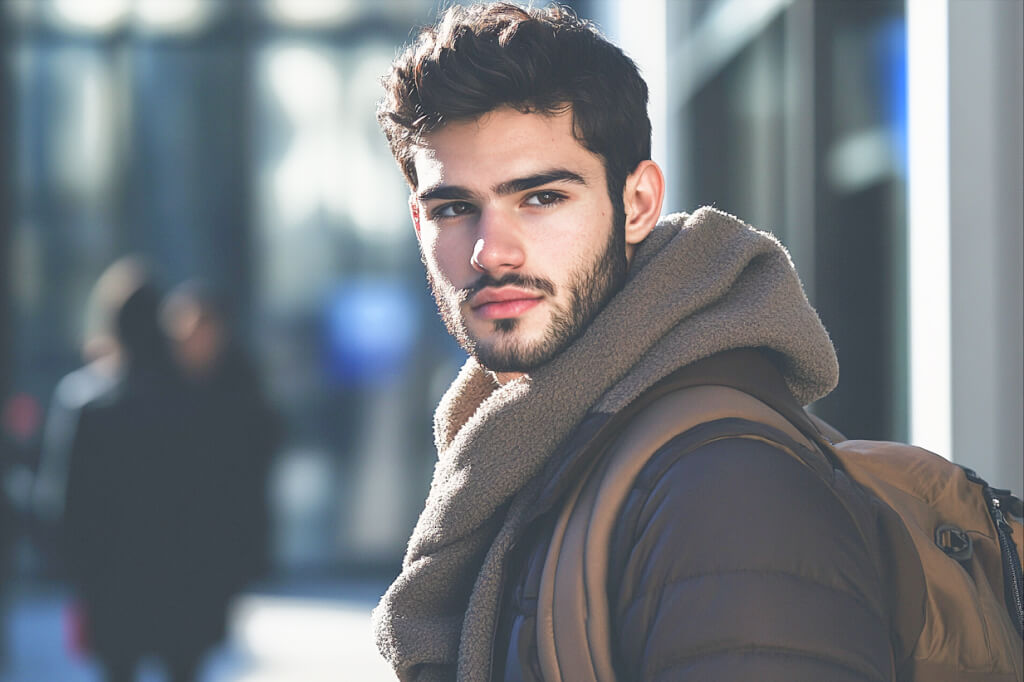
No need to manually photoshop to add a blur effect on pictures. With insMind's AI, it only takes one click. Upload your photo and let our AI automatically detect and blur the right areas.
The blur effect will give you a high-quality, professional image with aesthetics. No matter if you are enhancing portraits, creating depth in product shots, or setting a dreamy background, our AI blur filter can make pictures blurry with natural results. Blur images with AI and get stunning results with unmatched ease!
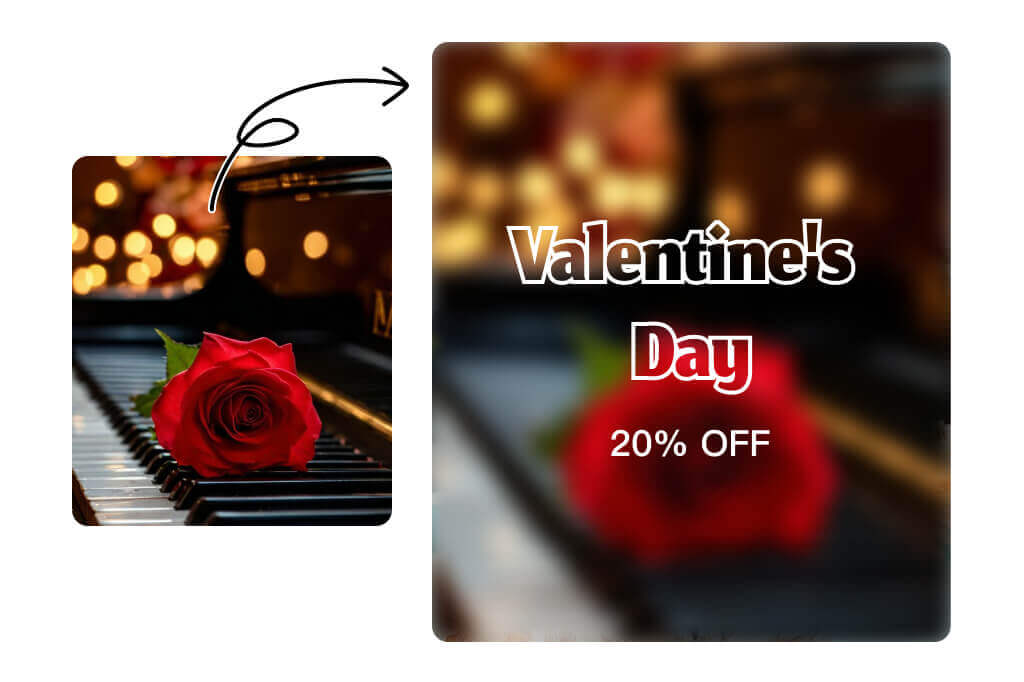
Make Your Picture Blurry to Create Abstract Artwork
Blurring isn't just for softening backgrounds. It's a creative tool that can add depth, atmosphere, and an abstract aesthetic to your photos. With just a slight blur adjustment, you can achieve a variety of visual effects.
Give landscapes a surreal touch or add a soft blur to portraits for a nostalgic, photobooth-style look. Our AI blur photo editor lets you fine-tune the intensity and helps you create stunning visuals. Experiment now and see how blur transforms your images!
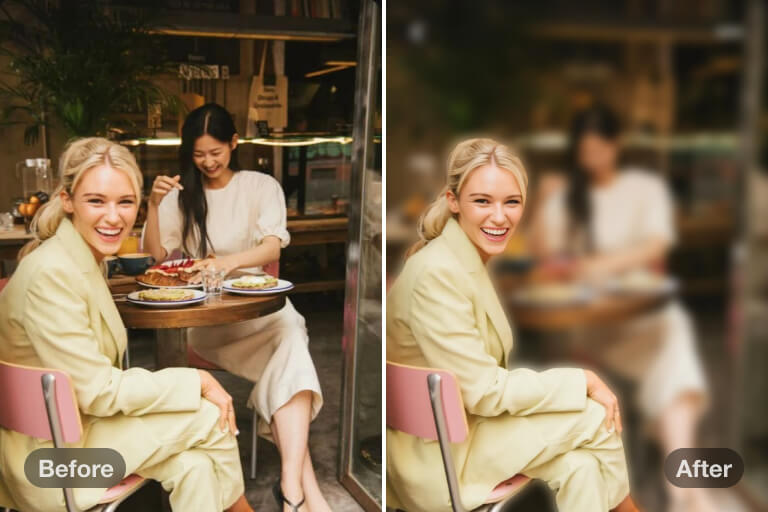
Blur Any Part of an Image to Protect Privacy
Have some sensitive details to hide from your photos? Blurring parts of an image is an effective way to protect privacy and conceal sensitive details, especially when sharing documents, faces, license plates, or confidential data.
insMind's AI blur image online tool ensures your information stays private. With one-click precision, you can apply a smooth blur effect to any area that needs to be hidden. No complicated editing required—just upload your image, select the area, and let AI do the rest. Try it now!
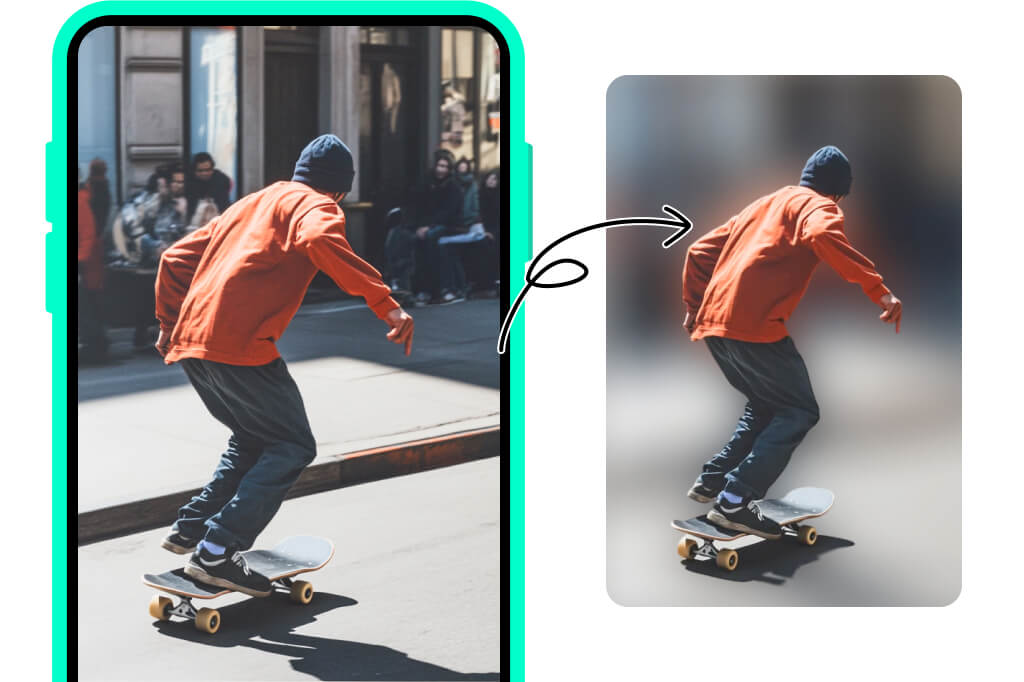
Blur Picture Background on iPhone, iPad, and Android
Blur pictures directly from your phone or tablet anywhere, anytime. Our AI image blurrer is not restricted to desktops. You can add a professional blur effect directly from your iPhone, iPad, or Android devices.
Simply upload your photo to insMind using your mobile browser, and AI will instantly blur the background with precision. Our tool makes it effortless to add blur effects on photos while traveling or editing on the go anytime you want. Try it now!
Explore More AI Photo Blurring Tools
Add Blur Effects to All Types of Images with Ease
Blur helps draw attention to the most important parts of your image and makes them sharper and more focused. With insMind's AI blur tool, you can blur all types of images, including portraits, product photos, and text-focused visuals.
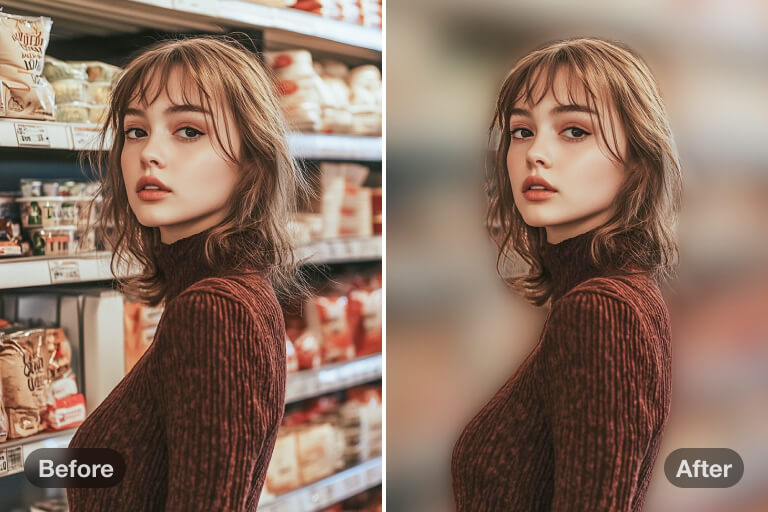
Blur Portraits
Make your portraits stand out with a beautifully blurred background. Our AI blur image tool can automatically detect the subject and apply a natural blur to enhance the professional look and quality. Ideal for profile pictures, business headshots, or artistic photography.
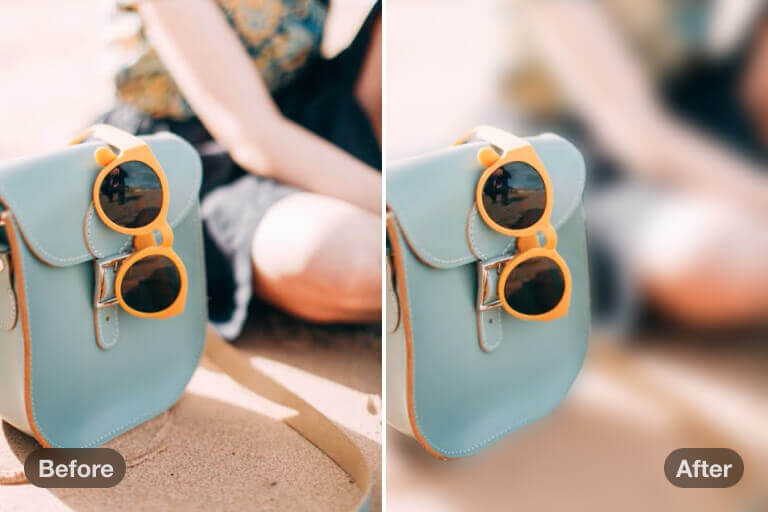
Blur Product Photos
Highlight your product by blurring distractions in the background. A soft blur effect enhances the visual appeal and makes your product stand out. It creates an alluring and mysterious atmosphere in your photography. Ideal for e-commerce, social media, and marketing campaigns.
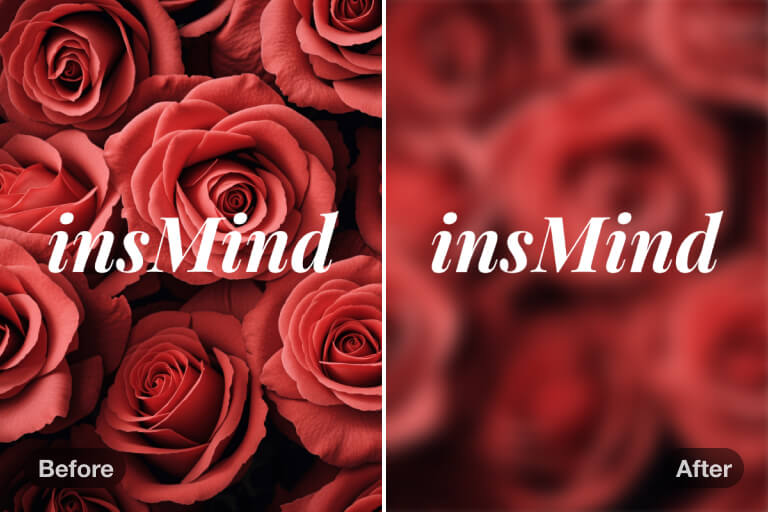
Blur Text-Focus Images
Make your text the center of attention by blurring unnecessary background elements. Our AI image blurrer makes the image text pop, enhances readability, and improves message impact with a clean, professional touch. Ideal for promotional images, banners, or presentations.
Why Choose insMind Photo Blur Editor?

Easy to Use
User-friendly interface with no editing skills required. Blur image in simple clicks—upload image, adjust the blur radius, and download the blurred file.

Blur Pictures Automatically
insMind photo blur editor uses AI to automatically apply accurate blur effects on pictures. It intelligently detects the foreground and applies the blur effect to backgrounds or selected areas.

High Quality Output
Blur images while maintaining sharpness and clarity. The AI-powered blur effect blends naturally with the image and preserves its original quality for a refined look.
FAQs about Photo Blurring
Can I blur image background to reduce distractions?


Can I blur a face in a photo?
Can I blur confidential information in an image?
Why do you need to blur an image?
Is insMind's photo blur editor free to use?
You might be interested in
Make your pictures pop with creative AI tools you can explore during a free trial.
AI Background
Blur Background
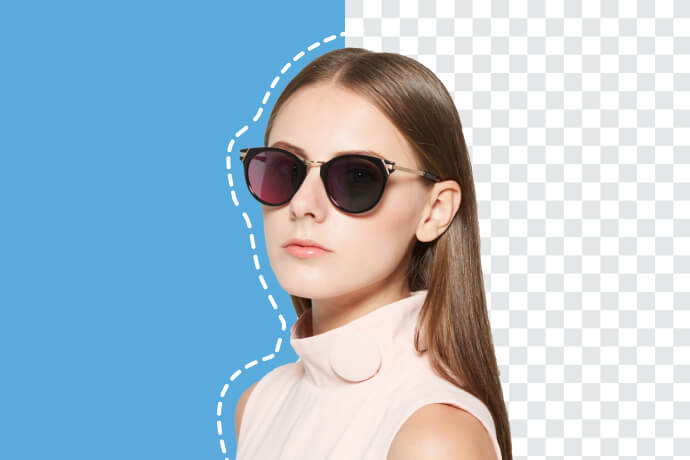
Background Remover
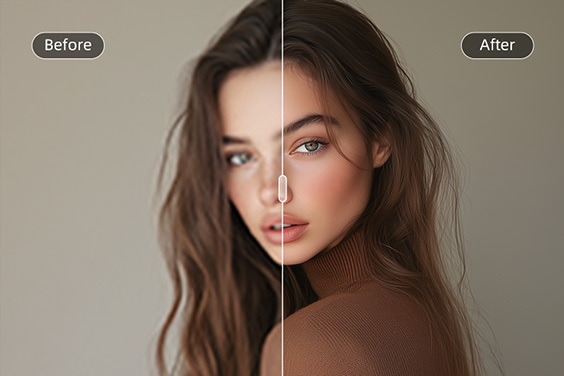
HD Photo Converter
AI Image Generator
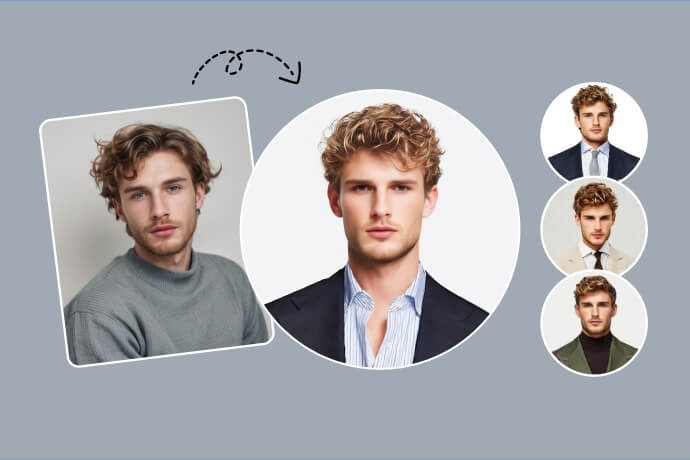
AI Headshot Generator
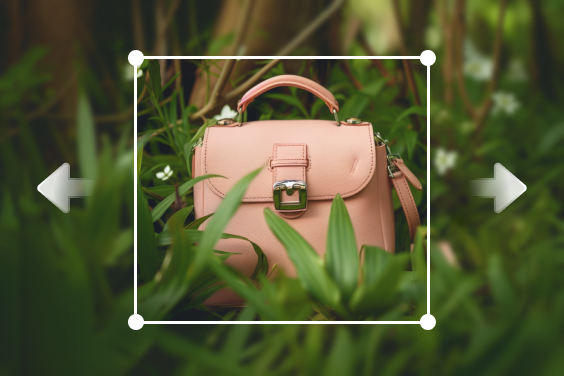
AI Image Expand
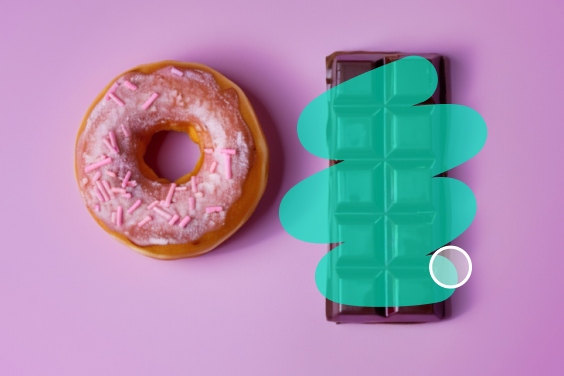
"I used this tool to blur my image because I wanted to hide the messy background, and it worked perfectly."
@Olivia M. Johnson, Personal User