
00:00
00:00
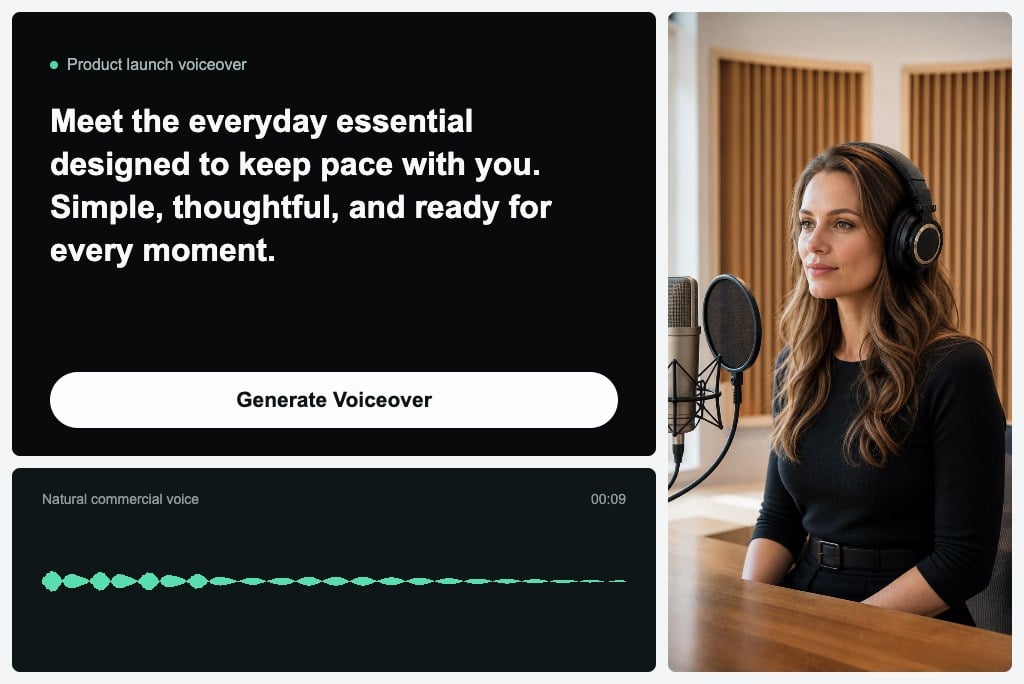
Create Voiceovers for Videos and Ads
00:00
00:00
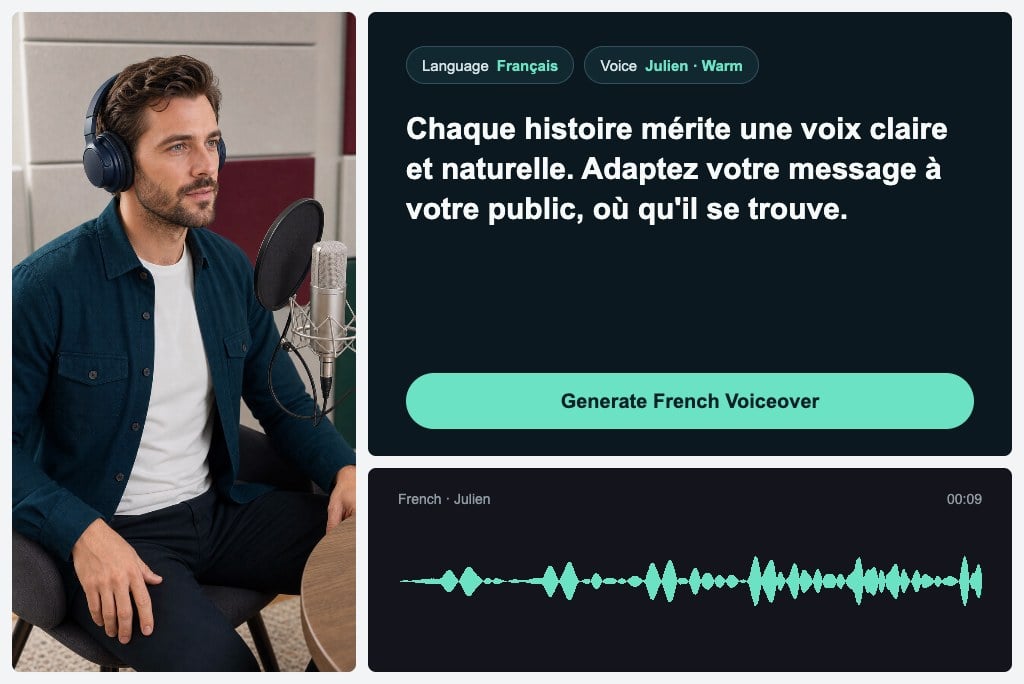
Narrate Content in Multiple Languages
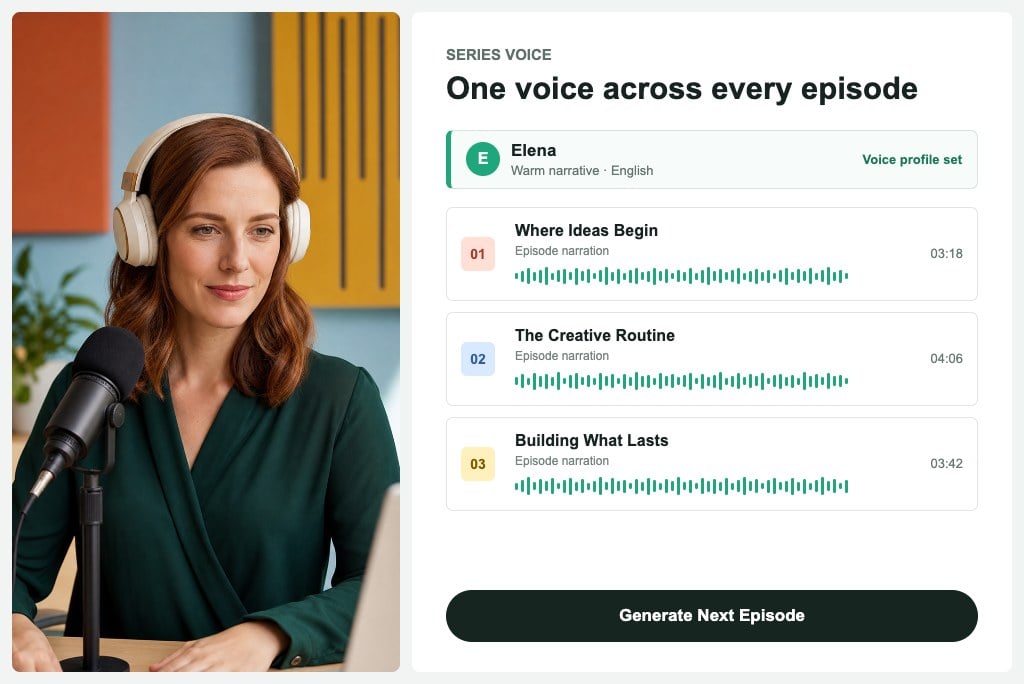
Keep Narration Consistent Across Episodes
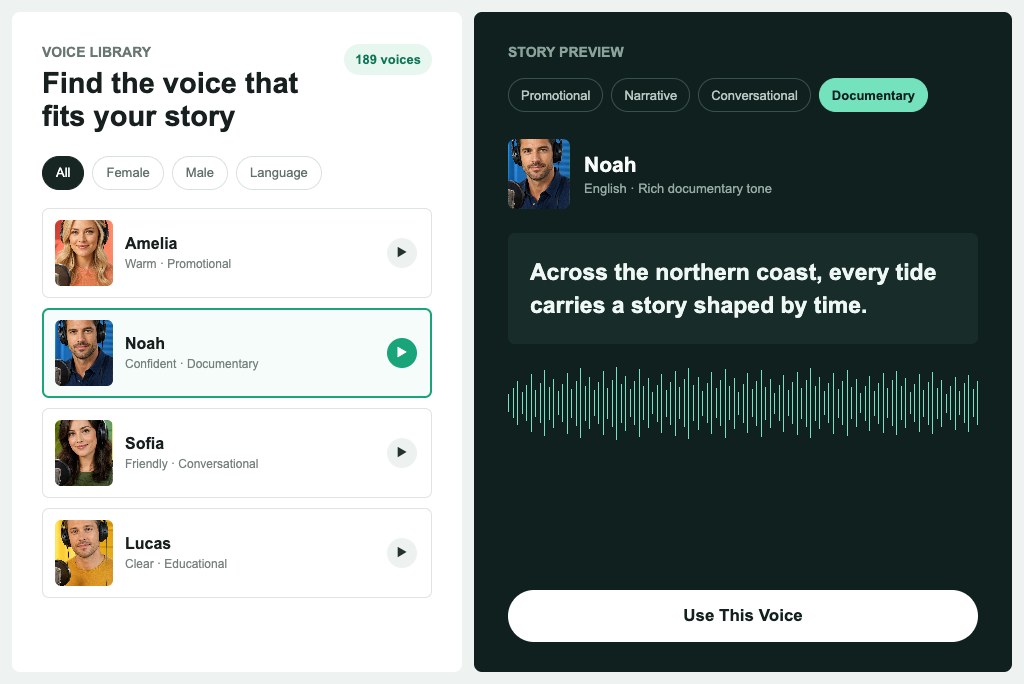
Match Every Story with the Right Voice
AI Voiceover Ideas for Every Content Format
Create narration for podcasts, promotions, YouTube videos, and social campaigns.
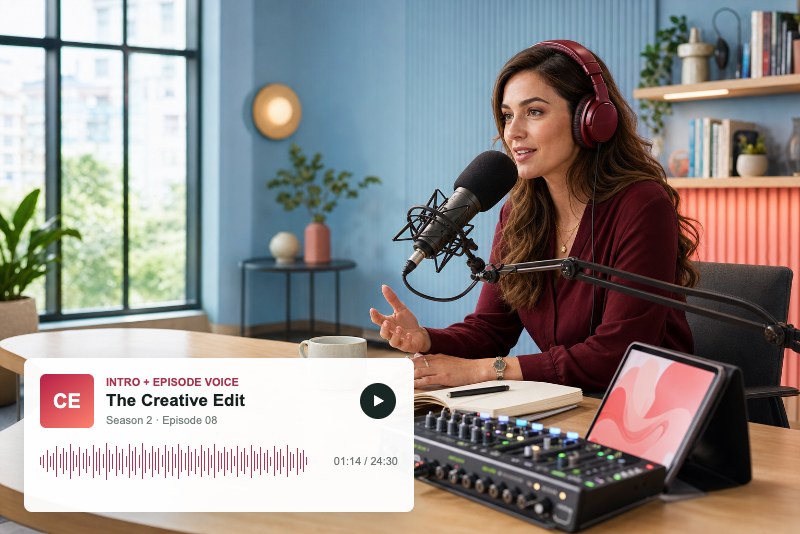
Podcast Intros and Episodes
Create polished intros, scripted segments, episode summaries, and recurring narration for podcasts without recording every passage manually.
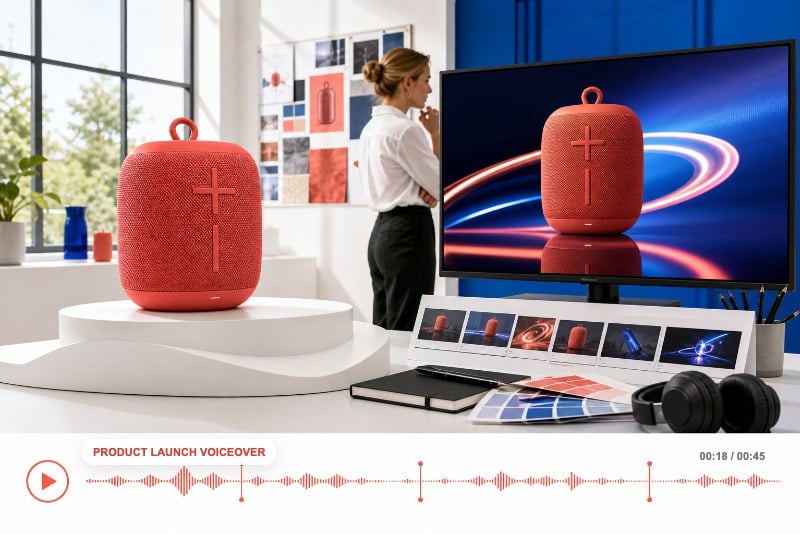
Product Ads and Launch Videos
Turn campaign copy into clear promotional voiceovers for product ads, feature announcements, app launches, and sales videos. Pair the narration with the YouTube Ad Maker when preparing video campaigns.
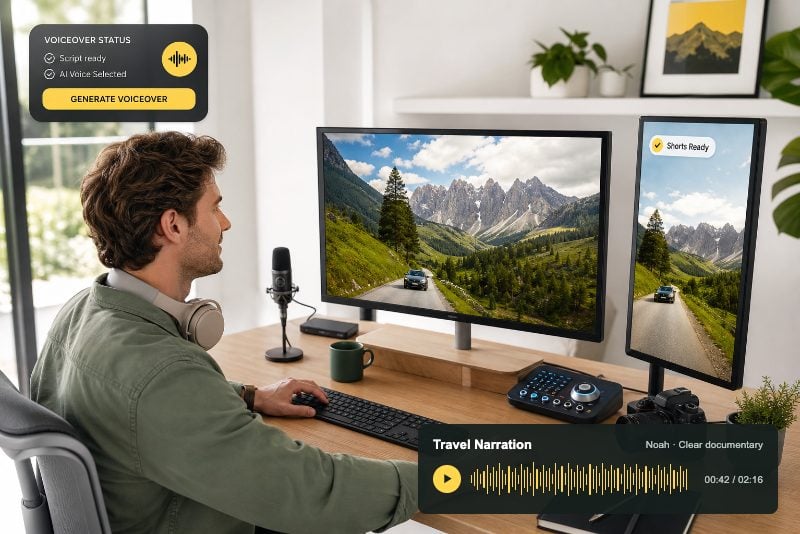
YouTube Videos and Shorts
Generate narration for explainers, reviews, tutorials, list videos, and Shorts while keeping your delivery consistent across an entire channel.
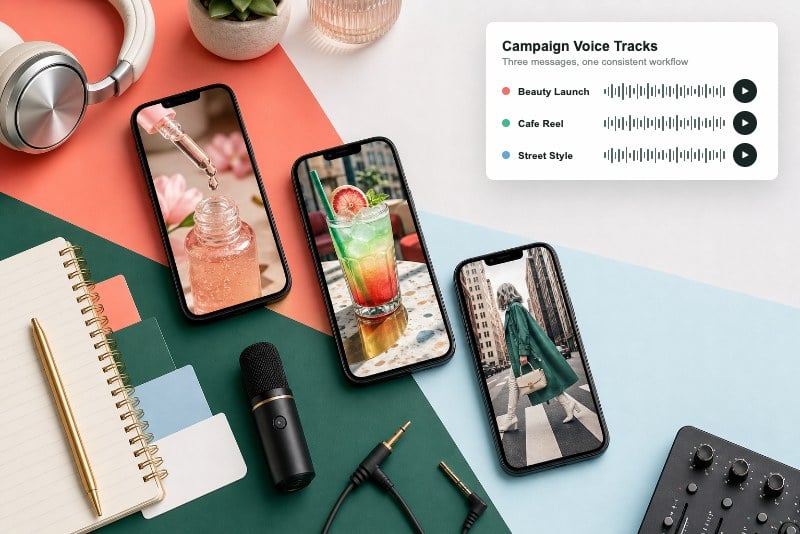
Social Media Campaigns
Produce voice tracks for Instagram, TikTok, Facebook, and other social campaigns. Creators can also use the AI Clip Generator to prepare short-form visual content for the finished narration.
How to Create an AI Voiceover
Step 1: Add Your Voiceover Script
Paste the narration, dialogue, announcement, or promotional copy you want your audience to hear.
Step 2: Select a Voice and Language
Choose a suitable male or female voice, then select the language that matches your content and audience.
Step 3: Create Your AI Voiceover
Generate spoken narration from your script and listen to how the selected voice delivers each line.
Step 4: Preview and Download Your Audio
Review the result, revise the script when necessary, and download the completed voiceover for your project.
Why Choose insMind AI Voice Over Generator

Natural Voiceover Output
Create smooth, understandable narration for videos, podcasts, promotional messages, tutorials, and other scripted content.

189 AI Voice Options
Explore a broad voice library and choose a delivery suited to different subjects, audiences, formats, and creative directions.

Multiple Language Choices
Produce localized voiceovers for international campaigns, educational content, multilingual channels, and audiences across different regions.

No Recording Equipment
Generate narration from written text without setting up microphones, soundproof rooms, recording software, or repeated studio sessions.

Male and Female Voice Styles
Choose male or female voices for conversational, promotional, narrative, instructional, documentary, and social media projects.

Consistent Delivery
Maintain a recognizable voice across recurring episodes, campaign variations, course modules, and content published over time.
FAQs About insMind AI Voice Over Generator
What is an AI voice over generator?


An AI voice over generator converts written scripts into spoken narration using synthetic voices. You can enter your text, choose a voice and language, generate the audio, and use the result in videos, podcasts, advertisements, tutorials, presentations, or other narrated content.
How do I create an AI voiceover from text?
Paste your script into insMind AI Voice Over Generator, select a suitable voice and language, and generate the narration. Preview the result before downloading it. If a line needs changing, edit the written script and create an updated version without recording the entire voiceover again.
Is insMind AI Voice Over Generator free to try?
insMind provides a free trial of its core AI voiceover features using available credits. Usage may depend on your account balance, plan, or current activity rewards. You may also earn free credits through eligible platform activities and use them to continue exploring the tool.
Can I use AI voiceovers for YouTube videos?
Yes. You can create voiceovers for YouTube explainers, reviews, tutorials, channel trailers, Shorts, product demonstrations, and faceless videos. Prepare the script first, generate the narration, and then add the downloaded audio to your preferred video production workflow.
Can I create voiceovers for ads and product demos?
Yes. AI voiceovers can narrate product benefits, launch announcements, promotional hooks, app walkthroughs, and demonstration videos. They are also useful when you need to test several script variations without arranging separate recording sessions for every version.
How many AI voices can I choose from?
The tool supports 189 AI voices, including male and female options for different content styles. You can compare voices suited to conversational, promotional, narrative, instructional, or documentary delivery and choose the one that best supports your script and intended audience.
What languages are supported?
insMind AI Voice Over Generator supports multiple languages for localized narration and multilingual content. Available options can be reviewed in the voice selector, helping you match the language and voice to regional campaigns, international audiences, lessons, podcasts, and video projects.
Can I choose male and female AI voices?
Yes. The voice library includes male and female options with different delivery styles. You can choose a confident promotional voice, a warm conversational narrator, a clear instructional speaker, or another option that fits the tone and purpose of your content.
Can I use AI voiceovers for podcasts?
Yes. You can generate podcast intros, episode summaries, sponsor messages, scripted sections, and short narrative segments. Using a consistent AI voice can help recurring content maintain a recognizable sound while making script corrections and episode updates easier to produce.
More Tools for Voice-Led Video Content
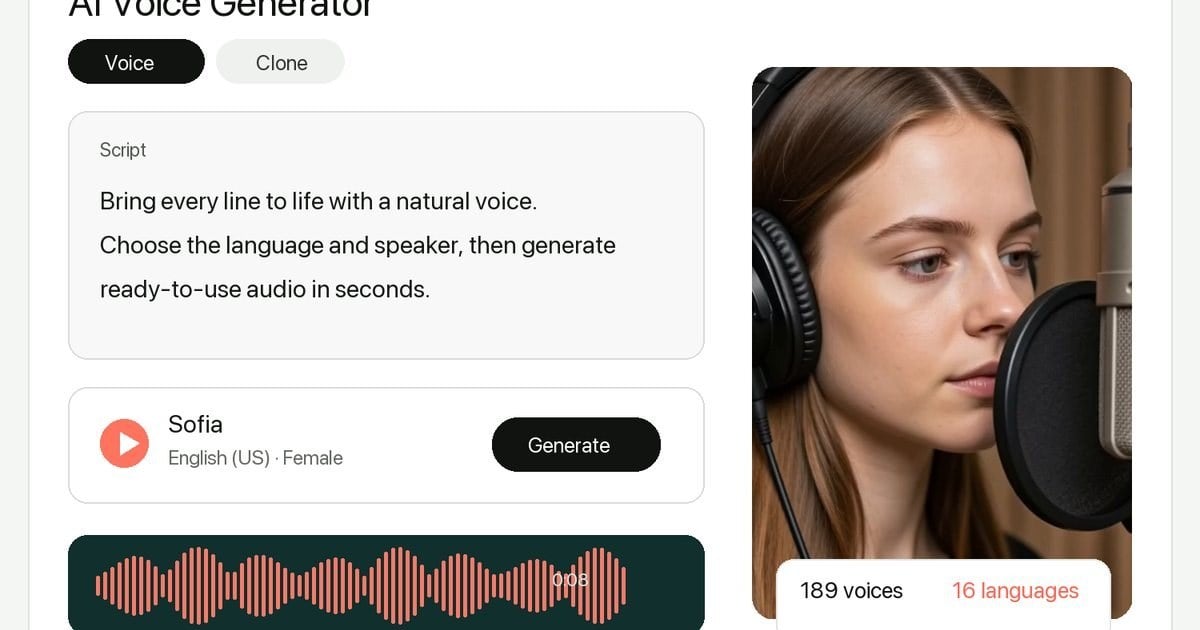
AI Voice Generator
Explore realistic AI voices for narration, creator content, and multilingual projects.
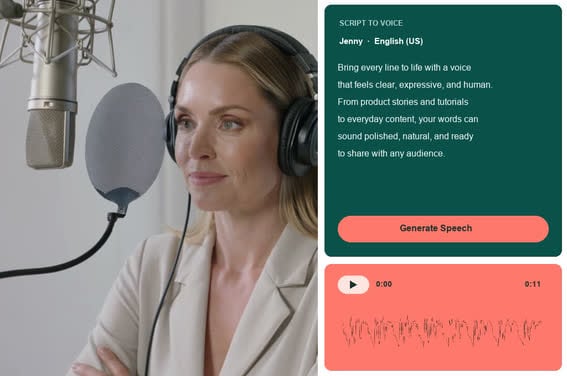
Text to Speech
Convert written text into natural voice audio online.
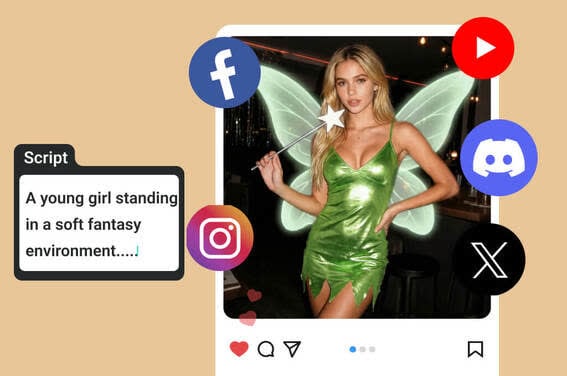
Script to Video AI
Turn a written script into a complete AI-generated video.
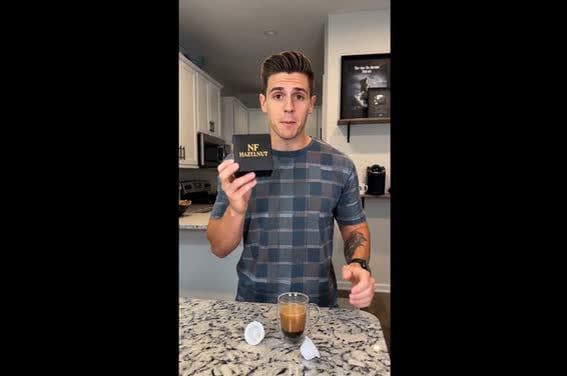
AI Spokesperson Video Generator
Create presenter-style videos with an AI spokesperson and clear narration.
00:00
00:00
YouTube Ad Maker
Create product-focused YouTube ads from campaign ideas and assets.

00:00
00:00
Instagram Ad Maker
Produce scroll-ready Instagram ad videos for social campaigns.
00:00
00:00
B-Roll Generator
Generate supporting B-roll footage that adds context to narration.

00:00
00:00
YouTube Channel Trailer Maker
Create a concise channel trailer that introduces your content and voice.