
00:00
00:00
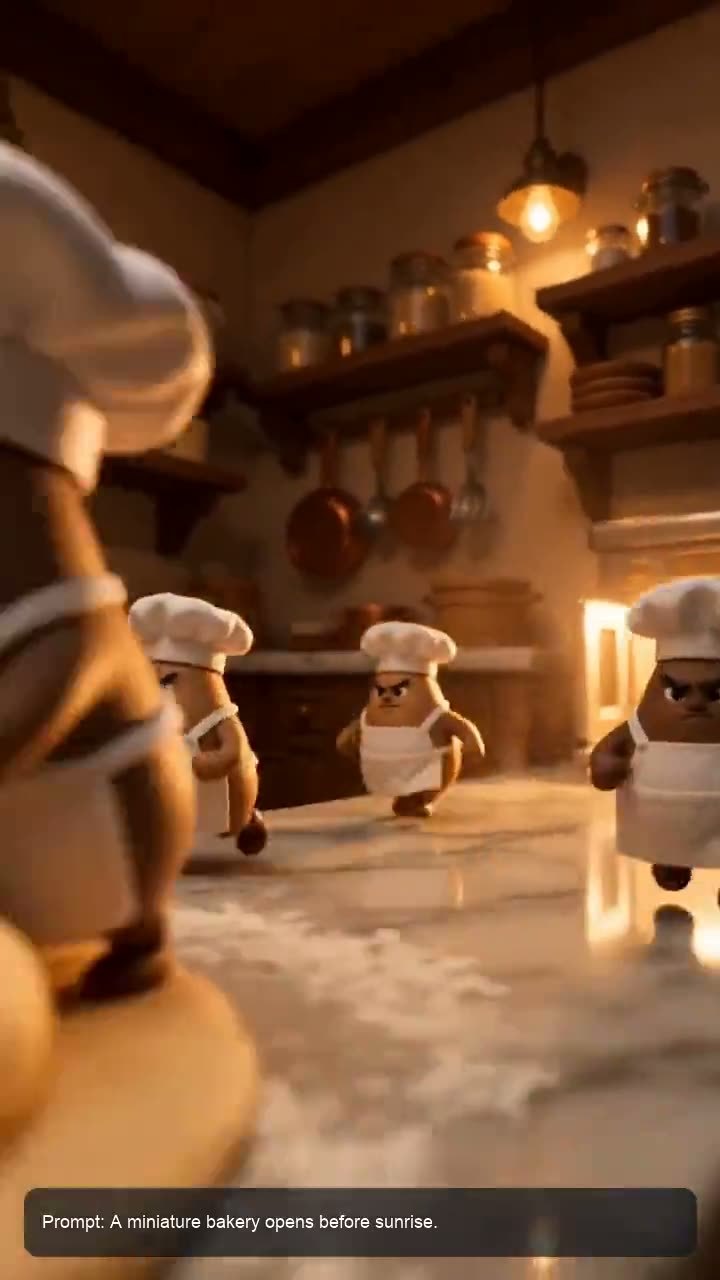
Generate Short Video Clips from a Prompt
00:00
00:00
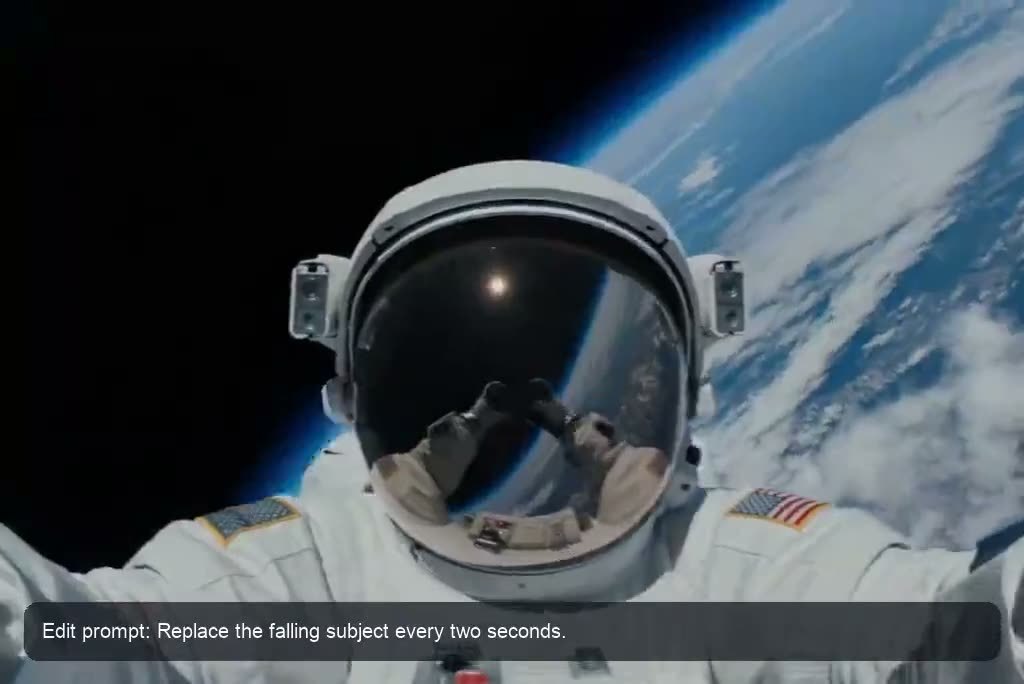
Edit Clips with a Text Prompt
00:00
00:00
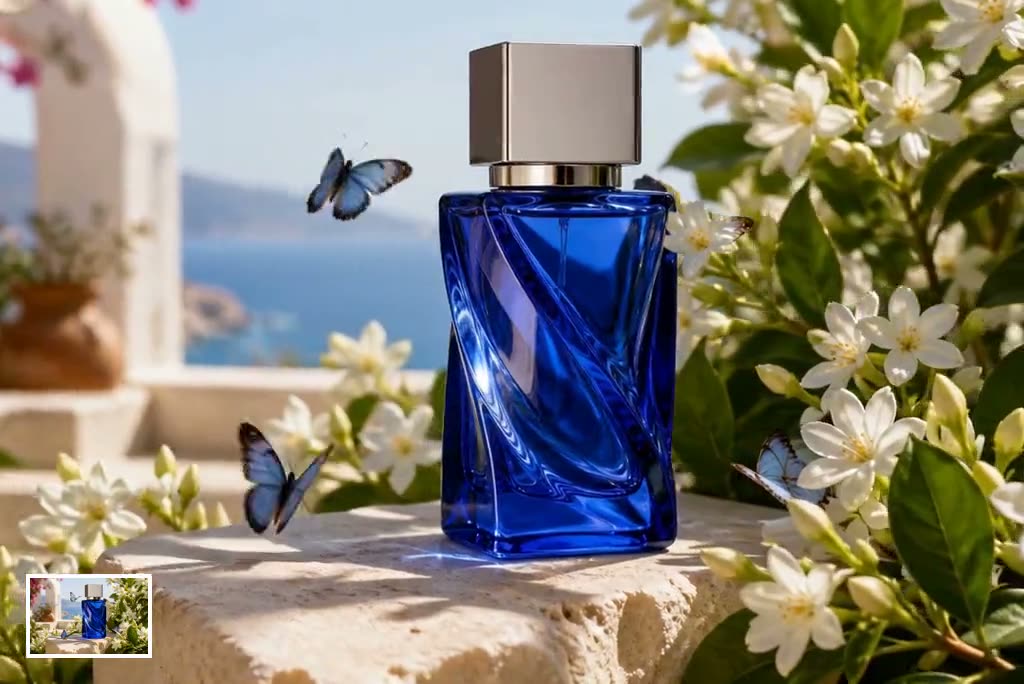
Turn Images into Animated Short Clips
How to Create a Short Video Clip with AI
Step 1: Enter an Idea or Upload an Image
Start with a written clip idea or upload an image you want to animate. Use a clear subject and a focused concept for more predictable results.
Step 2: Describe the Clip in Your Prompt
Explain the action, camera movement, mood, pacing, aspect ratio, and sound you want. Include the intended platform when creating a vertical social clip.
Step 3: Generate Your Short Video
Review the prompt and generate the clip. insMind turns the description or image into a moving scene while following your creative direction.
Step 4: Edit and Download the Clip
Refine the result with another text prompt, then download the finished video for TikTok, Instagram Reels, YouTube Shorts, ads, or other projects.
Create Short Clips for Every Content Goal
Produce focused videos for social publishing, marketing, sales, and audience growth.
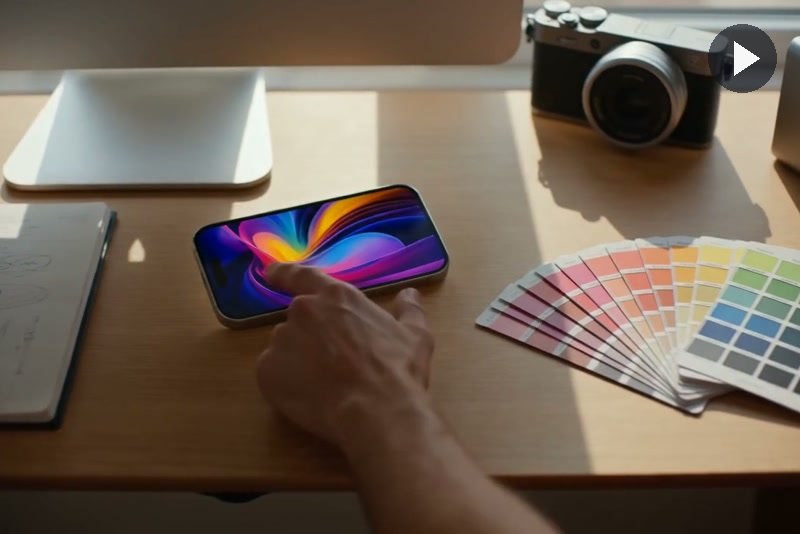
TikTok and Instagram Creators
Turn quick concepts into vertical hooks, visual stories, reactions, and recurring social formats. Generate a fresh short clip, refine it through prompts, and adapt the idea for fast-moving TikTok and Reels schedules.
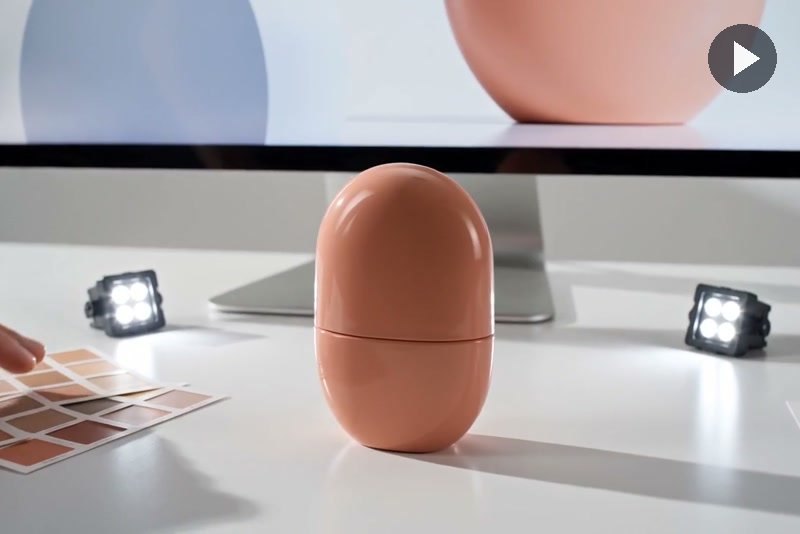
Product Marketing Teams
Create concise launch teasers, feature highlights, and campaign cutdowns without organizing a new shoot for every concept. Prompt-based editing makes it easier to test different moods, scenes, and pacing for each campaign.
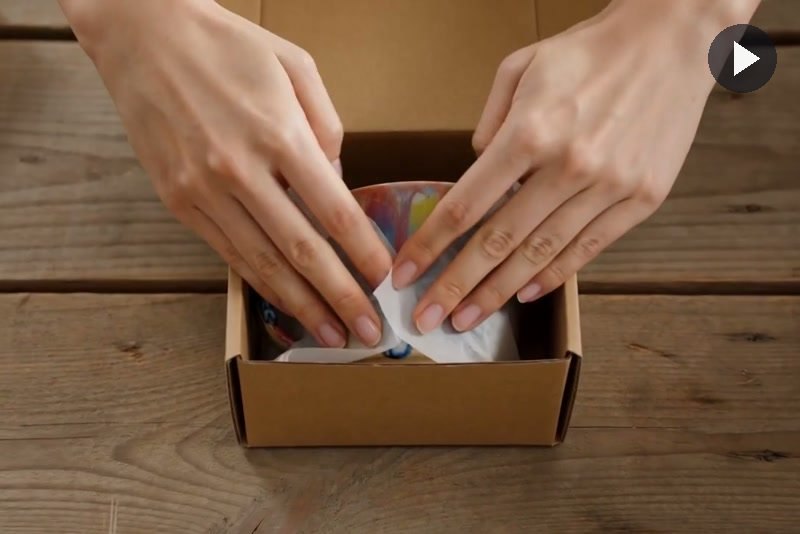
Small Businesses and Online Stores
Animate product photos, introduce seasonal offers, and build short promotional clips for storefronts and social channels. Start with the assets you already have and describe the movement or atmosphere you want.
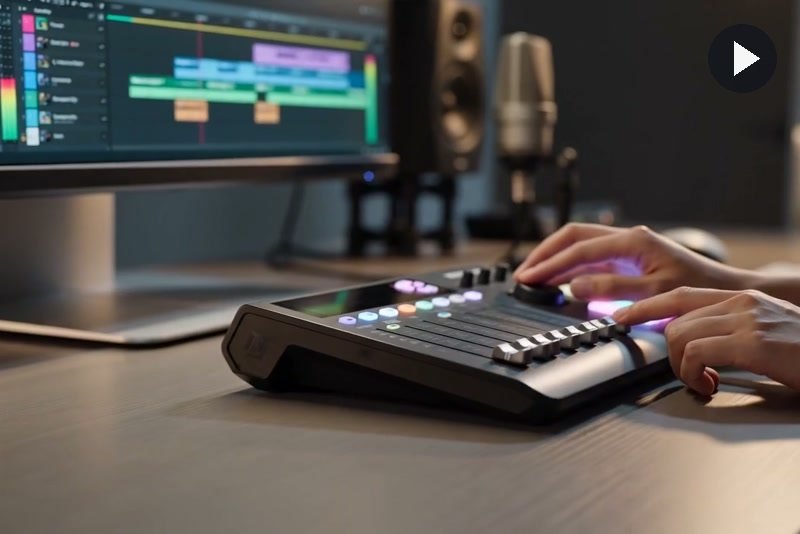
YouTube Shorts Creators
Develop compact story moments, visual hooks, explainers, and channel promos for vertical viewing. Use prompts to control the opening shot, scene rhythm, and final look before publishing the clip as a Short.
Why Create Short Video Clips with insMind

Prompt-Based Creation
Turn a straightforward scene description into a short video without manually arranging footage, transitions, or timeline layers.

Natural-Language Clip Editing
Describe the change you want and refine a clip’s mood, pacing, scene details, or visual direction through text.

Accessible Online Workflow
Generate, review, edit, and download short clips online without installing professional video editing software or learning complex controls.

Creative Direction in One Prompt
Define subject movement, camera behavior, atmosphere, aspect ratio, and audio cues together for a more coherent result.

Short-Form Friendly Output
Create focused clips suited to vertical social feeds, product promotions, visual hooks, teasers, and compact storytelling.

Text and Image Inputs
Begin with a new written concept or animate an existing image when you already have a product, subject, or composition.
FAQs About the AI Short Video Generator
What is an AI short video clip generator?


An AI short video generator turns a written prompt or image into a brief video clip. You describe the subject, action, camera direction, mood, and sound, and the tool generates the visual sequence. It is useful for social posts, ads, product teasers, creative concepts, and other short-form content.
How do I generate a short clip from a text prompt?
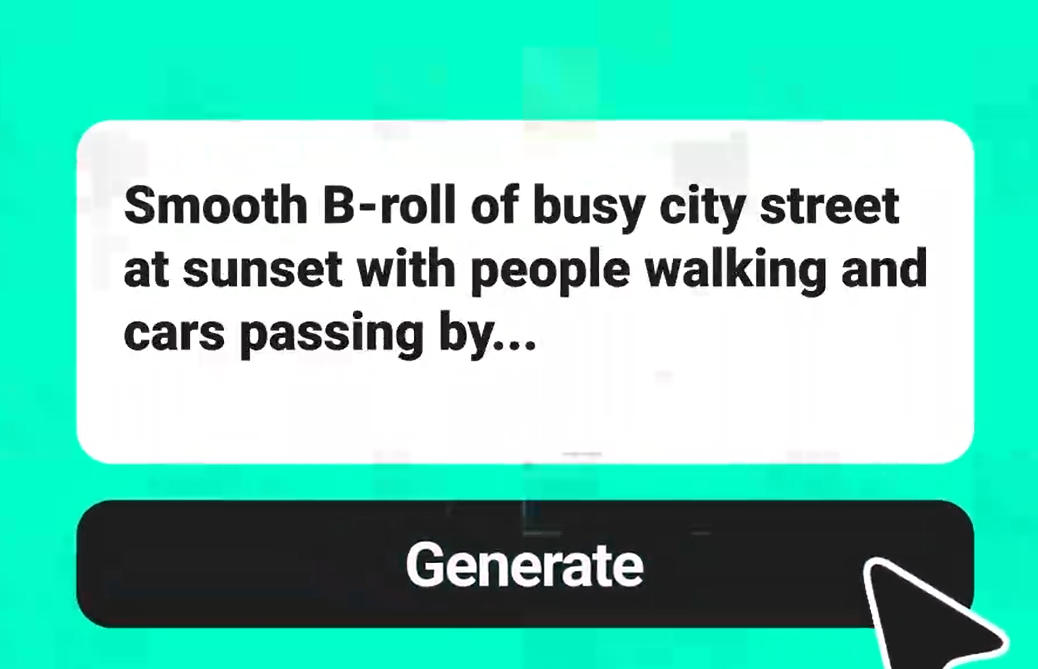
Enter a clear description of the scene you want to create. Include the subject, action, location, camera movement, atmosphere, preferred aspect ratio, and audio direction. Specific prompts usually produce more controlled and relevant short clips than broad one-line ideas.
Can I edit a generated clip with a text prompt?
Yes. Describe the adjustment you want, such as changing the atmosphere, refining the pace, modifying visible scene details, or giving the camera a different feel. A focused editing prompt helps preserve important parts of the original clip while applying the requested change.
Do I need video editing experience?
No advanced editing experience is required. The workflow uses text prompts instead of a traditional multitrack timeline for the main generation and AI editing steps. Clearly state what should change, what must remain consistent, and how the finished clip should feel.
Can I create clips for TikTok, Reels, and YouTube Shorts?
Yes. Specify a 9:16 aspect ratio and describe the desired hook, pacing, and visual style. Keep essential subjects near the center so they remain visible within mobile interfaces and platform overlays.
Can I generate clips from images as well as text?
Yes. Begin with a text description or upload an image to animate. For image-based clips, explain how the subject, camera, and environment should move while listing the details that must remain unchanged.
Is the AI clip generator free to try?
insMind provides a free trial of its core AI creation features. Generation uses credits depending on the selected model and settings. Users may also earn free credits through available platform activities.
What should I include in a good video clip prompt?
Include the main subject, action, setting, camera movement, lighting, mood, pacing, aspect ratio, duration, and audio direction. Also state important restrictions, such as preserving a product design or avoiding text and watermarks.
Can AI-generated clips include sound?
Supported video models can generate or incorporate ambience, sound effects, dialogue, or music direction. Describe the sound you want in the prompt and keep it consistent with the scene. Available audio behavior may vary by model.
How long does it take to generate an AI clip?
Generation time varies with the selected model, clip length, resolution, motion complexity, and current processing demand. Short clips are generally faster to create than longer videos, while a precise initial prompt can reduce revisions.
More Short-Form Video Tools from insMind
00:00
00:00
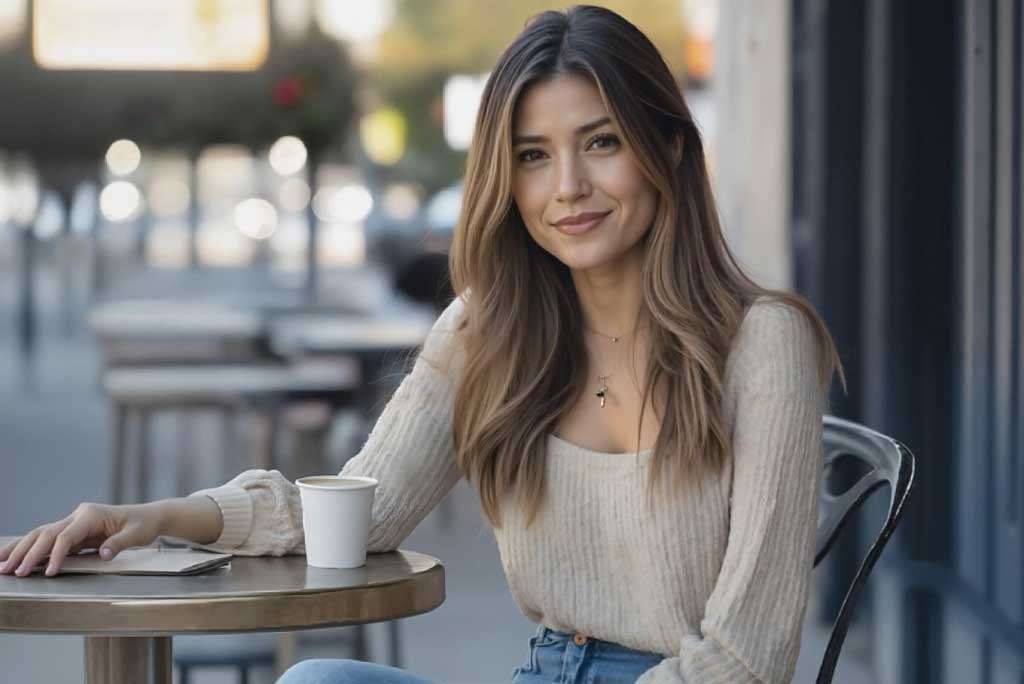
Text To Video Generator
Turn any text prompt into high-quality videos in minutes.
00:00
00:00
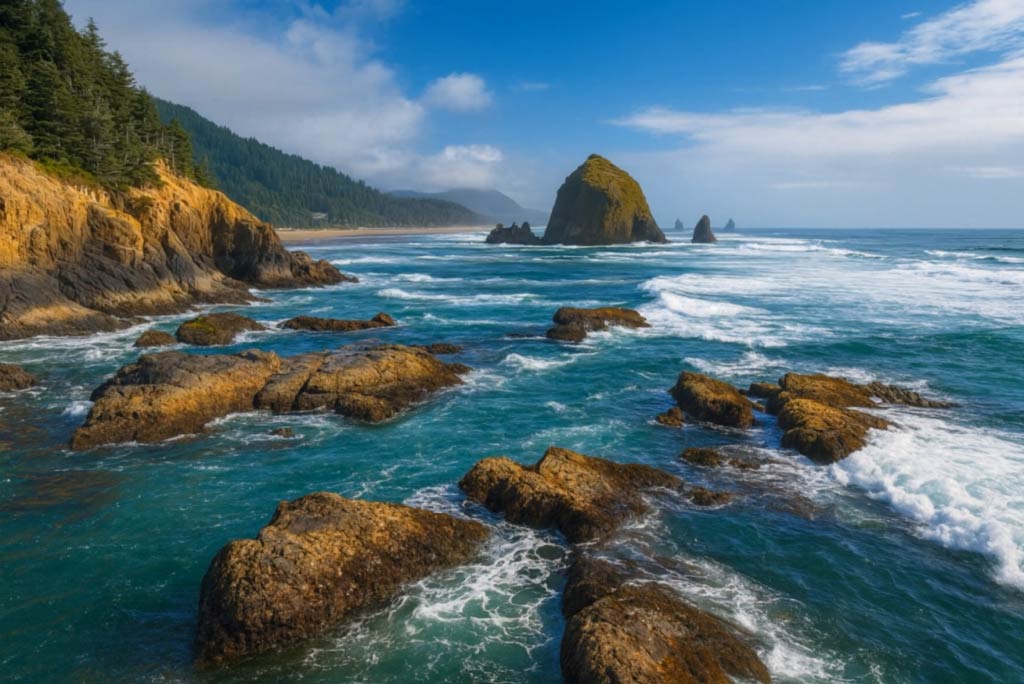
Image to Video
Create custom videos from your photos with AI.
00:00
00:00
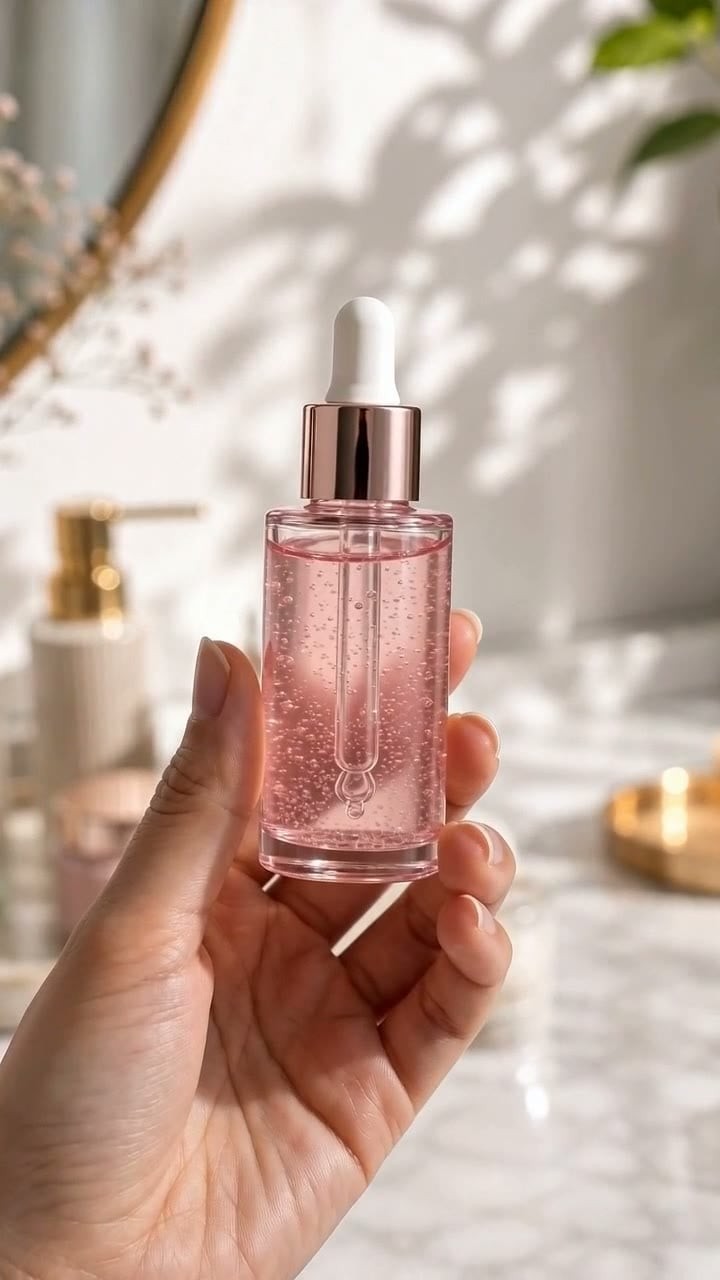
AI Video Editor
Edit videos naturally using AI—no timeline or manual tools.
00:00
00:00
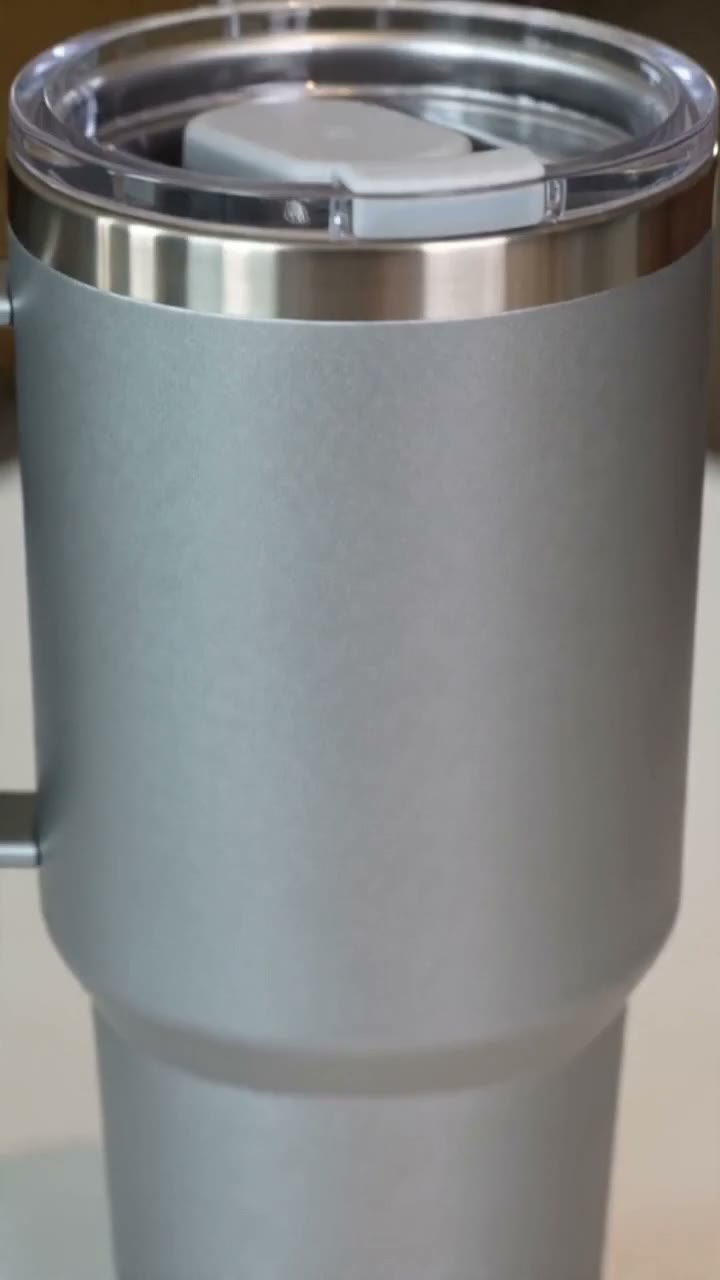
AI TikTok Video Generator
Create dynamic TikTok clips from prompts or photos with AI.
00:00
00:00
Instagram Video Generator
Create Instagram Reels, Stories, and posts with AI.

00:00
00:00
AI Product Demo Generator
Create clear product demo videos from photos and prompts.
00:00
00:00
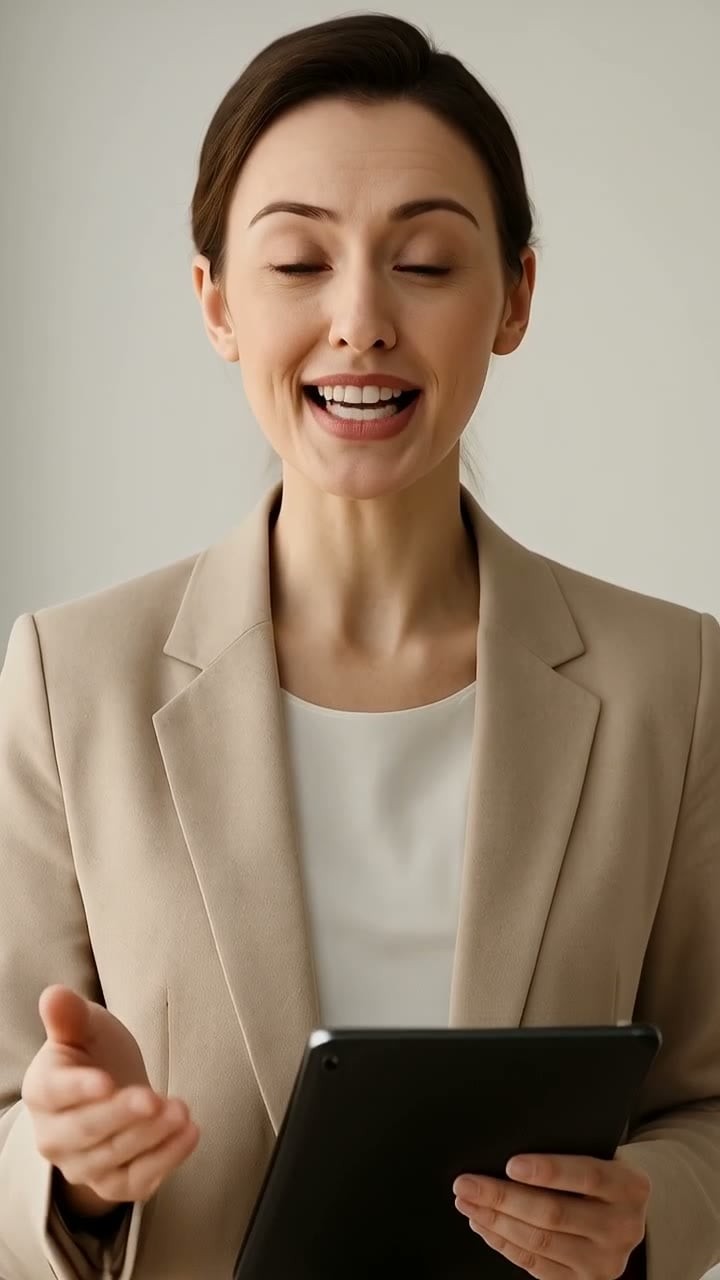
AI Avatar Video Generator
Turn a portrait into a natural talking avatar video with AI.