00:00
00:00

Turn Product Images into Scroll-Stopping Clips
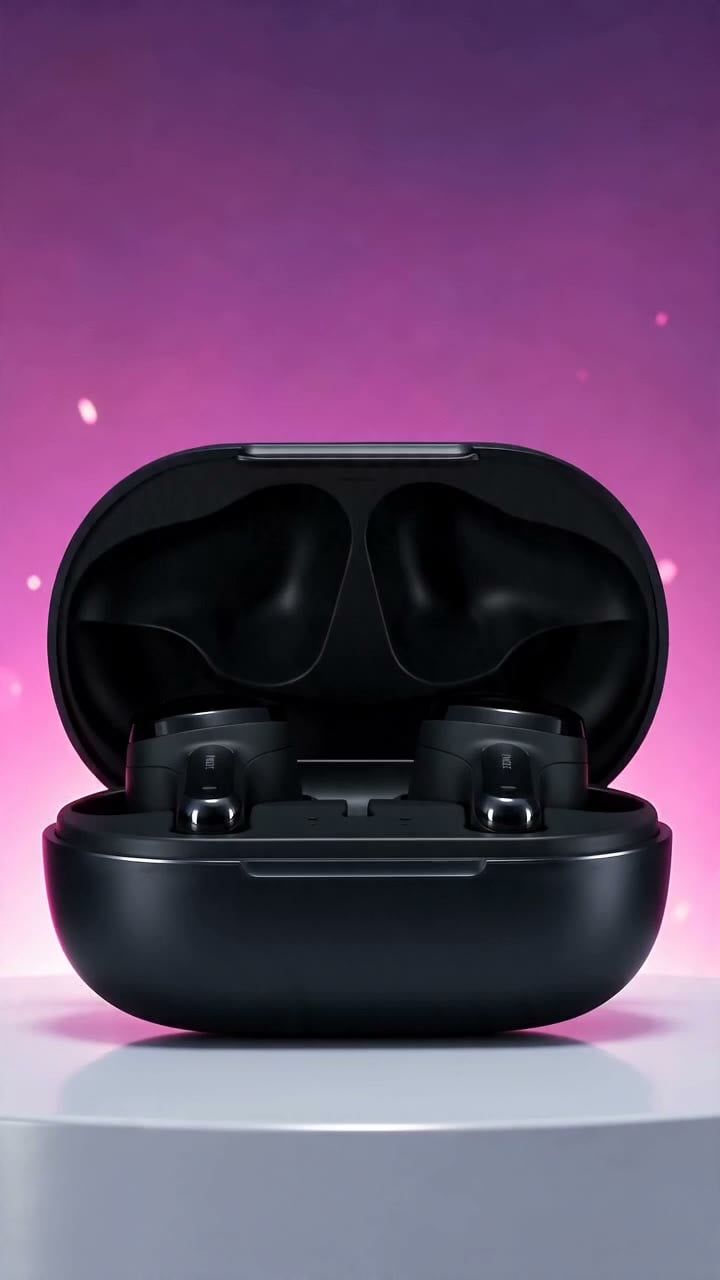
Upload a product image and turn it into a short Instagram-ready video with motion, reveal, and social rhythm. insMind helps small brands create Reels and Stories that feel more dynamic than static posts, whether you are launching a product or refreshing a feed.
00:00
00:00

Build Hook-Driven Videos for Launches and Promotions

Create promotional clips that open fast, communicate the moment, and finish with a clear visual payoff. Use it for Instagram launches, limited-time offers, announcements, or campaign teasers without filming every idea from scratch.

How to Create Instagram Videos with AI

Step 1: Upload an Image or Enter a Prompt

Upload a product photo, selfie, lifestyle image, or brand visual, or simply describe your Instagram video idea with a prompt. Explain the scene, motion, mood, and message you want to create.

Step 2: Choose an Instagram Video Style

Decide whether you're creating a Reel, Story, product showcase, UGC-style clip, promotional video, or lifestyle content. Tailor the concept to match your audience and campaign goals.

Step 3: Customize Video Settings

Select the video model, aspect ratio, duration, and generation settings. For Instagram Reels and Stories, 9:16 vertical format typically delivers the best viewing experience.

Step 4: Generate and Download

Create your Instagram-ready video, preview the results, and download the final clip. Share it directly on Instagram or repurpose it across other social media and marketing channels.

Make Instagram Videos for Creators, Brands, and Campaigns

From creator announcements to Story ads, generate Reels that match your campaign goals.
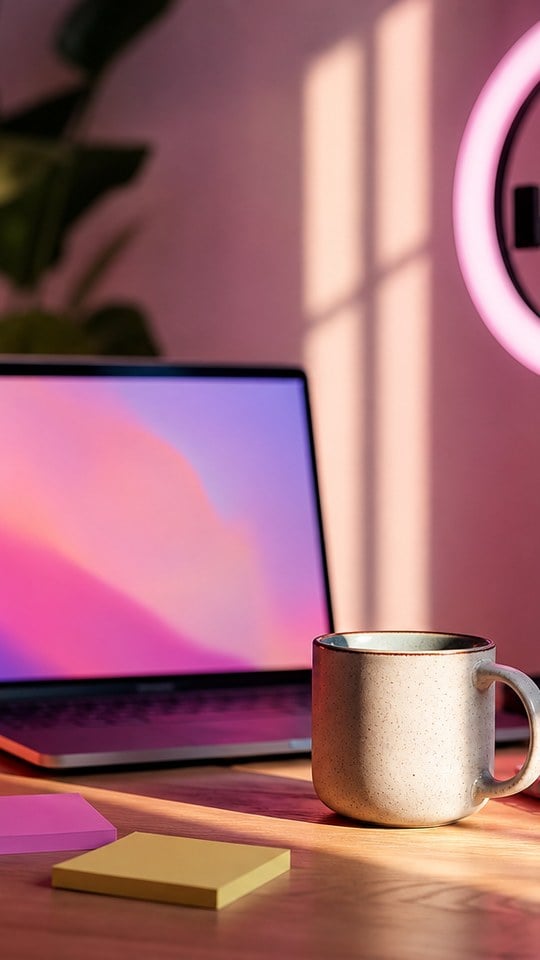
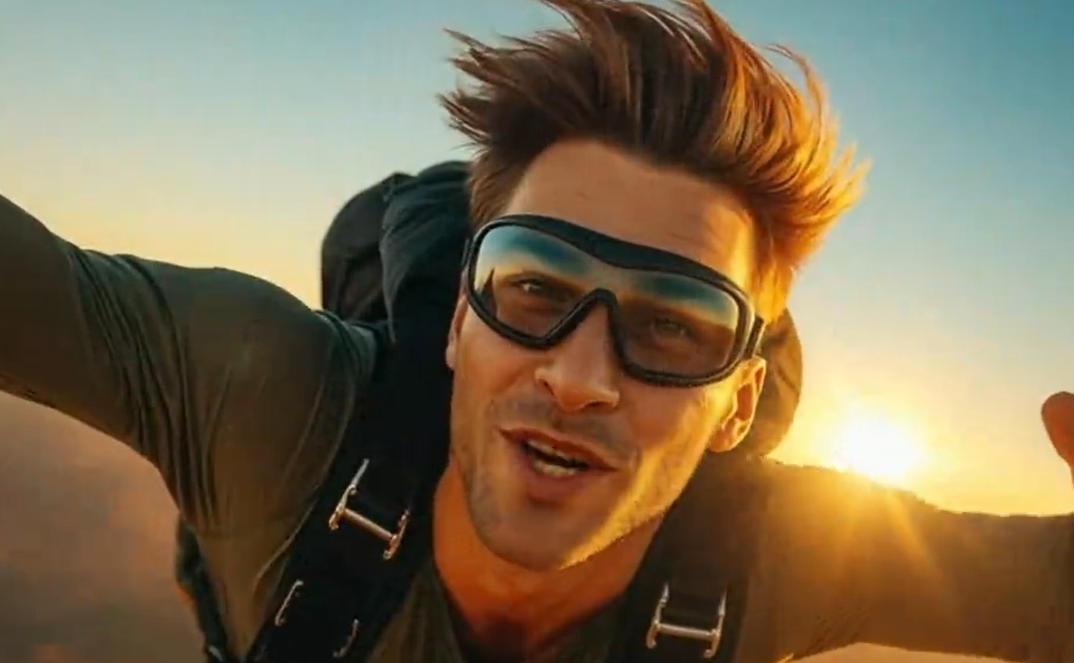
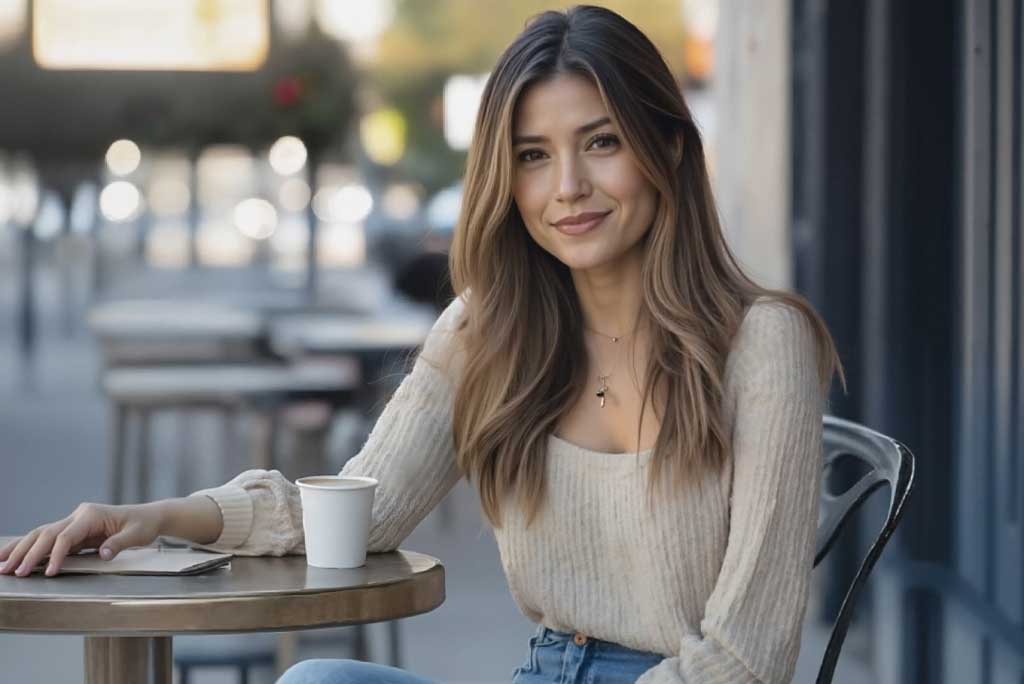
Creator Announcements
Creator Announcements

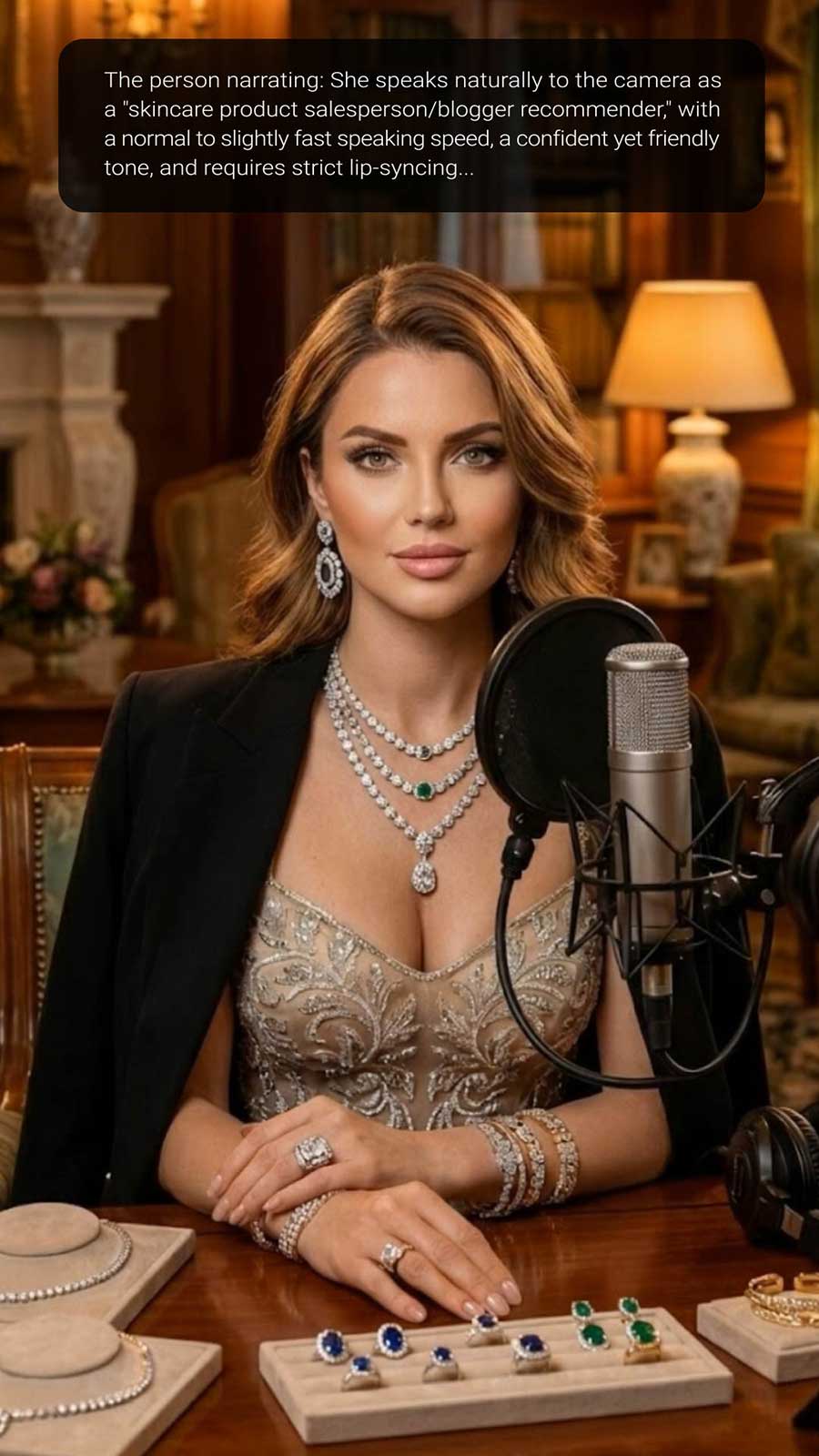
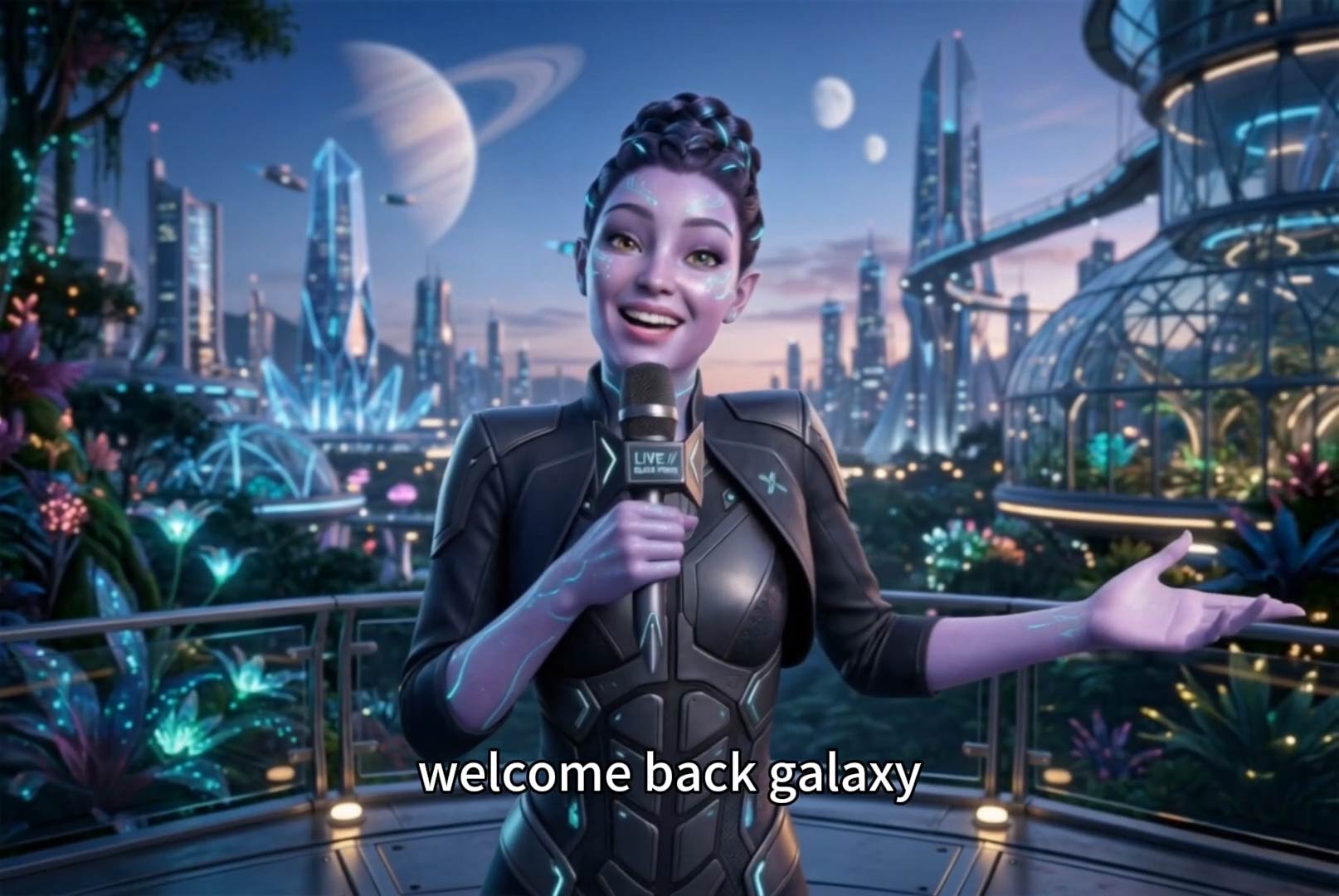
Creators can turn selfies or profile photos into lifestyle announcement videos for launches, updates, collaborations, and personal brand posts.
Story Ads for Product Launches

Story Ads for Product Launches

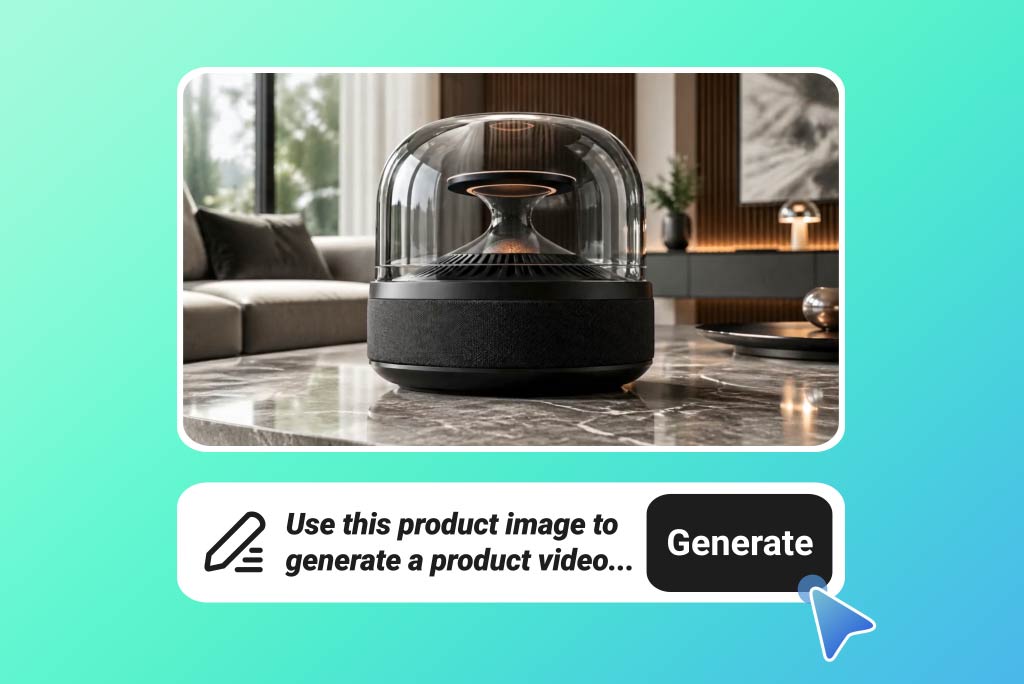
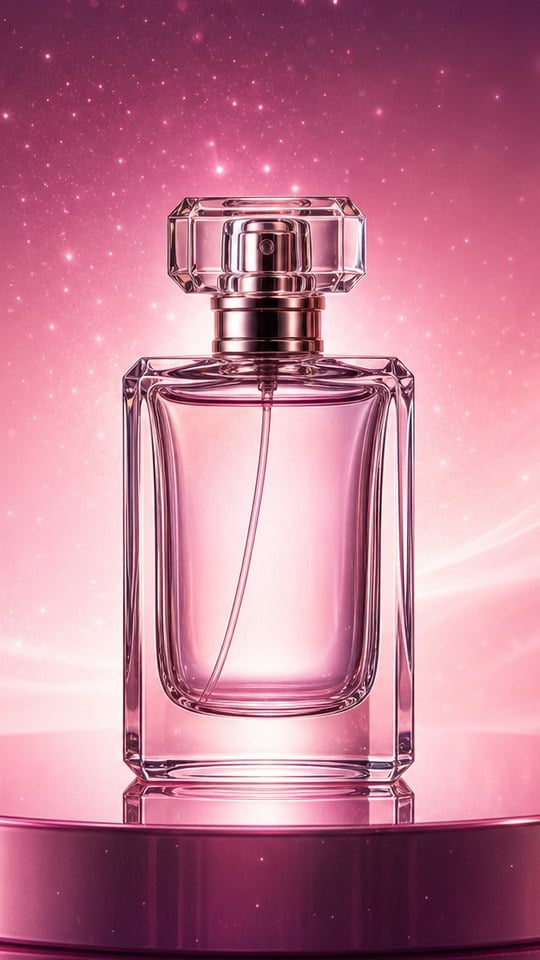
Ecommerce teams can generate vertical Story ads from product images, creating fast launch teasers and limited-time promotion concepts.
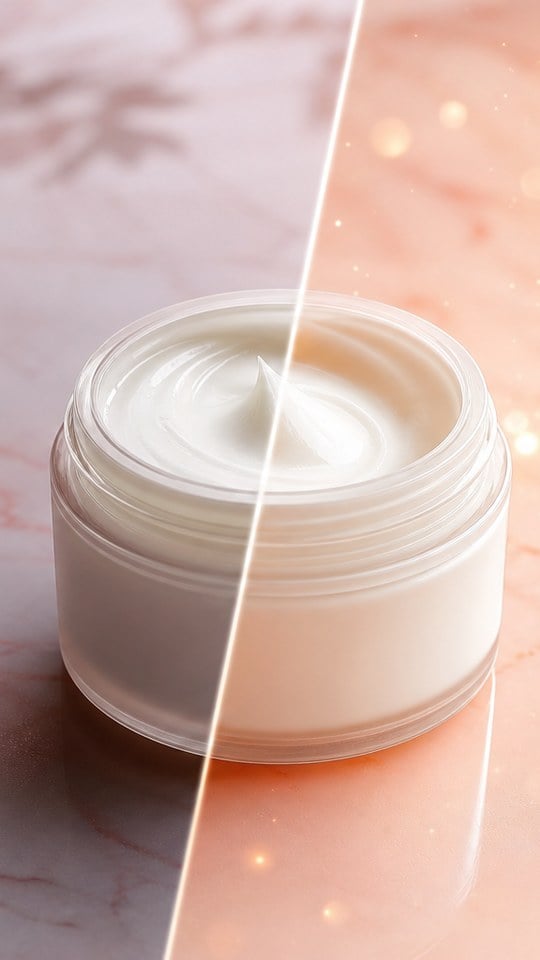
Beauty Before-and-After Reels

Beauty Before-and-After Reels

Beauty creators can visualize soft transitions, product reveals, and final glow moments for Instagram Reels without filming every variation.
Educational Tip Videos

Educational Tip Videos

Coaches and educators can turn tips into simple visual videos, pairing a strong hook with lifestyle imagery or product-style movement.

Why Choose insMind Instagram Video Generator

Instagram-Ready Formats

Instagram-Ready Formats

Create vertical videos that match Reels and Stories, with pacing designed for fast social viewing.
Works from Photos or Prompts

Works from Photos or Prompts

Start with product images, selfies, travel photos, or simple campaign ideas and turn them into motion.
Fast Hook Creation

Fast Hook Creation

Build opening moments that catch attention quickly before viewers scroll past your post.
Useful for Brands and Creators

Useful for Brands and Creators

Make product clips, creator announcements, launch teasers, lifestyle videos, and visual tips in one workflow.
Multiple Concepts Per Campaign

Multiple Concepts Per Campaign

Generate several video directions from one idea so you can compare hooks and creative angles.
AI Video Tool Ecosystem

AI Video Tool Ecosystem

Continue refining assets with related insMind tools for image-to-video, influencer videos, and video enhancement.

FAQs About Instagram Video Generator

What is an Instagram Video Generator?

insmind expand icon
An Instagram Video Generator helps create short videos for Reels, Stories, posts, and ads from photos, prompts, or campaign ideas. It can add motion, pacing, camera movement, and social-ready formatting.

Can I create Instagram Reels from photos?

insmind expand icon
Yes. Upload a product photo, selfie, travel image, or lifestyle shot, then describe the motion and mood you want. For Reels, use 9:16 vertical framing and a short, hook-driven prompt.

Can I make Instagram Stories with AI?

insmind expand icon
Yes. Instagram Stories work well with vertical 9:16 videos. You can create launch teasers, sale announcements, product reveals, countdown-style visuals, and creator updates from images or prompts.

What aspect ratio should I use for Instagram videos?

insmind expand icon
For Reels and Stories, use 9:16 vertical video. For feed posts, square or 4:5 may work, but 9:16 is usually the most flexible format for short-form Instagram content.

Can I create Instagram product videos?

insmind expand icon
Yes. Product photos can become animated Reels, Story ads, launch teasers, or listing-style clips. Describe the reveal, close-up detail, lifestyle scene, and final hero frame you want.

Can I generate videos without appearing on camera?

insmind expand icon
Yes. You can create faceless Instagram videos using product photos, travel images, food shots, graphics, or lifestyle scenes. This is useful for brands and creators who do not want to film themselves.

Can I make creator-style videos with a face photo?

insmind expand icon
Yes. If your video needs to preserve a visible face, use a clear portrait and a prompt that describes natural expression and movement. Face-visible outputs should keep the input image locked during generation.

Is the Instagram Video Generator free to try?

insmind expand icon
insMind offers core features with a free trial experience. Users can also earn free credits through platform activities, so they can test different Reel, Story, and ad concepts.

Can I create videos for Instagram ads?
insmind expand icon
Yes. You can create vertical videos for Story ads, Reel ads, product launches, and campaign tests. Add the product, hook, mood, and final payoff to the prompt for stronger ad concepts.

Explore More AI Instagram Video Tools