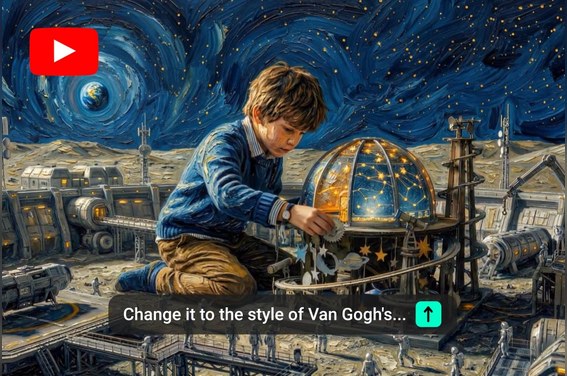
Turn Your YouTube Idea into a Trailer
A strong channel trailer starts with a clear reason to watch. Describe your niche, audience, content promise, and tone, then use insMind to shape that idea into a concise trailer direction. It helps creators introduce the channel without starting from scratch.

Create a YouTube Trailer That Encourages Subscriptions
Use AI video generation to build a trailer that feels structured, polished, and ready for your channel homepage. Add your visual style, pacing, voice, or clip ideas, then generate a short introduction viewers can understand before they subscribe.
What You Can Make with YouTube Trailer Maker
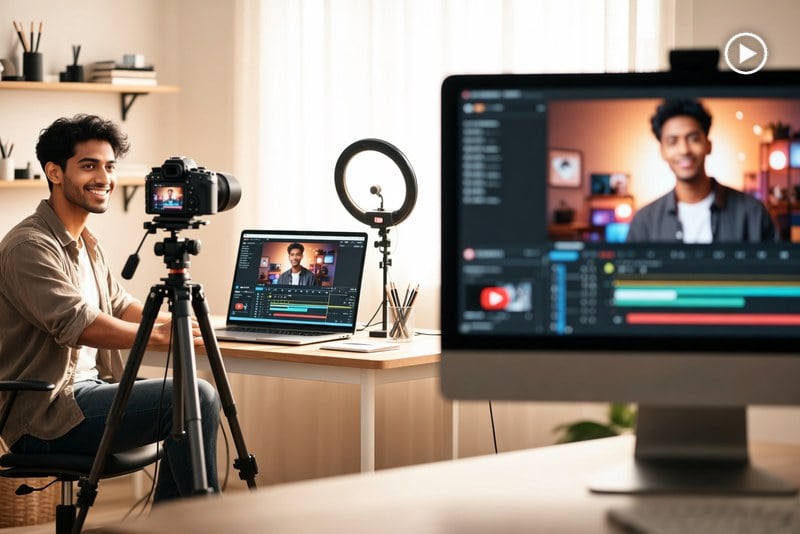
Launch a New Creator Channel
Introduce your niche, personality, posting style, and value promise in a short trailer that helps first-time visitors understand why they should subscribe.
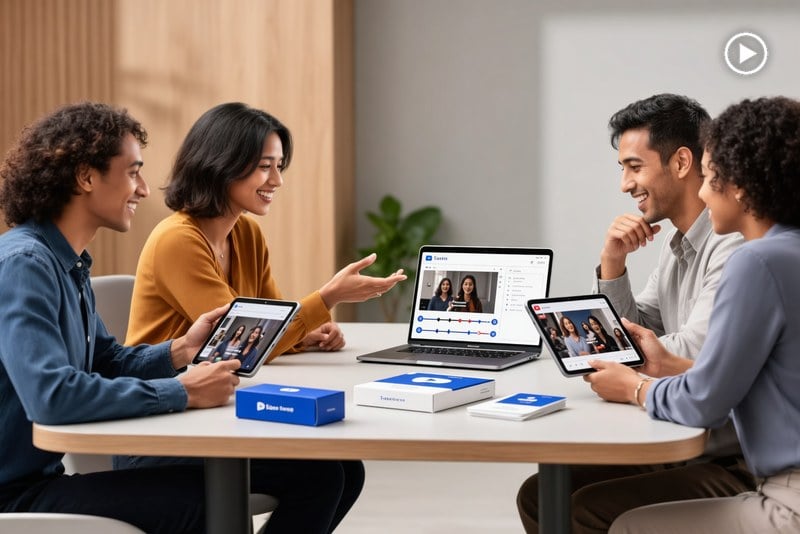
Promote a Business on YouTube
Create a polished channel opener for product videos, customer education, company updates, and brand storytelling without planning a full shoot first.

Showcase an Education Channel
Show lesson topics, teaching style, and learning outcomes so students quickly know what they will get from your channel.

Turn Gaming or Entertainment Highlights into a Trailer
Turn high-energy moments, reactions, or show-style concepts into a trailer that communicates your channel personality quickly.
How to Make a YouTube Trailer
Step 1: Upload an Image
Start by uploading a clear image that represents your channel, topic, product, character, scene, or visual style. This image gives the trailer maker a strong visual base for your YouTube trailer.
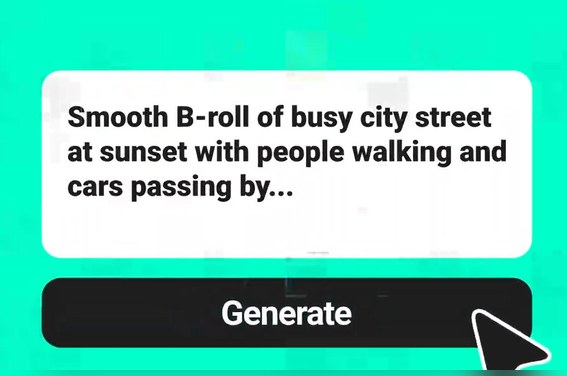
Step 2: Enter Your Prompt
Describe the trailer you want to create. Add your channel niche, audience, mood, camera movement, pacing, and key details so the AI understands how the final trailer should look and feel.
Step 3: Generate the Trailer
Click generate to turn your image and prompt into a short YouTube trailer video. Review the result for motion, energy, scene flow, and whether it matches your channel identity.
Step 4: Edit and Download
Refine the generated video with edits, adjust the prompt if needed, and polish the final look. When the trailer is ready, download it and use it for your YouTube homepage or promotion.
Why Choose insMind YouTube Trailer Maker

Trailer Script Help
Move from a rough channel idea to a structured opening, content promise, and clear call to action without writing everything alone.

Fast AI Video Drafts
Generate trailer concepts quickly with the AI Video Generator, then compare styles before spending time on detailed editing or production.

Horizontal Framing for YouTube
Create horizontal trailer ideas for your channel homepage, or adapt the concept for Shorts with the AI YouTube Shorts Generator.

Clear Subscribe Prompt
Shape the final moment around a simple viewer action, from subscribing to exploring your latest videos or playlists.

Beginner-Friendly Workflow
Make a channel trailer without complex editing software, timeline setup, or a full video production plan.

Brand Style Control
Guide tone, pacing, visuals, audience, and channel personality with plain-language prompts that are easy to refine.
FAQs About insMind YouTube Trailer Maker
How do I make a YouTube trailer?


How do I create a YouTube trailer on YouTube?
Can I make a channel trailer for YouTube without editing skills?
How long should a YouTube trailer be?
What should I say in a YouTube trailer?
Can AI help me create a trailer for YouTube?
Can I use my own clips or images for a channel trailer?
Is insMind trailer maker free to try?