
00:00
00:00
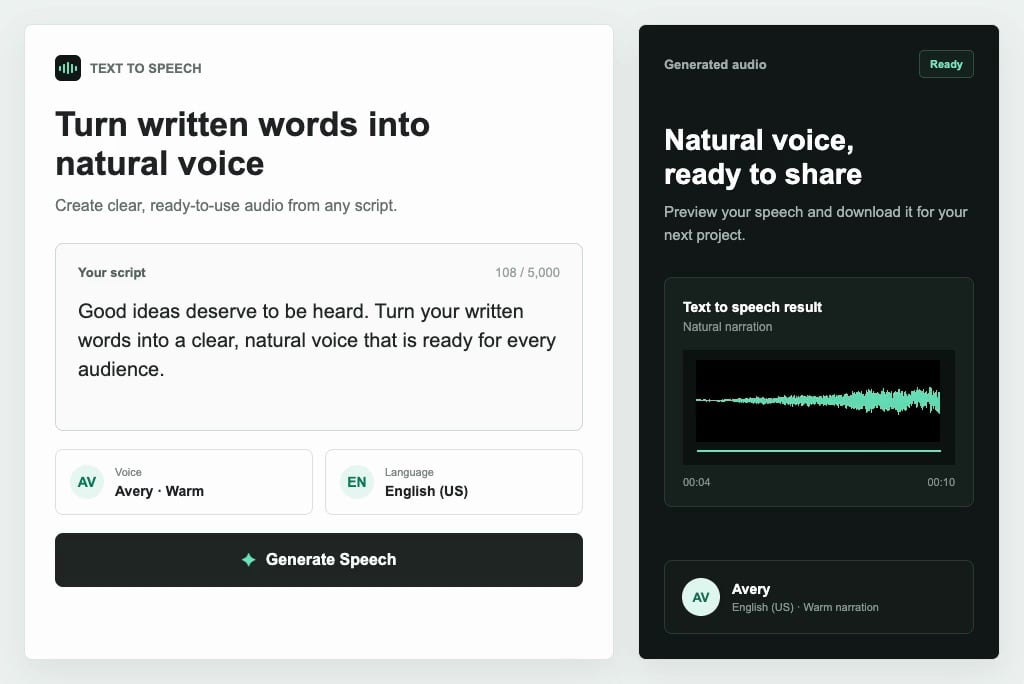
Convert Scripts into Natural Voice
00:00
00:00
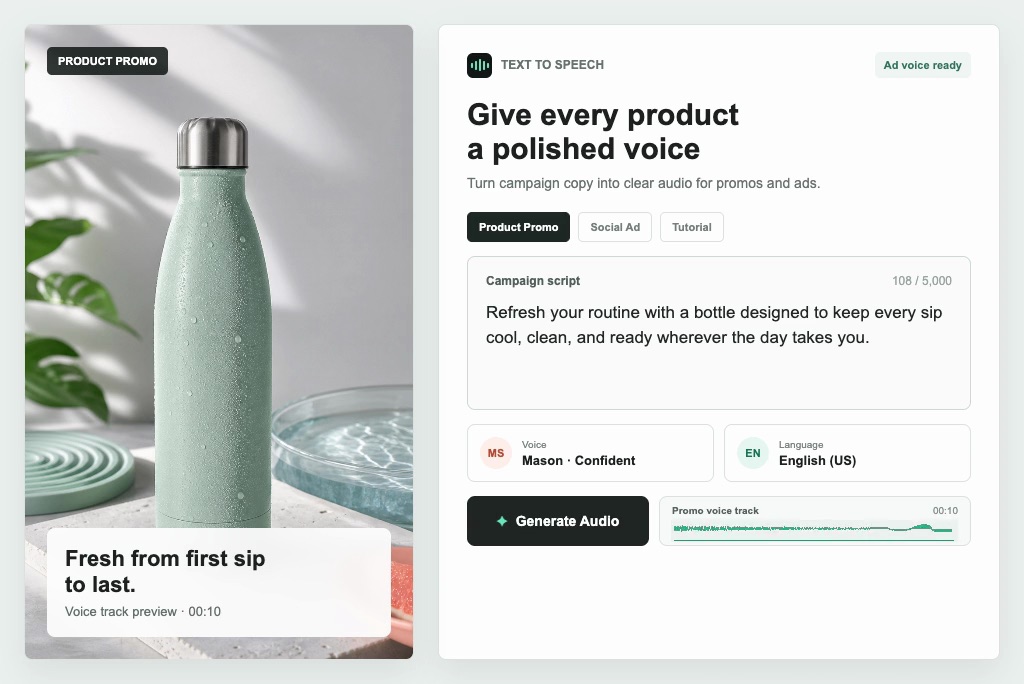
Make Audio for Videos and Ads
00:00
00:00
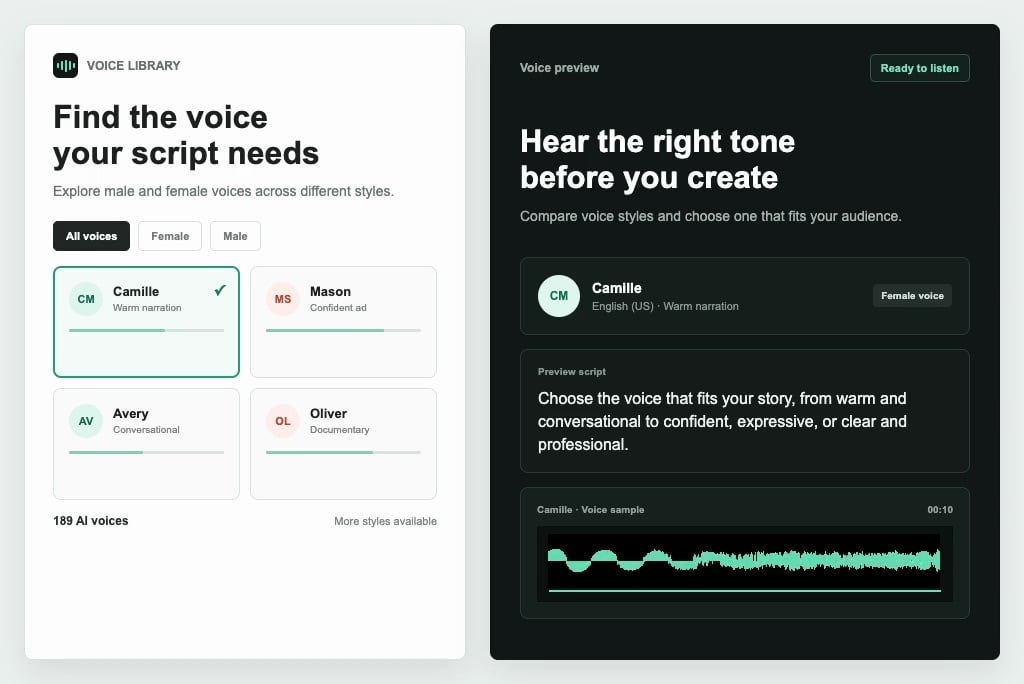
Choose from 189 AI Voices
00:00
00:00
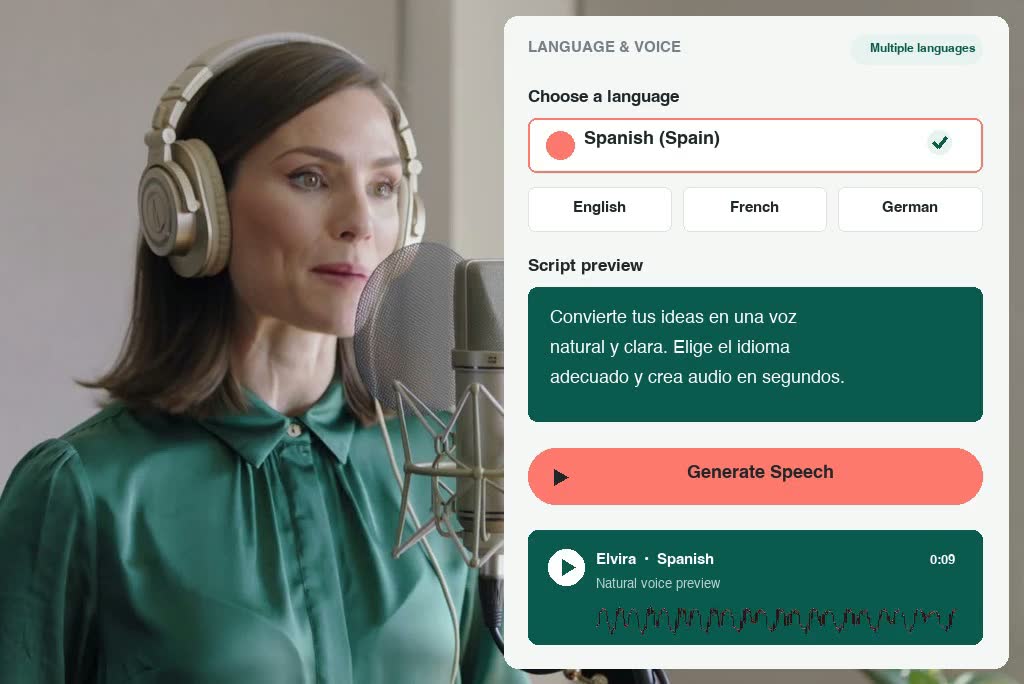
Generate Speech in Multiple Languages
Ways to Use Text to Speech
Create voiceovers for lessons, videos, stories, podcasts, ads, and everyday messages.
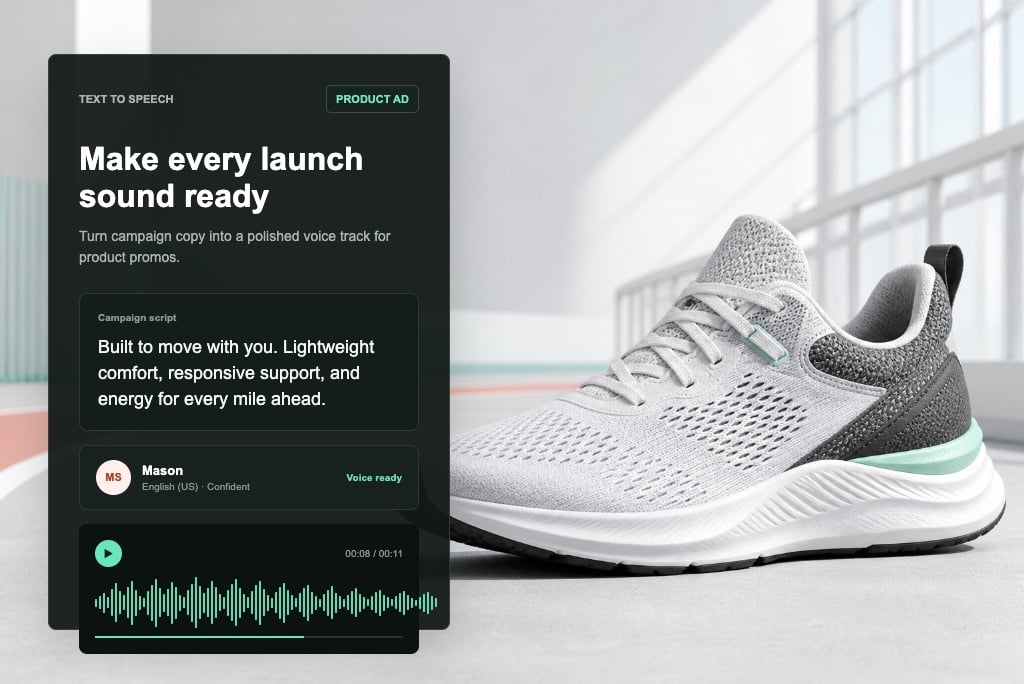
Product Ads and Promo Videos
Turn campaign scripts into clear voice audio for product ads, app promos, launch videos, and sales content without booking voice talent. This works especially well when you need several ad message variations for testing.
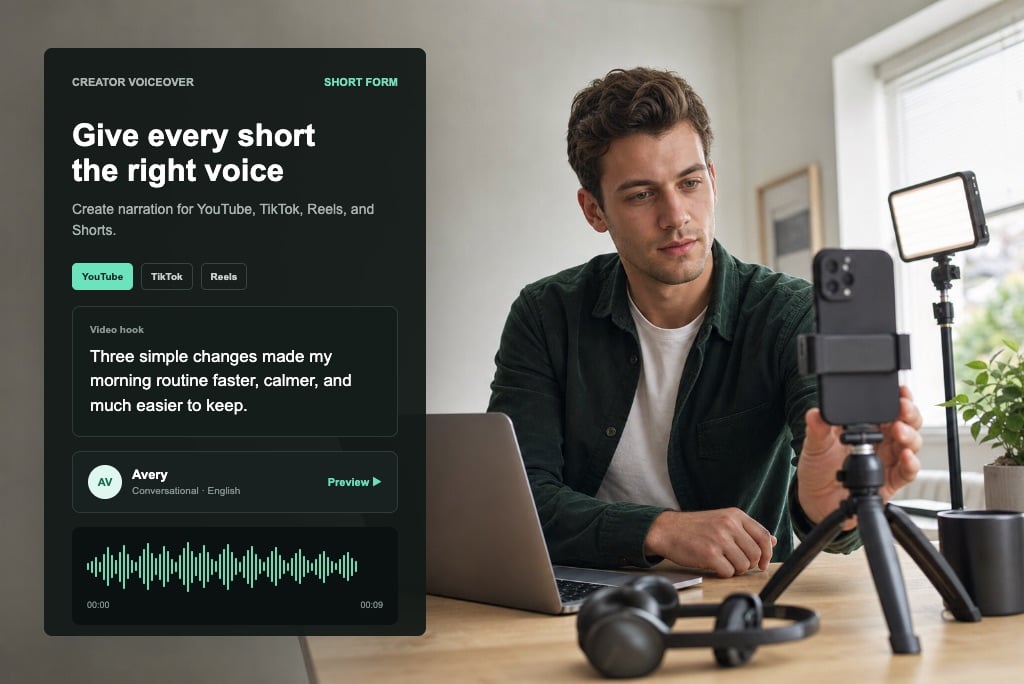
YouTube and TikTok Voiceovers
Create voiceovers for YouTube, TikTok, Instagram Reels, and Shorts. If you are building a video from a written script, pair your generated audio with Script to Video to turn the same idea into visual content.
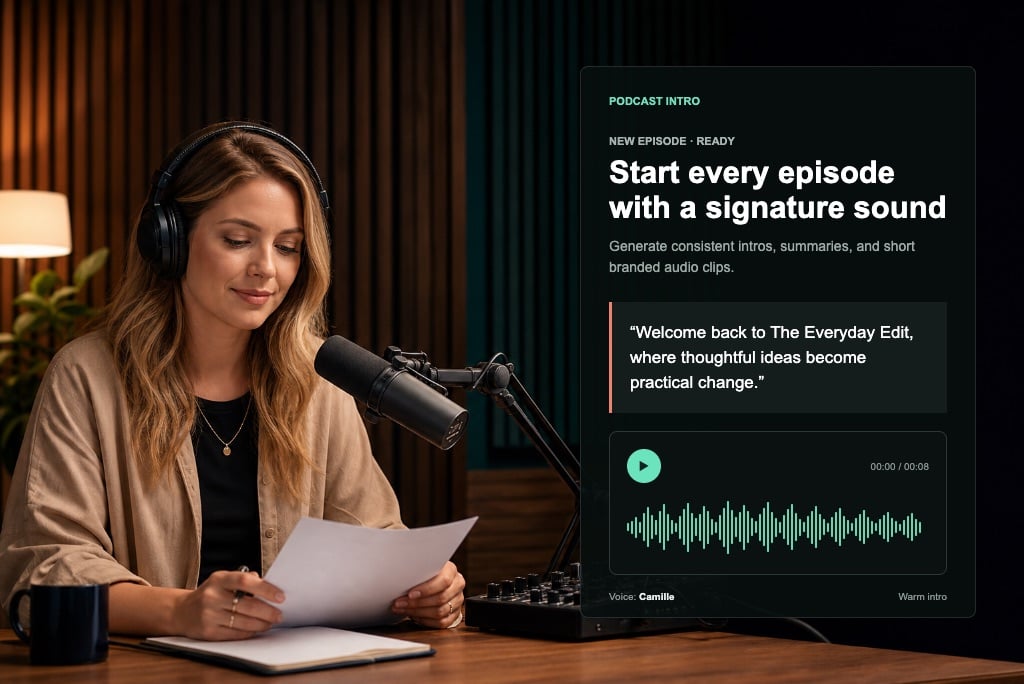
Podcast Intros and Short Audio Clips
Generate podcast intros, episode summaries, scripted segments, or short branded audio clips with a consistent AI voice style.
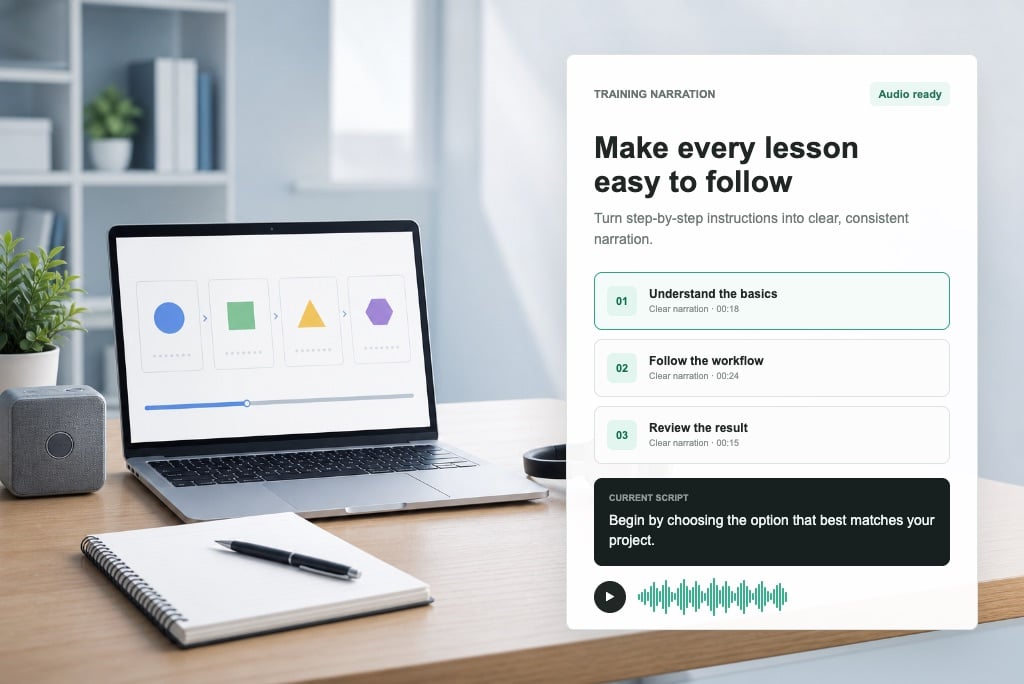
Tutorial and Training Narration
Convert instructional scripts into easy-to-follow narration for tutorials, training videos, online lessons, and internal education materials.
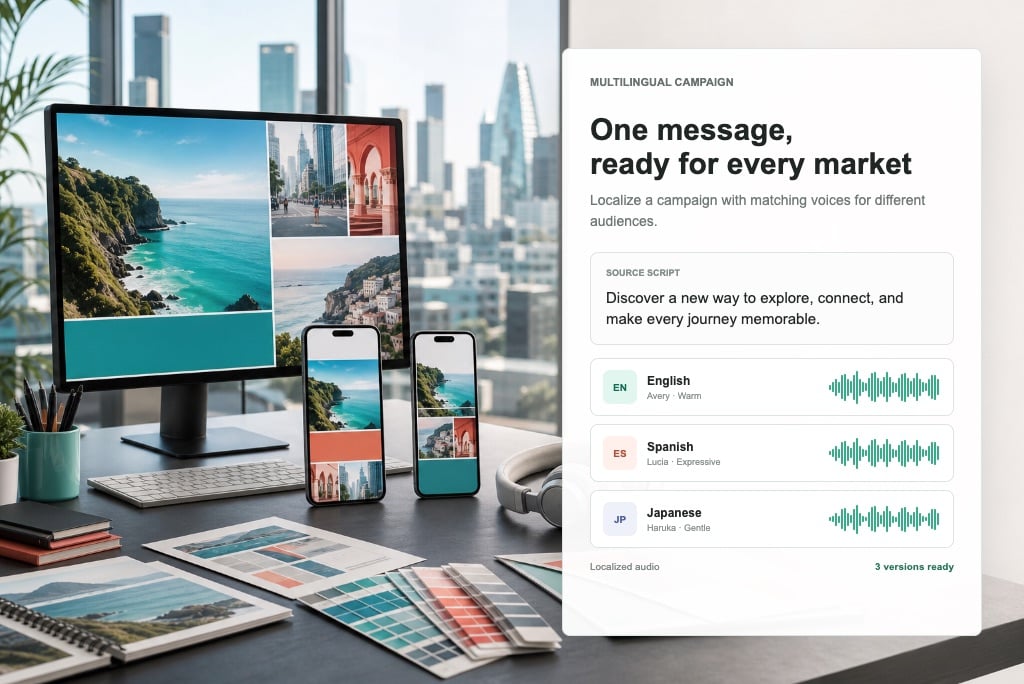
Multilingual Marketing Campaigns
Create localized voice audio for different regions and audiences. Produce multilingual campaign assets faster from one written script workflow.
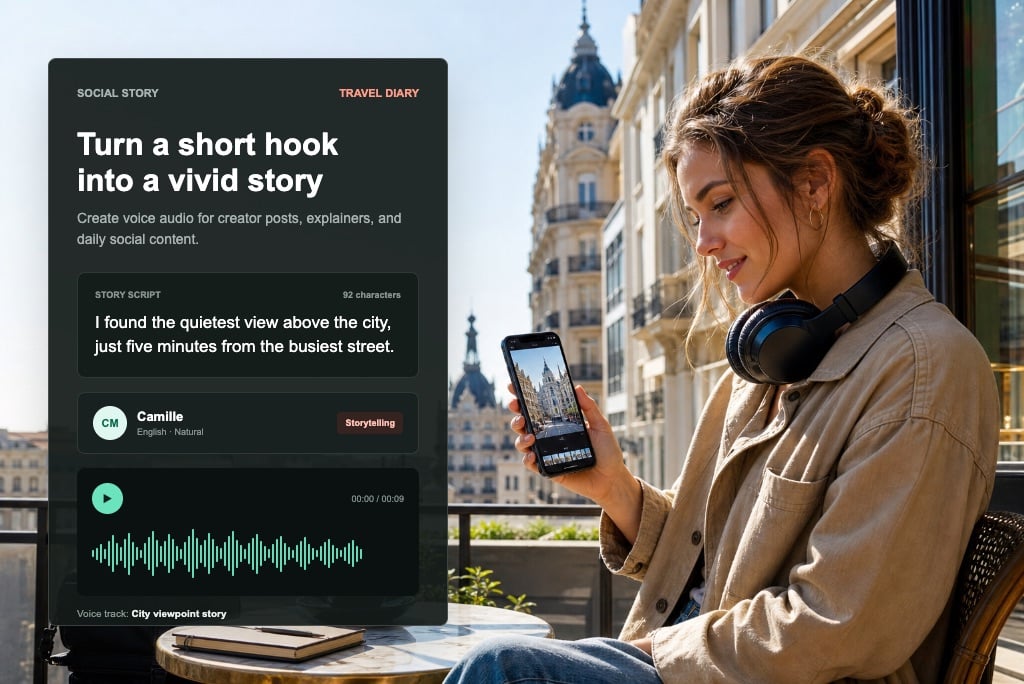
Social Media Storytelling
Turn captions, hooks, and short scripts into voice audio for storytelling videos, creator posts, explainers, and daily social content.
How to Convert Text to Speech Online
Step 1: Enter Your Script
Paste the exact text you want the voice to say. You can use a short caption, ad line, tutorial paragraph, or longer narration script.
Step 2: Pick a Voice and Language
Choose your preferred AI voice and matching language. Select the tone that best fits your video, ad, lesson, or social media content.
Step 3: Create Your AI Voice
Generate natural speech from your text and let insMind turn your script into clear, smooth AI voice audio.
Step 4: Preview and Download Your Audio
Listen to the result, then download the generated voice audio for videos, ads, tutorials, presentations, or social posts.
Why Choose insMind Text to Speech?

Natural AI Voice Output
Create smooth, clear voice audio that works for narration, ads, tutorials, and short-form content.

Simple Text-to-Voice Workflow
Enter your script, choose a voice and language, generate speech, and download your audio without complex settings.

Fast Online Generation
Turn written text into usable AI voice audio quickly, so you can keep editing, publishing, or testing new scripts.

189 AI Voices
Choose from a broad voice library to match different tones, audience types, content formats, and creative needs.

Multiple Language Options
Create voice audio for multilingual projects, localized campaigns, educational content, and international audiences.

Built for Video Creators
Use generated voice audio in social videos, product promos, tutorials, explainers, and daily creator workflows. For presenter-style content, you can also create a talking host with AI Spokesperson Video Generator and keep your voice-led content more visual.
Text to Speech FAQ
What is text to speech?


Text to speech is a tool that converts written text into spoken audio. With insMind Text to Speech, you can enter a script, choose a voice and language, generate natural AI voice audio, and download it for your project.
How do I convert text to voice online?
Enter your script, pick a voice and language, then generate the audio. insMind converts your text into voice output that you can preview and download for videos, ads, tutorials, and presentations.
Is insMind Text to Speech free to use?
You can try insMind Text to Speech online and generate voice audio with available credits. Usage may depend on your account balance, plan, or current activity rewards.
How many AI voices are available?
insMind Text to Speech supports 189 AI voices, giving you flexible options for narration, promotional content, educational audio, social media videos, and other scripted voice projects.
What languages does Text to Speech support?
insMind Text to Speech supports multiple languages, so you can create voice audio for multilingual content, localized campaigns, learning materials, and global audiences.
Can I download the generated voice audio?
Yes. After generating your text to speech result, you can preview and download the audio for use in video editors, presentations, social media posts, training materials, or marketing assets.
Can I use Text to Speech for video voiceovers?
Yes. You can create voiceovers for YouTube videos, TikTok clips, Instagram Reels, product demos, explainer videos, tutorials, and ads without recording your own voice.
What should I enter in the script box?
Enter exactly what you want the voice to say. You can paste an ad script, tutorial narration, lesson paragraph, product message, social caption, or any text you want to convert into speech.
Can I choose both voice and language?
Yes. You can choose your preferred AI voice and matching language, helping the generated audio fit your content style, audience, and intended use.
Is text to speech useful for ads and tutorials?
Yes. Text to speech is useful for product ads, promo videos, tutorials, online lessons, training content, and explainers because it turns prepared scripts into clear voice audio quickly.
More Tools for Voice-Driven Content

00:00
00:00
AI Video Generator
Create high-quality videos from text and images with AI tools.

00:00
00:00
AI Video Editor
Edit videos naturally using AI, without a timeline or manual tools.
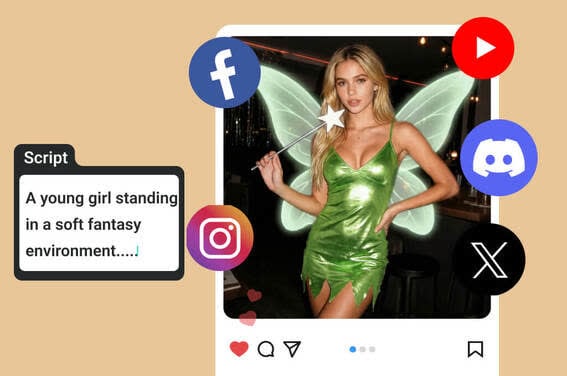
Script to Video AI
Turn written scripts into videos with AI instantly.
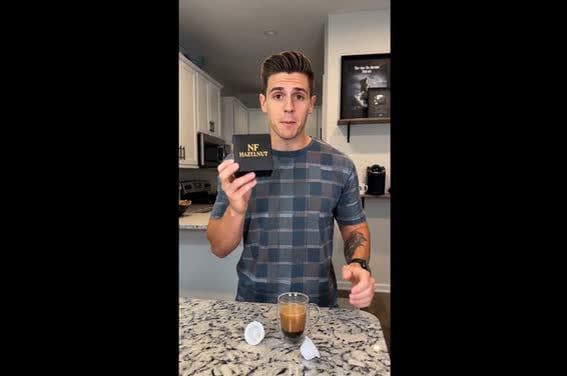
AI Spokesperson Video Generator
Create spokesperson videos with realistic avatars, natural voice sync, and ready-to-use scenes.
00:00
00:00
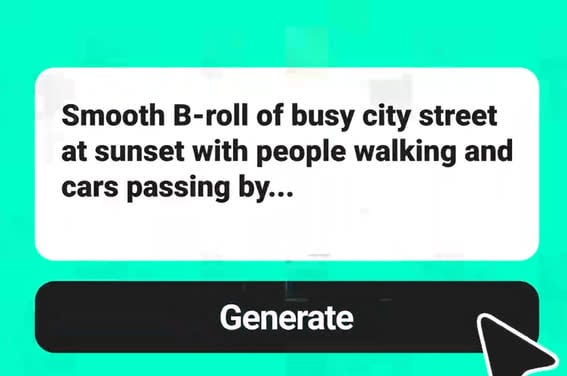
Text to Video Generator
Turn any text prompt into high-quality videos in minutes.

00:00
00:00
AI ASMR Generator
Create calming AI ASMR videos with synchronized sound.
00:00
00:00
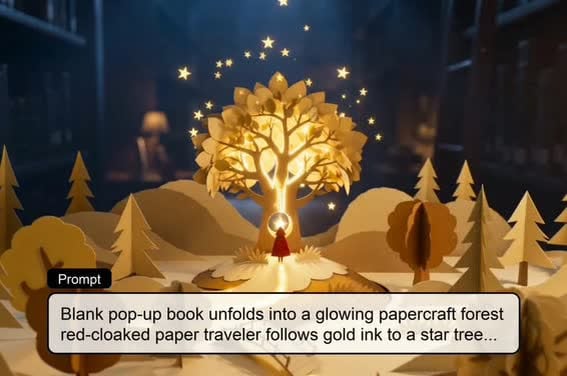
AI Story Video Generator
Turn scripts and story ideas into animated videos automatically.

00:00
00:00
AI Video Enhancer
Improve video clarity and quality with AI.