00:00
00:00

Build Multi-Scene Storyboards From a Single Script

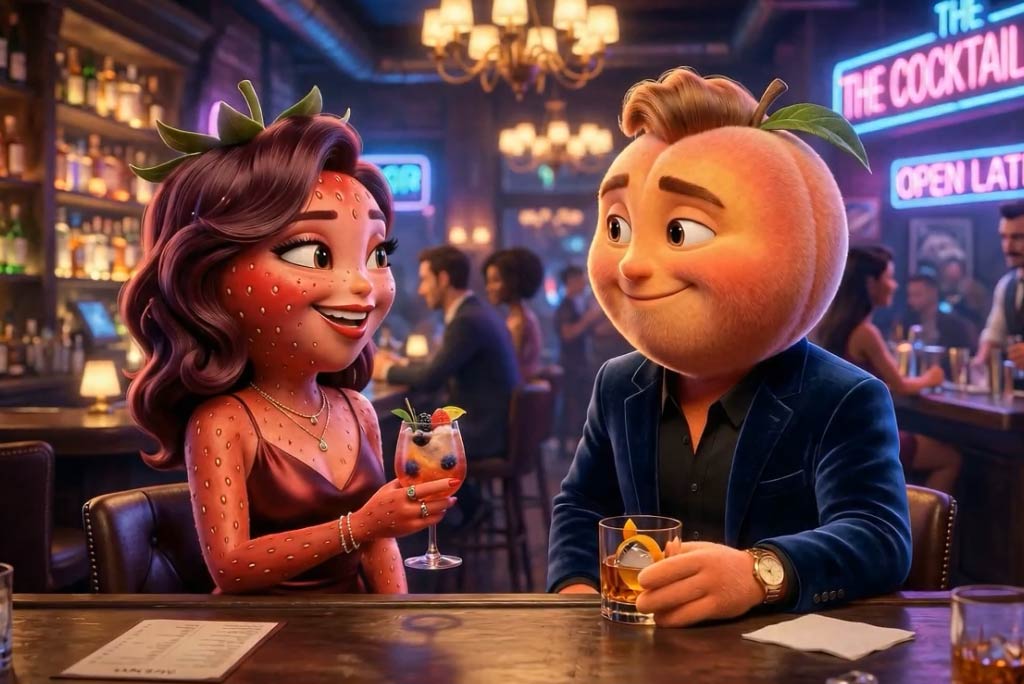
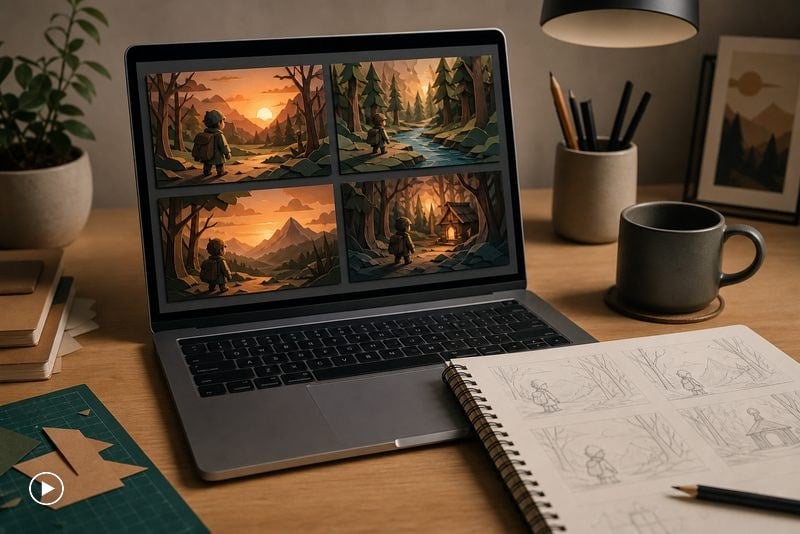
Paste your story or rough outline and insMind's AI story video generator parses each beat into a scene-ready storyboard. You decide the pacing; the model assembles characters, props, motion cues, and shot length so every clip lines up with the narrative arc you wrote.
00:00
00:00

Bring Every Page to Life With Audio and Motion

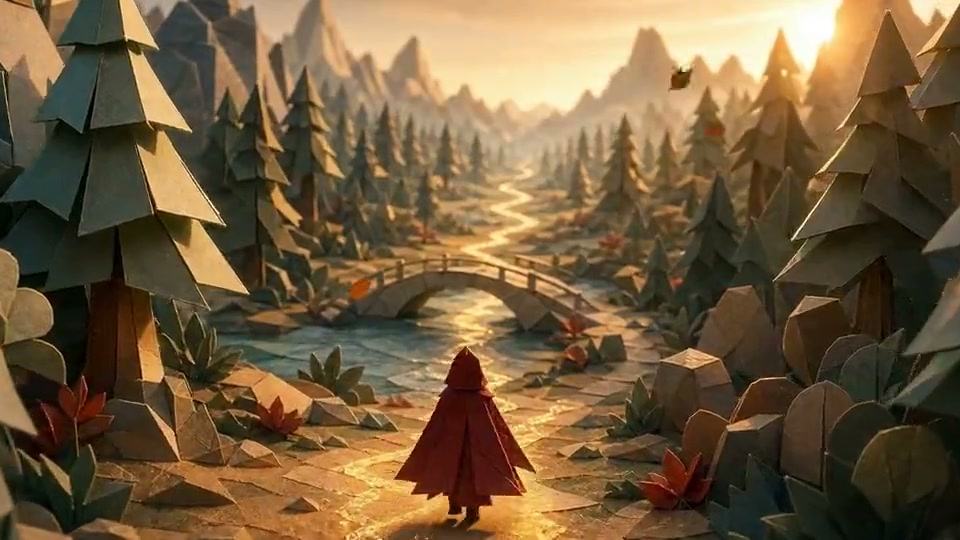
Upload a reference image, set the mood, and the generator renders smooth camera moves, ambient sound, and consistent characters across scenes. Mix watercolor, papercraft, or live-action looks, then export 720P MP4 clips ready for Reels, Shorts, or your own narrator track.

How to Make AI Story Videos in 4 Steps

Step 1: Open the AI Story Video Generator
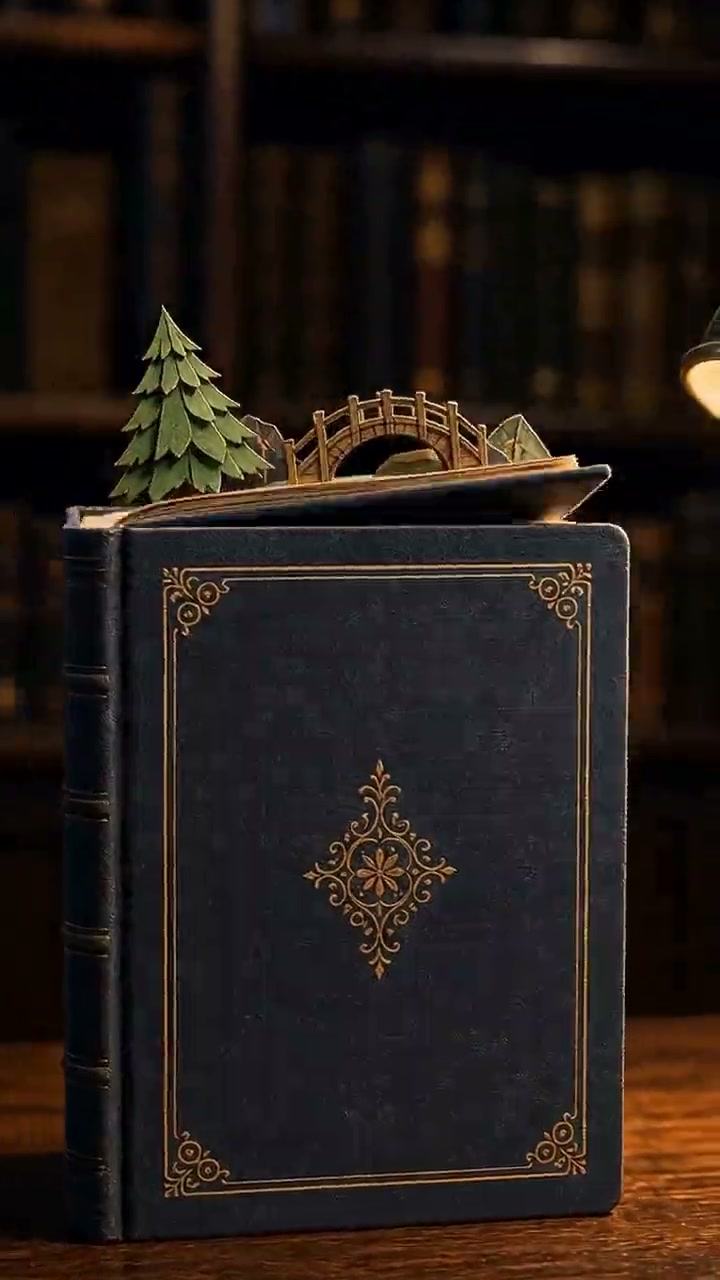
Visit insMind's AI story video generator on desktop or mobile and pick the storytelling preset that matches your beat — bedtime, fairy tale, drama, or animated short.

Step 2: Upload a reference scene or character

Add a still that locks the character look, costume, or environment. The reference image keeps your storyteller, mascot, or set design consistent across every generated scene.

Step 3: Write the scene script and pick mood

Type a 2-3 sentence beat per scene, choose a ratio (9:16 for Reels, 3:2 for cinematic, 16:9 for YouTube), set duration, and toggle audio if you want ambient music or narration.

Step 4: Generate and download your story video

Hit Generate. In about a minute you receive an MP4 with camera motion, audio cues, and on-brand framing. Save the clip, regenerate any scene, and stitch beats together for a full story.

Where Creators Use Our AI Story Video Generator

From parents and authors to teachers and brands — story videos for every audience.
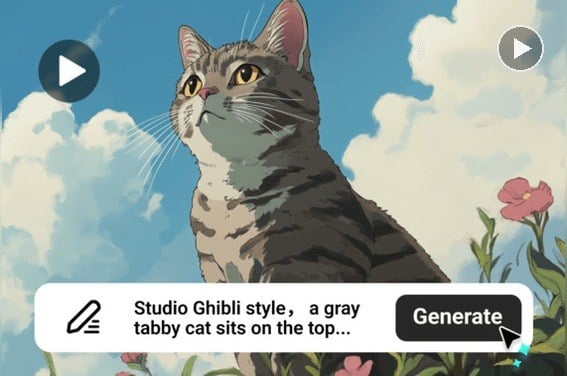
Children's Bedtime Story
Children's Bedtime Story

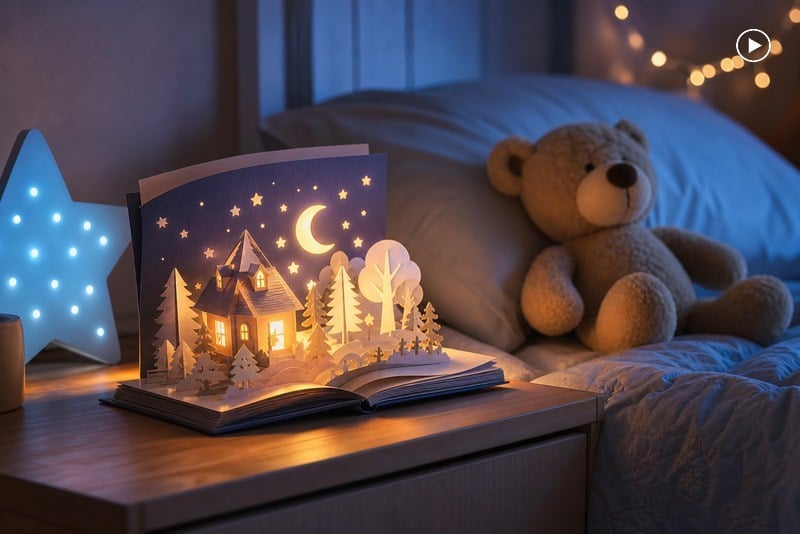
Parents and educators script a calming 60-second tale, drop a stuffed-toy reference photo, and the generator delivers a gentle papercraft scene narrated in a warm storyteller voice.
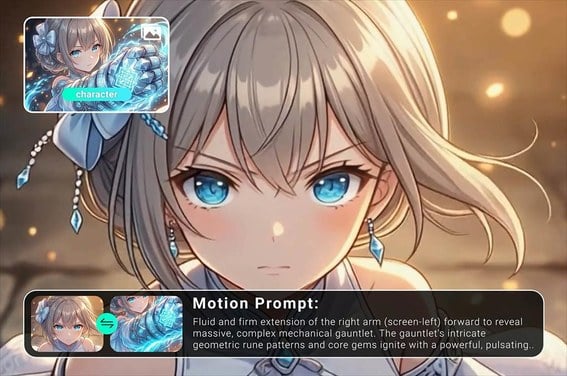
Animated Short Film

Animated Short Film

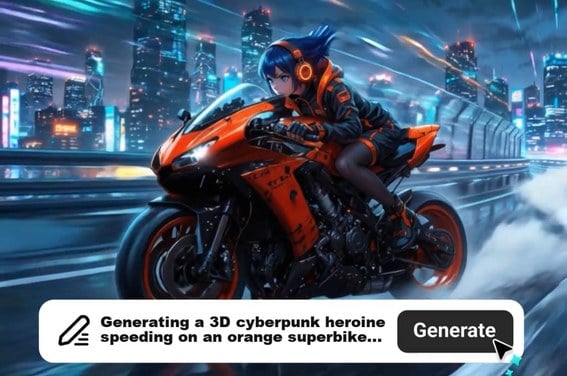
Indie creators turn a one-page outline into a multi-scene short. Lock the lead character with a single concept sheet, then generate consistent scenes for festival reels or YouTube.
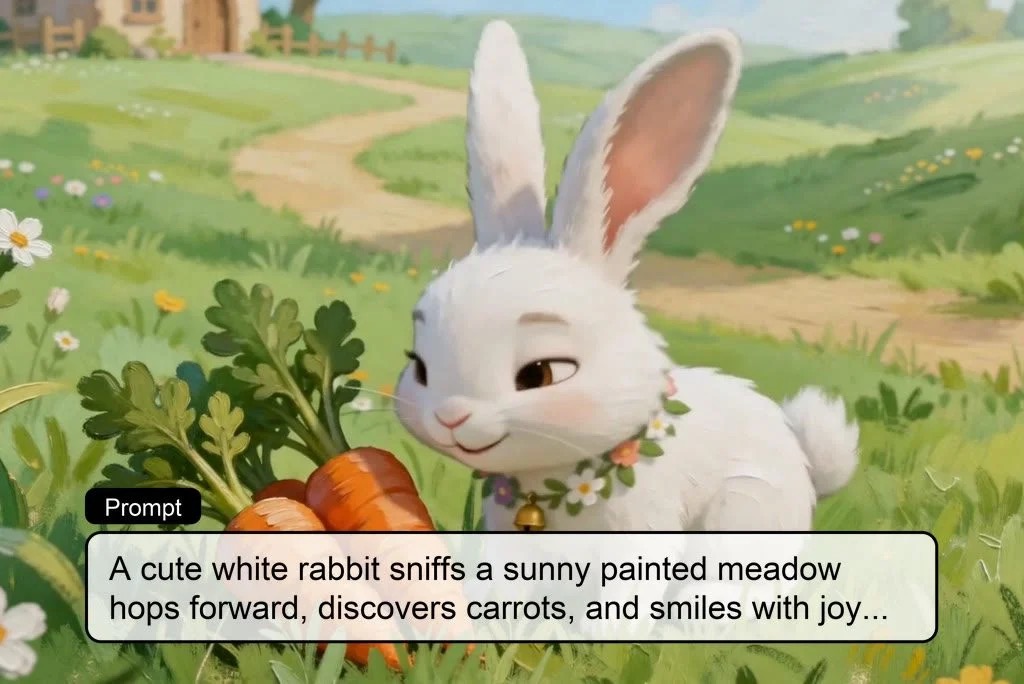
Brand Mascot Story

Brand Mascot Story

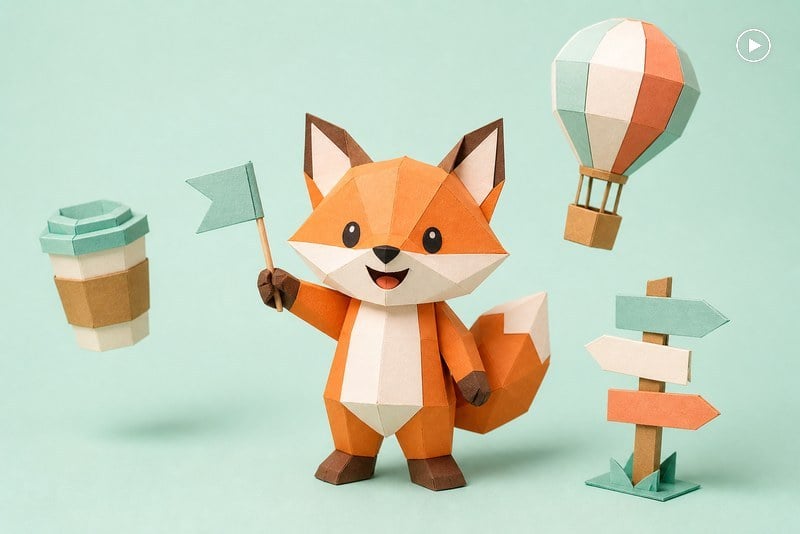
Marketers build a mini brand fable around a mascot or product. Upload the mascot image, write the beat-by-beat journey, and post the result on Instagram or Reels in under an hour.
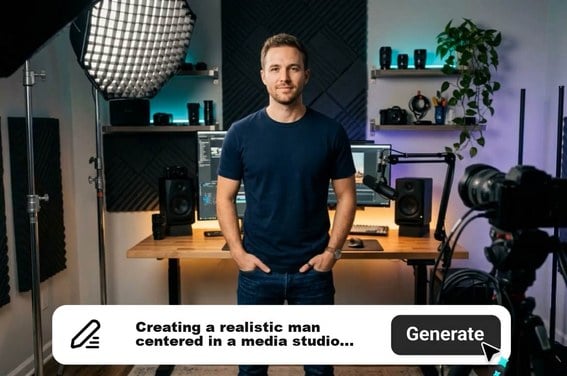
Educational Lesson Story

Educational Lesson Story

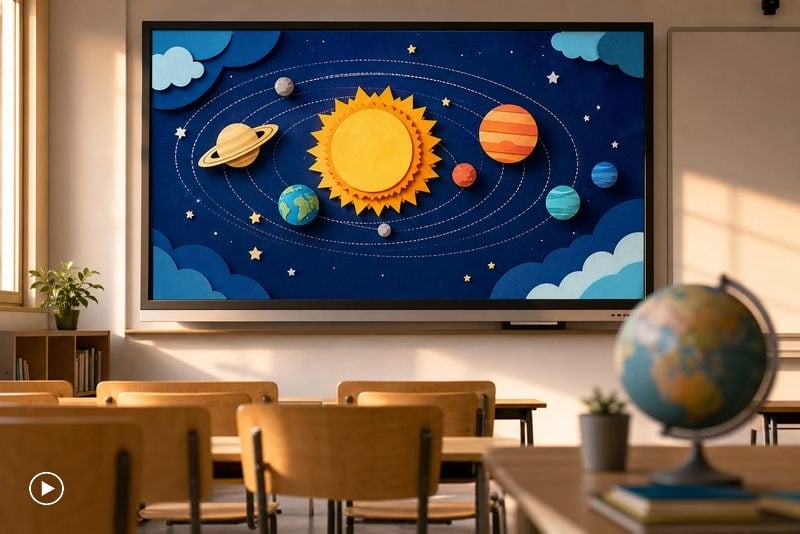
Teachers and course creators wrap history, science, or language lessons into a memorable narrative video, complete with on-screen captions and a steady narration pace for the classroom.

Why Choose insMind AI Story Video Generator

Multi-scene story consistency

Multi-scene story consistency

Simply describe your idea and upload your pictures. The AI handles everything, transitions, audio, visuals.

Cinematic motion presets

Cinematic motion presets

Whether you're posting on social media, embedding on a website, or sending clips in chat, the video is auto-optimized.

Built-in audio storytelling

Built-in audio storytelling

Get your video in MP4 format with HD resolution. Videos are watermark-free and ready to publish instantly.

Story-ready aspect ratios

Story-ready aspect ratios

Get your video in MP4 format with HD resolution. Videos are watermark-free and ready to publish instantly.

Reference-locked characters

Reference-locked characters

Get your video in MP4 format with HD resolution. Videos are watermark-free and ready to publish instantly.

Browser-based and free to start

Browser-based and free to start

Get your video in MP4 format with HD resolution. Videos are watermark-free and ready to publish instantly.

FAQs About insMind AI Story Video Generator

What is an AI story video generator?

insmind expand icon
An AI story video generator turns written narratives — a script, a paragraph, or a rough idea — into multi-scene videos. insMind's tool adds reference-locked characters, motion presets, ambient audio, and aspect-ratio output so the finished clip is ready for Reels, Shorts, or a class screen.

Can I keep the same character across scenes?

insmind expand icon
Yes. Upload one reference image of your character, mascot, or set, and the generator carries the costume, palette, and silhouette across every generated scene so your story stays consistent from opening beat to final shot.

How long can my AI story video be?

insmind expand icon
Each individual scene runs 5 to 15 seconds. Generate scene by scene, name each clip in order, and stitch them in CapCut, iMovie, or any editor to build longer 1-5 minute story videos without losing pacing.

Does the AI story video generator add narration?

insmind expand icon
Yes. Toggle audio on to add ambient music, sound effects, or a story-reader voice. Pair the generated clip with your own narration track or use a TTS voice tool for a fully voiced storytelling video.

Which aspect ratios should I pick for my story?

insmind expand icon
Use 3:2 for cinematic shorts and reels with a film feel, 9:16 for TikTok/Reels/Shorts vertical storytelling, and 16:9 for YouTube long-form or classroom screens. You can re-generate the same prompt in a new ratio without rewriting.

Is the AI story video generator free?

insmind expand icon
Start free in your browser — no credit card required. insMind hands out trial credits when you sign in, and you can keep generating by earning more credits through community activities and platform rewards.

What kind of stories work best with AI?

insmind expand icon
Self-contained beats with clear emotional cues — fairy tales, bedtime fables, historical retellings, brand mascot journeys, classroom lessons. Provide one paragraph per scene with mood, action, and setting; the model handles camera, light, and motion.

Recommended AI Story and Video Tools You'll Love