
insMind helps you turn bedtime prompts, short story ideas, and simple character concepts into kids videos without building scenes manually, so parents, teachers, and creators can make story-led content faster from just a few lines of text.

AI Kids Video Generator
00:00
00:00
Turn Story Ideas into Kids Videos Faster
00:00
00:00
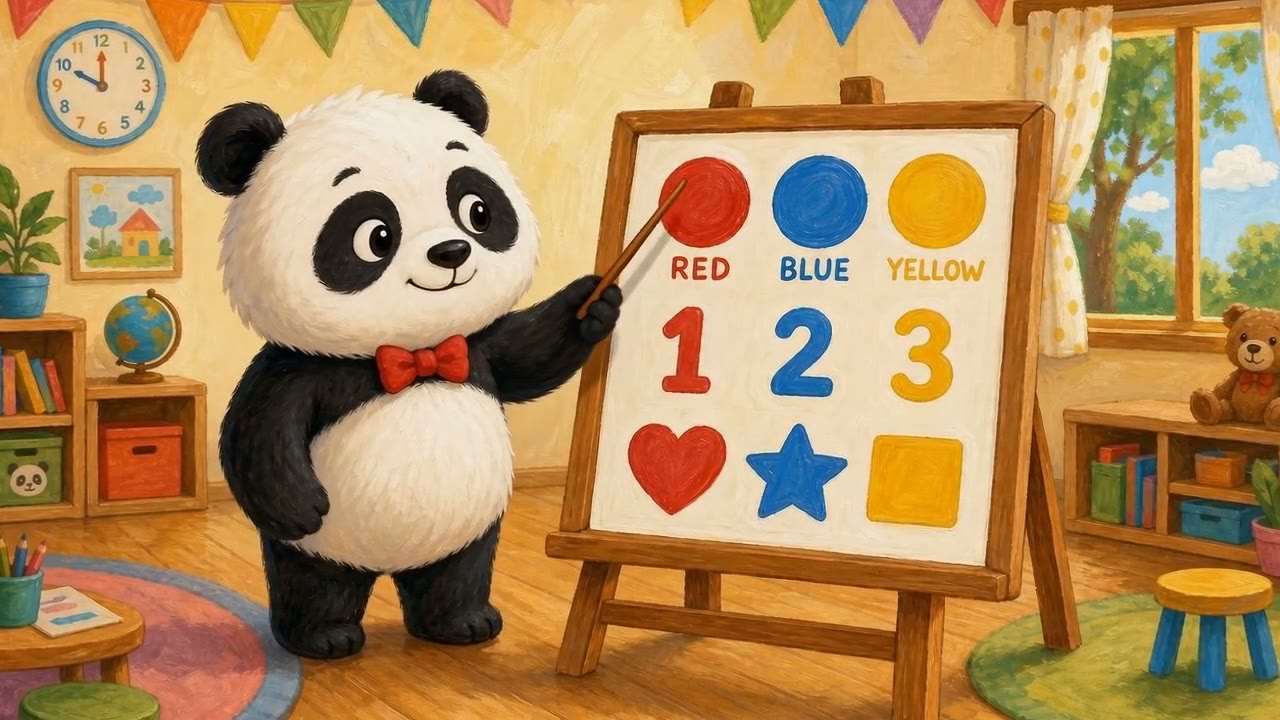
Create Educational Videos for Kids
insMind makes it easier to turn learning topics like colors, numbers, animals, and shapes into kids-friendly videos, so lessons feel more visual, more engaging, and easier for young viewers to follow.
00:00
00:00
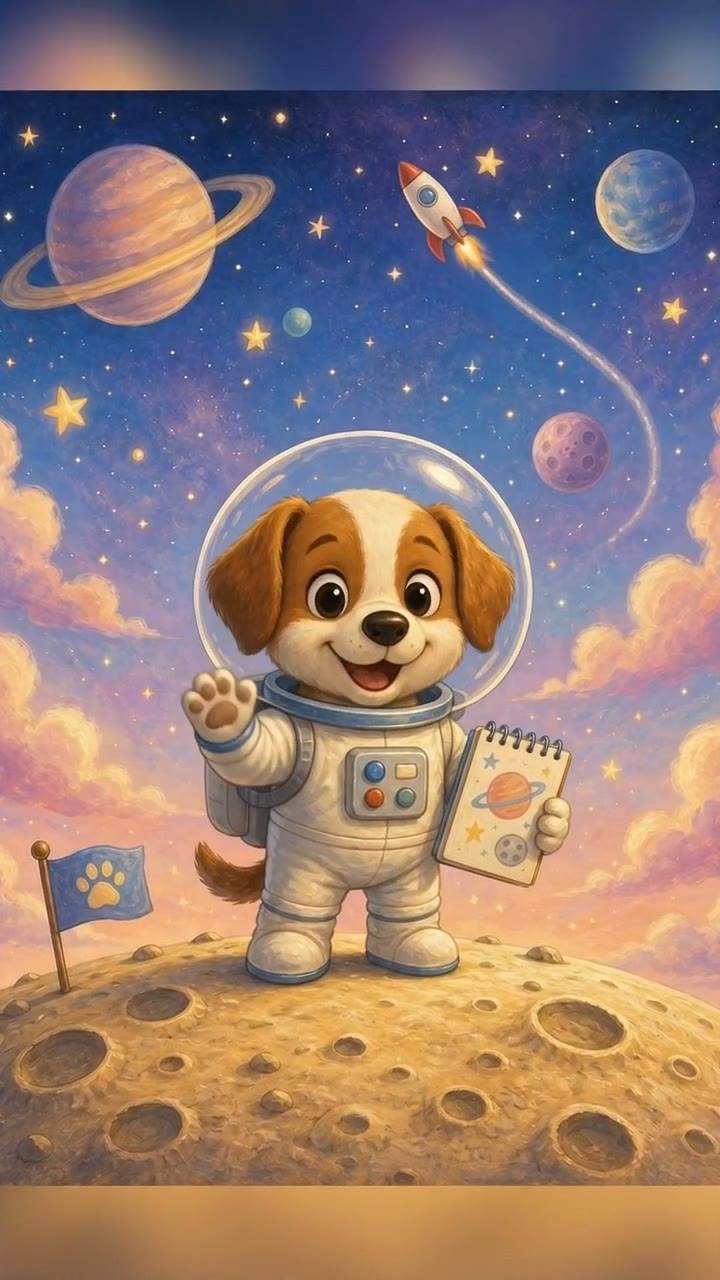
Turn Character Images into Familiar Kids Video Content
A recurring character can make kids content easier to recognize and easier to build around. insMind supports image-based creation, so you can upload cartoon characters, illustrations, or education graphics and turn them into more consistent videos.
How to Create AI Kids Videos with insMind
Step 1: Start with a Story or Idea
Begin with the type of kids video you want to make, such as a bedtime story, a colorful learning lesson, a fun cartoon video, or a rhyme-based clip. A simple prompt like “A friendly dinosaur teaching kids about colors in a bright cartoon world” gives insMind a clear direction to build the video around.
Step 2: Pick Text-to-Video or Image-to-Video
Choose the creation method that fits your workflow. Use text-to-video if you want to generate scenes directly from a story or prompt, or use image-to-video if you already have cartoon characters, illustrations, or educational visuals you want to animate into a more consistent kids video.
Step 3: Apply a Kids-Friendly Style
Describe the visual direction you want, such as cartoon, animation, colorful, playful, soft, or friendly. This helps insMind create a video that feels more suitable for children and better matched to storytelling, learning, or fun channel content.
Step 4: Generate and Download the Kids Video
Click generate and insMind turns the idea, assets, and style direction into a finished kids video. You can then download the final output and use it for YouTube, classroom content, family storytelling, or repeatable kids media projects.
Real Use Cases for an AI Kids Video Generator
insMind helps parents, teachers, creators, and kids media teams turn stories, lessons, and characters into videos that are easier to publish and easier for children to watch.
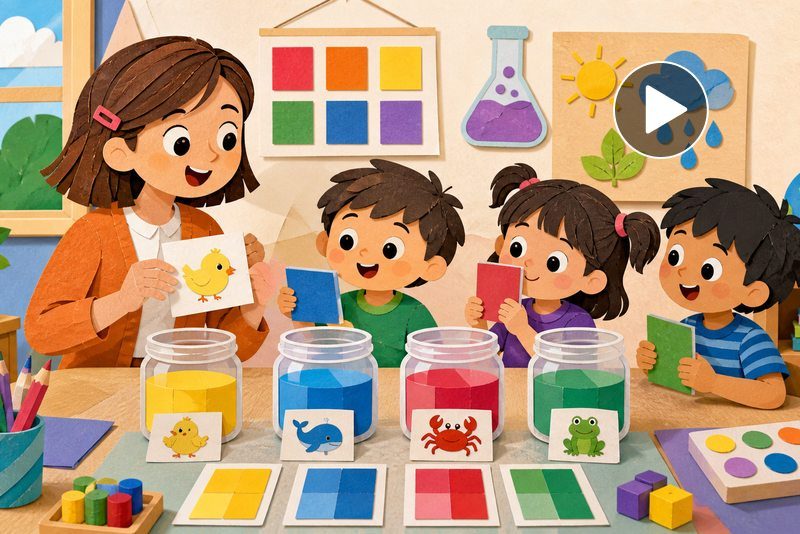
AI educational video for kids
Create a short lesson about colors, animals, or numbers when a teacher wants a more visual way to explain the topic. Learning becomes easier to follow.
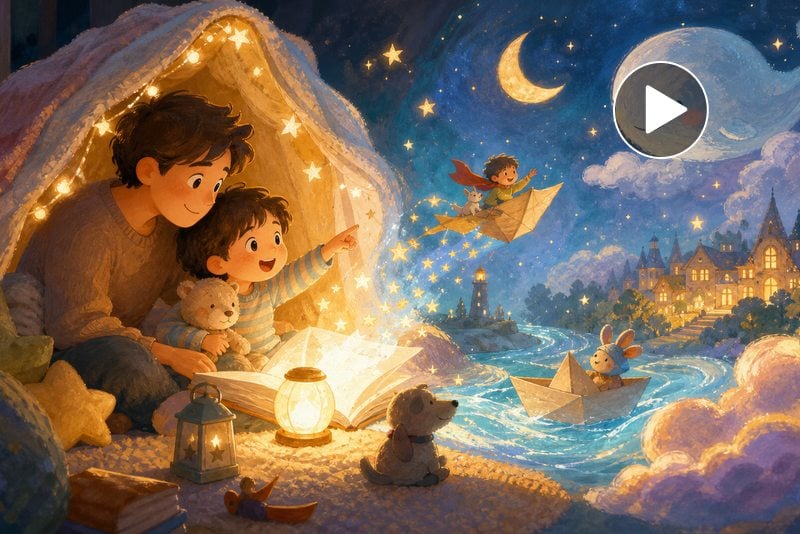
AI storytelling videos for kids
Turn a bedtime idea into a friendly animated story when parents want a reusable video instead of retelling the same story manually.
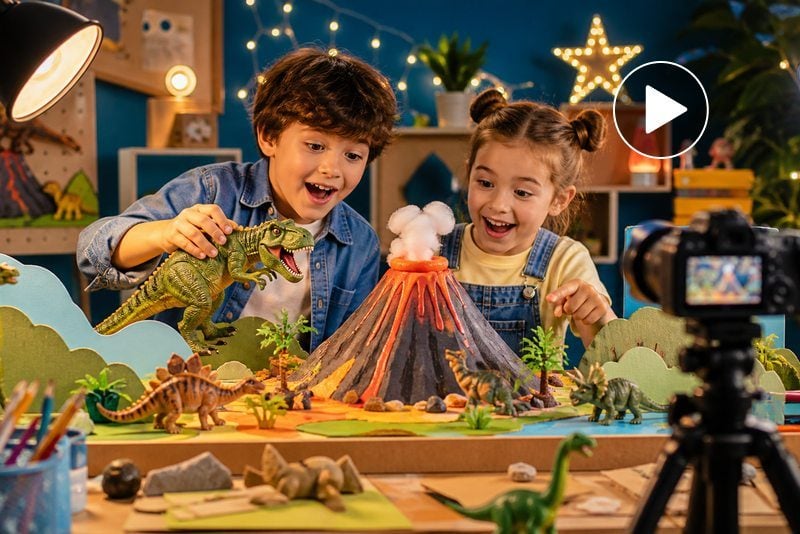
Kids videos for YouTube AI
Build recurring story or learning episodes when a creator needs a faster workflow for children’s YouTube publishing. The channel becomes easier to maintain.
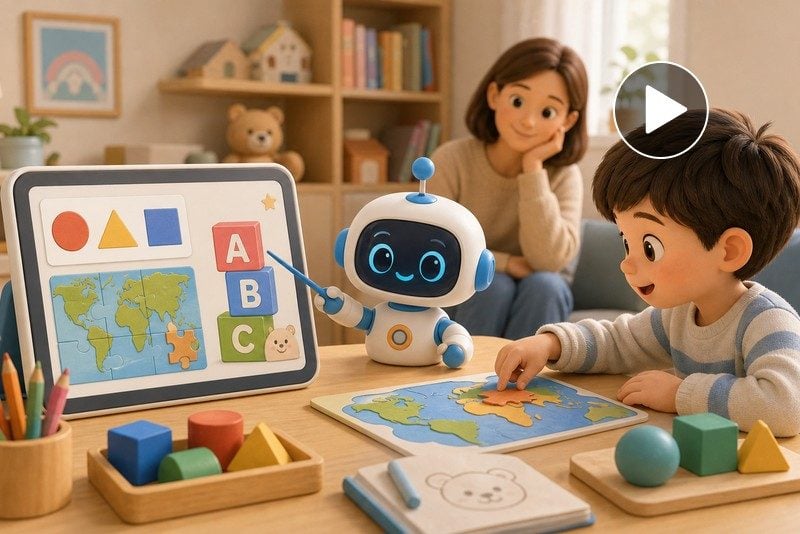
AI kids learning video generator
Create subject-based clips for letters, shapes, or simple science when educational content needs to feel more playful and less static.
Why Choose insMind for AI Kids Video Creation?

Start from Simple Ideas
You do not need a full storyboard to begin. A short story idea or learning topic is enough to start generating useful children’s content.

Support Learning and Fun
insMind works for bedtime stories, rhymes, and cartoon fun, but it also supports educational videos that explain basic concepts visually.

Use Text or Images
Some creators start from a script, while others already have characters or illustrations. insMind supports both, which makes it more flexible for parents, teachers, and branded kids content.

Keep Visuals Kid-Friendly
The style controls help shape a softer, brighter, and more playful output, which makes the final video more suitable for children’s viewing.

Skip Animation Complexity
Parents and teachers often want children’s videos but do not know animation tools. insMind makes the process more accessible without requiring advanced production skills.

Build Repeatable Series
If you want to create a recurring series, consistent character use and prompt-based generation make that easier to scale.
FAQs About insMind AI Kids Video Generator
What is an AI kids video generator?


An AI kids video generator is a tool that turns story ideas, text prompts, images, or illustrations into children’s videos. It is commonly used for storytime content, educational clips, cartoon videos, and channel-ready kids media.
Can I create kids videos with AI from text?
Yes. Text-to-video is one of the most common workflows. You can enter a story idea, lesson topic, or children’s script and turn it into a visual video.
Can I make educational videos for kids with AI?
Yes. insMind can help create children’s learning videos for topics like colors, numbers, animals, shapes, and basic educational concepts.
Can I create story videos for children without animation skills?
Yes. The workflow is designed to reduce the need for manual animation, which makes it easier for parents, teachers, and creators to produce story videos.
What kinds of kids videos can I create?
Common outputs include bedtime stories, educational clips, cartoon videos, rhymes, preschool-style lessons, and kids videos for YouTube.
Can I upload cartoon characters or illustrations?
Yes. insMind supports image-based creation, so you can upload fixed characters, classroom visuals, or illustrations and animate them into kids videos.
Is this useful for teachers?
Yes. Teachers can use it to turn simple lesson ideas into short, visual videos that are easier for children to follow in class or at home.
Can I create kids videos for YouTube?
Yes. insMind works well for recurring kids video formats, including story episodes, educational clips, and character-led YouTube content.
Explore More AI Video Tools for Kids Content
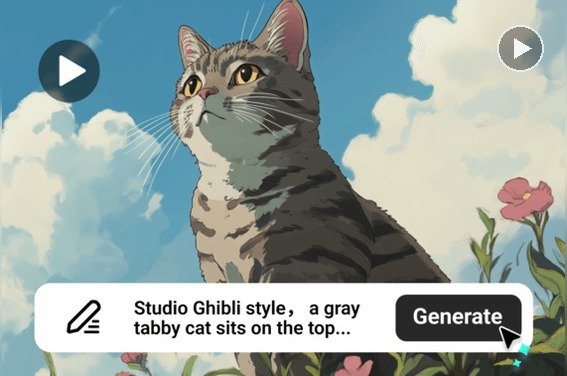
AI Cartoon Video Generator
Create cartoon videos from text, images, or scripts with AI.
00:00
00:00
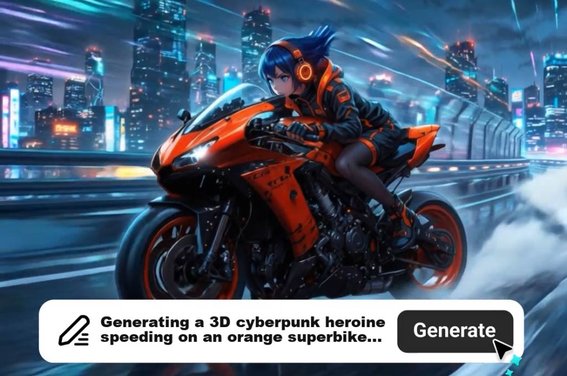
AI Animation Video Generator
Create animation videos from text or images with AI.
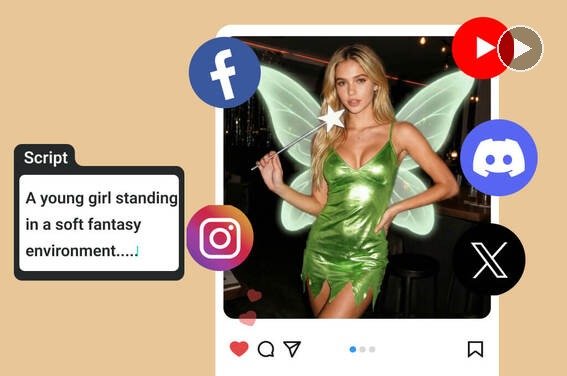
AI Script to Video Generator
Turn scripts into videos instantly with AI.
00:00
00:00
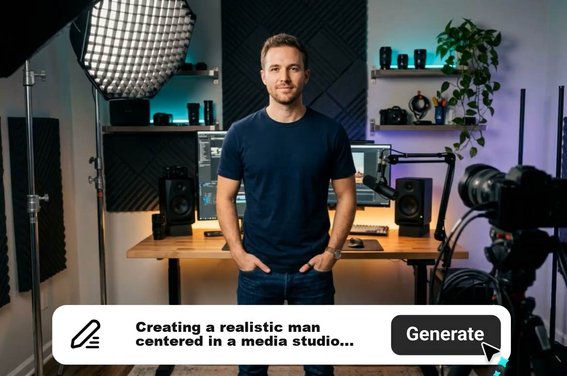
AI Explainer Video Generator
Create explainer videos from text with AI.

00:00
00:00
AI YouTube Shorts Generator
Create engaging vertical videos in minutes with AI.
00:00
00:00
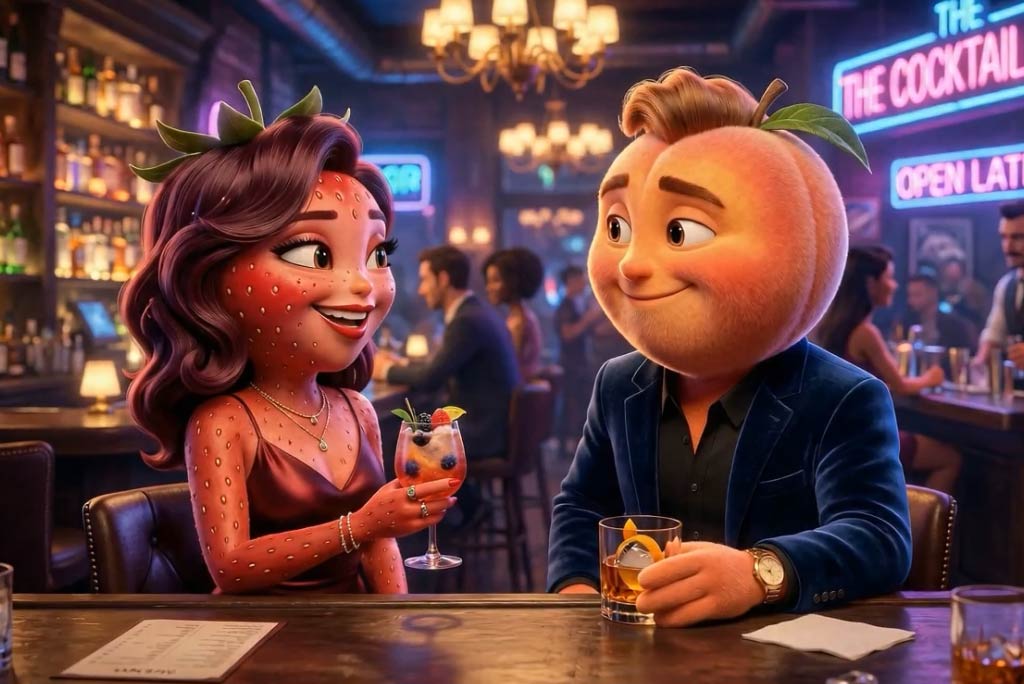
Fruit Story Video Generator
Create playful fruit story videos for fun and imaginative content.
00:00
00:00
AI Photo Animator
Animate still images into moving videos in seconds.