From Product Image to YouTube Ad in Minutes
Upload a product image, add a short prompt, and let insMind turn it into a YouTube-ready ad video with a clear hook, product moment, and campaign message. It is a fast way to move from a static product visual to a polished ad draft without filming a full shoot.

Make Scroll-Stopping YouTube Ad Variations for Every Campaign
Create multiple ad variations from the same product or campaign idea so you can test different hooks, CTAs, scenes, and creator-style angles. Use AI to explore scroll-stopping versions for launches, promos, Shorts, and paid YouTube campaigns before committing more time or budget.
Use Cases for YouTube Ad Maker
Explore common ways creators, marketers, and brands turn ideas into YouTube-ready ad videos.
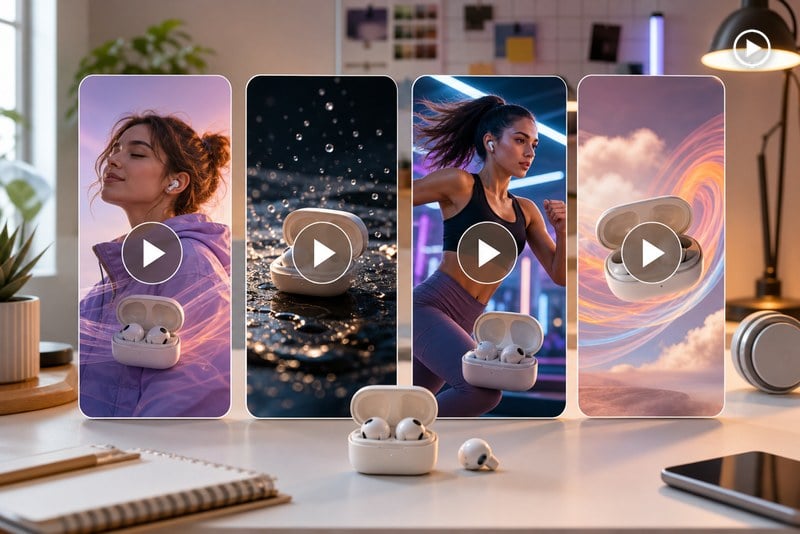
Social Media Ads
Turn one product idea into scroll-stopping ad creatives for YouTube, Shorts, and paid social.
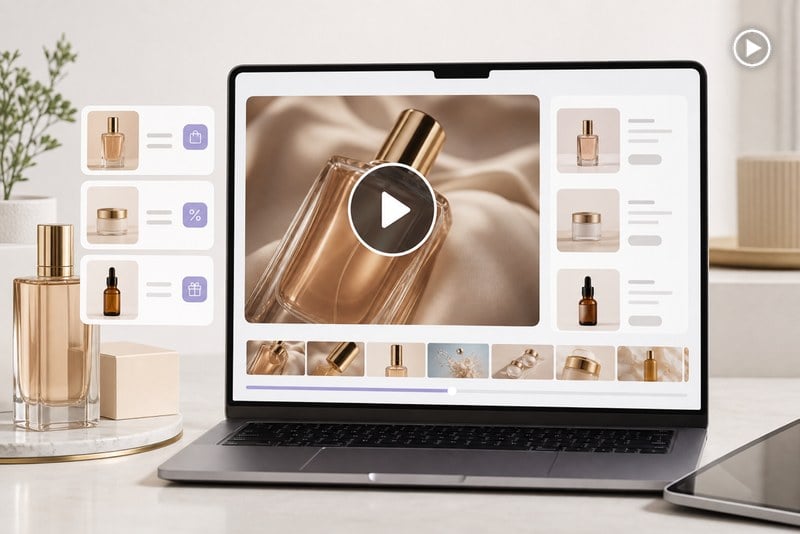
Ecommerce Promos
Create polished product ads for launches, offers, and online store campaigns.

Product Demos
Build clean demo videos that explain features and keep the offer looking premium.
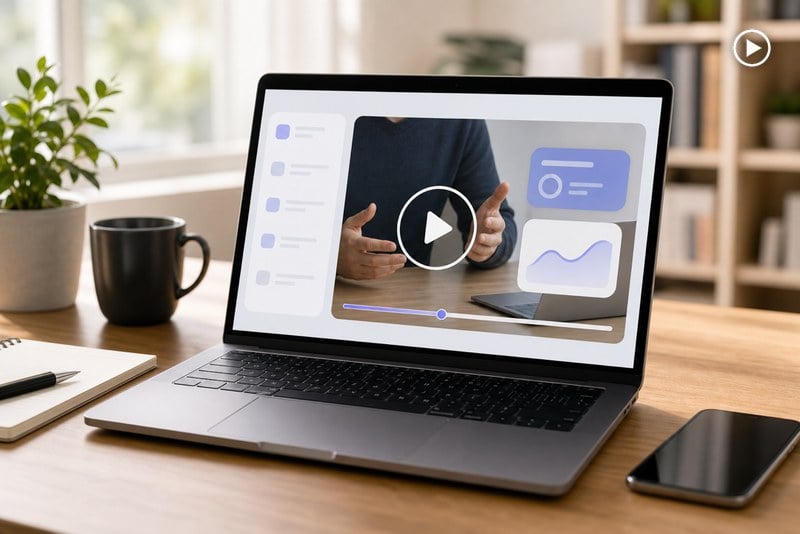
Business Campaigns
Make simple business pitch videos for outreach, landing pages, and lead generation.
How to Create an Ad on YouTube
Step 1: Upload an Image
Upload the product image, brand asset, or reference picture you want to turn into a YouTube ad. Start with a clear visual so AI understands what should appear in the final video.
Step 2: Describe the Result You Want
Tell AI what kind of ad you want to create. Describe the product, audience, scene, hook, key benefit, CTA, tone, pacing, and format so the direction is clear.
Step 3: Generate the Video
Click generate and let AI create the YouTube ad from your image and prompt. Review the first result to check the visuals, message, and overall pacing.
Step 4: Adjust or Download
Refine the prompt if the ad needs a different angle, scene, speed, or CTA. When the video looks right, download it for YouTube, Shorts, landing pages, or paid campaigns.
Why Choose insMind YouTube Ad Maker

Built for Ad Ideas
Create short, direct ad concepts that focus on hooks, benefits, and the next step viewers should take.

Flexible for Different Campaigns
Use the same workflow for product video ads, promotions, channel bumps, lead-gen clips, and creator-style ads.

Fast First Drafts
Go from brief to ad concept quickly without opening a full editing timeline or planning a full production day.

Access the YouTube ad maker online
insMind offers core features you can explore with a trial experience, plus credits earned through platform activities.

Works for Testing
Generate multiple versions from one idea so you can compare angles before spending more time or budget.

Prompt-Friendly Control
Adjust tone, pacing, scene style, CTA style, and format for YouTube Shorts ads with plain language instead of complex settings.
FAQs About YouTube Ad Maker
What is a YouTube ad maker?


How do I create an ad on YouTube?
Can I make a YouTube ad without editing skills?
Can I create ads for YouTube Shorts too?
Is free YouTube advertising possible with this tool?
What is the best prompt for a YouTube ad?
Can I make a YouTube ad from a script?
Can I make more than one version?
Explore More AI Video Tools

AI Video Generator

AI YouTube Shorts Generator
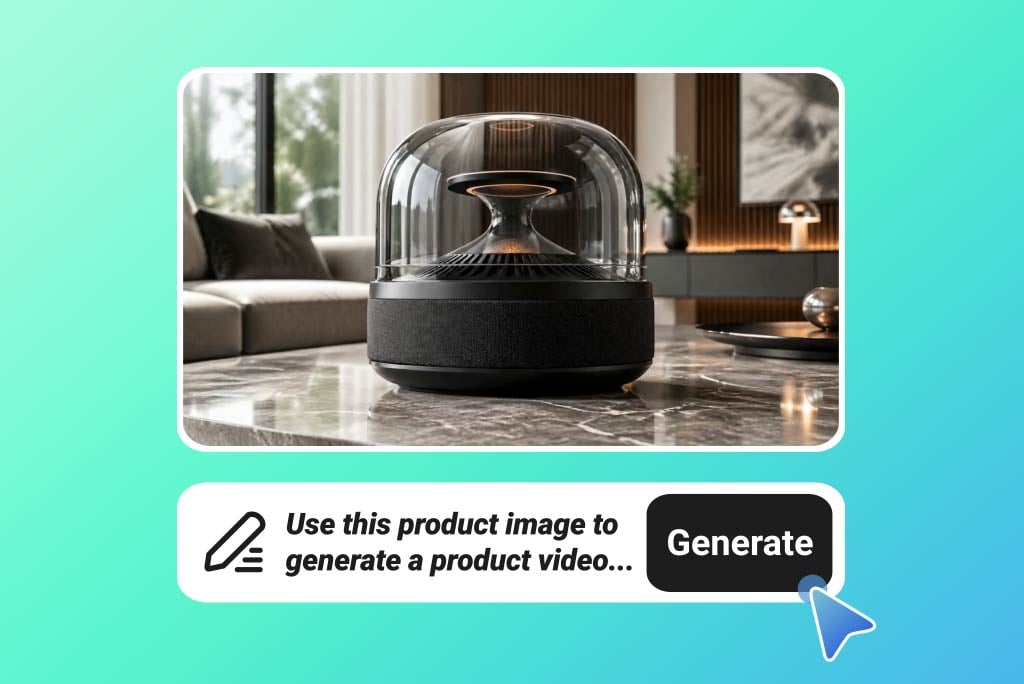
AI Product Video Generator
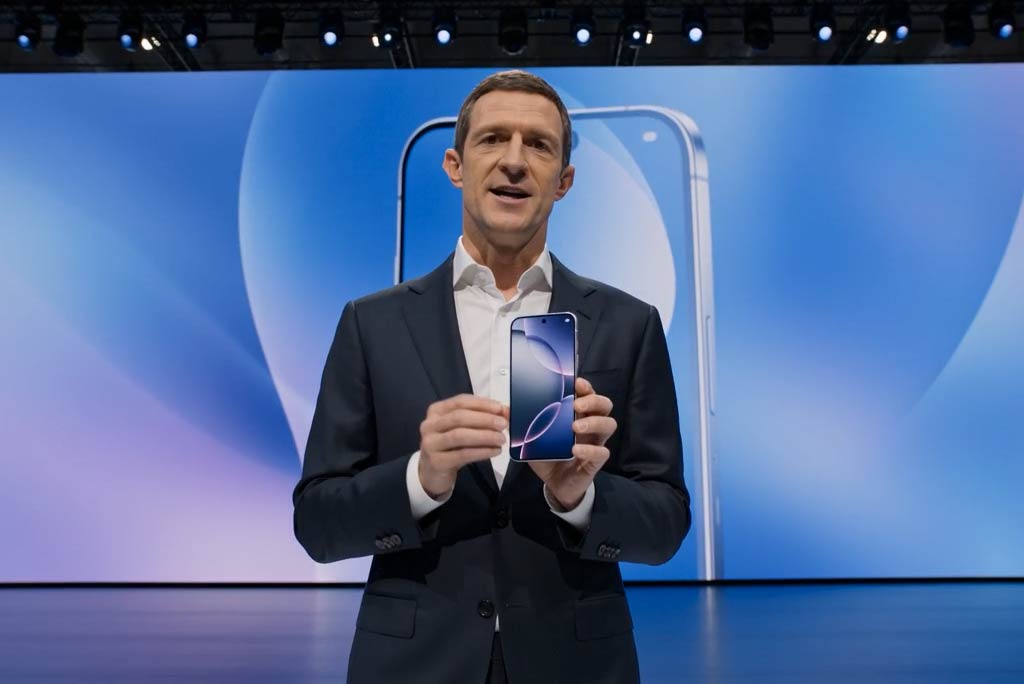
Business Video Maker
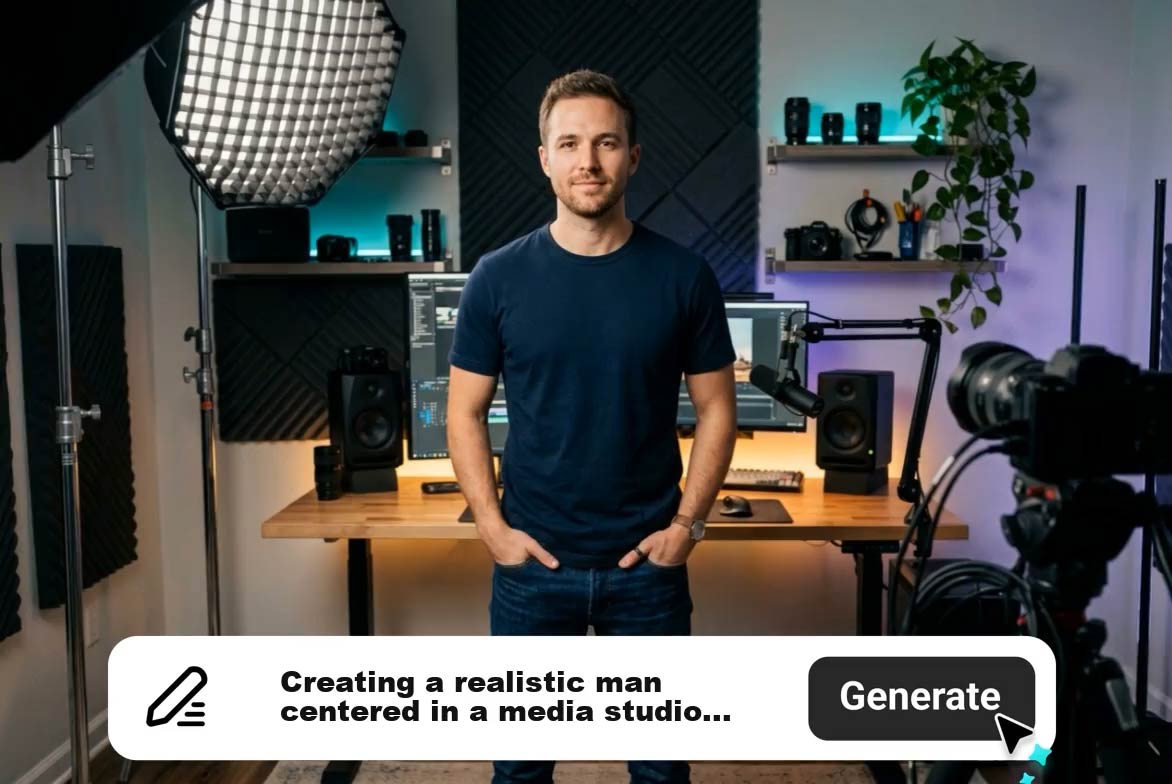
AI Explainer Video Generator