Make Instagram Ads That Look Native and Sell Better
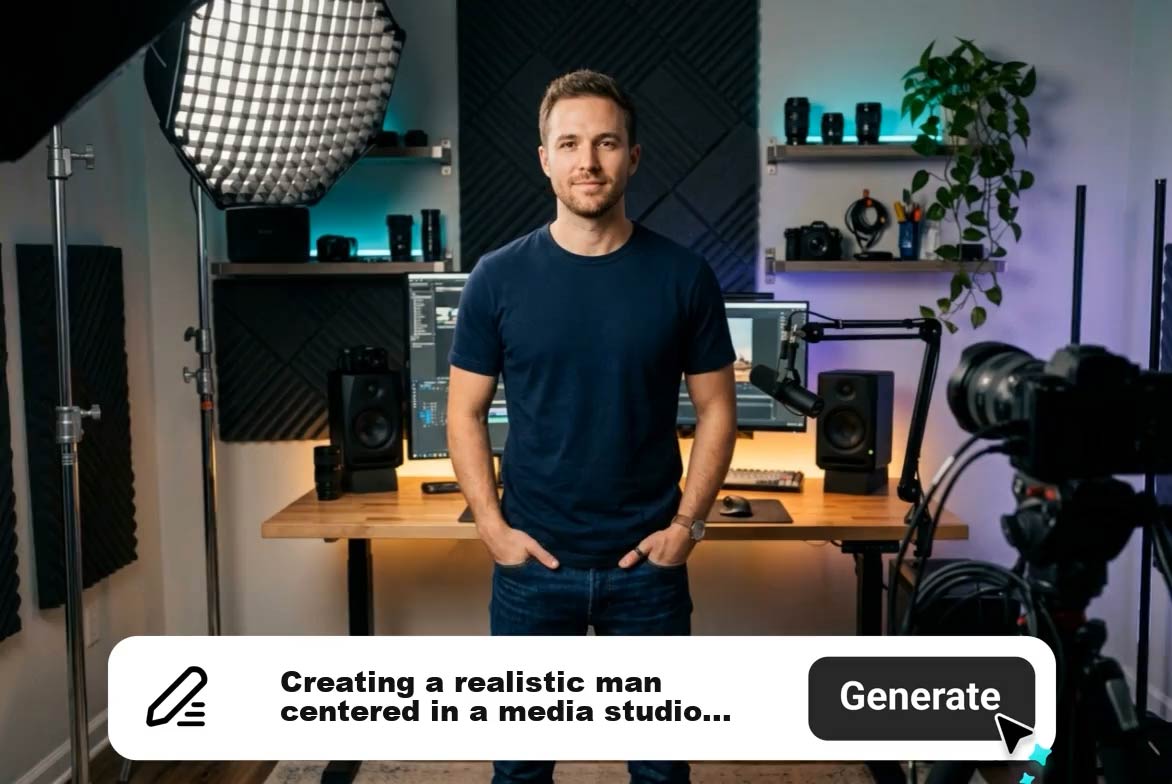
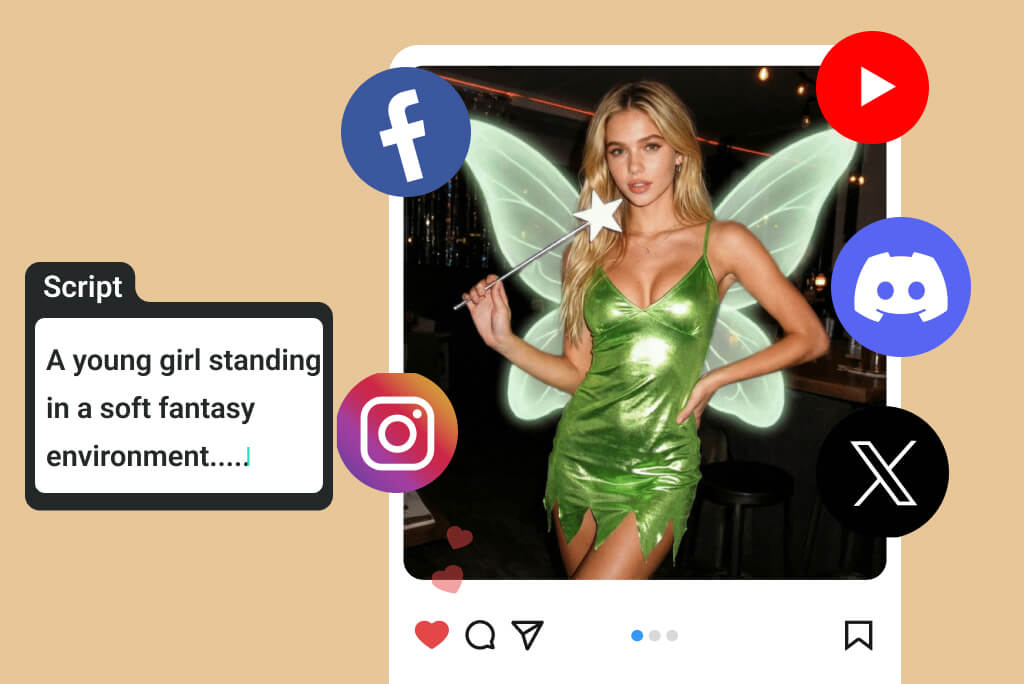
Create Instagram ads that feel like real social content instead of obvious templates. Use AI to turn a product idea, presenter scene, or campaign angle into a native-looking ad with a clear hook, product focus, and a stronger reason to click.
Create Instagram Ads Without Filming or Editing
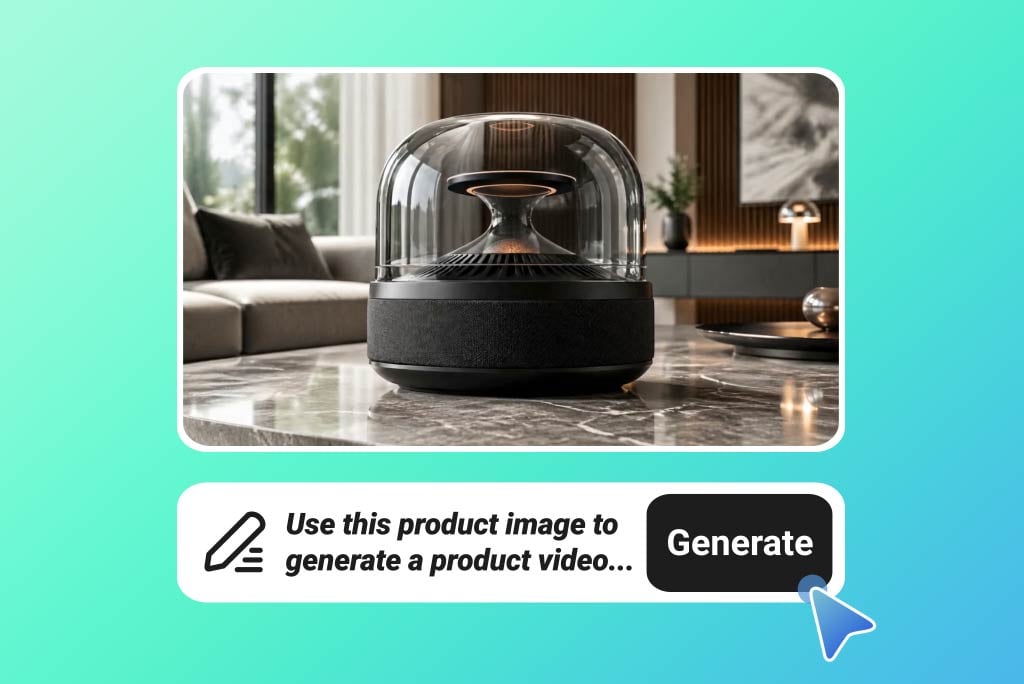
Skip the studio setup and manual editing timeline. Upload a product image or describe your promo idea, then generate a polished product video ad for Reels, Stories, launches, and short-form campaigns in minutes.
Who Uses Instagram Ad Maker
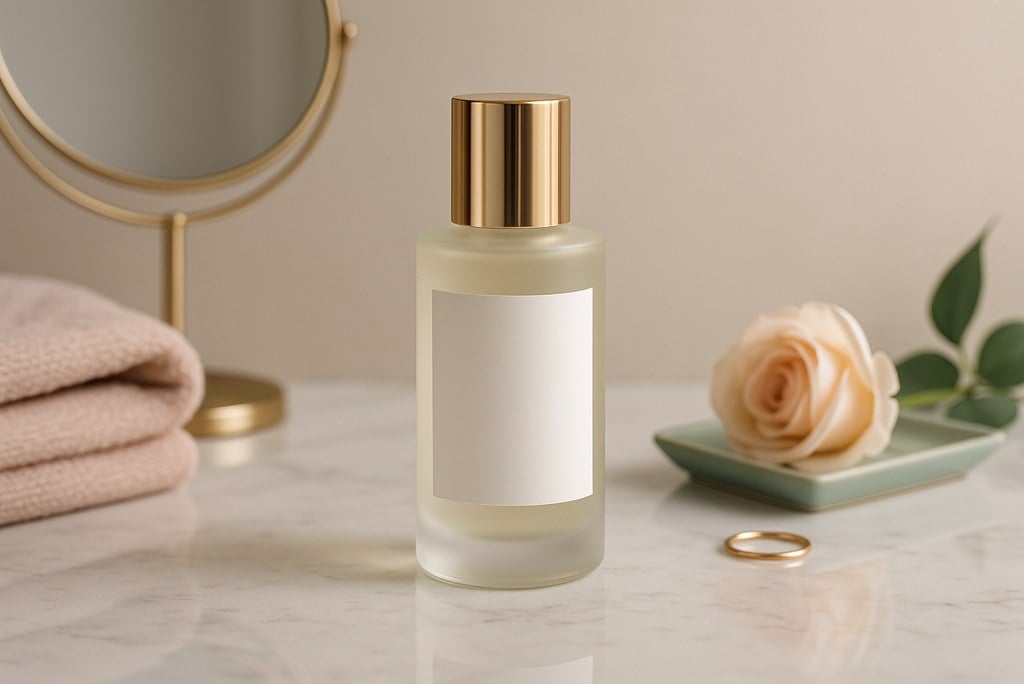
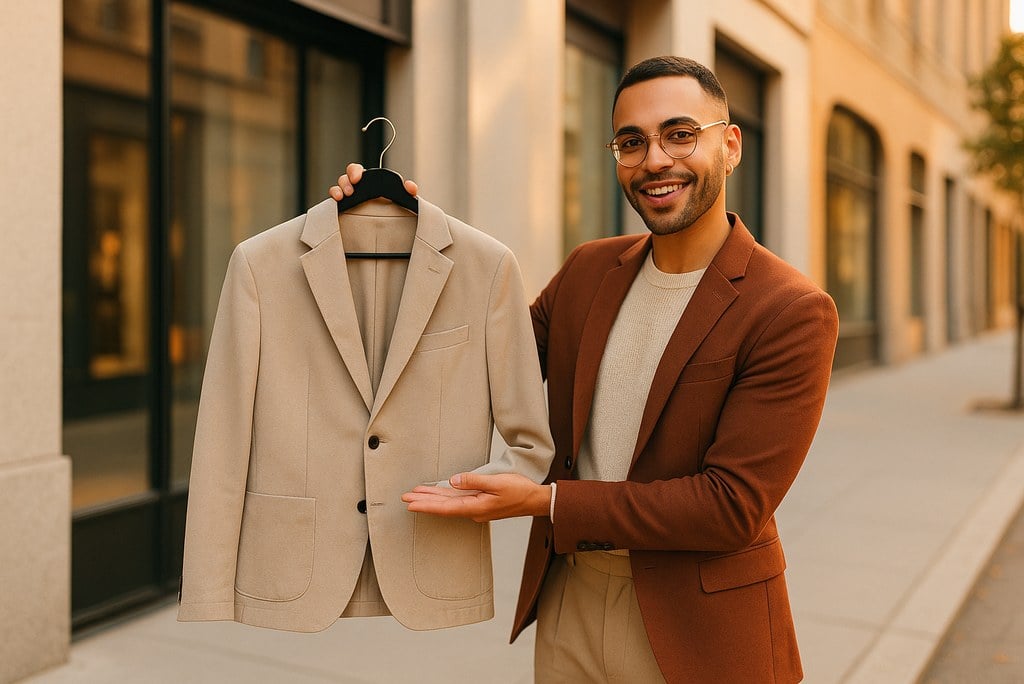
Ecommerce brands testing launch ads
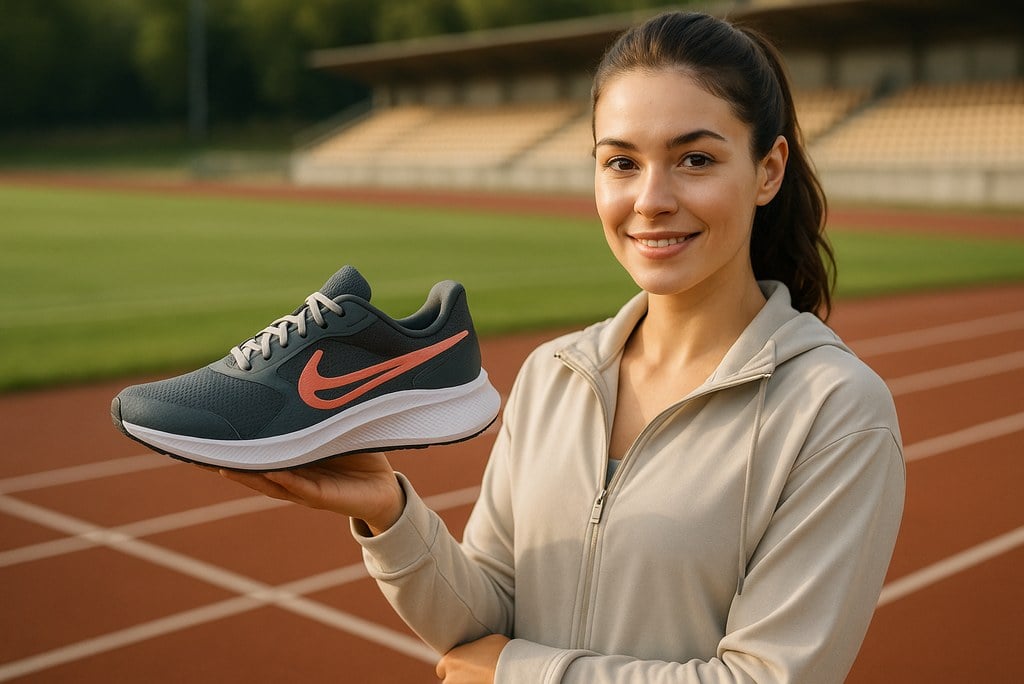
Turn product photos into ad concepts for launches, promos, and seasonal campaigns before committing to a full creative build.
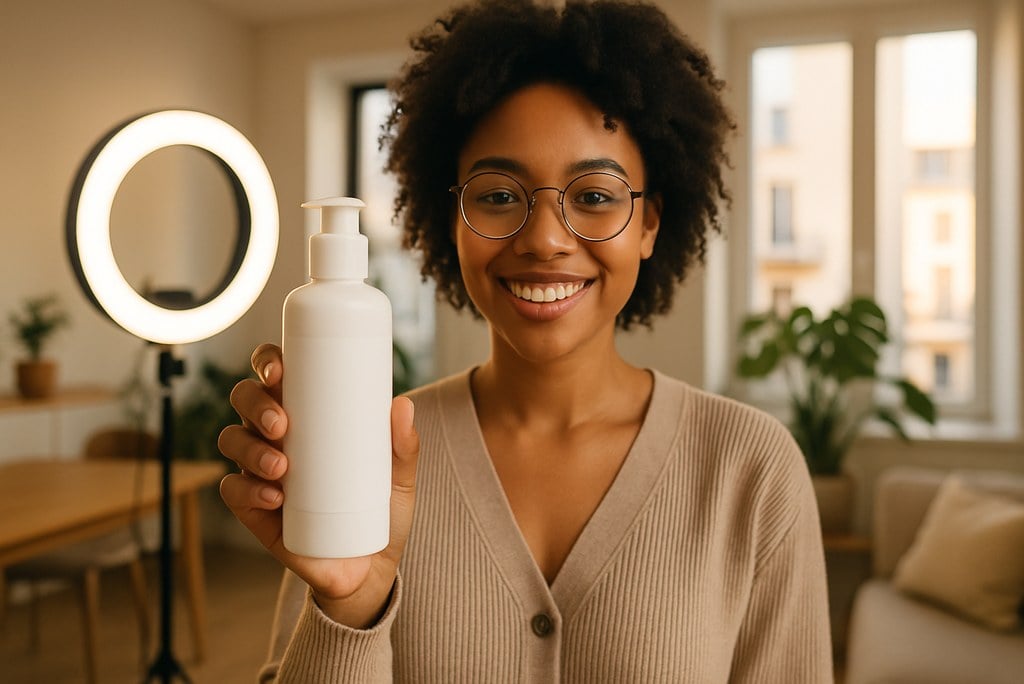
Creators promoting offers or collaborations
Build quick Instagram-ready promo videos that feel native to Reels and Stories while keeping the message clear.
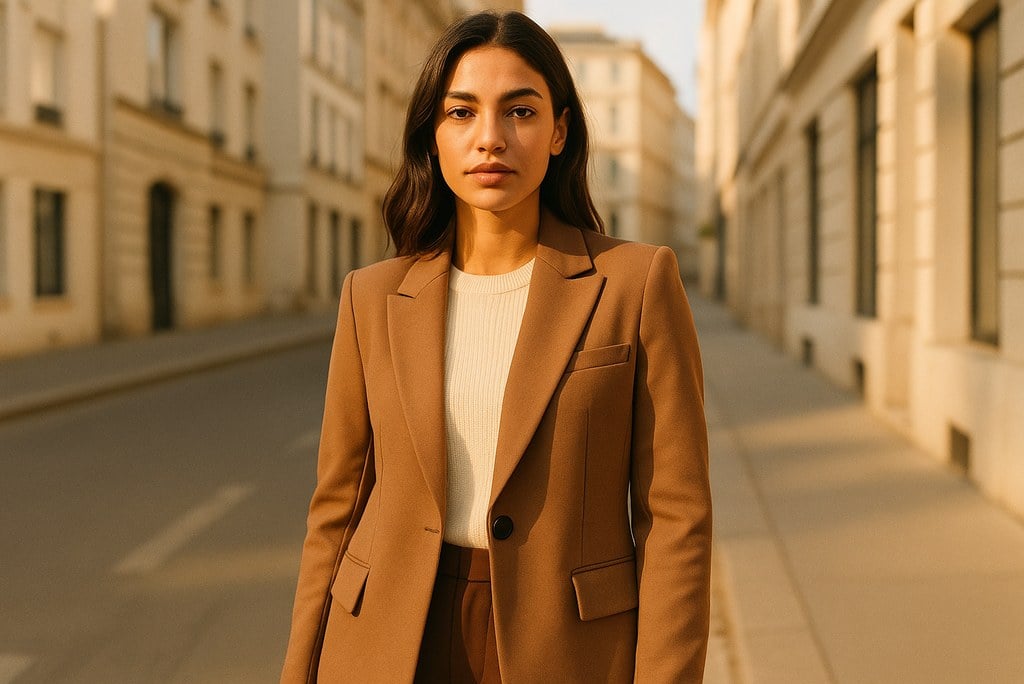
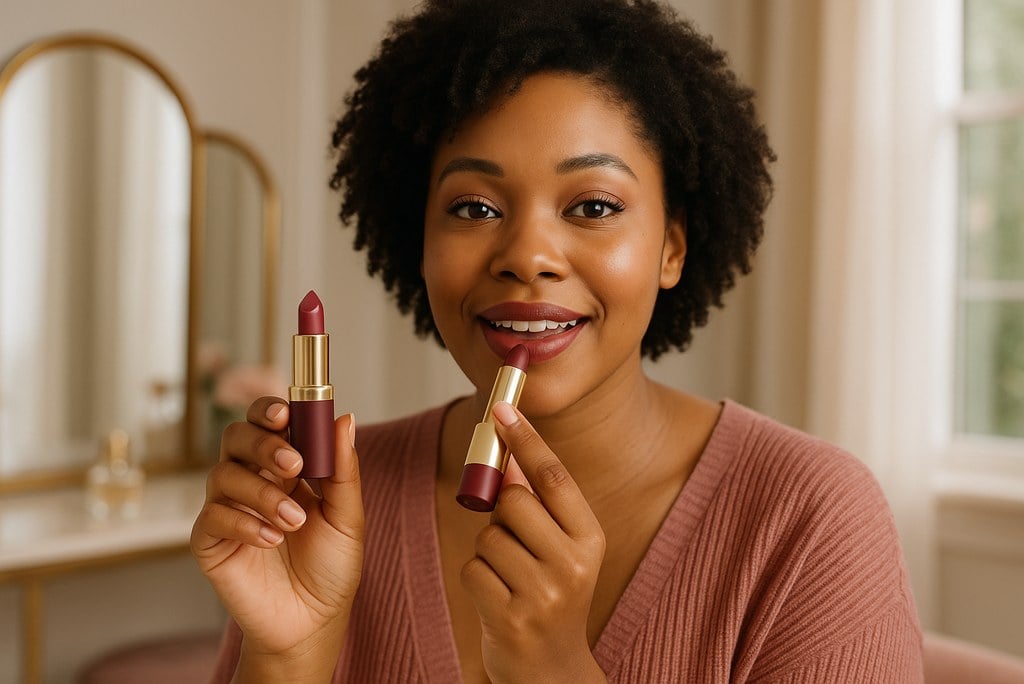
Beauty and fashion teams planning short-form ads
Explore different ad angles for product reveals, before-and-after visuals, and brand-led social posts.
Marketing teams comparing campaign hooks
Generate multiple Instagram ad directions from one idea so the team can compare tone, motion, and pacing quickly.
How to Create an Instagram Ad
Step 1: Upload a Product Image or Start from a Prompt
Choose the visual or idea you want to promote. You can begin with a product shot, a lifestyle photo, a short clip, or a written ad concept depending on how fast you want to move.
Step 2: Shape the Hook, Format, and Message
Describe the opening moment, the offer, the visual style, and whether you want the result to fit Reels, Stories, or another Instagram placement.
Step 3: Generate Your Instagram Ad
Let the AI turn your input into a short ad concept with motion, pacing, and a more engaging social-video feel.
Step 4: Refine and Export the Version You Like
Review the output, try a different hook if needed, and download the version that fits your campaign best.
Why Choose insMind Instagram Ad Maker

Made for Instagram Formats
Create video concepts that fit the fast, vertical style people expect from Instagram ads, Reels, and Stories. For product-first campaigns, pair this workflow with the AI Product Video Generator.

Works from Prompts or Assets
Start from a brief, product image, or campaign idea and turn it into a usable ad direction quickly.

Fast Creative Testing
Try several ad concepts before you spend time on a full production or manual edit.

Access the Instagram Ad Maker Online
Test core AI video features online and continue exploring with credits earned through platform activities.

Simple Social Output
Focus on the hook, the message, and the final beat without getting stuck in editing complexity.

Useful for Brands and Creators
Build promo ads, product ads, offer teasers, and creator-style marketing clips from one tool. For social proof style ads, explore the AI UGC Video Generator.
FAQs About Instagram Ad Maker
What is an Instagram ad maker?


How do I create an Instagram ad?
Can I make Instagram ads from photos?
What size should Instagram ads be?
Can I use AI to make Instagram ads?
Is the Instagram Ad Maker free to try?
Can I make ads for product launches?
Can I create ads for Reels and Stories?