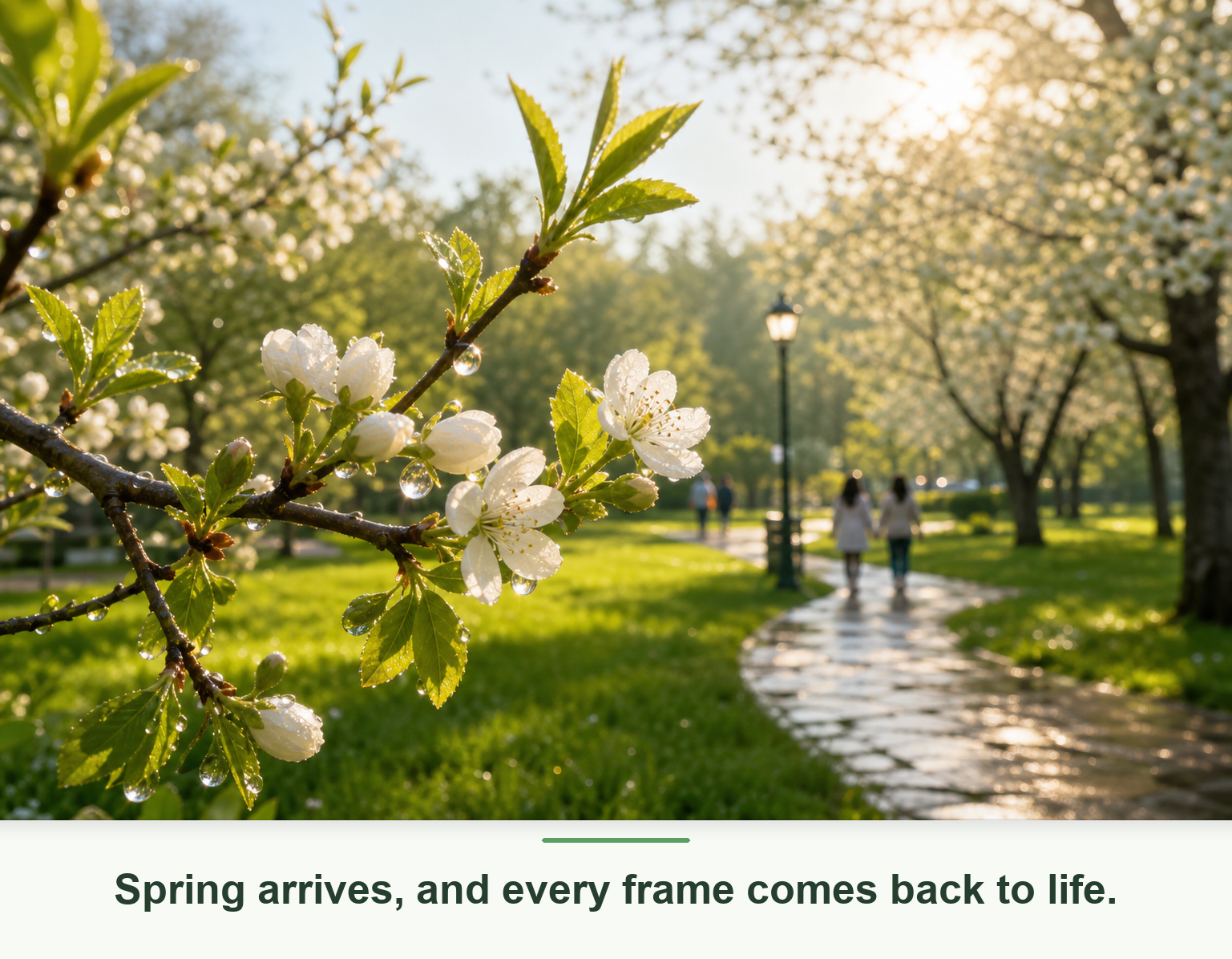
Use insMind AI B-Roll Generator to create supporting video clips that match your script, topic, or main footage. Add visual context to talking-head videos, tutorials, product demos, and social clips so every key idea feels clearer, smoother, and more engaging.

00:00
00:00
Generate Relevant B-Roll for Any Video Story

00:00
00:00
Create Custom Cutaway Clips Without Stock Searching
Skip the long stock footage search and describe the exact B-roll scene you need, from product close-ups and office moments to lifestyle shots and cinematic transitions. insMind helps you generate fresh AI b-roll video clips that fit your message, pacing, and creative direction.
How to Generate AI B-Roll Videos
Step 1: Enter Your Video Material
Start by adding your video idea, narration, or full script. insMind uses this context to understand your message and the type of B-roll clips your video needs.
Step 2: Tell insMind What You Want to Create
Describe the supporting scenes you want, such as product close-ups, office moments, lifestyle shots, city views, tutorial cutaways, or cinematic transitions.
Step 3: Generate AI B-Roll Clips
Click generate and let insMind create relevant B-roll videos that match your topic, script, and creative direction.
Step 4: Adjust and Download Your Video
Review the generated clips, refine the prompt if needed, then download your B-roll and add it to your final edit.
Why Choose insMind AI B-Roll Generator

Prompt-Based B-Roll
Describe the clip you need and generate custom B-roll without searching through endless stock footage libraries.

Script-Aware Scenes
Use your topic, voiceover, or script to guide clips that support the message instead of feeling random.

Better Story Flow
Add cutaway shots, detail clips, and visual transitions that make your edit feel smoother and easier to watch.

Free Trial Access
Test core AI video features for free and continue exploring with credits earned through platform activities.

Fast Creative Testing
Try multiple visual directions before committing time to a manual shoot, stock search, or full edit.

Built for Many Video Types
Create B-roll for social videos, product promos, tutorials, marketing campaigns, courses, and creator content.
FAQs About insMind AI B-Roll Generator
What is an AI B-roll generator?


An AI B-roll generator creates supporting video clips from a topic, script, voiceover, or prompt. These clips can be used as cutaway footage in talking-head videos, tutorials, product promos, social posts, and other edits where extra visual context helps the story.
Is insMind AI B-Roll Generator free?
insMind offers core AI video features with a free trial experience. You can test B-roll generation online and may earn free credits through platform activities, making it easier to try different clip ideas before using more credits.
Can I generate B-roll from text?
Yes. You can describe the B-roll scene you want, such as a product close-up, office moment, city view, tutorial cutaway, or lifestyle shot. insMind uses your prompt to generate a video clip that matches your creative direction.
Can I create B-roll from a script or voiceover?
Yes. Start with your topic, voiceover, or script so insMind can understand the story. Then describe the supporting visuals you want to add, generate the clip, review the result, and refine the prompt if you need a closer match.
What types of videos can use AI B-roll?
AI B-roll works well for YouTube videos, social shorts, product ads, tutorials, online courses, explainer videos, and campaign drafts. It is especially useful when your main video needs extra context, pacing, or visual variety.
Can I use AI-generated B-roll for YouTube or social media?
Yes. You can use generated B-roll to support YouTube videos, TikTok clips, Instagram Reels, Shorts, and marketing content. Always review the final output for brand accuracy, platform rules, and any usage requirements before publishing.
Do I need editing skills to use it?
No advanced editing skills are required to generate the B-roll itself. You only need to enter your topic, script, or prompt, generate a clip, and download it. You can then add the clip to your final edit in your preferred editor.
What is the difference between B-roll and A-roll?
A-roll is usually the main footage, such as a speaker, interview, or primary scene. B-roll is supporting footage that adds context, covers cuts, shows details, and keeps the video visually interesting while the main story continues.
Explore More AI Video Tools
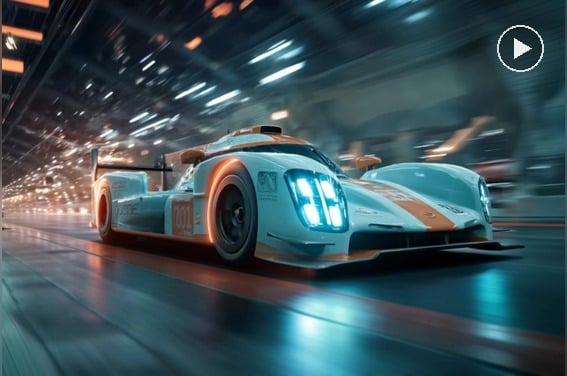
AI Video Generator
Create high-quality videos from prompts, images, and creative ideas.
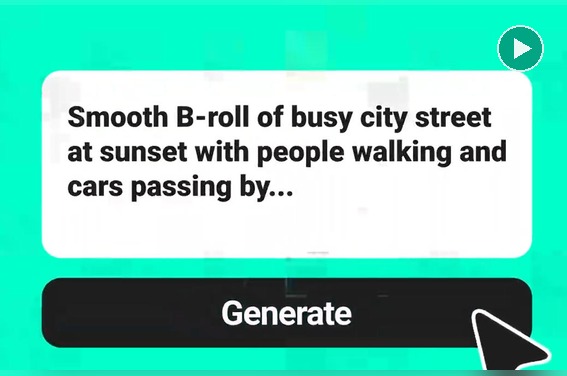
Text To Video Generator
Turn written ideas and scripts into ready-to-share videos.
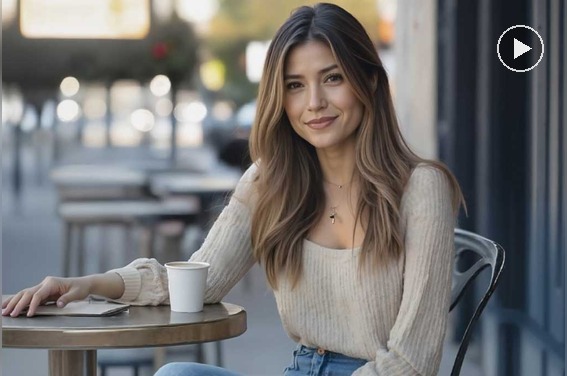
Image to Video
Animate images into short videos with AI-powered motion.
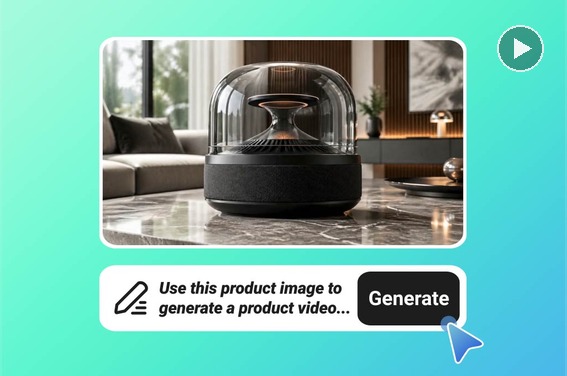
AI Product Video Generator
Create product videos for ecommerce, ads, and product showcases.
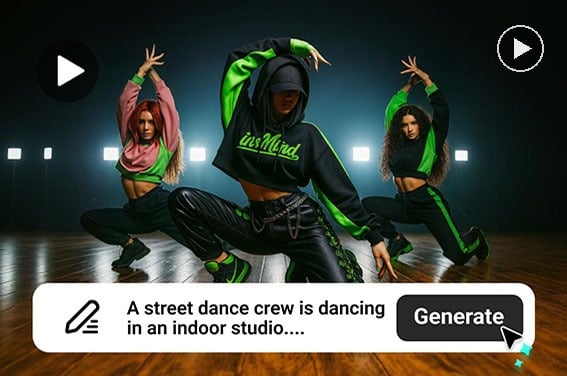
AI YouTube Shorts Generator
Generate short vertical videos for YouTube Shorts and social media.
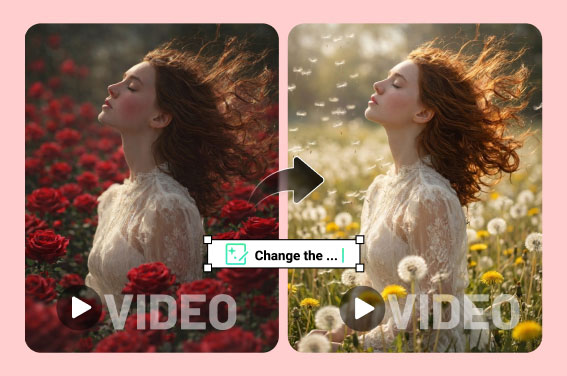
AI Video Editor
Edit, enhance, and reshape videos online with AI tools.
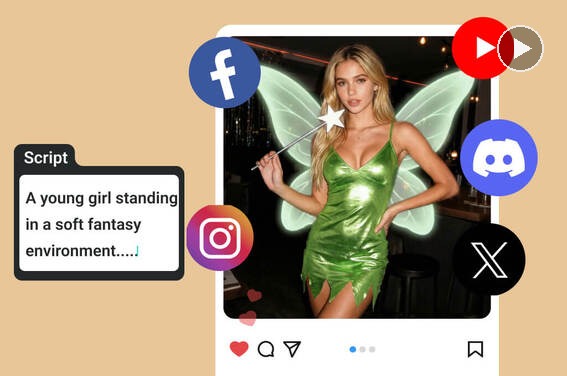
Script to Video AI
Turn scripts into videos for explainers, campaigns, and creator content.
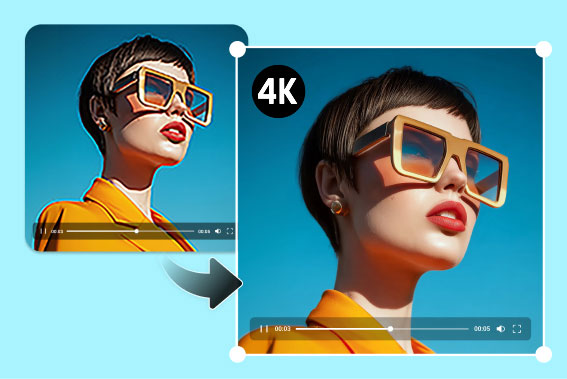
Video Enhancer
Improve video clarity and visual quality before sharing or exporting.