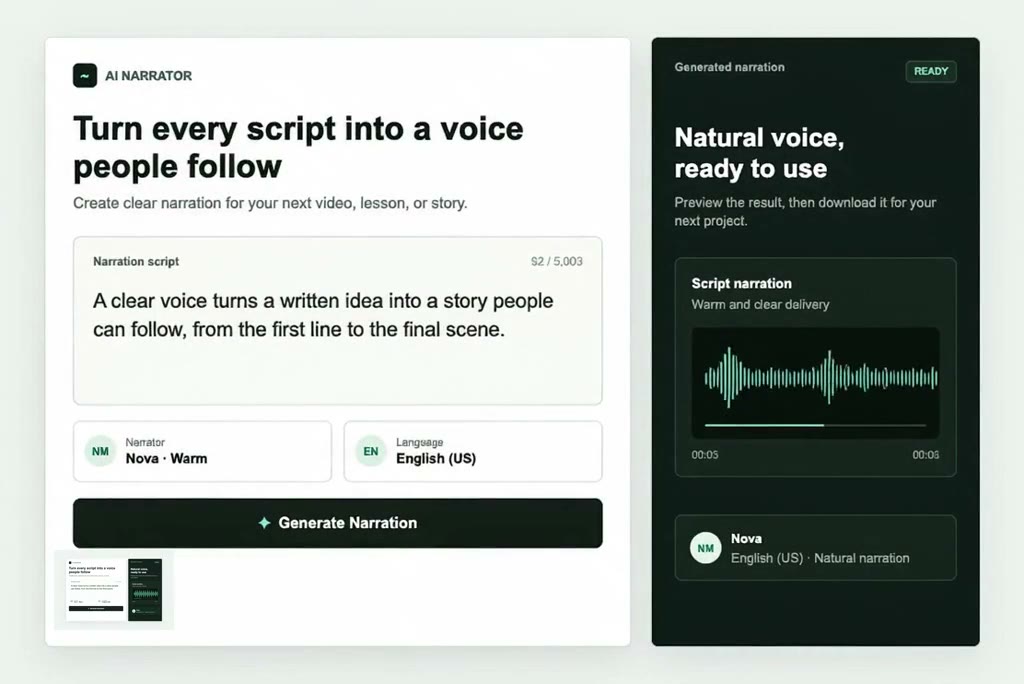
Paste a lesson, video script, product message, or story and turn it into ready-to-use narration without recording a take. Edit wording before you generate, then create a clear voice track for explainers, social videos, training content, and presentations. Pair the finished audio with Script to Video when you want to build the visuals from the same idea.

00:00
00:00
Create Narration from Any Script
00:00
00:00
Keep Narration Consistent Across Content
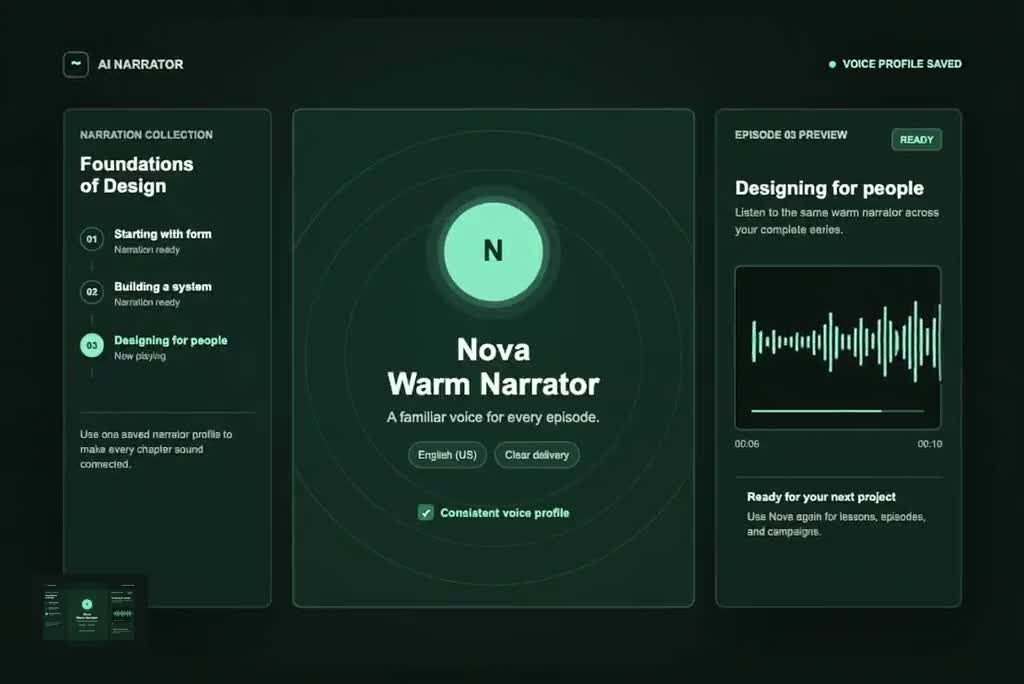
Use the same selected voice to maintain a recognizable sound across episodes, course modules, product demos, and branded series. For projects that need a voice based on an existing recording, explore AI Voice Cloning as a separate workflow.
Narration for Every Kind of Story
Create voice tracks for videos, lessons, podcasts, product messages, and daily content.
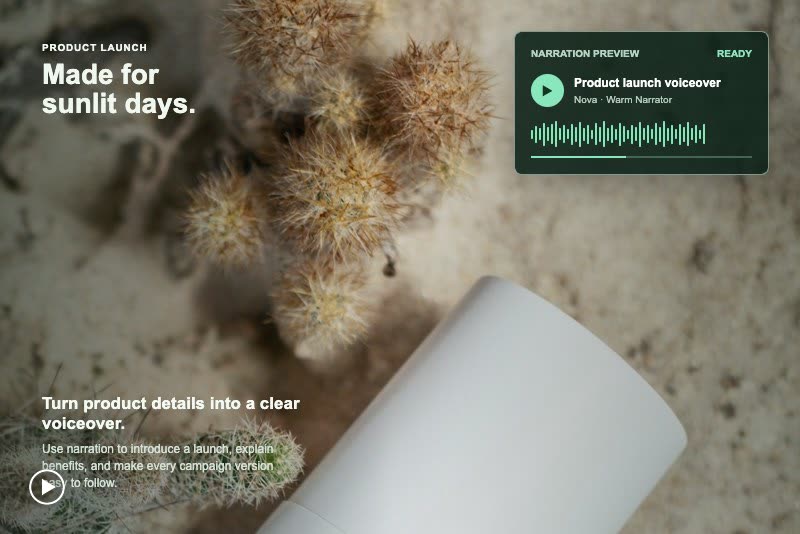
Product Ads and Demos
Generate concise promotional narration for product launches, feature highlights, ecommerce clips, and campaign variations without arranging a new recording for every revision.
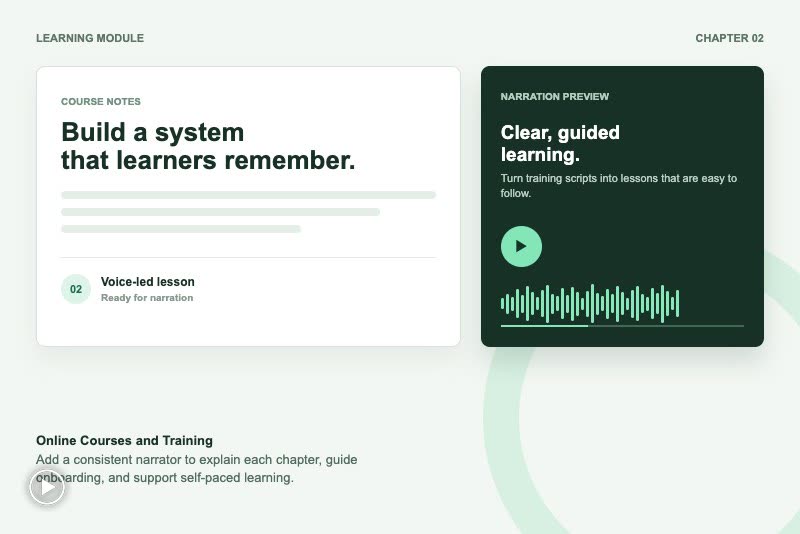
Online Courses and Training
Convert course notes and training scripts into polished narration for learning modules, onboarding videos, internal guides, and presentations.
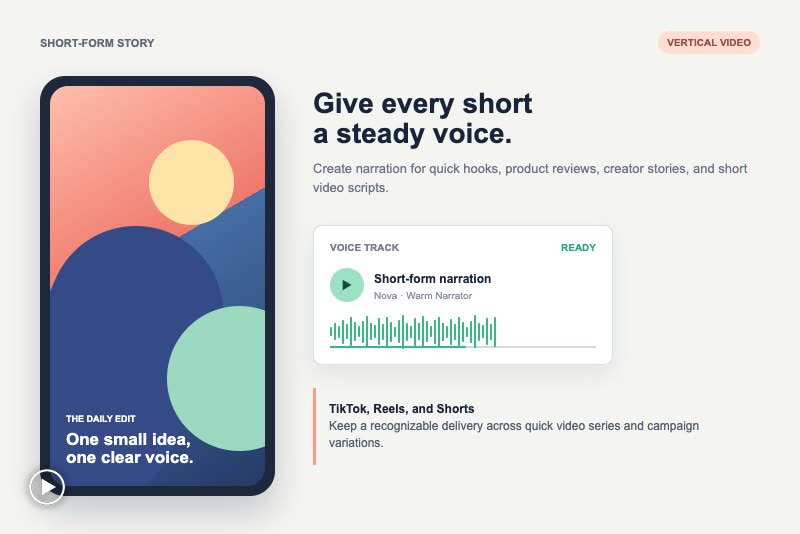
TikTok, Reels, and Shorts
Create a steady voice track for TikTok videos, Instagram Reels, YouTube Shorts, reviews, and creator stories. Use it alongside AI Spokesperson Video Generator when a visible presenter better fits the format.
How to Create AI Narration Online
Step 1: Enter Your Script
Paste the exact words you want the narrator to say, from a short ad line to a full lesson or video voiceover.
Step 2: Choose a Language and Voice
Select a language, then choose a voice whose style and delivery fit your audience, story, or project.
Step 3: Generate Your Narration
Create the voice track from your script and listen to how the selected narrator delivers each line.
Step 4: Download Your Audio
Review the result, update the script when needed, and download your narration for videos, presentations, podcasts, or campaigns.
Why Choose insMind AI Narrator Voice Generator?

Natural Narration for Real Scripts
Turn written copy into clear, listener-friendly narration for stories, lessons, campaigns, and videos without a recording setup.

189 AI Voice Choices
Find a delivery that suits your subject, audience, and format across a broad selection of AI narrator voices.

16 Supported Languages
Create narration for localized content and international audiences by choosing a language that matches each version of your script.

Faster Script Revisions
Change a line and generate an updated take quickly instead of coordinating a new recording session for every edit.

Consistent Series Audio
Reuse a selected voice across episodes, lessons, demos, and recurring campaigns to maintain a recognizable sound.

Ready for Any Workflow
Download usable audio for editors, presentations, podcasts, training materials, product videos, and social content.
FAQs About insMind AI Narrator Voice Generator
What is an AI narrator voice generator?


An AI narrator voice generator converts written text into spoken narration. You enter a script, choose a language and voice, generate the audio, and download the result for a video, course, podcast, presentation, advertisement, or another voice-led project.
How do I create narration from text?
Paste the script you want spoken, select a language and an AI voice, then generate the narration. Listen to the result before downloading it. When your script changes, edit the text and create a revised version without recording the whole passage again.
Can I create narration for YouTube videos?
Yes. Create narration for YouTube explainers, reviews, tutorials, channel intros, Shorts, and faceless video formats. Generate the audio from your script, download it, and add it to your preferred video editing or production workflow.
Can AI narrate an audiobook?
Yes. Turn an audiobook chapter, short story, or serialized passage into narration by entering the text, selecting a voice and language, and generating the audio. For long projects, keep the same selected voice across chapters so the listening experience remains consistent.
How many AI voices are available?
insMind offers 189 AI voices. You can compare options suited to storytelling, instruction, promotion, documentary-style narration, social content, and business presentations, then select the voice that best fits the purpose and audience of your script.
Which languages does the AI narrator support?
The AI narrator voice generator supports 16 languages. Choose the language and voice that match the audience for each version of your content, whether you are creating a local campaign, a multilingual course, an international product demo, or a translated video.
Can I use the same narrator voice for a series?
Yes. Select the same AI voice for recurring videos, podcasts, lessons, and branded content to keep the listening experience consistent. Saving the selected language and voice also makes repeat production faster when you create the next script.
Can I use AI narration for product demos?
Yes. AI narration works well for product benefits, launch announcements, app walkthroughs, promotional hooks, and ecommerce videos. It is especially useful when you need to test several message variations without scheduling a fresh voice recording each time.