
Create voiceovers in different languages for audiences around the world. Choose the right language and voice for each script. Use it for tutorials, marketing campaigns, product updates, and educational content. Your message can sound natural in each market while keeping the same core meaning.

00:00
00:00
Narrate News in Multiple Languages

00:00
00:00
Text to Speech for News and Media
Turn your script into a clear, natural AI news reporter voice. Use it for news-style narration, lessons, explainers, product messages, and social media content. Instead of recording many takes, you can quickly generate a polished reporter-style voice track from prepared text and keep your content workflow moving.

00:00
00:00
Create Natural News-Style Voiceovers
Give your written content a realistic AI reporter voice with smooth pacing and clear delivery. It can support news updates, training videos, brand stories, product explainers, and short-form media. Build a ready-to-use audio version of your script in minutes while keeping the narration natural and easy to follow.

00:00
00:00
Produce Long News Narration Fast
No studio setup or editing skills are needed. Turn full reports, feature stories, or news scripts into complete reporter-style audio, creating a polished listening version quickly while keeping the delivery clear and professional.
20 Successful News Reporter Voice Examples for Real-World Scenarios
Explore detailed voiceover examples for city updates, schools, clinics, markets, weather alerts, sports events, and more everyday news scenes.

00:00
00:00
Rainy Downtown Commute
Morning rain slowed traffic across several downtown streets, leaving slick roads and longer travel times for commuters. Pedestrians crossed under umbrellas as taxis and buses moved carefully through busy intersections.

00:00
00:00
Morning Vegetable Harvest
Farmers began harvesting leafy vegetables before sunrise as mist settled across rural fields. Local growers reported steady seasonal demand and emphasized the daily labor behind fresh produce reaching neighborhood markets.
00:00
00:00
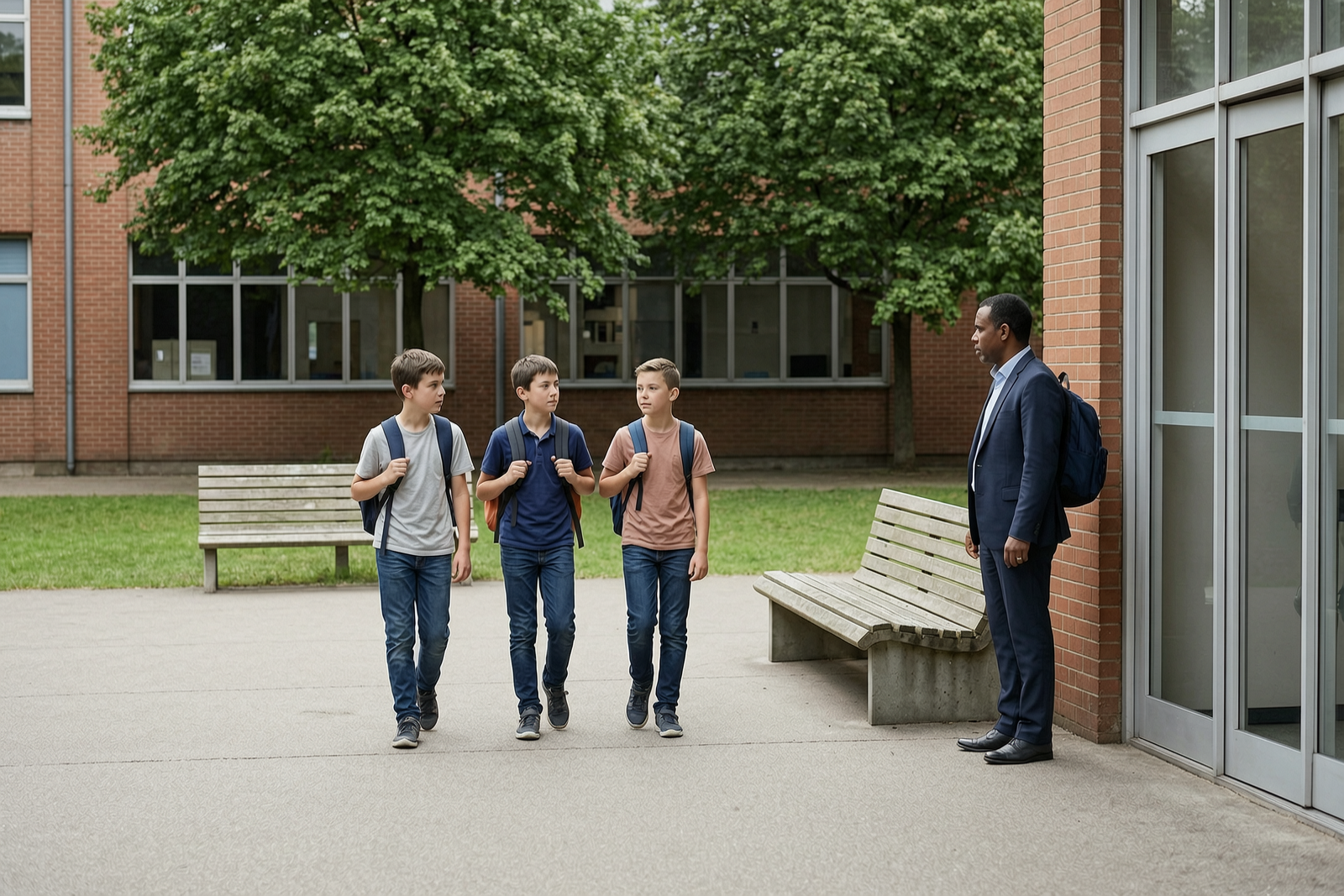
Students Returning to Campus
Students returned to campus as regular classes and after-school activities resumed. Teachers guided arrivals, families adjusted to new routines, and schools reinforced safety reminders for the opening weeks.

00:00
00:00
Community Clinic Care
Community clinics continued serving older adults and families with routine care, patient support, and appointment guidance. Nurses assisted residents in busy hallways while local health teams focused on accessible everyday services.

00:00
00:00
Neighborhood Bakery Rush
A neighborhood bakery opened to its morning rush with fresh bread, familiar customers, and steady local demand. The owner prepared orders as residents stopped in before work, school, and daily errands.

00:00
00:00
Factory Safety Briefing
Factory teams reviewed safety procedures before production began, checking equipment, machinery areas, and shift responsibilities. Workers in helmets and reflective vests coordinated operations to keep output steady and conditions secure.
00:00
00:00
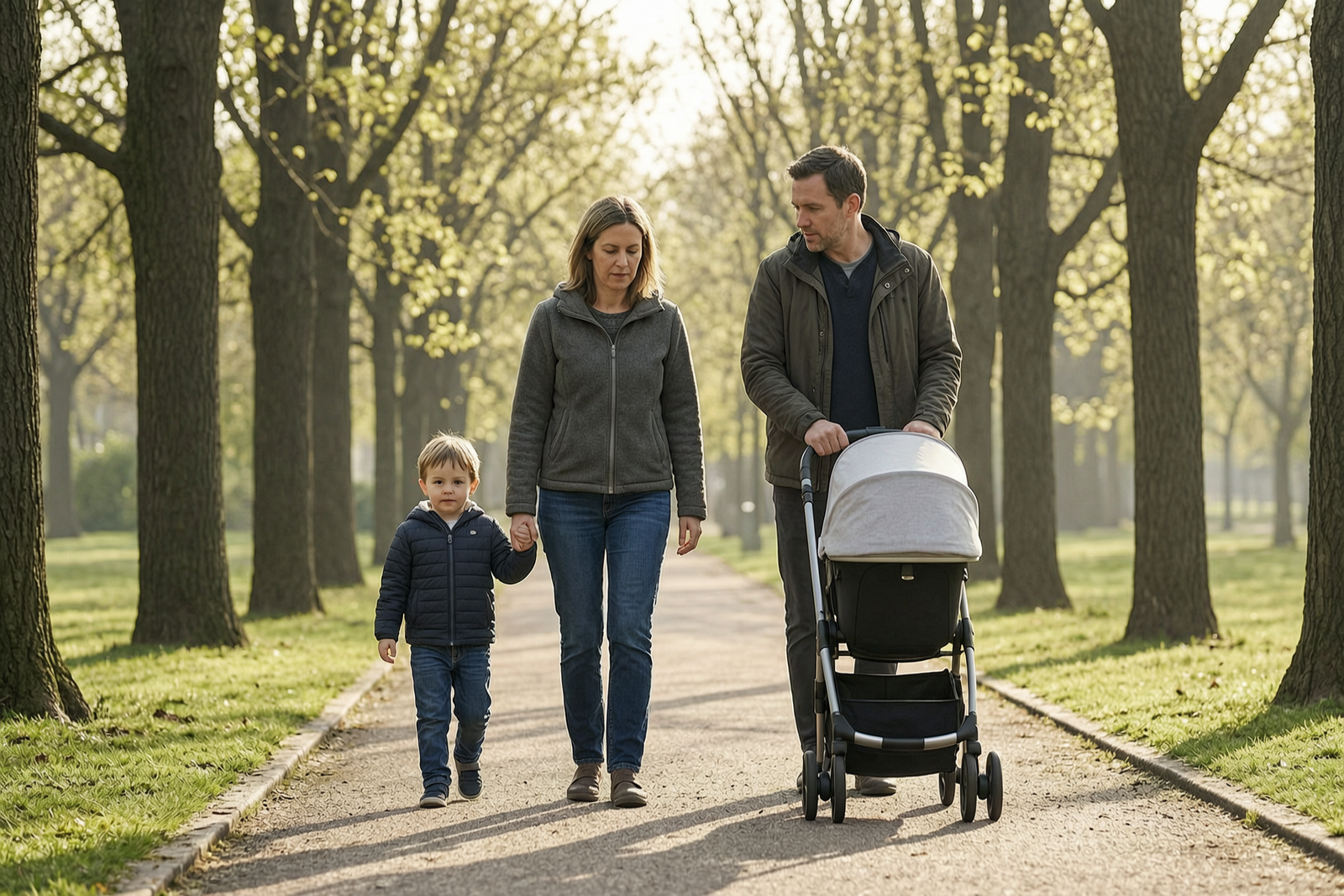
Weekend Family Park Walk
Families filled public park paths during a quiet weekend morning, using strollers, bikes, and walking routes. Local recreation spaces remained important for exercise, family time, and neighborhood well-being.

00:00
00:00
Senior Morning Exercise
Older residents gathered in a community square for gentle stretching and morning exercise. Local programs continued encouraging healthy aging, accessible activity, and social connection among senior residents.
00:00
00:00
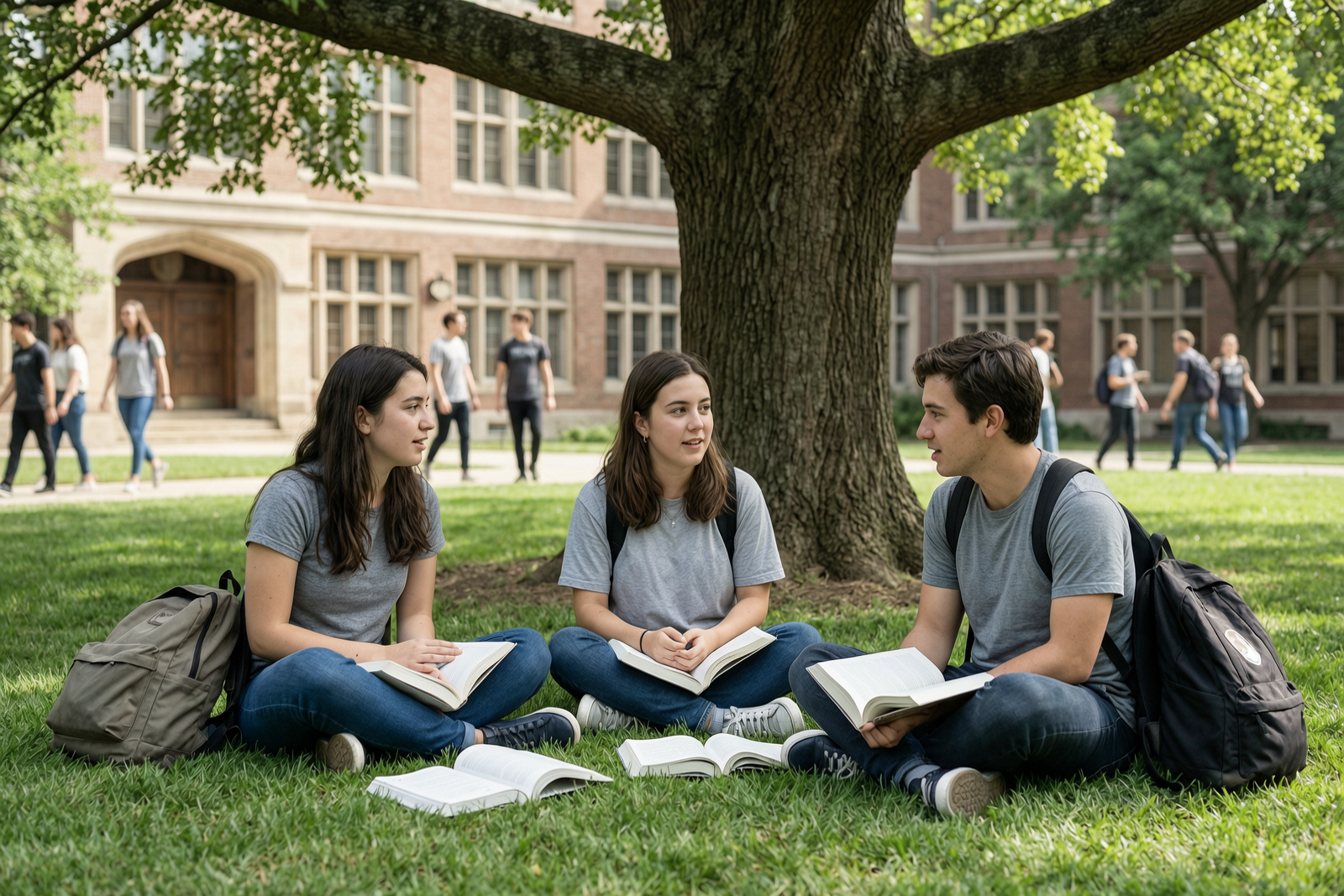
University Campus Life
University students moved across campus preparing for classes, group projects, internships, and graduation plans. Study areas grew busy as classmates exchanged notes and organized coursework for the term ahead.
00:00
00:00
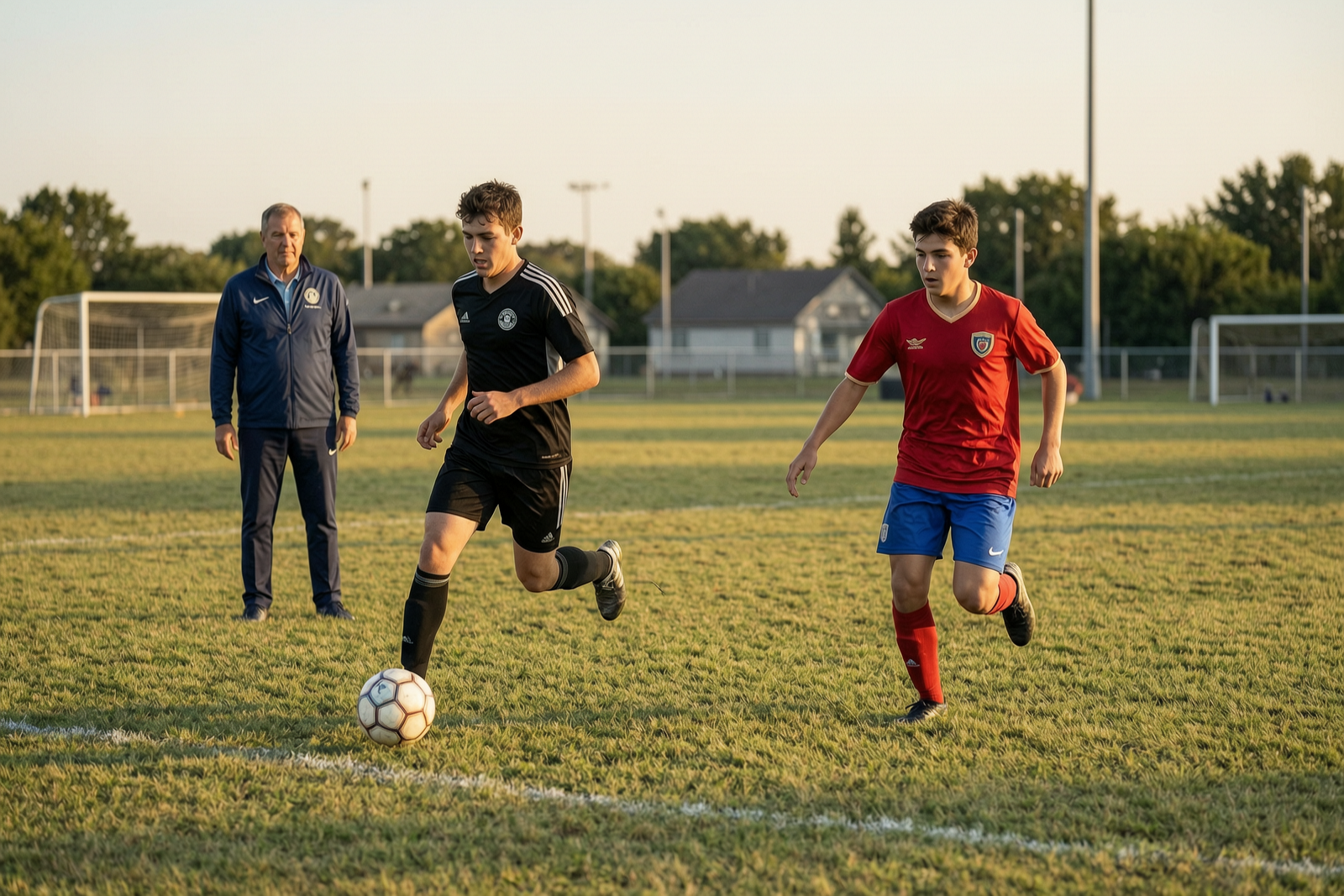
Local Soccer Training
Young soccer players trained on a local field under late afternoon light while coaches monitored drills. Community sports programs continued supporting teamwork, discipline, and youth development through regular practice.

00:00
00:00
Modern Office Workday
Office teams returned for meetings, planning sessions, and collaborative work as hybrid schedules continued to evolve. Companies balanced digital tools, in-person routines, and changing expectations from employees.
00:00
00:00
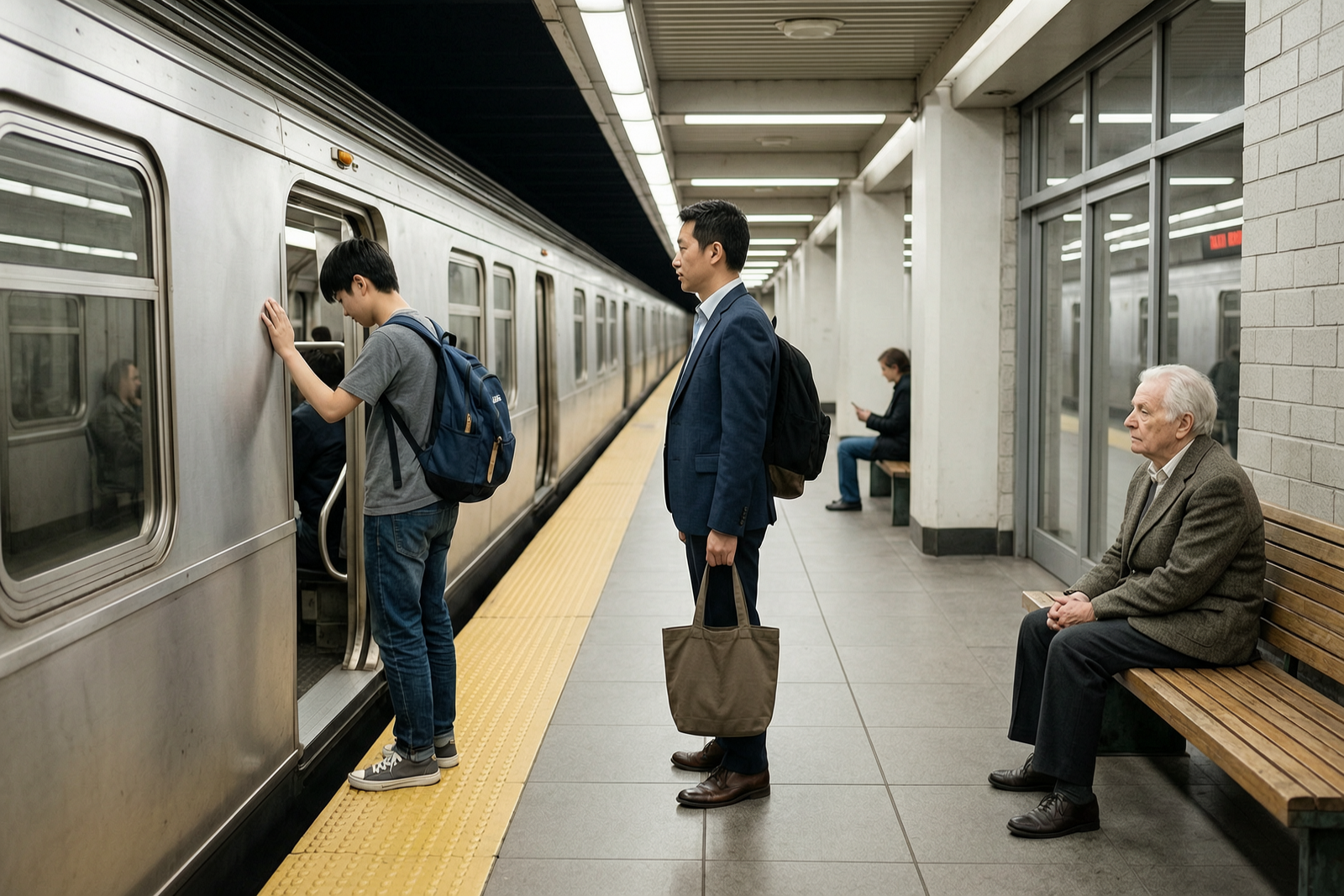
Subway Morning Riders
Morning riders waited on subway platforms as trains moved through the system on regular schedules. Transit officials continued monitoring commuter flow, station safety, and service reliability during peak travel hours.
00:00
00:00
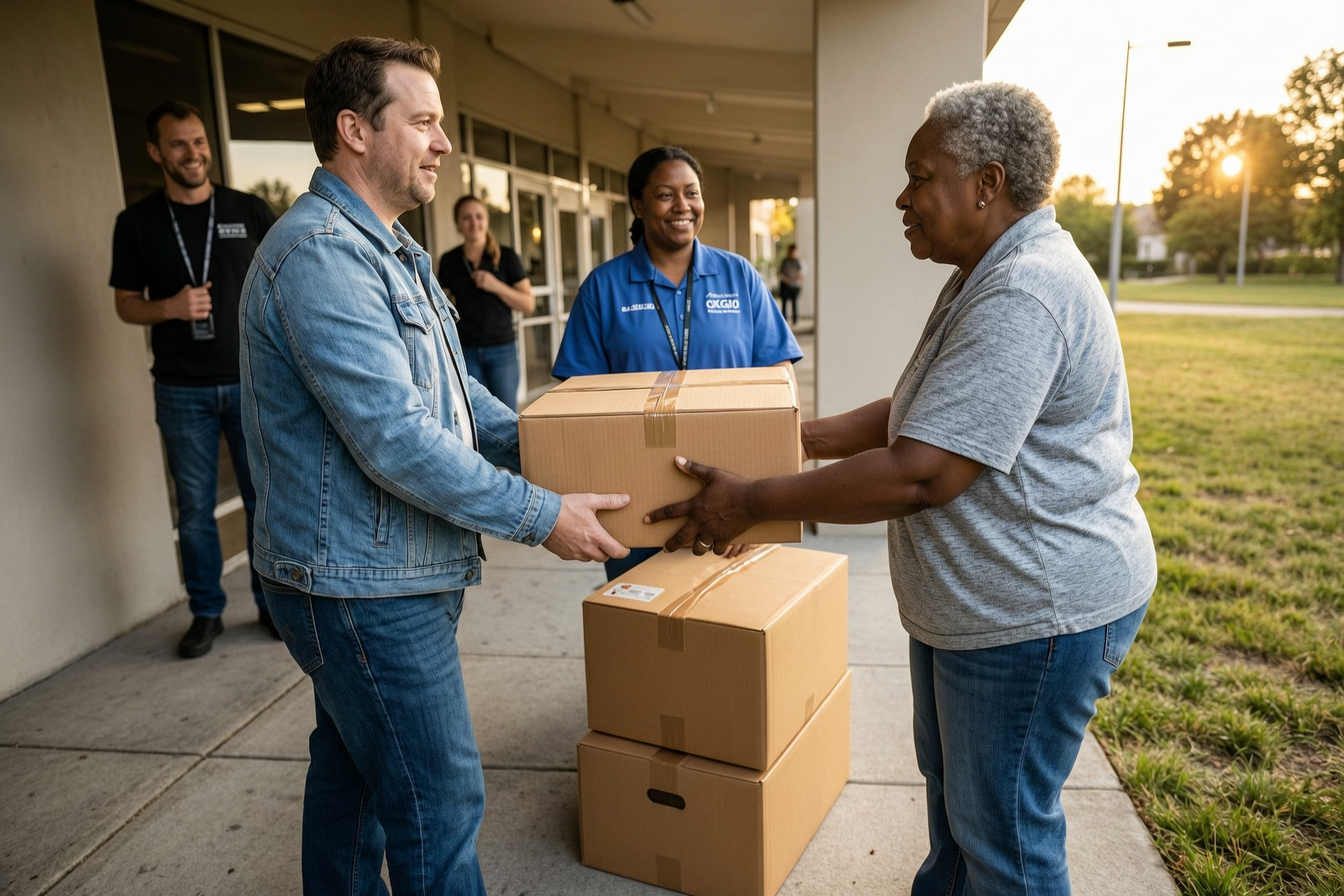
Volunteer Food Distribution
Community volunteers distributed food boxes to residents facing temporary hardship, including seniors living alone and low-income families. Organizers said local donations and volunteer support remained essential to the program.
00:00
00:00
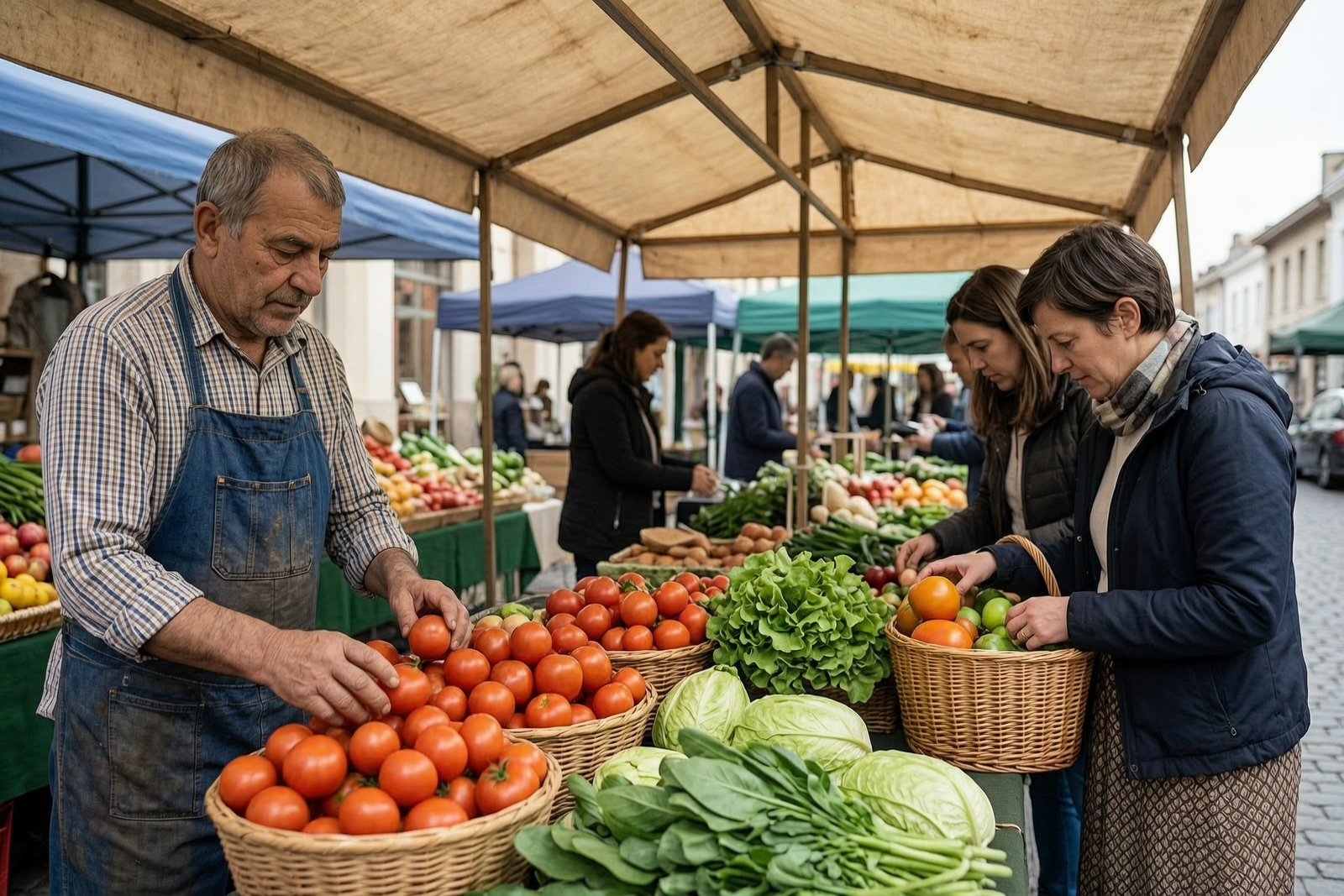
Local Produce Market
Produce vendors arranged fresh vegetables as shoppers selected ingredients for family meals. Local markets continued reflecting seasonal supply, neighborhood shopping habits, and everyday changes in food prices.

00:00
00:00
Coastal Weather Warning
Strong winds, heavy clouds, and high surf affected coastal roads, prompting officials to urge caution near the water. Residents were advised to avoid unnecessary travel and follow updated weather guidance.
00:00
00:00
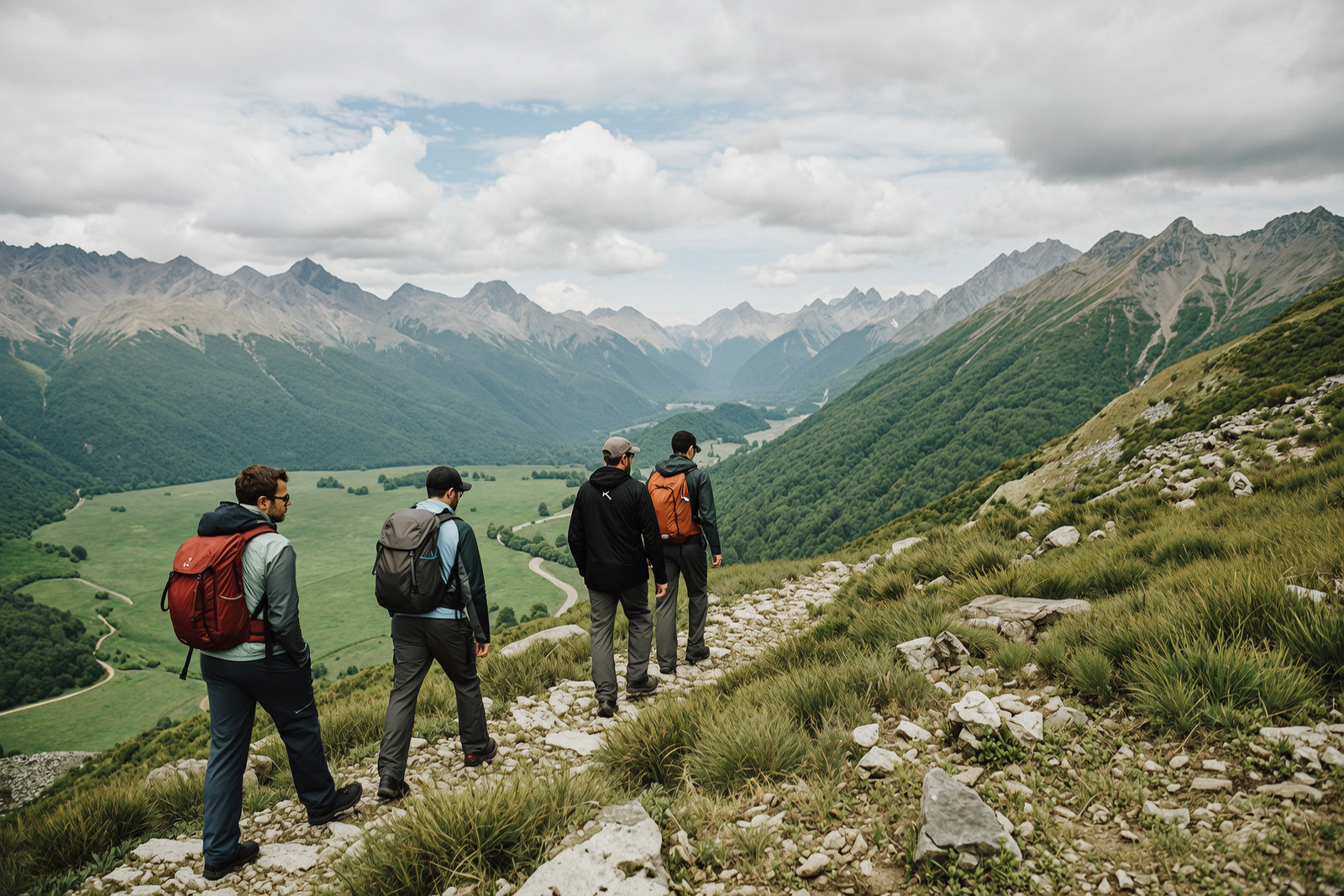
Mountain Trail Travel
Hikers returned to mountain trails for fresh air, exercise, and scenic views across green valleys. Tourism officials noted growing interest in outdoor travel while reminding visitors to follow trail safety guidance.
00:00
00:00
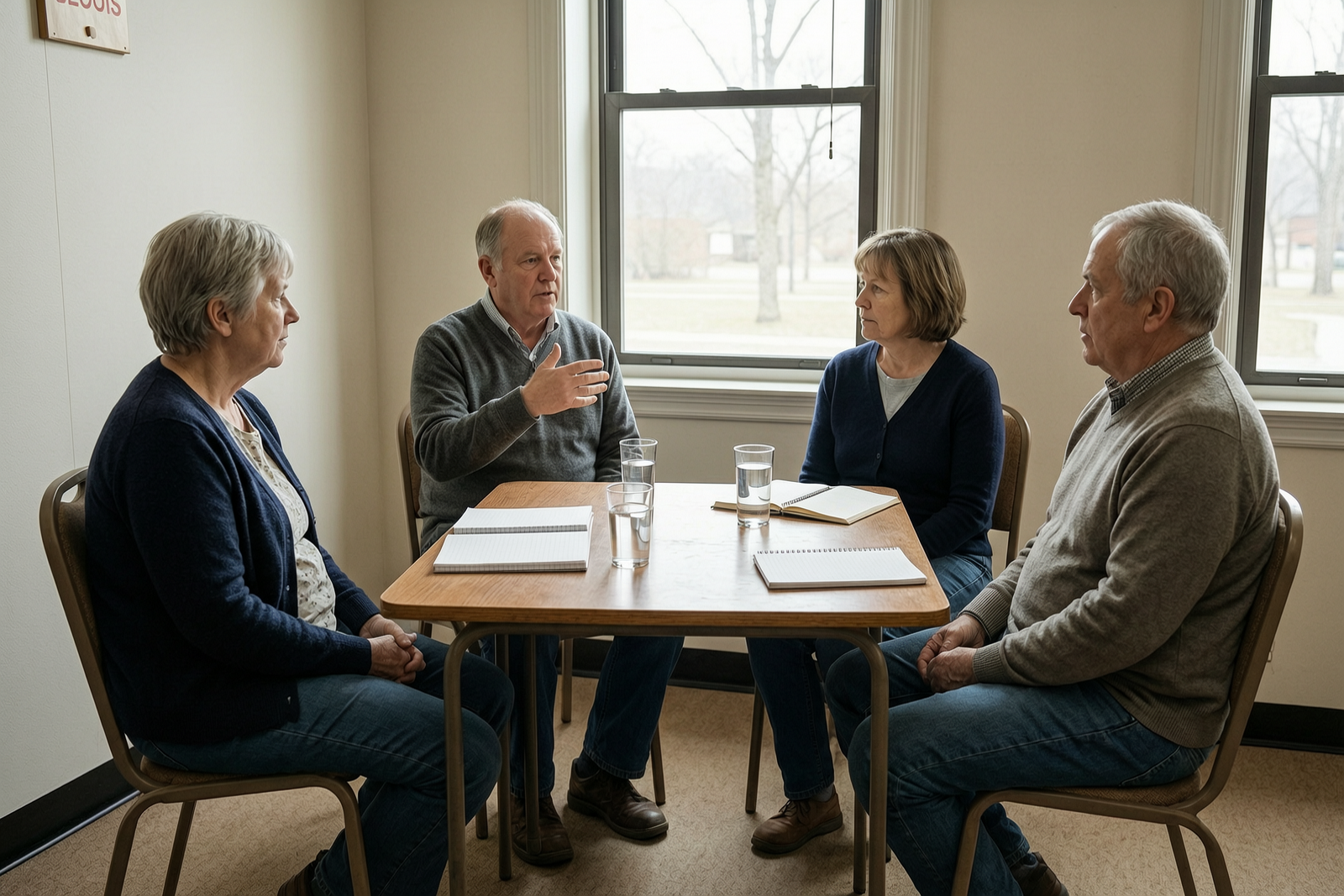
Neighborhood Civic Meeting
Residents met in a community room to discuss shared facilities, neighborhood services, and local concerns. The meeting gave attendees a chance to raise questions, exchange ideas, and shape practical civic decisions.
00:00
00:00
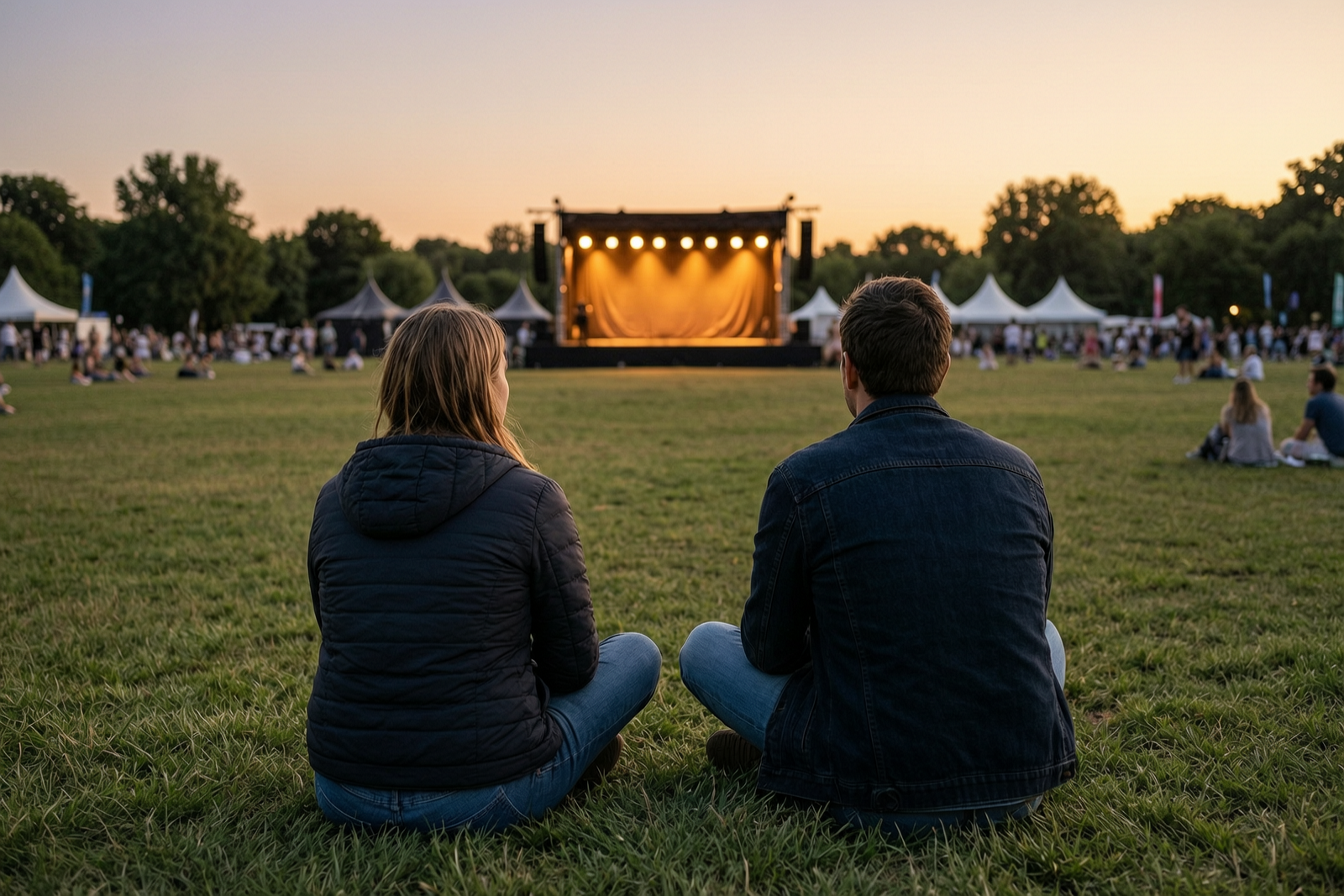
Outdoor Evening Concert
Residents gathered for an outdoor evening concert as music played and stage lights brightened the park. Local cultural events continued bringing people together and supporting public leisure in shared spaces.

00:00
00:00
Residential Home Viewing
Prospective buyers toured a residential property while weighing layout, natural light, location, and long-term affordability. Housing decisions remained closely tied to local demand, budget pressure, and family needs.
00:00
00:00
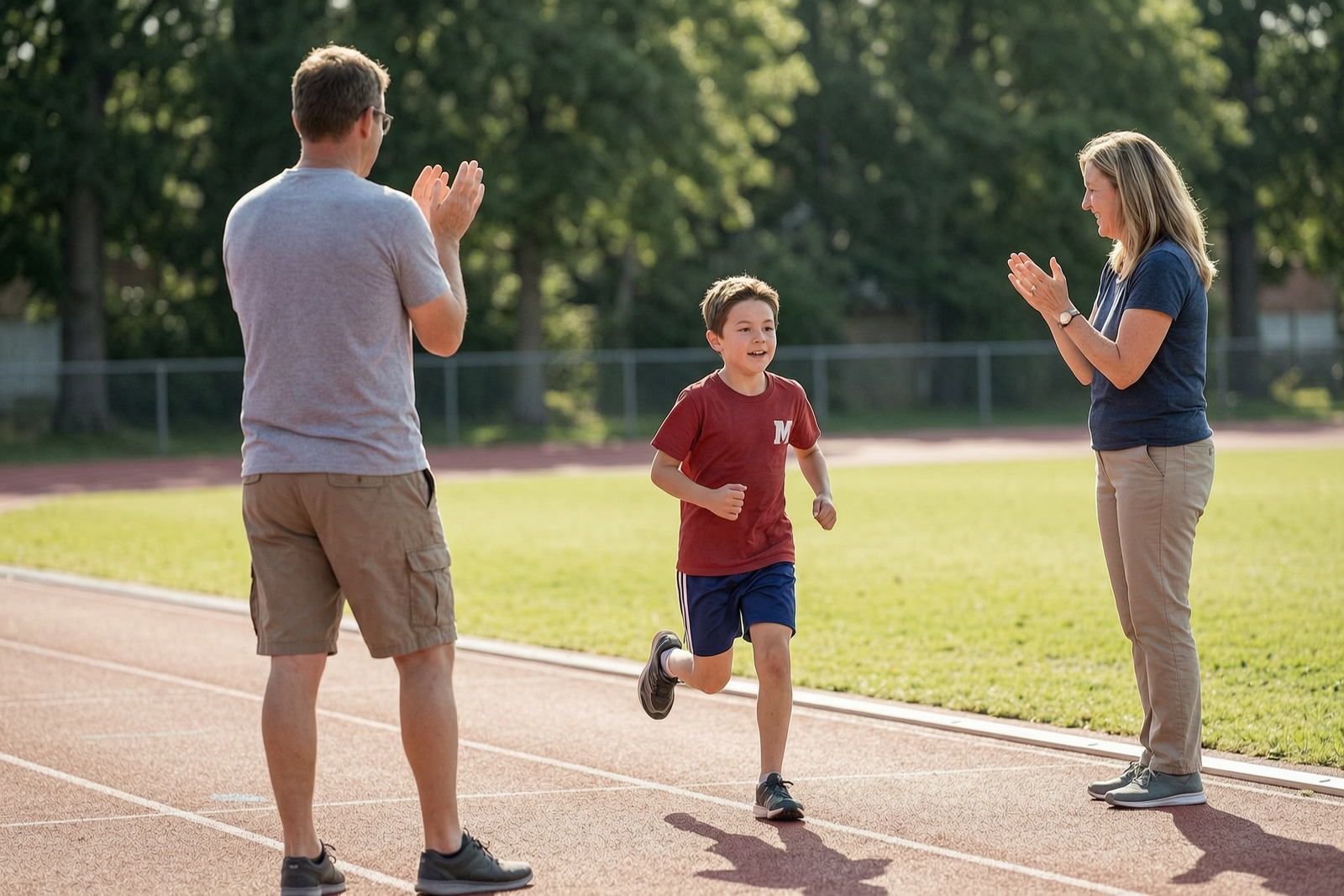
Youth Track Event
Children competed in a school track event as families cheered from the sidelines. Coaches said youth athletics helped build confidence, teamwork, and healthy routines beyond the classroom.
How to Create a News Reporter Voice with insMind
Step 1: Enter the Text You Want AI to Say
Enter the text you want the AI news reporter to read, such as a headline, announcement, report summary, or video narration script.
Step 2: Choose Your Voice Type
Open the voice selector in the upper-left corner and choose the news reporter voice style you want to use.
Step 3: Generate the AI Voice
Click the generate button in the lower-right corner to create your news reporter voiceover.
Step 4: Edit or Download
Review the generated result, make changes if needed, then download the voiceover for your video, podcast, or report.
What Users Say About insMind's News Reporter Voices Generator
Why Choose insMind News Reporter Voices Generator

Clear Reporter-Style Delivery
Generate voiceovers with an AI voice generator that sounds steady, confident, and easy to follow for headlines, reports, announcements, and explainers.

Fast Text-to-Voice Workflow
Move from a written script to a usable news voiceover with a text to speech workflow, without recording equipment, studio time, or manual retakes.

Flexible Voice Types
Choose a voice style that fits breaking updates, calm market reports, corporate news, social clips, or podcast briefs.

Built for Video Creation
Pair your reporter voiceover with insMind video tools to create news-style clips, explainers, updates, and faceless video content.

Easy Editing After Generation
Review the generated voice, adjust your text or voice type, and create a cleaner AI voice over before downloading.

Useful Across Content Channels
Create reporter-style audio for YouTube, TikTok, Reels, Shorts, podcasts, newsletters, and business communications.
FAQs About insMind News Reporter Voices Generator
What is a news reporter voice generator?


A news reporter voice generator turns written text into reporter-style voiceovers. It is useful for headlines, market updates, announcements, podcasts, YouTube news videos, social clips, and other content that needs clear, professional narration.
How do I create an AI news reporter voice?
Enter the text you want AI to say, choose a voice type from the upper-left selector, then click the generate button in the lower-right corner. After the voice is ready, you can edit the text or download the result.
Can I use AI news voices for YouTube videos?
Yes. You can use AI news reporter voiceovers for YouTube videos, faceless news channels, explainers, recaps, and commentary-style content. Review the final script for accuracy and make sure you have the rights to any media you publish.
What makes a good news reporter voice?
A good news reporter voice is clear, controlled, credible, and easy to follow. It should match the story type, keep the pacing natural, pronounce key names carefully, and avoid sounding overly dramatic unless the format calls for urgency.
Can I generate breaking-news style narration?
Yes. For breaking-news narration, write a concise script with the key update first. Choose a voice type that sounds urgent but still professional, then preview the result to make sure the pacing remains clear.
Can I make finance or market report voiceovers?
Yes. The workflow is useful for market recaps, earnings summaries, crypto updates, business news, and investor briefings. A calm, steady reporter voice usually works best for financial information.
Is the news reporter voice generator free to try?
insMind offers core features with a free trial experience. Users can also earn free credits through platform activities, making it easier to test different scripts and voice types before choosing the final version.
Can I download the generated news voiceover?
Yes. After generation, review the voiceover, make edits if needed, and download the finished result for videos, podcasts, reports, announcements, or social media content.
More Voice and Video Tools from insMind

00:00
00:00
AI Voice Generator
Create AI voiceovers from text for videos, podcasts, and social content.
00:00
00:00
Text To Video Generator
Turn any text prompt into high-quality videos in minutes.
00:00
00:00
Script to Video AI
Turn written scripts into videos with AI instantly.

00:00
00:00
AI Faceless Video Generator
Create engaging videos without appearing on camera using AI.
00:00
00:00
AI Explainer Video Generator
Create AI explainer videos from text or scripts instantly.

00:00
00:00
AI Talking Photo Generator
Make photos speak with AI-generated talking videos.

00:00
00:00
AI YouTube Shorts Generator
Create viral YouTube Shorts instantly with smart, easy-to-use AI tools.
00:00
00:00
Tutorial Video Maker
Make tutorial and explainer videos from scripts and prompts.
It is helpful for morning briefs and short audio segments. I can test wording, adjust the read, and download the final version quickly.
@Priya, Podcast Producer