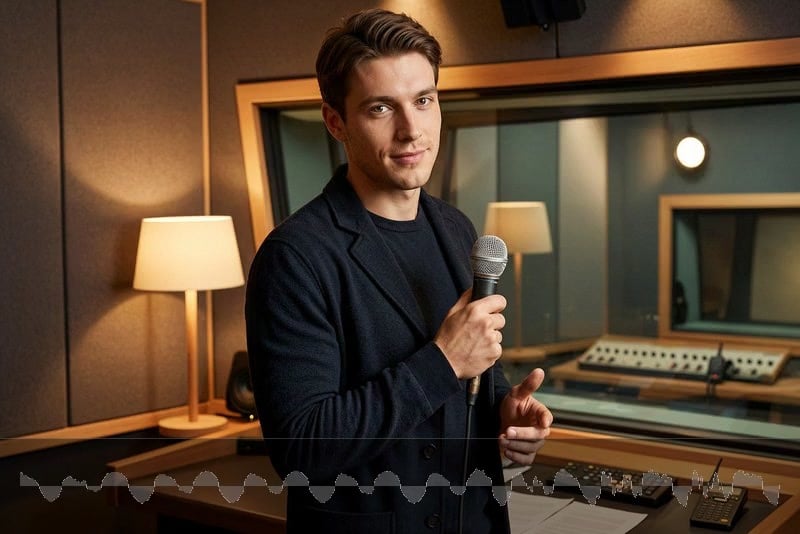
Choose from a wide range of announcer-style voices for different scripts, tones, and projects. insMind's announcer voice generator helps you create a confident AI announcer voice for energetic promos, clear public messages, creator videos, tutorials, and polished brand content. The page makes voice selection simple, so you can match the right voice announcer style to your text before generating audio.

00:00
00:00
Choose AI Announcer Voices for Every Script
00:00
00:00
Generate AI Announcer Audio from Text Fast
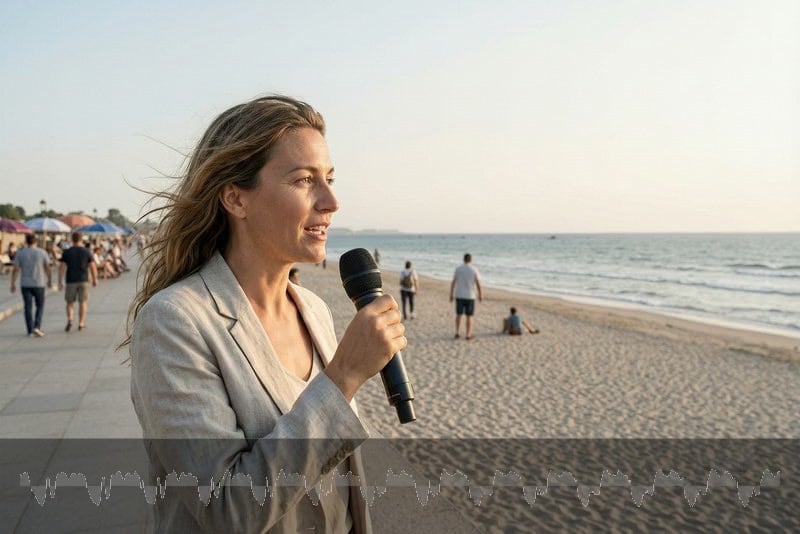
Turn written scripts into speech in just a few clicks. Paste your text, choose the voice type from the top-left selector, then click the generate button to create a text to speech announcer voice quickly. This announcer text to speech workflow is built for creators who need fast drafts, easy revisions, and ready-to-use voiceovers without setting up a studio.
00:00
00:00
Create AI Announcer Voiceovers for More Scenes
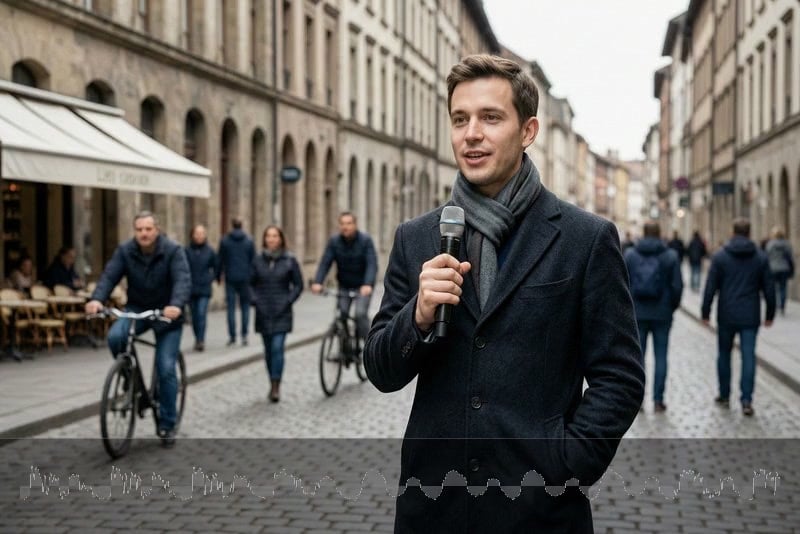
Use one voice announcer tool across many real projects, from social videos and product updates to event intros, customer notices, podcast bumpers, training clips, and travel guides. The announcer voice generator text to speech experience keeps your script editable, so you can adjust wording, regenerate the read, and fit the final audio into different content formats.
00:00
00:00
Reach Global Audiences with AI Announcer Languages
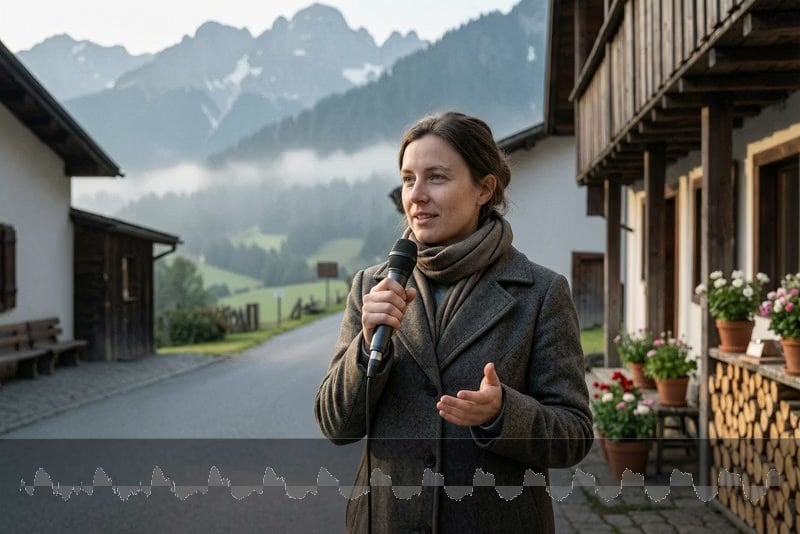
Create announcer-style voiceovers for global audiences with support for multiple languages and voice options. Whether you need an AI announcer voice for English videos, international campaigns, localized explainers, or multilingual social content, insMind makes it easy to generate, review, edit, and download clean announcement audio from text.
Explore 40 Excellent Announcer Voice Examples
Explore realistic audio script examples for everyday scenes, travel guides, weather updates, city introductions, events, ads, customer messages, and more.
00:00
00:00
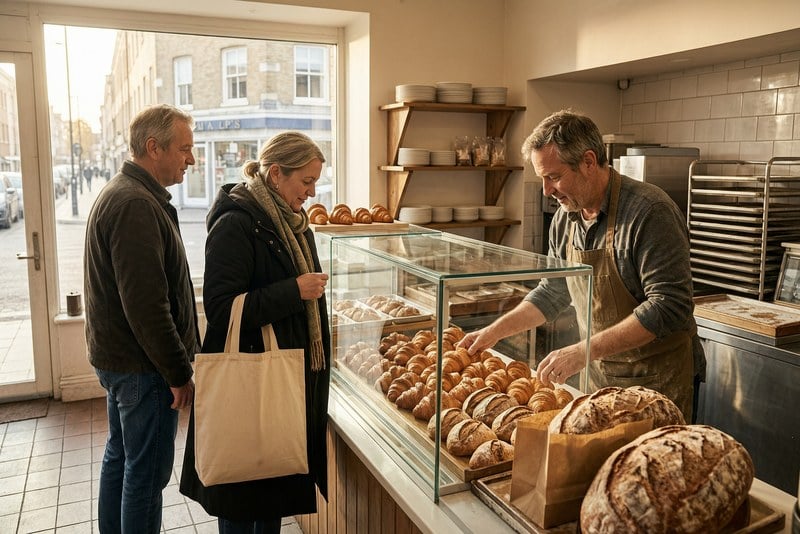
Local Business Radio Ad
A local morning report on a small neighborhood bakery, highlighting fresh bread, early customers, warm routines, and the sense of community that begins before the streets get busy.
00:00
00:00
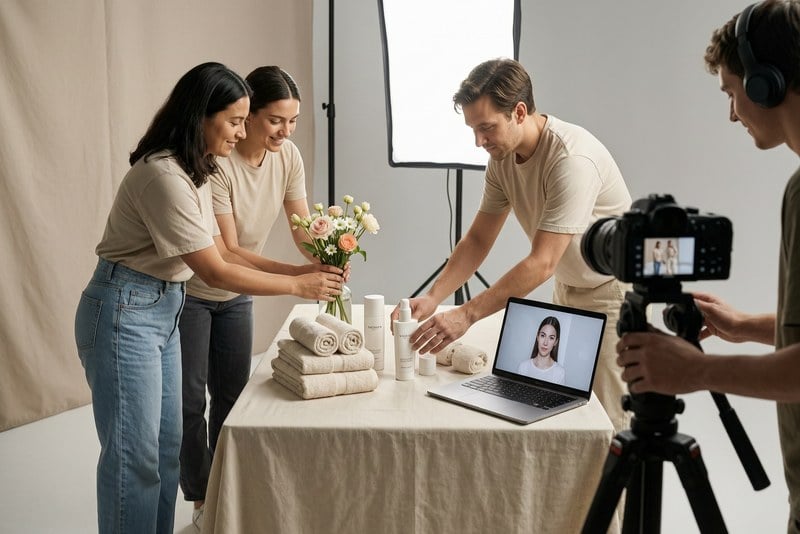
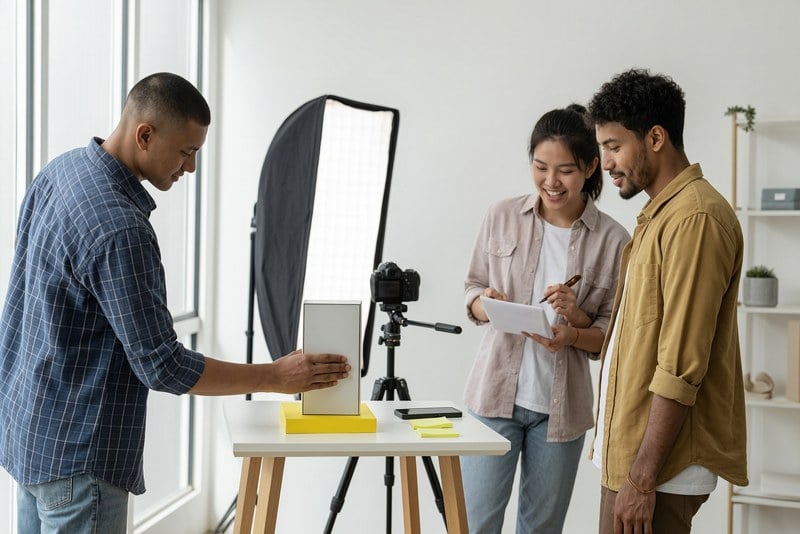
Brand Commercial Voice
A behind-the-scenes report on a small brand shoot, showing how careful lighting, props, product styling, and quiet preparation shape a polished campaign moment.

00:00
00:00
Clinic Welcome Announcement
A service report from a local clinic reception area, focusing on patient check-ins, calm guidance, practical organization, and the everyday care behind a smooth visit.

00:00
00:00
City Tourism Introduction
A city-life report at blue hour, capturing skyline lights, commuters, bridges, river reflections, and the changing rhythm between daytime work and evening arrivals.
00:00
00:00
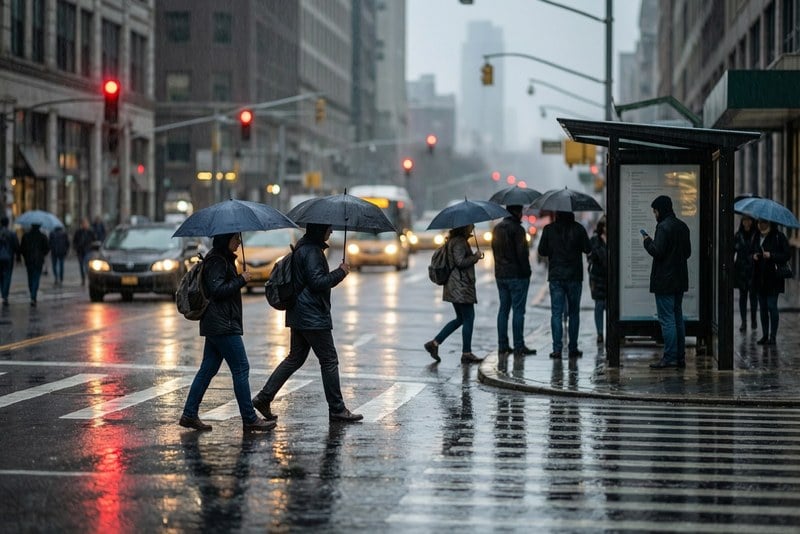
Weather News Update
A weather-style street report covering morning rain, umbrellas, wet roads, commuter routines, and the practical mood of a city adjusting to changing conditions.
00:00
00:00
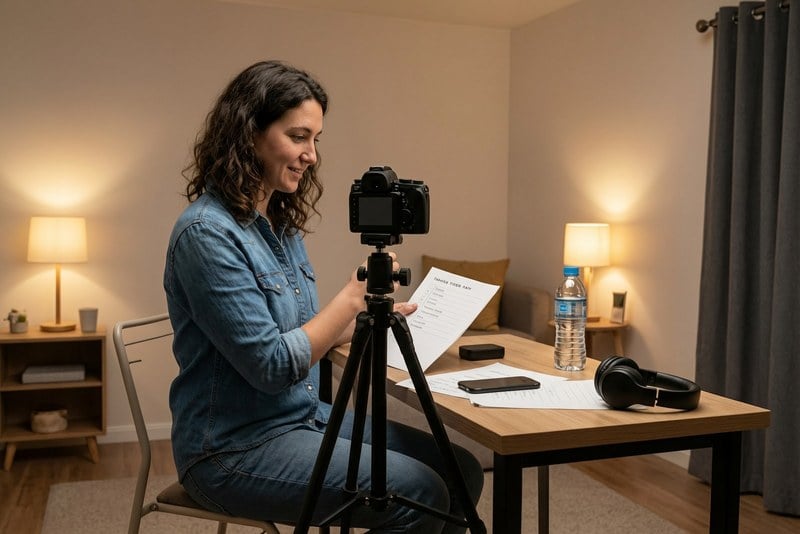
YouTube Channel Intro Voice
A creator report from a home recording setup, summarizing how camera framing, simple preparation, and a clear opening help shape a channel's first impression.
00:00
00:00
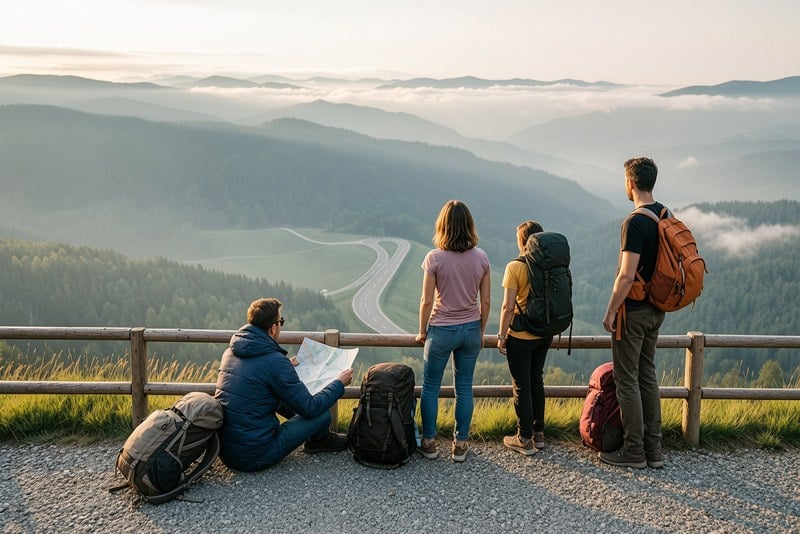
Travel Guide Narration
A travel report from a quiet mountain viewpoint, describing scenic roads, resting travelers, valley views, fresh air, and the pause that makes a route memorable.

00:00
00:00
Event or Market Promotion
A local food report from a busy evening market, highlighting vendors, steam, lantern light, customers, small stools, and the energy of everyday street dining.

00:00
00:00
Hotel Check-In Announcement
A hospitality report from a hotel lobby, covering arriving travelers, front desk support, luggage, directions, and the calm routines behind a smooth check-in.
00:00
00:00
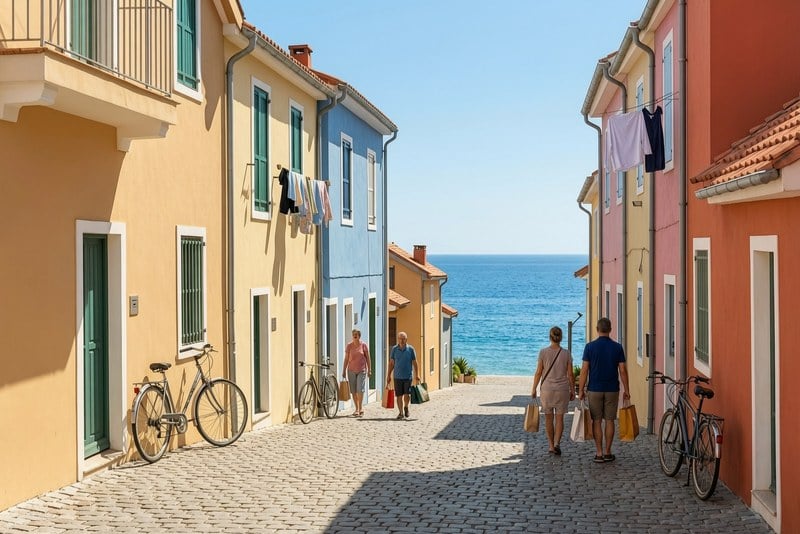
Coastal Travel Voice Guide
A destination report from a seaside town, featuring colorful streets, bicycles, local residents, sea views, and relaxed daily life near the coast.
00:00
00:00
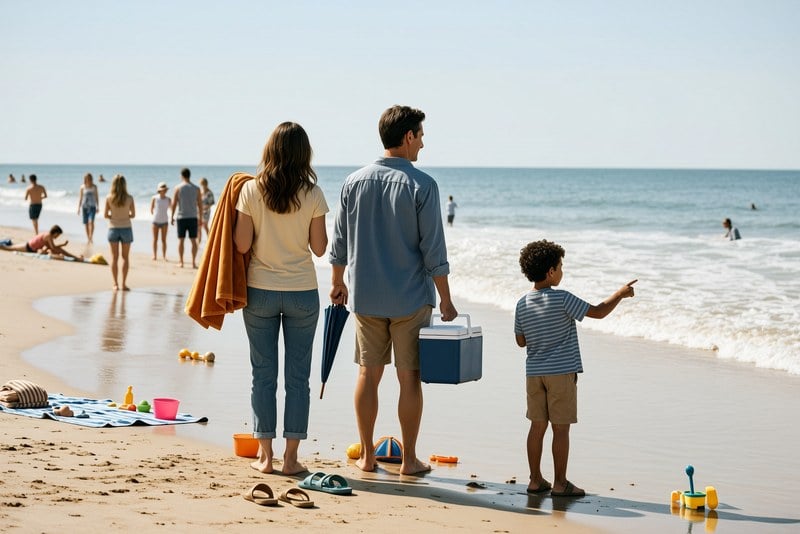
Beach Vacation Narration
A family travel report from a sunny beach morning, summarizing umbrellas, towels, children near the water, warm sand, and the slower rhythm of vacation time.
00:00
00:00
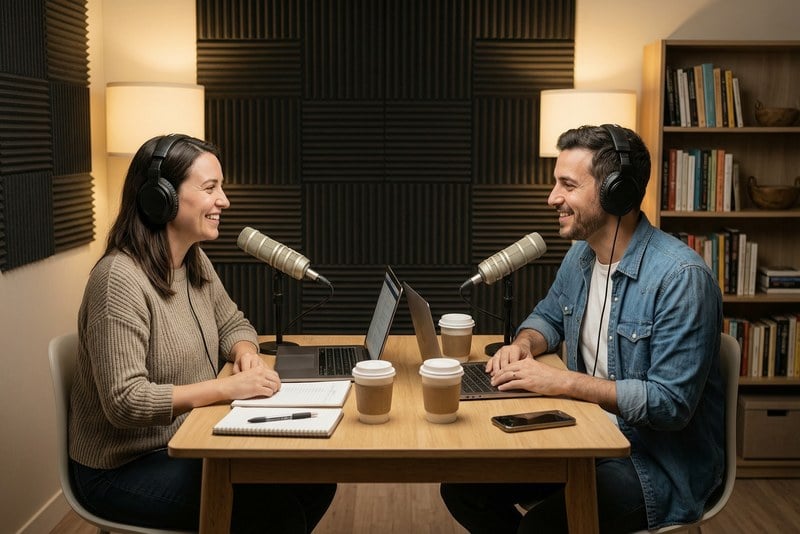
Podcast Segment Intro Voice
A studio report on podcast preparation, showing hosts, notes, microphones, coffee, warm lighting, and the small details that frame a recorded segment.
00:00
00:00
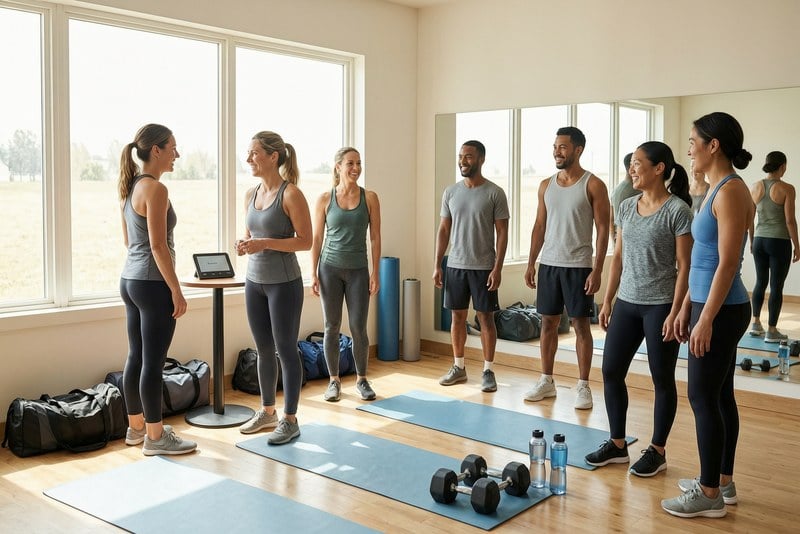
Fitness Class Welcome Voice
A wellness report from a fitness studio before class, covering mats, light stretching, trainers, equipment, and the shared routine before movement begins.
00:00
00:00
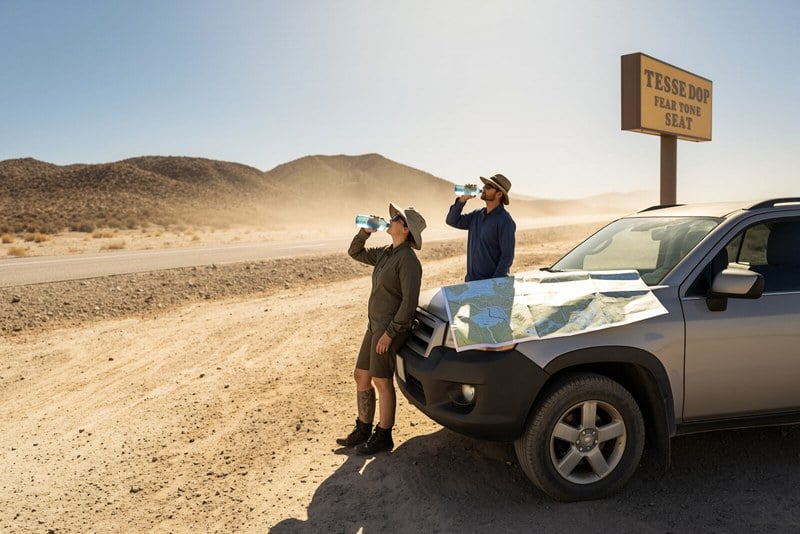
Desert Weather Advisory
A hot-weather travel report from a desert roadside stop, focusing on sunlight, dry hills, water breaks, maps, and practical safety in harsh conditions.
00:00
00:00
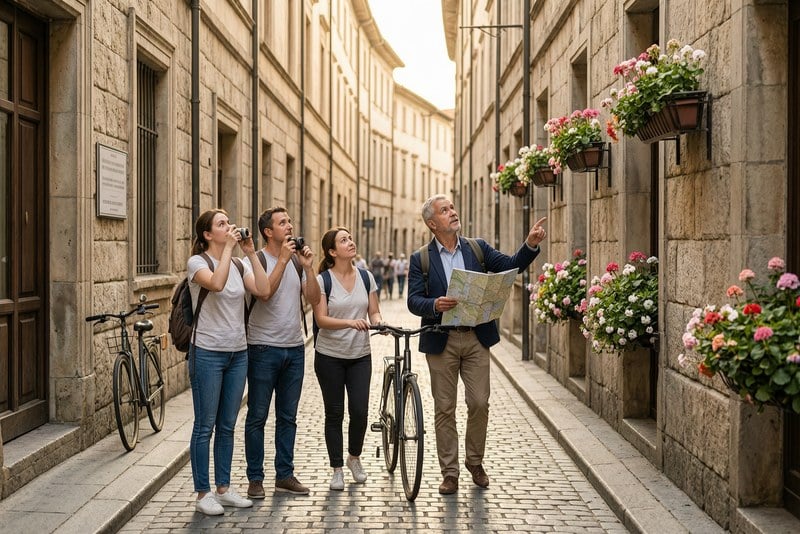
Historic Tour Narration
A travel report from a historic city walk, highlighting stone streets, old buildings, local details, guided movement, and the atmosphere of slow discovery.
00:00
00:00
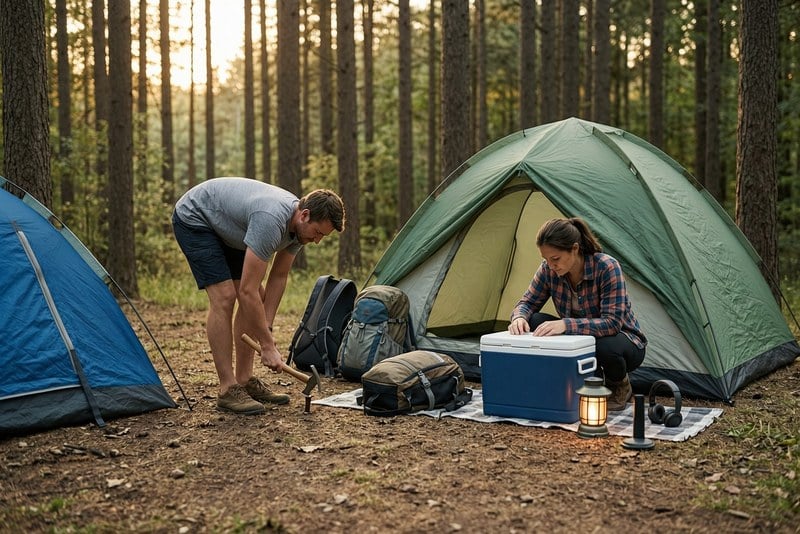
Camping Guide Voiceover
An outdoor report from a forest campsite, covering tents, coolers, backpacks, filtered evening light, and the practical setup behind a weekend in nature.
00:00
00:00
Park Trail Announcement
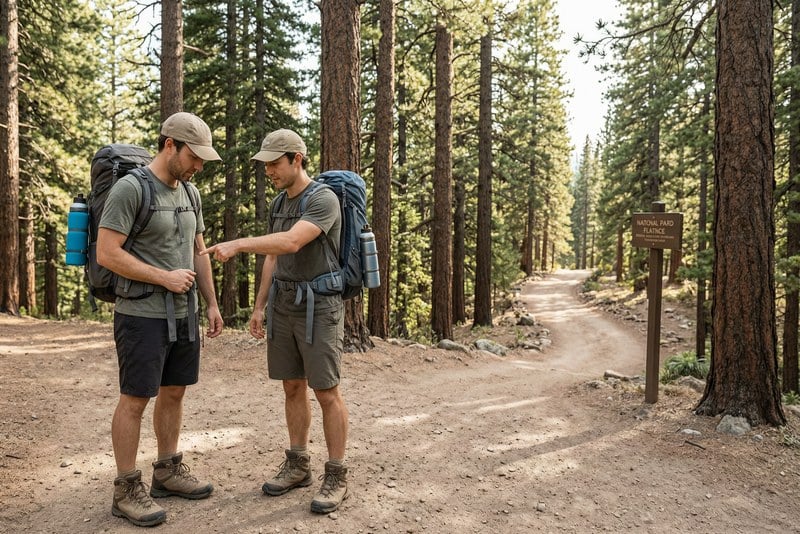
A park report from a trail entrance, summarizing hikers, signs, backpacks, natural scenery, route planning, and the careful start of an outdoor visit.
00:00
00:00
Event Countdown Voiceover
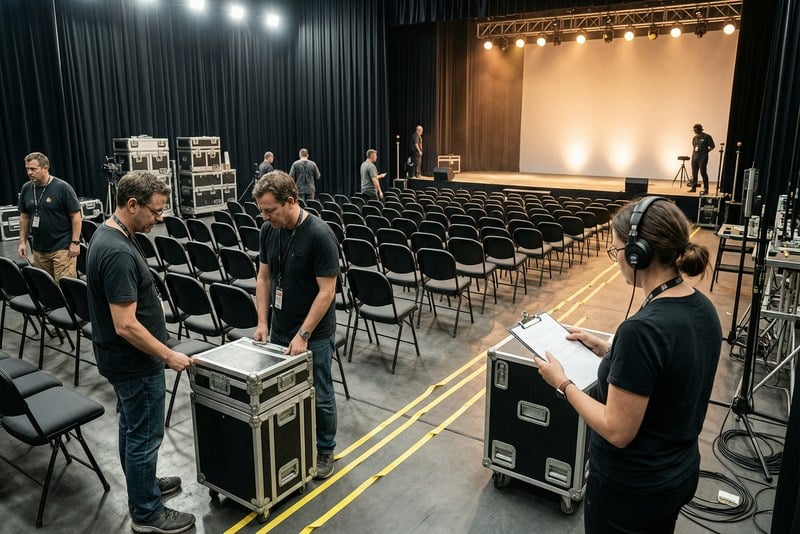
An event-prep report from a venue before doors open, showing staff, equipment cases, lighting checks, seating rows, and the countdown to audience arrival.
00:00
00:00
Zoo Visitor Announcement
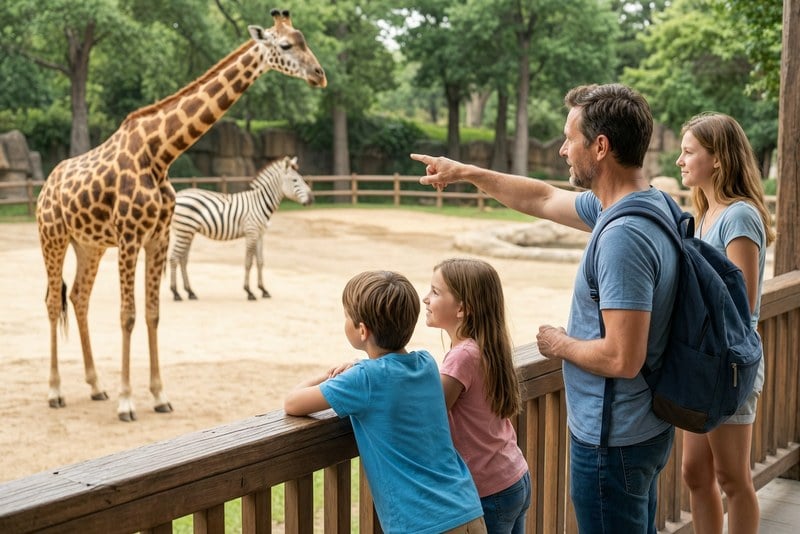
A family outing report from a zoo visit, highlighting children, animal exhibits, walkways, observation moments, and the curiosity that shapes a day outside.
00:00
00:00
Museum Audio Guide
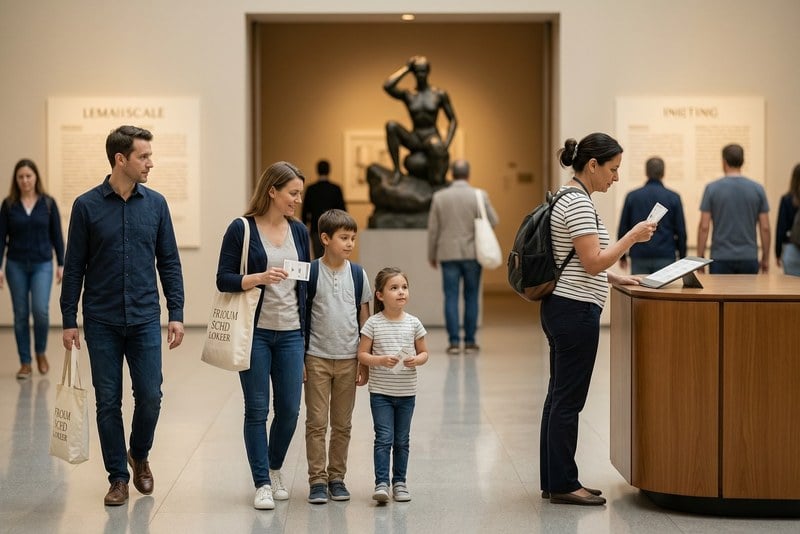
A museum arrival report covering visitors, gallery lighting, information desks, tickets, family guidance, and the quiet structure of an educational visit.
00:00
00:00
News-Style Video Opening
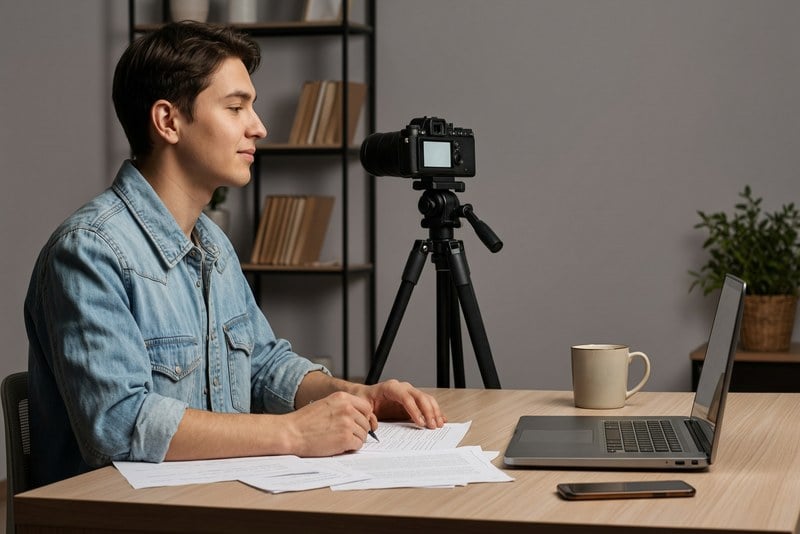
A media report on preparing a news-style opening, focusing on the scene, pacing, topic setup, and the clear tone needed before a story begins.

00:00
00:00
Fitness Class Opening Voice
A class-opening report from a bright studio, describing instructor welcome, group readiness, equipment, warmups, and the energetic start of a fitness session.
00:00
00:00
Community Notice Voice
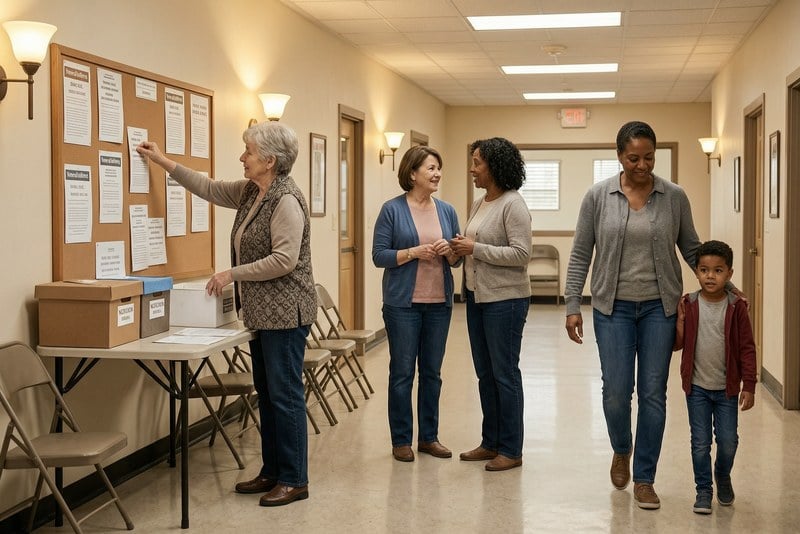
A local update report for community notices, summarizing shared events, public reminders, neighborhood information, and messages meant to reach everyday residents.

00:00
00:00
Real Estate Tour Voiceover
A property report from an open house, covering an agent greeting visitors, bright interiors, home details, family interest, and the first impression of a listing.
00:00
00:00
Winter Weather Forecast
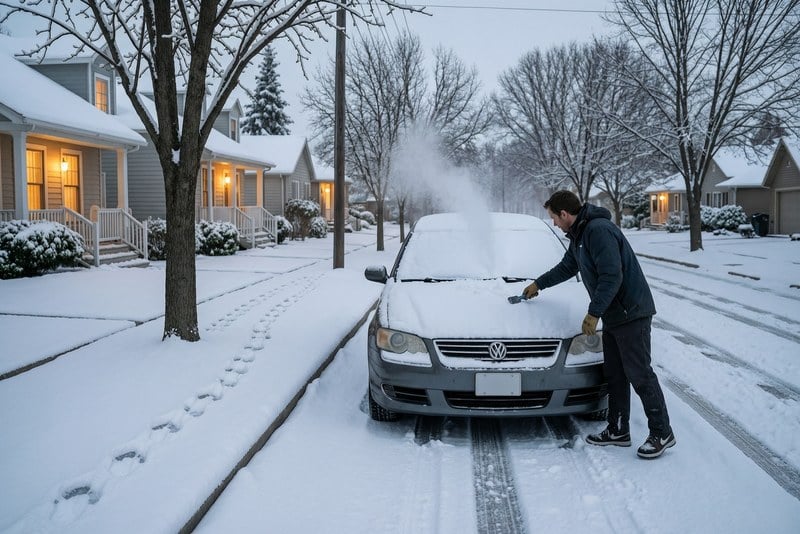
A winter weather report from a snowy morning, highlighting quiet streets, cold light, bundled residents, road conditions, and the routines shaped by fresh snow.
00:00
00:00
Storm Safety Announcement
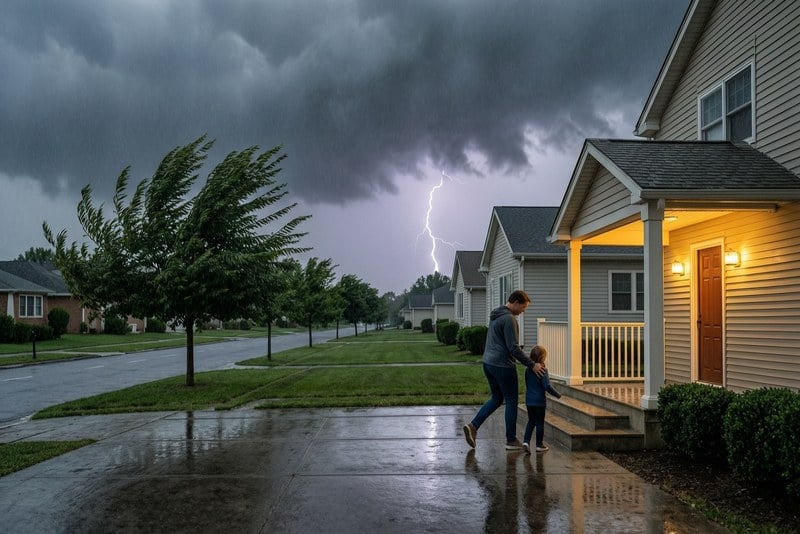
A safety report on incoming storm conditions, summarizing dark clouds, rising wind, wet streets, families moving indoors, and practical weather awareness.
00:00
00:00
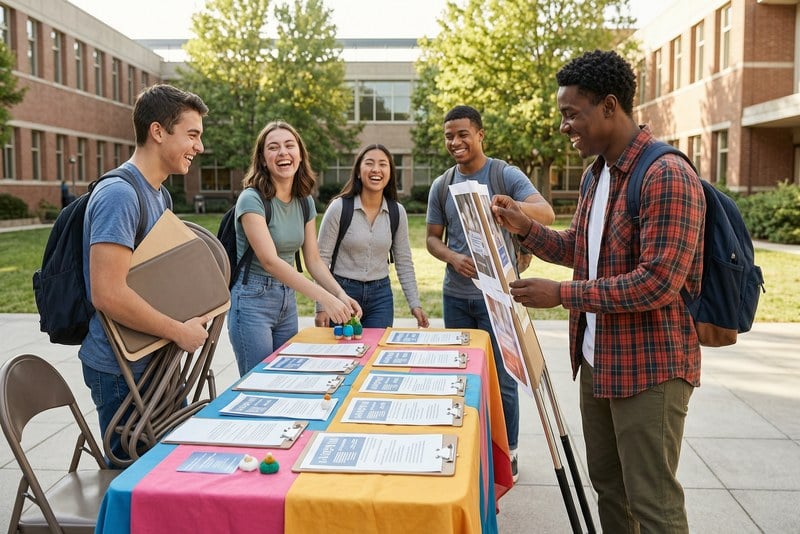
Campus Event Announcement
A campus report on event preparation, featuring students, shared spaces, posters or materials without readable text, and the active rhythm before a school program.
00:00
00:00
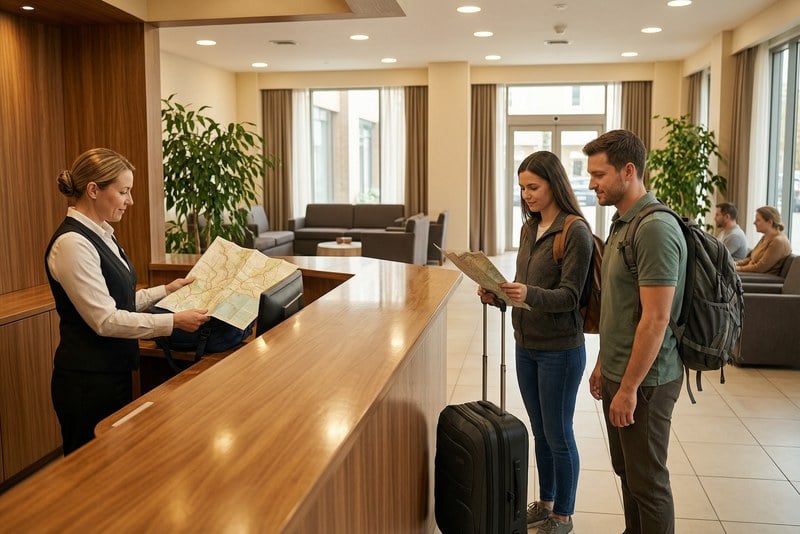
Hotel Guest Announcement
A guest-service report from a hotel front desk, covering travelers, lobby support, maps, luggage, amenities, and helpful notices for people arriving or staying.
00:00
00:00
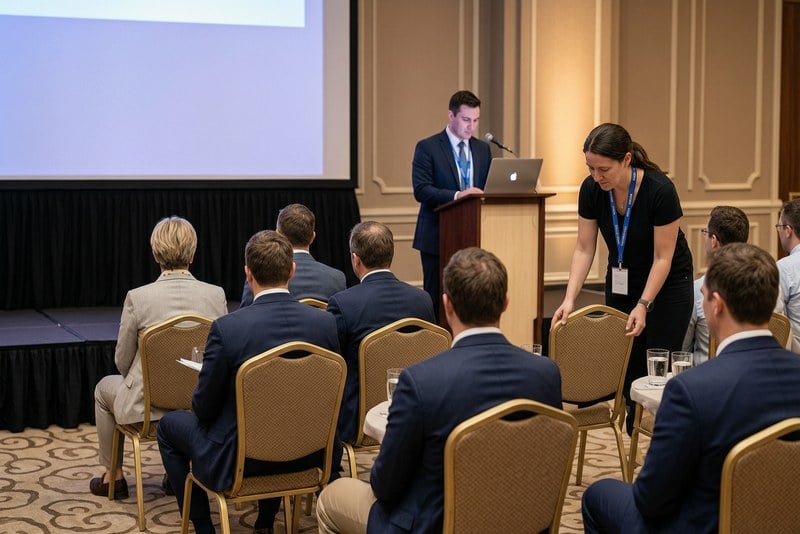
Conference Opening Voice
A conference report from a professional venue, summarizing attendee arrival, speaker preparation, seating, schedules, and the organized tone before sessions begin.

00:00
00:00
Customer Support Voice Prompt
A workplace report from a support team, covering service updates, desk activity, colleague coordination, customer questions, and calm communication behind the scenes.

00:00
00:00
Award Ceremony Announcement
An event report from an awards setting, focusing on stage preparation, category moments, audience anticipation, presenters, and the formal rhythm of recognition.
00:00
00:00
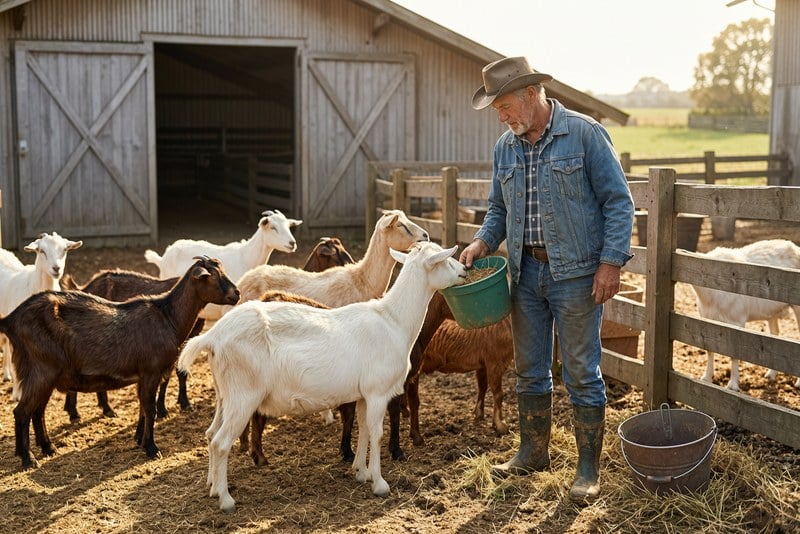
Farm Care Guide Narration
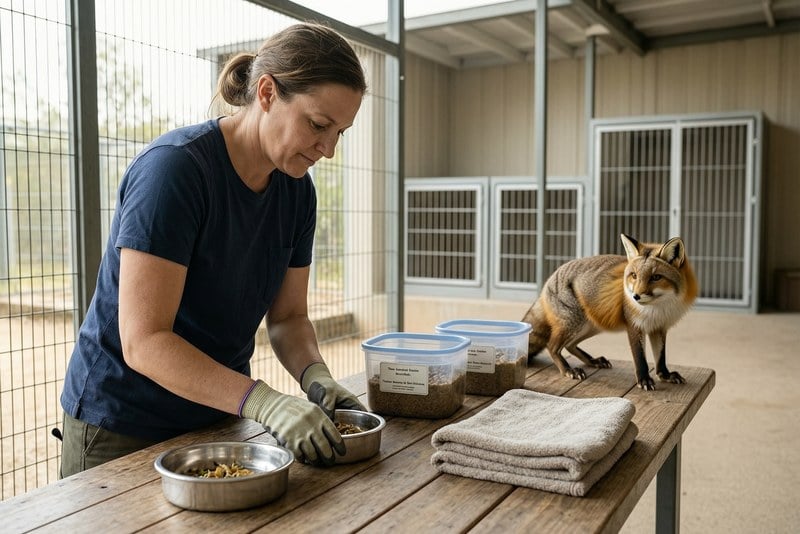
A rural report from a farmyard, highlighting animal feeding, morning routines, straw, fences, buckets, and the steady care behind everyday farm work.
00:00
00:00
Wildlife Rescue Update
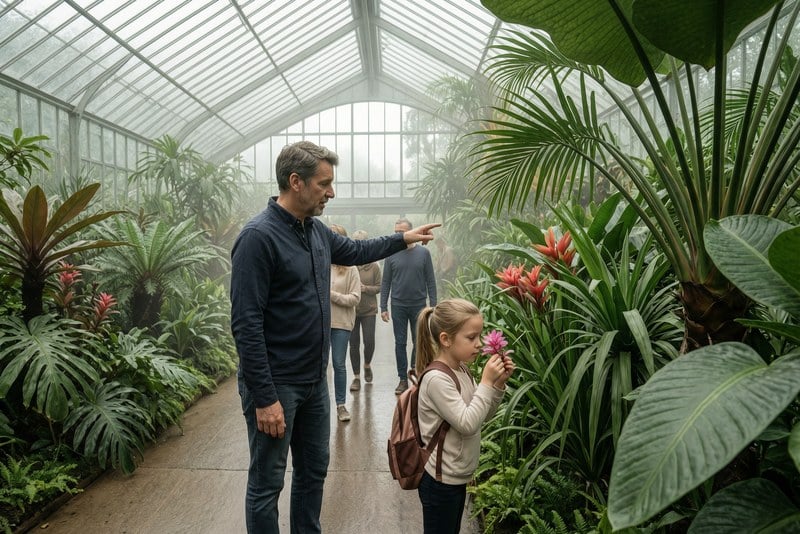
An animal-care report from a rescue center, covering staff attention, safe handling, quiet observation, recovery spaces, and the practical work of helping wildlife.
00:00
00:00
Botanical Garden Audio Tour
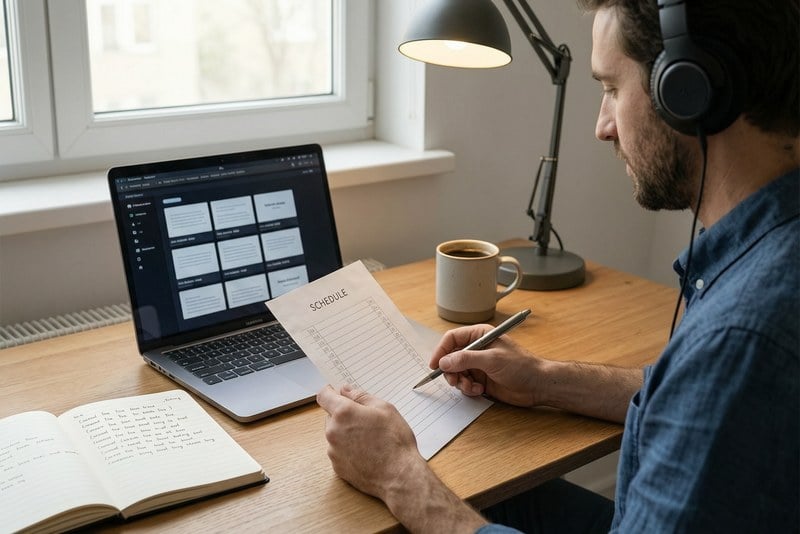
A garden tour report from a greenhouse, featuring tropical plants, visitors, guided observation, humid light, and the calm educational pace of a botanical visit.
00:00
00:00
Webinar Reminder Voice
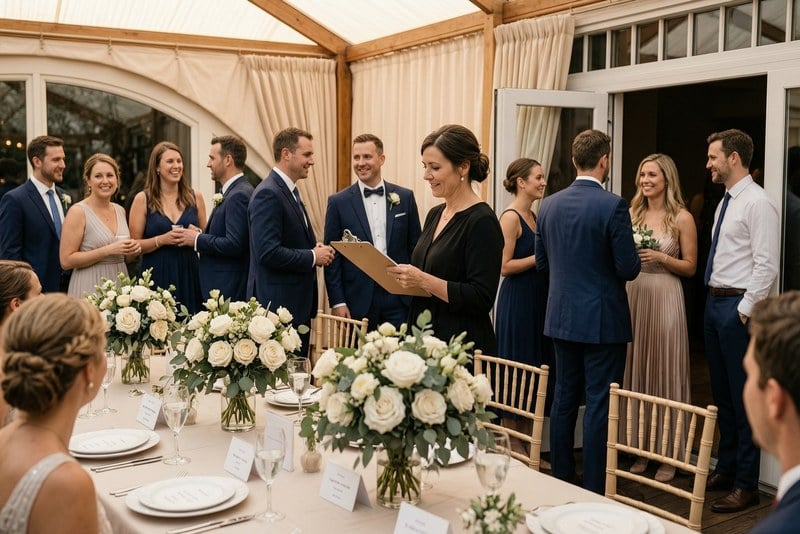
A digital event report on webinar preparation, summarizing reminders, session timing, speakers, audience readiness, and the clear prompts that keep an online program on track.
00:00
00:00
Party Welcome Announcement
A celebration report from a reception entrance, covering arriving guests, flowers, planners, table details, and the warm anticipation before a party begins.
00:00
00:00
Product Launch Announcement
A product report on launch preparation, highlighting team coordination, feature presentation, campaign assets, careful staging, and the moment before a new release goes public.
00:00
00:00
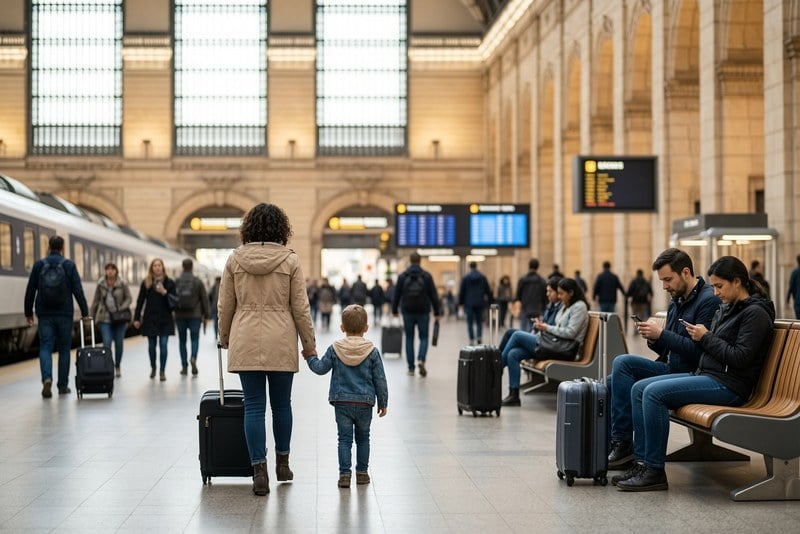
Train Station Arrival Guide
A travel report from a busy train station, featuring commuters, rolling suitcases, high ceilings, family movement, and the everyday flow of city arrivals.
00:00
00:00
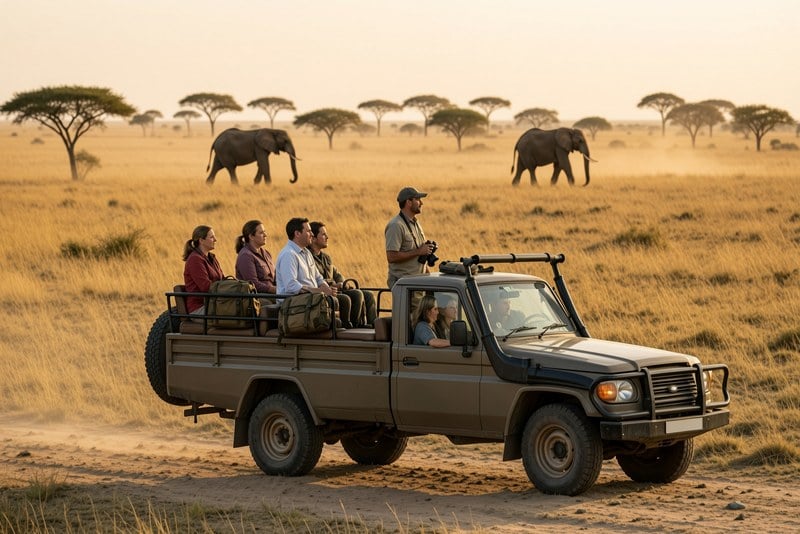
Safari Travel Narration
A wildlife travel report from a safari scene, summarizing open landscapes, guided observation, animals at a distance, travelers, and the patience of outdoor storytelling.
00:00
00:00
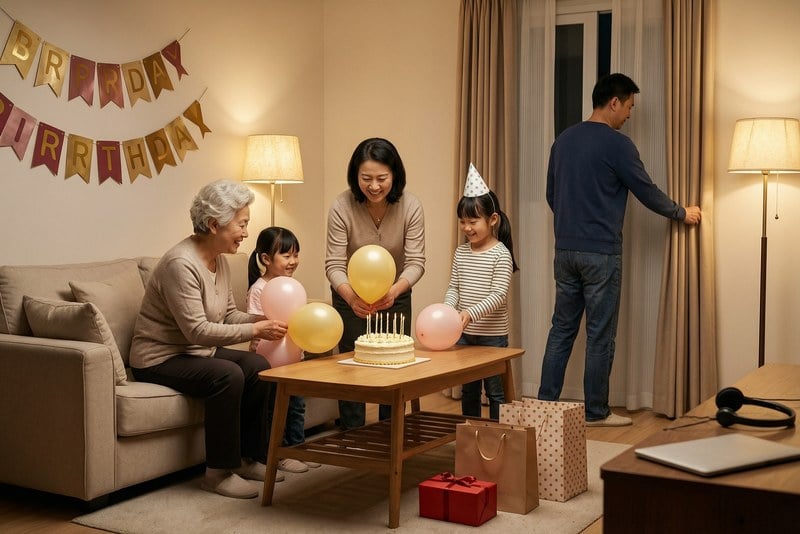
Celebration Video Voiceover
A family celebration report from a living room, covering birthday preparations, decorations, cake, gifts, relatives, and the warm details before a surprise moment.
How to Generate an Announcer Voice with insMind
Step 1: Enter the Text for AI to Speak
Type or paste the script you want the AI announcer voice to read, such as a sports recap, event intro, news update, or promo line.
Step 2: Choose Your Voice Type
Use the voice selector in the top-left corner to pick the announcer-style voice that fits your content.
Step 3: Click Generate
Click the button in the bottom-right corner to create your AI announcer voice from the text.
Step 4: Edit or Download
Review the generated voice, make changes if needed, then download it or use it in your project.
Why Choose insMind Announcer Voice Generator

Realistic Announcer Delivery
Generate clear announcer-style audio for sports clips, news reads, events, promos, gaming videos, and creator content.

Fast Text-to-Speech Workflow
Move from written script to Text-to-Speech AI announcer voice quickly without microphones, recording sessions, or repeated takes.

Multiple Voice Styles
Choose voice directions for energetic sports calls, formal announcements, radio promos, news-style reads, and social videos.

Clear Audio for Every Script
Keep short hooks, longer notices, and detailed announcements easy to understand with clean voiceover delivery.

Custom Script Control
Edit the text, shape the pacing, adjust the message, and regenerate until the announcement fits your project.

Ready for Social Videos
Use AI voice-over announcer voiceovers in YouTube videos, TikTok clips, Reels, Shorts, podcasts, ads, and live stream intros.
FAQs About insMind Announcer Voice Generator
What is an announcer voice generator?


An announcer voice generator turns written text into announcer-style spoken audio. It can help you create voiceovers for sports clips, news-style videos, event intros, product promos, gaming content, podcasts, social posts, and public announcements without recording every line yourself.
How do I create an AI announcer voice from text?
Enter the text you want the AI to speak, choose a voice type from the selector, click generate, then review the result. If the delivery needs a different tone or clearer wording, edit the script and generate a new version.
Can I use announcer text to speech for videos?
Yes. You can use announcer text to speech for videos you own or have permission to edit. It works well for intros, recaps, sports highlights, ads, event promos, tutorials, and social clips that need a clear spoken hook.
What can I make with a voice announcer tool?
You can make sports commentary, event openings, news-style updates, brand promos, retail announcements, YouTube intros, livestream openers, podcast bumpers, training prompts, customer messages, and short social voiceovers. Start with a concise script and match the voice type to the content.
Can I create a sports announcer voice?
Yes. Write a script that includes the sport, key moment, team or player context, and the emotion you want. A short, action-focused script usually works best for highlights, game recaps, match promos, and esports clips.
Can I make a news announcer voice?
Yes. For a news-style announcer voice, keep the script factual, direct, and easy to follow. Include the main update early, avoid overly casual phrasing, and choose a clear voice type that fits informational content.
Is the announcer voice generator free to try?
You can try this tool online for free. Available features and usage limits may vary by account and permissions.
Can I use the generated announcer voice for commercial content?
You can use generated audio in projects where you have the right to use the script, visuals, brand names, and final content. Always review the output for accuracy, permissions, platform rules, and any claims before publishing commercial work.
More AI Voice and Video Tools from insMind
00:00
00:00
AI Voice Generator
Create AI voices, narration, message reads, and spoken audio from text.
00:00
00:00
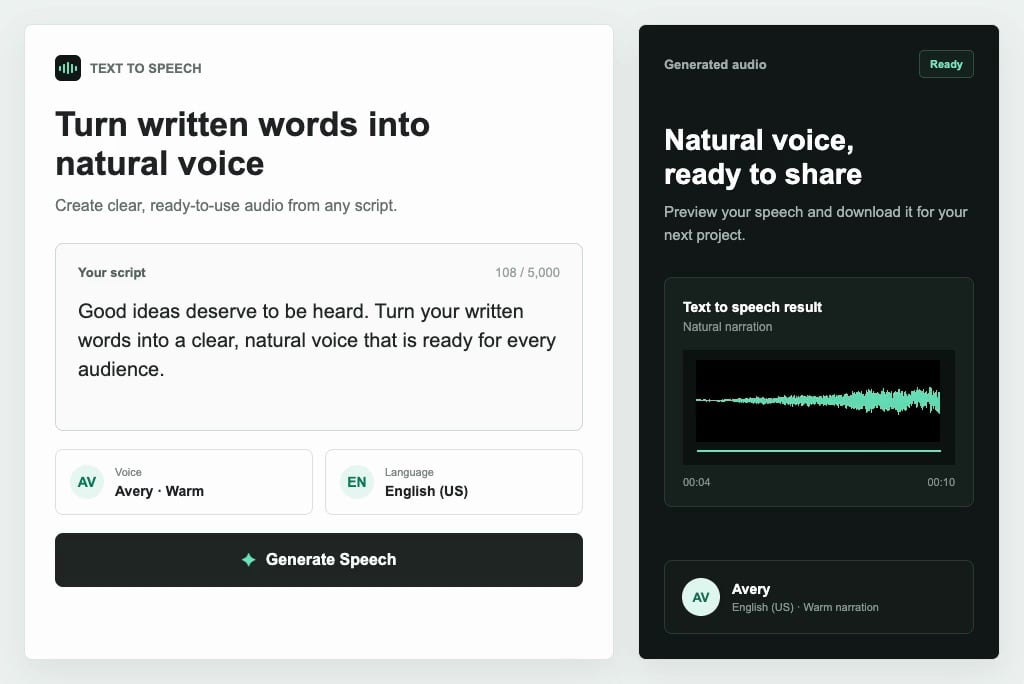
Text to Speech
Convert written scripts into natural speech for announcements, voiceovers, promos, and social content.
00:00
00:00
AI Voice Over
Turn scripts into polished voice-over audio for videos, ads, tutorials, and branded narration.
00:00
00:00
AI Voicemail Greeting Generator
Create professional voicemail greetings, phone prompts, business messages, and customer-facing audio.

00:00
00:00
AI Faceless Video Generator
Generate faceless videos from scripts for news-style content, explainers, social posts, and narration-led videos.
00:00
00:00
Tutorial Video Maker
Create clear tutorial and how-to videos from scripts, steps, voice narration, and product workflows.
00:00
00:00
AI Explainer Video Maker
Turn concepts, product messages, service explanations, and announcement scripts into concise explainer videos.

00:00
00:00
AI UGC Video Generator
Create creator-style videos for product stories, testimonials, social campaigns, and voice-led ads.