A strong sports announcer voice makes each play feel clear and exciting. Paste your script into insMind and turn it into commentary with a natural broadcast tone. It works well for highlights, recaps, and promos.

00:00
00:00
Make Every Big Moment Sound Live with an AI Sports Announcer
00:00
00:00
Produce Sports Announcer Voiceovers Without a Studio
You do not need a studio or voice actor to get a polished announcer voice. insMind helps turn written sports scripts into clear and energetic voiceovers for videos, team content, and broadcast-style projects.
Ways to Use Sports Voiceovers
00:00
00:00
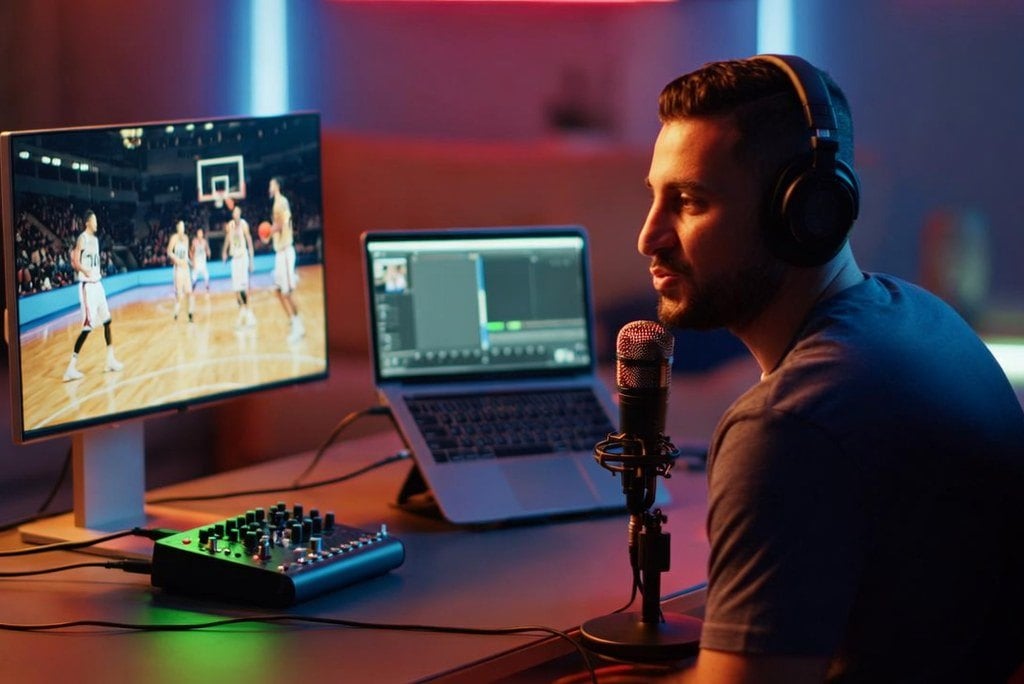
Highlight Reel Creators
Turn big plays, game-winning shots, and standout moments into short clips with energetic announcer-style narration.
00:00
00:00
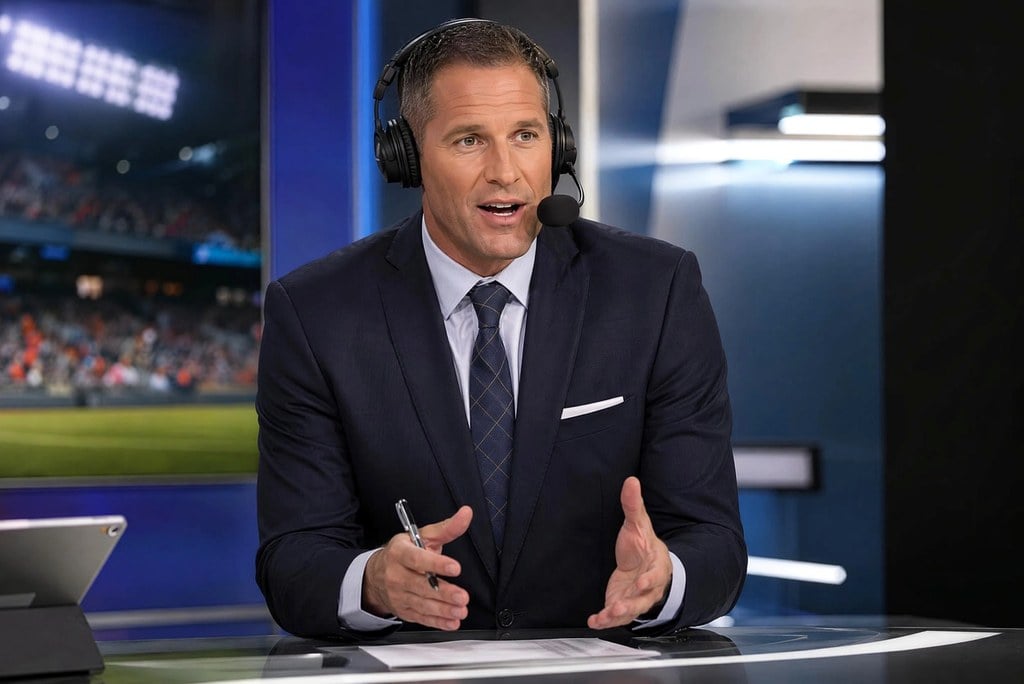
Esports Streamers
Create fast-paced commentary for clutch wins, stream intros, gaming Shorts, and tournament recaps.
00:00
00:00
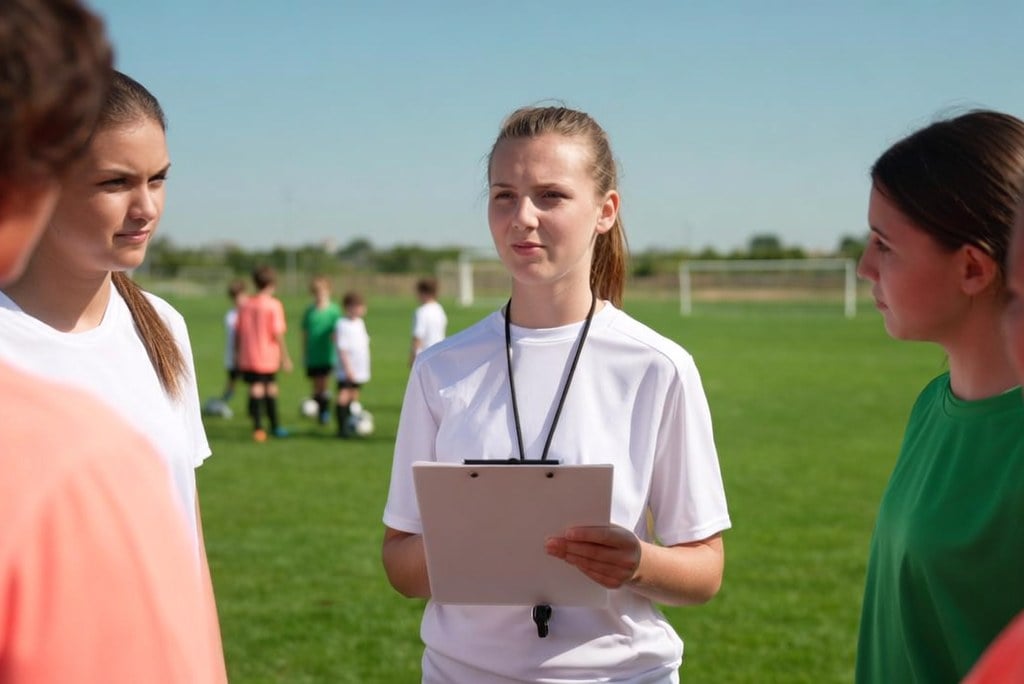
Coaches and Teams
Create baseball-style announcer reads, practice recaps, player spotlights, and school sports promos with polished energy.
00:00
00:00
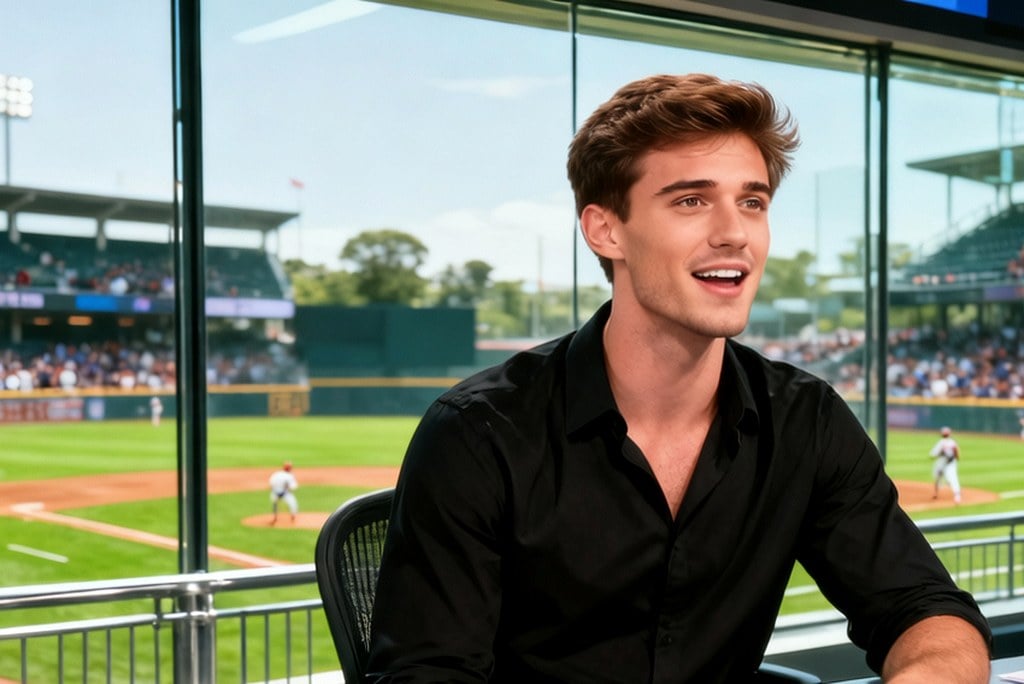
Event Promoters
Generate bold voiceovers for tournaments, match announcements, local league videos, and fan-facing promos.
00:00
00:00
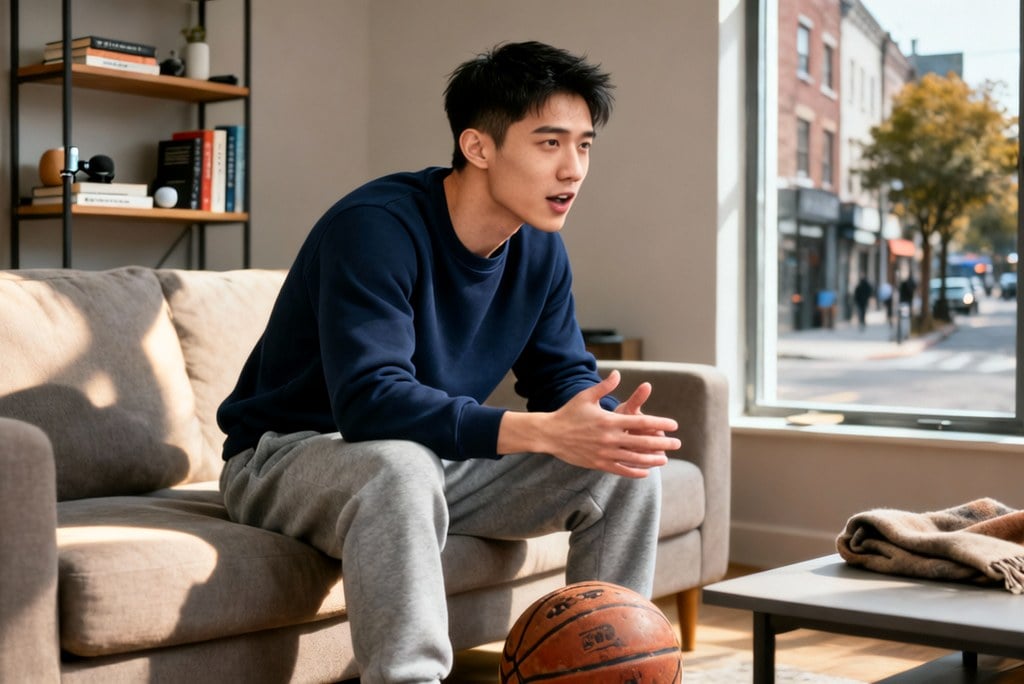
Sports Podcast Hosts
Record recap intros, debate segments, and episode bumpers with a polished announcer-style voice for sports shows.

00:00
00:00
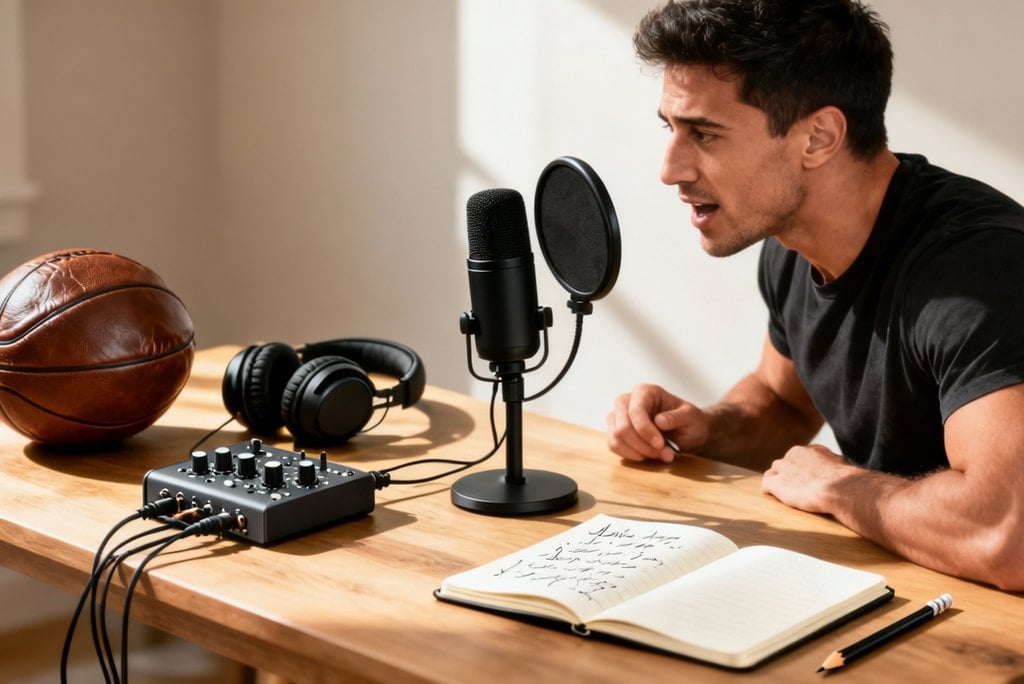
Local League Media Teams
Create clear voiceovers for community matches, weekend recaps, field updates, and local sports social posts.
00:00
00:00
Fantasy Sports Recap Creators
Turn weekly takeaways, matchup reactions, and player highlights into energetic narration for recap videos.

00:00
00:00
Sports Brand Promos
Add announcer-style reads to product teasers, campaign clips, launch videos, and sports gear promos.
How to Create a Sports Announcer Voice with insMind
Step 1: Enter Your Script
Type or paste the text you want AI to say. Keep the script clear and ready for the voiceover.
Step 2: Choose a Voice Style
Choose the voice type in the top-left corner. Pick the announcer style that fits your game, highlight reel, broadcast, or sports promo.
Step 3: Let insMind Generate
Click the button in the bottom-right corner to generate the voiceover. Check the pronunciation, pacing, and overall energy after it is ready.
Step 4: Refine or Download
Refine the script or voice style if the first version needs more impact. Then download the finished voiceover.
What Users Say About insMind's Sports Announcer Voice Generator
Why Choose insMind Sports Announcer Voice Generator

Broadcast-Style Energy
Create voiceovers that make big plays, recaps, and promos feel more exciting for sports audiences.

Fast Text-to-Voice Workflow
Move from a short script to a usable announcer voiceover without recording equipment or studio time.

Flexible Across Sports
Create scripts for basketball, football, soccer, baseball, racing, esports, school sports, and local leagues.

Built for Social Content
Use generated commentary in Shorts, Reels, TikTok edits, livestream intros, highlight reels, and team videos.

Tone and Pacing Control
Adjust the tone and pacing for high-energy calls, dramatic recaps, radio-style delivery, fast-paced esports commentary, or confident promos.

Fits Video Creation Workflows
Pair your sports voiceovers with insMind's AI Voice Generator, Highlight Video Maker, AI Video Generator, and other video tools.
FAQs About insMind Sports Announcer Voice Generator
What is a sports announcer voice generator?


A sports announcer voice generator turns written scripts into announcer-style voiceovers for sports content. It can help creators make commentary for highlights, recaps, team promos, esports clips, livestream intros, and social videos without recording every line manually.
How do I create a sports announcer voice with AI?
Start with a short script that describes the sport, moment, emotion, and pacing. Choose an announcer-style tone, generate the voiceover, then preview the delivery. If the read needs more impact, refine the script with clearer action and stronger closing words.
Can I use it as a commentator voice generator?
Yes. You can use it as a commentator voice generator for highlight reels, match recaps, player spotlights, team intros, and short social edits. Keep the script concise, mention the key moment early, and match the energy to the pace of the video.
Can I make an esports commentator voice?
Yes. Esports clips often need fast, high-pressure commentary. Write the prompt with the game moment, decisive move, team or player context, and desired energy level so the generated voiceover feels sharp, clear, and stream-ready.
Can I create a baseball-style announcer voiceover?
Yes. Baseball is a natural fit for this workflow. Try a script built around a walk-off hit, a home run, a double play, or an inning recap, then shape the pacing so it sounds like a real commentator voiceover.
What should I write in my sports announcer script?
Include the sport, setting, player or team moment, key action, emotional tone, and final payoff. For short videos, keep the script focused on one clear moment, such as a buzzer-beater, clutch win, comeback, kickoff, or tournament opener.
Can I use the AI sports announcer voice in videos?
Yes. You can use the generated sports announcer voice in videos you own or have permission to edit. Always review the final audio and video for accuracy, permissions, brand claims, and any platform rules before publishing.
Is the sports announcer voice generator free to try?
insMind offers free trial access to its core features. Users can also earn free credits through activities on the platform, making it easier to try the sports announcer voice generator for free, compare styles, and refine voiceovers before using them in finished content.
More Video Tools from insMind
00:00
00:00
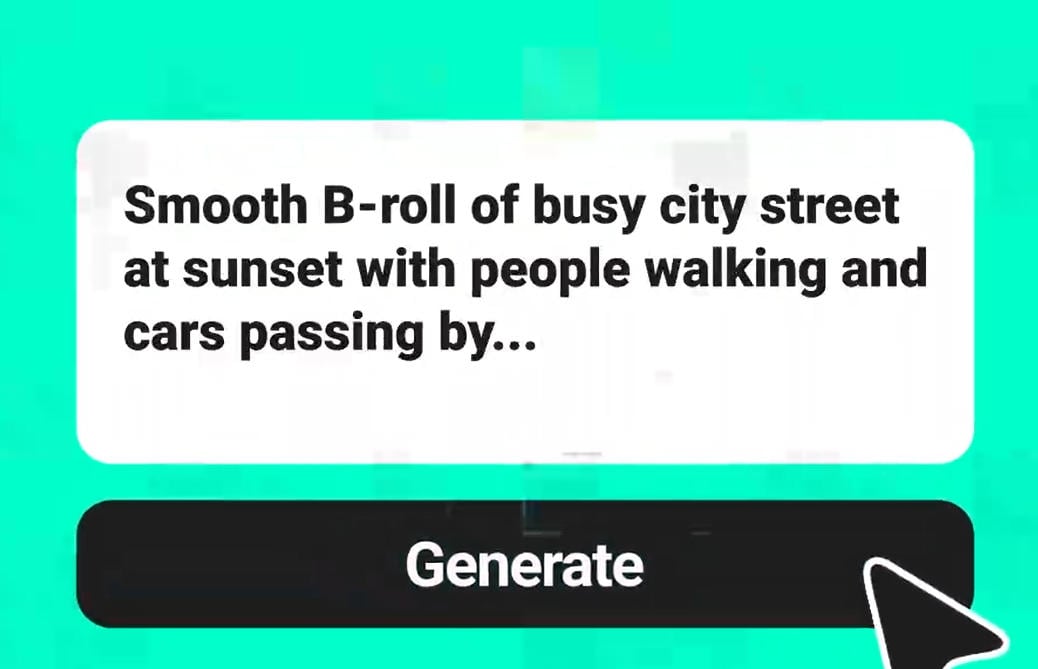
Text to Video
Generate videos directly from prompts, scripts, and written ideas.

00:00
00:00
Highlight Video Maker
Create highlight videos for sports moments, events, and social recaps.
00:00
00:00
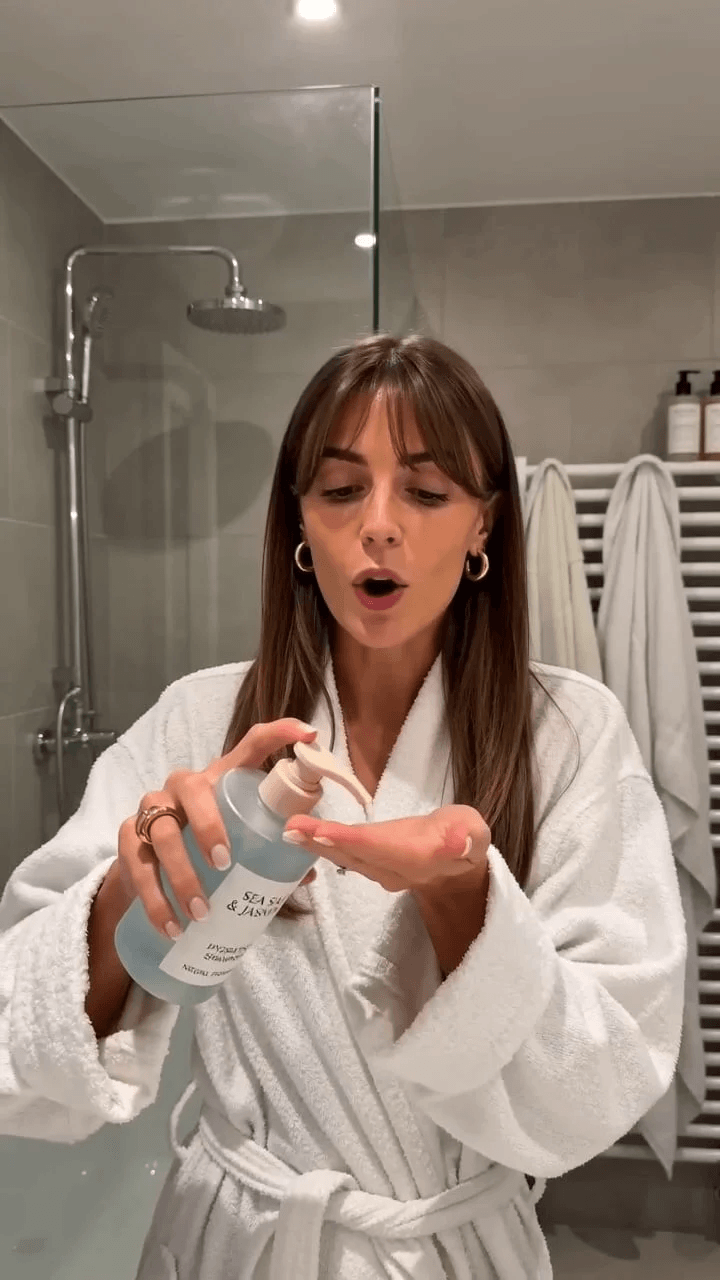
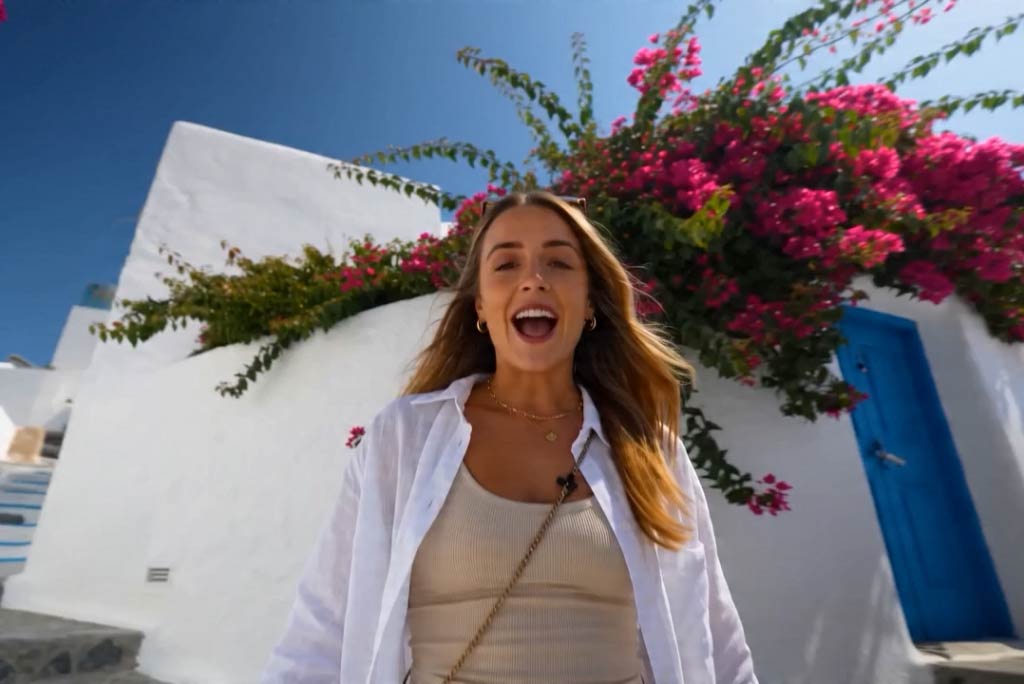
AI UGC Video Generator
Create creator-style social videos from prompts, products, and ideas.
00:00
00:00
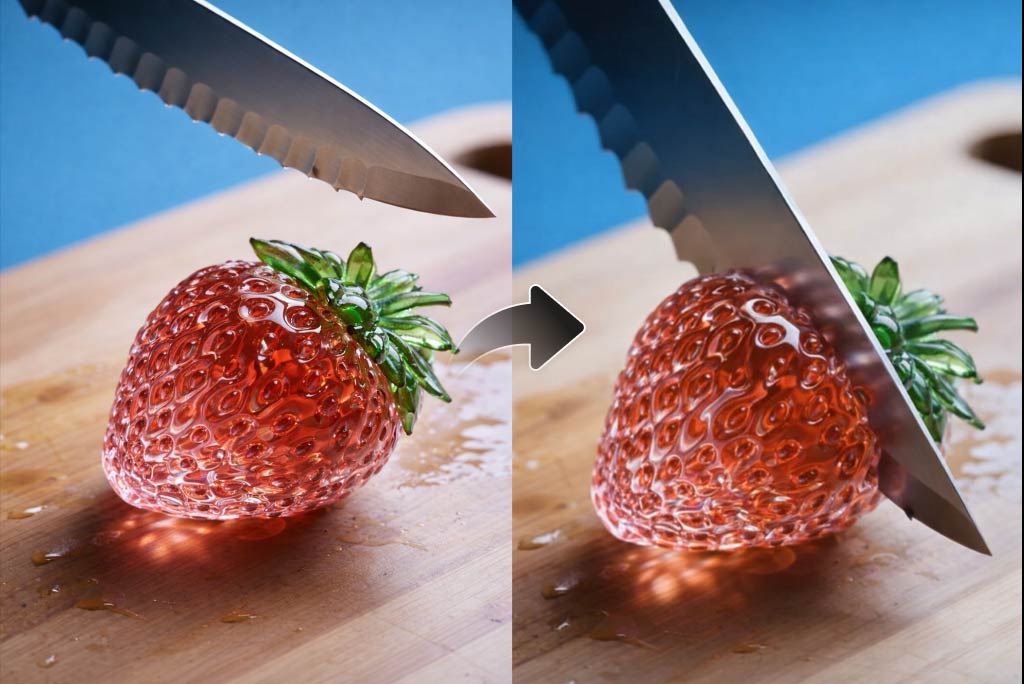
AI ASMR Generator
Create audio-forward video ideas with quiet, immersive AI scenes.
00:00
00:00
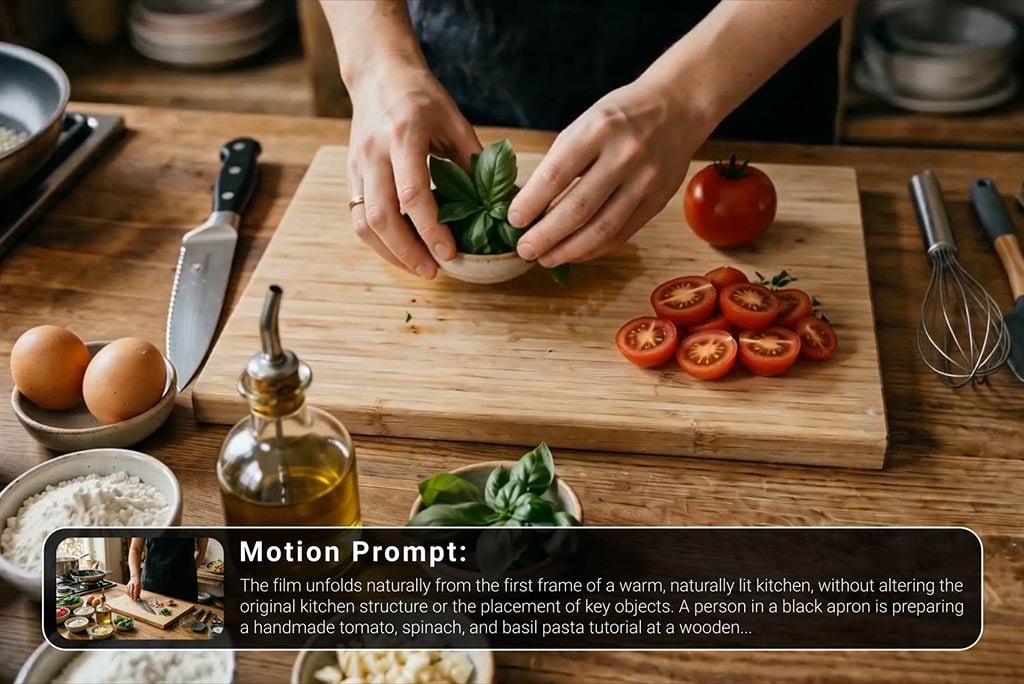
Tutorial Video Maker
Make tutorial and explainer videos from scripts and prompts.
00:00
00:00
Video Background Changer
Change video backgrounds online for cleaner social and promo clips.
00:00
00:00
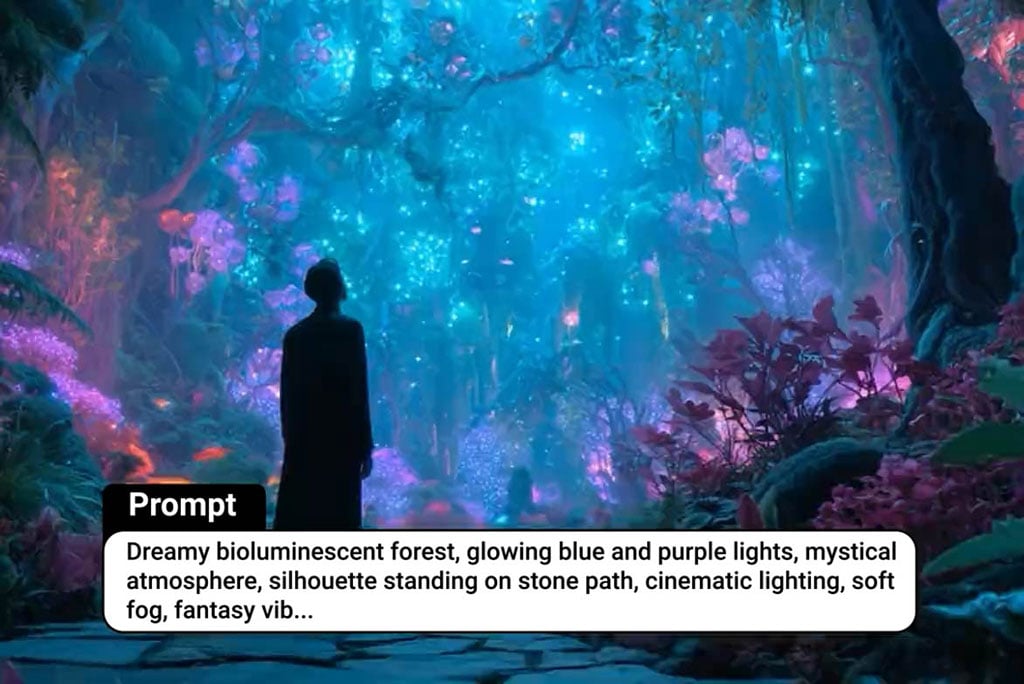
Seedance AI Video Model
Create dynamic AI videos with Seedance model workflows.
"It works well for recaps, promos, and social clips without feeling stiff or generic."
Noah, Content Editor