
Video Background Changer

Replace Video Backgrounds Without a Green Screen

00:00
00:00
Remove Distracting Scenes from Talking-Head Videos

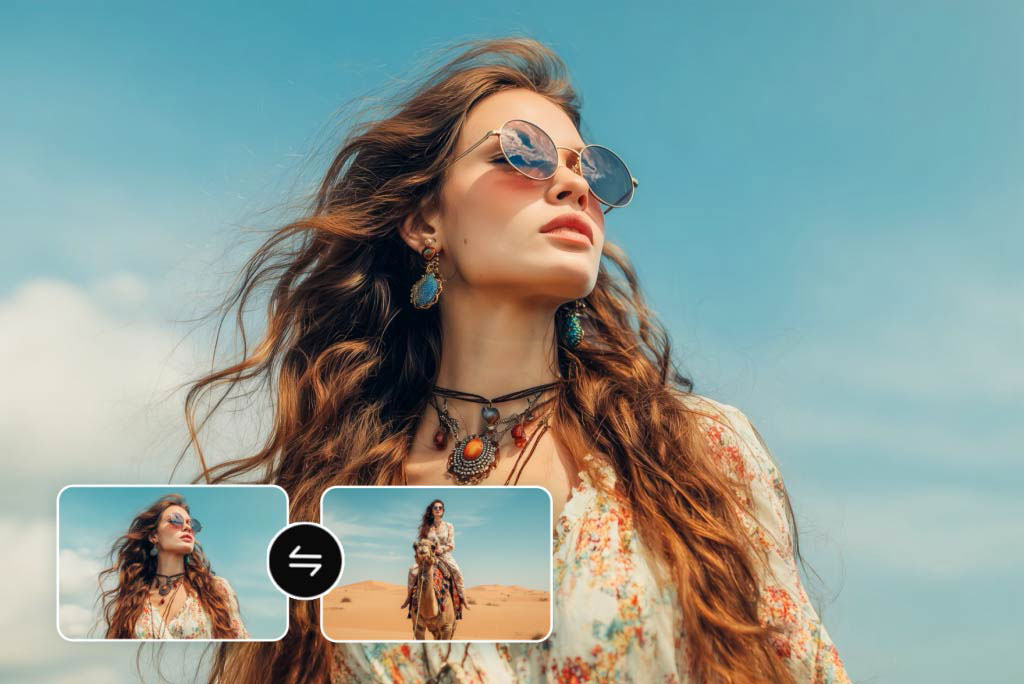
Reimagine Product Videos for Different Marketing Campaigns

Upload Reference Images to Guide Your Background Design
How to Change Video Background with insMind in 4 Steps

1
1 Step 1: Upload Your Video
Open insMind’s video background changer and upload the clip you want to edit. The tool supports common video formats, and you can work with any footage — no green screen or special setup required.

2
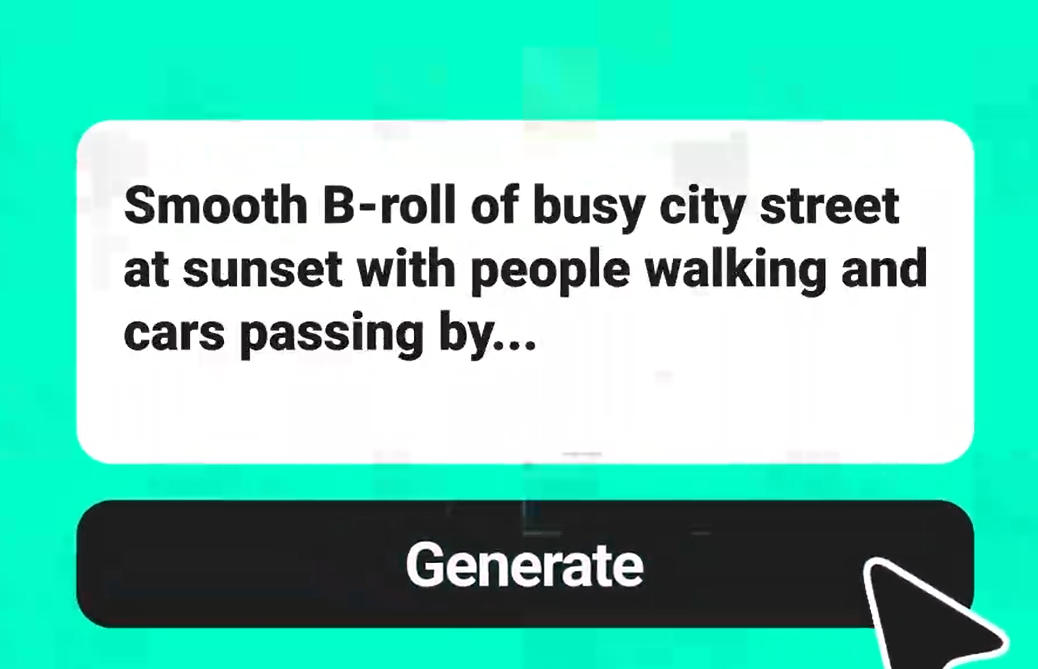
2 Step 2: Describe the New Background
Type a text prompt describing the background you want. Be specific — mention the setting, lighting, and mood. You can also upload 1 to 4 reference images to guide the AI’s output more precisely.

3
3 Step 3: Generate the Edited Video
Hit generate and let insMind’s AI replace the background frame by frame. The engine separates your subject cleanly and applies the new scene with matched lighting and natural edges.

4
4 Step 4: Download Your Video
Preview the result and download the finished video. The output maintains the original resolution and is ready to share on social media, embed in presentations, or use in your marketing campaigns.


Real Scenarios for AI Video Background Replacement
From product shoots to personal vlogs, see how creators use insMind to swap backgrounds and elevate their content.

Talking-Head Video Cleanup
Replace cluttered home offices or noisy café scenes with clean, professional settings. Keep the focus on your message in coaching videos, webinars, and online courses.

E-commerce Product Demos
Place products in styled settings — marble counters, seasonal themes, minimalist studios — without reshooting. Ideal for testing visual formats across Shopify and Amazon listings.

Social Media Content Creation
Swap backgrounds to match trending aesthetics on TikTok, Instagram Reels, and YouTube Shorts. Stand out in crowded feeds without expensive sets or location shoots.

Travel & Tourism Promotion
Set footage against iconic destination backdrops — beaches, landmarks, skyline views. Pair with insMind’s AI background changer for matching still images in your campaign.
What Creators Say About insMind Video Background Changer
Why Choose insMind Video Background Changer

Prompt-Based Editing, No Manual Masking
Unlike traditional editors that require frame-by-frame masking, insMind uses text prompts to identify and replace backgrounds automatically — saving hours of tedious work.

Reference Image Support for Precise Results
Upload up to 4 reference images alongside your prompt. The AI uses them as visual guides — delivering results most text-only tools can’t match.

Clean Subject Separation, Even with Movement
The AI preserves fine details — hair, hand gestures, fabric — across every frame. Moving subjects stay sharp while the background transitions smoothly behind them.

No Green Screen Required
Film anywhere and change the background in post. For photos, insMind’s AI background remover handles the same task with a single click.

Works for Any Content Type
Product demos, vlogs, webinars, social media clips — the tool adapts to any video format or purpose. One workflow covers every use case.

Fast Online Processing, No Software Install
Everything runs in the browser. Upload your video, enter a prompt, and get the edited clip back without downloading or installing heavy editing software.
FAQs About insMind Video Background Changer
How does insMind change video backgrounds without a green screen?


insMind uses AI-powered subject detection to separate the person or object from the background in every frame. Instead of relying on a uniform green backdrop, the model analyzes depth, edges, and motion to create a clean mask. You then describe the new background in a text prompt, and the AI generates a seamless replacement. No studio equipment needed.
Can I use my own image as a new video background?
Yes. You can upload 1 to 4 reference images to guide the background replacement. The AI uses your images as visual anchors, blending them with your text prompt to produce a background that matches your creative direction. This is especially useful when you have brand templates or specific scene requirements.
Does changing the background affect my video quality?
The output maintains the resolution of your original footage. insMind processes each frame individually to ensure the subject stays sharp and the new background blends naturally. Fine details like hair, clothing edges, and gestures are preserved throughout the video, so the final result looks consistent and professional.
Is insMind’s video background changer free to use?
insMind offers a free trial so you can try the video background changer with core features. You can also earn free credits through platform activities to continue using the tool.
What types of backgrounds can I replace with insMind?
You can replace virtually any background — indoor, outdoor, cluttered, or plain. Describe the new environment in your text prompt: a studio, a beach, a cityscape, or a solid color. The AI adapts to your input and generates a scene that matches the lighting and perspective of your original footage.
Can I use reference images to guide the background replacement?
Absolutely. insMind supports uploading 1 to 4 reference images alongside your text prompt. The AI uses these images as visual guides to match specific colors, textures, and environments. This feature is particularly helpful for brand-consistent content, where every video needs to align with your style guide.
Can I change the background of a talking-head video?
Yes, talking-head videos are one of the most common use cases. The AI accurately detects and isolates the speaker even with natural head movement, hand gestures, and varying expressions. You can swap the background with a clean gradient, office setting, or any scene you describe — keeping the speaker crisp and centered.
Can I change backgrounds for social media video formats like Reels or TikTok?
Yes. insMind handles vertical, square, and horizontal video formats, so it’s fully compatible with TikTok, Instagram Reels, YouTube Shorts, and standard 16:9 content. Replace the background and download the edited video in its original aspect ratio — ready to upload directly to your preferred social platform without further editing.
Find More AI Tools for Video Creation

AI Background Remover
Remove backgrounds from images online for free with the AI Background Remover. Easily create transparent backgrounds for your photos in seconds using insMind.

AI Background Changer
Change photo backgrounds online free with AI background replacer. Instantly edit, replace, or add backgrounds to any image. No skills required.

00:00
00:00
Video Object Replacer
Replace or remove objects in videos using AI text prompts — no manual editing needed.

00:00
00:00
AI Video Generator
Create cinematic videos from text or images with AI models like Veo 3.1, Sora 2, and Kling AI.

00:00
00:00
Image to Video
Create custom videos from your photos with AI.
00:00
00:00
Text to Video
Turn any text prompt into high-quality videos in minutes.

00:00
00:00
AI Video Enhancer
Easily improve your video quality with AI video enhancer.
00:00
00:00
Start-End Frame Generator
Transform your images into seamless videos with AI start and end frame generation.
""We produce weekly product videos and this tool lets us test different settings without booking a studio every time.""
@Leona, Digital Marketing Coordinator