
Green Screen Background Remover: Remove Green Screen from Photos in Seconds



Remove Green Screen from Image Instantly with AI
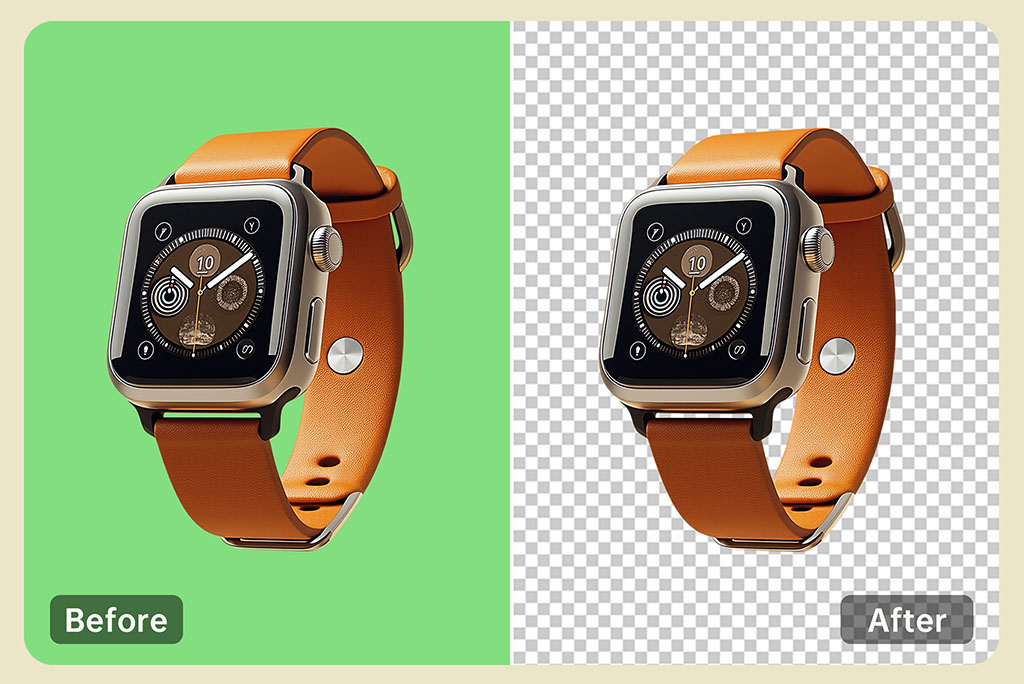
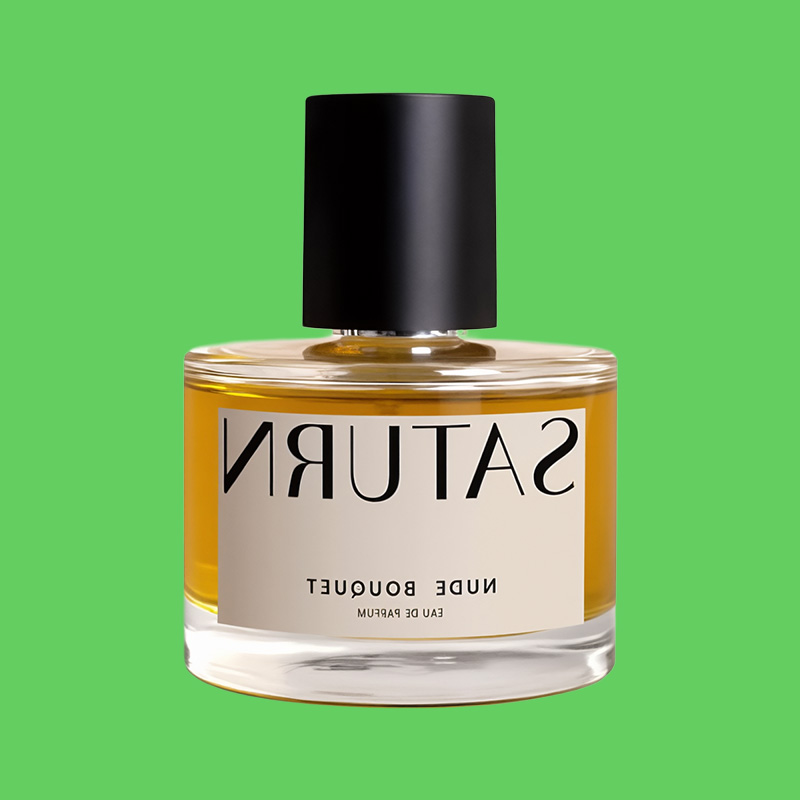
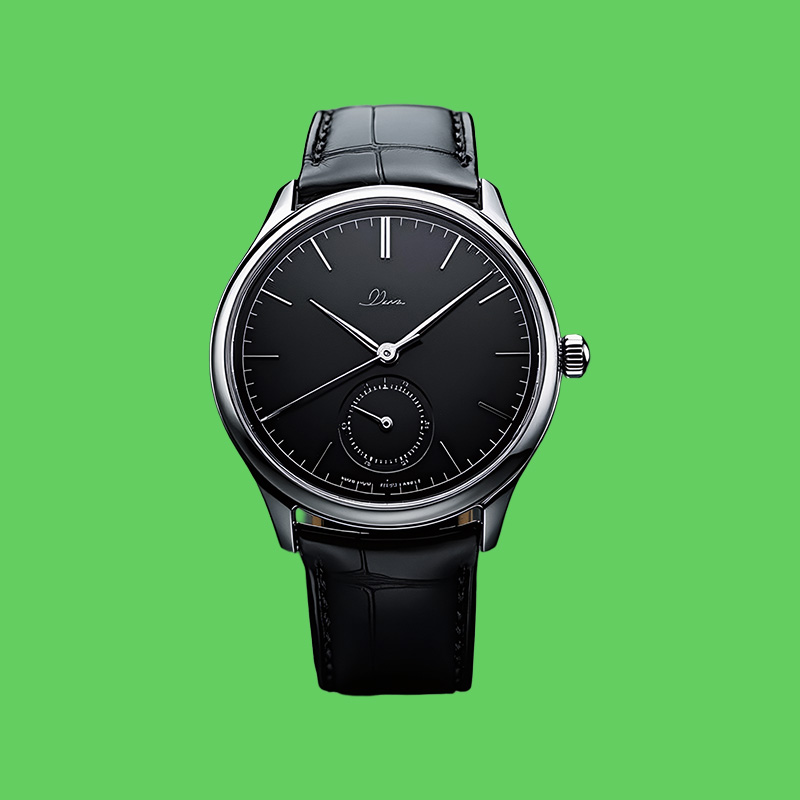
With our green screen remover, you can get rid of green backgrounds in just moments. If you need prompt and attractive images for your photos, marketing, videos or social media pages, this tool is perfect for you. All you need to do is upload a picture with green screen, and our online tool can quickly and accurately delete green screen from it.
Once you remove the background, you'll be left with a transparent image that is useful for graphic design, attaching images or adding custom photos. No experience with selecting items or using Photoshop is needed; let AI do everything else for you.
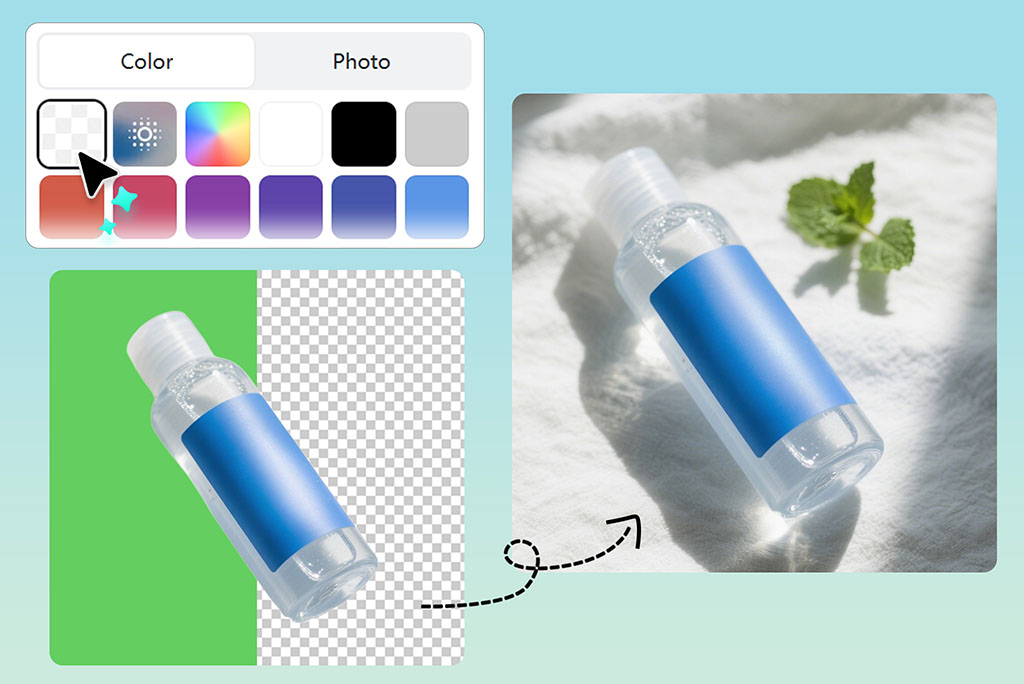
Edit Photos Precisely with Our Smart Green Screen Picture Editor
With a user-friendly green screen photo editor, removing backgrounds from your green screen pictures is easy, quick and reliable. Our AI can spot hair, edges and shadows in a photo and only removes the green, leaving your subject untouched. The green screen is only one of the many features included in it.
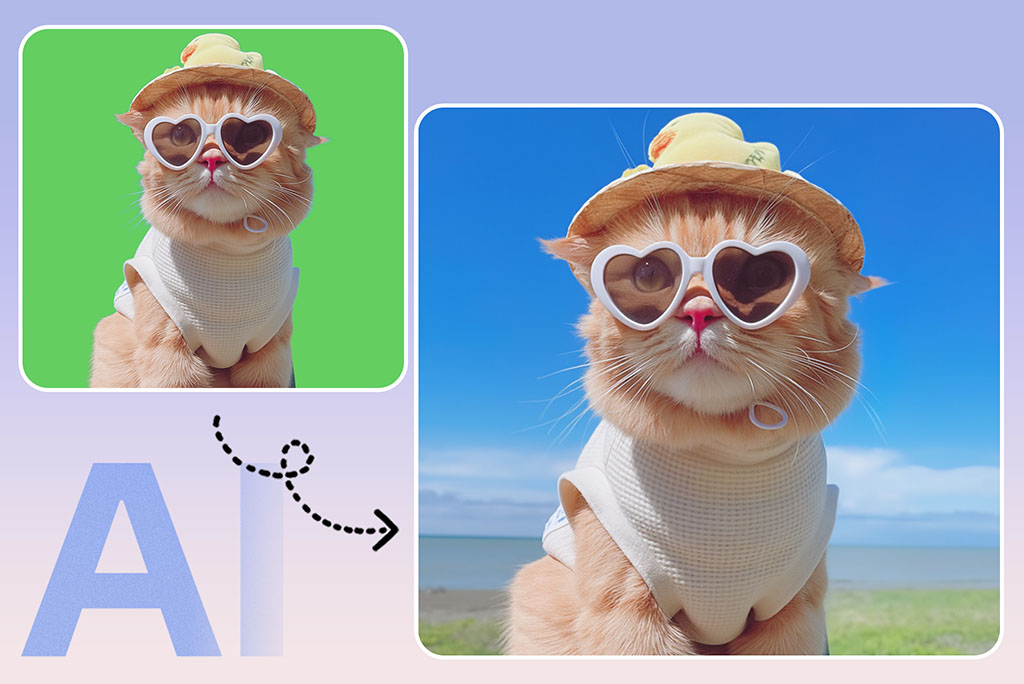
You can seamlessly swap out the background after removal using tools like the AI background changer, which lets you insert new backdrops from templates, solid colors, or custom uploads. All your images, be it for online listings or professional photos, will be finely polished and appear studio ready.
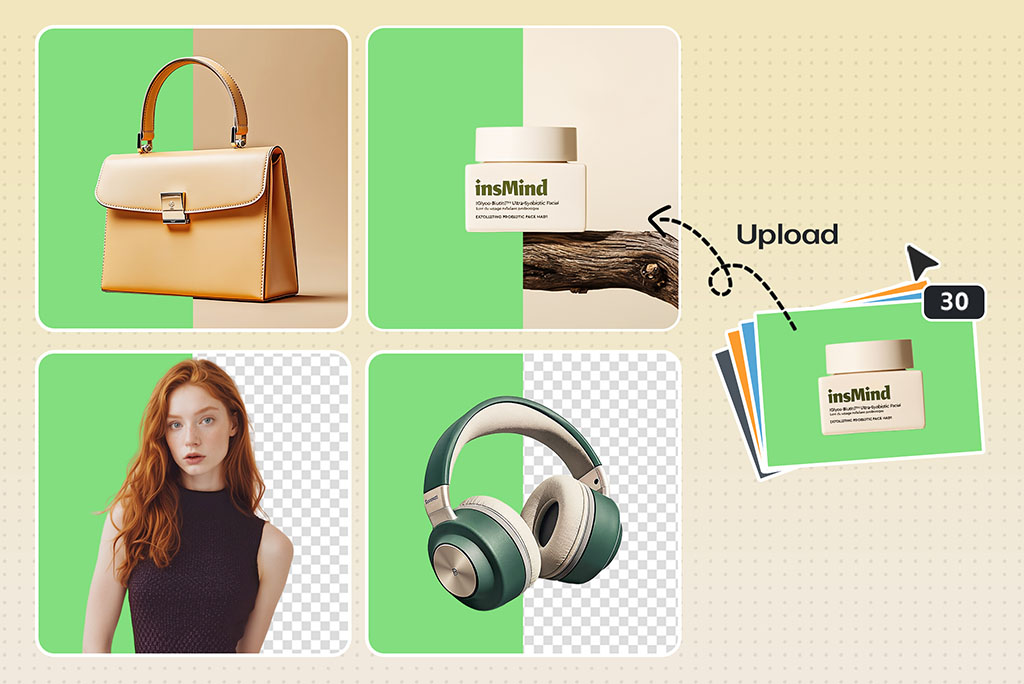
Batch Remove Green Screens from Multiple Photos at Once
The batch remove green screen tool allows you to remove the green screen from several photos quickly. It's easier use on teams, producers, and digital marketers means that all images are uniform and relatively simple to manage without having to change every picture separately, just one more advantage of this tool. The algorithm we use can handle multiple images at the same time, resulting in no loss of quality.
It can tell apart green areas and separate them from other subjects, regardless of how they pose or where they are being photographed. Whether you're working on an event photo set or product catalog, batch green screen removal will save you hours and give you professional results every time.
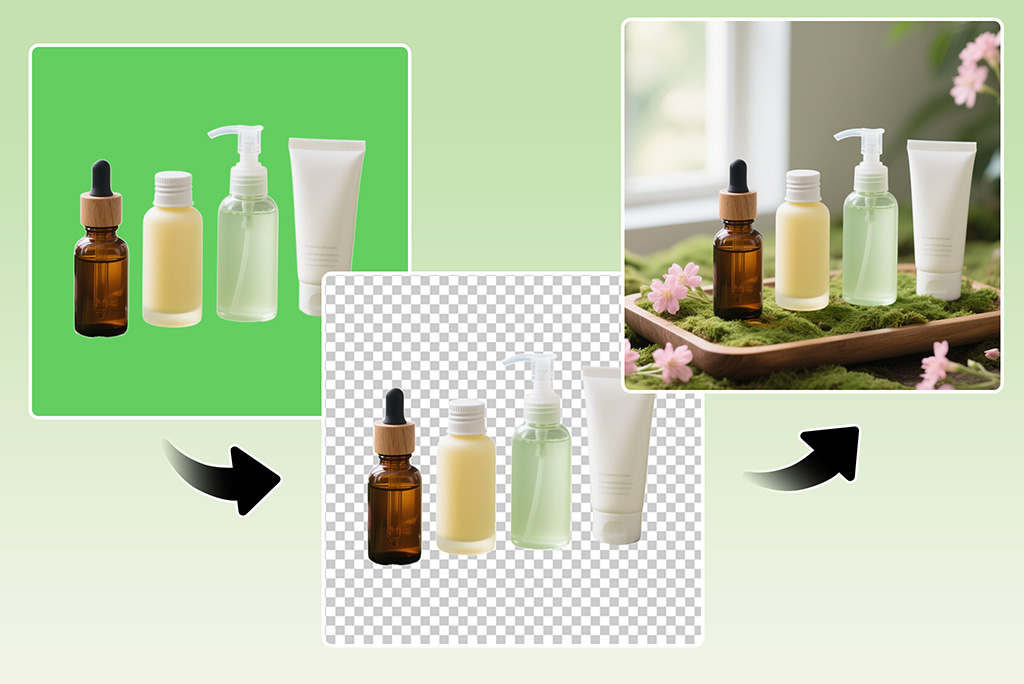
Replace Green Screen with Transparent or Custom Backgrounds
Remove the background, then pick from one of these options: transparent, white, or a custom backdrop. You can do more than delete with our green screen image editor because it allows you to rebuild your images in flexible ways. Once the AI tools finish their part, add your signature or add features specific to your business.
Try the green screen background remover to make your image with a white background, or you can experiment with various background themes. Our change background tool integrates naturally into the workflow, allowing you to preview, test, and finalize new backgrounds without reuploading or restarting your project.
Discover More Green Screen Background Remover Features
How to Remove Green Screen from Image Online?
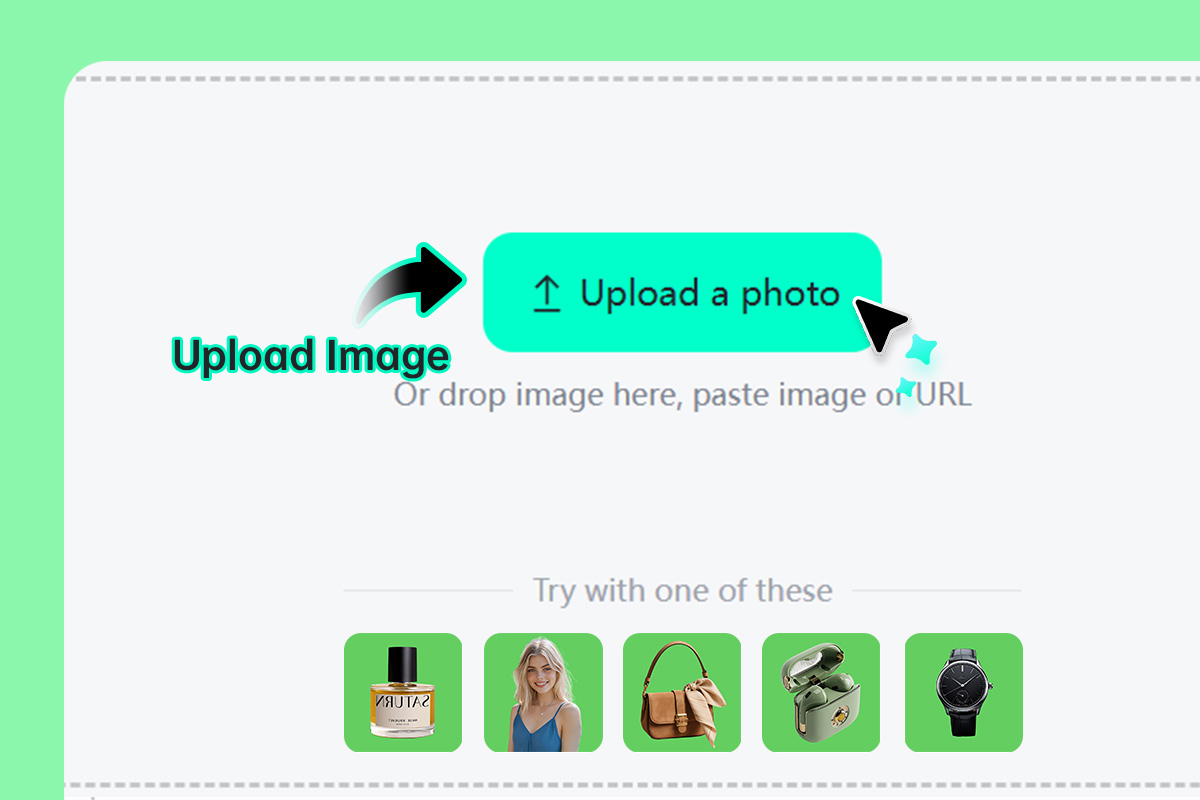
1 Step 1: Upload your image
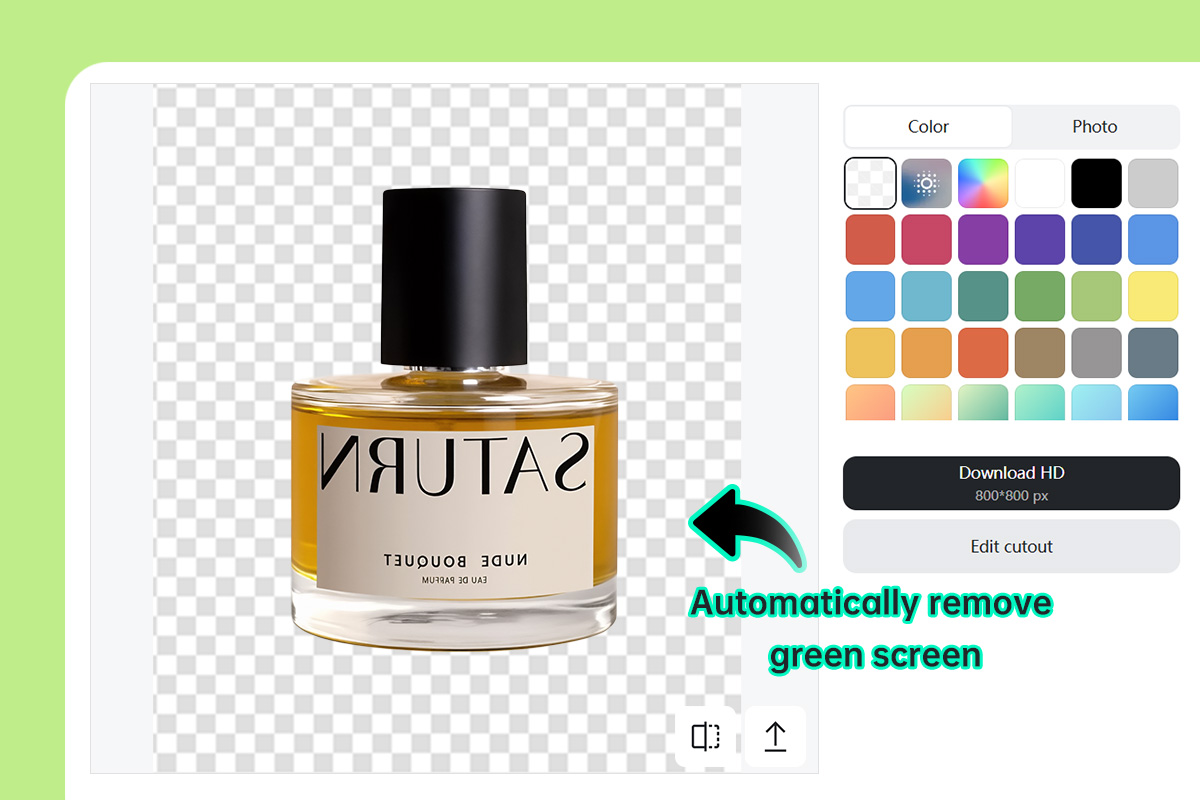
2 Step 2: AI automatically removes the green screen background
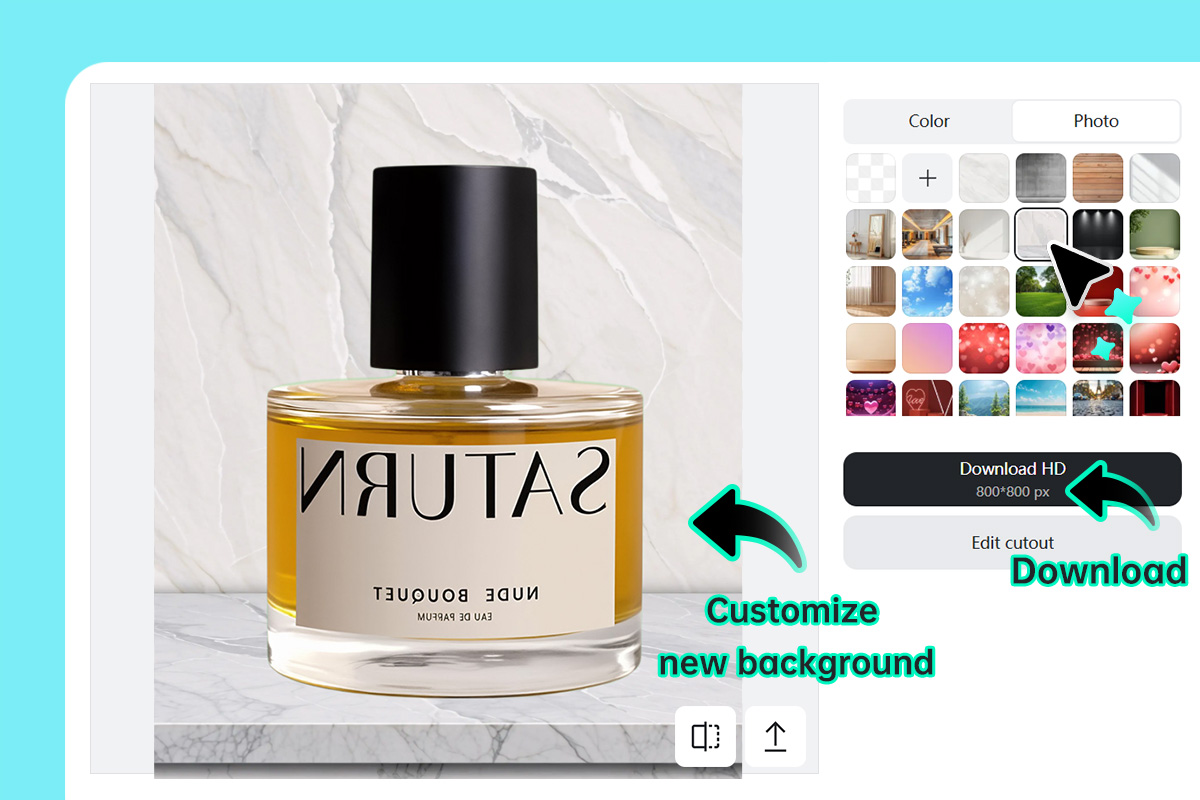
3 Step 3: Download or customize with your new background
Why Use insMind Green Screen Remover?

No Photoshop Needed
You won't need to use software like Photoshop to achieve these looks. insMind gets the job done with the most professional results and ease.

Fast & Accurate AI
Using insMind AI, you don't have to know how to remove green screen in manual software; it's done much faster for you with AI power.

Batch Processing
insMind can always precisely separate the green screen in batches, providing clean cuts around all kinds of areas such as hair and shadows while saving a lot of time.
FAQs About insMind Green Screen Remover
Is this green screen remover tool free to use?


Do I need Photoshop or editing experience?
Will the background be transparent after removal?
Can I replace the green background with white or another color?
Can I process multiple green screen images?
Will it remove green from clothing or props, too?
You might be interested in
Make your pictures pop with creative AI tools you can explore during a free trial.

Remove Image Background

Black Background Remover
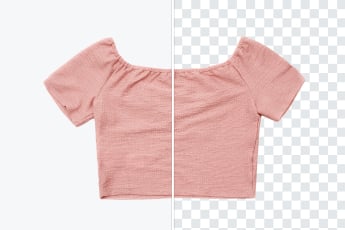
White Background Remover
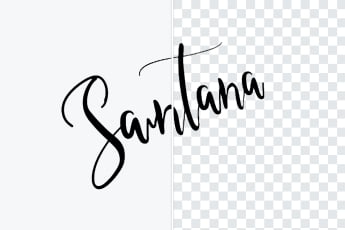
Remove Background From Signature
Remove Background From Logo

Photo to Sticker Maker
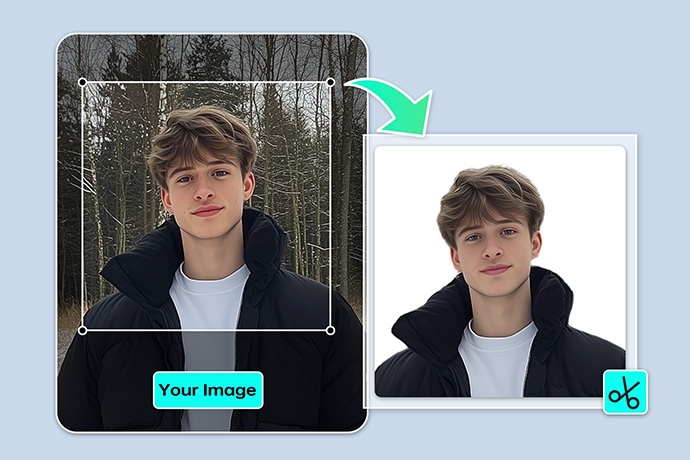
Passport Photo Maker

Remove Color from Image
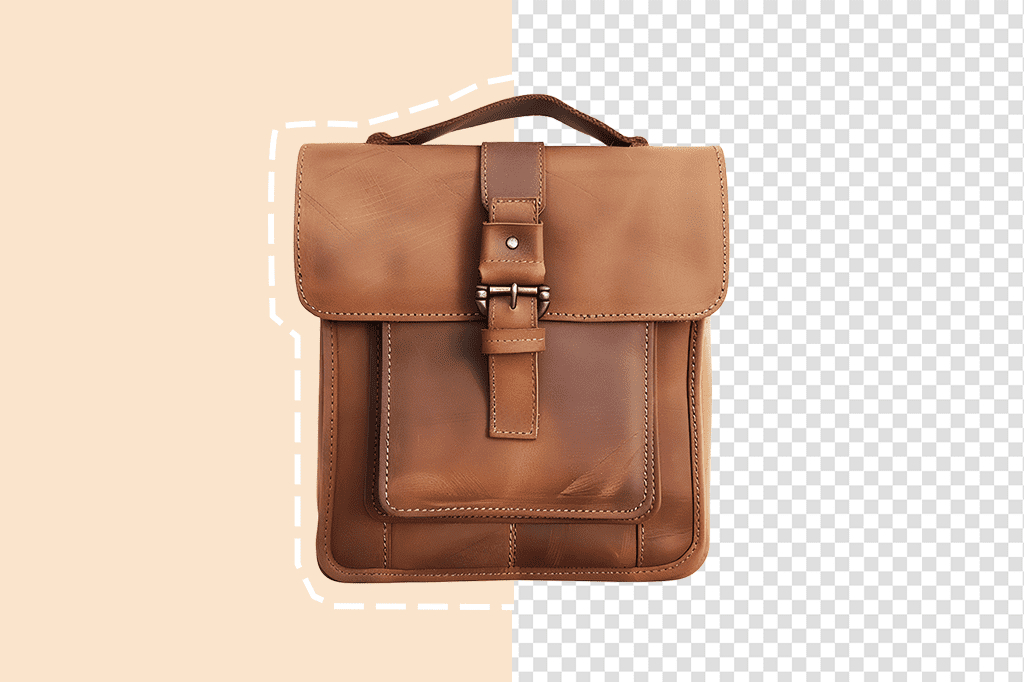
PNG Maker

Remove Object From Photo

Remove People From Photo

"Batch function is my favorite part about insMind! With no problems, I can easily remove green screen from image sets."
@Peter