
Seedance 2.0 Alternatives: 8 AI Video Models Worth Trying in 2026
Try OminiVideo 2 – A Seedance 2.0 Alternative

AI video generation is evolving rapidly, and Seedance 2.0 has become one of the most recognized models in this space. It is widely known for its smooth motion, strong subject consistency, and reference-based generation, making it a popular choice for social media content, ads, and creative storytelling.
However, as the demand for flexibility, control, and efficiency continues to grow, creators are increasingly exploring alternative models. Different tools offer distinct strengths, ranging from high-quality cinematic output to fast, social-ready video generation.
In this article, we explore 8 Seedance 2.0 alternatives, breaking down their features, strengths, limitations, and best use cases to help you choose the right tool.
Table of Contents
Part 1: What Makes a Good Seedance 2.0 Alternative
Seedance 2.0 sets a high bar, but not every model is built for the same purpose. A strong alternative should perform well across a few key areas.
First is motion quality. The model should generate smooth, natural movement while keeping subjects consistent across frames.
Second is control and accuracy. A good model should understand prompts clearly and respond well to text, image, or reference inputs.
Third is speed and reliability. Fast generation and stable outputs are essential, especially for repeated use.
Fourth is visual style capability. Some models focus on realism, while others are better for stylized or creative outputs.
Lastly, consider core features, such as multi-shot support, audio generation, and resolution options.
A good alternative is not defined by one feature, but by how well it balances these factors.
Part 2: 8 Seedance 2.0 Alternatives Worth Trying
1. OminiVideo 2
OminiVideo 2 is an AI video generation model on insMind that converts text prompts, images, and reference inputs into cinematic-style videos, with a focus on stable motion and subject consistency.
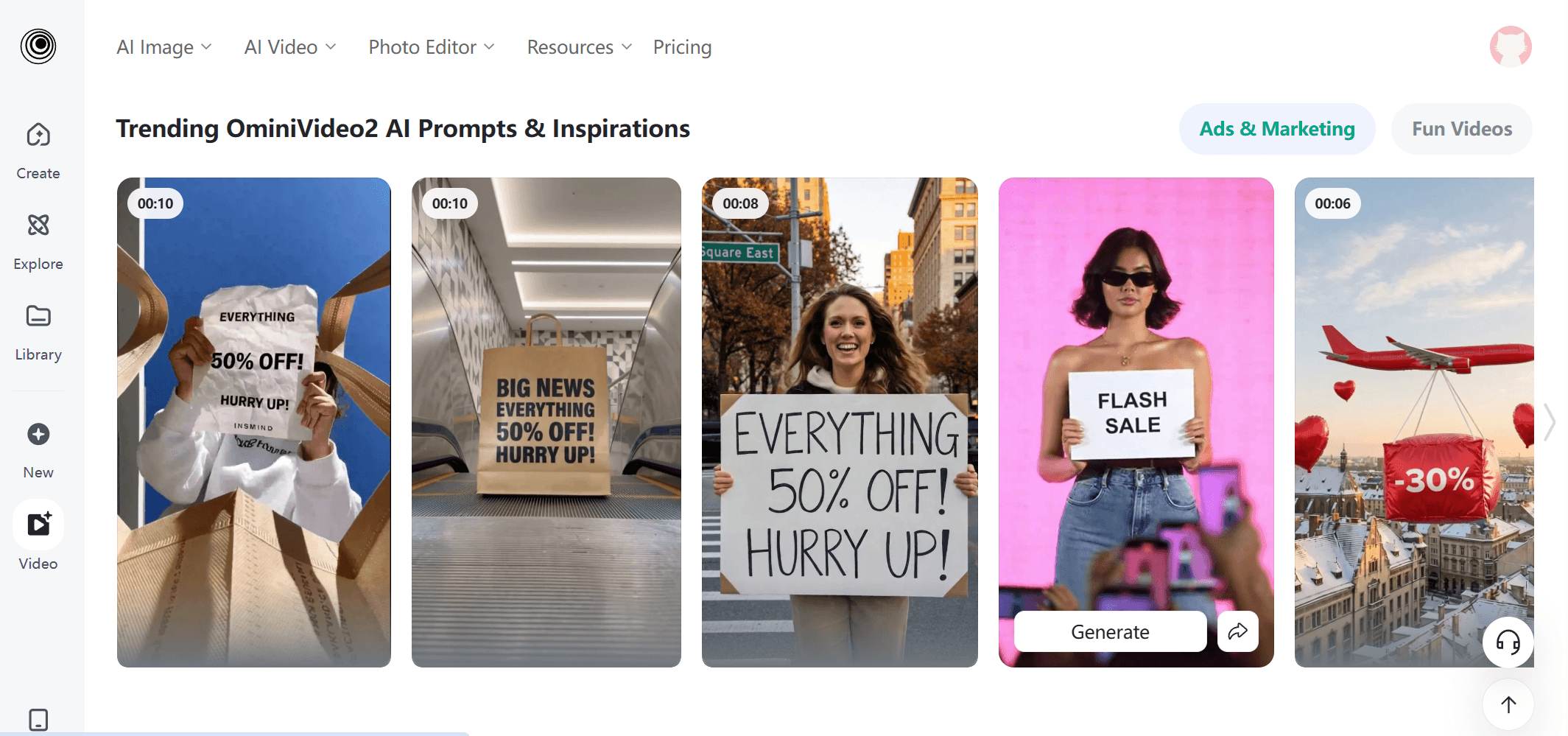
Key Features:
- Text-to-video and image-to-video generation
- Reference-based control for more predictable results
- Supports multiple aspect ratios and up to 2K resolution
- Multi-shot storytelling with consistent transitions
- Built-in video inspirations and prompt examples
 Pros
Pros
- Smooth motion and stable visuals
- Strong character and style consistency
- Reference inputs improve output control
- Fast generation for short-form videos
Cons
- Limited to short video duration (around 5–12 seconds)
- Not designed for long-form storytelling
Best For:
- Content creators, marketers, and teams
- Users who want efficiency and scalability
- Beginners looking for an all-in-one solution
Use Cases:
- Social media videos
- Marketing content
- Quick concept testing and prototyping
2. Kling 3.0
Kling 3.0 is an AI video model focused on high-quality motion generation, multi-shot consistency, and controllable video creation.
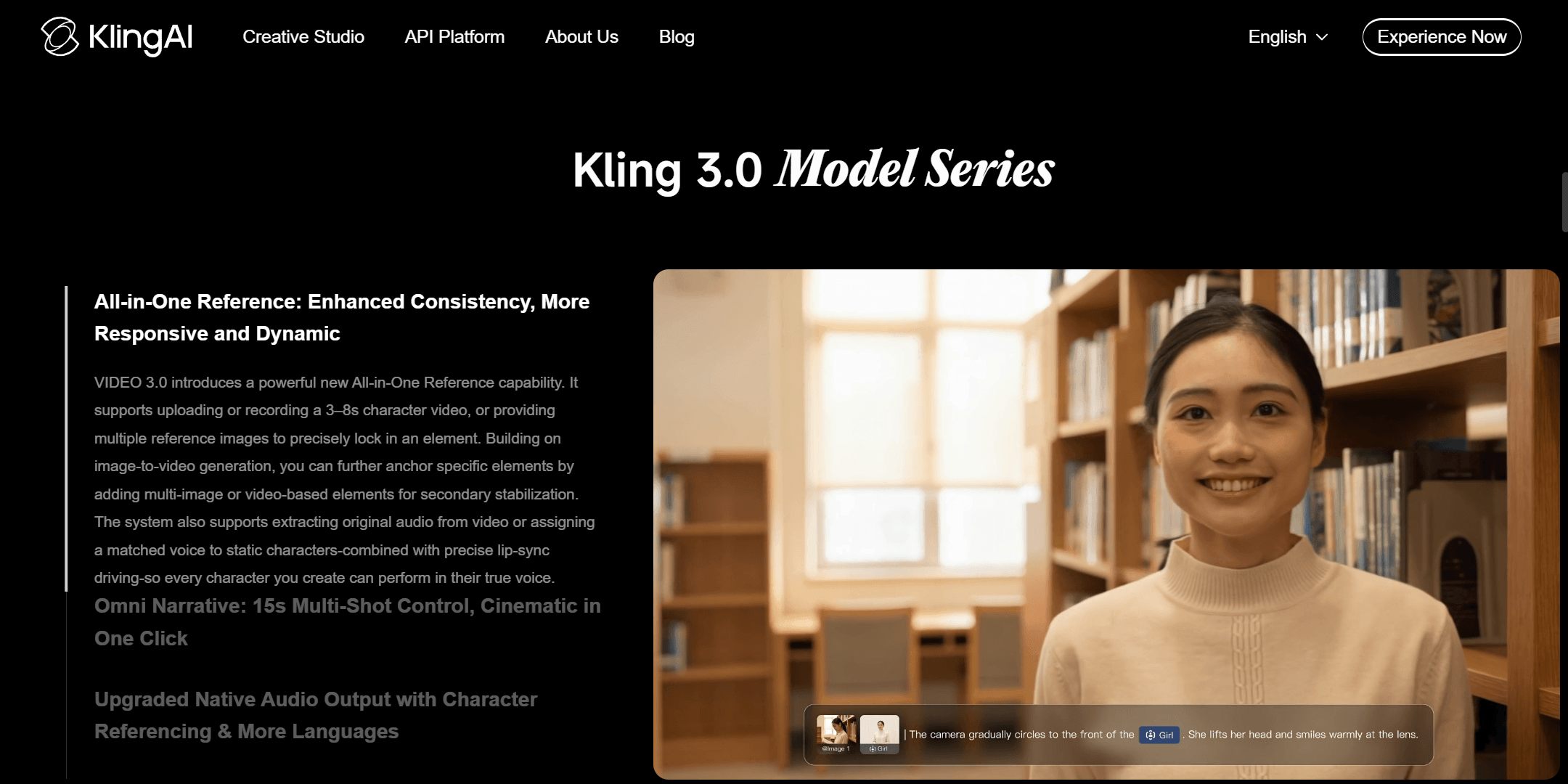
Key Features:
- Text-to-video and image-to-video generation
- Multi-shot video generation with scene consistency
- Strong motion quality and character consistency
- Supports multi-modal inputs including images and references
- Maintains identity consistency across frames
Pros
- High-quality motion and smooth transitions
- Strong consistency across multiple shots
- Supports more controllable video generation
Cons
- Requires prompt tuning for optimal results
- Workflow may be less beginner-friendly
Best For:
- Creators focused on cinematic or structured video outputs
Use Cases:
- Story-driven videos
- Multi-shot sequences
- Character-based video generation
3. Veo 3.1
Veo 3.1 is a video generation model developed by Google, designed for high-quality output with strong prompt understanding and native audio support.
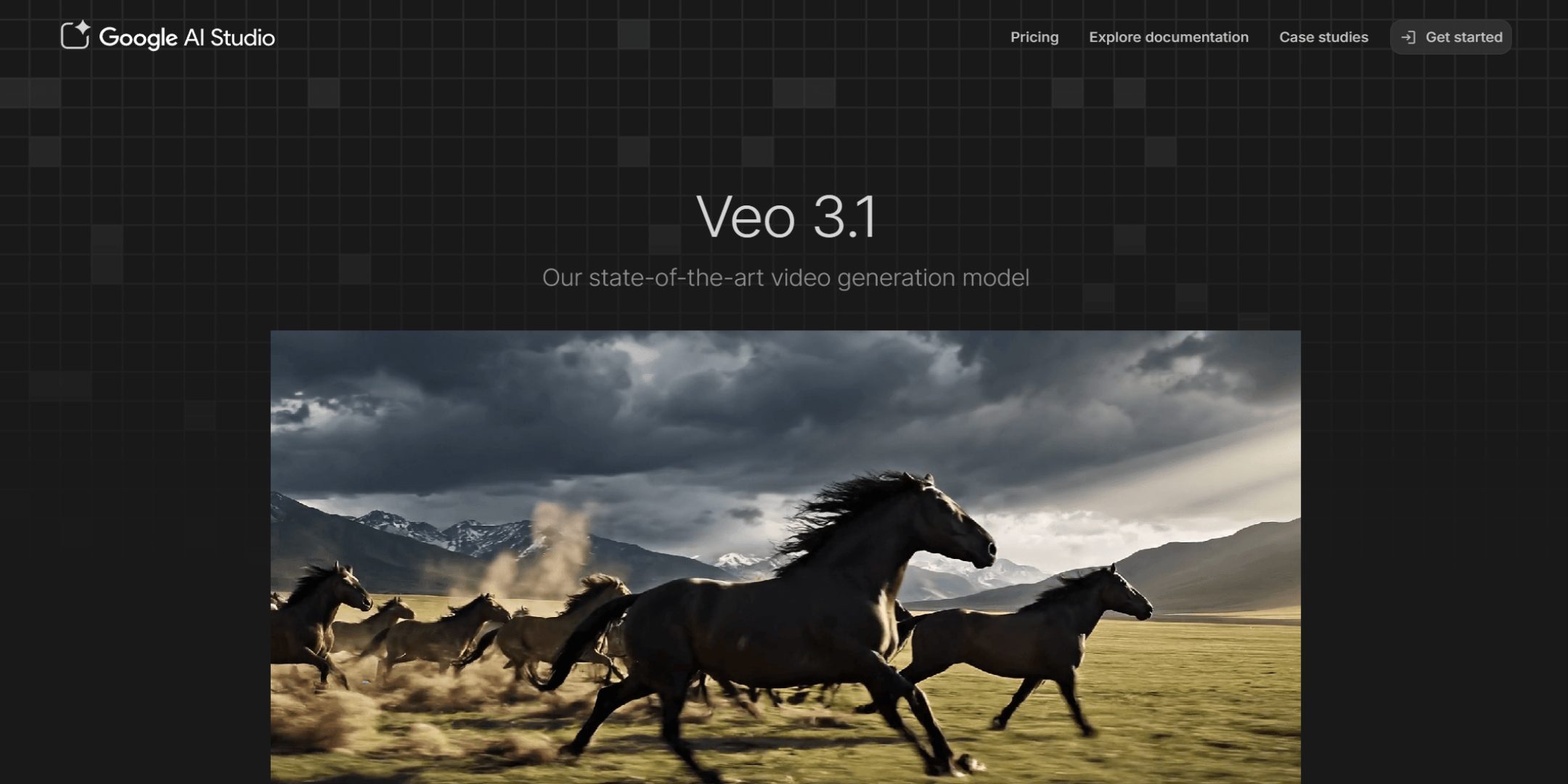
Key Features:
- Text-to-video and image-to-video generation
- Strong prompt adherence and scene understanding
- Native audio generation with synchronized sound
- High-quality visual output with realistic motion
Pros
- Accurate interpretation of prompts
- Combines video and audio generation
- Produces high-quality, structured scenes
Cons
- Limited availability depending on region
- May require more advanced prompting
Best For:
- Professional creators and production teams
Use Cases:
- Advertising videos
- Brand storytelling
- Audio-visual content creation
4. Wan 2.6
Wan 2.6 is an AI video model designed for efficient generation with stable outputs and built-in audio capabilities.
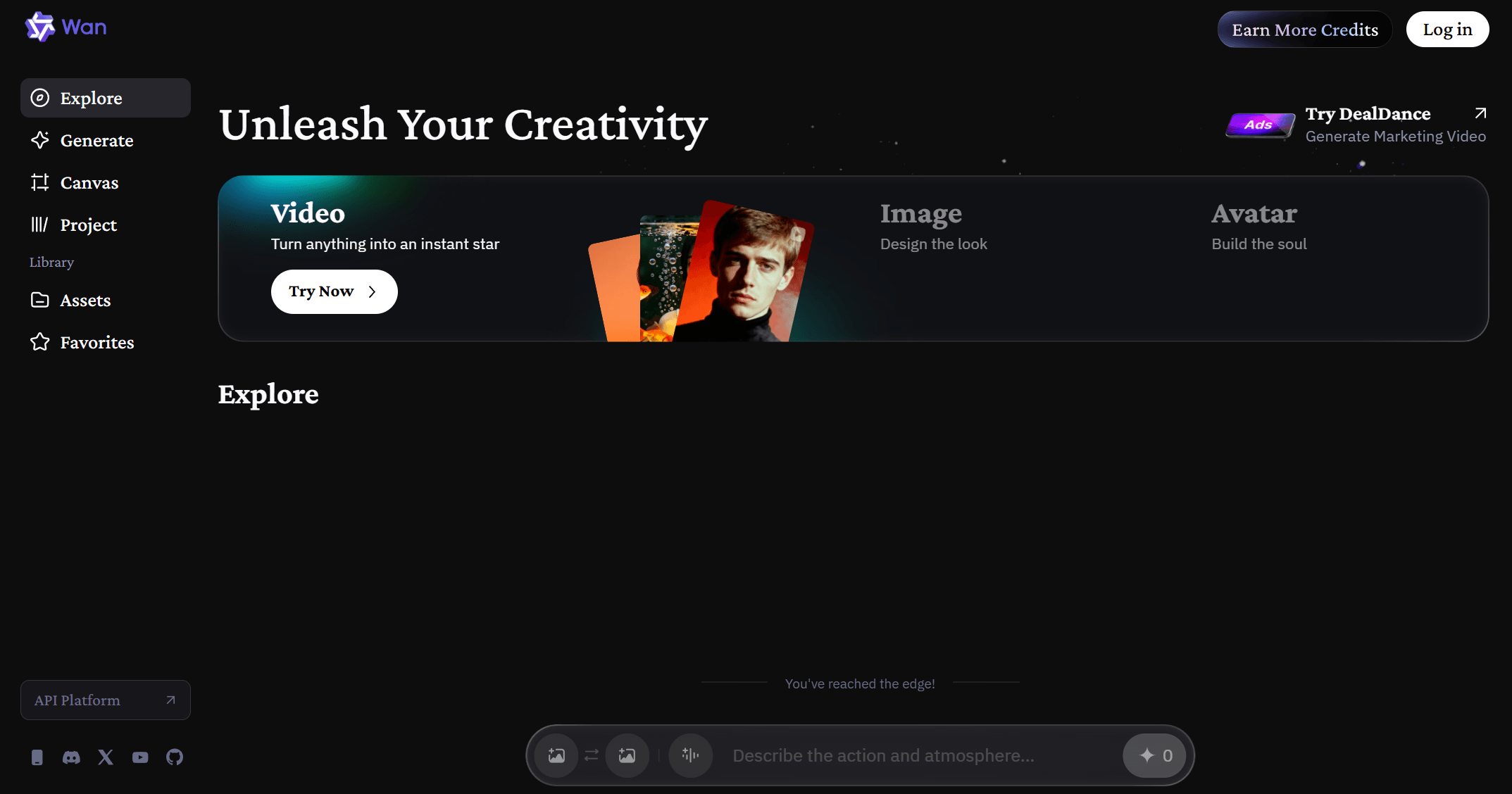
Key Features:
- Supports text-to-video generation
- Generates videos up to around 15 seconds
- Native audio generation with synchronized speech
- Multi-shot storytelling with scene continuity
- Stable character and dialogue consistency
Pros
- Stable outputs across scenes
- Integrated audio generation
- Suitable for consistent multi-scene videos
Cons
- Limited duration compared to extended workflows
- Less emphasis on advanced visual styling
Best For:
- Users creating structured or dialogue-based content
Use Cases:
- Dialogue videos
- Multi-scene conten
- Marketing or explainer videos
5. PixVerse 5.6
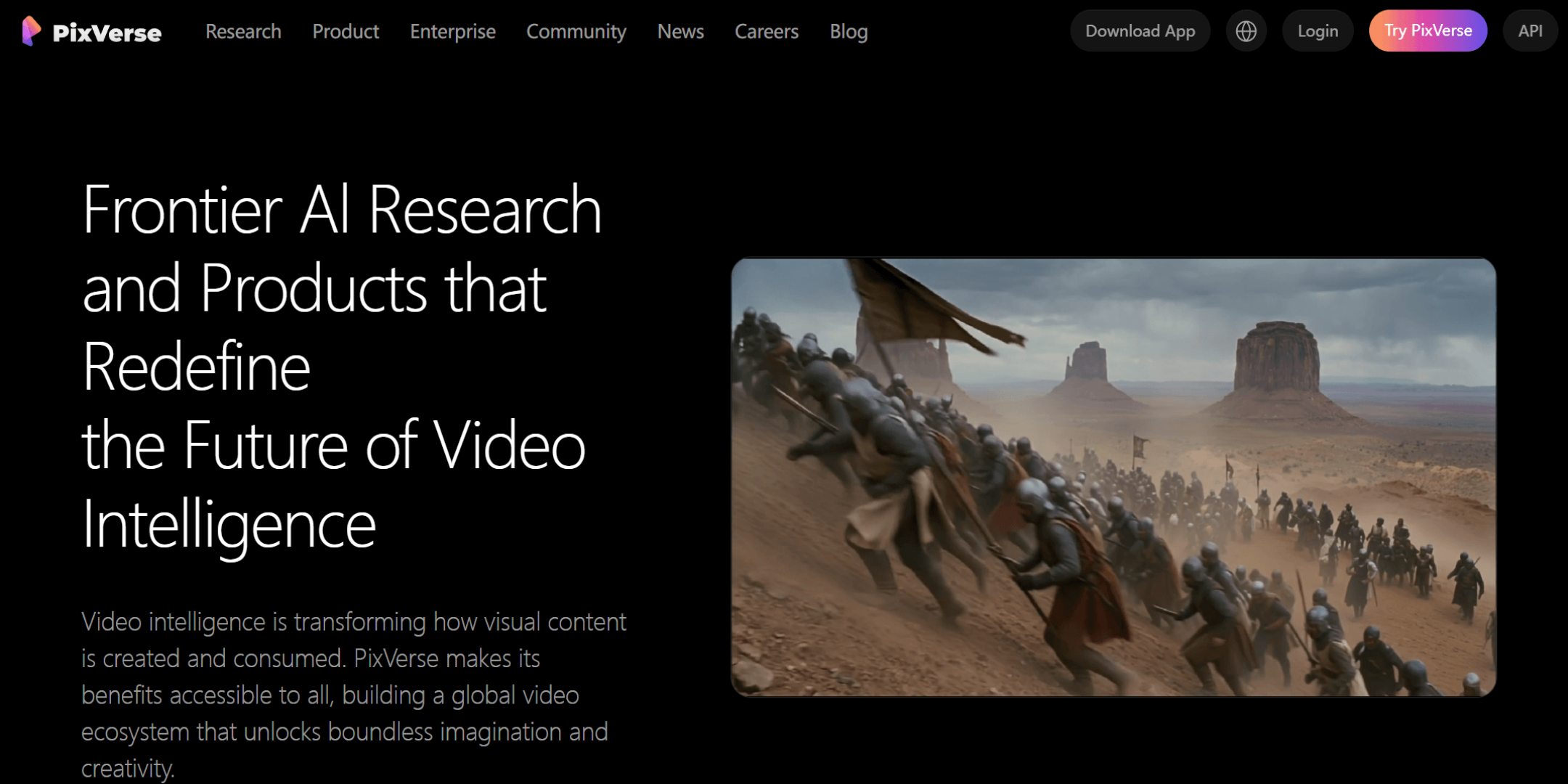
PixVerse 5.6 is an AI video model that combines fast generation with enhanced control over motion, lighting, and scene composition.
Key Features:
- Text-to-video and image-to-video generation
- Supports 1080p video output
- Audio-visual synchronization
- Multi-shot camera control and scene transitions
- Tools such as character control and motion adjustment
Pros
- Fast generation with improved visual quality
- Supports more control over motion and scenes
- Combines speed with creative flexibility
Cons
- More controls, slightly higher learning curve
- Output quality may vary depending on prompts and settings
Best For:
- Creators balancing speed and creative control
Use Cases:
- Social media videos
- Creative visual content
- Short-form storytelling
6. Sora 2
Sora 2 is an AI video model focused on generating complex scenes with realistic motion and integrated audio, along with built-in editing workflows.
Key Features:
- Text-to-video and image-to-video generation
- Realistic motion and scene composition
- Native audio generation
- Built-in editing tools such as storyboard, extend, and stitch
- Supports multi-character and complex scene generation
Pros
- Handles complex scenes and interactions
- Combines generation with editing workflows
- Supports extended video creation through stitching
Cons
- Limited access
- Generation can be resource-intensive
Best For:
- Advanced creators working on complex video concepts
Use Cases:
- Narrative content
- Concept videos
- Multi-scene storytelling
7. Runway
Runway is an AI creative platform that combines video generation with editing tools in a single workflow.

Key Features:
- AI video generation models (e.g., Gen-4 series)
- Built-in video editing and transformation tools
- Supports prompt-based video creation
- Offers tools for motion control and visual refinement
Pros
- Integrated generation and editing workflow
- Flexible creative tools
- Suitable for end-to-end production
Cons
- Requires time to learn full feature set
- Advanced features can be resource-intensive
Best For:
- Creators who need both generation and editing in one platform
Use Cases:
- Commercial video production
- Content editing and enhancement
- Creative video workflows
8. PiKa
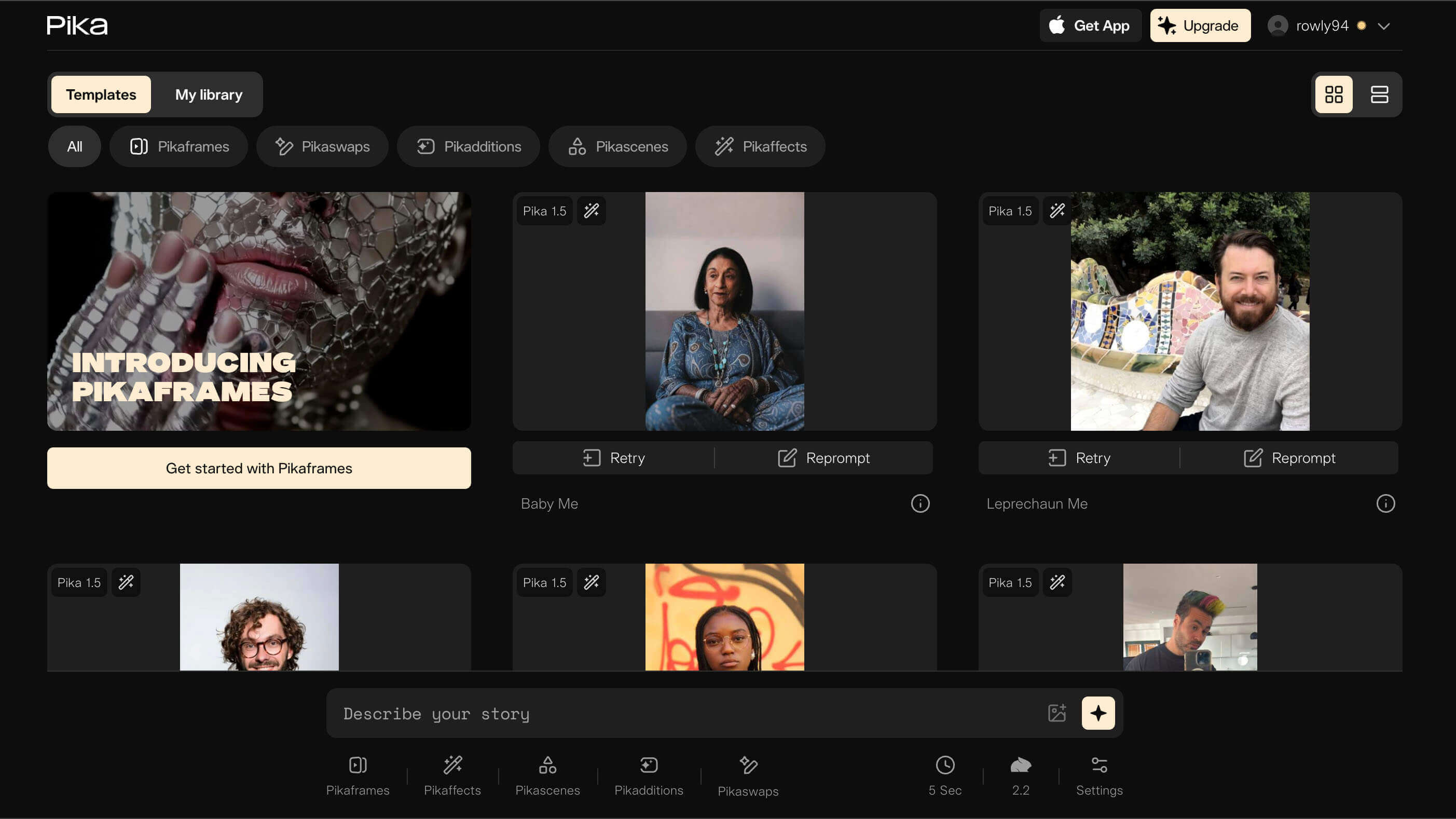
PiKa is an AI video tool designed for fast and accessible video generation, with a focus on simplicity and social-ready outputs.
Key Features:
- Text-to-video and image-to-video generation
- Fast rendering speed
- Simple, user-friendly interface
- Includes features for adding or modifying elements in videos
Pros
- Easy to use for beginners
- Quick generation for short videos
- Designed for fast content creation
Cons
- Limited advanced control compared to complex models
- Best suited for shorter, simpler outputs
Best For:
- Beginners and casual creators
Use Cases:
- Social media clips
- Quick video creation
- Creative experiments
Part 3: How to Choose the Best AI Video Model for Your Needs
Now that you've seen the strengths of these 8 Seedance 2.0 alternatives, the next step is choosing the one that best fits your needs.
Start by matching the model to your content type. For short-form or social media videos, faster and simpler tools like PixVerse, Pika, or OminiVideo 2 are more practical. If you're working on storytelling or multi-scene content, Kling 3.0 and Sora 2 offer stronger consistency and structure. For high-quality commercial or brand videos, Veo 3.1 stands out with its precision and output quality. If you need efficient, structured content with dialogue or continuity, Wan 2.6 is a solid option.
Next, compare control vs ease of use across these models. Some tools in this list provide more advanced control over motion and scenes but require better prompting. Others focus on simplicity and speed, making them easier to use but less flexible.
You should also look at generation speed and stability. Among these options, some models are optimized for fast output, while others prioritize higher-quality but slower results.
Another key difference between these 8 models is visual style. Some lean toward realistic, cinematic visuals, while others are better suited for stylized or experimental content. Choosing the right style can significantly improve your final results.
Finally, consider practical factors, such as accessibility, learning curve, and resource requirements, as these vary across the models listed above.
Instead of looking for a single "best" tool, the goal is to find the one among these 8 models that aligns most closely with your content goals, workflow, and level of experience.
Conclusion
Seedance 2.0 is a powerful AI video model, but it is no longer the only option available. With so many alternatives offering different strengths, creators now have more flexibility than ever before.
Whether you prioritize realism, speed, creative style, or workflow efficiency, there is a tool that fits your needs.
As AI video technology continues to evolve, the key to success is not just choosing the right model, but building a workflow that allows you to create faster, experiment more, and produce better results consistently.

Sarah Michelle
I'm a freelance writer with a passion for editing and designing photos. Here at insMind, I strive to educate users on image creativity, photography, and enhancing product photos to help grow their businesses.


![5 Best AI Kissing Video Generators of 2025 [Tested]](https://images.insmind.com/market-operations/market/side/8b445afb685e4957b11238f3ebad2b2b/1756093193517.jpg?x-oss-process=image/resize,w_690,h_460,type_6/interlace,1,image/format,webp "5 Best AI Kissing Video Generators of 2025 [Tested]")


![Top 5 AI Baby Podcast Generators in 2025 [Reviewed & Tested]](https://images.insmind.com/market-operations/market/side/9ed5a89e85ab457a9e8faace7bb25258/1750317475287.jpg?x-oss-process=image/resize,w_690,h_460,type_6/interlace,1,image/format,webp "Top 5 AI Baby Podcast Generators in 2025 [Reviewed & Tested]")


![Exploring the 10 Best AI Photo Editors for Your Needs [2025]](https://images.insmind.com/market-operations/market/side/05ccfa0da4d64b43ba07065f731cf586/1724393978325.jpg?x-oss-process=image/resize,w_690,h_460,type_6/interlace,1,image/format,webp "Exploring the 10 Best AI Photo Editors for Your Needs [2025]")


![Top 10 Face Swap Apps to Enhance Your Photo [Online, iOS, Android, Windows, Mac]](https://images.insmind.com/market-operations/market/side/e604368a99ee4a0fbf045e5dd42dca41/1723095740207.jpg?x-oss-process=image/resize,w_690,h_460,type_6/interlace,1,image/format,webp "Top 10 Face Swap Apps to Enhance Your Photo [Online, iOS, Android, Windows, Mac]")


