


The best way to get more views on YouTube is not to chase one magic trick. Views grow when your videos earn more impressions, turn those impressions into clicks, keep viewers watching, and give people a clear reason to watch another video afterward. That means your YouTube views strategy needs to connect topic research, titles, thumbnails, hooks, retention, Shorts, playlists, and analytics into one repeatable system.
This guide breaks that system into practical steps. You will learn how to diagnose where views are getting stuck, improve the parts that matter most, and use tools like an AI YouTube thumbnail maker and AI video workflows to test better creative faster.
Table of Contents
- 01 Quick Verdict: Fix the Bottleneck Before Chasing More Views
- 02 What Actually Drives More YouTube Views in 2026
- 03 Find Video Ideas People Already Want to Watch
- 04 Package Every Video for the Click: Titles and Thumbnails
- 05 Win the First 30 Seconds with Better Hooks and Pacing
- 06 Use Shorts as a Discovery Funnel, Not Random Clips
- 07 Build Binge Paths with Playlists, Series, and End Screens
- 08 Improve YouTube SEO Without Keyword Stuffing
- 09 Use Analytics to Decide What to Fix Next
- 10 Create Faster Growth Assets with insMind
- 11 What Not to Do When Trying to Increase YouTube Views
- 12 FAQs about Getting More YouTube Views
- 13 Conclusion
Quick Verdict: Fix the Bottleneck Before Chasing More Views
If your YouTube views are flat, start by finding the bottleneck. A video with low impressions needs a better topic, clearer audience fit, or stronger channel authority. A video with impressions but weak views usually has a title and thumbnail problem. A video with a decent click-through rate but low watch time has a hook, pacing, or payoff problem.
This matters because the same advice does not fix every channel. Posting more often can help a channel with proven demand, but it will not rescue weak packaging. Better thumbnails can improve clicks, but they will not help if viewers leave in the first 20 seconds.
| Symptom | Likely Bottleneck | First Fix |
|---|---|---|
| Low impressions | Topic demand or audience fit | Research stronger problems and formats |
| High impressions, low views | Title and thumbnail | Test clearer packaging |
| Good clicks, poor watch time | Hook and pacing | Cut slow intros and tighten payoff |
| One-off views, no return | No binge path | Build playlists, series, and next-video prompts |
What Actually Drives More YouTube Views in 2026
YouTube views come from a chain of decisions. The platform shows a video to potential viewers, people decide whether to click, then YouTube learns from how long and how satisfyingly they watch. If a video performs well for the right audience, it has a better chance of being shown again through search, suggested videos, home feeds, Shorts, playlists, and external sharing.
Discovery starts with viewer demand
A strong YouTube views strategy starts before recording. The topic has to match a real question, desire, fear, comparison, or entertainment pattern. If no one cares about the topic, the thumbnail can be beautiful and still struggle.
Look for ideas that already show demand: repeated search suggestions, comment questions, competitor videos with recent engagement, community posts, and topics that appear across several channels in your niche. You are not copying those videos. You are proving that viewers already have the appetite.
Packaging earns the first click
Packaging is the title and thumbnail together. The title clarifies the promise; the thumbnail creates the visual reason to stop scrolling. When those two assets repeat the same words, the package feels flat. When they work as a pair, viewers understand the value in a split second.
A good package answers three questions quickly: who is this for, what will I get, and why should I watch this version instead of another one?
Retention earns more recommendations
Clicks start the view, but retention keeps the video alive. If people leave early, YouTube gets a weak satisfaction signal. If they stay, replay, comment, subscribe, or move into another video, the system has more reasons to test the content with additional viewers.
More views usually come from better matching: the right topic, promised clearly, delivered quickly, and connected to what the viewer wants next.
Find Video Ideas People Already Want to Watch
Many creators try to improve YouTube views after the video is already published. That is late. The easiest view to win is the one you plan for before you film.
Use YouTube search, comments, and competitor gaps
Start with YouTube search suggestions. Type your core topic and note the phrases YouTube completes for you. Then check the comments under videos in your niche. Comments often reveal confusion that the original video did not solve.
Competitor gaps matter too. If several ranking videos explain the same basic tips but skip real examples, analytics interpretation, pricing, workflow, or beginner mistakes, those missing angles can become your advantage.
Separate evergreen topics from trend-driven videos
Evergreen topics keep earning views because the problem stays relevant. Examples include "how to edit YouTube Shorts," "best thumbnail size," or "how to plan a video script." Trend-driven videos can spike faster, but they usually need speed, a clear opinion, or a fresh example.
A healthy channel uses both. Evergreen videos build the library. Trend videos test momentum and give returning viewers a reason to check back.
Turn one strong topic into a series
One good topic can become several videos if each one serves a different viewer stage. A beginner may need "how to get your first 1,000 YouTube views." A growing creator may need "why CTR dropped after a viral video." A brand may need "YouTube views strategy for product videos."
-
Beginner angle: explain the basic system and avoid jargon.
-
Intermediate angle: diagnose metrics and improve packaging.
-
Advanced angle: build repeatable formats, tests, and production systems.
Package Every Video for the Click: Titles and Thumbnails
If you want to increase YouTube views, improve the moment before the view begins. The viewer sees a thumbnail, a title, maybe the channel name, and makes a fast decision. That decision is emotional first and logical second.
Write titles around a clear viewer payoff
A title should not just name the topic. It should tell the viewer why the topic matters. "YouTube Analytics Tips" is vague. "Why Your YouTube Views Dropped and What to Fix First" gives a stronger reason to click because it names the pain and promises a next step.
Use the keyword naturally, but do not force every variation into the title. A clean title with one focused promise usually beats a stuffed title that reads like a search query pileup.
Design thumbnails for contrast, emotion, and curiosity
A thumbnail should be readable at small size. Use one main idea, strong contrast, and a visual before/after, face, object, number, or result that supports the title. If your title says "before and after," the thumbnail should make the difference visible.
Avoid tiny text, cluttered screenshots, and thumbnails that only repeat the title. If the thumbnail cannot be understood on a phone, it is asking too much from the viewer.
Test thumbnail variants instead of guessing
YouTube now offers native A/B testing for titles and thumbnails in eligible cases, and YouTube says tests can compare up to three options. YouTube also notes that its test winner is based on watch time share, not just click-through rate, which is a useful reminder: a click is only valuable if the viewer stays.
When you test, make each version meaningfully different. Try a result-led version, a problem-led version, and a curiosity-led version. If all three look nearly identical, the test may not teach you much.
Win the First 30 Seconds with Better Hooks and Pacing
A weak hook quietly kills views. The viewer clicked because the title and thumbnail made a promise. The opening seconds must prove that the promise is real.
Open with the result, conflict, or promise
Do not spend the first 30 seconds explaining your upload schedule, greeting everyone, or slowly setting context. Start with the result, the problem, or the tension. Tell viewers what they will get and why it matters now.
For a tutorial, show the final result before the steps. For an analysis video, state the surprising finding. For a story video, begin at the moment of conflict, then explain how you got there.
Remove slow intros and repeated setup
Many videos lose viewers because they explain the same context three times. If a sentence does not help the viewer understand the next idea, cut it. If the intro works only because it feels polite, move faster.
A practical edit pass is to watch the first minute with the sound off, then again with the screen hidden. If either version feels slow, your visuals or script need more movement.
Use visual pattern breaks to reset attention
Pattern breaks are not random zooms or loud effects. They are useful shifts that refresh attention: a screen recording, a chart, a close-up, a before/after, a short clip, a title card, or a quick example.
Use them when the idea changes, when a list begins, or when the viewer might ask, "What does this look like in practice?" Good pacing feels invisible because the viewer keeps receiving reasons to continue.
Use Shorts as a Discovery Funnel, Not Random Clips
Shorts can help creators reach new audiences, but they work best when they are connected to a broader content plan. A random clip may get views and still send the wrong audience to your channel. A strategic Short tests an idea, highlights a strong moment, or points viewers toward a deeper video.
Clip the strongest moments from long-form videos
Look for moments that stand alone: a surprising result, a bold opinion, a quick transformation, a mistake, or a simple tip. The Short should not feel like a trailer that only says "watch the full video." It should deliver value on its own while creating curiosity for the deeper piece.
Connect Shorts to related long-form content
A Short about thumbnail mistakes can point to a full video about packaging strategy. A Short about a retention graph can point to a deeper analytics breakdown. This connection makes the channel feel organized instead of scattered.
Use titles, pinned comments, playlists, and channel layout to create that path. The goal is not only a view. The goal is a viewer who understands what to watch next.
Use Shorts to test topics before full videos
If a Short gets strong comments, saves, shares, or repeat questions, that is a signal. It may deserve a long-form version. If a topic gets views but the comments reveal confusion, the long-form video can answer that confusion directly.
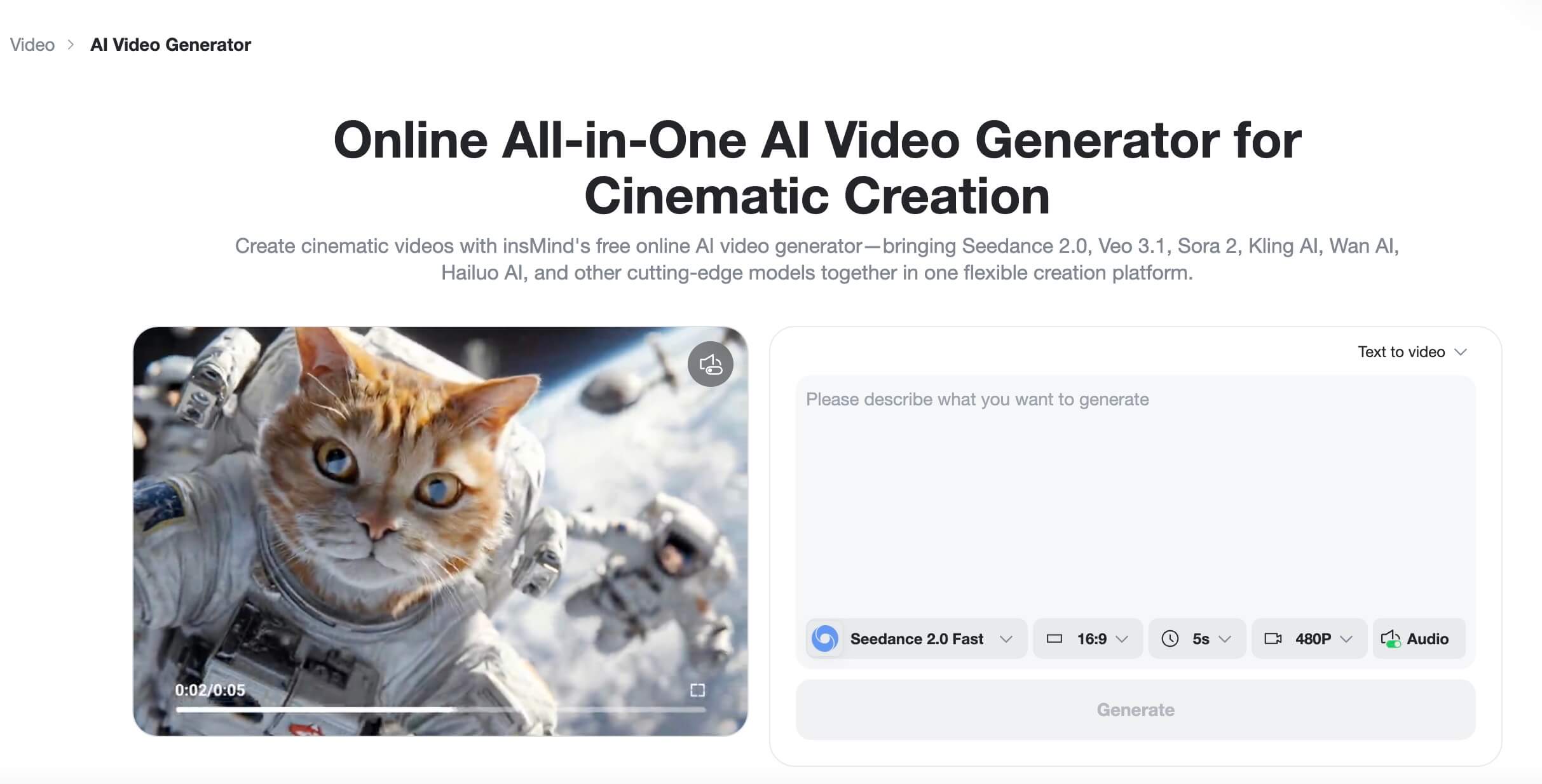
This is where AI-assisted production helps. You can draft concepts, generate B-roll, and create fast visual variations with an AI video generator, then reserve your human editing time for the ideas with the strongest response.
Build Binge Paths with Playlists, Series, and End Screens
More YouTube views rarely come from one isolated upload. They come from a channel experience that makes the next useful video obvious. If viewers enjoy one video but do not know where to go next, you are leaving views on the table.
Create a next-video path before uploading
Before publishing, decide what the viewer should watch after this video. Is there a deeper tutorial? A case study? A comparison? A beginner version? Build that path into the script, description, pinned comment, end screen, and playlist.
Group videos by viewer problem, not just topic
A playlist called "YouTube Tips" is broad. A playlist called "Fix Low Views on YouTube" is clearer because it matches a problem. Organize playlists around outcomes: grow a new channel, improve thumbnails, understand analytics, plan Shorts, or create better product videos.
This structure helps human viewers and makes your channel easier to understand. It also gives you a content map, so each new video has a purpose inside the library.
Use end screens and pinned comments with intent
End screens work best when the recommendation is specific. Instead of "watch another video," say why the next video matters. "If your CTR is fine but watch time is weak, watch this retention breakdown next" is more persuasive than a generic outro.
Pinned comments can do the same job. Ask a relevant question, link the next step, and invite viewers to share where they are stuck.
Improve YouTube SEO Without Keyword Stuffing
YouTube SEO still matters, especially for search-driven and evergreen content. But optimization should clarify the video, not turn the title and description into a keyword dump.
Place the main query where viewers expect it
Use the primary keyword in the title when it fits naturally. Repeat the idea in the first lines of the description. Say the topic clearly in the video itself, especially if the video answers a specific question.
This helps viewers and systems understand relevance. It also keeps the video aligned with the promise people clicked.
Use descriptions and chapters to clarify relevance
Descriptions should explain what the video covers, who it helps, and what viewers can do next. Chapters can make longer videos easier to scan and can surface specific subtopics.
-
Use clear chapter names, not vague labels like "Part 1."
-
Mention tools, examples, and outcomes accurately.
-
Add relevant links only when they help the viewer continue.
Optimize for suggested videos, not only search
Search is only one path to views. Suggested videos and home feed discovery often matter more once your channel has a clear niche. That means your videos should relate to each other through audience intent, format, topic, and packaging.
A creator who publishes one video on cameras, one on finance, one on cooking, and one on travel may still make good videos, but YouTube has a harder time understanding who the channel consistently serves.
Use Analytics to Decide What to Fix Next
Analytics should guide your next creative decision, not make you panic after every upload. YouTube's official help pages define impressions as thumbnail showings in eligible surfaces, and impressions click-through rate as how often viewers watched after seeing that thumbnail. Those two metrics are useful, but they are only part of the story.
Low impressions means topic or authority problem
If impressions are low, YouTube may not yet know the right audience, or the topic may not have enough demand for your channel. Compare the video with similar uploads, not with your biggest outlier.
The fix is not always a new thumbnail. You may need a clearer niche, stronger topic, better timing, or more videos that serve the same audience.
Low CTR means title and thumbnail problem
If impressions are healthy but views are weak, improve the package. Make the title more specific. Increase thumbnail contrast. Show the result more clearly. Remove tiny text. Test a different emotional angle.
Remember that CTR can vary by traffic source and audience size. YouTube warns creators not to make decisions without enough data, which is good advice for small channels staring at early numbers.
Low retention means hook, pacing, or payoff problem
If people click and leave, your video may not deliver the promise quickly enough. Check the first drop-off. Did you delay the answer? Did the thumbnail imply something the video did not show? Did the intro repeat information viewers already knew?
Build a 7-day improvement loop
Give each upload a simple review cycle. After the first few days, record the topic, title, thumbnail concept, CTR, average view duration, retention drop-off, traffic sources, and comments. Then choose one change for the next video.
| Metric Pattern | Question to Ask | Next Test |
|---|---|---|
| Low impressions | Is the topic proven in this niche? | Choose a clearer search or audience problem |
| Low CTR | Is the value obvious before the click? | Test a stronger title-thumbnail pair |
| Early retention drop | Did the intro delay the payoff? | Open with result, conflict, or proof |
| No follow-up views | Is there a clear next video? | Add playlist, end screen, and pinned comment path |
Create Faster Growth Assets with insMind
A better YouTube views strategy needs creative testing. The challenge is that titles, thumbnails, Shorts, B-roll, and visual examples all take time. insMind can help speed up that production layer so you can test more ideas without turning every upload into a full design project.
Create thumbnail variants with an AI YouTube thumbnail maker
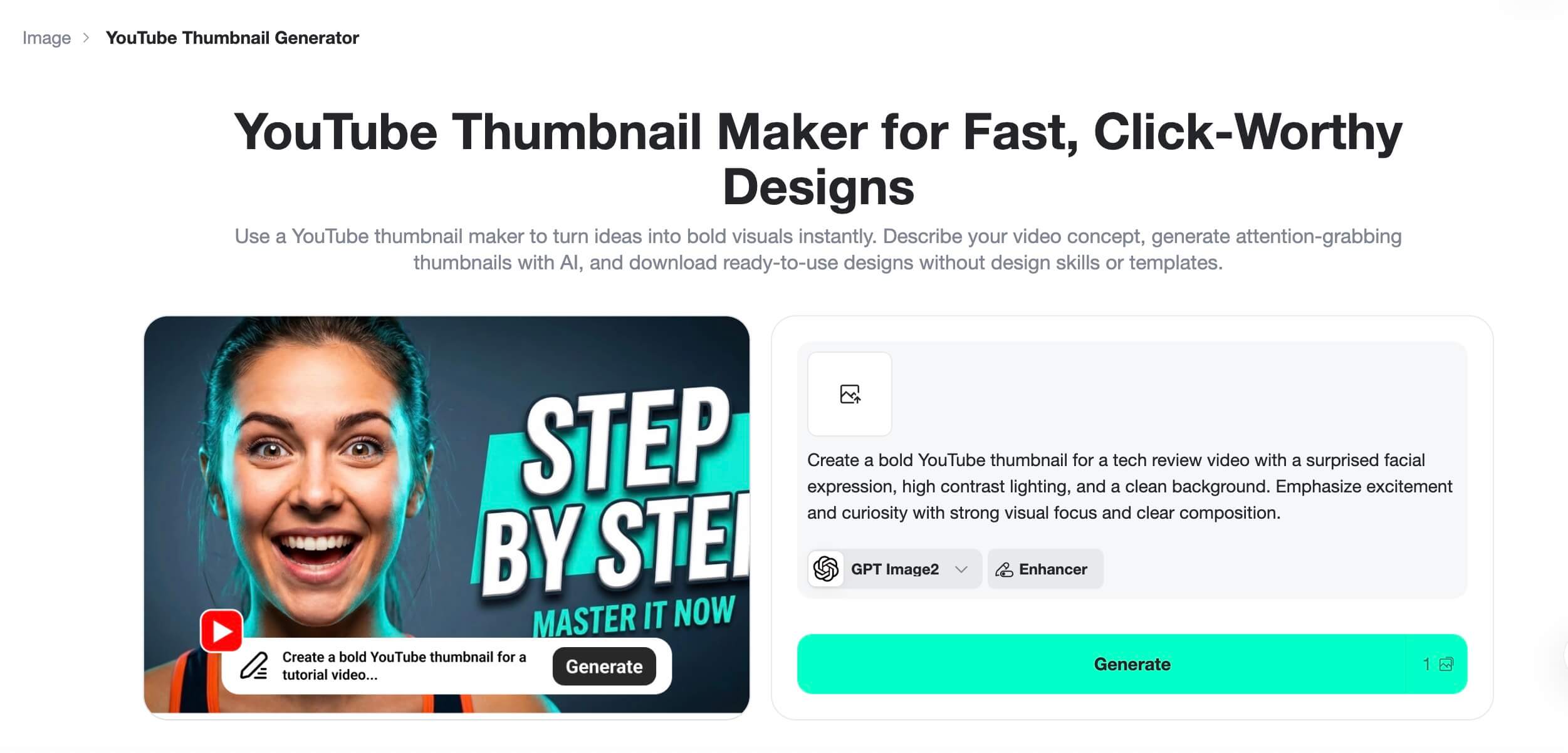
For packaging tests, use insMind's AI YouTube thumbnail maker to create cleaner visual concepts faster. Try one result-led thumbnail, one problem-led thumbnail, and one curiosity-led thumbnail. Keep the same video idea, but change the visual promise.
This is especially useful for educational, product, and tutorial channels where the difference between "clear" and "busy" can decide whether a viewer clicks. Pair the thumbnail with a title that adds context instead of repeating the same words.
Generate Shorts concepts and B-roll with an AI video generator
If your channel needs more visual variety, use an AI workflow to turn ideas into quick motion clips, scene concepts, or supporting visuals. For example, a productivity channel can create a short visual metaphor for "fixing a broken workflow." A product channel can turn a static image into a simple animated product moment with an image to video generator.
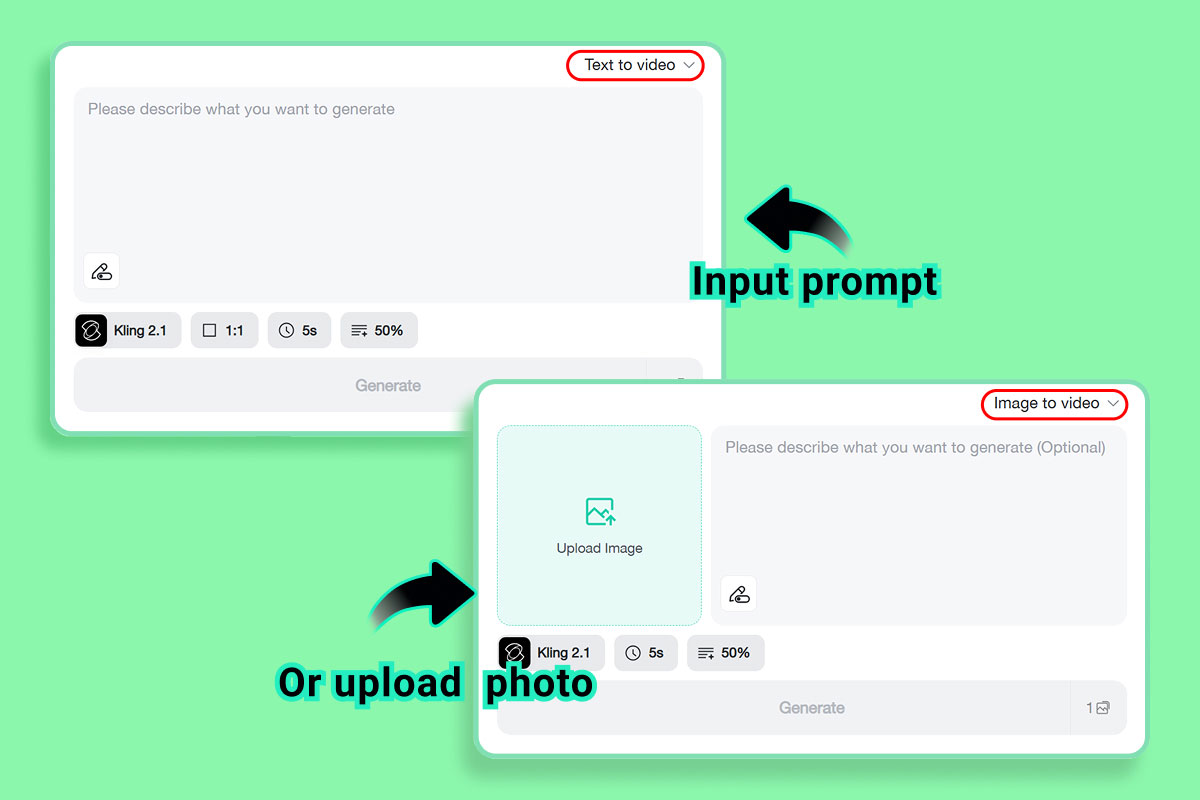
For script-first concepts, a text to video tool can help you prototype Shorts ideas, intros, or supporting cutaways before you commit to a full edit.
Turn analytics feedback into the next creative test
Use your analytics review to decide what asset to create next. Low CTR? Make new thumbnail directions. Weak retention? Create a stronger opening visual. Good Shorts response? Expand the topic into a long-form video with clearer structure.
insMind should not replace your strategy. It should shorten the time between learning something from analytics and testing the next creative improvement.
What Not to Do When Trying to Increase YouTube Views
Growth pressure makes shortcuts tempting. Some shortcuts are harmless experiments. Others can damage your channel, confuse your audience, or violate YouTube's policies.
Do not buy fake views or low-quality engagement
YouTube's fake engagement policy says artificial increases to views, likes, comments, or other metrics are not allowed. The policy also warns that content or channels can be removed for violations. Beyond the policy risk, fake views do not build a real audience.
If a service promises easy views with no audience strategy, treat it as a red flag. Real growth is slower, but it gives you usable feedback.
Do not chase trends outside your audience
A trend can bring attention, but the wrong trend brings viewers who will never watch your next video. If you use a trend, connect it to your channel promise. A design channel can react to thumbnail trends. A tech channel can test AI video tools. A cooking channel does not need to chase every meme.
Do not change everything at once
If you change the topic, title style, thumbnail design, intro format, length, and upload time all at once, you will not know what worked. Change one or two meaningful variables per test.
-
For a CTR test, change the title-thumbnail pair while keeping the format similar.
-
For a retention test, keep the topic similar but rewrite the opening.
-
For a Shorts test, keep the topic clear and change the hook style.
FAQs about Getting More YouTube Views
How long does it take to get more views on YouTube?
It depends on your niche, upload history, topic demand, and creative quality. Some changes, like a better thumbnail, can help quickly if a video already has impressions. Bigger improvements, like stronger audience fit and returning viewers, usually take several uploads to show clearly.
What is the fastest way to increase YouTube views?
The fastest legitimate improvement is often better packaging: a clearer title and thumbnail for a video people already want. If the topic is weak or the opening loses viewers, packaging alone will not fix the problem. Start with the bottleneck.
Do YouTube Shorts help long-form video views?
They can, especially when Shorts are connected to the same audience and topic as your long-form videos. Random Shorts may attract viewers who do not care about your main content. Use Shorts to test ideas, show strong moments, and guide viewers to related videos.
How many keywords should I use in a YouTube title?
Use one main query or topic phrase naturally. A title should be readable first and optimized second. If you try to include every variation, the title often becomes clunky and less clickable. Put related phrases in the description, chapters, and spoken content where they fit.
Why do my videos get impressions but no views?
That usually means people are seeing the video but not choosing to watch it. Check your title and thumbnail first. The promise may be unclear, the visual may be too busy, or the topic may not feel urgent enough compared with nearby recommendations.
Is buying YouTube views safe?
No. Buying artificial views or engagement can violate YouTube's fake engagement policy and does not create real audience demand. Even if the numbers rise temporarily, those viewers usually do not watch more videos, comment meaningfully, or help you improve your content.
Conclusion
If you want to get more views on YouTube, treat growth as a system. Pick topics with demand, package them clearly, deliver the promise quickly, keep viewers watching, and build a path to the next video.
Then use analytics to choose the next test instead of guessing. Start with the weakest part of your current funnel, whether that is impressions, click-through rate, retention, or repeat viewing. If your next fix is creative, try creating thumbnail and video assets faster with insMind.


![Top 5 AI Baby Podcast Generators in 2025 [Reviewed & Tested]](https://images.insmind.com/market-operations/market/side/9ed5a89e85ab457a9e8faace7bb25258/1750317475287.jpg?x-oss-process=image/resize,w_690,h_460,type_6/interlace,1,image/format,webp "Top 5 AI Baby Podcast Generators in 2025 [Reviewed & Tested]")


![Exploring the 10 Best AI Photo Editors for Your Needs [2025]](https://images.insmind.com/market-operations/market/side/05ccfa0da4d64b43ba07065f731cf586/1724393978325.jpg?x-oss-process=image/resize,w_690,h_460,type_6/interlace,1,image/format,webp "Exploring the 10 Best AI Photo Editors for Your Needs [2025]")


