AI Image
AI Video
Photo Editor
Resources
InspirationsPricing

Online AI Photo Combiner: Combine & Merge Images Seamlessly

Want to combine images into one? Whether you need a collage, a realistic photo blend, or a creative style mix, our tool makes it easy. Simply upload your files and let our AI image merger do the rest instantly.

Online AI Photo Combiner: Combine & Merge Images Seamlessly
Combine Photos Instantly with Our One-Click AI Tool

Combine Photos Instantly with Our One-Click AI Tool

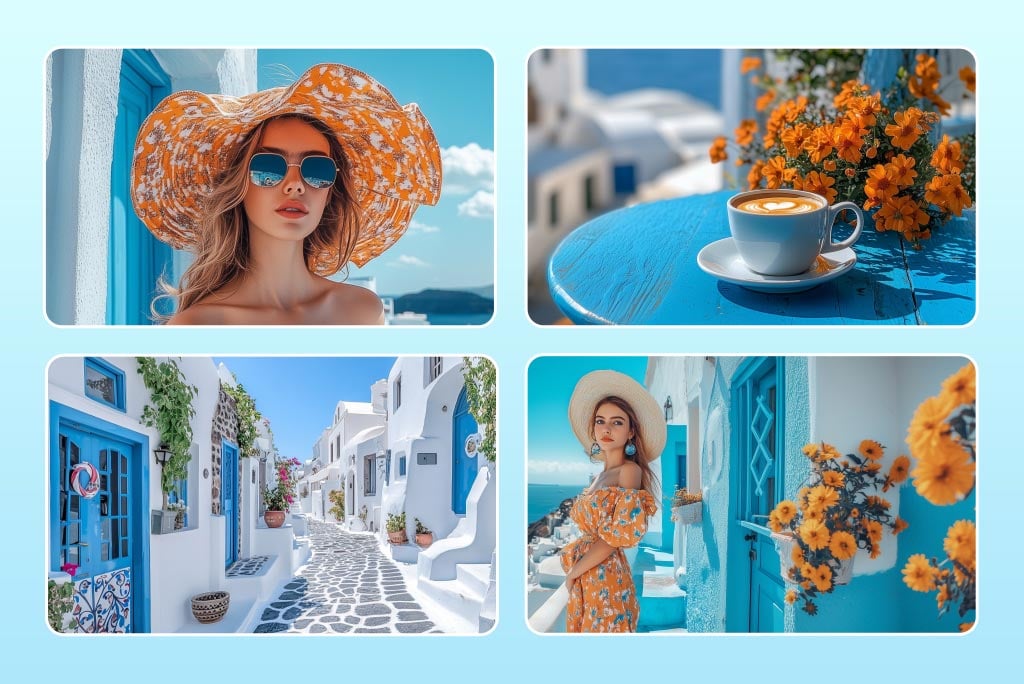
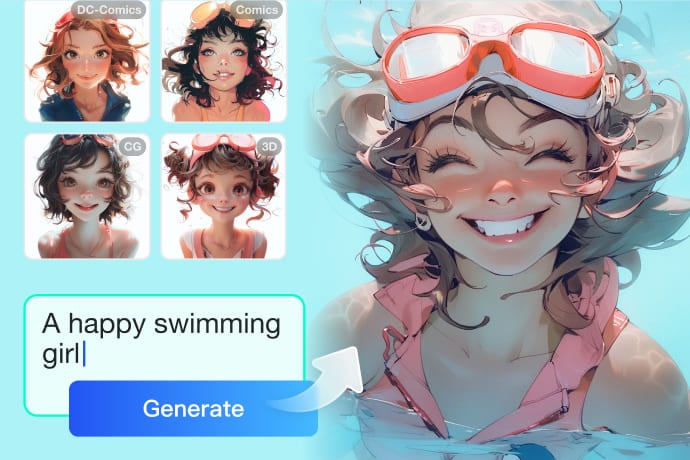
Your perfect photo fusion is just one click away, with no manual editing required. Just upload your photos and enter the prompt explaining how you want to merge them.


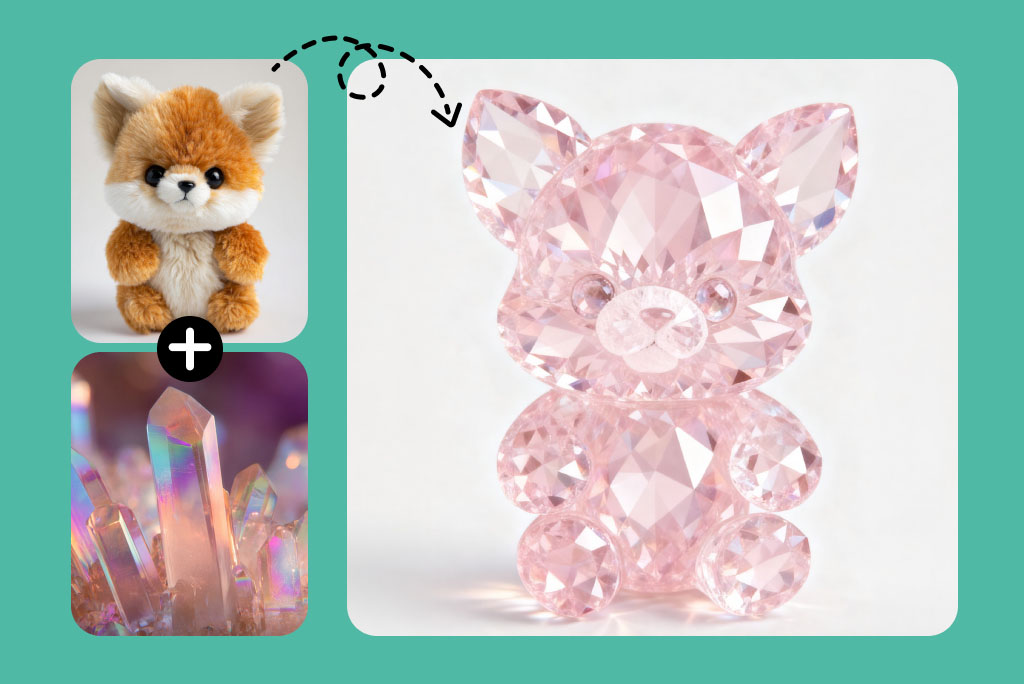
Our AI photo combiner can blend a person with a scenic background, create a fun human-animal fusion, merge multiple portraits into a group photo, or craft artistic composites. Each merge looks natural with perfect alignment and tone balance. Everything requires just a few seconds.

Combine Photos Now
00:00
00:00

Merge Images into an Eye-Catching Collage in Seconds

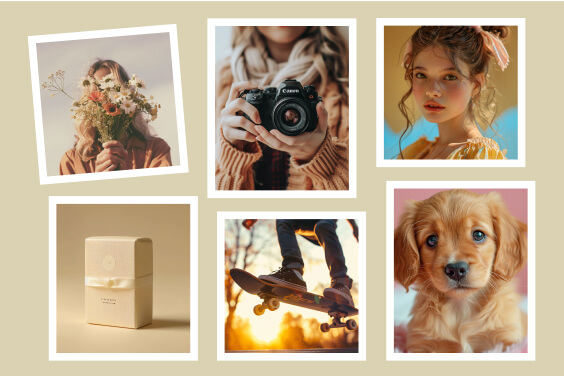
Combining pictures into one collage with insMind is super easy. Just upload your photos, choose the desired layout, and let insMind work its magic. In no time, your images will be turned into a stunning collage that will not only suit your preferences but catch the attention of anyone lucky enough to see them. Whether you're merging images for personal use or sharing on social media, insMind guarantees a fast and fun process with spectacular results.

Combine Images for Free
Combine Photos for AI Style Transfer

Combine Photos for AI Style Transfer

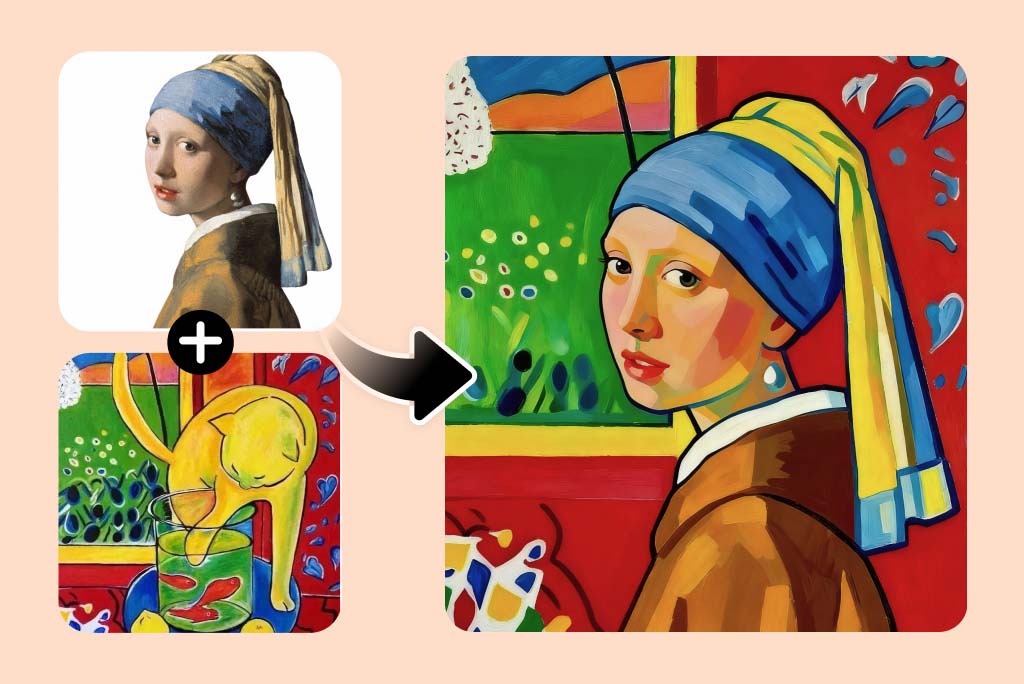
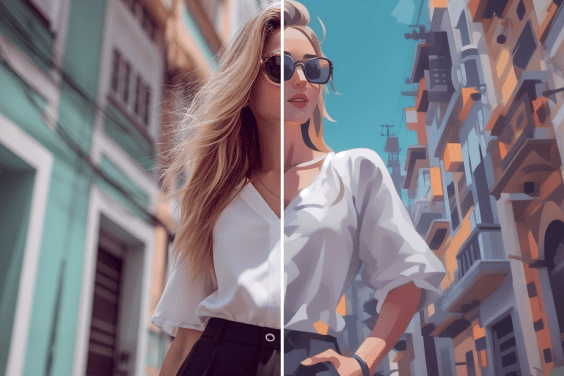
Experience creative photos merging like never before with AI style transfer technology. Our AI image merger can combine one photo's style with another one. The AI automatically detects the content, composition, and style of images and joins them together with perfect blending.


You can turn your ordinary portrait into a cinematic still or mix natural lighting from one image with the aesthetic of another. Unleash your creativity with a few words rather than hours of editing, and transform your visuals into professional digital art.

Merge Photos Now
Virtual Try-On Made Easy: Combine Products onto AI Models

Virtual Try-On Made Easy: Combine Products onto AI Models

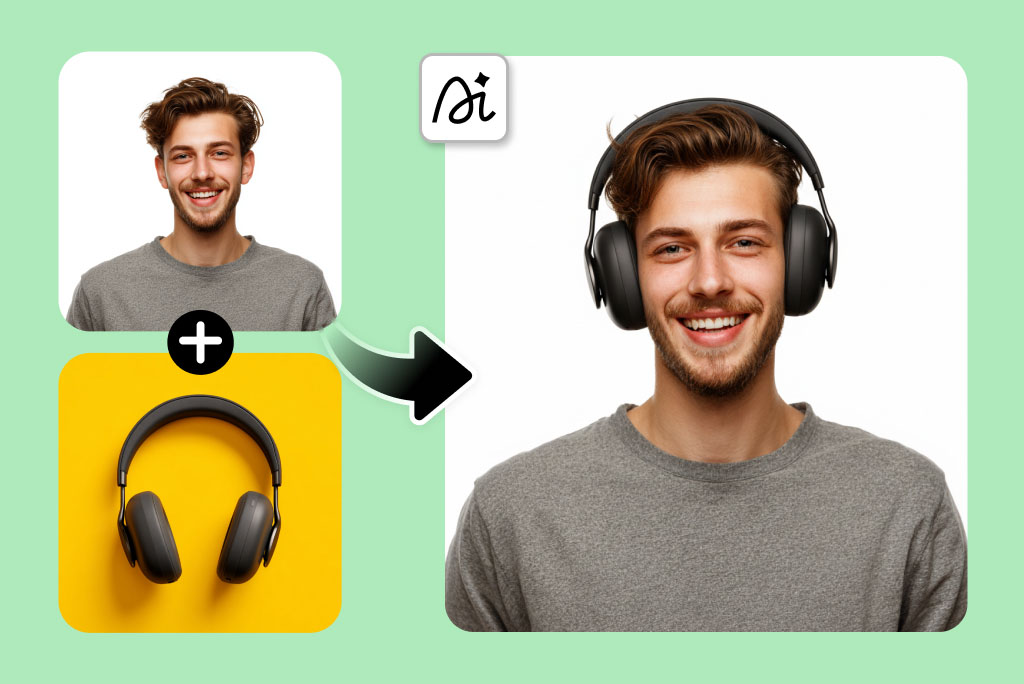
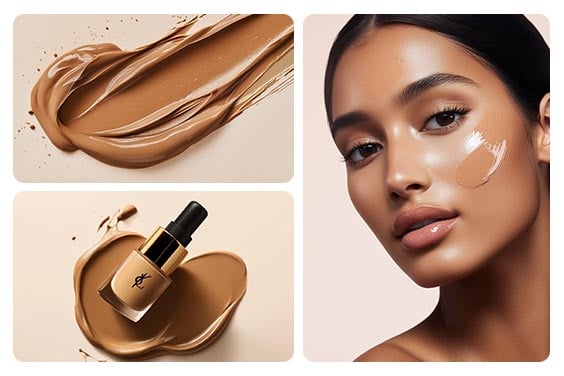
Want to see how a hat, headphones, or a pair of shoes looks on you before buying? Our AI photo merger gives you a virtual try-on feature that lets you combine product images with your photo.


Need to showcase your products on diverse AI models? Our AI photo merger simplifies the retail experience. You can make the AI realistically place clothing, jewellery, or gadgets as if you are actually wearing or using them. It is useful when showcasing products, posting on social media, or creating e-commerce previews.

Combine Photos Now
Customize Layouts & Styles for Every Combined Photo

Customize Layouts & Styles for Every Combined Photo

Take control of how your images come together. You can customize the layout of merged images, such as placing subjects side by side or overlapping them.


You can combine only specific parts of photos, like merging two subjects or keeping one background. You can also customize photo positions, such as placing one image in the foreground and another in the background.

Combine Photos Now
Combine Images Across Devices Anytime, Anywhere

Combine Images Across Devices Anytime, Anywhere

Need an AI image combiner that works wherever you do? insMind keeps your creativity mobile. Being an online tool, you can combine and edit images on your phone, tablet, or laptop with ease.


Open it on your browser or use the Android or iOS app to upload, blend, and download professional images instantly. Let your creative flow never stop and create unique visuals anytime, anywhere.

Merge Photos Now

Explore More Photo Editing Features

Method 1. How to Combine Photos into One Frame with AI

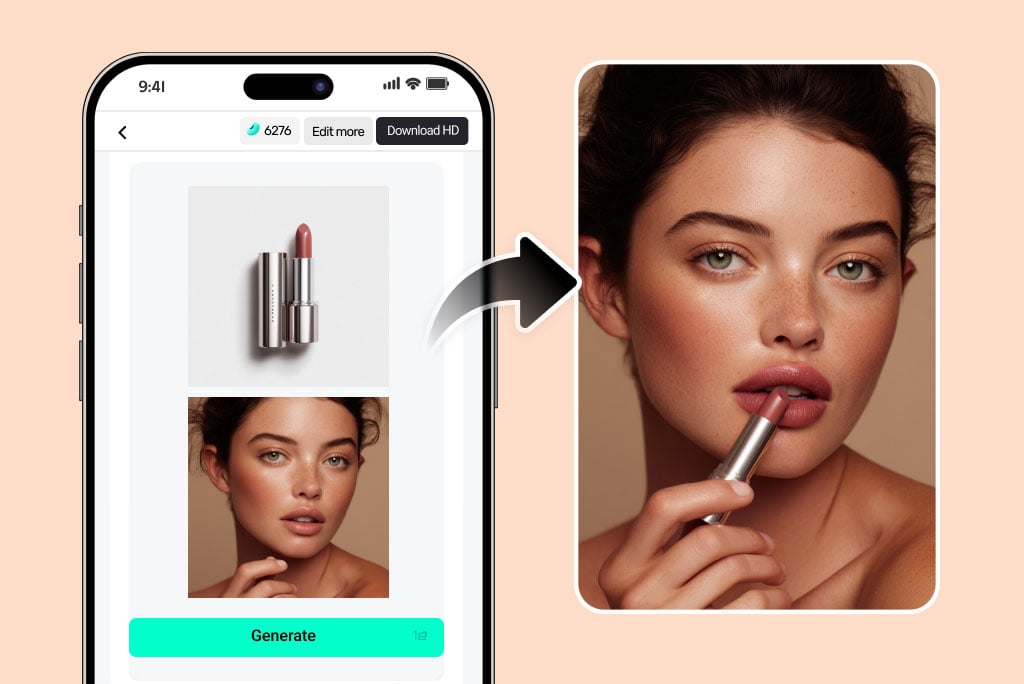
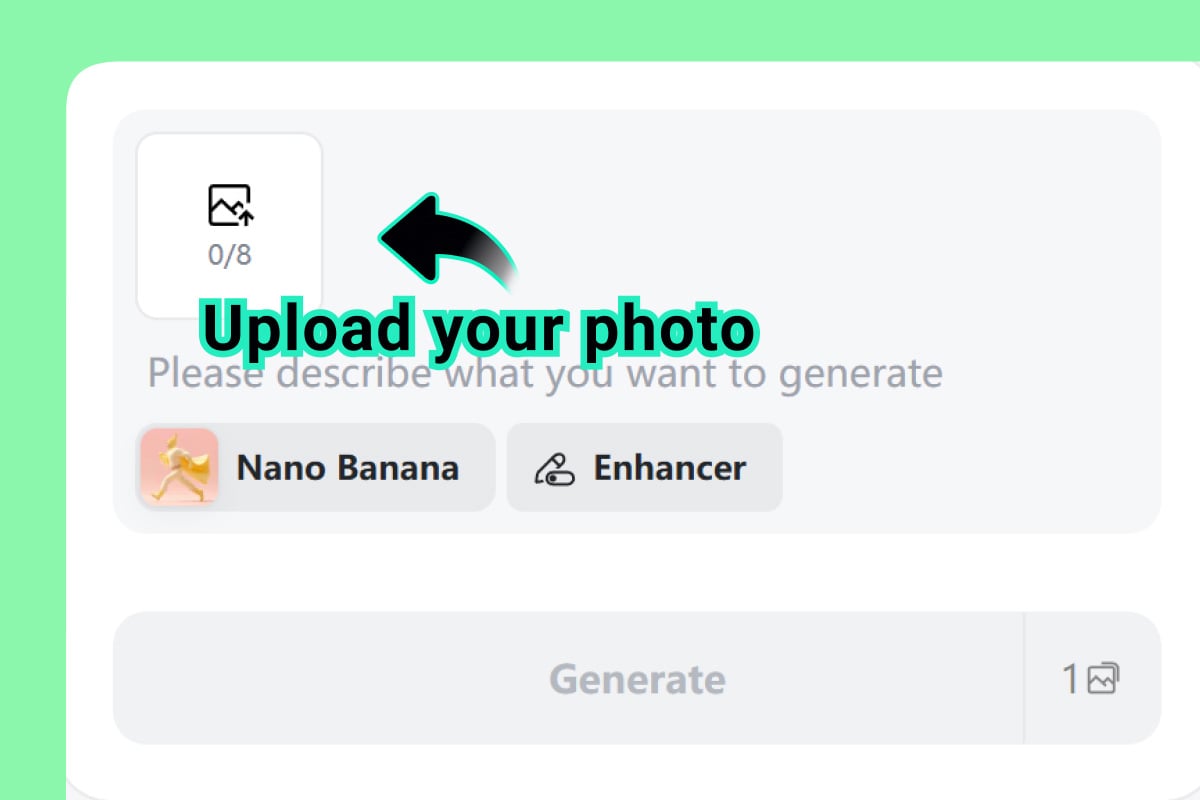
Upload Your Photos
1

1 Upload Your Photos

Click the image upload icon and select all the photos you want to merge. You can upload multiple photos. They can be portraits, products, sketches, backgrounds, and others you want to combine together.
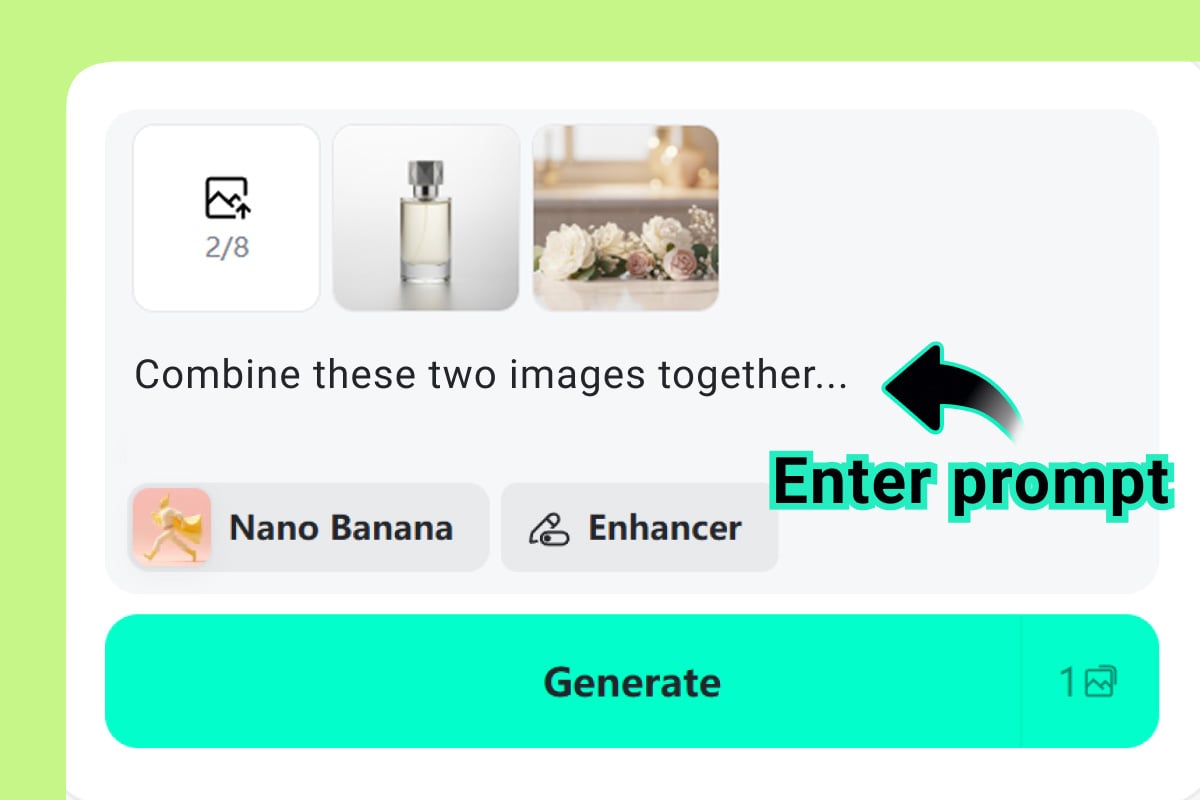
Enter a Prompt
2

2 Enter a Prompt

Enter the prompt and describe how you want your photos combined. You can tell the AI in simple words to make collages, combine subjects, merge backgrounds, etc.
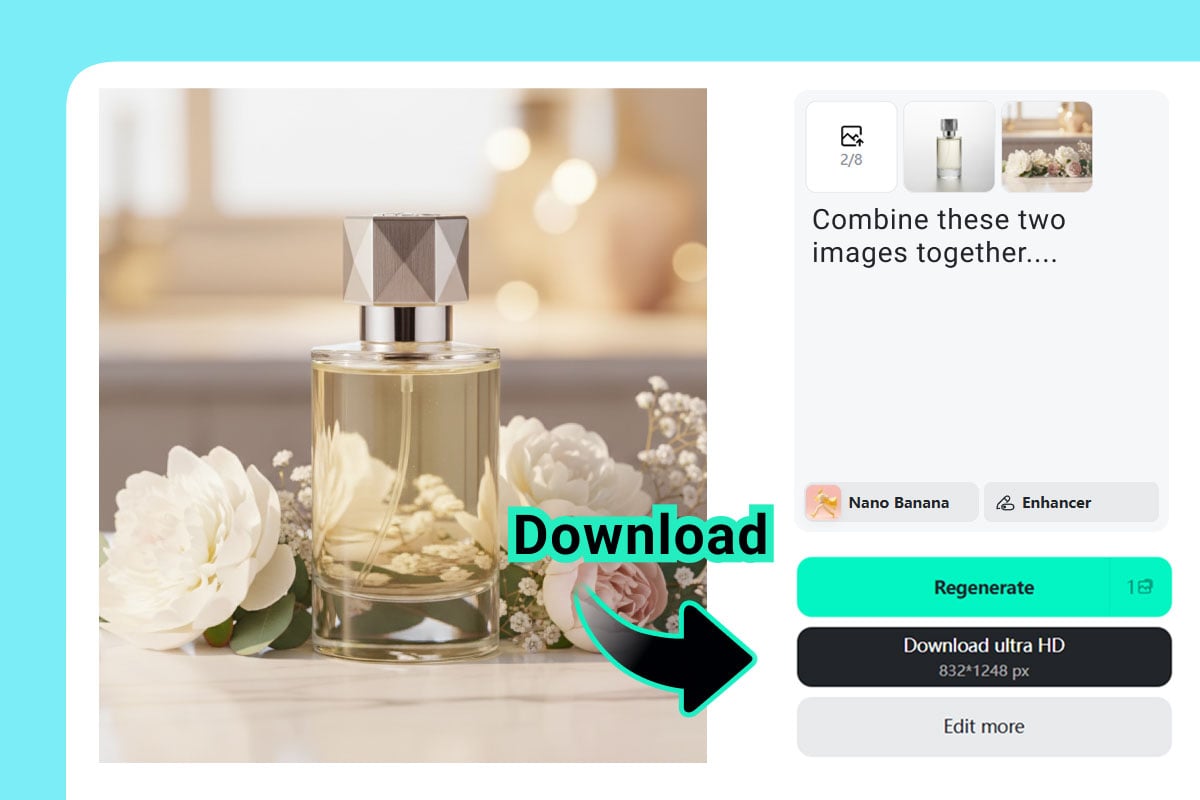
Combine Photos into One
3

3 Combine Photos into One

Hit the "Generate" button. Within seconds, the AI will merge your photos into one natural frame with accurate context, composition, and style. You can preview and download the file or regenerate to refine the results.

Method 2. How to Combine Photos into a Collage

Upload Photos & Select a Layout
1

1 Upload Photos & Select a Layout

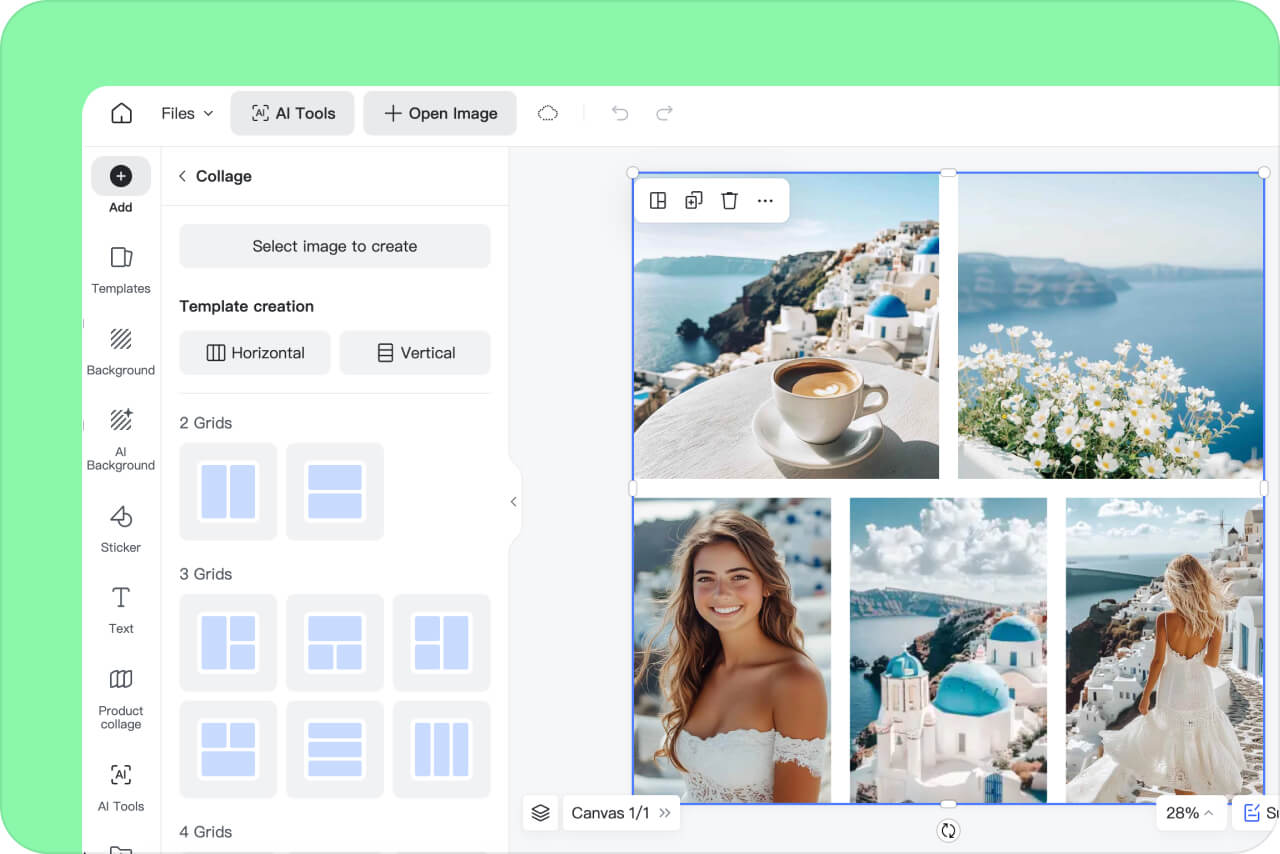
Click the below "Upload photos" button and upload multiple photos at once—up to 16. Next, you can choose from various grid options, such as 6, 9, or 16 grids. Each grid offers several different layout options, so simply select the one that best suits your purpose and images.
Customize Your Image
2

2 Customize Your Image

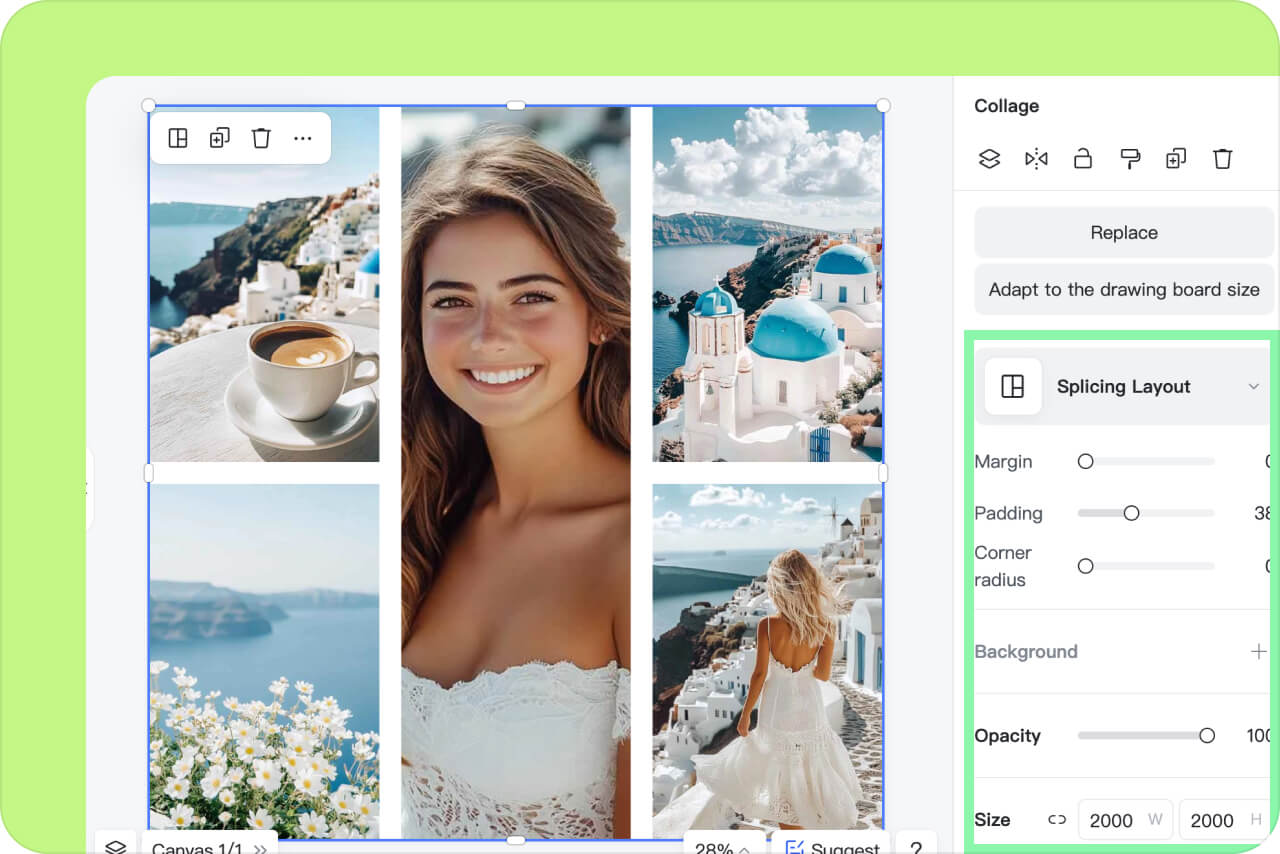
Now it's time to add personal touches to your collage using the options available in the right panel. You can adjust the margin and padding, set the corner radius, choose a background, and reposition your images as needed.
Download the Combined Collage
3

3 Download the Combined Collage

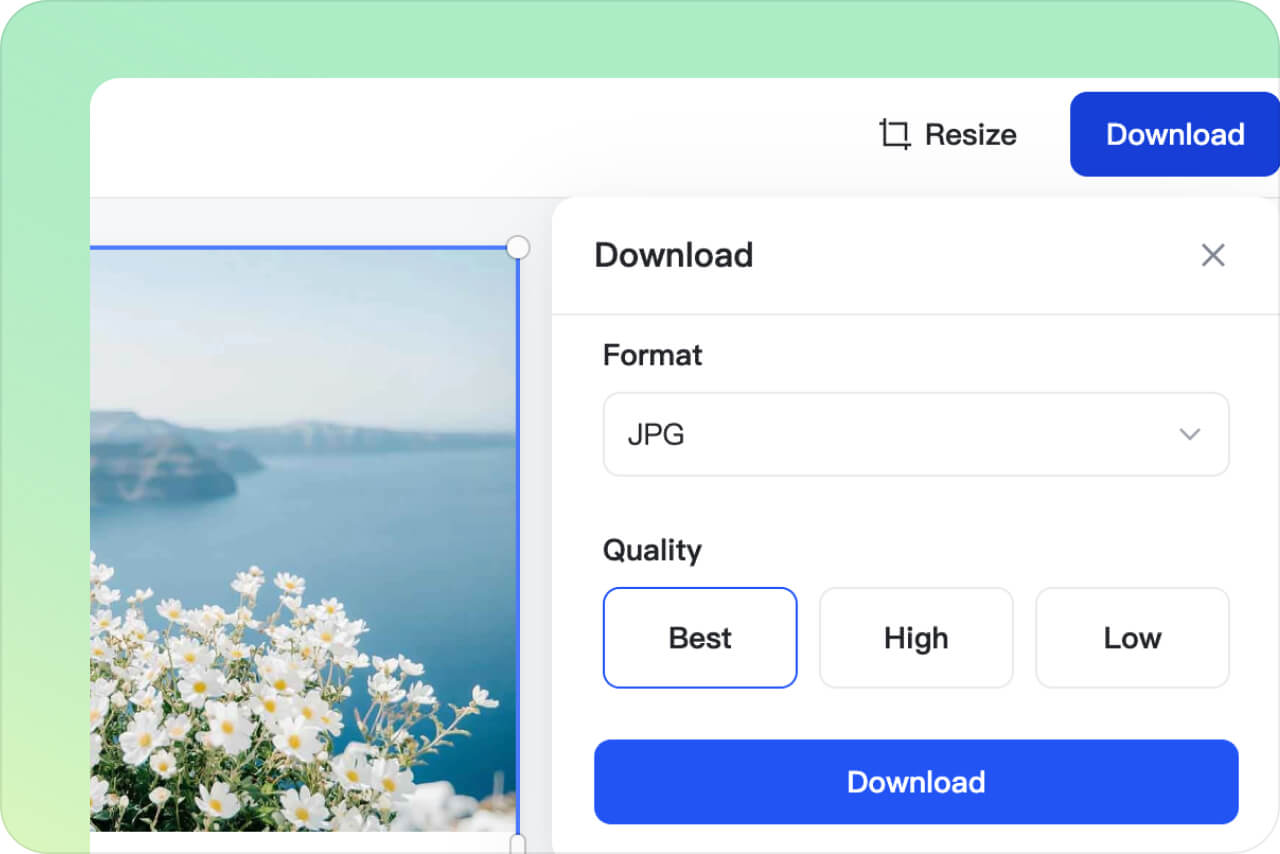
Once you've completed your design, download the final result by clicking the "Download" button in the top-right corner. Choose the output quality from 'Low,' 'High,' and 'Best', and select either 'JPG' or 'PNG' format. Finally, click the download button to save it to your device.

Diverse Use Scenarios for Combining Images

AI photo merger gives diverse creative possibilities. You can combine images for personal memories, styling, ads, fun experiments, and much more. Every design is possible with the words you type.

Combine Clothes and Models

Combine Clothes and Models

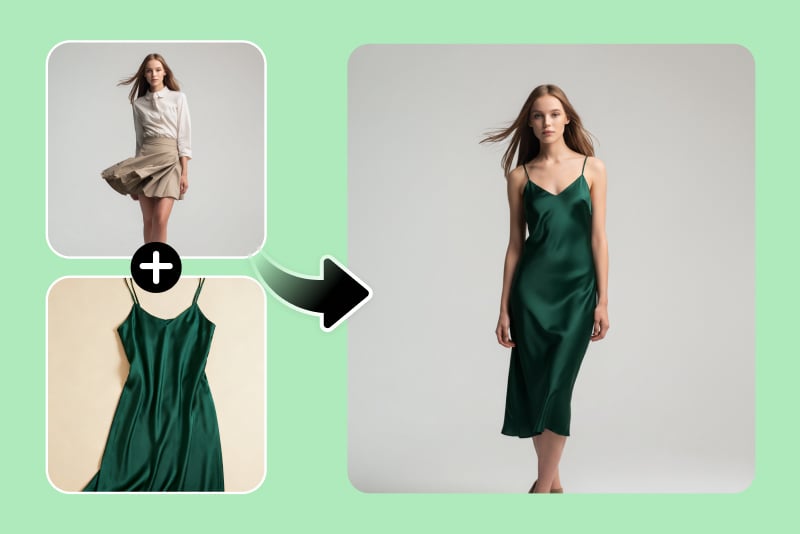
Give your customers better visuals of the clothing products you sell. Combine a clothing image with a model photo to make the model wear the outfit. Best for virtual product showcases for e-commerce stores.

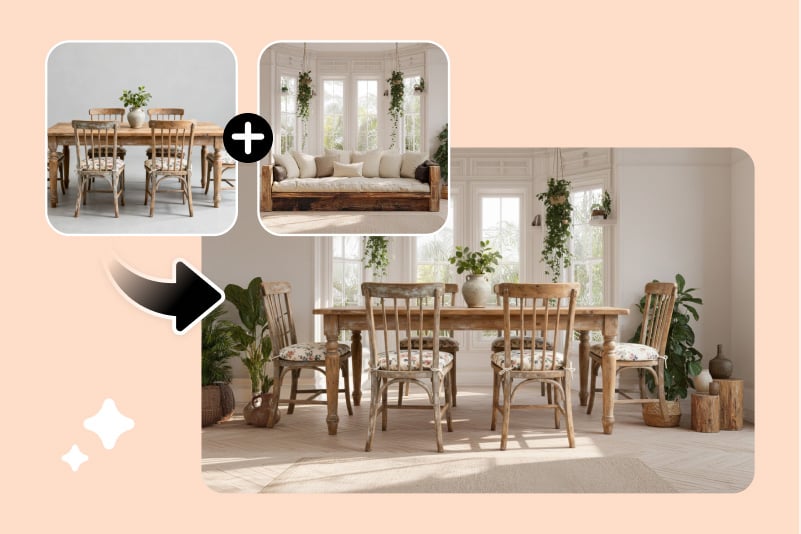
Combine Images for Interior Design

Combine Images for Interior Design

Visualize your design ideas in seconds. Merge furniture, decor, and other elements into a single image to preview room layouts and renovations before implementing them.

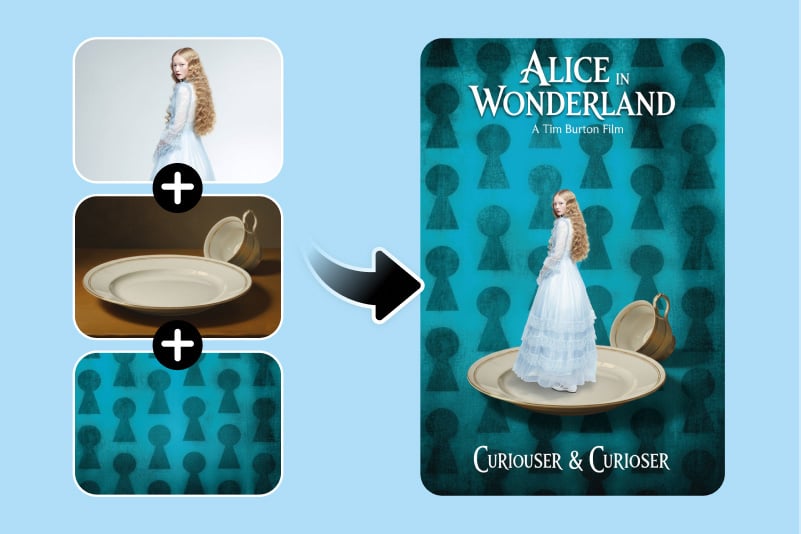
Combine Images into a Stunning Movie Poster

Combine Images into a Stunning Movie Poster

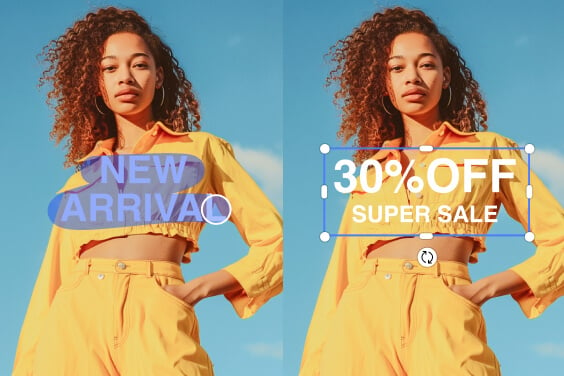
Create an appealing poster with a single click. Use our AI image merger to blend actors with customized backgrounds and add text overlays that make your posters look straight out of a film studio.

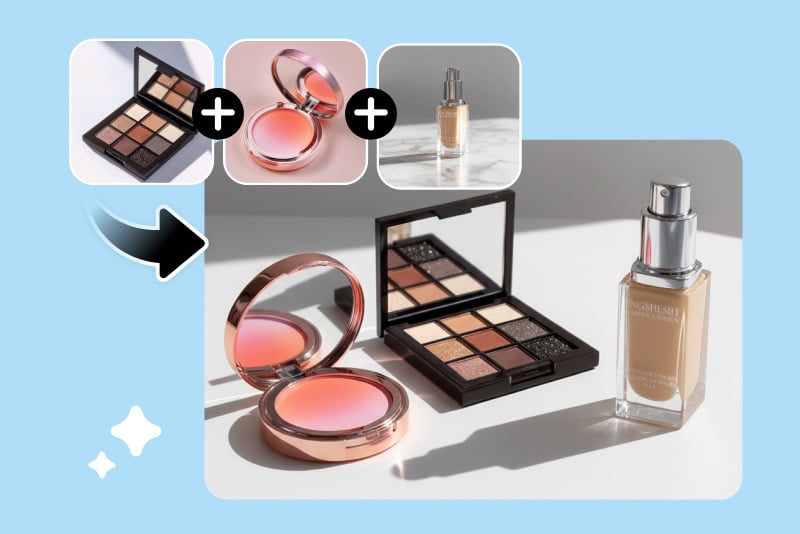
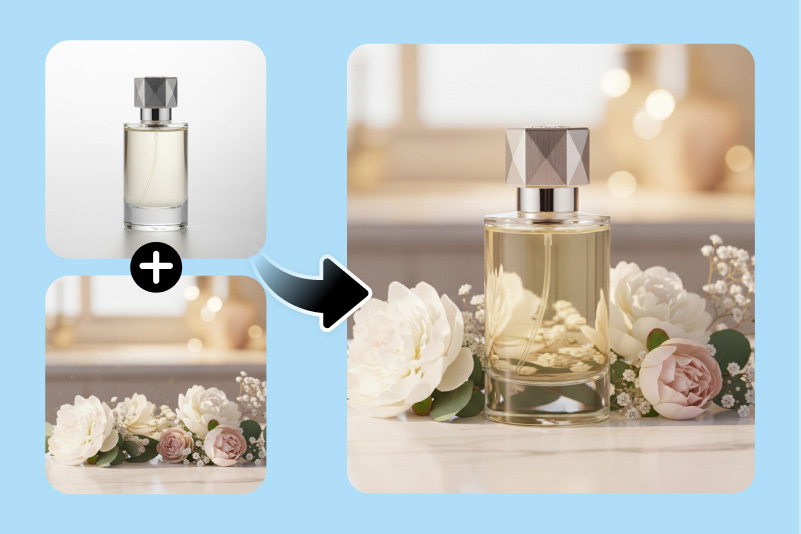
Combine Images for Product and Ads Creation

Combine Images for Product and Ads Creation

Build captivating marketing visuals in minutes. Combine your product image with aesthetic backgrounds to make attention-grabbing ad creatives for social media or banners.

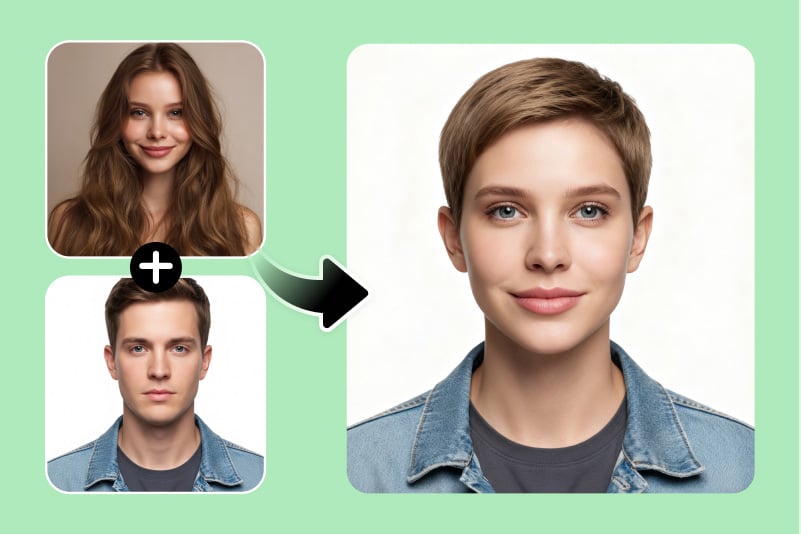
Face Blender / Face Morph

Face Blender / Face Morph

Want to see what two faces look like as one? Use our AI photo merge tool to blend faces and have fun experiments, or try genetic visualization concepts.

Combine Images to Change Background

Combine Images to Change Background

Switch up your scenery in seconds. Let our AI combine two images by adding your subject to a new background and create professional portraits or thematic visuals without traditional photo editing.

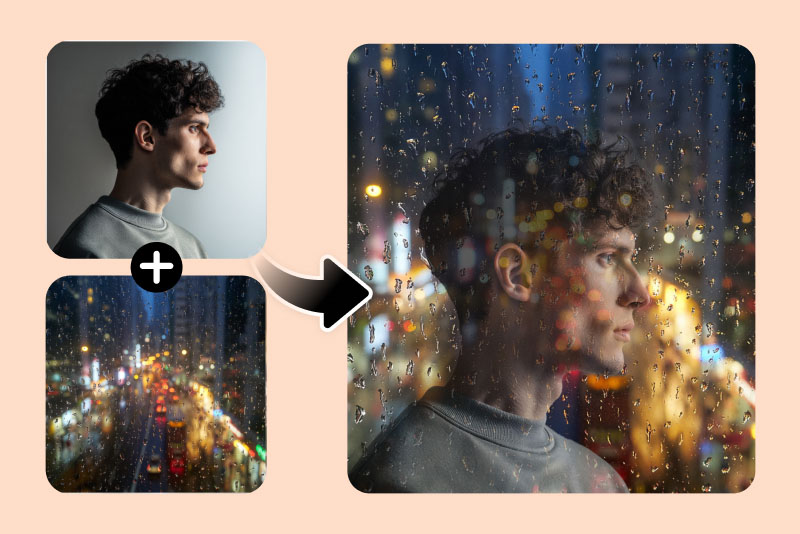
Double Exposure Effect

Double Exposure Effect

Say goodbye to simple overlays. Combine two images with AI for a mesmerizing double exposure effect that combines emotion and artistry. You get cinematic and layered compositions with depth and style.

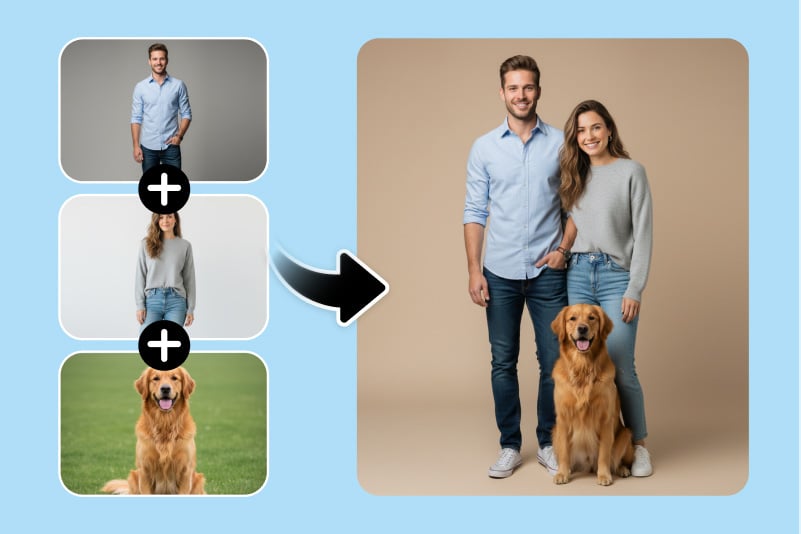
Combine Images for a Family Photo

Combine Images for a Family Photo

Did someone miss the big family photo? No problem! Let our AI image merger combine individual pictures into one heartwarming group photo with natural alignment and lighting that looks completely real.

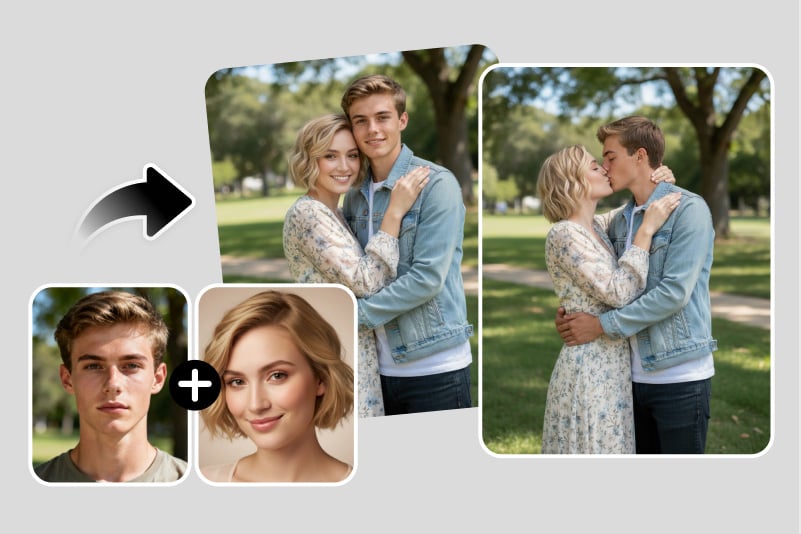
Combine Photos into Various Couple Photos

Combine Photos into Various Couple Photos

Turn solo photos into adorable couple moments. Upload pictures of the couple and create hugging, hand-holding, or romantic kissing shots with our AI photo combiner. Give your partner an unexpected gift for anniversaries.

insMind's Image Combiner and Merger Is For Everyone

Whether you're involved in e-commerce, social media, or marketing, insMind's image combiner offers tools tailored to any requirement. The user interface is designed to be user-friendly, enhancing productivity and enabling you to create stunning collages in less than a minute.

e-Commerce

e-Commerce

Craft attention-grabbing collages by merging product visuals that highlight what you offer. Whether you're promoting a sale or creating eye-catching product arrangements, these collages are perfect for boosting the visibility of your store and increasing your sales.

Social Media

Social Media

Add flair and confidence to your social media content by merging multiple images that attract followers. Combine family moments, wacky images, or wholesome family portraits into one post to generate likes, shares, and a positive impact.

Marketing & Advertising

Marketing & Advertising

Enhance your marketing campaigns by combining two photos to highlight key messages, products, or services. These collages effectively convey your brand and drive results in advertising.

Why Choose Our AI Photo Merger Tool?

Multiple Merging Styles and Layouts

Multiple Merging Styles and Layouts

Create anything by describing it in simple words. You can have side-by-side photos, blended subjects, layered compositions, and more with flawless results.

AI-Powered & Enhanced

AI-Powered & Enhanced

The AI creates flawless transitions by aligning lighting, perspective, and edges with perfection. Each merge feels like a natural and perfectly composed shot.

Multiple AI Models

Multiple AI Models

Choose from advanced AI models like Nano Banana Pro and GPT for creative control. Each model offers unique strengths for realism or artistic style with advanced customization.

FAQs about Merging Photos Online for Free

How can you put two photos together?

insmind expand icon
With insMind, you can effortlessly combine two photos in just two simple steps. Start by uploading your images and selecting a layout, and your design is ready! insMind also allows you to customize positioning, alignment, corner radius, and more!

Can I use insMind to integrate many photographs into a single frame?

insmind expand icon
Yes! You can combine 2 to 16 images together into a single frame effortlessly. Simply upload your photos, select the layout, and our tool will combine all your photos together and arrange them smartly. You can also add text, change the spacing, and add stickers or clipart to give it a special touch.

Is it free to combine images together?

insmind expand icon
Absolutely! insMind allows you to combine images with a variety of layouts and editing features for FREE. While there are options for premium functionalities, insMind ensures that the best tools are accessible to all users at no cost. The free version lets you download unlimited low-quality images, and if you wish to download high-quality images, you can upgrade to the Pro version.

What is an AI image combiner?

insmind expand icon
An AI image combiner is an intelligent tool that blends two or more images into one frame. It extracts the main subjects as per the provided prompt, analyzes lighting and textures, and produces realistic and unified compositions.

Why use an AI photo combiner?

insmind expand icon
AI photo combiners help you create posters, product mockups, group photos, romantic couple shots, and artistic photos quickly without design skills. It saves time while delivering professional-quality merged results.

Will the merged image look natural and realistic?

insmind expand icon
Yes! insMind's AI image merger preserves every detail. It ensures matching tones, shadows, lighting, and depth to make the final photo appear naturally composed and lifelike.

Can I combine two photos on my phone?

insmind expand icon
Absolutely! You can use the insMind AI photo combiner directly in your mobile browser or through the Android or iOS app to combine photos anytime, anywhere.

Can I put two photos side by side with AI?

insmind expand icon
Yes. Simply type your desired layout in the prompt (“place both photos side by side”) and the AI will automatically generate that arrangement.

How can I control the combining effect?

insmind expand icon
You get complete control of the combining effect. Just describe your vision in a text prompt. Afterward, the AI will follow your instructions for layout and blending.

How long does it take to merge two photos?

insmind expand icon
It usually takes just a few seconds. Once you hit the "Generate" button after typing the prompt, the AI quickly processes and blends your photos into a high-quality merged image.

Will the merged image be low quality?

insmind expand icon
Not at all. insMind's advanced rendering ensures that your final merged image retains full resolution and clarity. You won't see any blurriness or pixelation.

What is the best AI image merger?

insmind expand icon
insMind stands out as a top-tier AI image merger due to its speed, realism, and creative flexibility. It supports multiple models, styles, layouts, and merging intensity. All these make it a one-stop tool for any type of image blending.

You might also be interested in

Make your pictures pop with features that are completely free.